
Smallest Keyboard Layouts: 40%, 30% and 25% Explained (2026)
Affiliate Disclosure: We may earn a small commission on qualifying Amazon purchases at no extra cost to you. Full disclosure →
Most people shopping for a small keyboard stop at 60%. A few go further, down to boards that fit between a laptop and a coffee cup. The trouble is that the tiniest layouts have loose definitions, and what you give up is not always obvious from the name.
This guide ranks the smallest keyboard sizes, says which ones still have a function row or a numpad, and flags where the sources disagree.
Quick answer: The smallest common layout is 40%, usually 45 to 50 keys with no number row and no function row. A 25% board has fewer than 30 keys and relies on layers. The smallest layout with a dedicated function row is 75%, and the smallest with a dedicated numpad is the 96% (1800 compact) layout.
The smallest sizes compared
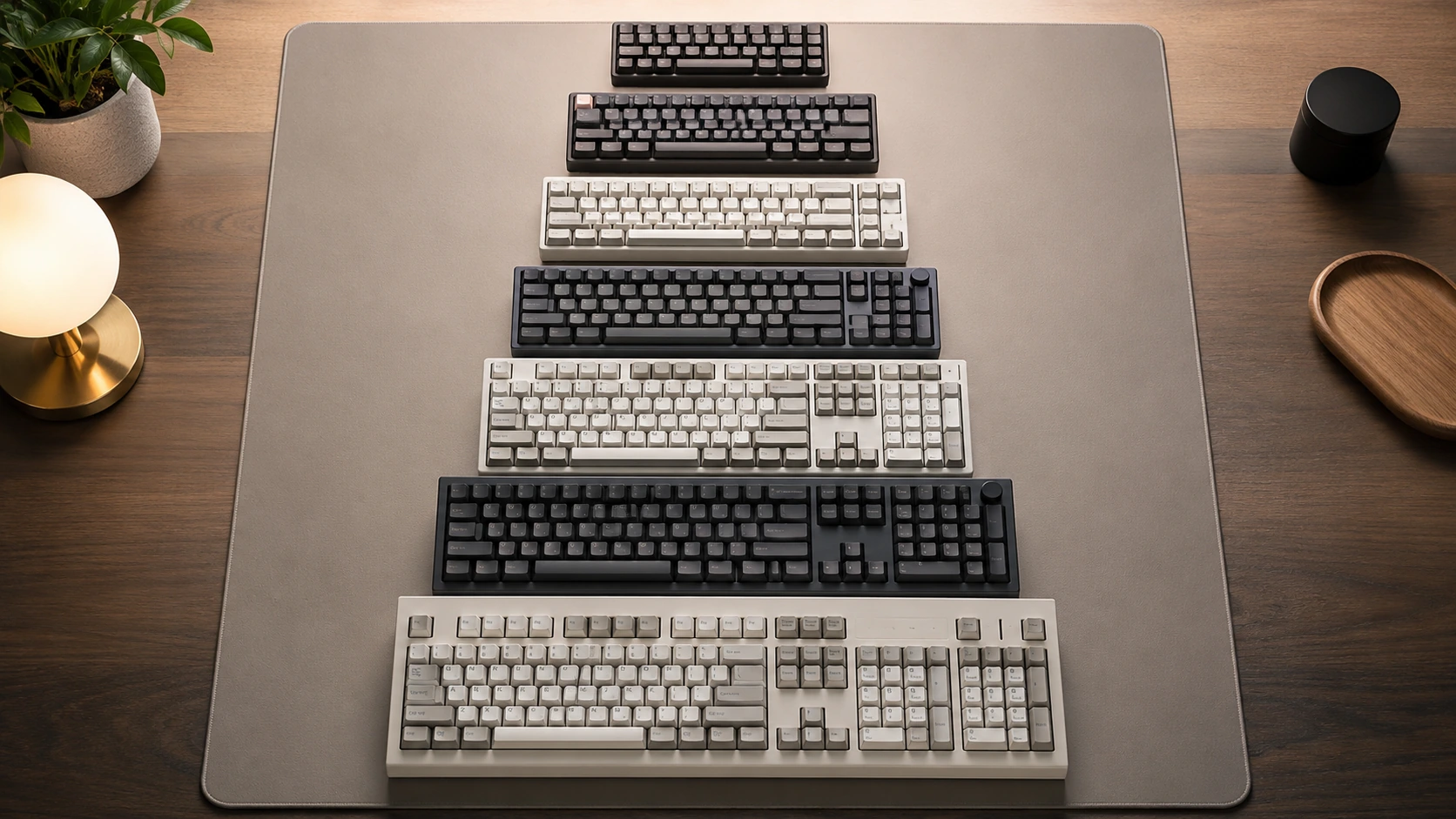
Layout names are rough percentages of a full-size board, not exact key counts, so two boards sold under one name can differ by several keys.
| Layout | Typical key count | Width, calculated key area | What is missing |
|---|---|---|---|
| 25% | About 28 keys on one community layout | Depends on the grid; often under 7 in | Almost everything, relies on layers |
| 30% | No consistent count found | Varies | Naming is loose, check the listing |
| 40% | About 45 to 50 | About 9 in | Number row, function row |
| 60% | About 61 | About 11.25 in | Function row, arrows, nav block |
| 65% | About 65 to 68 | About 12 in | Function row, most of the nav block |
The width column is calculated from a 0.75 inch key unit and a typical 12 unit wide 40% grid, so it is an estimate for the key area only. The case adds to it. The 30% row is intentionally vague: the sources checked do not agree on a definition.
What a 40% keyboard keeps and loses
Deskthority describes 40% boards as typically having 45 to 50 keys and lacking both the number row and the function row. Numbers move to a layer, usually reached with a modifier key, and punctuation often does too. People who type mostly words adapt quickly, while anyone entering numbers all day does not.
- Keeps: all letters, space, shift, enter and often arrows through layers.
- Loses: dedicated numbers, F1 to F12, most of the navigation block.
- Needs: a layer you can remap, so check that the firmware is programmable.
25% and 30% boards in practice
At this size the board is a macro pad with letters. One community layout for a 25% board uses around 28 keys and puts functions and numbers on the first row through layers. These boards suit someone who has a second keyboard for the heavy work and wants a tiny travel or streaming board.
If you are curious how a 25% board feels, start from a 40% and see if you are comfortable with layers before going smaller.
The smallest keyboard with function keys
The 60%, 65% and 40% layouts hide the function row on a layer. The smallest layout with a physical F1 to F12 row is the 75%, which squeezes the row above the keys while removing the numpad and most of the gaps. Redragon lists it at roughly 12.5 to 13 inches wide and 80 to 84 keys, so you gain a function row for about an inch over a 65%.
Our 75% keyboard picks list models that keep that row, and the 75% versus TKL comparison shows what a wider board adds.
The smallest layout with a numpad
Dropping the numpad is the first thing most compact layouts do, so the smallest layouts that keep one are few. The 96% or 1800 compact removes the gaps between the key groups and sits at about 15 inches wide, which is calculated from a layout about 20 units across. If that is still too wide, pair a 60% or 65% with a small separate numpad instead, or look at small keyboards with a numpad.
Which small layout to pick
| If you need | Smallest layout that works | Next step up |
|---|---|---|
| Letters and arrows only | 40% or 60% with layers | 65% |
| A physical F row | 75% | TKL |
| A numpad on the board | 96% | Full-size |
| Dedicated arrows and delete | 65% | 75% |
For deeper comparisons of the mid-size layouts, see 60 vs 65 vs 75 and the 60% picks.
Frequently asked questions
What is the smallest keyboard size?
The smallest common size is 40%, with about 45 to 50 keys. A 25% layout exists with roughly 28 keys on community designs, but it is a niche choice.
What is the smallest keyboard size with function keys?
The 75% layout is the smallest with a physical function row. Smaller layouts such as 60% and 65% put F1 to F12 on a layer.
What is the smallest keyboard with a numpad?
The 96% or 1800 compact layout, at roughly 15 inches wide. Another route is a 60% board plus a separate numpad.
Is a 40% keyboard good for typing?
It works well for words once you learn the layers, but numbers and symbols are slower. It suits people who mostly write text.
How many keys does a 25% keyboard have?
One community 25% layout uses about 28 keys, but there is no fixed standard, so count the keys on the listing.
Can I program the missing keys on a small board?
Many compact boards support remapping through firmware, which lets you put numbers or functions on a layer. Confirm this before you buy.
Sources and scope
- Deskthority 40% layout entry: what 25% and 30% sizes lack
- Redragon layout comparison: the 75% width and the key count for 60% to TKL
- RTINGS keyboard size guide: how the 40% and 60% sizes trim the numpad
Key counts for 25% and 30% layouts have no formal standard, and widths here are calculated from a standard key unit. Check key counts and dimensions on the exact product page.