
60% vs 65% vs 75% Keyboard: Which Size Should You Get?
60% vs 65% vs 75% keyboard: which compact layout fits your desk, gaming, and work needs. Pairwise comparisons and a clear decision guide for each use case.
Affiliate Disclosure: We may earn a small commission on qualifying Amazon purchases at no extra cost to you. Full disclosure →
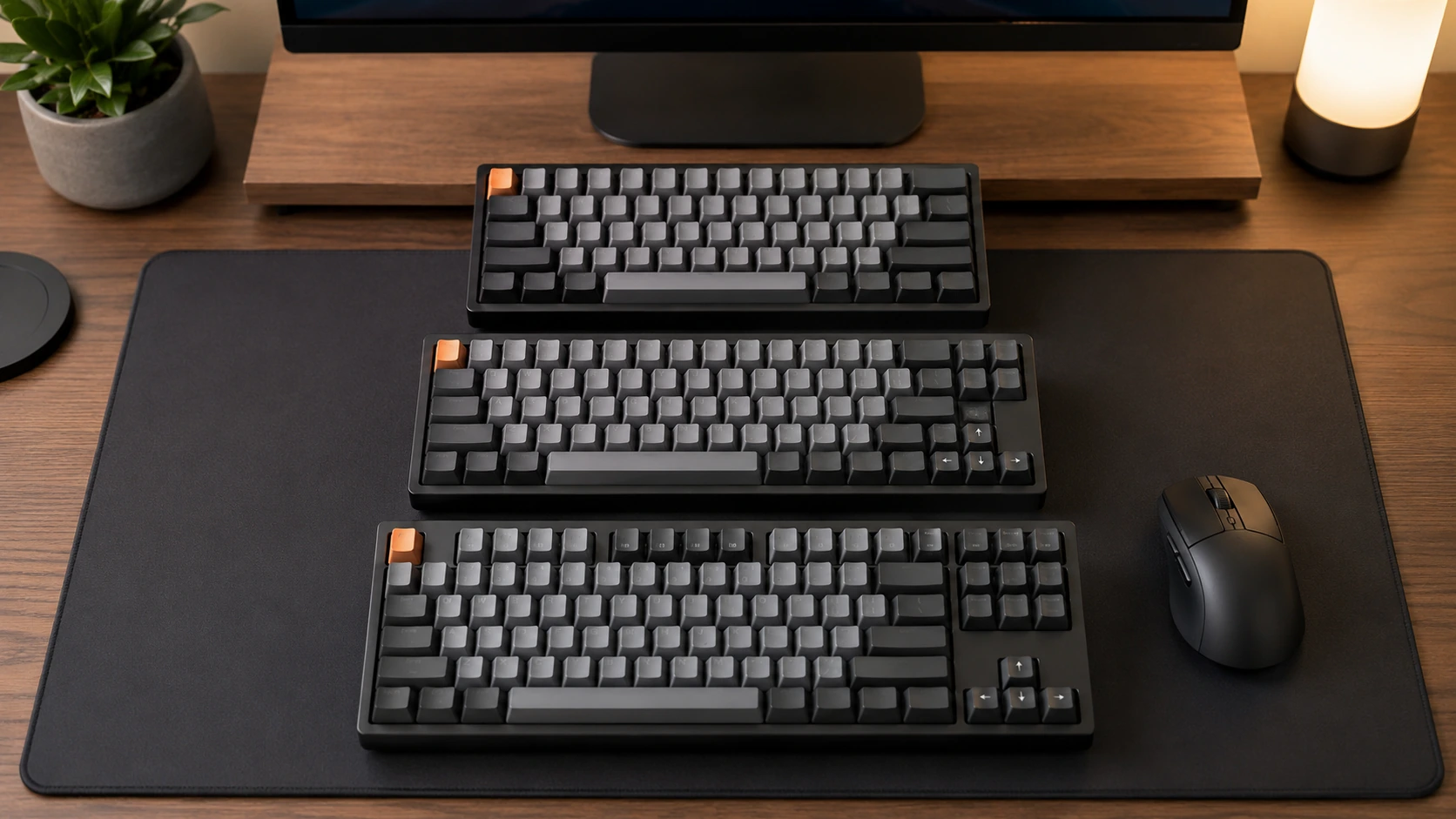
Short answer: 60% is smallest but lacks dedicated arrow keys and F-row. 65% adds dedicated arrow keys in nearly the same footprint. 75% adds the full F-row while staying significantly smaller than a TKL. For most people, 75% is the best balance - but if you game competitively and never touch function keys, 65% wins on mouse space.
Quick Comparison: 60% vs 65% vs 75%
| 60% | 65% | 75% | |
|---|---|---|---|
| Keys | 61 | 68 | 84 |
| Width | ~11.0" / 28cm | ~11.5" / 29cm | ~12.6" / 32cm |
| Dedicated arrow keys | No | Yes | Yes |
| Dedicated F-row (F1-F12) | No | No | Yes |
| Dedicated nav cluster (Home/End/PgUp/PgDn) | No | Partial (2-4 keys) | Partial (compressed) |
| Numpad | No | No | No |
| Mouse space gained vs TKL | ~3.5" | ~2.5" | ~1.4" |
| Best for | Minimalists, travel | FPS gaming, compact setups | Hybrid work + gaming |
Top Budget Picks by Size
| Size | Pick | Price | |
|---|---|---|---|
| 65% | Redragon K631 PRO - triple-mode wireless, hot-swap, dedicated arrows | ~$45-55 | Check price on Amazon |
| 75% | EPOMAKER x AULA F75 - gasket mount, encoder knob, Cherry PBT | ~$60-65 | Check price on Amazon |
See the full Best Mechanical Keyboards Under $100 for more options and detailed specs.
The Key Differences Explained
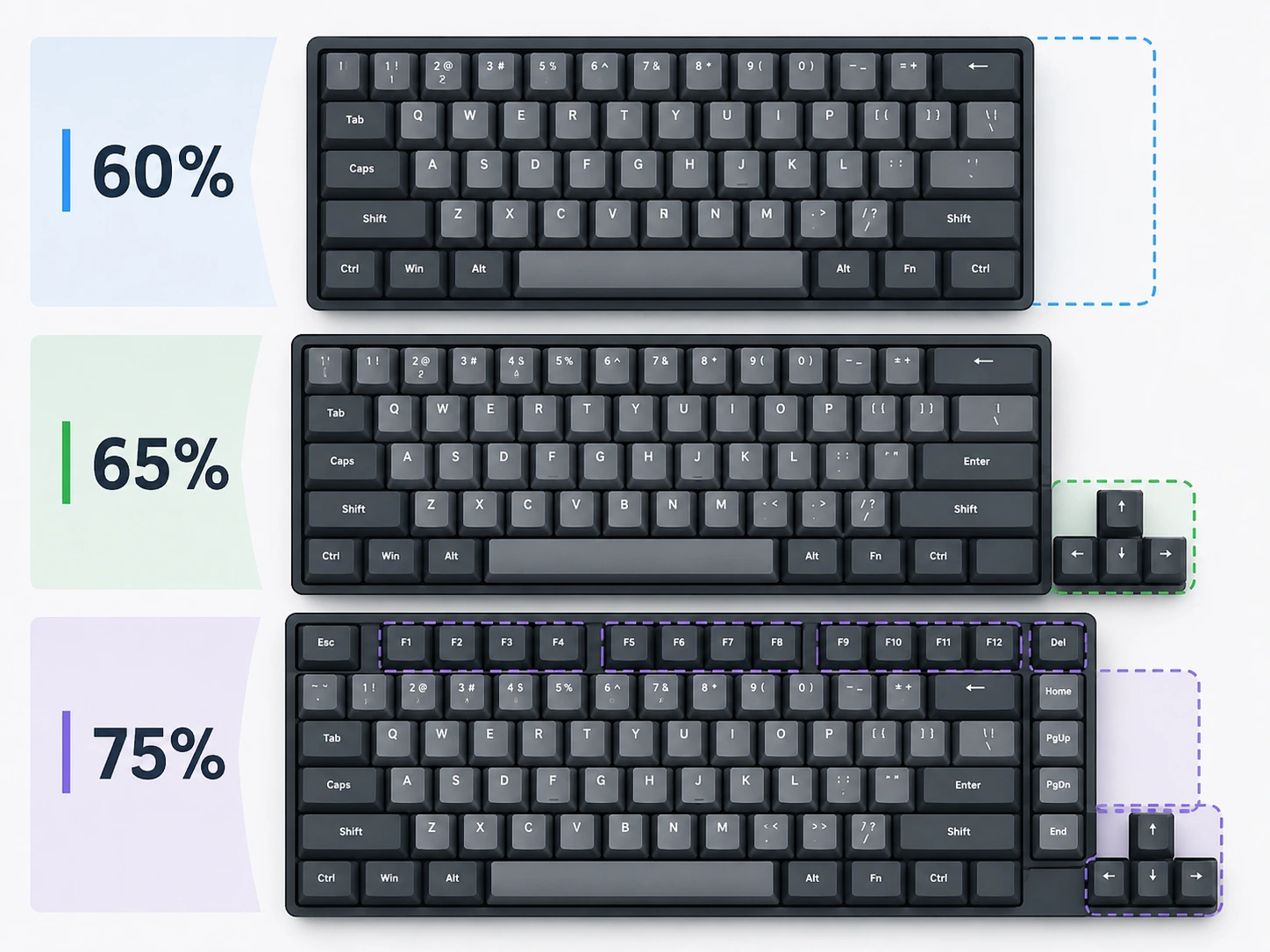
What You Lose Going from 75% to 65%
The only thing a 65% removes compared to a 75% is the physical F-row. F1-F12 are still accessible on a 65% keyboard - but only via the Fn key combination (Fn + 1 = F1, Fn + 2 = F2, etc.). The keyboard is 1.1 inches narrower as a result.
If you use F-keys frequently, that two-key combo interrupts your workflow. If you rarely use F-keys, you lose 1.1 inches of width for essentially no penalty.
What You Lose Going from 65% to 60%
Going from 65% to 60% removes the dedicated arrow keys and the small navigation cluster (Delete, Home, End, Page Up, Page Down). These are still reachable on a 60% via Fn layers, but navigating text - selecting, jumping between words, scrolling - becomes measurably slower without muscle memory.
The 60% is only 0.5 inches narrower than the 65%. That is a very small physical gain for the functional loss of dedicated arrow keys.
What Stays the Same Across All Three
- Key pitch (spacing between keys): identical - 19mm center-to-center
- Key height and feel: determined by switch and keycap profile, not layout
- Typing depth: identical (~10.4cm / 4.1")
- Hot-swap, wireless, and build quality options: available across all three layouts
60% vs 65% vs 75% for Gaming
FPS and Competitive Gaming (CS2, Valorant, Apex Legends)
65% wins for most FPS players.
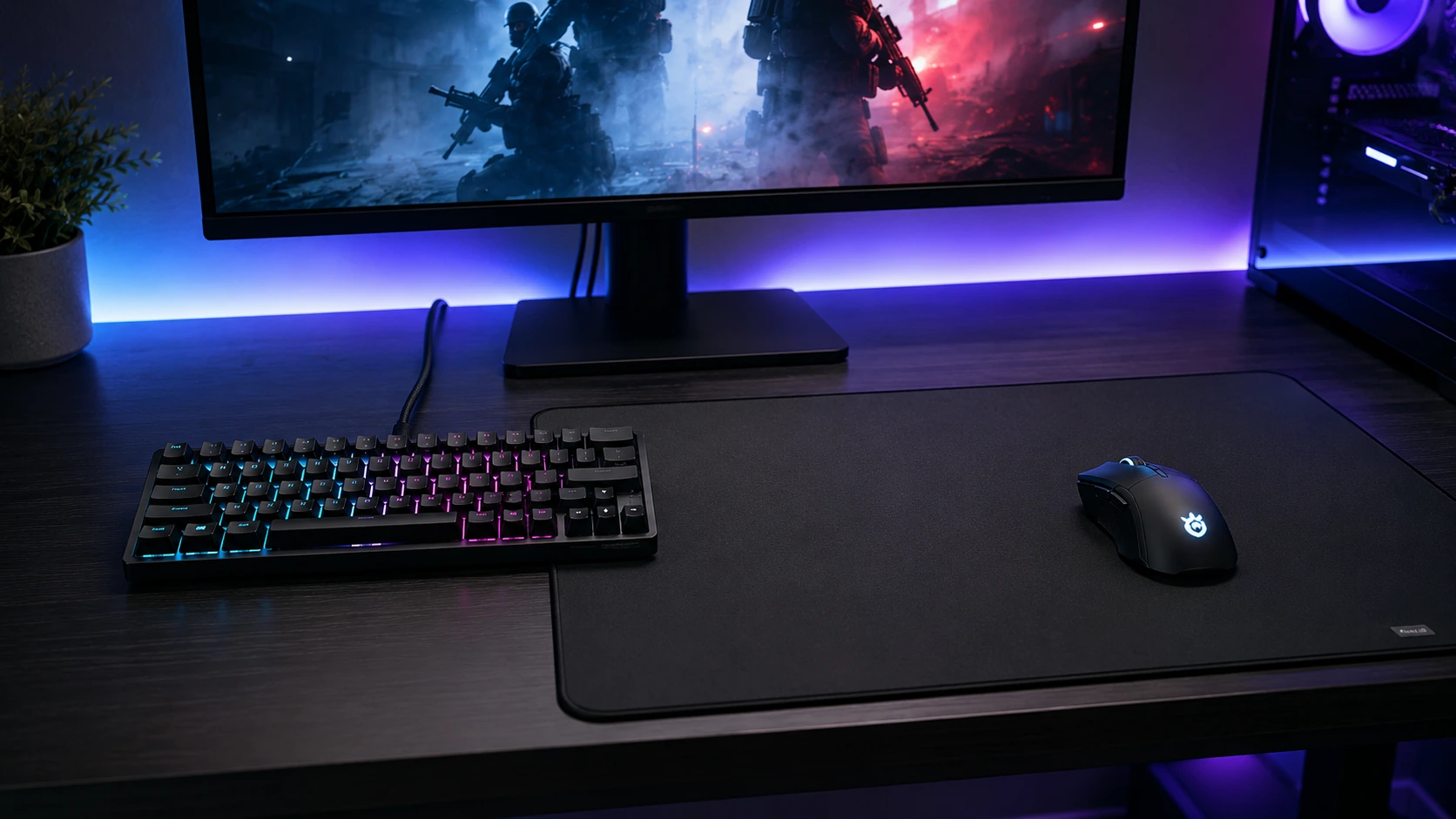
The argument for compact keyboards in FPS gaming is mouse space. On a standard right-handed setup, a narrower keyboard shifts the mouse zone further right and allows lower-elbow, arm-sweep aiming - a real advantage at low DPI (400-800 DPI with high sensitivity multipliers in-game).
The 65% captures most of that mouse space advantage over TKL while keeping dedicated arrow keys - useful for in-game navigation and menu access.
The 60% is 0.5 inches narrower than the 65% - that half-inch rarely matters. But a 60% without dedicated arrows means binding arrow keys via Fn layer is not viable during gameplay. This makes the 65% the better choice over 60% for gaming.
| Keyboard | Mouse space gained vs TKL | Arrow keys | F-key binds |
|---|---|---|---|
| 60% | ~3.5" more | Fn layer only | Fn layer only |
| 65% | ~2.5" more | Dedicated | Fn layer only |
| 75% | ~1.4" more | Dedicated | Dedicated |
Verdict for gaming:
- Pure FPS with no F-key binds: 65%
- FPS + some F-key binds (map key, weapon switch): 75%
- MMO / RPG with heavy F-key macros: 75% or TKL
60% vs 65% vs 75% for Work and Programming
75% wins for work, clearly.
Work involves typing in documents (arrows needed constantly), navigating spreadsheets (Home/End/PgUp/PgDn), using browser shortcuts (F5 for refresh, F12 for dev tools), and Zoom shortcuts (F-key mute binds on many setups).
A 60% or 65% keyboard handles none of these natively. Every F-key or navigation key requires an Fn combination - slowing down routine work tasks.

For Programming
IDE workflows rely heavily on F-keys: F2 (rename symbol), F5/F10/F11 (debugger controls), F8 (next error), F12 (go to definition). On a 65%, every one of these requires an Fn combination. In a debugger session where you repeatedly press F10 and F11, Fn combos break muscle memory and slow the process.
Exception: Vim/Neovim users who avoid F-keys entirely can use 65% without friction. If your workflow has already remapped F-keys away, the 65% is fine.
| Programming workflow | Recommended |
|---|---|
| VS Code with default shortcuts | 75% |
| JetBrains IDEs (IntelliJ, PyCharm, WebStorm) | 75% |
| Vim / Neovim | 65% or 75% |
| VS Code with fully custom keybindings | 65% |
65% vs 75% Direct Comparison
| Factor | 65% | 75% |
|---|---|---|
| Width | 11.5" / 29cm | 12.6" / 32cm |
| F-row | Fn layer | Dedicated physical keys |
| Arrow keys | Dedicated | Dedicated |
| Nav keys (Home/End/PgUp/PgDn) | 2-4 dedicated | 4-6 dedicated (compressed) |
| Mouse space vs TKL | 2.5" more | 1.4" more |
| Width difference between them | - | 1.1" / 2.8cm wider |
| Best use case | FPS gaming, minimal desk, no F-key workflows | Work, programming, hybrid use |
Choose 65% over 75% when: You game primarily and rarely open an IDE, spreadsheet, or use browser dev tools. You value every centimeter of mouse room.
Choose 75% over 65% when: You split time between work and gaming, you use any IDE with default shortcuts, or you want a keyboard that handles every use case without compromise.
60% vs 65% Direct Comparison
| Factor | 60% | 65% |
|---|---|---|
| Width | 11.0" / 28cm | 11.5" / 29cm |
| Dedicated arrow keys | No | Yes |
| Small nav cluster | No | Partial |
| Width difference | - | 0.5" / 1.3cm wider |
| F-row | Fn layer | Fn layer |
| Best use case | Minimalist, travel, Vim users | Gaming, compact setups |
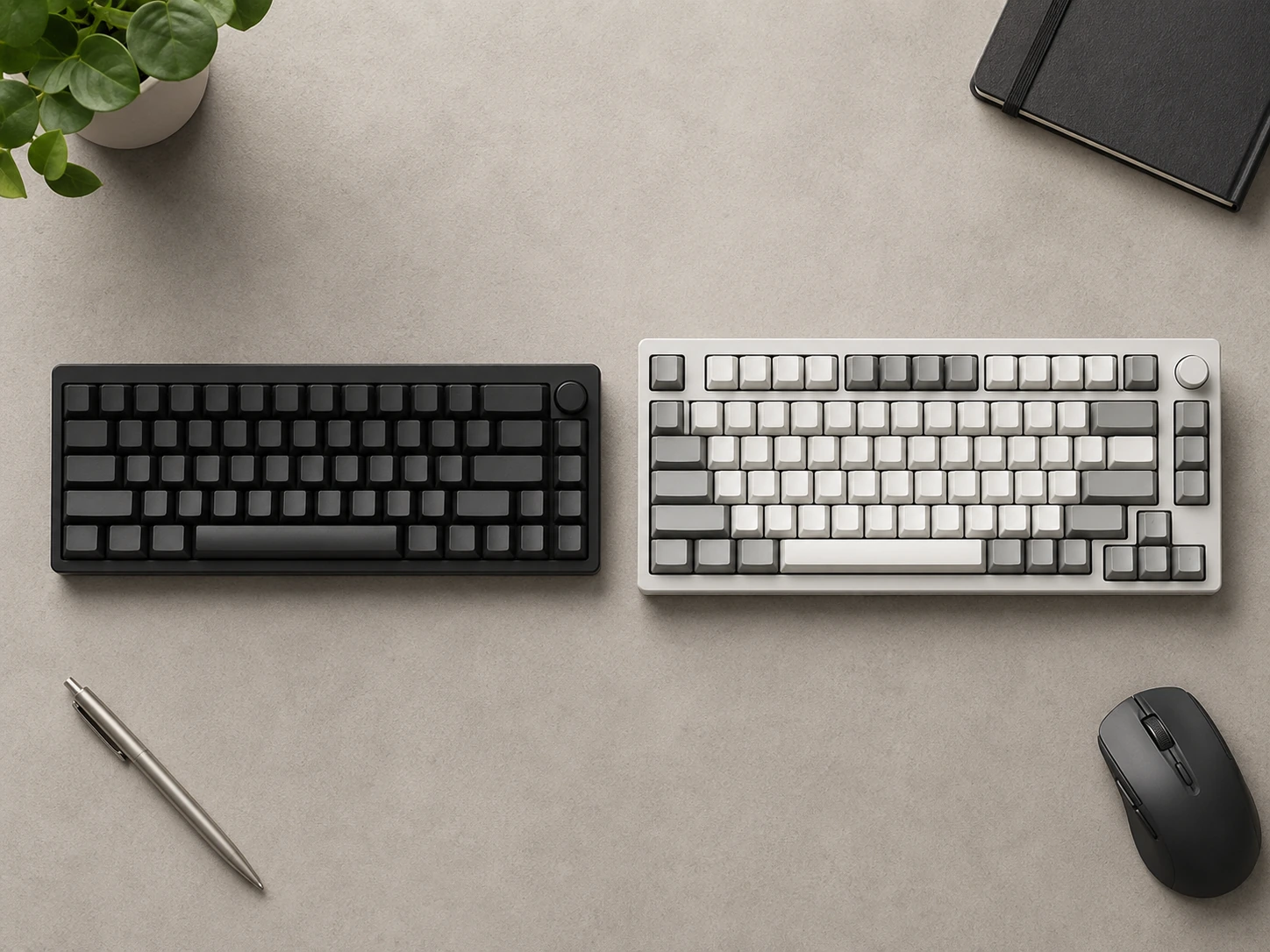
The 60% vs 65% decision almost always comes down to one question: do you use arrow keys?
If yes: 65%. The 0.5-inch width difference is negligible - you gain dedicated arrow keys for half an inch of extra keyboard width.
If no - meaning you navigate text exclusively with Vim keybindings, mouse, or custom remaps - the 60% is a clean choice with slightly less desk presence.
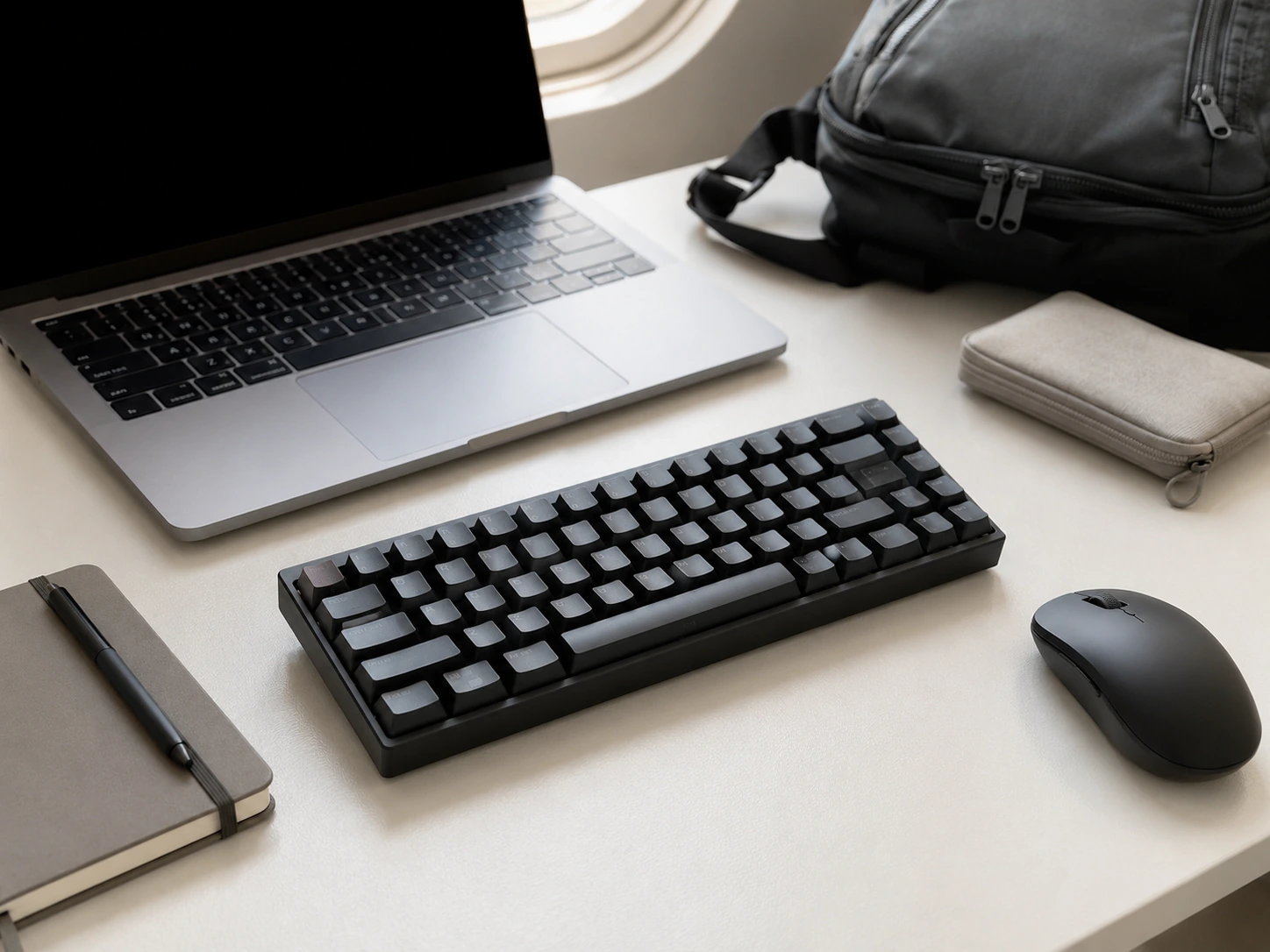
For nearly everyone, the 65% is the better buy over the 60%. The functional difference far outweighs the 0.5-inch width savings.
How We Picked
Every product in this guide was evaluated across five criteria, weighted for real small-space use. We do not claim hands-on lab testing — our evaluation is based on verified buyer feedback patterns, published product specifications, and structured comparison criteria.
Small-Space Fit
Physical footprint, mounting options, and whether the product works without consuming space you don't have.
Build Quality
Materials, finish durability, and construction quality as indicated by product specs and verified buyer feedback patterns.
Ease of Use
Setup time, daily usability, and how much adjustment the product requires once in place.
Value for Money
Price-to-performance ratio compared to competing products in the same subcategory.
Buyer Feedback
Patterns from verified Amazon reviews — what real buyers praise and complain about most over time.
Which Size Should You Get?
| Your situation | Recommendation |
|---|---|
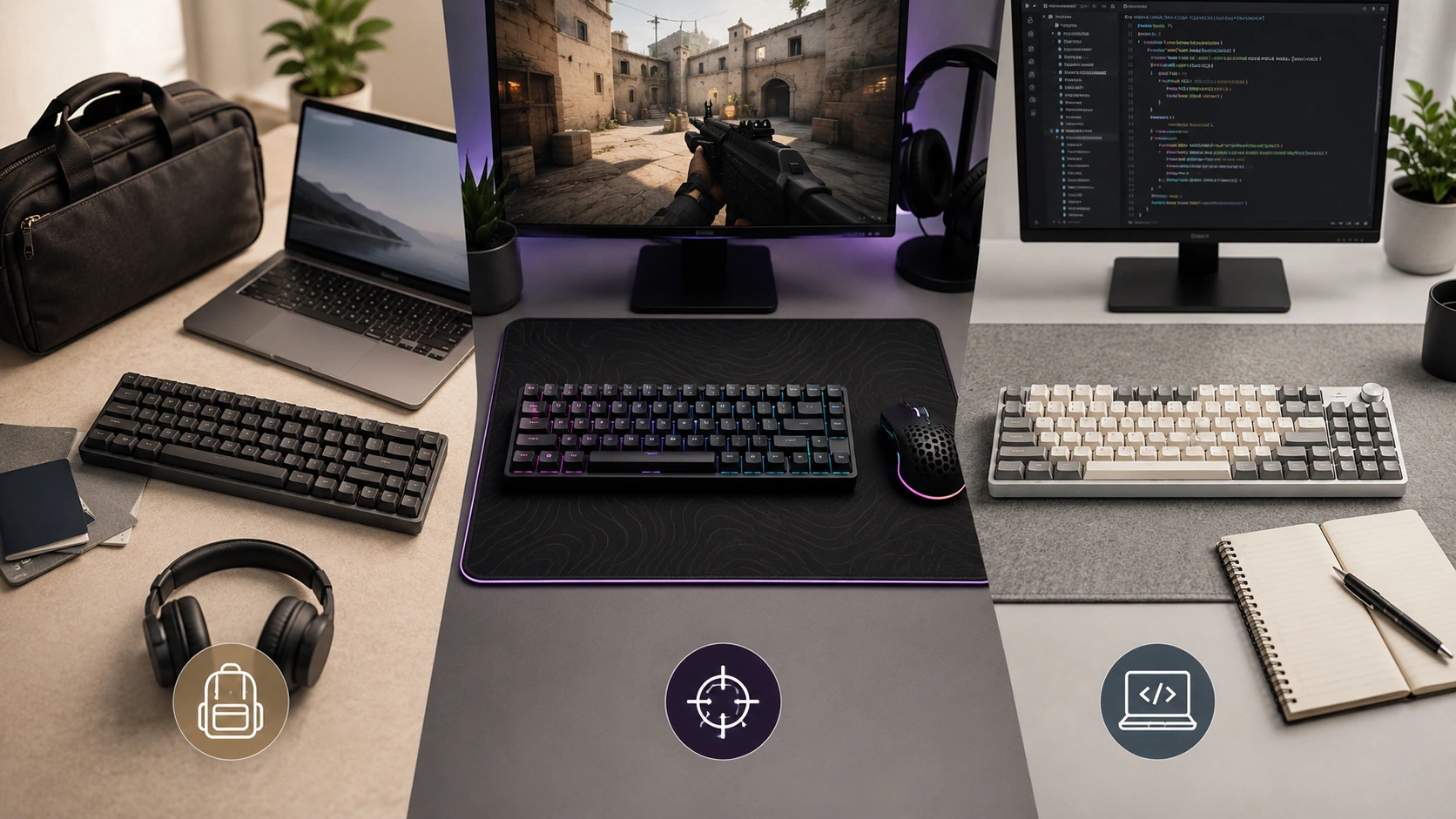
| Primary use is FPS gaming, no work on this keyboard | 65% |
| Gaming + light work / streaming | 75% |
| Home office, programming, heavy keyboard use | 75% |
| Programming only (Vim-based workflow) | 65% or 75% |
| Students - dorm desk, mix of class notes + gaming | 75% |
| Traveling frequently, need lightest possible | 60% |
| Unsure, first compact keyboard | 75% |
In almost every scenario, 75% wins. The F-row matters more than most buyers realize before living without it. The 65% is the right answer specifically when you game competitively, never use F-keys, and every centimeter of mouse space counts.
Related guides:
- TKL vs Full-Size Keyboard - step up from compact layouts
- Keyboard Size Chart - full dimensions for every layout
- Best Mechanical Keyboards Under $100 - top picks across 65%, 75%, and TKL
Frequently Asked Questions
What is the difference between a 65% and 75% keyboard?
A 65% keyboard is approximately 11.5 inches wide and lacks a physical F-row - F1-F12 are accessible only via Fn layer combinations. A 75% keyboard is approximately 12.6 inches wide and retains a dedicated physical F-row. Both have dedicated arrow keys. The 75% is 1.1 inches wider with full function key access.
Is a 60% or 65% keyboard better for gaming?
A 65% is better for gaming in almost every case. The 65% adds dedicated arrow keys while being only 0.5 inches wider than a 60%. For FPS gaming, dedicated arrows are practically useful for navigating menus and in-game actions. The 0.5-inch mouse space gained with a 60% is marginal compared to the loss of dedicated arrow keys.
Which keyboard size is best for programming?
75% is best for most programmers who use an IDE with default shortcuts. F2 (rename), F5/F10/F11 (debugger controls), F8 (next error), and F12 (go to definition) are single-key presses on a 75%. On a 65%, all of these require Fn combinations. Exception: Vim/Neovim users who avoid F-keys can use 65% without friction.
Should I get a 65% or 75% for a small desk?
A 75% keyboard is 12.6 inches wide - on a 36-inch desk, it uses just 35% of horizontal space. Most small desk setups handle 75% comfortably. Only choose 65% over 75% for a small desk if you also game at low DPI and prioritize mouse room, since the practical functional difference is significant.
Is a 60% keyboard worth it?
A 60% keyboard is worth it specifically for frequent travelers who pack their keyboard, Vim users who already avoid F-keys and arrows, and enthusiasts building for aesthetics. For most buyers, the 65% offers almost all of the 60% compactness with dedicated arrow keys - making the 65% the better recommendation unless you have a specific reason for 60%.
Related Buying Guides
TKL vs Full-Size Keyboard: Which One Should You Get?
Keyboard Size Chart: All Layouts and Dimensions (2026)
6 Best Mechanical Keyboards Under $100 for Home Office and Gaming (2026)
7 Best Monitor Arms Under $100 in 2026: Picks for Every Desk Size
Want to browse more options? See all related products on Amazon.
Browse on AmazonEvaluation note: Products in this guide were assessed on overall score, small-space fit, build quality, ease of use, value for money, and buyer feedback from verified Amazon reviews. We do not claim hands-on product testing.
Read our full methodology →