
7 Best Monitor Arms Under $100 in 2026: Picks for Every Desk Size
A monitor arm is one of the highest-ROI desk upgrades at any budget. Standard monitor stands occupy 8-12 inches of desk depth - a monitor arm returns that entire surface while simultaneously enabling precise height, tilt, and rotation adjustments that no fixed stand can provide. Under $100 covers the full practical range for most home office setups: from proven spring arms at $29 to heavy-duty pneumatic arms rated for 49-inch ultrawides at $99.
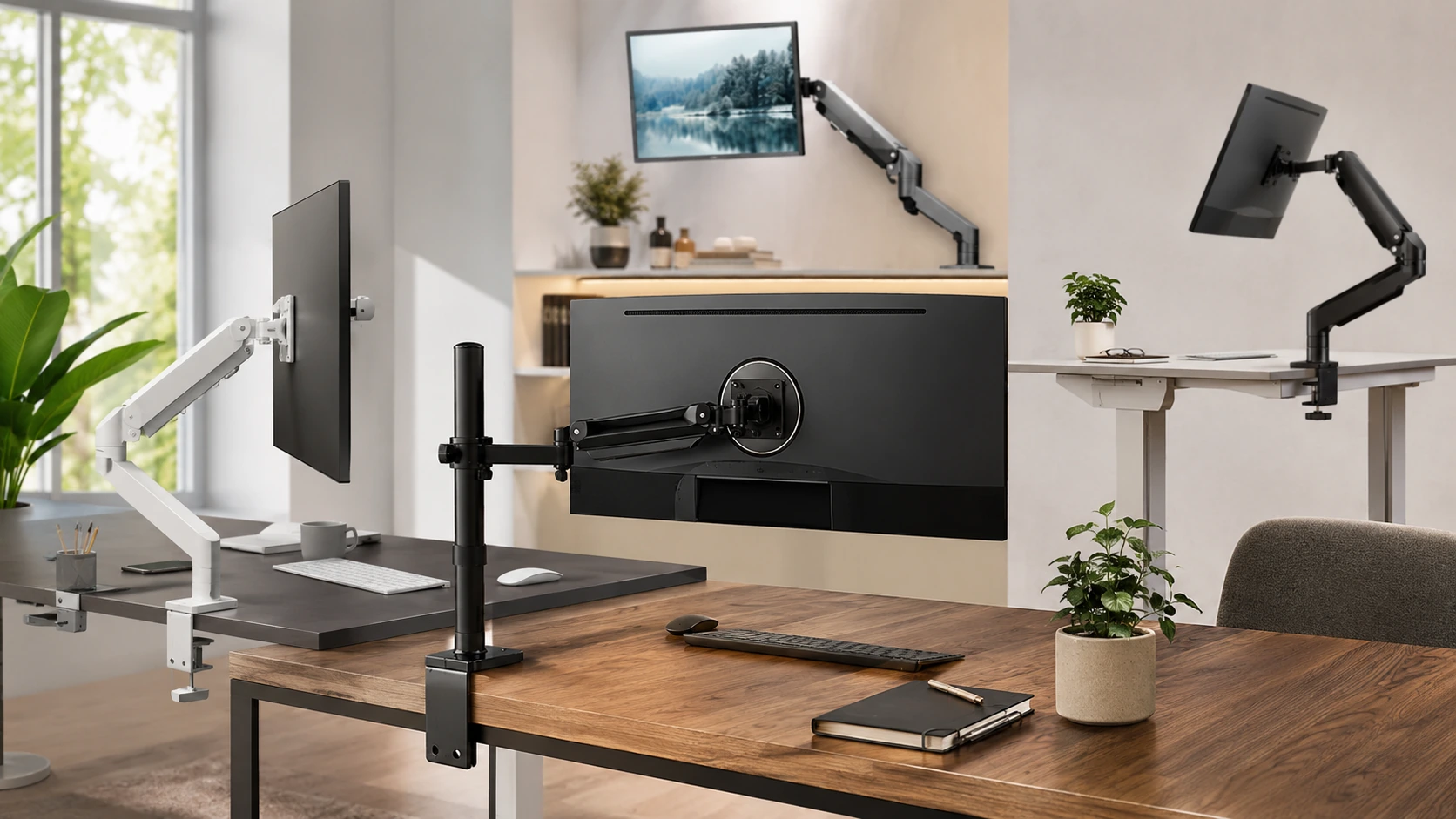
Quick Picks
| Pick | Product | |
|---|---|---|
| Best Overall | HUANUO FlowLift Single Monitor Arm | Check price |
| Best Budget Under $35 | North Bayou F80 | Check price |
| Best Value - Ultrawide Compatible | VIVO STAND-V001 | Check price |
| Best White Monitor Arm | VIVO STAND-V001W | Check price |
| Best for Ultrawide Up to 49 Inches | VIVO STAND-V101G1 | Check price |
| Best Premium Under $100 | Amazon Basics Lift Engine Arm | Check price |
| Best Dual Monitor Arm Under $100 | HUANUO FlowLift Dual Monitor Arm | Check price |
A monitor arm is one of the highest-ROI desk upgrades at any budget. Standard monitor stands occupy 8-12 inches of desk depth - a monitor arm returns that entire surface while simultaneously enabling precise height, tilt, and rotation adjustments that no fixed stand can provide. On a 24-inch deep desk, a standard stand consumes 40-50% of the available work surface. A monitor arm reduces that footprint to near zero. For desk ergonomics guidance, see our standard desk height guide.
Under $100 covers the full practical range for most home office setups: from proven spring arms at $29 to heavy-duty pneumatic arms rated for 49-inch ultrawides at $99. This guide covers seven arms across that range - matched to monitor size, weight, desk type, and standing desk compatibility. If you are also choosing a monitor, see our best 27-inch monitor under $200 picks.
Before You Buy: 4 Things to Check
VESA Compatibility
VESA compatibility refers to the standardized hole pattern on the back of your monitor. Nearly all monitors sold in the last decade use 75x75mm or 100x100mm. Larger ultrawides sometimes use 200x100mm. Check the back panel of your monitor or the spec sheet before ordering.
| Pattern | When it appears | Arm compatibility |
|---|---|---|
| 75x75mm | Monitors under 22 inches | All arms in this guide |
| 100x100mm | Most 22-32 inch monitors | All arms in this guide |
| 200x100mm | Some 34-49 inch ultrawides | VIVO V101G1 with adapter; verify before ordering |
Weight Capacity: Buy 20% Headroom
Always choose an arm rated at least 20% above your monitor's actual weight. This headroom keeps the spring mechanism in its optimal operating range and slows wear on the adjustment joint. Use the without-stand weight from your monitor's spec sheet.
| Monitor size | Typical weight | Minimum arm capacity |
|---|---|---|
| 24" standard | 8-10 lbs | 13 lbs |
| 27" standard | 10-14 lbs | 18 lbs |
| 27" 4K | 12-16 lbs | 20 lbs |
| 34" ultrawide | 15-22 lbs | 27 lbs |
| 49" superultrawide | 22-30 lbs | 38 lbs |
Desk Thickness
Most monitor arms use a C-clamp that grips the desk edge. Standard C-clamps accommodate desk thickness from 0.4 to 3.9 inches - this covers virtually all solid-wood, MDF, and laminate desktops. If your desk uses a hollow-core top (common with IKEA LINNMON), use the grommet mount option instead. Grommet mounts pass through a pre-drilled hole and distribute weight more safely than a surface clamp on hollow-core material. Most arms in this guide include both mounting options in the box.
Gas Spring vs Spring-Loaded
| Factor | Gas spring | Spring-loaded |
|---|---|---|
| Adjustment feel | One-finger smooth | Requires more force |
| Longevity | 5-10+ years typical | 3-7 years typical |
| Price range | $40-99 | $25-50 |
| Best for | Frequent height changes, standing desk users | Set-and-forget users |
| Examples in guide | VIVO V101G1, Amazon Basics | North Bayou F80 |
7 Best Monitor Arms Under $100
HUANUO FlowLift Single Monitor Arm
WHY IT WORKS
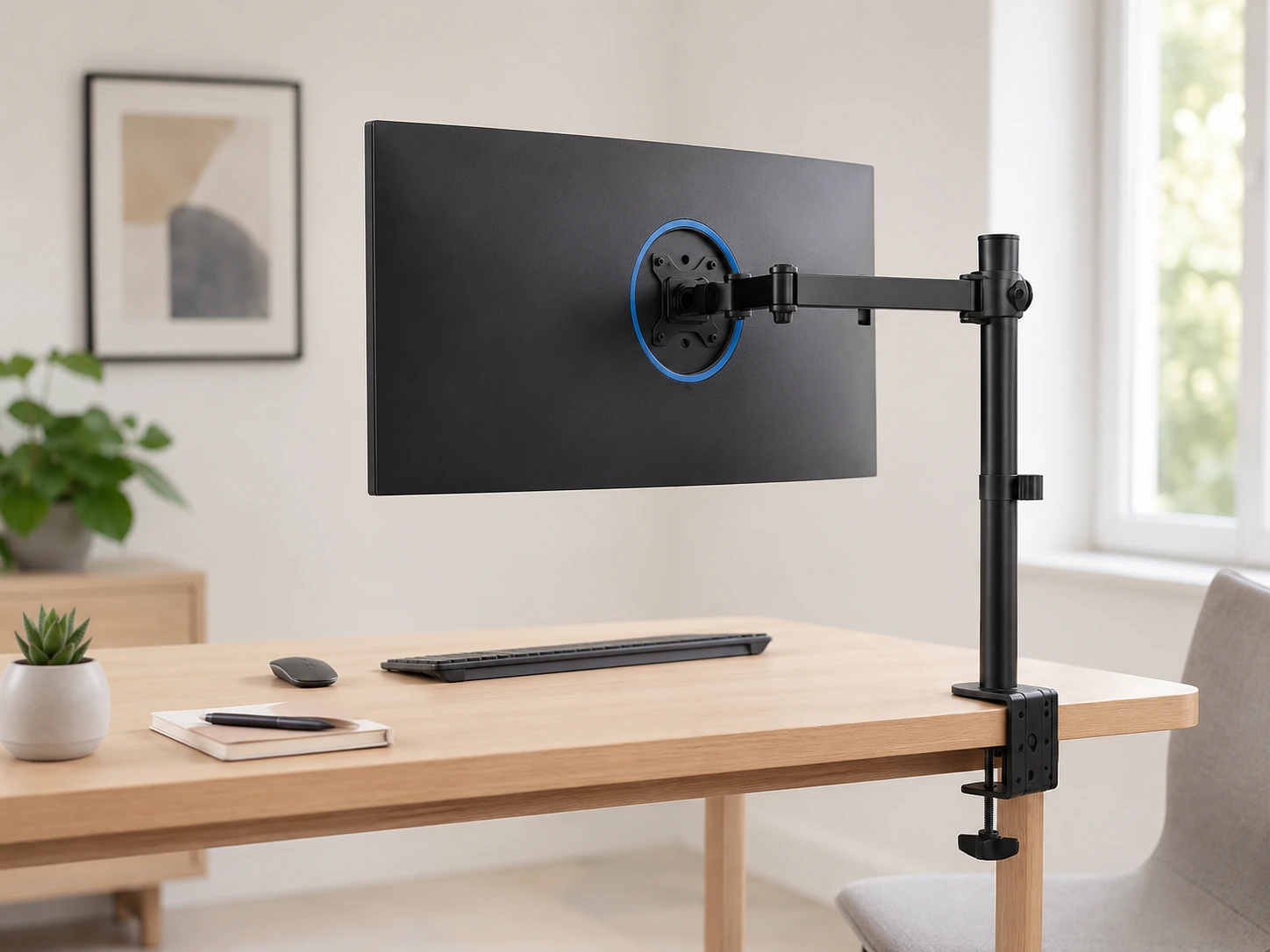
Best-selling monitor arm on Amazon with aerospace-grade aluminum construction 20% thicker than standard budget arms. The wide tilt range (-50 to +85 degrees) accommodates standing desk height changes without needing to readjust. Ships with both C-clamp and grommet mount options. Installation requires only a hex key included in the box.
TRADE-OFFS
- · 19.8 lb max - not rated for heavy 34"+ monitors over 18 lbs
- · Cable routing uses external clips, not enclosed channels
- · 1-year warranty standard for this price tier
Skip if: Your monitor weighs over 18 lbs. The VIVO STAND-V101G1 handles up to 33 lbs for $90-99.
Check price on AmazonPros
- +Top-selling monitor arm on Amazon - millions of verified buyers
- +Aerospace-grade aluminum - rigid above price class
- +Wide -50 to +85 degree tilt covers standing desk use
- +C-clamp + grommet both included
- +Simple hex key installation
Cons
- −19.8 lb max capacity
- −External cable clips vs enclosed routing
- −1-year warranty
North Bayou F80
WHY IT WORKS
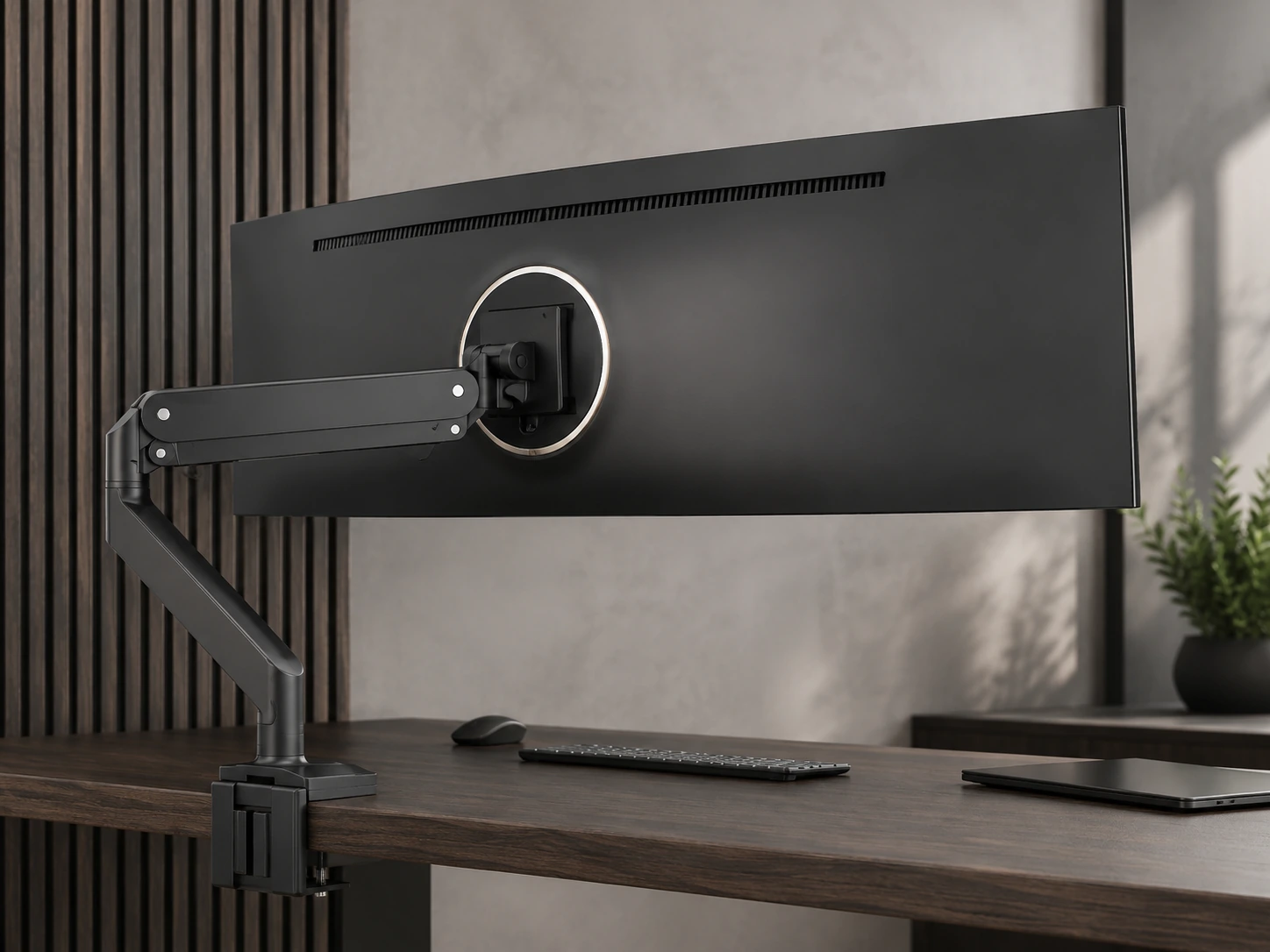
Over 17,000 Amazon reviews with 4.5 stars - the most reviewed monitor arm at this price. Steel construction provides rigidity. First reliable monitor arm under $35 that has maintained consistent quality across multiple production batches.
TRADE-OFFS
- · 30" screen maximum excludes ultrawides
- · Tilt range -15 to +15 degrees - limited for standing desk height adjustments
- · Spring tension (not gas) requires readjustment if monitor weight changes
Skip if: You have a standing desk or plan to switch seated/standing frequently. The HUANUO FlowLift has an 85 degree tilt range for $5-15 more.
Check price on AmazonPros
- +17,000+ Amazon reviews at 4.5 stars
- +Most reviewed arm under $35
- +Steel construction - rigid
- +Both mounting options included
- +Proven reliability across batches
Cons
- −30" screen size limit
- −Narrow tilt range limits standing desk use
- −Spring tension not as smooth as gas
VIVO STAND-V001
WHY IT WORKS
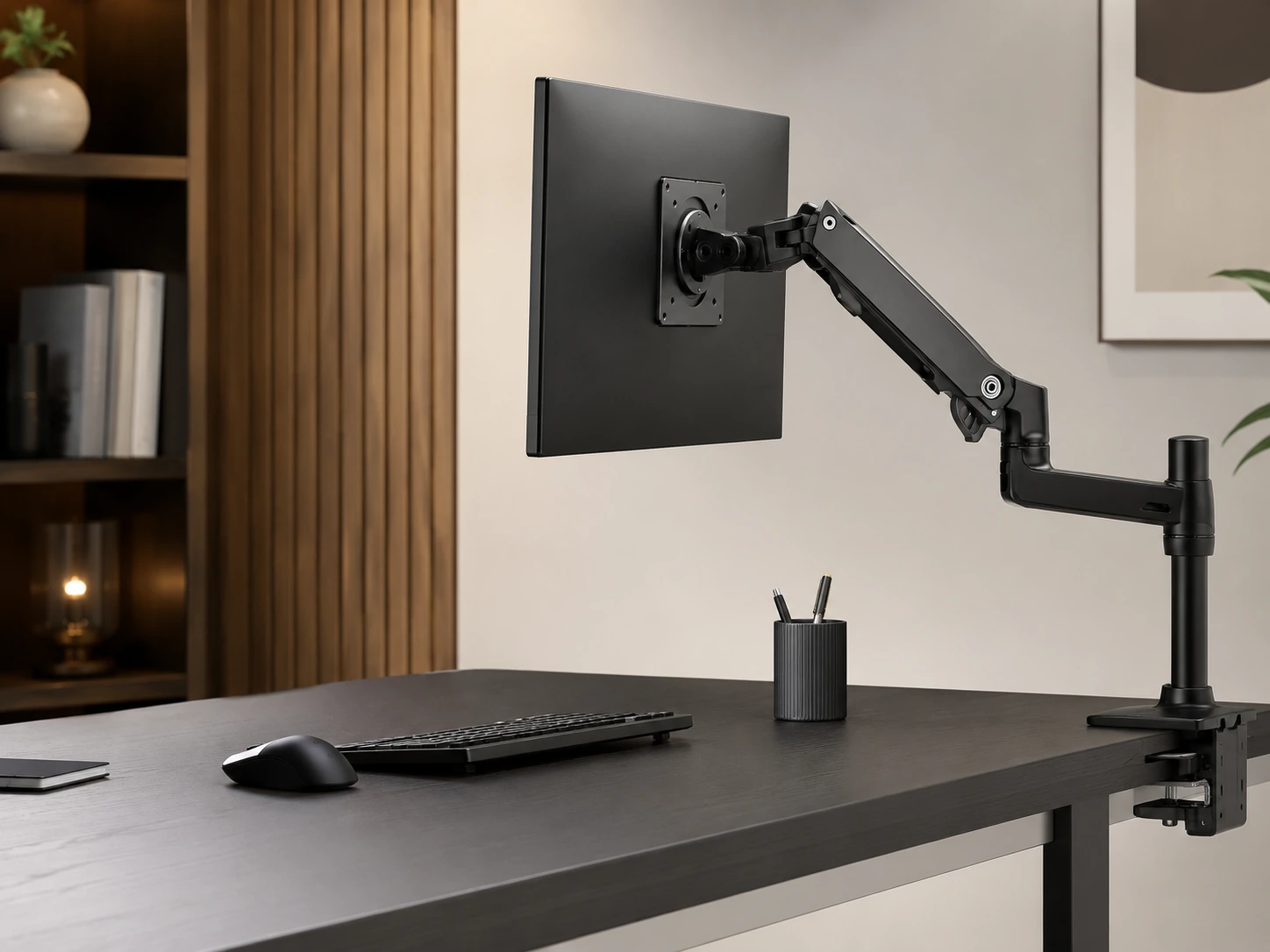
22 lb capacity (vs North Bayou's 19.8 lb) and 38" ultrawide screen support at the same price tier. Built-in cable routing channels keep desk cleaner than external clips. VIVO is a US-based brand with established product support and consistent quality.
TRADE-OFFS
- · Slightly bulkier arm joint than HUANUO
- · Black colorway only in this model
Skip if: You want a white monitor arm to match a white desk. The VIVO STAND-V001W is the identical product in white.
Check price on AmazonPros
- +22 lb capacity - 10% more than most budget arms
- +Supports ultrawides up to 38"
- +Built-in cable management channels
- +US-based VIVO brand support
- +Gas spring motion
Cons
- −Black only
- −Slightly bulkier joint
VIVO STAND-V001W
WHY IT WORKS
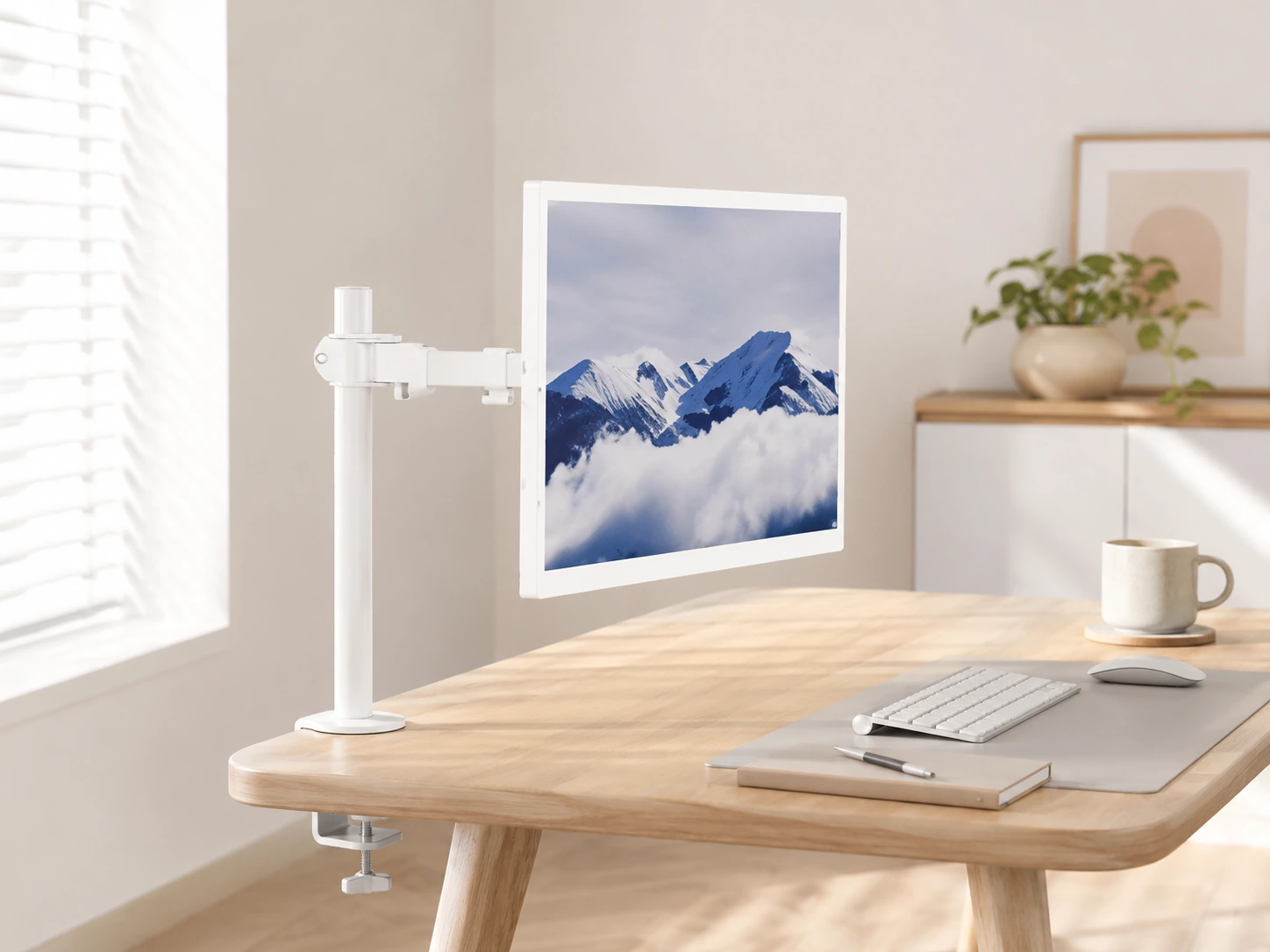
White monitor arms under $50 are rare - nearly all budget arms ship in black only. The V001W is the white version of the VIVO V001 with identical specs: 22 lb capacity, 38" ultrawide support, built-in cable channels. Natural pairing for IKEA white desks, FEZIBO white frames, or white desk accessories.
TRADE-OFFS
- · $5-10 more than the black V001
- · Same 1-year warranty as the black model
Skip if: You have a black or dark desk. Save $5-10 with the V001 in black.
Check price on AmazonPros
- +Only white gas-spring arm with 22 lb capacity under $50
- +Matches white IKEA, FEZIBO, and SMUG desk setups
- +Same 38" ultrawide support as V001
- +Built-in cable channels
- +Gas spring motion
Cons
- −$5-10 premium over black V001
- −Limited to white colorway only
VIVO STAND-V101G1
WHY IT WORKS
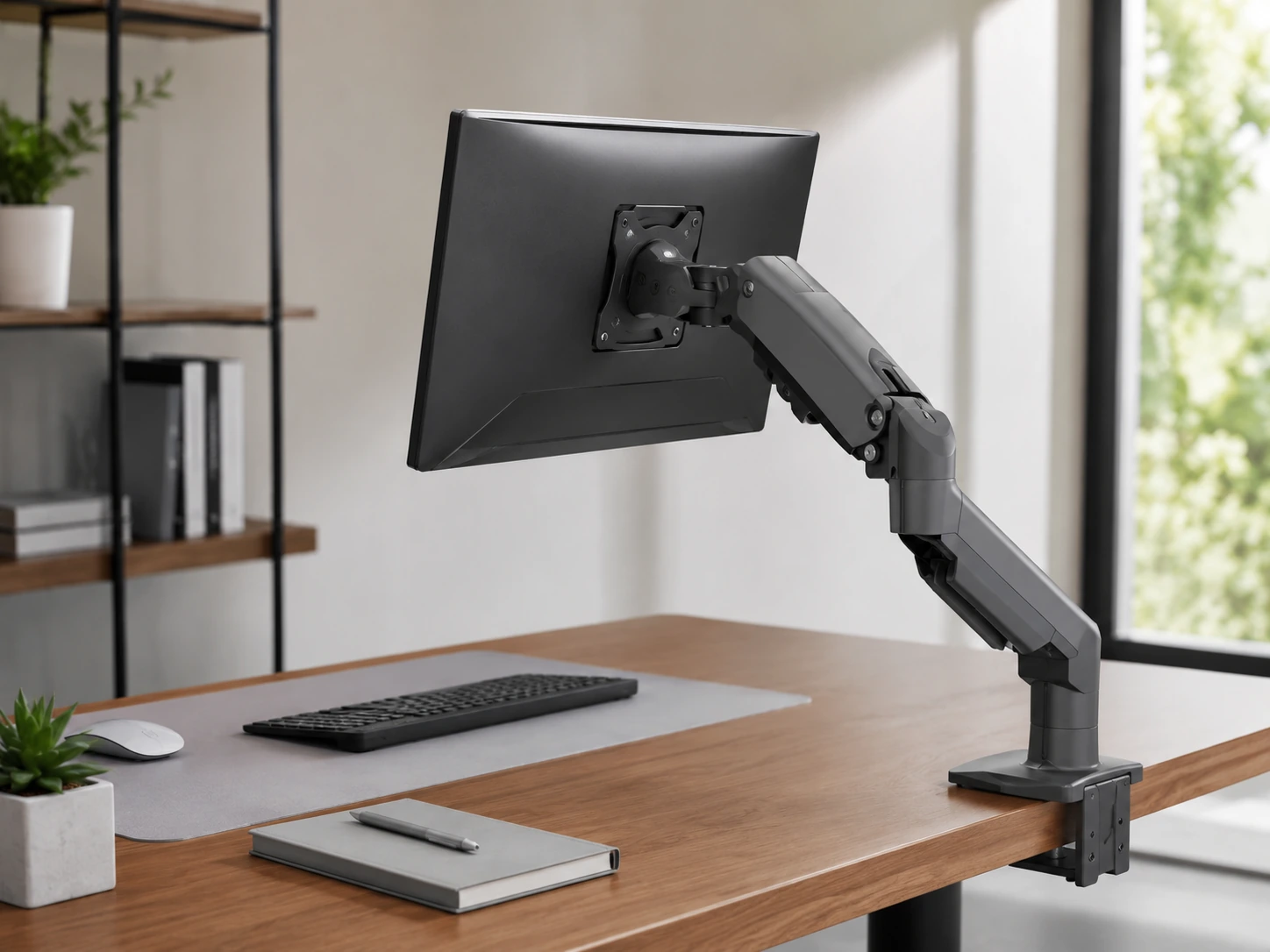
33 lb pneumatic gas spring capacity - the only arm in this guide rated for heavy 34" and 49" superultrawide monitors. One-finger adjustment even with a 30 lb 49" panel. Substantial safety margin for 34" monitors typically weighing 15-22 lbs. VIVO US support covers this category with consistency.
TRADE-OFFS
- · Highest price at $90-99
- · Larger arm footprint - more visible on desk
- · VESA max 100x100 - verify your ultrawide's VESA before ordering
Skip if: Your monitor is 32" or under and weighs under 20 lbs. The VIVO V001 handles 38" ultrawides at $30-45.
Check price on AmazonPros
- +33 lb capacity - only arm in guide for heavy ultrawides
- +Supports 49" superultrawide panels
- +Pneumatic gas spring - one-finger adjustment
- +Genuine safety margin for 34" monitors
- +VIVO US brand support
Cons
- −Highest price at $90-99
- −Larger arm footprint
- −VESA max 100x100 - check ultrawide compatibility
Amazon Basics Lift Engine Arm
WHY IT WORKS
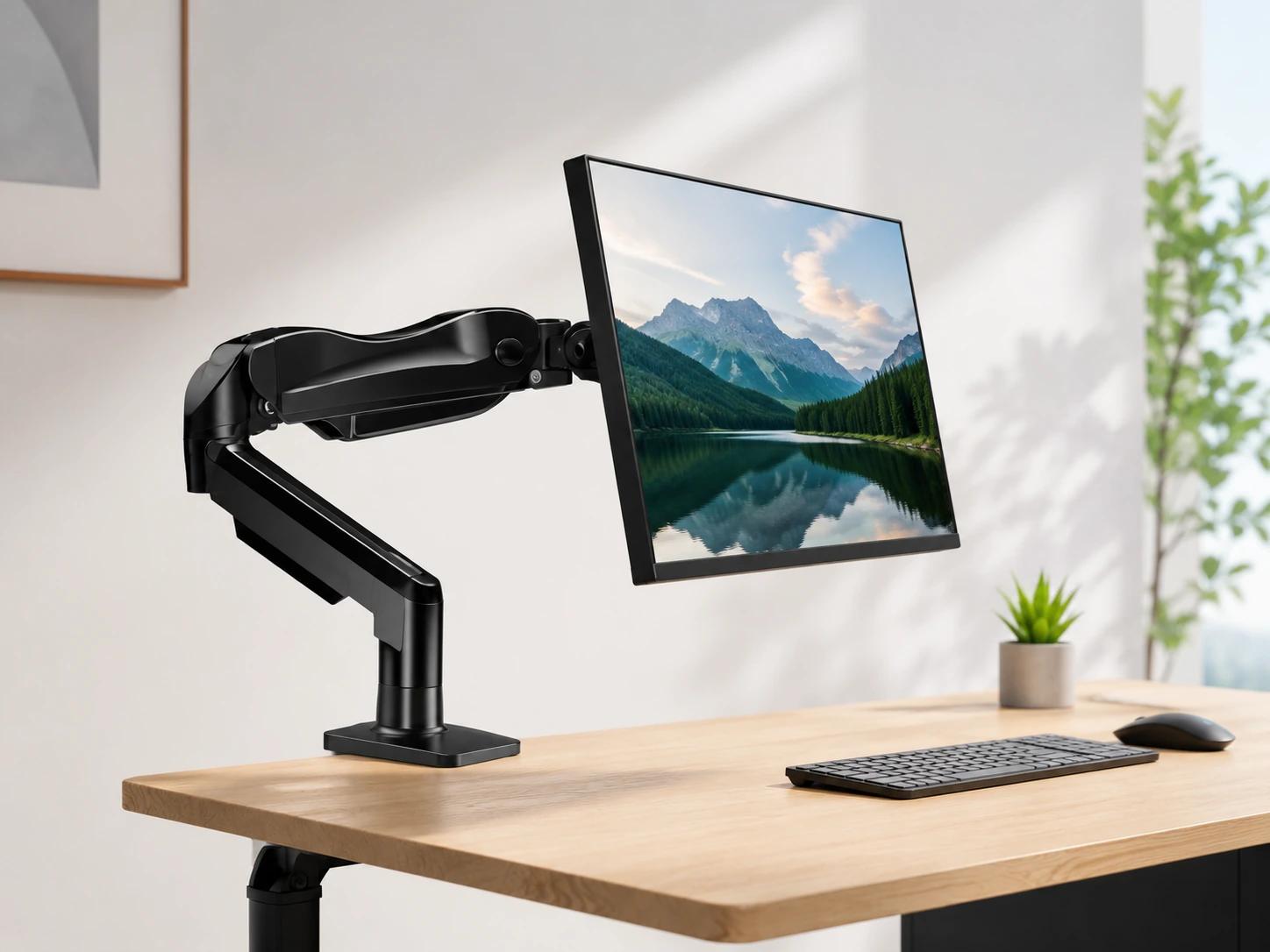
Manufactured by the same OEM as the Ergotron LX - the mechanism is identical, the cost is $65-99 vs $140-180 for the Ergotron branded version. Integrated cable management channel (not clips). Aluminum construction. If the primary concern is motion quality - the smoothest one-finger movement at this price - this is the pick.
TRADE-OFFS
- · 5 lb minimum - unusually light monitors may not hold position correctly
- · Amazon warranty vs Ergotron's 15-year warranty
- · Not officially sold as Ergotron OEM - cannot claim Ergotron warranty
Skip if: Warranty coverage matters most. The Ergotron LX at $140-180 carries a 15-year warranty vs Amazon standard. The motion mechanism is identical.
Check price on AmazonPros
- +Same OEM mechanism as Ergotron LX at 60% of the price
- +Integrated cable management (not clips)
- +Smoothest motion quality in this guide
- +Aluminum construction
- +Trusted Amazon Basics reliability
Cons
- −5 lb minimum - incompatible with lightest monitors
- −Amazon standard warranty vs 15-year Ergotron
- −No official Ergotron association
HUANUO FlowLift Dual Monitor Arm
WHY IT WORKS
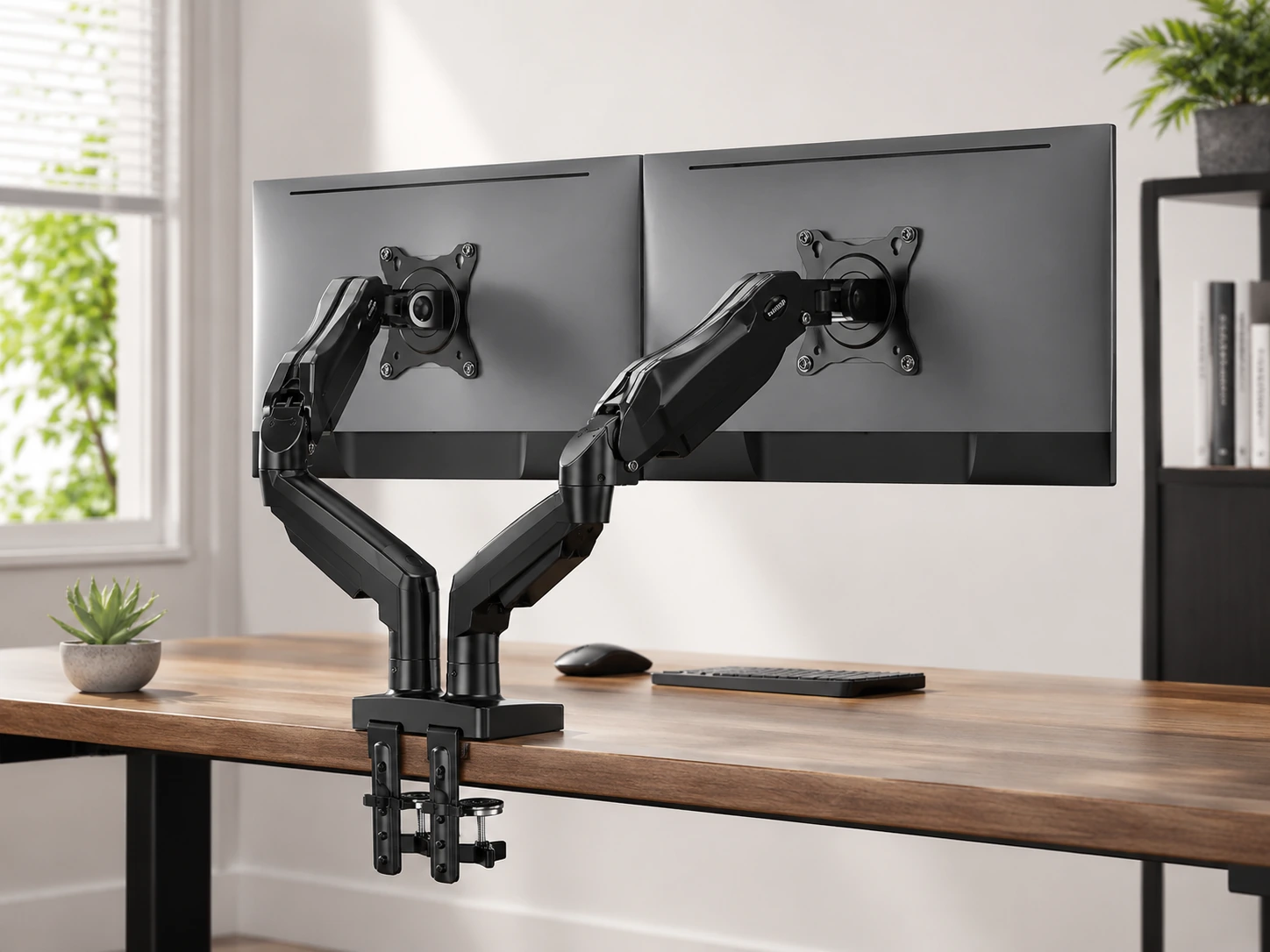
Dual monitor arm under $100 is rare - most dual arms start at $130-150. Shared center post reduces desk footprint vs two separate arms. Independent arm positioning allows asymmetric setups (one monitor straight, one angled). 19.8 lb per arm covers virtually all standard 27" monitors.
TRADE-OFFS
- · 19.8 lb per arm - not for heavy 27" 4K monitors over 18 lbs
- · Swivel limited to 90 degrees per arm vs 360 on single arms
- · Center post requires desk edge access for both arms
Skip if: Either monitor weighs over 18 lbs. Use two separate HUANUO single arms instead - same price range with full weight rating per arm.
Check price on AmazonPros
- +Dual monitors on one arm under $100 - rare at this price
- +Shared center post saves desk space vs two separate arms
- +Independent arm positioning
- +Same HUANUO build quality as single version
- +Gas spring on both arms
Cons
- −19.8 lb per arm limit
- −90 degree swivel only (not 360)
- −Shared post limits arm separation range
Full Comparison: All 7 Monitor Arms
| Arm | Weight Cap |
|---|---|
| HUANUO FlowLift Single Monitor Arm Best Overall | 4.4-19.8 lbs |
| North Bayou F80 Best Budget Under $35 | 4.4-19.8 lbs |
| VIVO STAND-V001 Best Value - Ultrawide Compatible | 22 lbs |
| VIVO STAND-V001W Best White Monitor Arm | 22 lbs |
| VIVO STAND-V101G1 Best for Ultrawide Up to 49 Inches | 33 lbs |
| Amazon Basics Lift Engine Arm Best Premium Under $100 | 5-25 lbs |
| HUANUO FlowLift Dual Monitor Arm Best Dual Monitor Arm Under $100 | 19.8 lbs per arm |
How Much Desk Space Does a Monitor Arm Free?
Standard monitor stands extend 8-12 inches behind the panel, placing the monitor base well into the middle of the desk. A monitor arm moves the entire weight-bearing footprint to the desk edge, reducing the monitor's desk depth consumption to 1-2 inches for the mount hardware only. On a 24-inch deep desk, recovering 8-11 inches is the difference between a cramped and a functional workspace.
| Desk depth | Standard stand footprint | Arm footprint | Space recovered |
|---|---|---|---|
| 20" | 8-10" | 1-2" | 6-9" |
| 24" | 10-12" | 1-2" | 8-11" |
| 30" | 10-12" | 1-2" | 8-11" |
| 32" | 10-12" | 1-2" | 8-11" |
Frequently Asked Questions
Do I need a monitor arm for a standing desk?
Yes for meaningful use. When you raise a standing desk from sitting to standing height (typically 15-20 inches), a fixed monitor stand moves with the desk but the monitor position does not adjust to maintain eye-level ergonomics. A monitor arm with a 50+ degree tilt range lets you set the monitor angle correctly at both heights without readjusting.
What VESA size do I need?
Most monitors use 100x100mm VESA - check your monitor's spec sheet or the back panel. Ultrawide monitors occasionally use 200x100mm, which requires verifying arm compatibility. Standard budget arms in this guide support 75x75 and 100x100mm. The VIVO V101G1 for heavy ultrawides supports up to 100x100mm.
Will a monitor arm work on an IKEA desk?
Yes. IKEA LINNMON tops are 1.5 inches thick - within the 0.4-3.9 inch range of standard C-clamps. For IKEA LACK or other hollow-core tops, use the grommet mount option (passes through a pre-drilled hole) to distribute weight more safely than a surface clamp.
Is the Amazon Basics arm the same as the Ergotron LX?
The OEM mechanism is widely reported to be identical - same smooth gas spring, same cable channel, same aluminum construction. The practical difference is warranty: Ergotron offers a 15-year warranty, Amazon Basics offers standard Amazon return policy. At $65-99 vs $140-180, the Amazon Basics is the value choice if warranty is not a priority.
Will a monitor arm work with an ultrawide?
Yes, with capacity matching. Standard budget arms (HUANUO, North Bayou, V001) support 29-inch ultrawides under 22 lbs. For 34-inch ultrawides, use the VIVO V001 (38", 22 lbs) or the VIVO V101G1 (49", 33 lbs). Always verify your monitor's weight and VESA pattern before ordering.
Browse monitor arms on Amazon
All Prime-eligible. Gas spring, spring-loaded, single and dual monitor options compared.
Shop on Amazon →Related Guides
Ultrawide vs Dual Monitor
Best Standing Desk Under $200
Standard Desk Height Guide
Best 27-Inch Monitor Under $200
Last updated: June 2026. Verify current Amazon prices before purchasing.