
6 Best 27-Inch Monitors Under $200 in 2026: Top Picks for Work and Gaming
Six 27-inch monitors under $200 covering every use case: 1440p gaming at 170-210Hz, MacBook USB-C connectivity, 1080p for older GPUs, and budget office picks from LG and Samsung. The right choice depends on your GPU, how you use the screen, and whether you need a proper ergonomic stand.
Quick Picks
| Pick | Product | |
|---|---|---|
| Best Curved 1440p Gaming Value | Z-Edge UG27Q 27-Inch Curved Gaming Monitor | Check price |
| Best Premium Business-Tier Alternative | Dell Pro P2725H Plus | Check price |
| Best Overall | MSI G274QPF-QD | Check price |
| Best 1440p Gaming Value | Acer Nitro VG271U M3 | Check price |
| Best Refresh Rate Under $200 | KTC H27T22C-3 | Check price |
| Best 1080p Productivity | LG 27MR400-B | Check price |
| Best 1080p Gaming | Samsung Odyssey G30D | Check price |
| Best Budget Under $130 | LG 27MP400-B | Check price |
In 2026, a 27-inch monitor under $200 can deliver 1440p resolution at 170-210Hz - specs that required $300+ two years ago. The meaningful decision is no longer what you can get at this price, but which configuration fits your actual GPU, workflow, and desk setup.
For desk setup context, see the best monitor arm under $100 guide if you want to free up desk space, or the best standing desk under $200 guide to complete a full ergonomic setup.
The Key Decision: 1080p vs 1440p at 27 Inches
| Factor | 1080p at 27" | 1440p at 27" |
|---|---|---|
| Pixel density | 82 PPI | 109 PPI |
| Text sharpness | Noticeably softer at desk distance | Sharp and clear |
| GPU requirement | GTX 1060 / RX 580 or newer | RTX 3060 / RX 6600 recommended |
| Gaming at target fps | Easier on older hardware | Needs modern GPU for high fps |
| Price | ~$100-160 | ~$150-200 |
At 27 inches, 1440p is 109 PPI vs 82 PPI at 1080p. The difference in text sharpness is visible at normal viewing distance - browsers, spreadsheets, and code editors are meaningfully crisper. For most users who split time between documents and gaming, 1440p is the right call at this screen size.
The GPU threshold is RTX 3060 or RX 6600 for comfortable 1440p gaming at 100fps+. If your GPU is GTX 1060 or RX 580 class, 1080p at 165Hz lets the hardware do what it is actually capable of. Integrated graphics users (Intel Iris, AMD Radeon integrated) should stick to 1080p at 75-100Hz.
Before You Buy: 3 Quick Checks
1. What is your GPU?
GTX 1060 or RX 580 and older: go 1080p. You will hit 120-165fps at 1080p but struggle to maintain 60fps at 1440p in demanding games. RTX 3060 or RX 6600 and newer: 1440p is the right resolution. Your GPU has headroom for 1440p at high settings and your frame rates will still push toward the monitor's refresh. Integrated graphics (Intel Iris, AMD Vega): 1080p at 75-100Hz is the correct target.
2. What is your primary use?
Pure productivity with occasional video: a 1080p 100Hz monitor at $120-150 is sufficient. Gaming first: match resolution to your GPU as above, and prioritize response time and refresh rate. Mixed work and gaming every day: the 1440p picks handle both without compromise, and the MSI G274QPF-QD adds a proper ergonomic stand for desk sessions.
3. Do you need a monitor arm?
Four of the six monitors in this guide have tilt-only stands with no height adjustment. For desk sessions over two hours, proper monitor height reduces neck and shoulder fatigue significantly. A monitor arm also reclaims 8-10 inches of desk depth that the stand would otherwise occupy. See the best monitor arm under $100 guide for options starting at $29.
6 Best 27-Inch Monitors Under $200
Z-Edge UG27Q 27-Inch Curved Gaming Monitor

Why it works
The Z-Edge UG27Q is the only curved panel in this guide, and the 1500R curvature is noticeably more immersive for gaming at close desk distances than the flat panels above. Dual DisplayPort 1.4 inputs let you connect two systems at full 1440p without switching cables, matching the KTC's dual-DP setup. At ~$170, it undercuts the MSI G274QPF-QD while staying in 1440p/165Hz territory.
Trade-offs
- · 1500R curve is a preference, not a universal upgrade - flat-panel loyalists may not want it
- · No USB-C - separate cables needed for power and video
- · Fixed stand with no listed height adjustment, unlike the MSI and KTC picks
Skip if: You do color-critical or text-heavy work where a curved panel's edge distortion is a distraction. The MSI G274QPF-QD or Acer VG271U M3 above are flat and better suited to office use.
Check price on AmazonPros
- +1500R curve adds gaming immersion the flat panels in this guide don't offer
- +Dual DP 1.4 - connect two PCs at full 1440p resolution
- +165Hz at 1440p for a competitive price point
- +Frameless bezel design
- +Priced below the MSI G274QPF-QD for similar 1440p/165Hz specs
Cons
- −No USB-C connectivity
- −Curved panel is a preference, not for every desk setup
- −No listed height-adjustable stand
Dell Pro P2725H Plus

Why it works
At ~$260, the Dell Pro P2725H Plus is priced above this guide's under-$200 budget ceiling, and we are including it here as an honest premium alternative rather than pretending it fits the budget theme. Its case for inclusion is Dell's business-tier build quality and connectivity: USB 3.0 upstream and a full cable bundle (DisplayPort, HDMI, power) included in the box, which several budget picks above do not provide.
Trade-offs
- · Priced roughly $60-140 above every other pick in this guide - not an under-$200 option
- · 1920x1080 resolution at 27 inches is the same 82 PPI softness noted on the LG and Samsung picks above
- · Not marketed or rated as a gaming panel - no listed high refresh rate or FreeSync/G-Sync support
Skip if: Your budget is firmly under $200. Every other monitor in this guide costs less and several match or beat this panel's resolution and features. Choose this only if Dell's business support and full cable bundle specifically matter to your setup.
Check price on AmazonPros
- +USB 3.0 upstream connectivity, useful for docking a laptop
- +Full cable bundle included: DisplayPort, HDMI, and power
- +Dell business-line build and support reputation
- +IPS panel for consistent viewing angles
Cons
- −Priced at ~$260, well above this guide's under-$200 theme
- −1080p at 27 inches - same text-sharpness tradeoff as the LG and Samsung budget picks
- −No gaming-focused specs like high refresh rate or adaptive sync
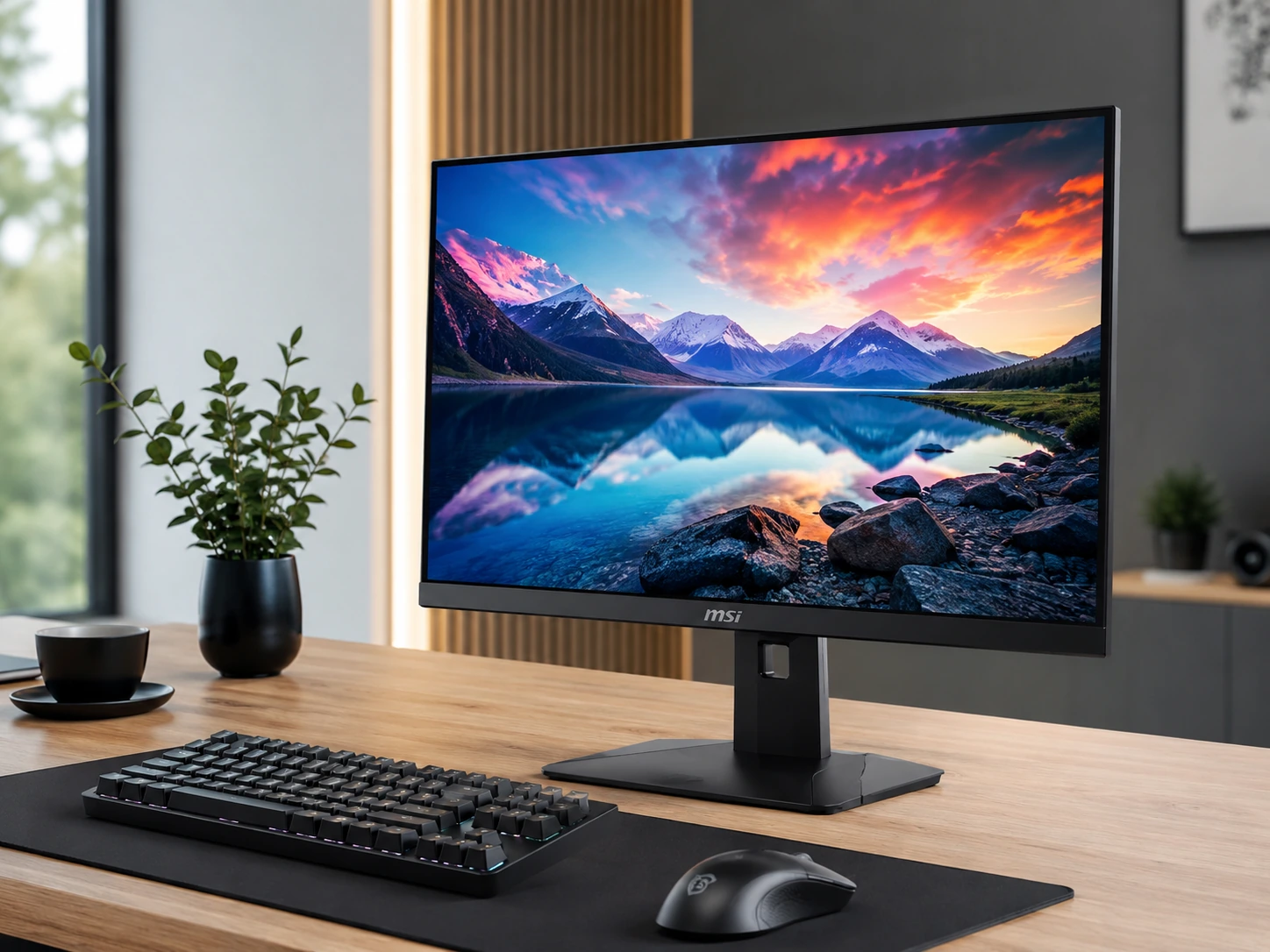
MSI G274QPF-QD
Why it works
Quantum Dot panel with 95% DCI-P3 color coverage typically costs $300+ at this size. USB-C single-cable connection for MacBook users provides display and up to 65W charging simultaneously. Height-adjustable stand is rare at this price - most budget monitors have tilt-only stands. FreeSync Premium and G-Sync Compatible certification covers both AMD and NVIDIA GPU owners.
Trade-offs
- · Highest price in guide at $170-200
- · 170Hz vs 180-210Hz on competing 1440p options
- · USB-C power delivery may vary by batch - verify before purchasing for primary MacBook charging
Skip if: Budget is strictly under $160. The Acer VG271U M3 at $150-180 delivers 1440p 180Hz at similar quality without USB-C.
Check price on AmazonPros
- +Quantum Dot 95% DCI-P3 - photo-accurate colors at this price
- +USB-C single-cable for MacBook Pro/Air
- +Height-adjustable stand - rare at this price
- +FreeSync Premium + G-Sync Compatible
- +Rapid IPS - fast response for gaming and productivity
Cons
- −Highest price at $170-200
- −170Hz vs 180Hz on Acer
- −USB-C PD wattage varies - verify for MacBook charging
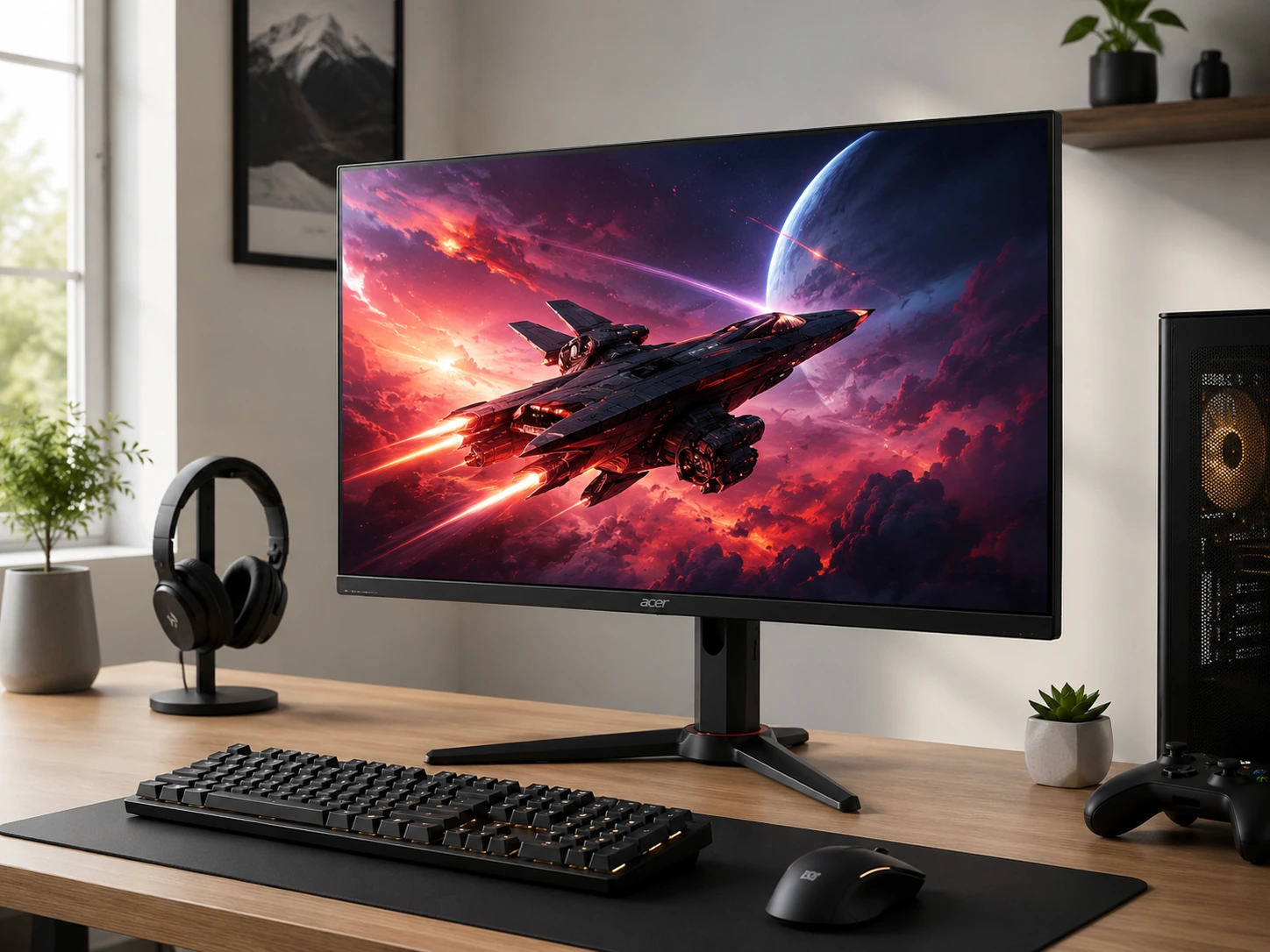
Acer Nitro VG271U M3
Why it works
0.5ms GTG response time is the fastest in this guide, relevant for competitive gaming. 95% DCI-P3 matches the MSI G274QPF-QD at $20-30 less. 180Hz requires DisplayPort - HDMI caps at 144Hz, a detail worth knowing before purchasing. Best pure-value 1440p gaming monitor at this price tier.
Trade-offs
- · No USB-C - dedicated cable for each device
- · Tilt-only stand - no height adjustment without a monitor arm
- · 180Hz requires DisplayPort, not HDMI
- · No built-in speakers
Skip if: You use a MacBook and need USB-C connectivity. The MSI G274QPF-QD adds USB-C for $20-30 more.
Check price on AmazonPros
- +0.5ms GTG - fastest response in this guide
- +95% DCI-P3 at $150-180
- +180Hz over DisplayPort for competitive gaming
- +FreeSync Premium
- +Best 1440p value per dollar in guide
Cons
- −No USB-C
- −Tilt-only stand
- −180Hz requires DP (HDMI limited to 144Hz)
- −No speakers
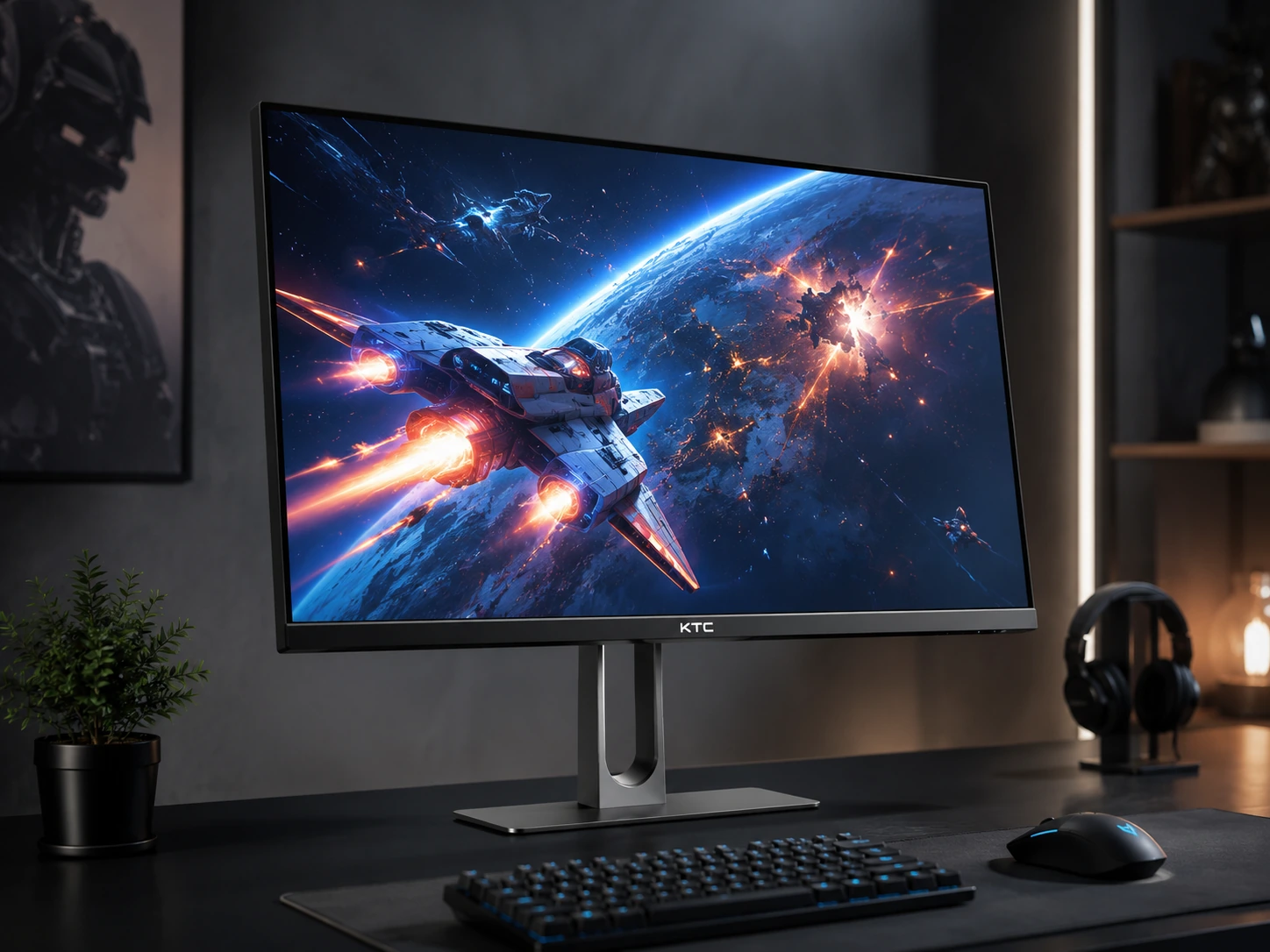
KTC H27T22C-3
Why it works
210Hz (overclocked) is the highest refresh rate in this guide. Dual DisplayPort 1.4 inputs are exceptional at any price - allows connecting two PCs at full 1440p 200Hz simultaneously without switching cables. Height-adjustable stand with pivot (portrait mode rotation). Shielding hood included - a $25-40 add-on on other setups.
Trade-offs
- · 130% sRGB is wide but not DCI-P3 - less precise for color-critical work vs MSI/Acer
- · KTC is a newer brand with a shorter track record than MSI or LG
- · 210Hz is overclocked - stable at 200Hz rated
Skip if: Color accuracy is the primary concern. The MSI G274QPF-QD with 95% DCI-P3 is more precise for photo and video work.
Check price on AmazonPros
- +210Hz - highest refresh rate in guide
- +Dual DP 1.4 - connect two PCs at full resolution
- +Height adjustable + pivot stand
- +Shielding hood included
- +Built-in speakers
Cons
- −130% sRGB not as precise as DCI-P3 for color work
- −Newer brand - shorter track record
- −OC at 210Hz - rated 200Hz stable
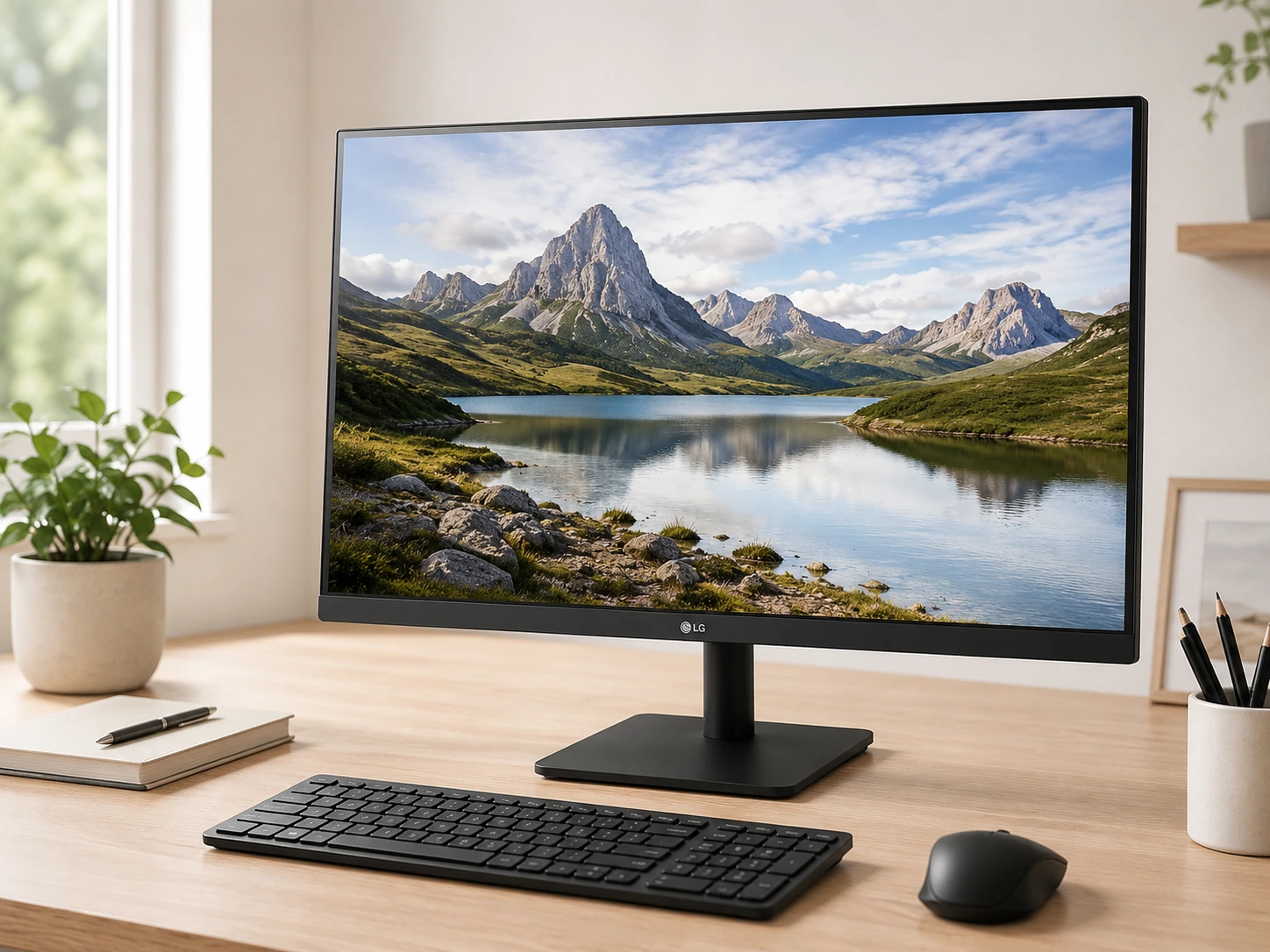
LG 27MR400-B
Why it works
99% sRGB color coverage is accurate for document work and web content. LG's Reader Mode reduces blue light for long work sessions. OnScreen Control software lets you split the screen into zones without additional software. At $120-150, it provides LG's reliability and productivity-focused feature set for strictly office use. Note: 1080p at 27 inches is 82 pixels per inch vs 109 PPI on 1440p - text sharpness difference is visible at normal viewing distance.
Trade-offs
- · 1080p at 27" is 82 PPI - softer text than 1440p at 109 PPI
- · No DisplayPort - HDMI and VGA only
- · Tilt-only stand
- · 5ms GTG vs 0.5-1ms on gaming monitors
Skip if: You do text-heavy work for 6+ hours daily. The softer 82 PPI at 1080p / 27 inches causes more eye fatigue on text than 1440p. Consider the Acer VG271U M3 at $150-180.
Check price on AmazonPros
- +99% sRGB for accurate color in office use
- +LG Reader Mode + OnScreen Control productivity features
- +LG brand reliability
- +100Hz refresh for smooth scrolling
- +Good value for office-only use at $120-150
Cons
- −1080p at 27" is noticeably softer than 1440p
- −No DisplayPort
- −5ms response time for gaming
- −Tilt-only stand
Samsung Odyssey G30D
Why it works
The right choice for gamers with mid-range or older GPUs (GTX 1060 to RTX 2070, RX 580 to RX 6600) where 1440p rendering would limit frame rates below the monitor's refresh. At 1080p, these GPUs can hit 120-165fps in most titles. DisplayPort included - unlike some 1080p monitors at this price. Samsung's established monitor quality at a competitive price point.
Trade-offs
- · 1080p at 27" - softer text and image than 1440p panels
- · Tilt-only stand
- · Higher price than the LG 27MR400-B for the same resolution
Skip if: Your GPU is RTX 3060 or newer. You can handle 1440p and the Acer VG271U M3 at $150-180 provides a sharper image for similar cost.
Check price on AmazonPros
- +165Hz for smooth gaming at 1080p
- +1ms GTG response time
- +DisplayPort included
- +FreeSync Premium + G-Sync Compatible
- +Samsung reliability
Cons
- −1080p at 27" softer than 1440p
- −Tilt-only stand
- −Costs more than LG 27MR400-B for same resolution
LG 27MP400-B
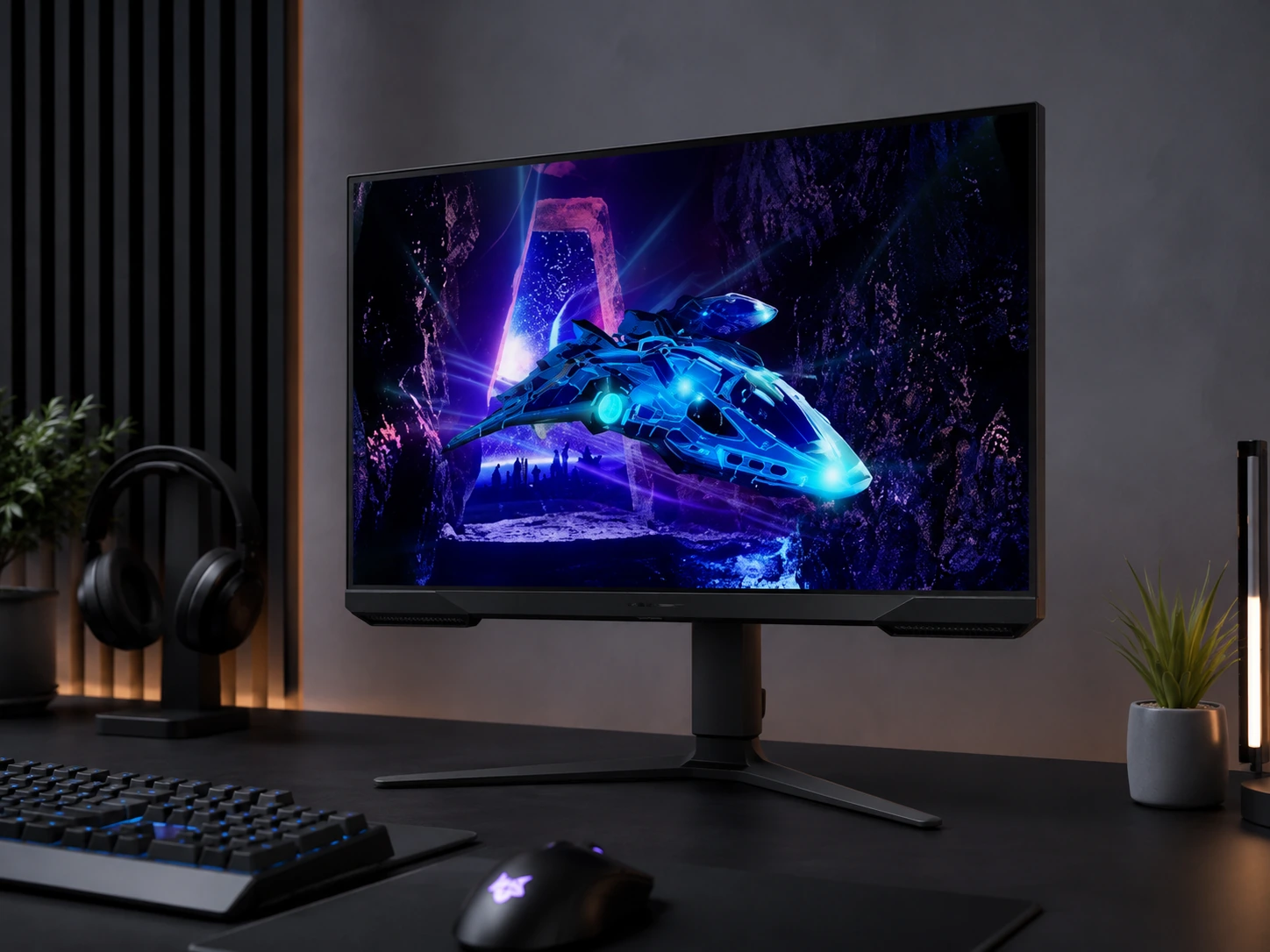
Why it works
Cheapest 27-inch IPS monitor in this guide with LG quality and 99% sRGB color accuracy. Reader Mode and OnScreen Control are useful productivity features even at this entry price. The 27MR400-B at $120-150 adds 100Hz vs 75Hz here - worth $20-30 for most users, but the 27MP400-B is the right call for strict budget limits or secondary monitor use.
Trade-offs
- · 75Hz - visible difference from 100Hz+ for web browsing and video
- · 1080p at 27" softer than 1440p
- · No DisplayPort
- · Tilt-only stand
Skip if: This is your primary monitor and you can afford $20-30 more. The LG 27MR400-B at $120-150 adds 100Hz for noticeably smoother scrolling.
Check price on AmazonPros
- +Lowest price 27-inch IPS in guide at $100-130
- +LG 99% sRGB color accuracy
- +Reader Mode + OnScreen Control
- +Good second-monitor option
- +LG reliability at minimum cost
Cons
- −75Hz only
- −1080p at 27" not sharp for text
- −No DisplayPort
- −Tilt-only stand
Full Comparison: All 6 Monitors
| Monitor | Resolution | Refresh | Panel | Color | USB-C | Height Adj | Speakers |
|---|---|---|---|---|---|---|---|
| Z-Edge UG27Q 27-Inch Curved Gaming Monitor Best Curved 1440p Gaming Value | 2560x1440 | 165Hz (144Hz certified, 165Hz OC) | 1500R Curved VA/IPS | 16.7M colors | No | No | No |
| Dell Pro P2725H Plus Best Premium Business-Tier Alternative | 1920x1080 | Standard (business panel, not gaming-rated) | IPS | Standard sRGB business panel | No | No | No |
| MSI G274QPF-QD Best Overall | 2560x1440 | 170Hz | Rapid IPS | 95% DCI-P3 | Yes | Yes | No |
| Acer Nitro VG271U M3 Best 1440p Gaming Value | 2560x1440 | 180Hz (DP) / 144Hz (HDMI) | IPS | 95% DCI-P3 | No | No | 2W |
| KTC H27T22C-3 Best Refresh Rate Under $200 | 2560x1440 | 200Hz / 210Hz OC | Fast IPS | 130% sRGB | No | Yes | Yes |
| LG 27MR400-B Best 1080p Productivity | 1920x1080 | 100Hz | IPS | 99% sRGB | No | No | No |
| Samsung Odyssey G30D Best 1080p Gaming | 1920x1080 | 165Hz | IPS | 99% sRGB | No | No | No |
| LG 27MP400-B Best Budget Under $130 | 1920x1080 | 75Hz | IPS | 99% sRGB | No | No | No |
By Use Case: Which Monitor to Buy
| Use Case | Best Pick | Why |
|---|---|---|
| Hybrid work and gaming | MSI G274QPF-QD | 1440p + USB-C + height-adjustable stand covers both modes |
| Gaming with RTX 3060+ | Acer Nitro VG271U M3 | 1440p 180Hz at the best price in this guide |
| Competitive max fps | KTC H27T22C-3 | 210Hz OC is the highest here, dual DP 1.4 for two-PC setups |
| Office productivity | LG 27MR400-B | Reader Mode, OnScreen Control, 99% sRGB for document work |
| Gaming with older GPU | Samsung Odyssey G30D | 1080p 165Hz lets GTX 1060-1080 and RX 580-6600 hit target frame rates |
| Second monitor - tightest budget | LG 27MP400-B | Lowest price for LG IPS quality, 99% sRGB |
| MacBook user | MSI G274QPF-QD | Only USB-C pick in the guide - single cable for video, data, and charging |
| Hobbyist photo editing | MSI G274QPF-QD or Acer VG271U M3 | Both deliver 95% DCI-P3 at this price range |
Frequently Asked Questions
Is 1440p worth it at 27 inches?
Yes for most users. At 27 inches, 1440p delivers 109 pixels per inch vs 82 PPI at 1080p. The difference in text sharpness is visible at normal viewing distance (60-80cm). The main exception: if your GPU is older (GTX 1060, RX 580 class) and you prioritize high frame rates for gaming, 1080p lets the GPU hit higher fps than 1440p rendering allows.
What monitor is best for MacBook users under $200?
MSI G274QPF-QD is the only USB-C pick in this guide. USB-C provides a single cable for display and charging (verify power delivery wattage for your MacBook model). All other monitors in this guide require a separate power cable and HDMI or DisplayPort cable from a USB-C adapter.
Do these monitors work for photo editing?
The MSI G274QPF-QD (95% DCI-P3) and Acer VG271U M3 (95% DCI-P3) are usable for hobbyist photo editing. Professional color work requires a calibrated monitor typically at $300-600. The 1080p monitors in this guide (99% sRGB) are accurate for web-destined images but not for DCI-P3 or AdobeRGB workflows.
What refresh rate do I actually need?
75Hz is adequate for document work and casual video. 100Hz makes web scrolling and video noticeably smoother. 144Hz+ is the gaming threshold where motion feels fluid in fast games. 165-210Hz benefits competitive FPS players. The perceptible jump from 60 to 100Hz is clear to nearly everyone. From 144 to 165Hz is smaller and most apparent in competitive gaming.
Is 27 inches too big for a small desk?
No - 27 inches is comfortable at 60-80cm viewing distance on desks 40 inches or wider. The more relevant dimension is stand depth: standard monitor stands occupy 8-10 inches of desk depth. A monitor arm eliminates this footprint entirely. See the Best Monitor Arm Under $100 guide for options starting at $29.
Browse 27-inch monitors under $200 on Amazon
All Prime-eligible. 1080p and 1440p IPS options compared.
Shop on Amazon →Related Guides
Ultrawide vs Dual Monitor
Best Monitor Arm Under $100
Standard Desk Height Guide
Best Standing Desk Under $200
Last updated: June 2026. Verify current Amazon prices before purchasing.