
TKL vs Full-Size Keyboard: Which One Should You Get?
TKL vs full-size keyboard: key differences, dimensions, gaming and work use cases, and who should choose each. Includes a numpad alternative for users who need both.
Affiliate Disclosure: We may earn a small commission on qualifying Amazon purchases at no extra cost to you. Full disclosure →
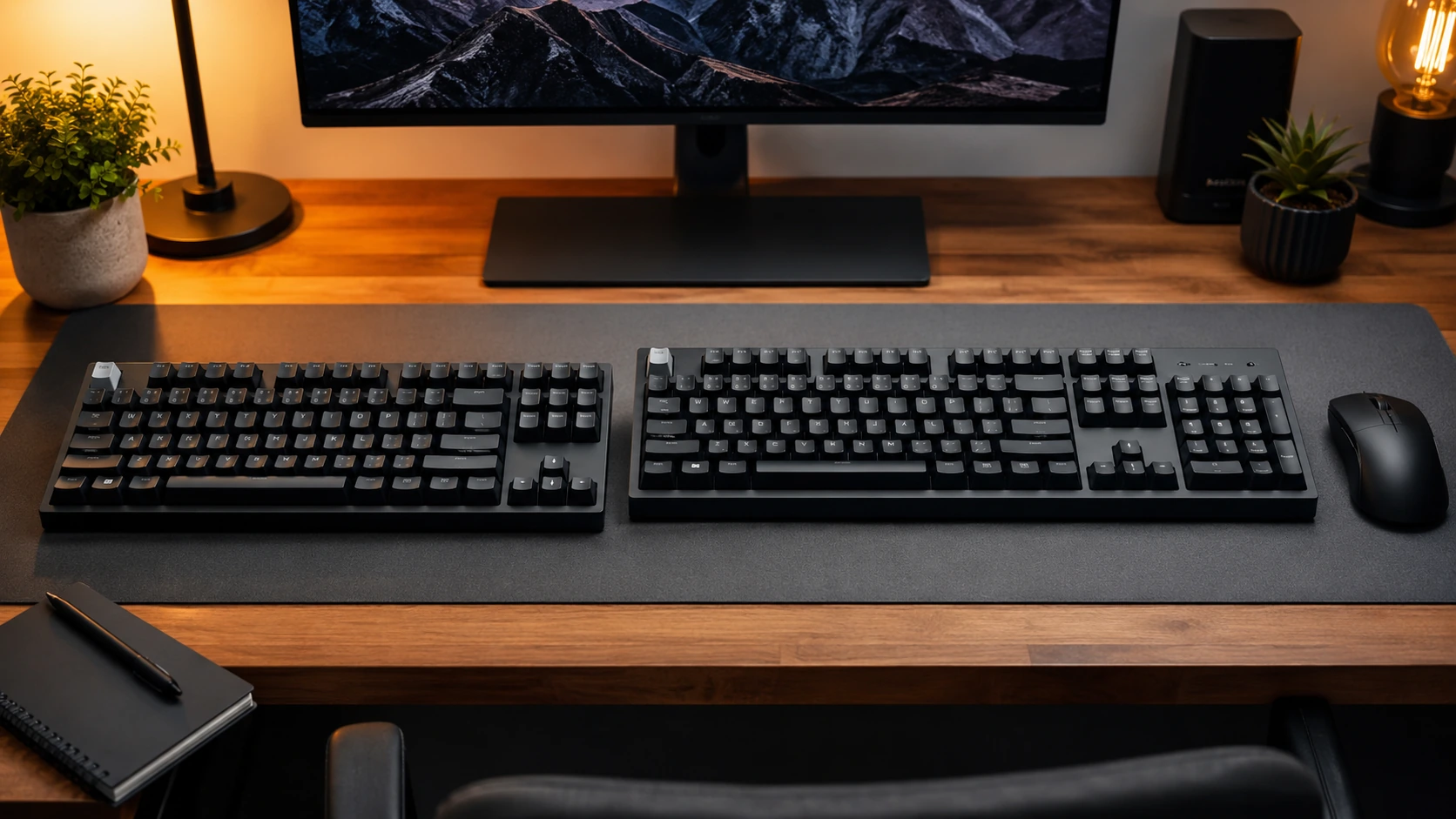
Short answer: A tenkeyless (TKL) keyboard is identical to a full-size keyboard except it removes the numpad, making it approximately 3.5 inches narrower. Get full-size if you use the numpad daily for data entry or spreadsheets. Get TKL if you do not - you get more desk space, better mouse positioning, and the same typing experience.
Quick Comparison: TKL vs Full-Size
| TKL (Tenkeyless) | Full-Size | |
|---|---|---|
| Keys | 87 | 104 |
| Width | ~14.0" / 35.6cm | ~17.5" / 44.5cm |
| Height / Depth | ~4.8" / 12.2cm | ~5.0" / 12.7cm |
| Numpad | No | Yes |
| F-row (F1-F12) | Yes | Yes |
| Arrow keys | Yes | Yes |
| Nav cluster (Home/End/PgUp/PgDn) | Yes | Yes |
| Mouse space gained vs full-size | ~3.5" / 9cm more | - |
| Best for | Gaming, home office, most users | Data entry, accounting, spreadsheets |
Top TKL Picks
| Budget | Pick | Price | |
|---|---|---|---|
| Under $45 | Keychron C3 Pro - hot-swap TKL, PBT double-shot keycaps | ~$35-45 | Check price on Amazon |
What TKL Actually Removes
A tenkeyless keyboard removes exactly one thing: the numpad (the block of number keys on the right side of a full-size keyboard).
Everything else is identical:
- Full F-row (F1-F12) - present on TKL
- Full navigation cluster (Insert, Home, End, Page Up, Page Down, Delete) - present on TKL
- Dedicated arrow keys - present on TKL
- All letter, number row, and symbol keys - present on TKL
The only keys missing on a TKL are the 17 numpad keys: 0-9, Enter, +, -, x, division, period, and NumLock.
This makes the TKL vs full-size decision unusually simple compared to other keyboard size comparisons: do you use the numpad?
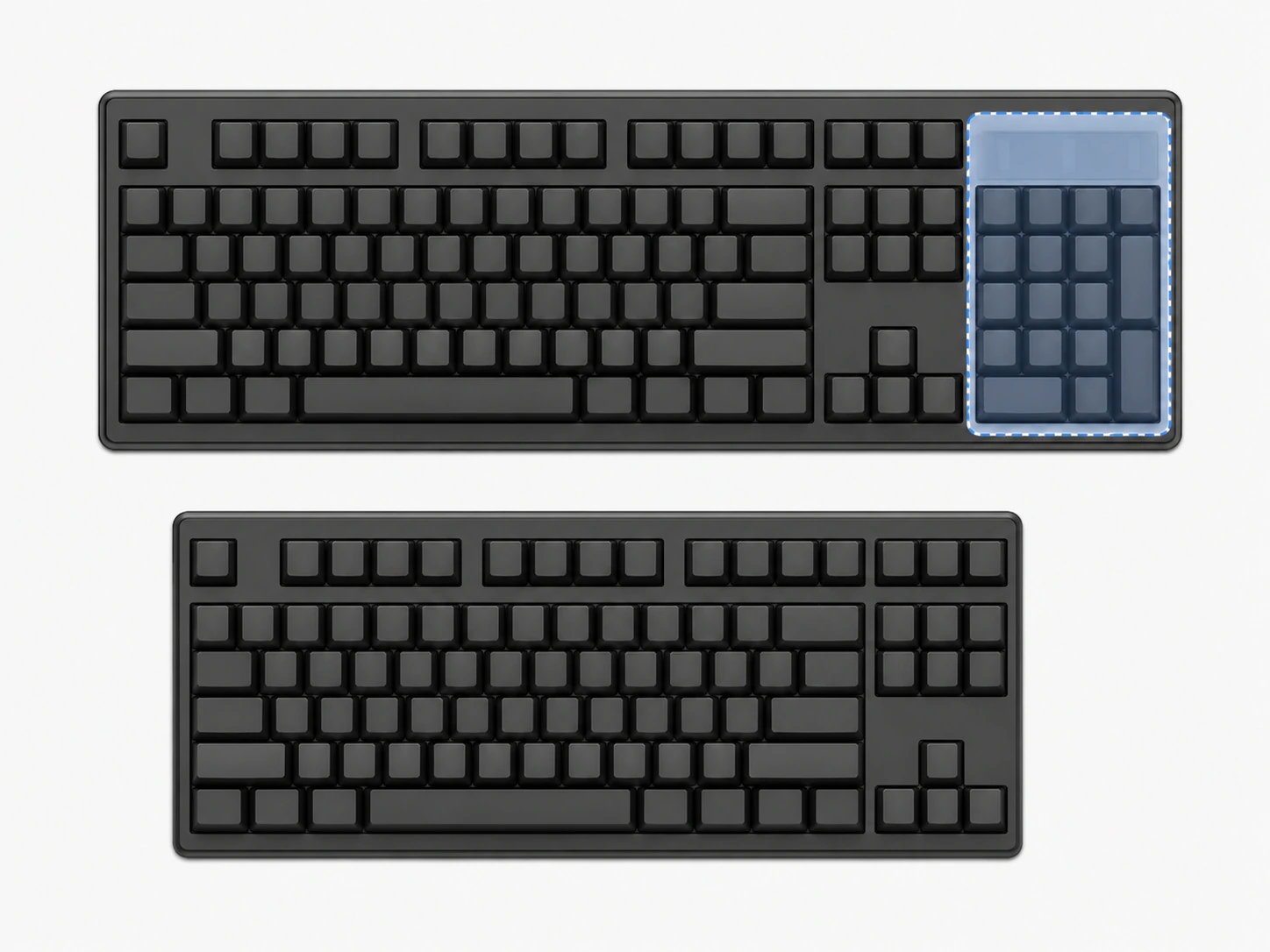
TKL vs Full-Size: Side by Side in Width
The numpad adds 3.5 inches (approximately 9cm) of width. On a standard 48-inch desk, a full-size keyboard takes up 36% of horizontal space versus 29% for TKL.
TKL Advantages Over Full-Size
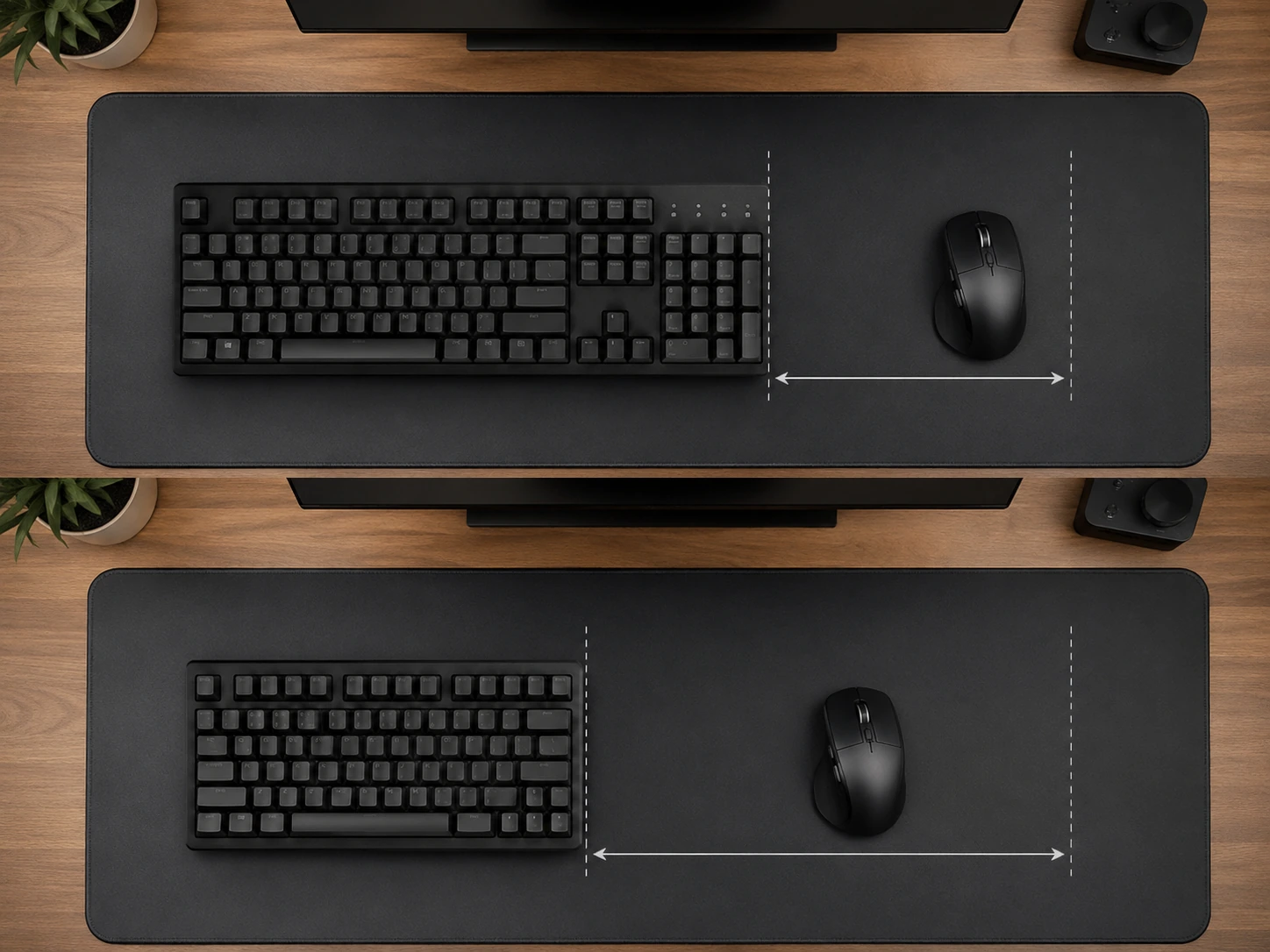
More desk space. 3.5 inches is a meaningful real-world difference. On a 24-inch mouse mat, switching from full-size to TKL gives you proportionally more mouse zone on the right side without repositioning the keyboard.
Better mouse ergonomics. A full-size keyboard positions the mouse further right, increasing the shoulder angle for right-handed users. Over long sessions, this contributes to shoulder and wrist strain. TKL brings the mouse zone closer to the body's center line.
Easier to carry. TKL keyboards are lighter and fit more easily in backpacks. If you move your keyboard between a desk and a gaming setup, or take it to LAN events, TKL is meaningfully easier to transport.
More budget options at higher quality. The TKL layout dominates the mid-range mechanical keyboard market. At the $60-100 price point, TKL keyboards have more competition and better build quality options than full-size alternatives.
Full-Size Advantages Over TKL
Dedicated numpad. The only real advantage of full-size over TKL. For users who do heavy data entry, accounting work, spreadsheet navigation, or CAD/3D software (where numpad keys control viewports in many programs), the numpad is a genuine productivity tool - not a convenience feature.
Familiar layout for numpad users. Muscle memory for numpad-heavy workflows is difficult to replicate with the number row. Professional accountants and data entry workers consistently report that dedicated numpad use is significantly faster than number row typing for numeric input.
TKL vs Full-Size for Gaming
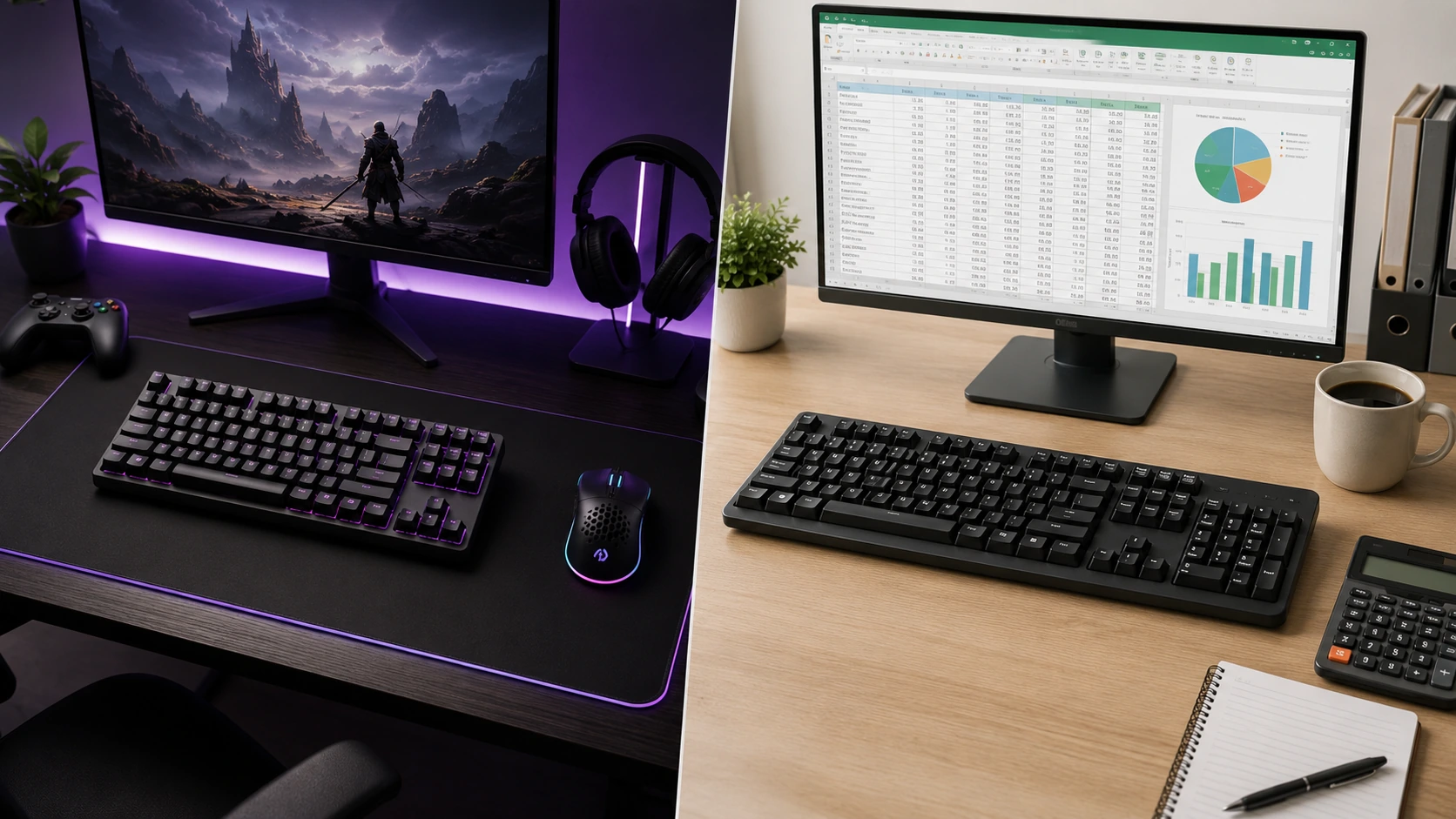
TKL wins for gaming in most setups.
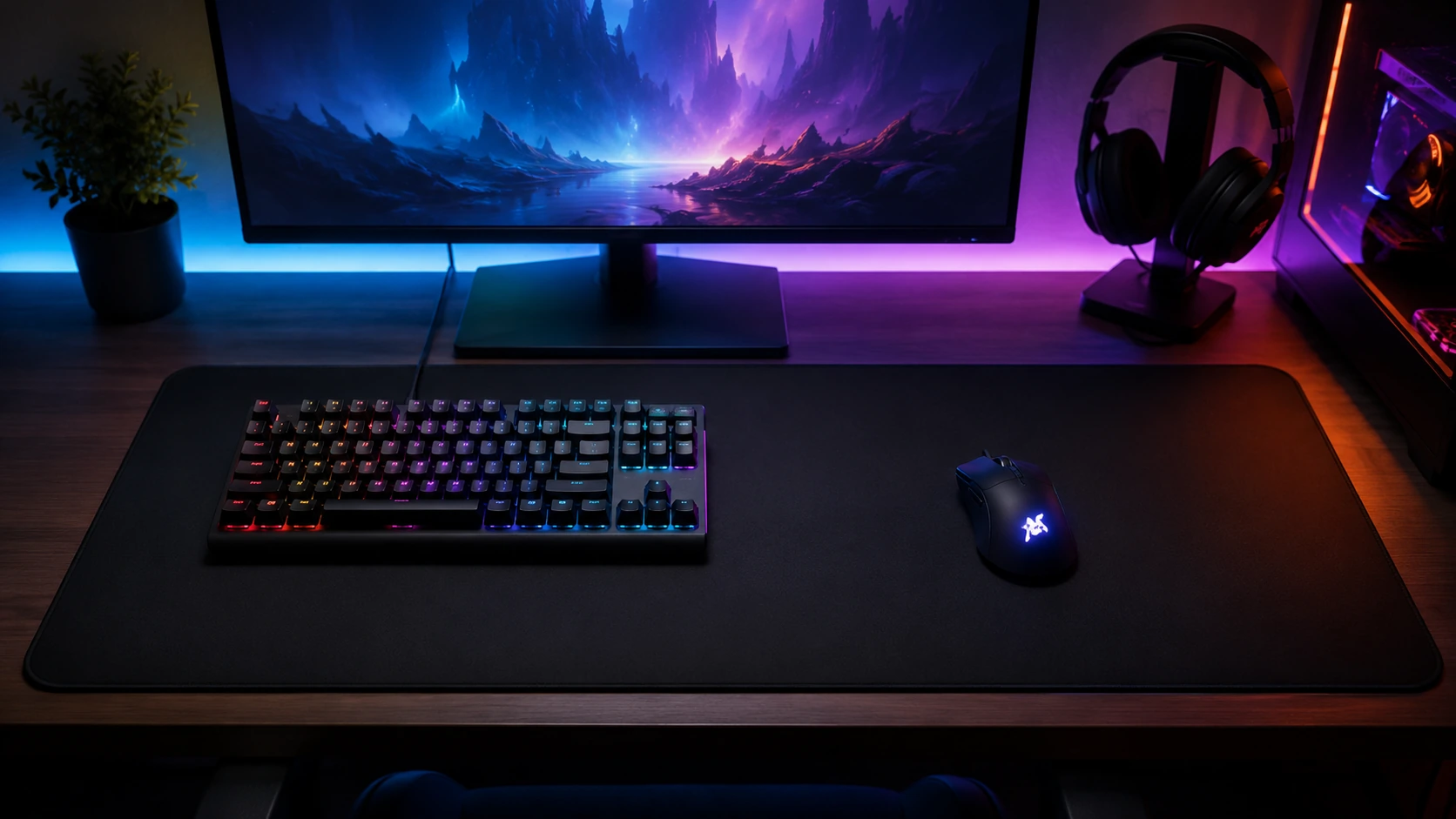
Gaming keyboards do not benefit from a numpad. No mainstream PC game requires numpad input for core mechanics. The numpad sits unused during gameplay while forcing the mouse 3.5 inches further right.
The mouse positioning argument is strongest in FPS gaming. Competitive CS2, Valorant, and Apex players play at low DPI (400-800) with high in-game sensitivity, using full arm sweeps. A full-size keyboard pushes the mouse into an awkward right-elbow-out position. TKL brings the mouse closer, lowering the elbow and enabling more natural arm-sweep movements.
| Gaming use | TKL | Full-size |
|---|---|---|
| FPS (CS2, Valorant, Apex) | Better mouse room | Functional but wasteful |
| MOBA (Dota 2, League) | Good | Functional |
| MMO / RPG | Good (or TKL with macro pad) | Some use numpad for macros |
| Casual gaming | Either | Either |
| Competitive LAN events | Easier to carry | Bulkier |
TKL vs Full-Size for Work
Depends entirely on your workflow.
Full-size is better for:
- Data entry - numpad input is faster than number row for most trained users
- Accounting and bookkeeping in spreadsheets (Excel, Google Sheets)
- Financial modeling - constant numeric input
- CAD and 3D modeling - Blender, AutoCAD, and similar software use numpad for viewport navigation
- Any role where numeric input volume is high
TKL is better for:
- Writing, documentation, email
- Coding and software development (numpad unused in most IDEs)
- General home office use (meetings, browser, docs)
- Mixed use - work and gaming on the same keyboard
- Smaller desks where full-size feels crowded
A practical test: look at your current keyboard. When did you last use the numpad? If you cannot remember, you do not need a full-size keyboard.

How We Picked
Every product in this guide was evaluated across five criteria, weighted for real small-space use. We do not claim hands-on lab testing — our evaluation is based on verified buyer feedback patterns, published product specifications, and structured comparison criteria.
Small-Space Fit
Physical footprint, mounting options, and whether the product works without consuming space you don't have.
Build Quality
Materials, finish durability, and construction quality as indicated by product specs and verified buyer feedback patterns.
Ease of Use
Setup time, daily usability, and how much adjustment the product requires once in place.
Value for Money
Price-to-performance ratio compared to competing products in the same subcategory.
Buyer Feedback
Patterns from verified Amazon reviews — what real buyers praise and complain about most over time.
The Numpad Alternative: Separate Numpad
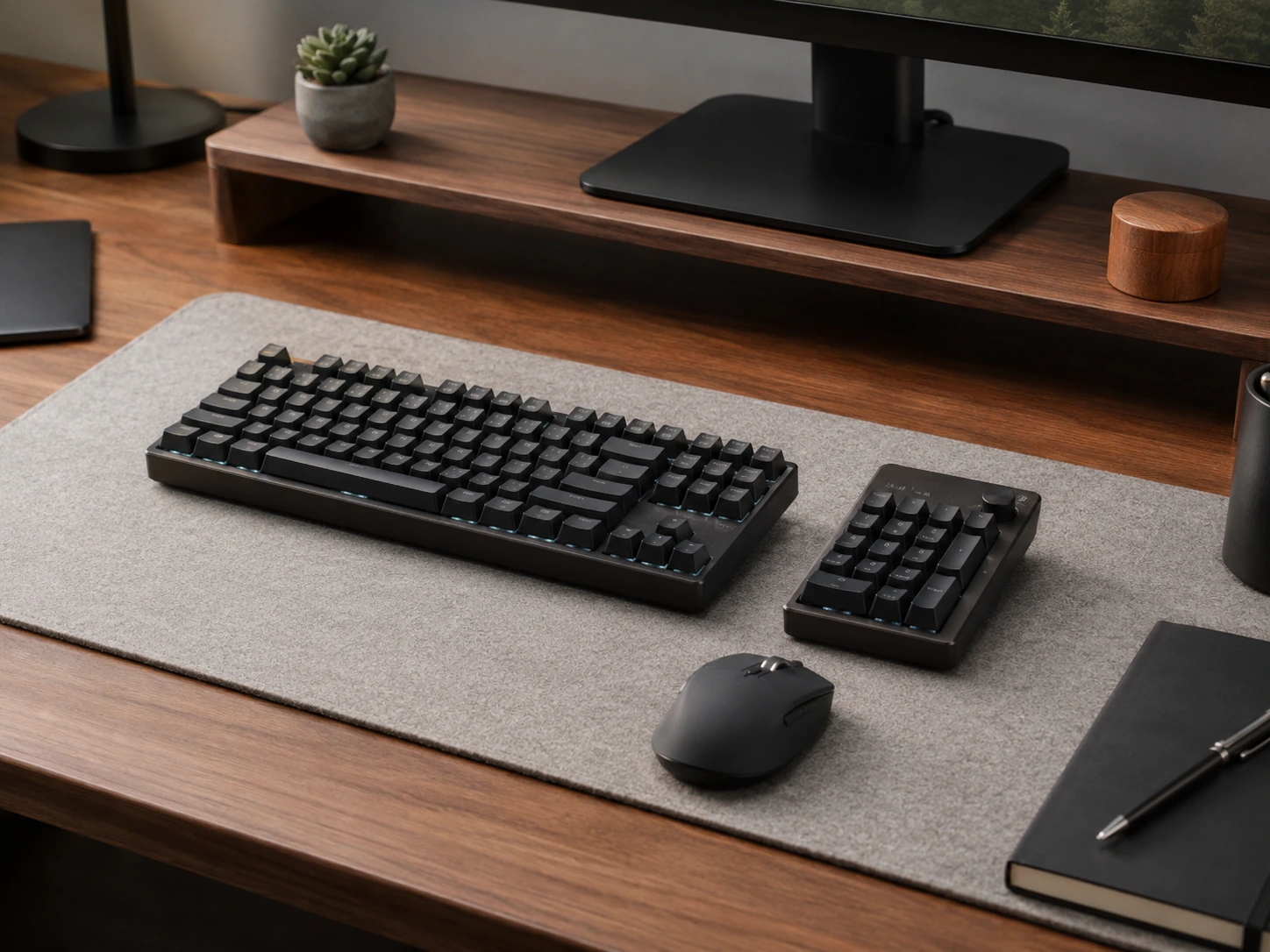
If you want TKL desk space but occasional numpad access, a standalone USB or wireless numpad solves this without committing to a full-size keyboard. Separate numpads cost $15-40 and can be placed on either side of the keyboard, repositioned when not in use, or stored in a drawer.
This is the practical option for users who need a numpad for tax season, occasional spreadsheet work, or infrequent data entry - but do not want to pay the permanent desk space cost of a full-size keyboard.
Who Should Get TKL
- Gamers who want more mouse space without going compact
- Home office workers who do not do heavy data entry
- Anyone who wants a quality mechanical keyboard at $60-100 - TKL selection is strongest here
- Users upgrading from a built-in laptop keyboard (same functional key set)
- Anyone whose current full-size keyboard has a dusty numpad
Who Should Get Full-Size
- Accountants, bookkeepers, and finance professionals
- Data entry workers who type numbers at high volume
- Spreadsheet-heavy users (Excel power users, financial analysts)
- 3D artists and CAD users who rely on numpad for viewport navigation
- Users who already have numpad muscle memory and type numbers faster on numpad than number row
TKL vs Full-Size: Dimensions Reference
| Measurement | TKL | Full-Size | Difference |
|---|---|---|---|
| Width (inches) | ~14.0" | ~17.5" | ~3.5" |
| Width (cm) | ~35.6cm | ~44.5cm | ~8.9cm |
| Depth (inches) | ~4.8" | ~5.0" | ~0.2" |
| Depth (cm) | ~12.2cm | ~12.7cm | ~0.5cm |
| Key count | 87 | 104 | 17 (numpad) |
For dimensions of all keyboard sizes including 60%, 65%, and 75%, see the full Keyboard Size Chart.
Related guides:
- 60% vs 65% vs 75% Keyboard - compact layout decisions
- Best Mechanical Keyboards Under $100 - TKL and compact picks
Frequently Asked Questions
What is the difference between tenkeyless and full size?
A tenkeyless keyboard removes the numpad from a full-size keyboard. Every other key group - F-row, navigation cluster, arrow keys, and main typing block - is identical. TKL keyboards are approximately 3.5 inches (9cm) narrower than full-size keyboards as a result.
Is TKL or full-size better for gaming?
TKL is better for gaming in most setups. No PC game requires numpad input for core gameplay, and the numpad pushes the mouse approximately 3.5 inches to the right, which increases shoulder angle during extended sessions. TKL eliminates the numpad without sacrificing any key used in gaming.
Is a TKL keyboard good for typing?
Yes. A TKL keyboard is identical to a full-size keyboard for typing purposes. Every letter, symbol, modifier, F-key, and navigation key is present. The only missing keys are the 17 numpad keys, which are not part of standard typing or most keyboard shortcuts.
What does tenkeyless mean?
Tenkeyless means without the ten-key numpad. Ten-key refers to the calculator-style numeric keypad on the right side of a full-size keyboard. Removing it results in an 87-key layout commonly abbreviated as TKL.
Should I get a TKL or full-size keyboard for a small desk?
TKL for a small desk. A full-size keyboard is 17.5 inches wide - on a 36-inch desk, that is nearly half the horizontal surface. TKL at 14 inches leaves significantly more room for a mouse, notebook, or monitor stand base. If desk space is a concern, also consider 75% (12.6 inches) or 65% (11.5 inches) layouts.
Can you use a TKL keyboard without a numpad?
Yes. Number input on a TKL keyboard uses the number row at the top of the main key block - the same row present on every keyboard. Most users who switch from full-size to TKL adapt quickly. Numpad-specific muscle memory for rapid numeric input in spreadsheets and accounting takes longer to transfer to the number row, which is why full-size remains preferred for data-entry-heavy roles.
Related Buying Guides
60% vs 65% vs 75% Keyboard: Which Size Should You Get?
Keyboard Size Chart: All Layouts and Dimensions (2026)
6 Best Mechanical Keyboards Under $100 for Home Office and Gaming (2026)
6 Best Electric Standing Desks Under $200 in 2026: Picks That Are Actually Good
Want to browse more options? See all related products on Amazon.
Browse on AmazonEvaluation note: Products in this guide were assessed on overall score, small-space fit, build quality, ease of use, value for money, and buyer feedback from verified Amazon reviews. We do not claim hands-on product testing.
Read our full methodology →