
How to Fit a Microphone Arm and Monitor Arm on the Same Small Desk
Affiliate Disclosure: We may earn a small commission on qualifying Amazon purchases at no extra cost to you. Full disclosure →
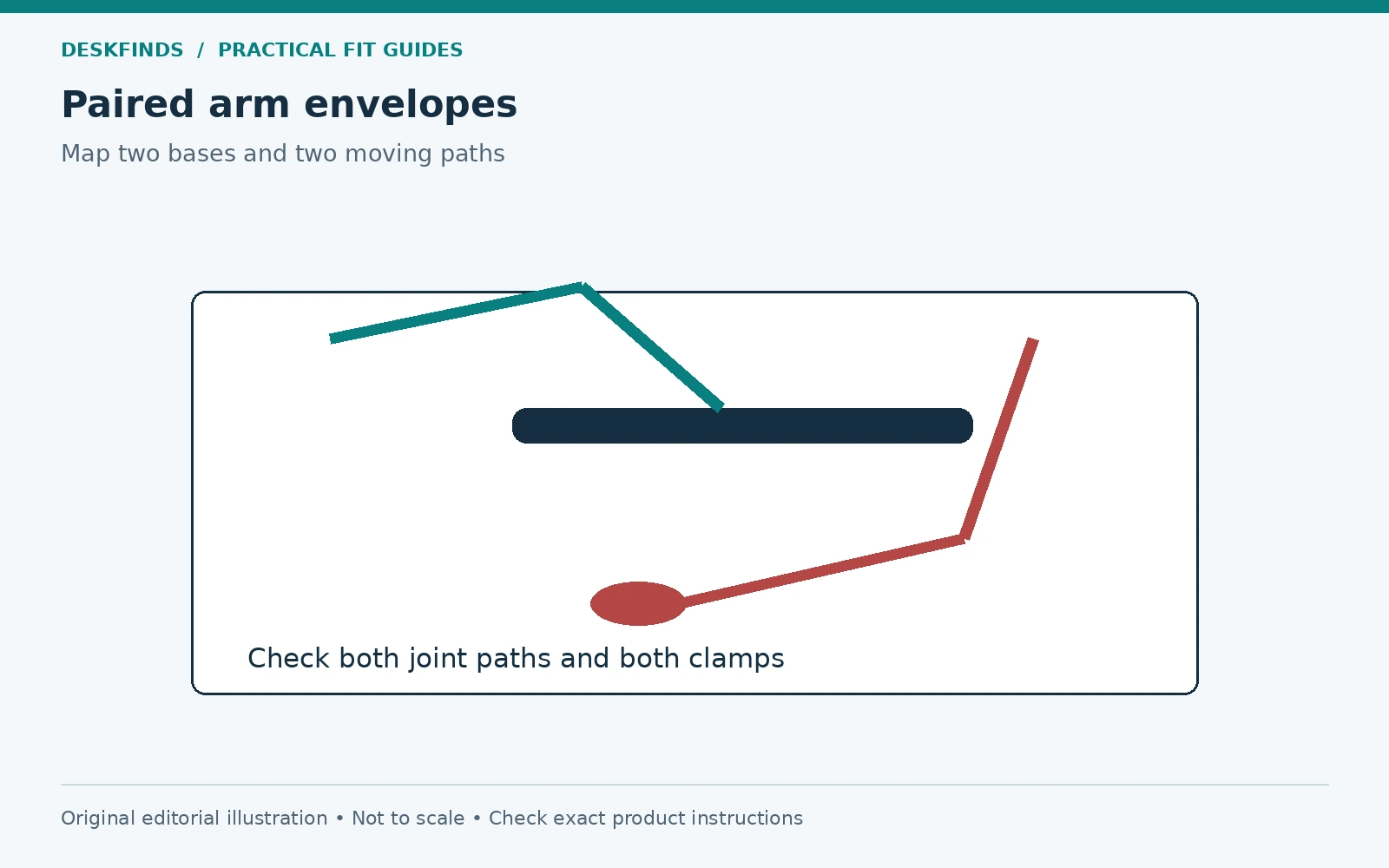
A microphone arm and monitor arm can each fit a desk edge while colliding during ordinary adjustment. Their clamps may compete underneath, the microphone may cross the screen, or a cable may become taut when one arm moves. Planning both as a system is more useful than installing one and hoping the other can work around it.
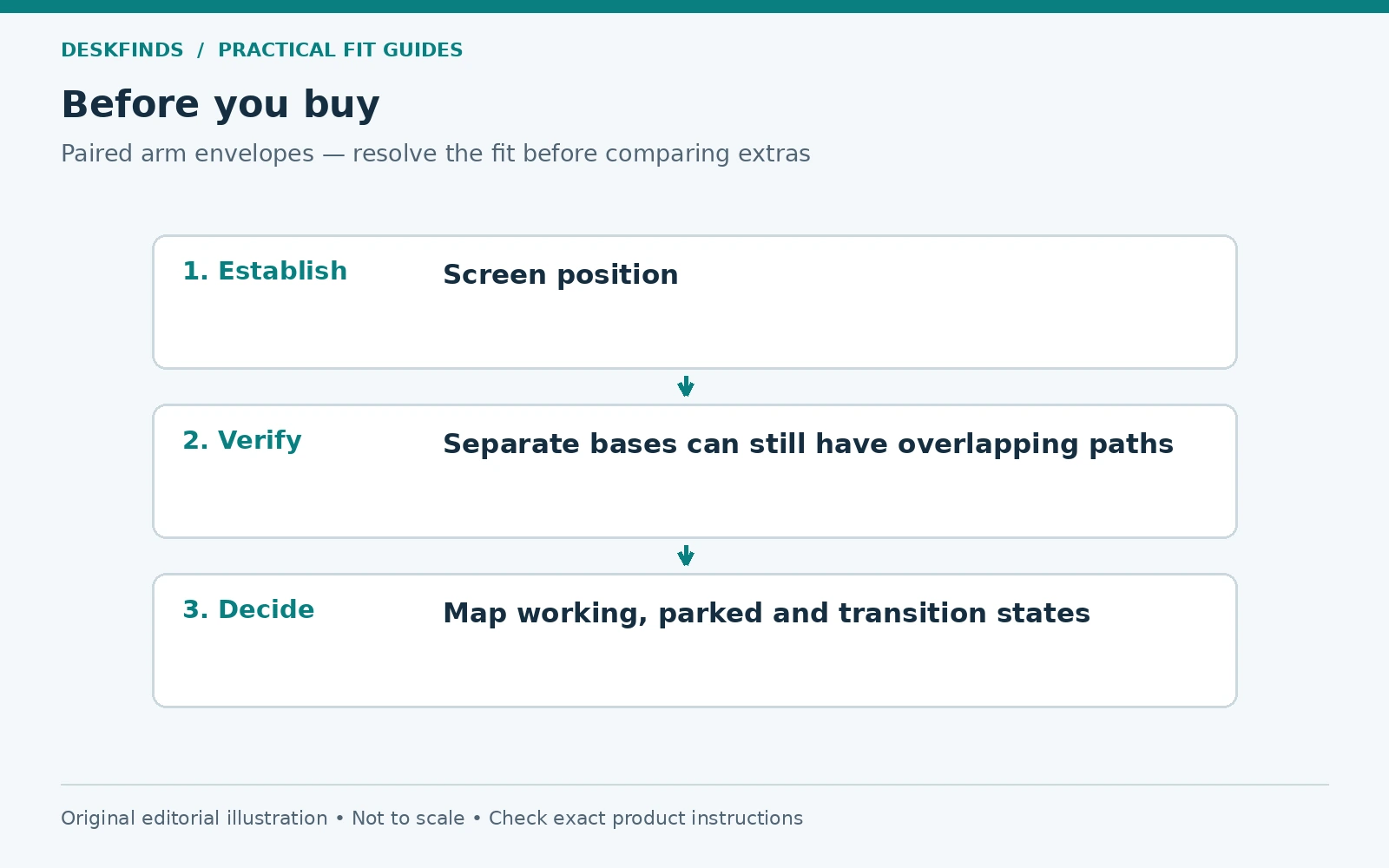
Quick answer: Establish the screen and microphone working positions first, then map both bases, undersides, joint paths, cable routes, and parked states. Verify the desk surface and each arm's exact load and mounting requirements. Keep the arms independently supported; do not attach one to the other unless an explicitly approved system is designed for that use.
This guide covers layout, not a universal mounting arrangement. Our boom arm measuring guide explains the individual mic-arm checks. Here the focus is the space shared by two moving supports.
Define the microphone's useful working position
Identify the microphone and how its manufacturer intends it to be used. A side-address microphone and an end-address one need different orientation. The useful position depends on the microphone, voice task, and instructions, not simply the farthest point the arm can reach.
Sit in the normal call or recording position and mark where the microphone needs to be without making you lean or turn away from the work. Include the shock mount, pop filter, cable plug, and any other supported accessory. The bare microphone is not the complete load or envelope.
Decide whether the microphone stays in front of you throughout work or moves in only for calls. That choice determines the parked position and the number of transitions. A small desk may serve an occasional microphone well with a simple supported stand instead of a long arm. Define the task before choosing the mechanism.
Fix the useful screen position independently
Place the primary screen where the visual task works, with the actual chair and input devices. Do not push the display into an awkward position merely to leave a straight path for the microphone. Both tasks need to remain useful. Our monitor distance guide provides general positioning context.
Record any other screen positions you regularly use, such as raising it for another person or turning it slightly for a reference task. The mic arm needs to coexist with those intended positions, not only a single staged layout. A screen adjustment may move its rear connectors and cables into the mic path.
On a standing desk, assess the working heights as well. Two bases mounted to the same moving top may travel together, while their supply connections do not. The height change needs a complete cable and collision check, separate from the horizontal arm layout.
Verify each load and mount from the exact model
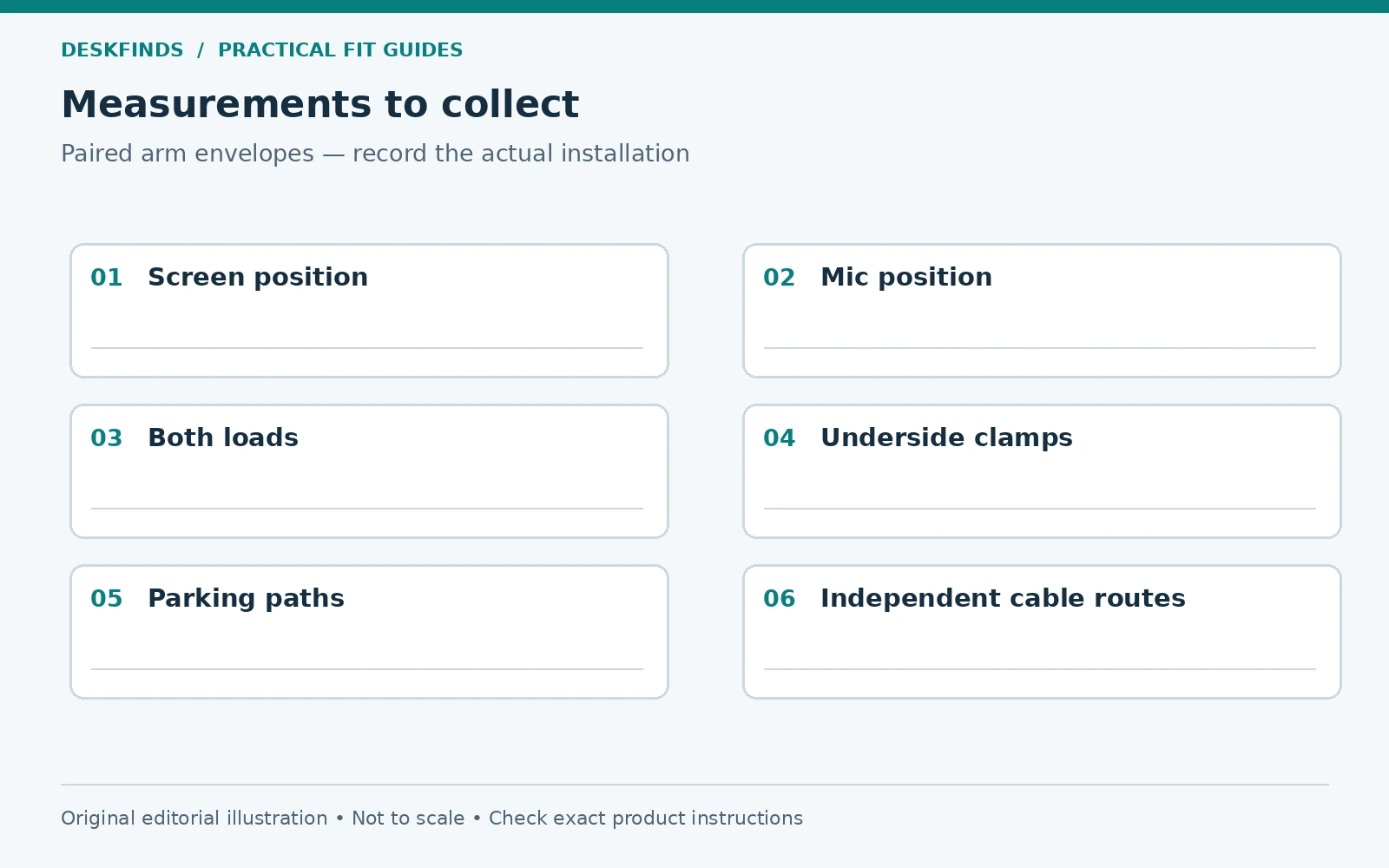
Find the full arm models and current instructions. Microphone arms can have minimum as well as maximum supported loads. Include the mount, filter, adapters, and any supported accessories in the installed load as the documentation defines it. A light microphone can be unsuitable for an arm designed for a heavier combination.
For example, RØDE's PSA1 support information identifies a particular microphone-and-mount weight range for that model. It should not be transferred to PSA1+, a low-profile arm, or another brand. Similar names and appearances do not establish the same spring or clamp requirements.
Check the desk construction and permitted attachment for both bases. Two clamps do not become approved simply because each can close around the edge. A hollow or damaged top needs explicit compatibility resolution. Our hollow-core mounting guide separates surface approval from dimensions and arm capacity.
Draw the desk from above and below
Use a top view to show screen plane, microphone working point, both bases, and the arm segments in their intended positions. Include lamp bases, speakers, laptop stands, and paper zones. The clear surface in a product demonstration may not exist on the actual desk.
Use an underside view for clamp pads, screws, handles, frame rails, drawers, and cable trays. Two bases that look well separated from above may have lower hardware that overlaps. Keep the complete installed dimensions and tool access in the drawing. A clamp must seat as intended, not partly against another accessory.
| Layer | What to map |
|---|---|
| Working positions | Screen plane, microphone body and input area |
| Bases | Full upper footprints and approved contact surfaces |
| Underside | Pads, screws, handles, rails and frame obstructions |
| Movement | Elbow paths and microphone parking route |
| Cables | Plugs, natural bends and moving-to-fixed transitions |
| Room | Wall, shelves, chair route and nearby people |
Compare high and low mic-arm paths
A high boom can pass above some desk objects but may enter the camera frame or conflict with shelves. A low-profile arm can keep the upper view clearer while competing with keyboard, mouse, and monitor-stand space. Neither path is universally better for a small desk.
Read the specific dimensional drawings and adjustment limits. A low arm's advertised clearance may refer to one segment, not the full microphone and mount. A high arm's maximum reach does not describe its folded path. Ask for missing dimensions that decide whether it crosses the display or a shelf.
Elgato's Wave Mic Arm LP documentation, for instance, describes a particular low-profile design. Use its drawings only for that product and configuration. Do not infer that every low arm can pass beneath your monitor or above your keyboard without a physical layout check.
Map working, parked and transition states
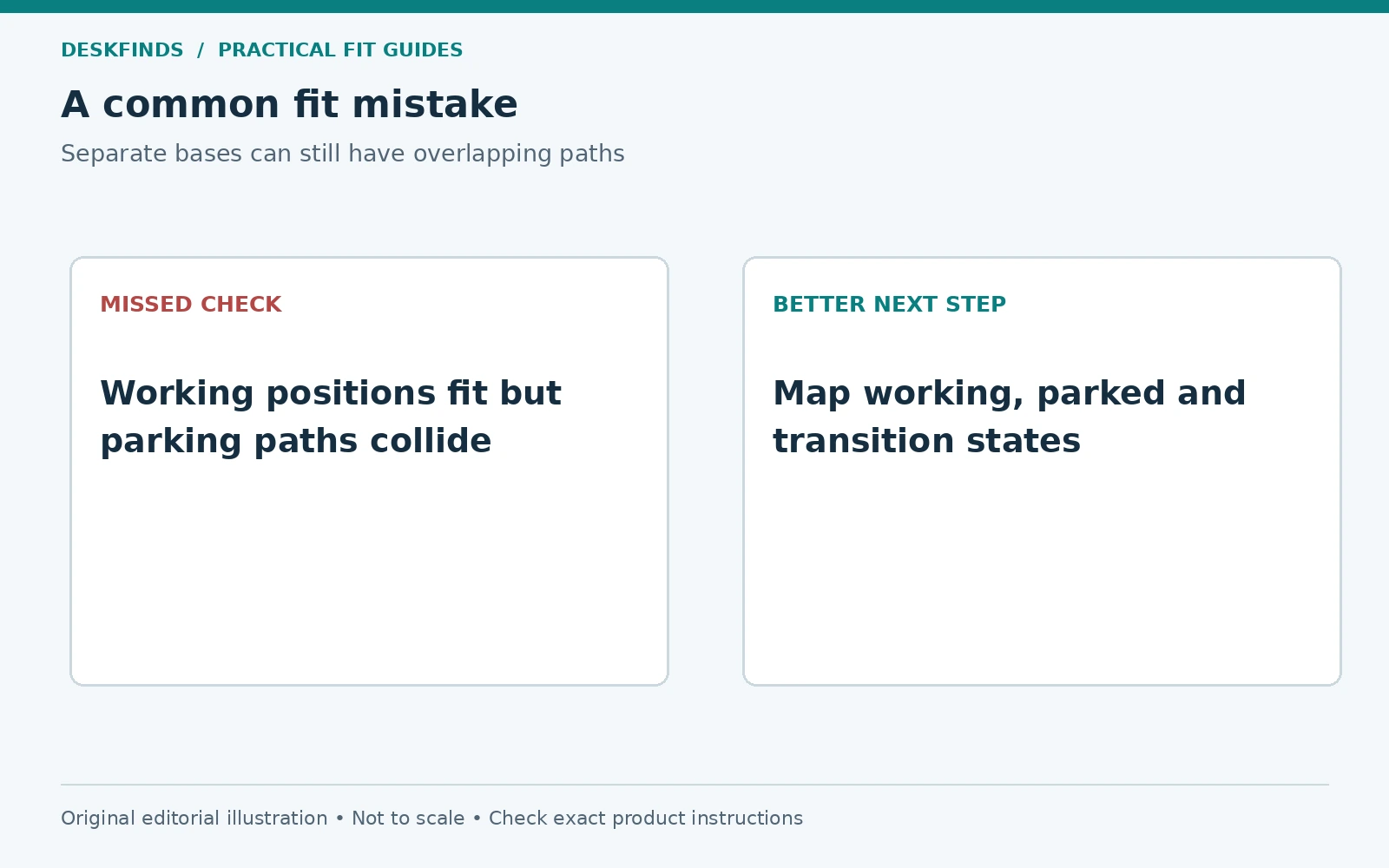
Draw the mic in the call position and in a parked position that leaves ordinary work clear. Then trace the movement between them. The arm may sweep through the screen, lamp, or another person even when both endpoints fit. The transition is part of the required space.
Do the same for the monitor's normal adjustments. Check whether the two arms need the same rear space at different moments. A base offset can help with some geometries, but only if the new mounting point remains compatible and the screen and microphone can still reach useful positions.
Keep hands away from pinch points and do not force joints beyond their limits. A paper-strip mock-up can reveal possible questions without loading the hardware. It does not establish unlisted movement or strength. Confirm the actual range in the manuals before installation.
Keep the microphone out of the input task
Place the keyboard and use the mouse through a normal editing task with a lightweight microphone outline in position. Check whether the arm restricts hand movement or forces the keyboard off-center. The microphone should serve the audio task without making ordinary computer work needlessly difficult.
If the mic is used only occasionally, a deliberate move-in routine may be practical. If it is used constantly, its support should coexist with the main input area. Our mixed paper and computer layout guide helps protect those zones.
Check camera framing in a local preview. The microphone may be intentionally visible, but the arm should not obscure content you need to see or unexpectedly fill the frame. Audio placement and camera appearance are separate tests. Do not move the microphone away from its useful position solely for a cleaner image without assessing the sound task.
Example: opposite corners still collide
A user mounts the monitor arm at one rear corner and the mic arm at the other. The bases look separate, but the monitor's folded elbow occupies the same rear zone that the microphone uses while parking. The layout fails during movement, not while both devices sit in the staged working position.
The user draws the intended paths and compares another approved base location or a different mic-arm geometry. Moving the desk away from the wall is considered only if the room route remains usable. A longer arm is not automatically the solution; it may create a larger path to contain.
The case shows why base separation alone is insufficient. The useful envelope includes joints and accessories along the entire supported motion. Check the actual parking routine before drilling or committing to a final clamp position.
Example: the clamps fit above but conflict below
Another user finds enough top-edge space for both bases. Under the desk, one clamp handle meets a cable tray and the other presses against a frame rail. Tightening them at an angle would not create proper contact. The visible upper arrangement conceals an installation mismatch.
The user relocates only within the desk and arm instructions, then rechecks all paths. If a compatible location is unavailable, another support method is chosen. Removing a structural rail or adding an improvised spacer is not assumed to be acceptable.
An underside photograph with marked dimensions is useful for asking manufacturer support. It lets the question focus on the actual obstruction rather than a general request for two arms on a small desk. The correct answer may be a different layout, not a different tightening technique.
Route cables as independent moving systems
Leave the movement allowance required by each device and arm. A microphone cable and display cable do not necessarily follow the same path. Bundling them together tightly can make one arm pull the other system's connection when moved. Keep each route understandable and serviceable.
Check cable ends at the microphone, display, dock, and computer. Include plugs and natural bends in the collision drawing. A cable guide should not become a restraint or support an adapter's weight unless designed for that role. Our cable pull-prevention guide explains the load-path distinction.
For an adjustable desk, identify the moving-to-fixed transitions and test the intended height range as instructed. Keep loops out of the chair path and mechanisms. A tidy bundle that is taut at standing height has not passed the layout check.
Install in the manufacturer's sequence
Support each device while fitting or removing its mount and follow the required order. Spring-assisted mechanisms need particular attention to load and adjustment instructions. Do not use another arm or the monitor as a temporary handhold. Keep the working area clear during assembly.
Once installed, check the permitted movement slowly and look from the side and underside as well as the chair. Verify that bases remain seated, cables stay clear, and no component is being used as an accidental stop. Stop if a mounting surface changes or a base shifts.
Keep the exact parts and instructions together for future moves. A shared two-arm layout may not transfer to another desk with a different top or frame. Our dorm move guide helps preserve the connection and parts record without treating the old installation as universal approval.
Compare products from a complete layout brief
Write the useful screen and mic positions, desk construction, available mounting zones, lower obstructions, working and parked paths, installed loads, and cable transitions. Ask for any missing drawing that determines fit. A claim of long reach is not enough to resolve a crowded folded layout.
Compare microphone boom arms and monitor arms only after those conditions are clear. A compact, serviceable arrangement can be more useful than maximum adjustability that the room cannot accommodate. The goal is two supported tools that coexist through ordinary work and transitions.
Use an interference table for the paired arms
List each intended action: move the mic into position, park it, adjust the screen, raise the desk, and access a port. For each, note the moving part, fixed obstacles, cable change, and user position. This turns a crowded drawing into a sequence that can be checked. A collision can occur only during one action and still make the setup impractical.
Keep the table tied to ordinary tasks. There is no need to demonstrate every extreme joint position if you do not intend to use it, but stay within all product limits and preserve the adjustment you actually need. If the room prevents a function that matters, choose another geometry rather than calling the unused maximum reach a benefit.
Use a lightweight outline or the documented drawings to identify questions before loading equipment. Confirm the real movement with the installed products only after the mounting and assembly requirements pass. The planning table is not a proof of strength, balance, or an unlisted joint position.
Compare clamp locations with underside access included
A rear corner can look ideal until the clamp screw is blocked by a cabinet or the lower pad lands on a frame member. Mark the tool and hand access needed during installation and later inspection. A base that can be assembled only through an awkward unsupported maneuver is not a good location merely because its final position fits.
If two bases use the same short edge, compare their complete lower envelopes. Leave them seated independently on the approved surfaces. Do not let one clamp rest on another's plate or use a shared improvised block unless the manufacturers explicitly support that system. The desk surface must remain suitable for the actual load arrangement.
For a rented or supplied desk, confirm permitted attachment methods before choosing a drilled insert. A grommet or insert option can change the layout, but it does not bypass surface strength, thickness, hole, and underside requirements. Treat it as another documented mounting method, not a universal escape from clamp conflicts.
Decide whether both arms need to move often
A monitor that stays in one useful position and a mic that moves frequently may benefit from a different arrangement than two constantly adjusted tools. Identify which motion actually adds value. A compatible stationary screen support can sometimes reduce the moving envelope while leaving the microphone flexible.
Conversely, a desk used by several people may need meaningful screen adjustment even if the microphone is occasional. Preserve that requirement in the comparison. Do not optimize the recording photograph at the expense of the next user's visual task. Our shared-desk guide helps record individual states.
Compare a suitable tabletop microphone stand as well. It uses surface area but may avoid a difficult clamp and parking path. The right support depends on audio placement, stability, task space, and handling, not a rule that every small desk needs a boom arm.
Keep a removal plan with the setup record
Record the correct unloading and disassembly sequence for both mounts and keep the parts indexed. An arm may need its supported device handled in a particular way before a fastener is released. Do not rely on the neighboring arm or monitor for support during that process.
When moving to another desk, use the old layout as a reference for tasks, not as automatic mounting approval. Recheck the new top, frame, edge, and room. A well-documented two-arm workstation is easier to rebuild because the required positions and correct components are known, while the new support conditions are still assessed on their own.
Keep the parked microphone visible in the plan
A parked mic still occupies space. Include its body, filter and cable rather than drawing only the arm folded away. If that position blocks a drawer, shelf or another person's route, it needs another supported destination even when calls are infrequent.
Sources and scope
- RØDE PSA1 stability guidance - model-specific load context.
- RØDE PSA1 manual - exact product installation reference.
- Elgato Wave Mic Arm LP - model-specific low-profile geometry.
The paired-envelope method and cases are original editorial guidance. No two-arm installation was physically tested, and no shared mounting surface is approved by this article.