
How to Share One Small Desk Between Two People at Different Times
Affiliate Disclosure: We may earn a small commission on qualifying Amazon purchases at no extra cost to you. Full disclosure →
A shared desk does not have to serve two people simultaneously to become crowded. One person's keyboard position, papers, chargers, and chair settings can make the next person's session start with ten minutes of clearing and adjustment. The solution is a handover system that preserves each user's fit while keeping shared equipment easy to identify.
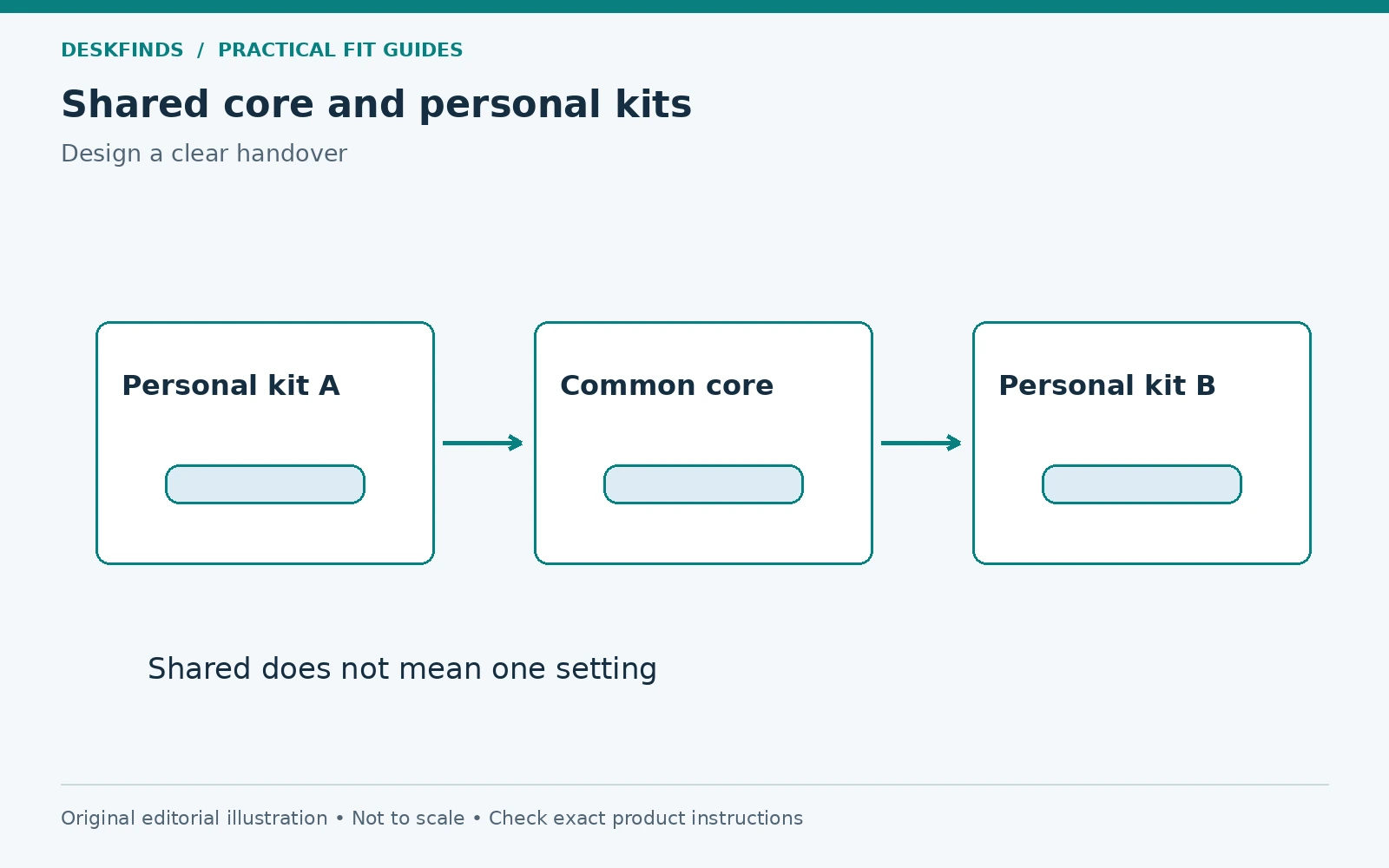
Quick answer: Keep a small common workstation core, give each person a removable personal kit, and record the settings needed for a useful working position. Agree on a clear handover state and separate personal accounts and documents appropriately. Test the changeover with both users rather than assuming one neutral arrangement suits everyone.
This guide covers people using the desk at different times. It is not a plan for fitting two occupied workstations on one narrow surface. Our two-person desk guide provides broader context; here the focus is the transition between users.
Start with the differences that affect the workstation
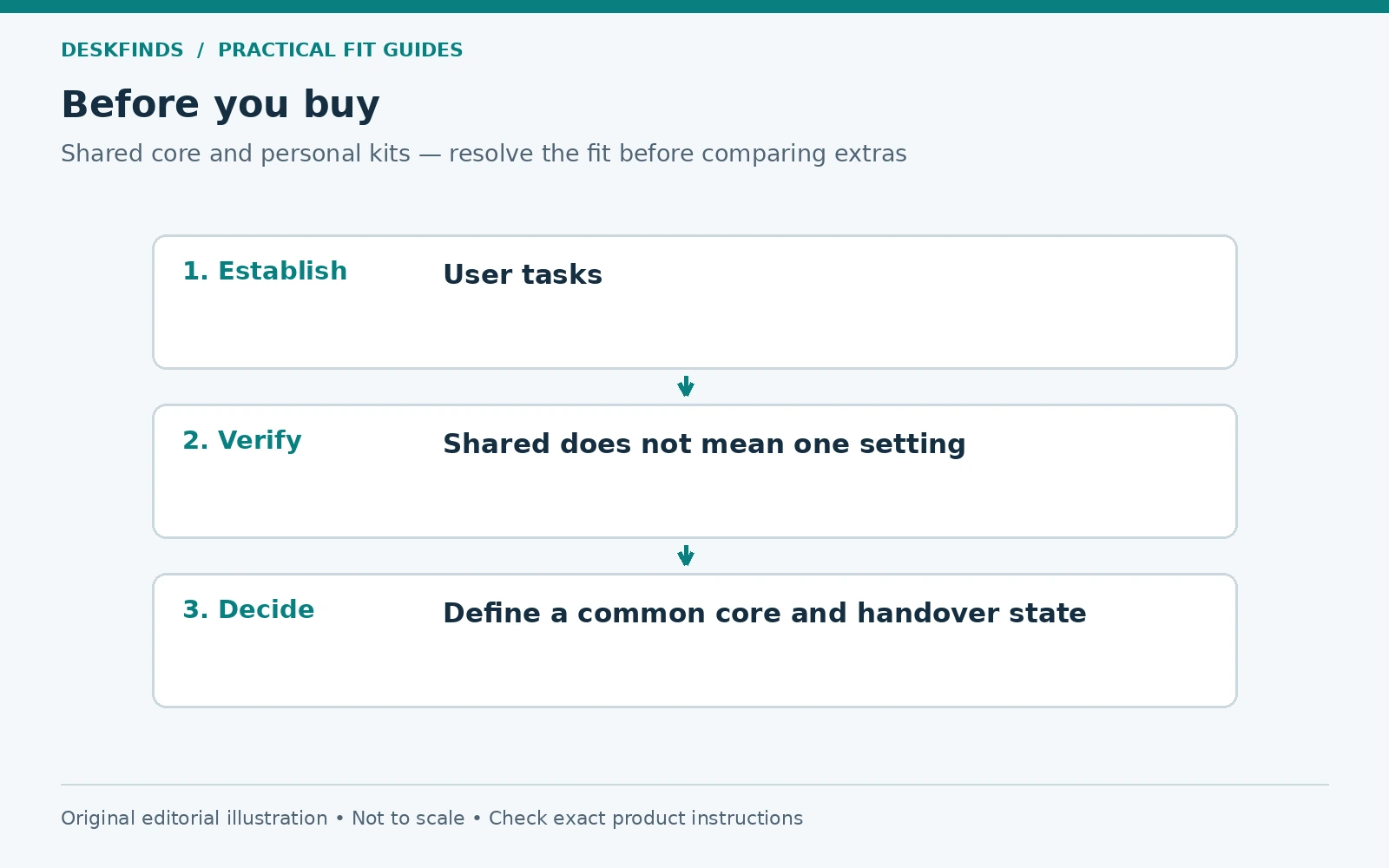
Ask each person to describe the tasks they perform and the equipment they bring. One may type on a laptop, another may use an external keyboard and paper forms. One may need frequent calls, another a wide writing area. These differences determine what belongs in the shared core and what should move with the user.
Record each person's useful chair and desk settings, where adjustable. Include keyboard position, monitor location, and any foot support. Do not assume that a midpoint between two settings is comfortable for both. A shared desk works better when it supports a deliberate adjustment than when everyone compromises continuously.
Identify timing needs too. A ten-minute overlap for handover is different from one user arriving while the other is still on a call. Agree how unfinished work is contained and how the desk becomes available. The physical layout cannot solve an unresolved scheduling conflict by itself.
Define the common core
Choose the equipment both people genuinely use: perhaps a monitor, lamp, dock, keyboard, or charging point. Keep that list small. A shared core should reduce setup work, not force either person to use incompatible accessories. Check each computer's connection and power requirements separately.
If a dock is shared, verify compatibility with both devices and the actual display arrangement. Connector shape alone does not establish support. A cable that serves one laptop may not provide the required function for the other. Our dock versus hub guide helps frame those differences.
Avoid leaving every possible cable on the surface. Label the necessary leads and give unused ends a suitable parking position. Keep them accessible without pulling on the monitor or adapter. A clear connection map is more useful than a large pile of options at the back of the desk.
Give each user a personal kit
Use a removable tray, bin, or bag for items that do not need to remain shared: notebook, mouse, headset, small tools, and current papers. Choose a kit that fits its storage location and can be carried comfortably. It should not require several separate trips just to clear the desk.
Separate active work from long-term archives. A personal kit is not a place for every document someone owns. Keeping it focused makes handover faster and reduces the temptation to leave a second pile beside the shared monitor. Review the contents when the kit becomes difficult to close or carry.
If papers or devices contain private information, store and secure them according to the user's actual needs and any applicable workplace policy. A labeled open tray is not a privacy control. The physical handover and account handover need to be considered together without inventing a universal security procedure.
Establish a visible handover state
Agree what the next user should find: clear input area, shared devices in their normal state, personal materials removed, and cables parked. Write a short checklist rather than relying on an aesthetic idea of tidy. The checklist should describe function, not demand that both people organize personal work identically.
A handover state might leave the lamp in a known position and the chair ready to adjust. It should not require one person to reset everything to a setting that suits only the other. Where memory functions exist, use them as the product permits and label them clearly if both users agree.
| Shared item | Handover question |
|---|---|
| Work surface | Is the input and writing area available? |
| Monitor | Can the next user set a useful position safely? |
| Cables | Are the correct leads identified and undamaged? |
| Chair | Are controls accessible and settings easy to restore? |
| Personal material | Is it in its assigned storage location? |
| Accounts | Has the outgoing user completed the appropriate sign-out or lock process? |
Make adjustments easy to repeat
Record settings in a simple card or note for each person. A chair may not have numbered controls, so use a clear description or a permitted reference mark on a separate record rather than damaging the product. Do not invent precision that the mechanism does not support. The note is an aid to returning to a useful position.
Check the transition path. Moving a monitor, raising a desk, or folding a chair arm can create a collision even when both final positions fit. Keep cables and nearby furniture clear, and follow the equipment instructions. Our chair-arm fit guide is relevant when users need different seat heights.
Test the sequence with both people present. One person can perform the handover while the other observes what is unclear or awkward. Revise steps that require reaching under a loaded desk or moving a heavy object. A good shared setup reduces repeated handling of fragile equipment.
Plan paper work and calls separately
If one user needs paper space, identify where the keyboard or laptop goes during that task. If the other uses frequent calls, check the camera framing and room light at their settings. A shared desk can support different modes, but every moved item needs a landing place.
Use a document tray for current material and keep it within the personal kit if appropriate. Do not leave unfinished papers covering shared controls or ventilation. For a mixed task layout, our laptop, monitor and paperwork guide provides a zone-based process.
For calls, agree how the room is used during the session. Headphones can help with audio, but they do not resolve background movement or interruptions. Keep the agreement practical and respectful of both users' schedules. The desk's camera position is only one part of a shared room routine.
Example: two laptops, one external display
A couple shares a small desk at different times. Each laptop needs a different charging arrangement, while the monitor and keyboard are common. Initially, both chargers remain on the surface with several similar cables. Each session begins by unplugging the wrong lead and moving the other person's notebook.
They create two labeled personal kits and a simple connection map. The shared monitor cable remains accessible, while each compatible charger is stored or connected according to its instructions. They record useful chair and display settings and test the handover sequence. The desk becomes easier to use without adding more permanent accessories.
The exact hardware depends on the devices. This is not a claim that a single dock or charger can serve every laptop. The useful principle is to separate common functions from device-specific requirements and make the transition explicit.
Example: one user writes, the other edits video
Another shared desk serves handwritten study in the morning and digital editing later. The first user needs a clear central surface and lamp position; the second needs a keyboard, mouse area, and control device. A permanent arrangement for both would leave neither enough room.
The users create two working states. Input devices park in a stable, suitable location during paper work, and the notebook kit leaves the desk before editing. The lamp has two tested positions with an appropriate cable route. The changeover uses a few clear actions rather than a complete dismantling of the workstation.
If the routine proves too long, simplify it. One shared accessory may need to become a personal item, or a separate storage shelf may be useful. The aim is a repeatable handover, not the maximum number of tasks theoretically supported by one surface.
Keep shared charging understandable
Label device-specific chargers and verify any common charger against the actual devices and simultaneous-use requirements. Do not assume an unused USB port can replace every original adapter. Keep the charging equipment accessible and ventilated as instructed. A shared desk should not become a hidden pile of unidentified warm power bricks.
Our shared-room charging guide covers device inventory and port allocation. The desk handover checklist should state what stays connected and what moves with the person. Avoid forcing a new user to trace every cable before beginning work.
Check the physical fit of large adapters on any power strip separately from electrical suitability. Our large-adapter outlet guide provides that map. A shared inventory can grow gradually, so reassess the arrangement when another device is added.
Prevent shared storage from becoming no one's responsibility
Assign each shared compartment a purpose and a person or routine responsible for reviewing it. Spare cables, manuals, and small parts can accumulate because neither user knows what can be removed. A simple inventory reduces the chance of discarding a necessary part or keeping several obsolete accessories indefinitely.
Keep personal and shared supplies visually distinct where practical. This does not require matching bins or a complex labeling system. A clear location and a short list can be enough. The storage should help the next action rather than become another project to maintain.
Schedule a brief review after the first week of use. Ask which items were repeatedly left out and which settings were difficult to restore. Those observations reveal whether the system matches the work. Adjust the layout before adding rules that compensate for a poor physical arrangement.
Choose accessories by changeover value
A useful accessory can reduce a repeated step: a suitable cable holder keeps the correct lead accessible, a removable tray gathers personal tools, or an adjustable support lets both users position the screen. Compare the step saved with the footprint and compatibility checks the accessory adds.
Avoid buying a shared organizer simply because it has many compartments. If it remains full of one person's materials, it may reduce usable space for the other. A smaller common core and better personal storage can be more effective. Our small-desk organizer guide is a comparison point after the roles are defined.
The final test is whether each person can arrive, set a useful working position, complete normal tasks, and leave the agreed handover state without friction. Sharing a desk should not require sharing one posture, one workflow, or one pile of papers. A clear transition makes a small surface serve two people more reliably.
Write a handover agreement that fits on one card
Keep the agreement short enough to use: personal kit removed, shared input area clear, correct cables parked, appropriate account transition completed, and any unfinished shared task identified. Do not include preferences that matter only to appearance unless both users want them. The card should make the desk ready for work, not require identical personal habits.
Add a clear exception process for an unfinished call or urgent task. For example, the users can agree on a brief notice through their normal communication method, but the desk plan itself should not assume that messages are automatically sent. The physical system needs a way to contain work temporarily without covering another person's essential tools.
Review the agreement after actual use. If one step is repeatedly skipped, ask whether it is unclear, unnecessary, or physically awkward. A better storage location may solve the problem more effectively than a stricter rule. Good handover design reduces the effort needed to do the agreed action.
Separate device compatibility from user ownership
A cable can belong to one person while being technically compatible with another device, or be shared while serving only a specific function. Label both facts where useful. Do not assume a lead is universal because it sits in the common area. Keep the supported connection map with the station.
For a shared dock, test each device using its documented requirements and the actual peripherals. A successful connection for one user does not establish the second computer's display or power support. If different leads or adapters are needed, give each a clear location so the next session does not begin with trial and error.
Avoid leaving personal adapters attached by tension or hanging from the desk edge during changeover. Support them as instructed and keep the route serviceable. A handover that is fast only because cables are pulled rather than disconnected correctly is not a useful improvement.
Design storage for the kit's return journey
Measure the personal kit in its loaded state and test the route to its shelf. A bin can fit the resting space while its handles or contents make it awkward to insert. Keep the storage location accessible during the times both people use the room. One user's kit should not block the other person's chair or wardrobe.
Give each kit a stable landing place during setup. If it must sit on the floor in the walkway while being unpacked, the transition may need a different sequence or smaller container. A removable kit should consolidate movement, not create a new obstacle before every session.
Choose labels that make the categories clear without exposing sensitive material. A kit can be personal without displaying client names or private document descriptions. Where security matters, use the appropriate storage and account controls rather than relying on a polite label alone.
Compare the shared arrangement with separate minimal stations
If the handover requires moving a heavy monitor, changing many cables, or repeatedly compromising one user's position, consider whether a smaller secondary work surface would serve better. Sharing is not automatically the most space-efficient solution once transition storage and equipment handling are counted.
Draw both alternatives using occupied chairs, personal-kit storage, and real power routes. A second minimal station may use less total effort even if it adds a surface. The existing shared desk may still be best when the common core is genuinely useful and adjustments are easy. Choose from the full routine rather than the number of desktops alone.
The final review should ask each person the same questions: can you start without searching, reach a useful position, perform your main task, and leave the agreed state? If one user consistently cannot, revise the system instead of calling the compromise neutral.
Sources and scope
- OSHA workstation checklists - general assessment background for individual workstation settings.
- Apple adapter and cable guidance - example of device-specific power requirements; not approval for all shared chargers.
The handover system and cases are original editorial planning examples. No account, workplace or privacy policy is replaced by this guide, and no equipment combination was physically tested.