
How to Choose a Power Strip That Fits Large Adapters
Affiliate Disclosure: We may earn a small commission on qualifying Amazon purchases at no extra cost to you. Full disclosure →
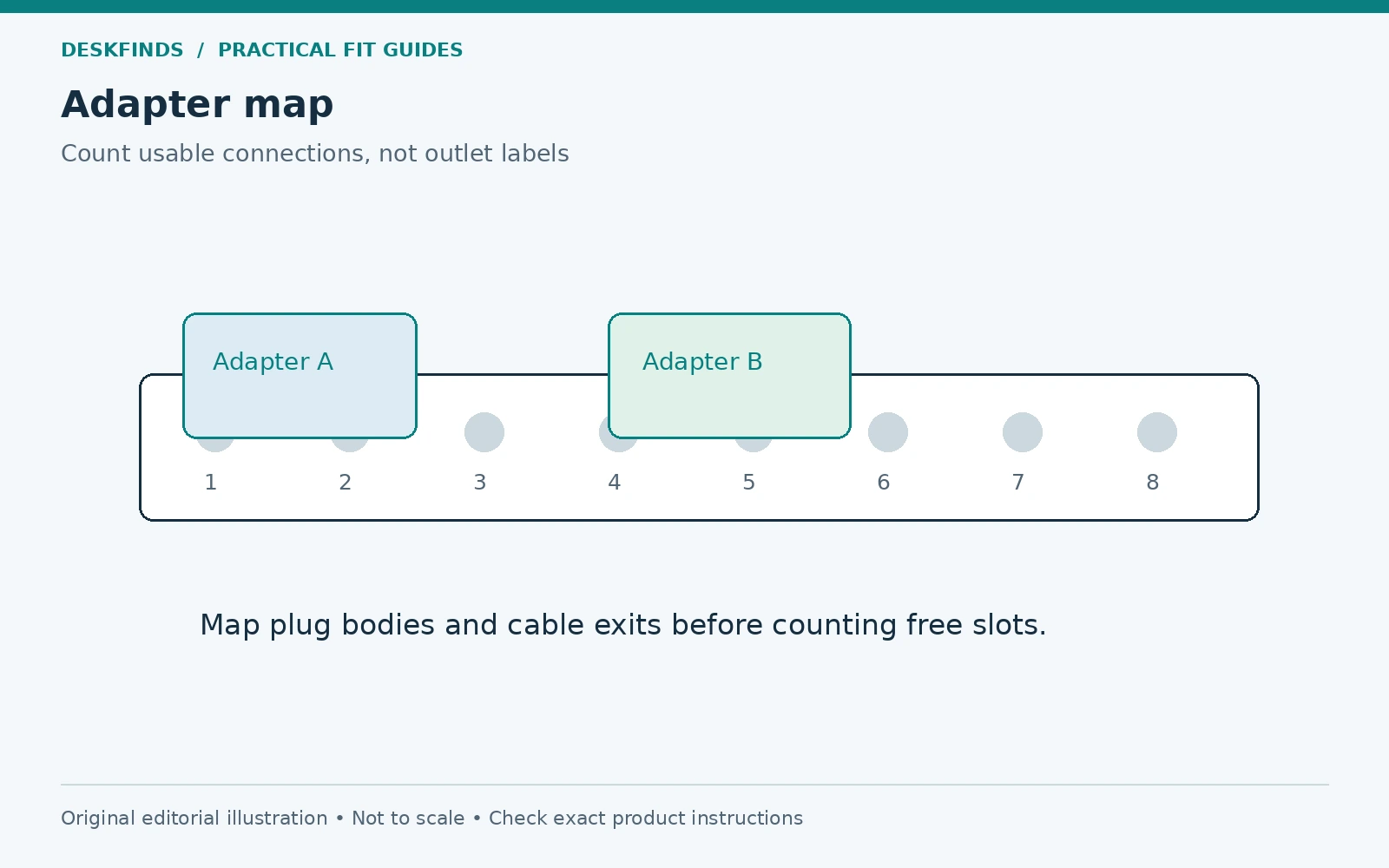
An eight-outlet power strip can provide far fewer than eight usable connections when a few large adapters cover neighboring sockets. Counting outlets is therefore a poor way to plan desk power. The shape and direction of each plug, the spacing between outlets, and the room around the mounted strip determine how many devices you can actually connect.
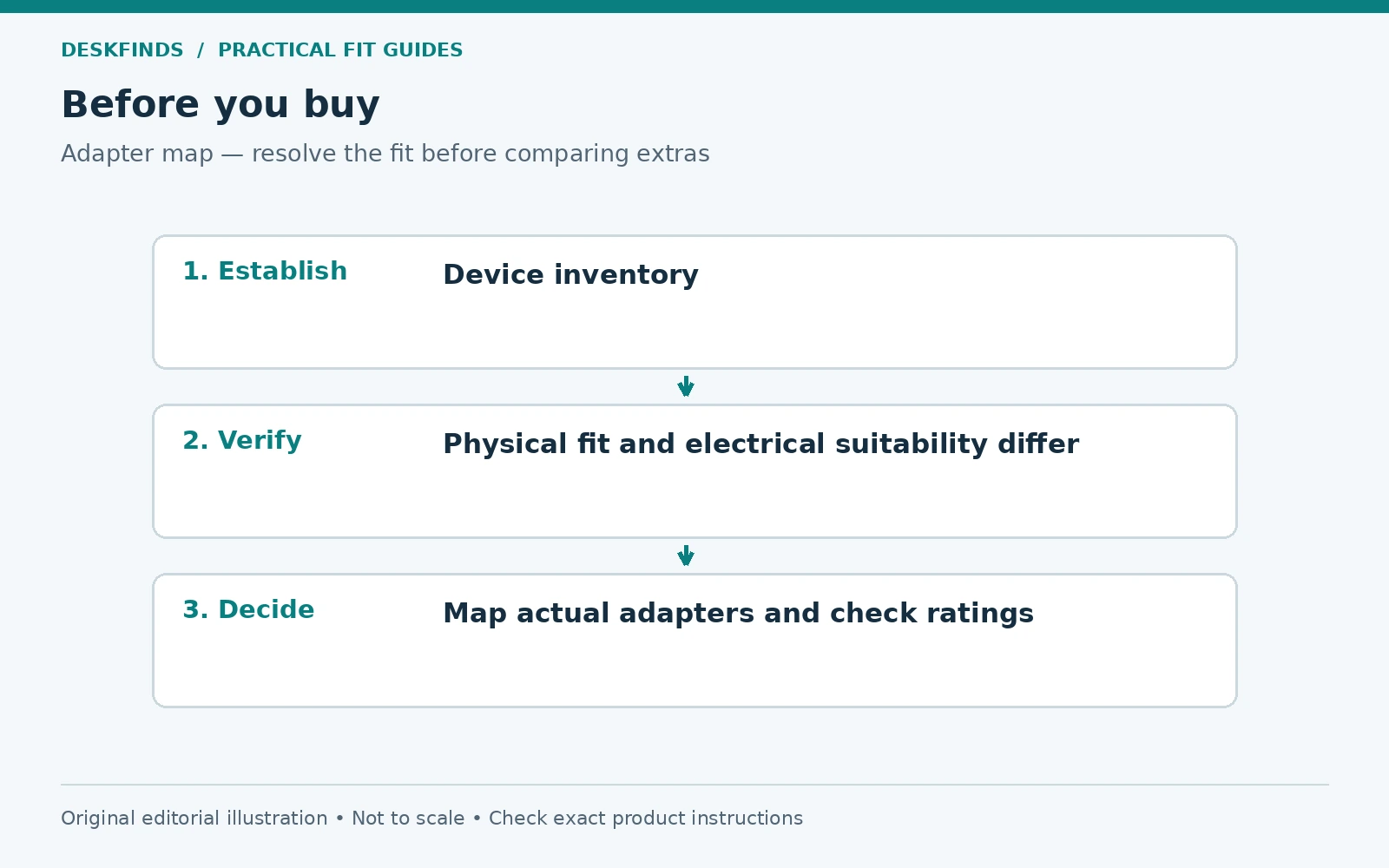
Quick answer: Map your real plugs before choosing a strip. Compare adapter body size, prong orientation, outlet spacing, cord exits, and the strip's installed position. Then separately verify the electrical rating, intended use, safety certification for your region, and manufacturer instructions. Physical fit does not establish electrical suitability.
This guide addresses connection layout for a desk. It is not electrical installation advice. Use a qualified electrician for damaged, loose, insufficient, or unsuitable wall outlets, and follow the requirements applicable to your location.
Make a plug inventory rather than an outlet count
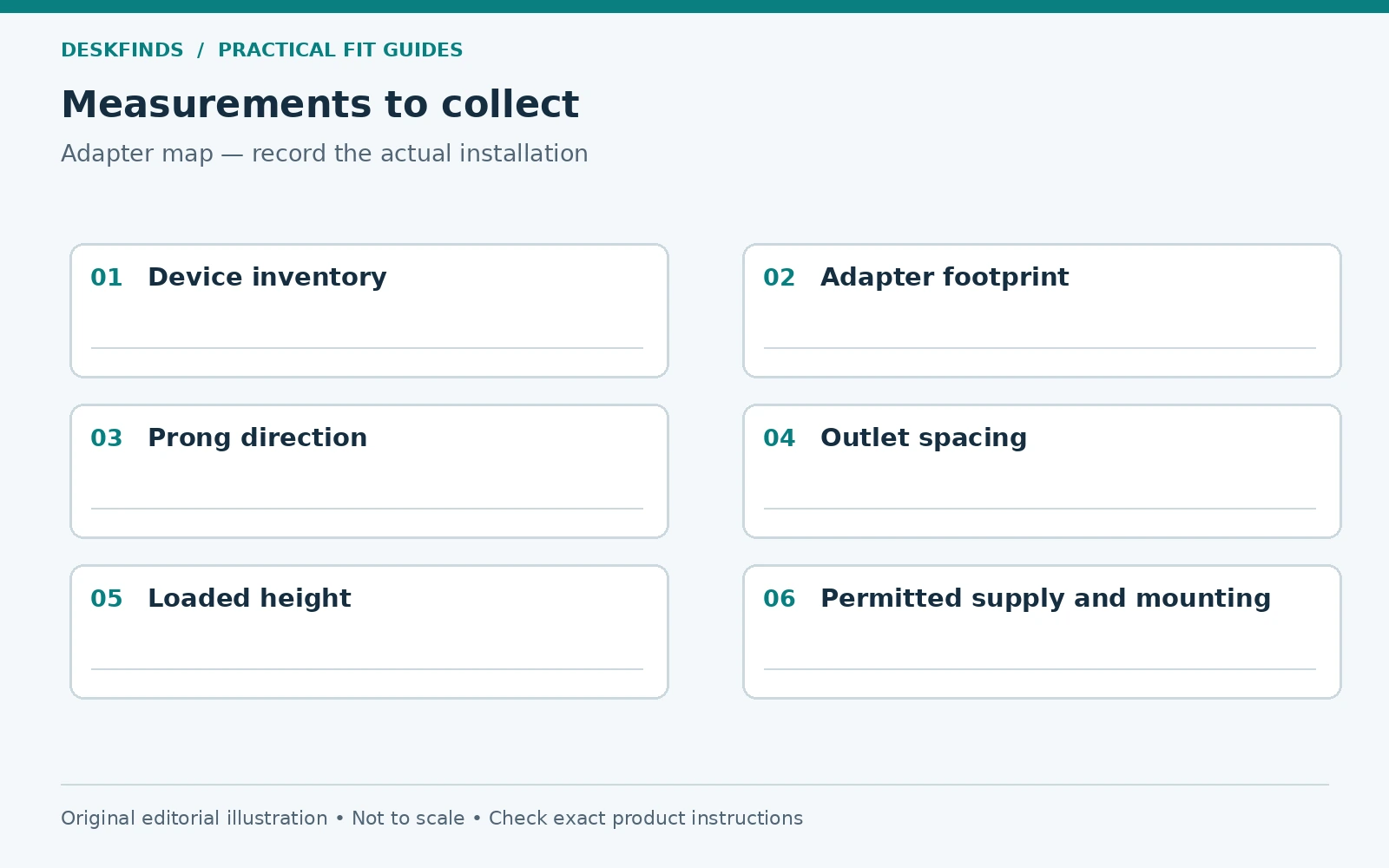
List every device that needs mains power: monitor, computer, laptop charger, dock, lamp, speakers, and any other desk equipment. Separate the devices that are always connected from occasional chargers. Note whether each has a small plug on a cord, a bulky adapter attached directly to the plug, or a separate power brick.
Record the adapter dimensions with the prongs and cable exit included. A long body can block the next outlet even when its width looks narrow. A sideways cable exit may press against a neighboring plug or the wall. Photograph the plugs from above and from the side so you can compare orientation later.
Identify devices that should not share the proposed arrangement. High-load appliances and products whose instructions require direct wall connection need their specified supply. Do not add a heater, kettle, or other appliance because there is an empty socket. A desk strip's spare physical outlet is not a blanket permission to connect another load.
Understand what the product is designed to do
A power strip adds outlets; a surge protector includes protection features specified by its manufacturer. Neither provides unlimited capacity, and a surge rating does not describe how many oversized adapters fit. A UPS has another role and its own restrictions. Compare function and geometry separately.
Read the electrical rating and intended environment for the exact model and market. A product sold in another country may have different plugs, voltage, and certification. Use suitable equipment from a trustworthy source and confirm that the specific product carries the relevant markings. Avoid choosing solely by appearance, outlet number, or a marketplace's generic safety claim.
Our power strip versus surge protector guide covers the functional distinction. This article focuses on the fit problem that remains after the electrical product type is established. A highly rated protector can still have inconvenient outlet spacing for your particular adapters.
Compare outlet spacing and orientation
Look for a dimensioned top view. Measure the distance between outlet centers and note the orientation of the receptacles. Two strips with similar overall length can handle the same adapter differently if the outlets face different directions. A rotating-outlet design can offer flexibility, but its permitted positions and loading still need checking.
Some products include a few widely spaced outlets rather than uniform spacing throughout. Count how many of those positions your inventory needs. If you have four bulky plug-in chargers and the strip offers two adapter-friendly positions, the headline outlet count remains misleading. Keep a slot-by-slot plan rather than assuming the rest will work out.
Include access to switches, indicators, breakers, and any reset controls. An adapter should not obscure a status light you need to inspect or prevent access to a required control. The strip also needs space for its own cord and plug. A tidy arrangement that hides every important control is less useful than one you can check easily.
Build a paper adapter map
Trace each adapter body on paper and mark its prong center and cable direction. Do this while disconnected; never insert makeshift templates or measuring tools into sockets. Label the shapes by device. Lay them over a scaled drawing of the candidate strip to see which outlets are actually available.
Rotate a template only if the real plug and outlet allow that orientation. Polarized or grounded connections may limit the options. Do not remove grounding pins, modify plugs, or use a forced connection to make the diagram work. If an adapter blocks a neighboring slot, count that slot as unavailable.
Then add cable paths and space for your fingers to unplug devices safely. A dense arrangement can technically fit but make removal awkward. You should be able to grasp the plug as instructed rather than pull the cable. If one charger is frequently removed, give it an accessible location near an end rather than burying it between large blocks.
| Inventory detail | Layout consequence |
|---|---|
| Wide adapter body | May cover adjacent outlets |
| Long plug-in adapter | May extend beyond strip or tray |
| Side cable exit | Can conflict with a neighboring plug |
| Right-angle mains plug | Needs suitable wall-side orientation |
| Frequently removed charger | Benefits from accessible placement |
| Large separate power brick | Needs its own supported, ventilated location |
Check the installation position in three dimensions
A layout that works on the floor may fail inside a cable tray. Measure the combined height of strip, plugs, and adapters, including their natural cable bends. Check the tray opening as well as its internal space. You need to insert and remove the plugs without dismantling the workstation every time.
If mounting under the desk, use only the mounting method the strip permits. Keyhole slots, brackets, and clamps have different installation requirements. Do not drill through the strip housing or rely on an adhesive arrangement that the manufacturer does not approve. Support the strip and cables without loading the wall plug or device connectors.
Keep ventilation requirements in mind. Do not surround warm adapters with fabric, bury them in a closed box, or stack them tightly unless their instructions permit that environment. Our cable tray placement guide helps evaluate the complete loaded assembly while preserving legroom and service access.
Example: eight sockets, four useful positions
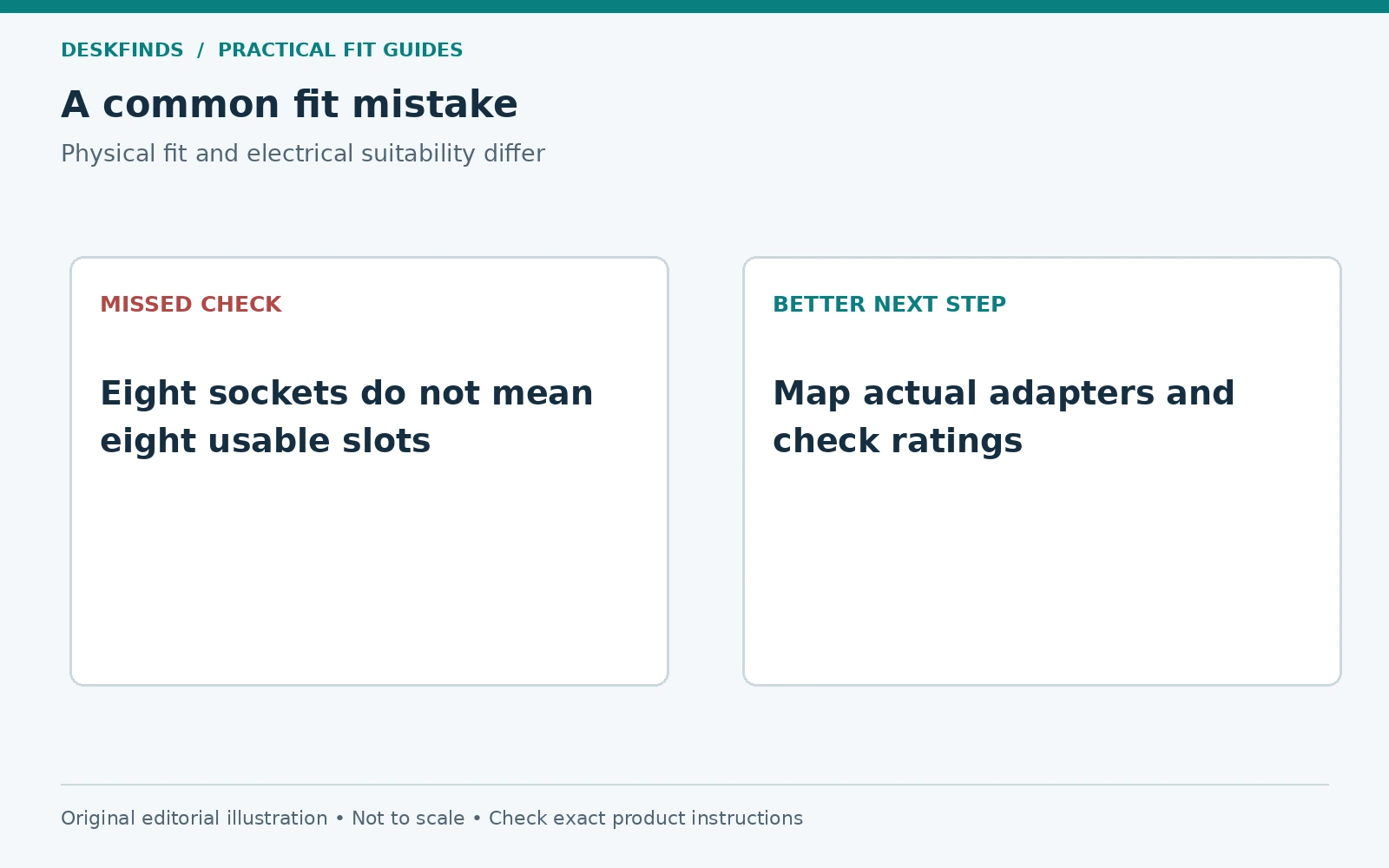
Imagine a strip with eight closely spaced outlets. The desk uses two wide plug-in chargers, a speaker adapter with a sideways cable, and several ordinary cord plugs. The first two adapters each cover a neighboring outlet, and the speaker adapter conflicts with one more. The strip still has eight outlets on its label, but the inventory cannot use them all.
A longer strip with more deliberate spacing may serve the desk better than a compact strip with a larger headline count. Another option is a model with documented rotating positions, if appropriate for the equipment and installation. The paper map lets you compare these arrangements without purchasing several strips to test blindly.
Do not solve the shortage by connecting one power strip to another. Follow the manufacturer's connection rules. If suitable equipment still cannot serve the workstation within its ratings and permitted use, reassess the devices or obtain professional advice about the room's power provision.
Example: the adapters fit, but the tray does not
A second buyer successfully maps all plugs across a new strip. Under the desk, however, the largest charger reaches above the cable tray opening and presses against the desktop. The cable must bend sharply to fit. The outlet spacing is adequate; the installed height is not.
The buyer measures the full assembly and compares a different approved mounting position. Moving the strip to an accessible location outside the basket may solve the geometry while leaving the power bricks supported separately. The change must still preserve airflow, leg clearance, cable slack, and the strip's mounting requirements.
A wider basket is not automatically the answer, because it may intrude into the knee zone. Treat the strip, adapters, tray, and desk as one system. The best arrangement may use fewer hidden components and provide easier access rather than maximizing the amount of equipment packed underneath.
Evaluate USB ports without assuming they replace every charger
Integrated USB ports can reduce the number of separate phone or accessory adapters, but check their power capabilities and supported protocols. A port that charges a phone does not necessarily provide the power or compatibility a laptop needs. Read the combined output rules when several ports are used together.
Consider serviceability too. A strip with many integrated charging functions may need replacement if one part fails, depending on its design. Separate chargers can be easier to change as devices evolve, but they occupy more space. This is a practical trade-off rather than a universal argument for either approach.
Keep the outlet map honest: remove an adapter from the plan only after confirming that the integrated port can serve its device appropriately. Do not infer compatibility from connector shape alone. Our USB-C power delivery guide explains why the same-looking port can offer different capabilities.
Keep the wall-side connection usable
Measure the route from the wall outlet to the strip's intended position. Include furniture movement and, for an adjustable desk, the permitted height range. Choose a suitable cord length and route without stretching, crushing, or running it through a pinch point. Follow the strip instructions regarding extension cords and installation.
Check the wall plug's orientation against furniture and neighboring outlets. A flat plug may reduce projection, but its cable can leave in a direction that conflicts with another connection. The plug needs to seat fully and remain accessible as required. Do not push furniture against it to gain a little floor space.
Keep cords out of regular walking routes and away from chair casters. A cable cover is not permission to use an unsuitable route or damage a cord beneath it. If the workstation cannot reach power appropriately, moving the desk or improving the outlet provision is more useful than adding a chain of adapters.
Plan a realistic amount of spare capacity
Leave physical room for a plausible new device, but do not confuse spare sockets with spare electrical capacity. Keep a current device inventory and check the product ratings whenever the setup changes. A desk that gradually acquires chargers, speakers, lights, and appliances can become very different from the original plan.
Avoid buying excessive outlet counts simply because the price difference is small. A strip that is too long for the mounting location may be harder to secure and inspect. Choose the arrangement that fits the actual inventory, permitted load, and available installation space. Future flexibility should remain practical rather than speculative.
Labeling can help shared desks. Identify which adapter serves which device and keep the strip's instructions available. A new user should not have to unplug random blocks to find the monitor. Clear labeling also reduces accidental changes to a carefully planned outlet arrangement.
Inspect and revise the layout over time
Check for damaged insulation, loose connections, discoloration, unusual odor, or other signs the manufacturer identifies as reasons to stop using the product. Do not continue using damaged electrical equipment because it still powers the desk. Disconnect safely and obtain appropriate replacement or professional advice.
After moving furniture or adding a tray, inspect the cord path again. Confirm that switches and indicators remain accessible, plugs are fully seated, and no adapter bears the weight of another component. Clean only as instructed and do not spray liquids around live connections. Keep drinks away from the power arrangement.
Once the measurements and product requirements are clear, compare our desk power strip guide and desk-mounted power strips. Judge usable outlet positions, installed dimensions, and permitted mounting before convenience extras. The useful number is the count of devices connected appropriately, not the number printed on the box.
Turn the inventory into a slot-by-slot plan
Number the outlets on your candidate strip and assign each device to a position on paper. Mark any slot covered by a neighboring adapter as unavailable. Add the direction of every cable exit, including the strip's own mains lead. This produces a realistic usable count without inserting anything into a live product for measurement.
Keep frequently removed chargers near an accessible end where the layout permits. Grouping by device location can reduce crossed cables, but do not force a plug into an awkward orientation merely to keep the diagram tidy. The plan should preserve full insertion, normal strain relief, and access to controls.
If two possible arrangements fit, compare what happens when one device is replaced. A slightly more spacious layout may accommodate a different charger without rebuilding the entire system. That is useful flexibility, but it does not remove the need to check electrical suitability again when the connected equipment changes.
Read combined USB output rules as part of the plan
A charging station may advertise a maximum output that applies to one port used alone. With several devices connected, the allocation can change. Read the exact model's output table rather than assuming that each port supplies the headline figure simultaneously. A desk power plan should describe the devices used together, not just the best-case capability of one connection.
Check cable compatibility too. A connector that physically fits may not support the required power or data function. Use suitable cables and chargers for the devices, and follow their instructions. If a laptop still needs its own power supply, keep that adapter in the outlet map instead of counting it as eliminated by the integrated USB ports.
Do not hide charging behavior behind a generic fast-charging label. The practical question is whether the actual combination serves your devices as intended. If the documentation does not explain shared output, ask the manufacturer before relying on it for the whole workstation.
A buying brief for a seller or facilities team
Summarize the device inventory, plug shapes, proposed mounting position, and required cord route. Include a photo of the space without personal or sensitive information. Ask for the outlet-center spacing, overall installed dimensions, approved mounting method, and product documentation for your market. These are specific questions that can produce useful answers.
Keep ratings and geometry in separate sections of the brief. A seller confirming wide-spaced outlets has not necessarily assessed the electrical arrangement. Likewise, a facilities team approving the supply does not tell you whether the strip fits your cable basket. Both parts need to be resolved by the appropriate source.
If a suitable arrangement cannot be established, reduce the connected inventory or improve the room-level provision through the proper route. Avoid collecting outlet splitters as a substitute for planning. The goal is a clearly documented, serviceable desk power system whose physical and electrical requirements are both understood.
Keep the final map with the equipment
Save the slot plan and product instructions where they can be found during a device change. Recheck the plan when an adapter is replaced, because a different body shape can block an outlet that was previously usable. An organized record helps preserve both access and the intended installation.
Sources and scope
- Belkin power strip resources - manufacturer information on product function, intended use and safety certification.
- Belkin surge protector range - model-specific outlet layouts and product documentation.
Adapter maps and worked cases are original planning examples. They do not establish electrical capacity or replace the instructions for the equipment and installation location.