
How to Set Up a Charging Station in a Shared Small Room
Affiliate Disclosure: We may earn a small commission on qualifying Amazon purchases at no extra cost to you. Full disclosure →
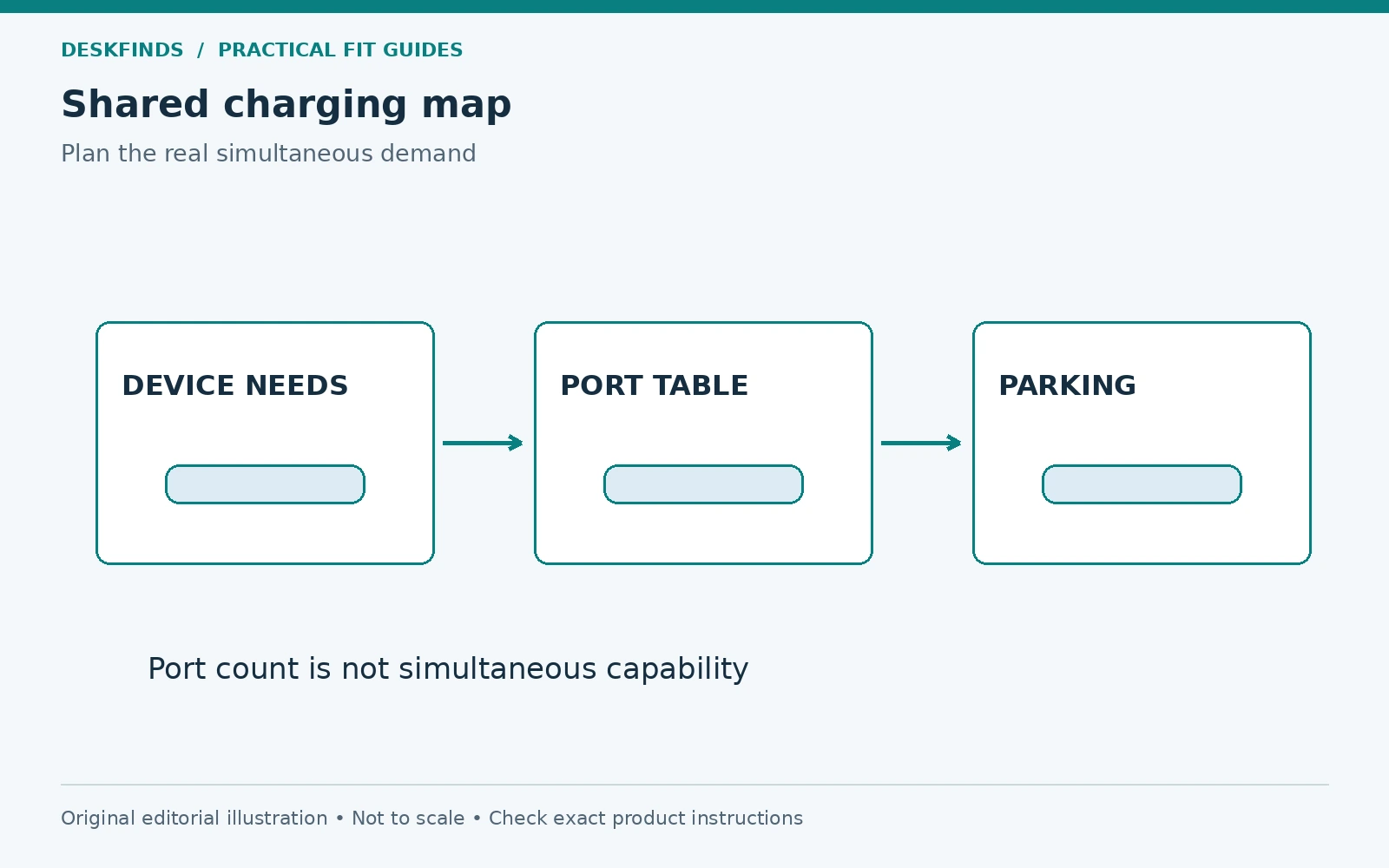
A shared charging point can reduce scattered adapters, but it can also become a crowded pile of devices, warm power bricks, and unidentified cables. The useful design starts with who charges what and when. Port count, storage slots, and total advertised wattage describe different parts of the system and should not be treated as interchangeable capacity.
Quick answer: Inventory the devices and simultaneous charging needs, verify the exact charger's port-allocation rules and compatibility, then choose a suitable accessible location. Support devices and adapters as instructed, preserve ventilation, label device-specific leads, and keep cables out of walking and sleeping areas. Do not charge in an enclosed fabric organizer simply to hide the clutter.
This guide covers room organization and product-document checks. It is not electrical installation advice or a claim that one charger can serve every device. Follow the requirements of the actual equipment and location.
Build a shared device inventory
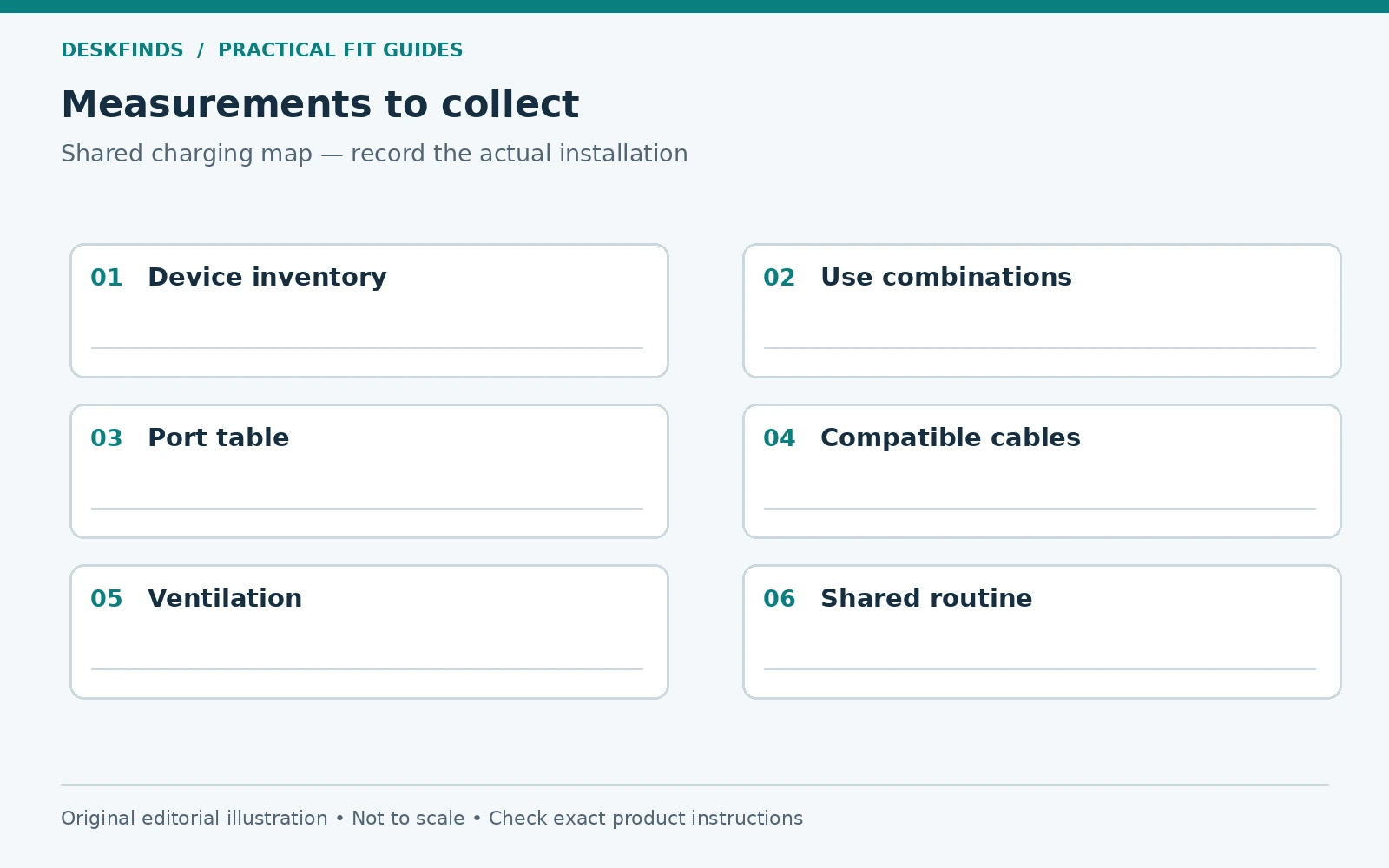
List each person's devices and whether they need charging at the same time. Include laptops, phones, tablets, watches, headphones, and accessories only if they actually use the station. Record the required connector and compatible charging method from the device documentation. Similar connectors do not establish identical needs.
Mark devices that use a dedicated adapter or accessory. Do not remove that requirement from the plan until a shared alternative is verified. A station can include more than one appropriate charger if that serves the devices better. The goal is clarity and access, not necessarily a single power brick.
Separate daily charging from occasional storage. A drawer full of spare cables does not need to occupy the active station. Keep the everyday inventory small enough that devices can be placed and removed without stacking or pulling on neighboring leads.
Plan simultaneous use, not the sum of best-case claims
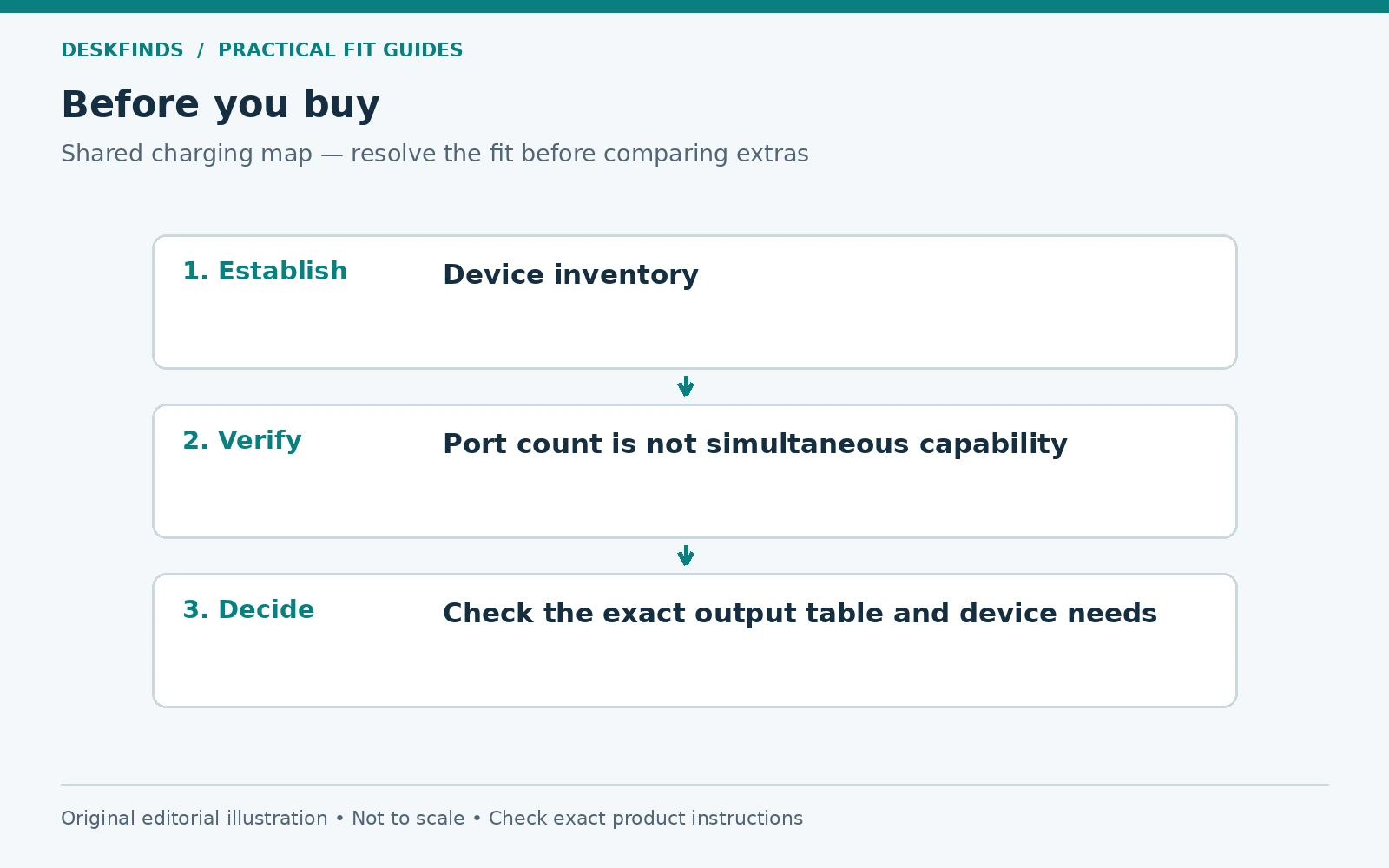
Read the exact charger's output table for the ports used together. A maximum single-port figure may change when another device is connected. Some products allocate power differently across particular combinations. Use the current manual for the full model rather than a general multi-port charging claim.
Check the cable requirements as well. A compatible cable needs to support the relevant function and power, not only fit the socket. If a laptop depends on a particular output or protocol, verify the complete device-charger-cable combination. Do not infer it from the station's total wattage.
Anker's model-specific guides, for example, publish power-distribution information. That is a useful documentation pattern, not evidence that every product from the brand shares one allocation. Keep the actual table with the station instructions so later device changes can be assessed.
Choose a location that serves the room
Place the station where users can reach it without crossing a walkway with cables or resting devices on bedding. Check nearby liquids, heat sources, doors, and furniture movement. A small shelf may be suitable only if it supports the equipment and meets its operating requirements.
Keep power access appropriate for the equipment and region. Follow the charger, device, and power-strip instructions; do not daisy-chain strips to create a more convenient location. If the room lacks a suitable supply arrangement, reposition the station or seek qualified advice rather than extending an improvised chain.
Consider the room's other uses. A charging shelf beside one bed may be inconvenient for a roommate and create cable movement during sleep. A common accessible surface can work better, provided it does not block storage, ventilation, or an important route.
Distinguish device parking from operating clearance
Slots and stands can keep devices upright, but they need to fit cases, camera bumps, cables, and the intended orientation. Check whether a device can be inserted and removed without pressing a connector against a divider. The body's width is not the complete installed envelope.
Follow the device and charger's ventilation and contact requirements. A neat stack or closed box is not automatically a suitable charging environment. Do not cover adapters or place them in soft storage contrary to their instructions. Visibility for inspection is a useful feature, not an aesthetic failure.
| Planning layer | What to verify |
|---|---|
| Devices | Actual compatible charging requirements |
| Charger | Output allocation for simultaneous use |
| Cables | Supported function, condition and useful length |
| Parking | Cases, connectors and removal space |
| Room | Supply, access, ventilation and clear routes |
| Shared use | Ownership, priority and handover rules |
Label the parts that are not interchangeable
Identify device-specific leads and adapters clearly. Use labels that remain readable and do not interfere with cable movement, ventilation, or controls. A simple device name or user initial can be enough. Do not attach labels over required safety information.
Keep shared compatible cables distinct from personal equipment where practical. This reduces the chance that someone removes a lead needed by another person or substitutes a similar-looking cable with different capabilities. The inventory should state what stays at the station and what travels with its owner.
For a shared desk, align the station with the handover process. Our different-times desk guide explains the common-core approach. Charging should simplify the transition between people rather than leave a new set of unidentified connections to sort.
Route cables for connection and removal
Give each lead enough useful length to reach its device without tension, while keeping excess away from feet, drawers, and chair casters. A guide can keep an end accessible, but it should not crush the cable or support an adapter's weight unless designed for that role. Check the surface compatibility of attached accessories.
Plan the disconnected state too. A cable that falls behind a shelf each time a phone leaves creates repeated pulling and searching. A suitable parking point can reduce that friction. Our charger-cable routing guide provides a full route check.
Avoid bundling every lead so tightly that one cannot be removed for replacement. Shared stations need service access. Reusable management can help, but it still needs appropriate cable bends and installation. A hidden knot is not a charging system.
Example: four ports do not serve four high-demand devices equally
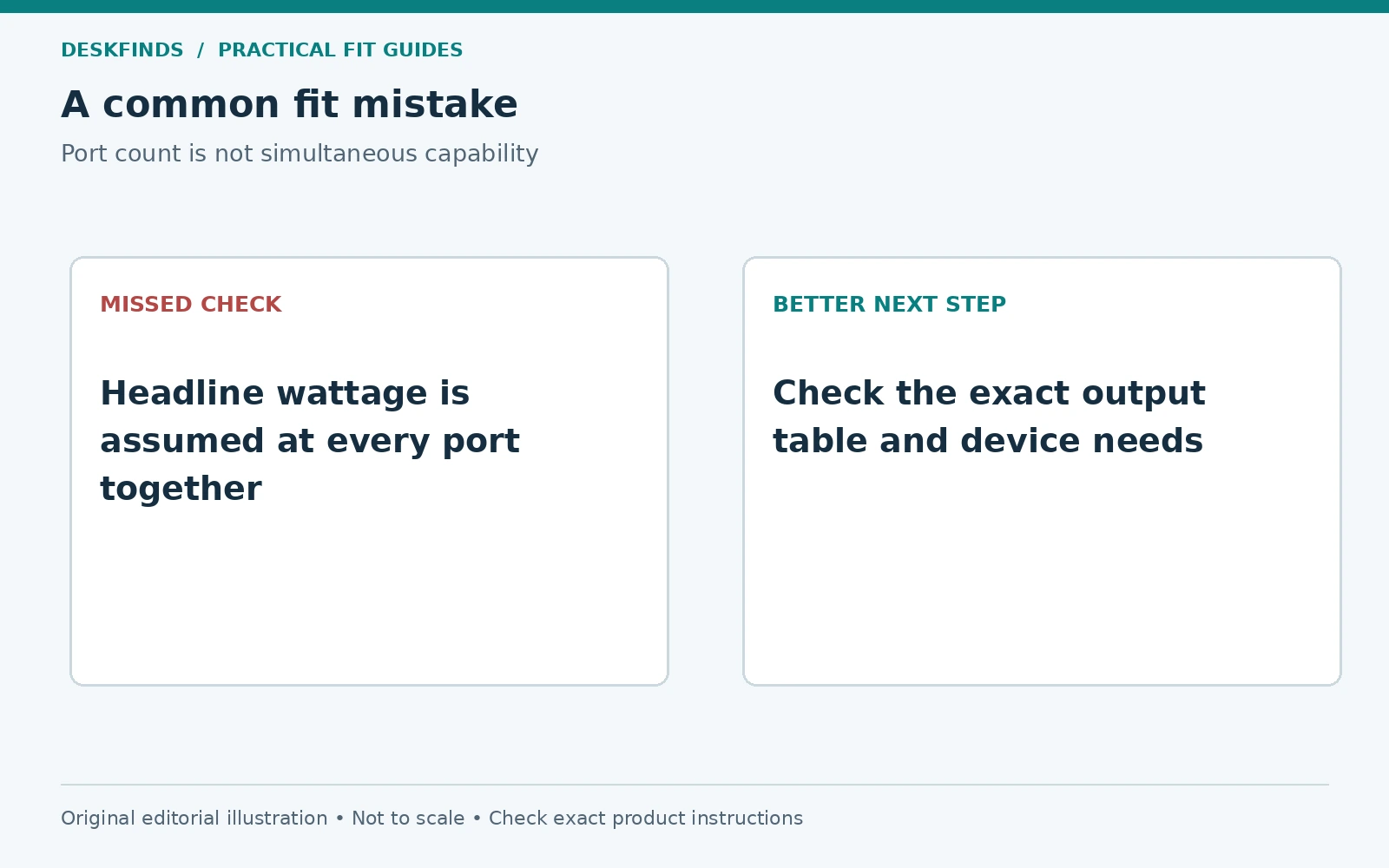
A household chooses a charger from its port count and a headline output number. Two laptops and several accessories are expected to charge together. The actual allocation table shows that the available output changes with the selected ports and combination. The original assumption was incomplete.
The users revise the simultaneous-use plan and verify the supported combinations with their devices. Some equipment may keep its appropriate dedicated adapter. The station still reduces clutter because the location and cable roles are clear, even if it uses more than one charger.
This case does not assign a performance result to any model. It illustrates why port count and simultaneous output must be read separately. A purchase should serve the actual combination, not a sum of individual maximum claims that cannot occur together.
Example: a tidy box creates an unsuitable charging location
Another user places adapters and devices inside a fabric organizer to hide the cables. The arrangement looks clean, but the equipment instructions require conditions that the enclosure does not provide. The station's appearance has been optimized before its operating environment.
The users move charging to a suitable supported and ventilated location and use the organizer only for appropriate unplugged storage. Cable ends remain identified and accessible. The room looks less perfectly hidden but the equipment can be used and inspected as intended.
A covered commercial station should also be checked against its intended device and charging arrangement. A product's storage slots do not establish approval for every adapter or operating condition. Read the exact instructions rather than assuming the enclosure solves ventilation automatically.
Agree on a simple sharing routine
Decide whether there are assigned positions or a common pool of compatible ports. Agree how fully charged or unused devices are moved, without handling another person's equipment in ways they have not accepted. Keep personal data and accounts separate from the physical charging arrangement.
If demand exceeds the verified simultaneous capacity, agree priorities or use another suitable supply arrangement. Do not solve a queue by adding an unverified splitter or another strip in series. The room routine should stay within the equipment's documented use.
Keep the station's common area clear of unrelated items. Keys, coins, drinks, and loose supplies can make device placement and inspection harder. A small adjacent tray may help if it does not block ventilation or crowd the connection area. Give the station one clear role.
Check wireless charging separately
A wireless pad or stand needs compatibility with the device and case, correct placement, and an appropriate power supply. Do not assume every phone or watch uses the same system. Follow the product instructions regarding objects between the device and charging surface and any other restrictions.
Test the station with the actual cases and normal placement. A stand that fits one phone may not hold another securely or align it appropriately. Keep wired and wireless requirements distinct in the inventory. A wireless surface does not remove the need for a suitable cable and adapter feeding it.
Our wireless charging stand guide covers the general concept. Use model-specific documentation for the final combination rather than treating the absence of a cable at the phone as universal compatibility.
Maintain the system as devices change
Review the inventory when a phone, laptop, charger, or cable is replaced. The new item may have different power needs, dimensions, or connector placement. Recheck both technical compatibility and the physical parking arrangement. An old label does not establish a new device's requirements.
Inspect components according to their manufacturers' guidance and stop using damaged parts. Keep the station clean using appropriate methods with power disconnected where required. Do not spray liquid around live connections or hide a damaged cable beneath a sleeve to preserve the appearance.
Compare multi-device desk charging stations and small desk charging stations after preparing the inventory and simultaneous-use plan. A useful shared station makes it clear where each device goes, which connection it uses, and how the arrangement remains accessible and appropriate as the room's needs evolve.
Make a simultaneous-use matrix
Give each device a row and each common charging period a column, such as daytime work, evening shared use, and overnight if permitted by the products and room rules. Mark which devices need power together. This is more informative than adding every device the household owns and assuming they all require the same capacity at once.
For each real combination, consult the exact charger's output-allocation table and the devices' requirements. Record which ports are used and which cables are needed. Keep unknown support as a question for the manufacturer. A total wattage figure does not describe every combination, and a port's single-device maximum may not remain available in multi-port use.
The matrix can show when a dedicated adapter is still appropriate or when a different common charger is needed. It can also show that a smaller verified arrangement serves the actual schedule. The aim is not the fewest power bricks at any cost, but a clear system that supports the real simultaneous demand.
Check placement with cases and accessories installed
Measure phones and tablets with the cases normally used. Add cable plugs, watch stands, magnetic accessories, and any required charging components. A slot that fits the bare device may press against a case or connector. A stand can also place the cable exit against the shelf below.
Test insertion and removal without pulling neighboring leads. A device should not need to be wedged between dividers or balanced on an unsuitable angle. Follow the stand and device instructions for orientation and support. If a case must be removed for a particular charging arrangement, decide whether that daily step is practical and supported.
For wireless equipment, use the exact compatibility and placement instructions. Do not infer correct alignment from the device simply resting on the pad. Keep foreign objects and other excluded materials away as directed. The station should make the intended placement easy to repeat rather than depend on a precise guess each time.
Keep ownership and technical labels distinct
A label can identify whose device occupies a position, while another identifies a cable's function or supported role. These facts are related but not identical. A shared lead should still be technically appropriate, and a personal lead should not be substituted merely because its connector fits another person's device.
Agree how devices are moved when a position is needed. Do not assume permission to handle another person's equipment simply because it is at a shared station. Keep the routine simple and respect any privacy or workplace requirements. Physical organization does not grant access to accounts or data.
Use a small common reference note rather than a large public list of sensitive device details. It can state the port assignments and which components remain at the station. Keep serial numbers or other private information in the appropriate personal record if needed, not on a visible room label.
Review the station when one component changes
A new laptop can change the verified output combination. A new case can change a slot fit. A replacement charger can change port allocation, even when its headline wattage looks similar. Update the inventory and matrix instead of treating the old arrangement as permanently approved.
Check cables for condition and compatibility as part of that review. Do not leave a damaged lead mixed with working spares or rely on a label that no longer describes the connected component. Clear identification helps the next user choose the right part without trial and error.
Revisit the room route too. Moving the station to a new shelf can introduce ventilation, access, or power-path issues. Use the same location checks again rather than assuming portability means every surface is suitable. The equipment's requirements travel with it.
Compare two smaller zones with one crowded station
A single common point is not always best. A suitable laptop power location at the desk and a separate verified small-device charging point may reduce long cables and crowding. Compare the full room routes, simultaneous needs, and operating environments before deciding to consolidate everything.
Two zones require clear roles, but can make access and device support simpler. One zone can be better when it remains suitable, accessible, and easy to maintain. Choose the arrangement that reduces confusion and handling while meeting product requirements, rather than treating centralization as a goal in itself.
Keep spare components separate from active ones
Store unused cables and adapters in a labeled location suited to their condition and requirements. Do not leave them mixed among the active charging leads, where users may substitute them without checking compatibility. A spare should be identified before it enters the station. Review the active map when that substitution occurs, and remove damaged parts from normal use through the appropriate route. This small separation keeps the shared point understandable and prevents the visible port count from growing into an unverified collection of connected accessories.
Sources and scope
- Anker Zolo 70W four-port guide - example of model-specific power distribution; not a recommendation or universal output table.
- Apple adapter and cable guidance - device-specific handling and compatibility background.
The inventory, sharing routine and cases are original editorial tools. No electrical capacity, charging speed or universal device support is inferred from a port count.