
How to Check Whether Your Chair Arms Will Fit Under Your Desk
Affiliate Disclosure: We may earn a small commission on qualifying Amazon purchases at no extra cost to you. Full disclosure →
Chair arms can make a desk feel too far away even when the seat and desktop heights seem suitable. The armrests meet the desk edge before you reach the keyboard, so you lean forward or pull the keyboard toward you. The problem is not necessarily solved by choosing an armless chair; first identify the exact point of interference.
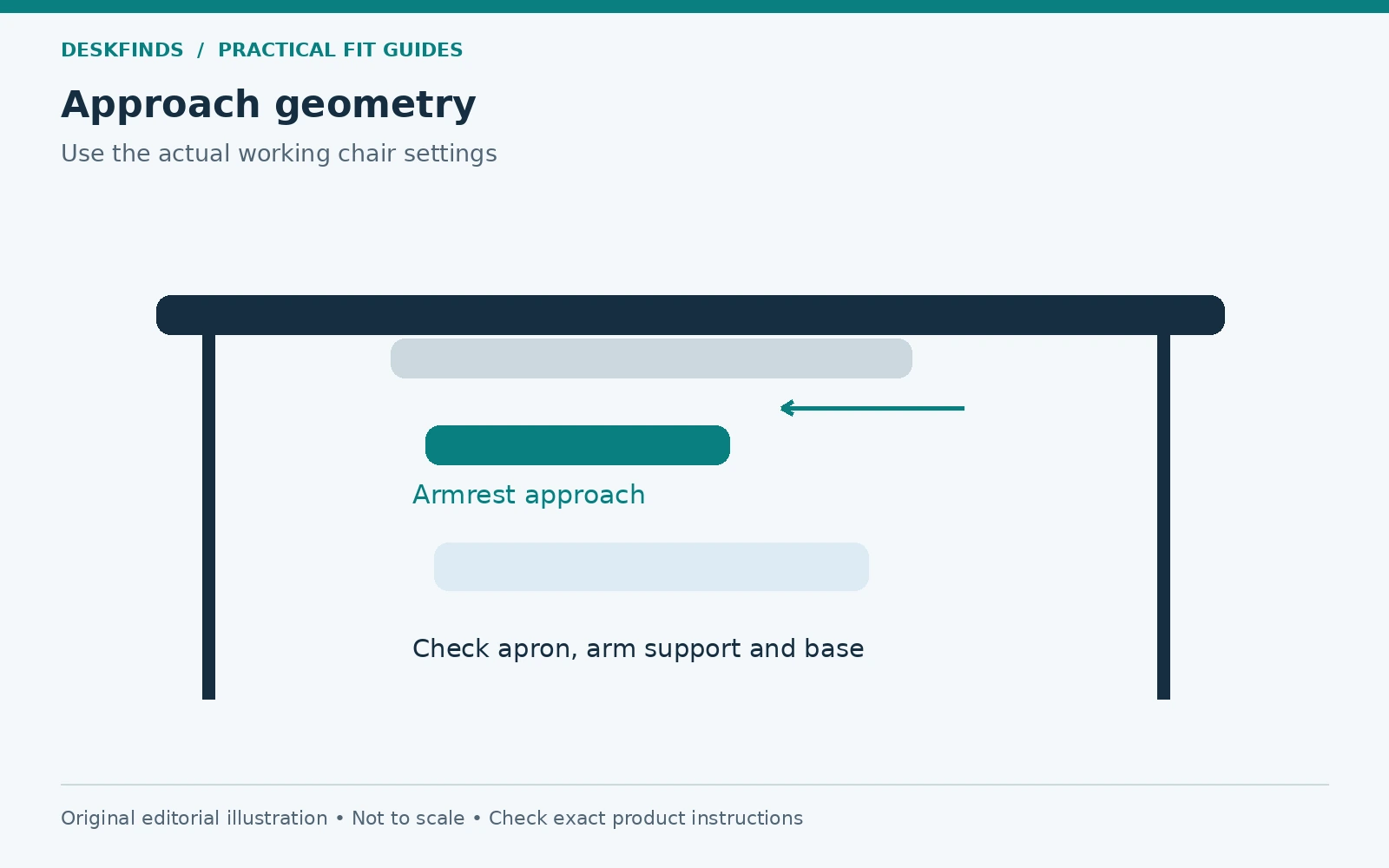
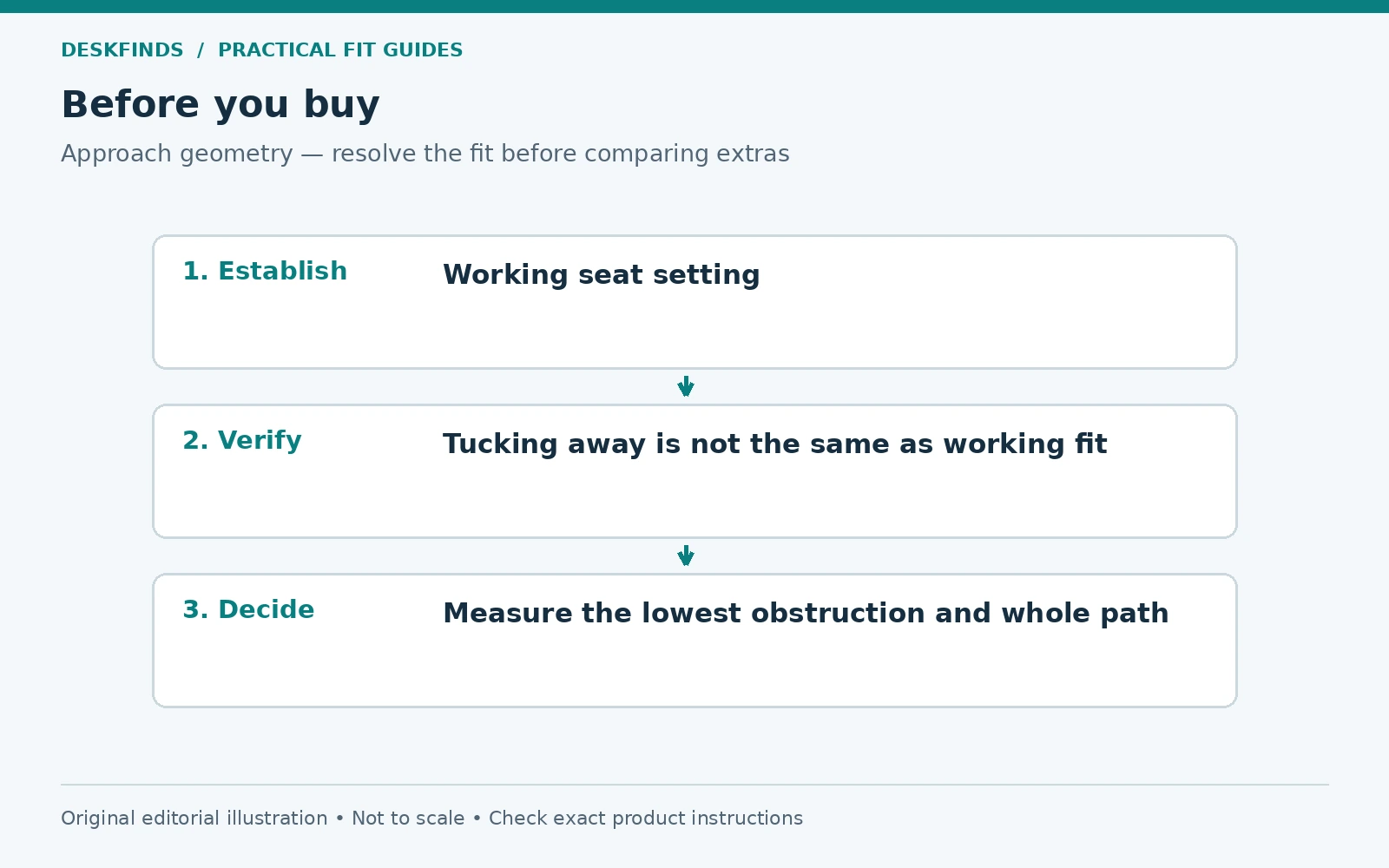
Quick answer: Compare the top and outer shape of the armrests at your actual working chair setting with the lowest desk obstruction along the approach path. Include aprons, drawers, clamps, and keyboard hardware. Check both occupied work and empty storage positions. Lowering the chair simply to tuck it away can create a poor working height.
This guide is a fit check, not a medical assessment. Use the chair and desk within their instructions. For overall chair sizing, start with our office chair measurement guide.
Set the chair for work before measuring
Sit in the chair as you normally use it. Adjust the seat and other supported settings so you can work with your feet supported and your body positioned comfortably. The relevant armrest height is the one associated with that working setup, not the chair's absolute minimum setting in an empty room.
Note the floor surface and any chair mat. A thick mat or different casters can change the chair's height relative to the desk. Measure the actual combination rather than transferring figures from a product listing. If several people share the chair, repeat the fit check at their normal settings.
Do not raise or lower the chair solely to make the armrests disappear beneath the top. That may change foot support, keyboard position, and leg clearance. If an adjustment improves one dimension while creating another problem, the workstation still needs a coordinated solution.
Identify the desk's lowest relevant obstruction
Measure from the floor to the underside of the desktop at the approach point. Then look for anything lower: a front apron, central drawer, keyboard tray, clamp screw, or frame bracket. The armrest does not need to hit the top itself to stop the chair moving inward.
Check along the width of both armrests. A drawer may obstruct one side while the other clears. A curved or angled desk edge can also meet the front of an armrest before the rest reaches the opening. Record the actual collision point rather than treating the desk underside as one flat plane.
Include accessories installed later. A cable tray or clamp-on drawer can reduce clearance that was previously adequate. Our under-desk drawer guide helps evaluate those changes. The chair and underside layout should be assessed together rather than as independent purchases.
Measure the armrest's complete shape
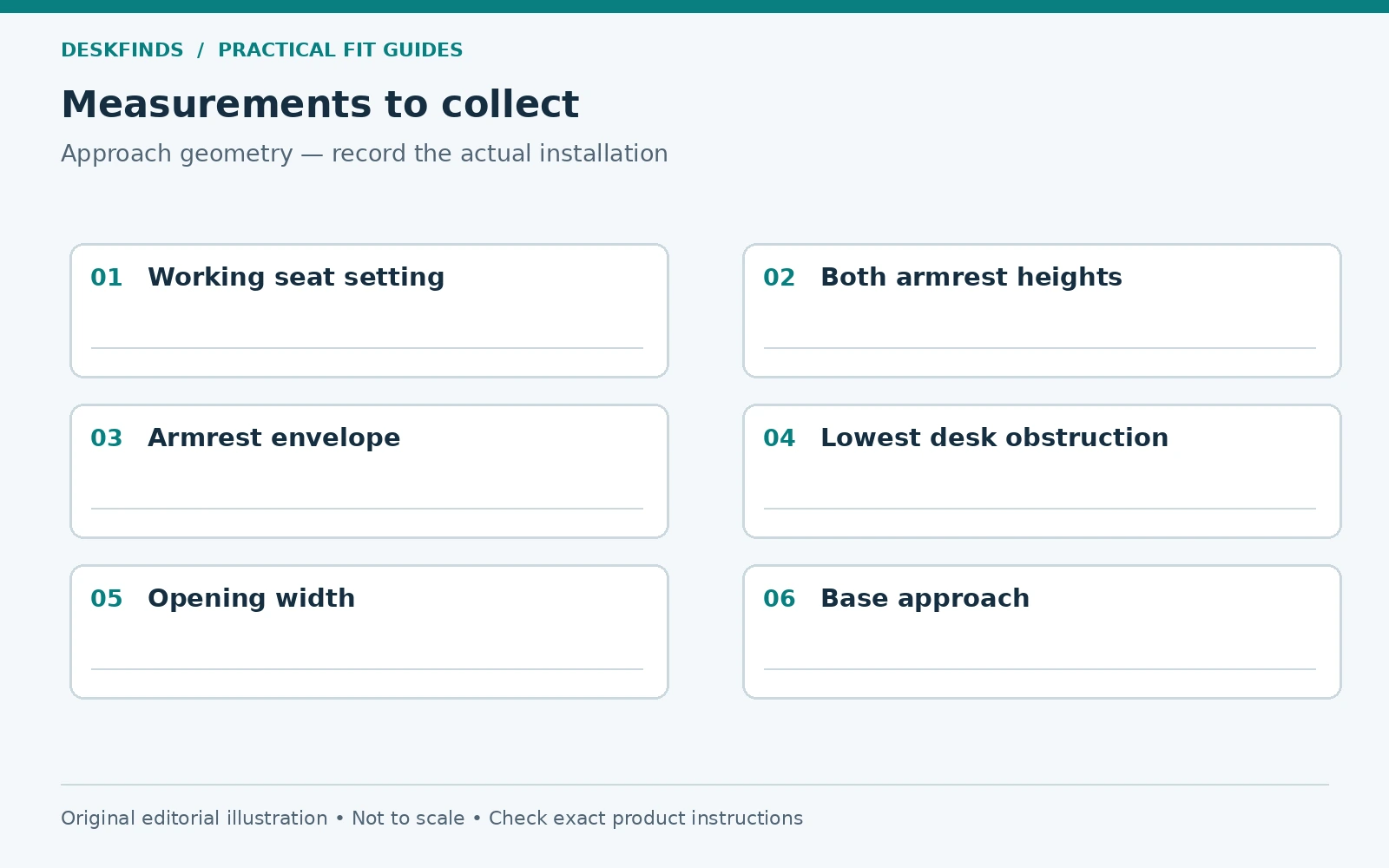
Measure from the floor to the highest part of the armrest at the intended setting. Also record its width, front projection, and any curved support that extends beyond the pad. A pad may fit beneath the desk while its bracket catches the apron. Overall chair width alone does not describe the approach geometry.
If the armrests adjust, check the documented range and direction. Height adjustment, inward rotation, fore-aft movement, and folding are different features. A listing calling them adjustable may refer to only one. Use the exact chair manual to identify what changes are supported.
Test the adjustment while seated where appropriate. An armrest can reach a low setting when the chair is empty but be awkward to use or reset during work. Record a practical working position and a separate storage position if you intend to switch between them. Do not assume you will happily perform several adjustments every time you stand up.
Check width as well as height
The chair may be low enough to enter but too wide for the opening between desk legs or storage units. Measure the narrowest clear width along the approach path and compare it with the outer armrest envelope. Include arm supports and any knobs that project sideways.
Check the base too. Casters or chair legs can meet desk feet before the armrests reach their intended position. A chair can therefore appear to have an armrest problem when the actual stop is lower down. Observe the full approach from the side and front to distinguish those contacts.
A centered chair may fit differently from one angled slightly for entry. Test the movement you actually use, but do not rely on a precise maneuver that repeatedly scrapes furniture. A workable fit should tolerate normal approach and departure without forcing the chair through a narrow sequence of turns.
| Measurement | Include |
|---|---|
| Working armrest height | Chair at the user's actual seat setting |
| Armrest envelope | Pad, support, knobs and forward projection |
| Desk clearance height | Lowest relevant apron, drawer or hardware |
| Clear opening width | Legs, cabinets and other side obstructions |
| Base approach | Caster and desk-foot interaction |
| Storage position | Separate adjustment only if practical and permitted |
Separate reaching from tucking away
You do not necessarily need the entire armrest beneath the desktop to work well. The important question is whether you can place your hands and body appropriately without being stopped too far away. Some arrangements work with armrests outside the desk while the keyboard sits at a suitable position.
Conversely, a chair that tucks neatly under the desk when empty may not fit at the user's working height. Treat storage appearance as a separate goal. Do not select a chair solely because a showroom photo shows it pushed in. Ask how the dimensions change at the settings you will use.
Try a normal task at the proposed position. Type, use the mouse, read the screen, and reach for a notebook. If you lean forward to bridge the gap created by the armrests, note that as a functional conflict. A desk can look tidy while supporting an awkward working posture.
Use a simple comparison worksheet
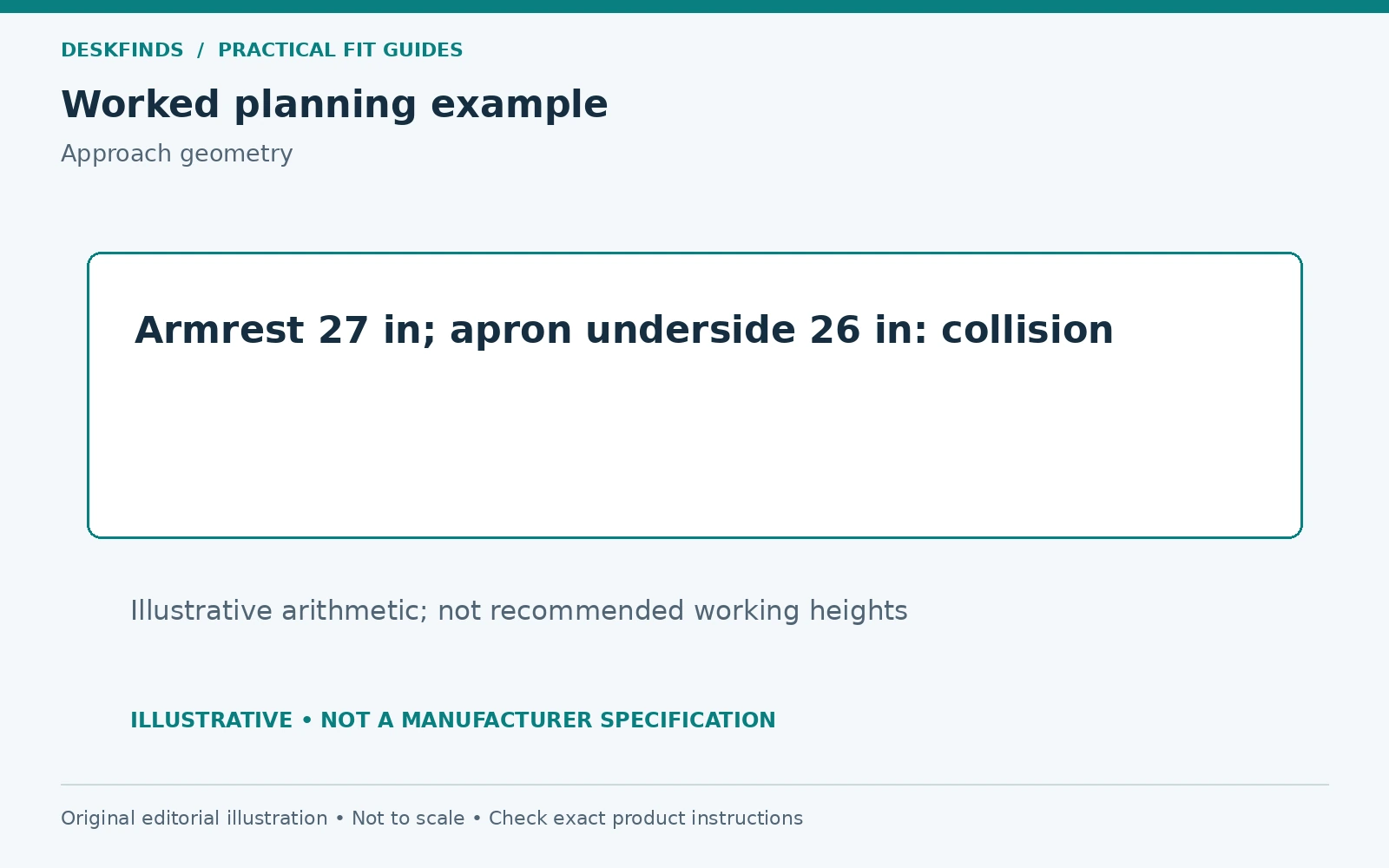
Write the desk's lowest clearance beside the armrest's highest relevant point, using the same floor reference. A positive numerical difference suggests vertical clearance at that point, but it does not prove the full approach works. The shape, width, and path still need checking.
For an illustrative example, an armrest top at 27 inches cannot pass beneath a desk apron whose underside is 26 inches at that location. Lowering the armrest might resolve the collision if the chair supports that adjustment and the working position remains useful. The example is arithmetic, not a recommended armrest height.
If the dimensions are very close, inspect the actual geometry rather than assuming a tiny nominal difference guarantees fit. Floor irregularities, pad shape, and measurement precision matter. A full-size mock-up or direct test is more informative than rounding both product specifications to the nearest inch.
Example: the apron is the real obstacle
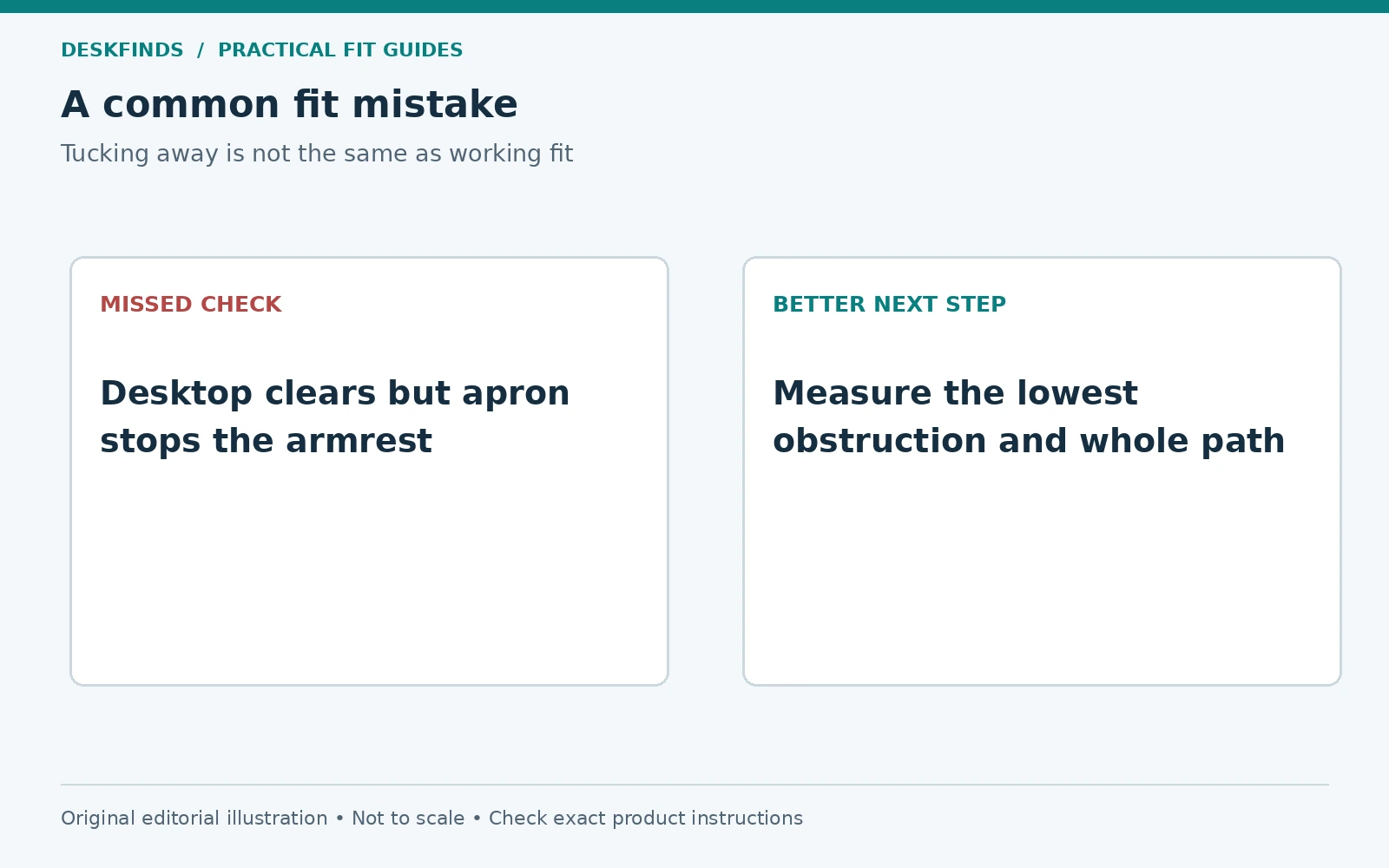
A user checks the desktop height and assumes there is ample clearance for the chair. A front apron hangs below the top, however, and meets the armrest pad. The chair stops before the user reaches the keyboard. The desk's advertised height was not the relevant measurement.
The user lowers the armrests within their intended range and tests typing again. If the shoulders and arms remain comfortable and the chair can approach naturally, that may resolve the problem. If the armrests must be set where they no longer serve the user, a different workstation arrangement is needed.
Removing the desk apron is not an acceptable casual fix. It may be structural. Likewise, removing chair arms should follow the chair manufacturer's instructions and permitted configurations. Do not modify furniture simply because the interfering part appears detachable.
Example: the armrests clear, but the base does not
Another chair's pads pass below the desk, but the casters meet a wide desk foot. The user mistakes the resulting distance for an armrest problem. Removing the arms would not change the base collision. Observing the approach from the side reveals the actual limiting component.
The user tests a different chair position and desk layout without forcing contact. If the base cannot approach suitably, compare compatible furniture dimensions rather than changing unrelated parts. Our chair clearance guide also helps determine whether moving the desk affects the space behind the seat.
This example shows why a fit check should follow the whole movement path. Height, width, and floor-level geometry can each stop the chair. A product comparison based on only one dimension may recommend a change that does not address the real obstruction.
Consider supported adjustments in a sensible order
First check the armrest adjustments intended for the chair: height, rotation, fore-aft position, or folding where provided. Test one change at a time. Keep the chair's basic fit and the keyboard position in view. Do not trade an approachable desk for a setting that causes new reaching or contact elsewhere.
Next consider equipment placement. Moving the keyboard slightly may help if it preserves a usable input area and screen distance. A keyboard tray can change the working position, but needs its own legroom, mounting, and room-clearance checks. It is not a guaranteed cure for armrest interference.
If changing the desk height is possible, evaluate the whole workstation and all users. Raising a desk to clear arms may make the typing surface too high. Adjustable furniture provides options, but the settings still need to work together. Our standard desk height guide provides context rather than a single answer for every person.
Evaluate flip-up and removable arms carefully
Flip-up arms can help with storage if the mechanism is intended for that use. Check the raised envelope too; the arm may then project behind or above the seat. Confirm that it can be moved without hitting the desk or another object. A useful feature can still have a room-level clearance requirement.
Removable arms may be an option only if the chair manufacturer permits that configuration and provides the procedure. Keep the parts and correct fasteners if removed. Do not assume that a chair remains within its intended use after arbitrary modifications. If the documentation is unclear, ask support before disassembly.
An armless chair can suit some tasks and users, but should be assessed for overall fit rather than selected as a universal ergonomic solution. Seat support, adjustment range, and the way you work still matter. The right decision addresses the person and the workstation together.
Test the setup across the workday
A chair that clears during typing may meet the desk when you turn, reach, or rise. Move through those normal actions and check for repeated contact. Include a footrest, chair mat, and any under-desk storage you actually use. Do not test in an artificially cleared space that will not be maintained.
For a sit-stand desk, check the chair's storage position while the desk changes height, following the desk instructions. Keep the chair out of collision zones rather than relying on a detection feature. A parked chair arm can become an obstacle beneath a descending desktop even if it clears at seated height.
For shared workstations, record useful settings for each user. A configuration that fits one person does not establish a fit for another. Simple notes or permitted memory functions can make transitions easier, but the physical clearance should still be checked with the actual chair and accessories.
Prepare a useful question before buying
Send the seller the desk clearance height, clear width, and relevant obstruction sketch. Ask for the chair's armrest height range from the floor at the seat settings you need, not merely the pad adjustment relative to the seat. Ask about full armrest width and supported folding or removal options.
If the seller cannot provide the dimensions, look for a local fit test or a clearly understood return policy rather than assuming compatibility. Compare our office chairs for shorter users or chairs for taller users only after defining the individual's fit needs.
Save the final worksheet with the furniture details. Recheck it whenever a drawer, tray, mat, or chair accessory changes. A good fit lets you approach the work naturally and leave the chair easily; it is more valuable than a chair that only looks compact when pushed beneath an empty desk.
Measure both arms independently
A chair may be adjusted asymmetrically, and the desk may have an obstruction on only one side. Record the height and outer position of each armrest separately. Check whether the pads are rotated or slid forward by different amounts. A small setting difference can make the chair approach at an angle or stop on one side first.
Return the adjustments to a useful working configuration before deciding that the furniture is incompatible. Use only the controls and range the chair provides. If one arm will not hold its setting or moves unexpectedly, address that product issue separately. A fit worksheet should not normalize a malfunctioning adjustment as part of the room geometry.
Watch the path as the chair turns. The armrest corner may clear while moving straight inward but catch the desk when you swivel to leave. Include that ordinary movement in the test. A chair that fits only with both arms held in one precise position may create repeated contact during daily use.
Compare the cost of the possible fixes
List the practical options: a supported armrest adjustment, different input-device placement, a compatible tray, another chair, or another desk. For each, write the problem it solves and the new checks it introduces. This keeps a low-price accessory from appearing to be a complete solution when it merely moves the conflict.
A tray may lower the keyboard but reduce thigh space and move the chair farther into the room. A taller desk may clear the arms but make the typing surface unsuitable. An armless chair may approach easily but fail the user's other fit needs. None of these options should be judged by clearance alone.
Try the least disruptive supported adjustment first and assess a real task. If it resolves the collision without creating reaching or other interference, there may be no need to buy anything. If not, use the recorded dimensions to compare furniture rather than choosing another product with the same ambiguous adjustable-arm claim.
Keep a shared-desk settings card
For each regular user, note the useful chair seat setting, armrest arrangement, keyboard position, and desk height where adjustable. Add a simple reminder about any tray or drawer that needs to be stowed before changing modes. This can reduce repeated trial and error without pretending that one setting suits everyone.
Check the transition as well as the endpoint. Folding an arm, lowering a desk, or rolling a chair inward can create a collision even when both final positions are clear. Follow the furniture instructions and keep people and objects out of the moving path. Do not rely on a desk's detection feature as the normal way to find an obstruction.
Update the card when equipment changes. A new keyboard tray, cushion, chair mat, or caster set can alter the relationship between user and desk. Treat those changes as reasons to repeat the fit check. The worksheet is useful because it describes the actual configuration, not because it establishes a permanent clearance for every future version of the workstation.
Sources and scope
- OSHA workstation chairs - general reference on coordinating chair adjustments and addressing interfering armrests.
- The exact chair and desk manuals - required for permitted adjustments, removal options and installation restrictions.
The fit worksheet and illustrative measurements are original editorial analysis, not a medical prescription or a universal furniture clearance standard.