
How to Measure for a Clamp-On Desk Drawer
Affiliate Disclosure: We may earn a small commission on qualifying Amazon purchases at no extra cost to you. Full disclosure →
A clamp-on drawer can add storage without drilling, but the dimensions that decide whether it works are often hidden beneath the desktop. The drawer needs room for its clamps, rails, open position, and your legs. Its storage compartment also needs to fit the items you actually want to put away, rather than only looking large enough from outside.
Quick answer: Measure the mounting edge, underside obstructions, complete assembly width, installed drop, and full opening path. Then check the drawer's internal dimensions against your objects. Test the position from your chair before buying. A drawer that fits the desk can still be inconvenient if opening it requires moving the chair or striking your knees.
This guide covers storage drawers. If you intend to type on the platform, use our clamp-on keyboard tray fit guide as well. A storage drawer and a keyboard tray may look similar but have different working requirements.
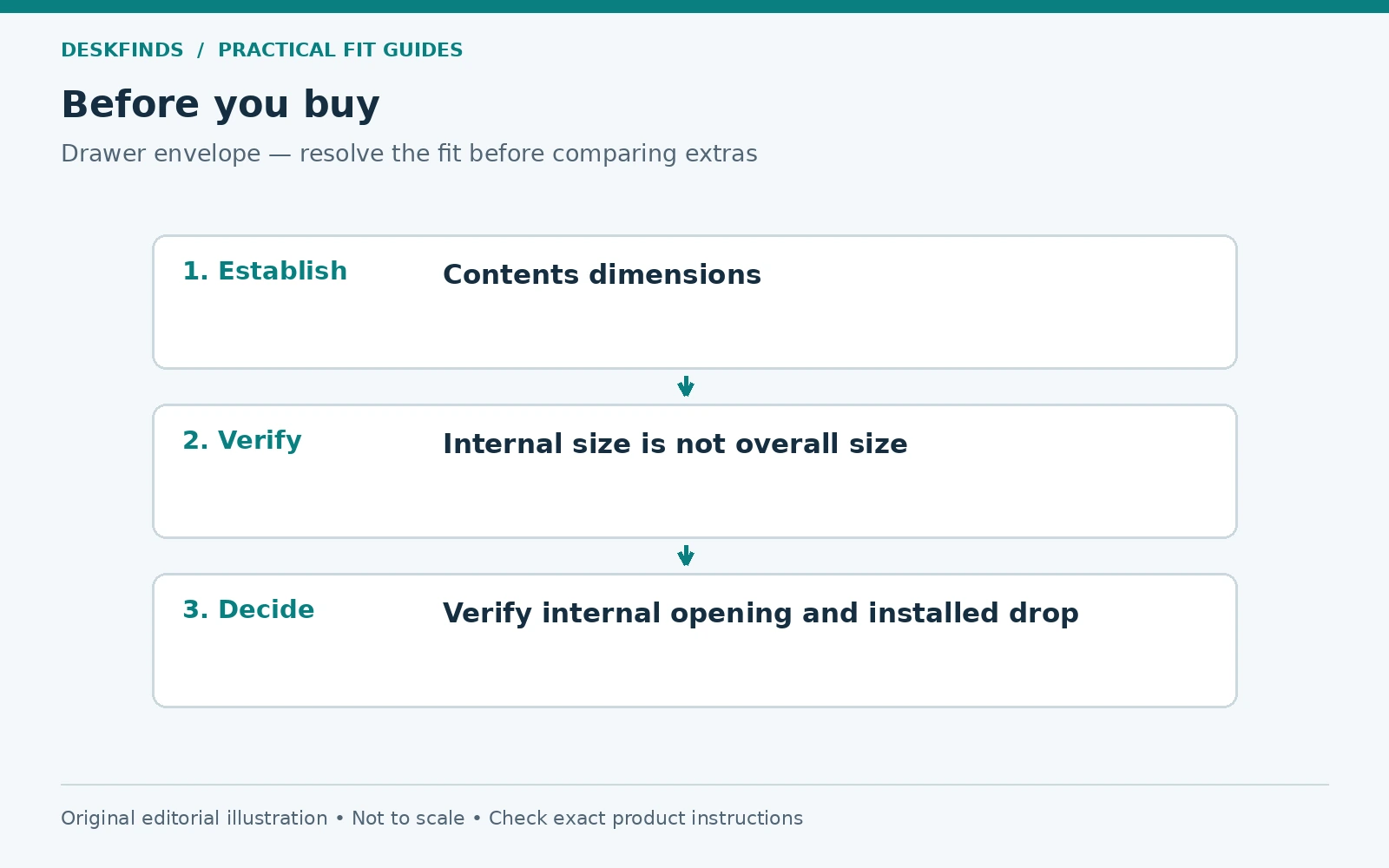
Define the contents before the container
Gather the items you want off the desktop: pens, a calculator, charging cables, notebooks, glasses, or small tools. Remove items that belong elsewhere. Lay the remaining objects in the arrangement you want to retrieve them. This gives you a practical minimum compartment size and shows whether a shallow drawer is appropriate.
Measure the largest object in all three dimensions. A notebook's width and length matter, but so does its thickness with a pen clipped to it. A charger may fit flat but need more height once its cable is coiled naturally. Do not rely on a photograph showing a similar-looking item inside an empty drawer.
Decide how frequently each item is used. A drawer for occasional supplies can sit slightly off-center; one used throughout the day should be easy to reach without twisting. If you need the storage primarily for paper files or bulky equipment, a small clamp-on compartment may be the wrong product category.
Separate internal dimensions from external dimensions
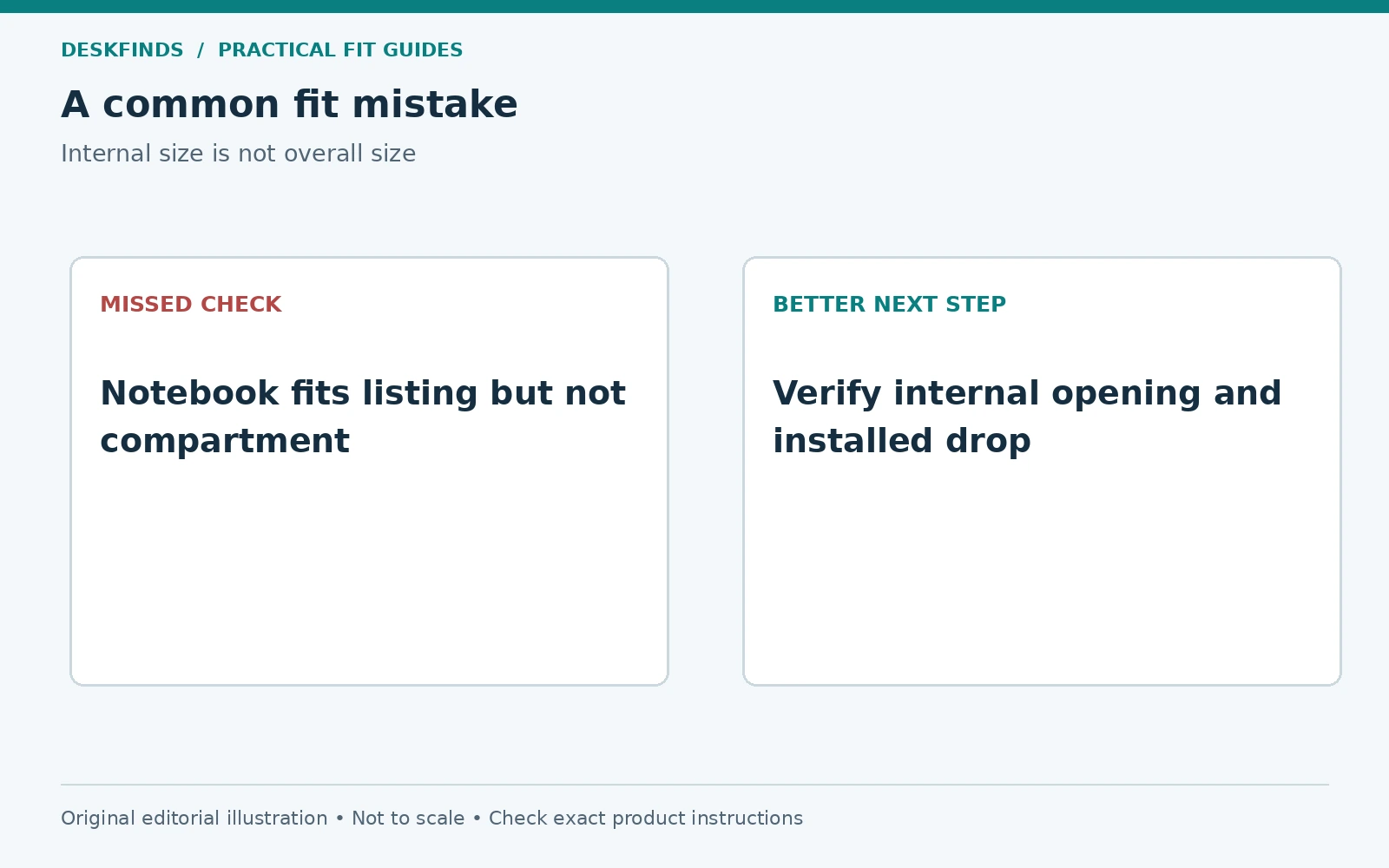
Look for the usable compartment width, depth, and height. External dimensions include walls, slides, handles, and mounting brackets. A product can appear generous while providing much less storage space inside. If the listing gives only an overall size, ask for a dimensioned internal drawing or a direct measurement.
Check whether a divider, pencil tray, or latch reduces the usable area. Removable dividers may help, but verify that removing them is intended and does not affect the structure. A rounded corner can prevent a rectangular notebook from fitting even when the headline width seems sufficient. Compare the object outline with the actual compartment shape.
For cables and small accessories, plan how you will see and retrieve them. A deep compartment that becomes a tangled bin may be less useful than a shallow tray with a clear layout. Storage capacity is not the same as accessible capacity. Choose the smallest organized arrangement that serves the daily task.
Measure the mounting edge at both clamp locations
Identify where the two clamps would sit, if the design uses two. Measure desktop thickness at each point. A tapered edge, decorative lip, or local reinforcement can create different conditions across the same desk. The relevant measurement is the actual clamp contact area, not a thickness figure taken from another side.
Verify surface and material compatibility. Glass, hollow-core tops, soft finishes, and damaged composite board may be excluded by the drawer instructions. A clamp that closes around the edge does not prove the surface is suitable. Do not use extra force or unapproved layers to overcome an incompatible contact shape.
Check installation access. You need enough room to position the lower pads and operate the screws or handles. A drawer cabinet beside the proposed location can obstruct your hand even if it does not overlap the final assembly. Include the installation process in the fit assessment, particularly on a desk fixed against a wall.
Map the underside and the opening path
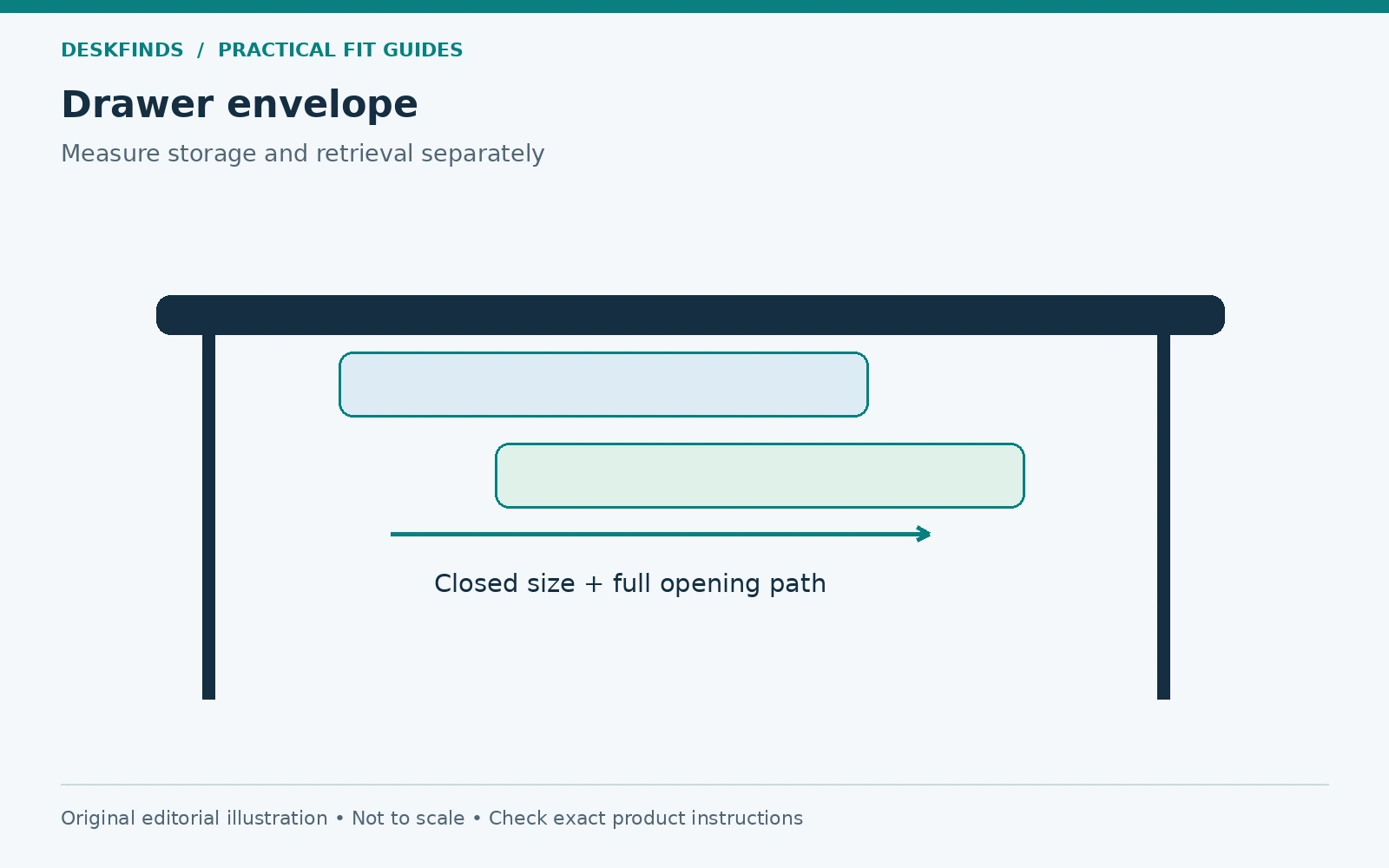
From below, locate aprons, crossbars, legs, cable trays, keyboard rails, and desk controls. Draw them on an underside plan with the front edge labeled. Add the drawer's complete mounting footprint and its closed position. Then extend the drawing to show the fully open drawer and handle.
Check that the rails do not run into a frame member. A drawer may attach near the edge yet fail to close because the rear of its assembly hits a crossbar. Conversely, an apron may block the clamps before the rails are relevant. These are separate checks and need separate measurements.
Consider what the open drawer occupies in the room. It can overlap your chair arms, lap, keyboard tray, or a nearby cabinet. Opening it may push you away from the desk. That may be acceptable for occasional storage, but it becomes frustrating if the drawer holds something you reach for every few minutes.
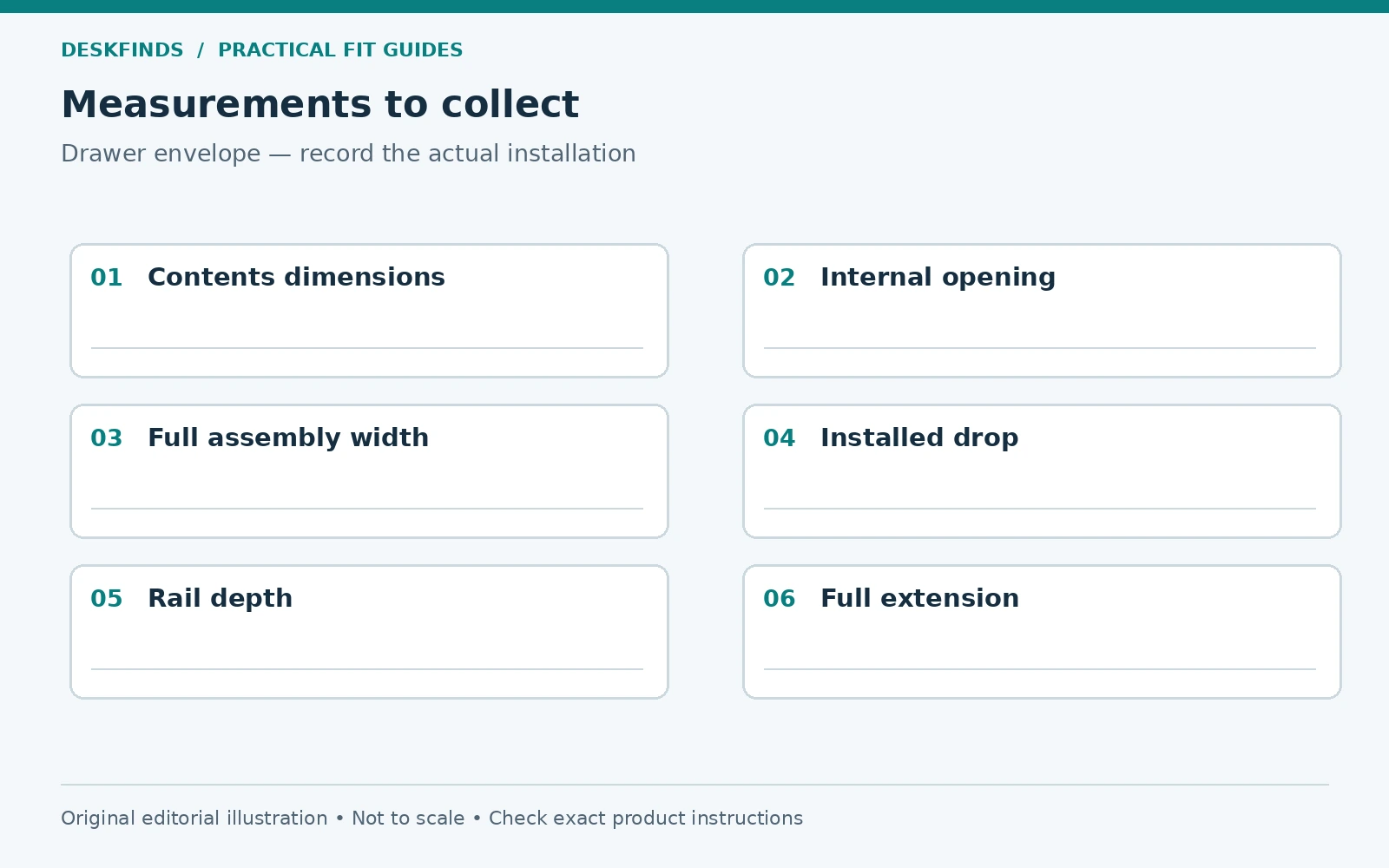
| Dimension | What it decides |
|---|---|
| Full assembly width | Fit between legs, panels and neighboring accessories |
| Clamp contact depth | Whether each jaw reaches a suitable flat surface |
| Installed drop | Remaining space above thighs and chair arms |
| Closed underside depth | Clearance from frame rails and cables |
| Full extension | Space needed to open and retrieve contents |
| Internal compartment size | Whether your actual objects fit |
Protect the leg movement area
Set the chair as you normally use it and sit at the keyboard. Move your knees, turn slightly, roll in and out, and stand up. Mark the region that needs to remain clear. A central drawer can occupy a large part of that region even if it does not touch you in one carefully held posture.
Measure the lowest component, not only the compartment bottom. A clamp screw or rail bracket may hang lower. If you use a footrest or under-desk exercise device, test with it in place. The drawer should not make you choose between using another essential component and approaching the desk naturally.
An off-center location can preserve legroom, but it should still allow easy retrieval. Reach to a paper mock-up of the handle while seated. If you must twist or lean around a chair arm, compare another position or storage method. Our under-desk storage guide can help evaluate alternatives.
Mock up the drawer in three dimensions
A flat paper outline shows width and depth but hides the installed drop. Use a cardboard box or folded template matching the external assembly. Support it safely without placing an unstable load above your legs. Mark the handle and lowest hardware point. This makes a small vertical intrusion much easier to judge.
Try both the closed and open positions. Move a second cardboard section along the intended rail direction to represent extension. Test whether a notebook or other target item can be lifted out without hitting the desk underside. A compartment may fit an object internally while its opening makes retrieval awkward.
If the mock-up fails, identify the specific limiting dimension. A narrower drawer will not solve insufficient vertical clearance; a shallower compartment will not fix a blocked clamp. Matching the alternative to the actual constraint keeps the shopping process focused and prevents repeated returns of slightly different unsuitable products.
Example: the notebook fits the listing but not the drawer
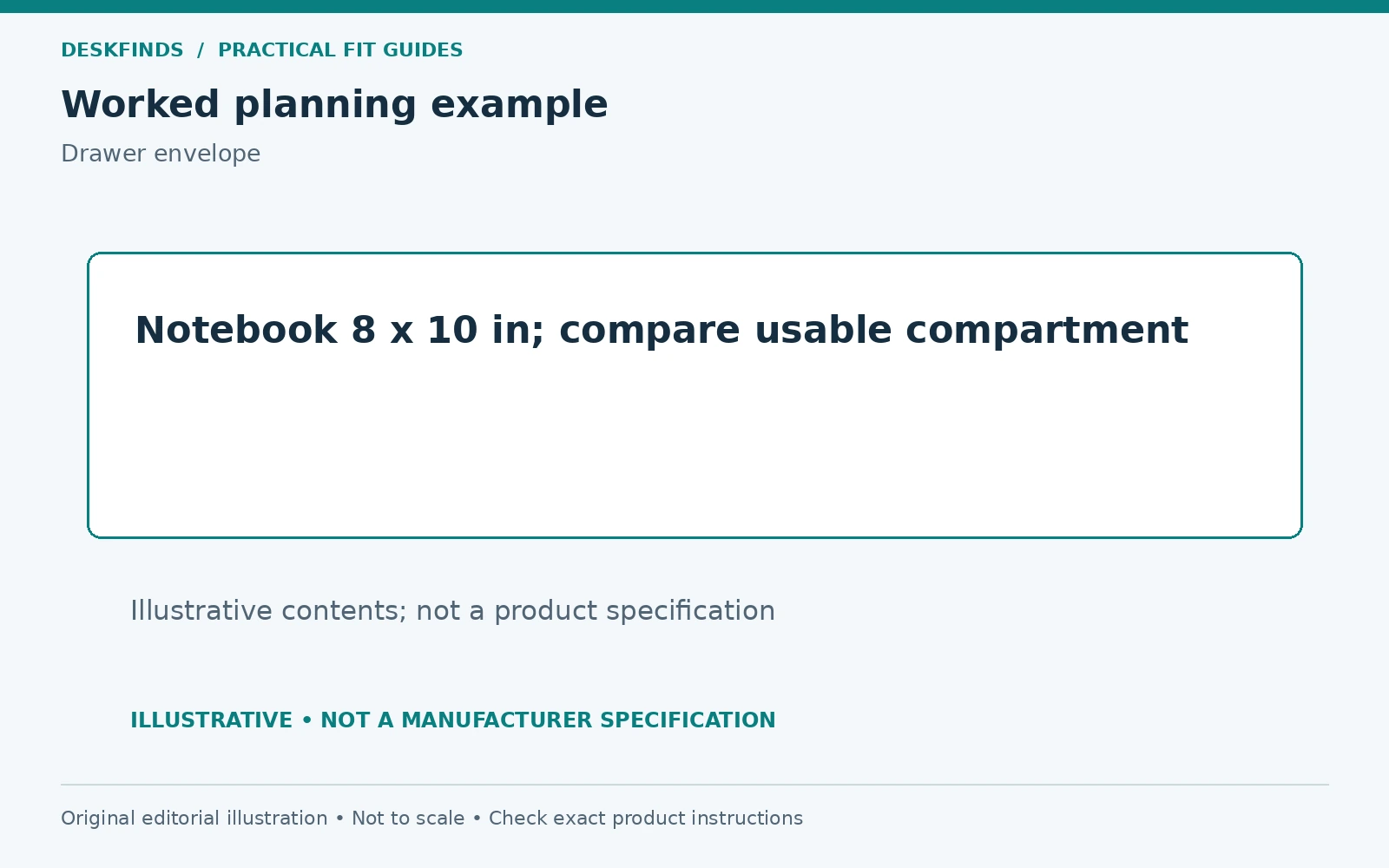
A buyer wants to store a notebook measuring eight by ten inches. The drawer's advertised overall footprint is larger, so it appears suitable. A closer look reveals that the internal compartment is shortened by the slide mechanism and narrowed by thick sidewalls. The notebook cannot lie flat in the intended orientation.
The buyer asks for the internal dimensions and the clear opening size. Another drawer provides the necessary usable area, but its installed drop would interfere with the buyer's thighs. That candidate also fails, for a different reason. The correct decision is to compare another location or a desktop organizer rather than choosing between two incompatible drawers.
This example shows why contents and workstation clearance need independent checks. A product can succeed at one and fail at the other. Write both requirements in the purchase brief so a larger storage compartment does not distract you from the remaining legroom.
Example: the drawer fits until it opens
A second buyer has a suitable desk edge and adequate clearance beneath the top. The drawer sits neatly beside the main seating position. When extended, however, its front meets the chair arm, and reaching the back of the compartment requires rolling away from the keyboard.
For occasional spare cables, that routine may be acceptable. For glasses, pens, or a frequently used calculator, it is a poor fit. The buyer tests a position farther to one side, but that would require a long reach. A small desktop caddy or side cart is more practical for those particular contents.
The lesson is not that under-desk drawers should never sit centrally or beside a chair. It is that access frequency determines how much inconvenience is tolerable. Simulate the action you will repeat, rather than judging only the appearance of the closed drawer.
Confirm load and furniture restrictions
Check the drawer's stated load limit and whether that figure includes the compartment itself or only contents, if the documentation distinguishes them. Do not use a storage drawer as a support for your body or as a handle to move the desk. The clamps are designed for the specified use, not every force that can be applied to them.
If the desk belongs to a dorm, landlord, or employer, check the furniture rules. A clamp can leave pressure marks even without drilling. Protective material should be used only as permitted by the drawer and desk manufacturers, because added layers can change how the jaws seat. Reversible installation does not guarantee zero surface impact.
For a standing desk, ensure the drawer does not interfere with frame motion, control access, or nearby furniture through the working range. Its contents should remain contained as the desk moves. Recheck any cables routed alongside the drawer so the rails cannot pinch them when opened or closed.
Install and organize for daily use
Follow the assembly sequence and use the specified tools. Support the drawer while securing its mounts, and check that the rails engage as instructed. Test the mechanism without contents first where permitted. Stop if it binds, scrapes, or cannot close without force. Misalignment should be corrected rather than hidden by a harder push.
Load the drawer gradually within its limit and arrange the most frequently used items near the accessible part. Use suitable organizers that do not jam the mechanism or exceed the internal height. Keep loose cables from trailing into the rails. A drawer that is overfilled quickly becomes a source of friction rather than a storage improvement.
Review the layout after several normal work sessions. If the drawer repeatedly hits your knees or remains open because access is difficult, change the arrangement. Do not accept a persistent collision simply because the product was easy to install. A useful accessory should reduce interruptions, not add a new movement to every task.
Choose a different storage method when it fits better
A desktop tray keeps frequently used items visible and reachable, though it consumes surface area. A side cart offers more capacity but needs floor and opening space. A screw-mounted drawer may have a different footprint, but requires an approved surface and permission to modify it. Compare the complete trade-off rather than the mounting method alone.
Our clamp-on desk drawer guide is useful once you have the internal and external requirements. If a keyboard platform is the real need, compare keyboard tray drawers with typing position as the priority. Keep the two use cases distinct during shopping.
Before ordering, save photographs of the underside, a dimensioned sketch, and a list of intended contents. Ask the seller to confirm any missing measurement explicitly. A clear answer about compartment size, installed drop, or clamp geometry is more valuable than a general statement that the product fits most desks.
Use a retrieval test to choose the location
Put the intended contents in a temporary box with the same usable opening as the candidate drawer. Place it beside the proposed location on a stable support and simulate retrieving the items. Notice which objects you need to see from above, which can be identified by touch, and which need a wider opening to lift out.
A small item may fit anywhere but still be hard to find at the rear of a deep compartment. A notebook may fit flat yet need more room to tilt upward during removal. Those are access requirements, not storage-volume requirements. Record them before choosing dividers or a drawer depth.
Try the action while seated at the actual task. If the drawer will hold a calculator used during spreadsheet work, reach for it from the typing position. If it will hold spare cables used once a month, test it during a maintenance routine instead. The acceptable location depends on use frequency rather than a universal rule that drawers belong directly under the keyboard.
Keep storage categories small enough to maintain
Assign each drawer a clear role, such as writing tools and one notebook, or charging accessories and a few spare cables. Mixing every small desk item in a single compartment can make the drawer feel full without making anything easier to find. A useful organizer should preserve the contents list that justified the purchase.
Measure any internal bins before buying them. Their walls and rims consume space, and several small bins can leave less usable capacity than one open tray. Check that the drawer still closes when the bins are loaded and that nothing projects into the slide path. Do not rely on pushing the contents down each time it shuts.
Leave a small practical amount of empty space for your fingers and normal variation in the contents. That is not a prescribed percentage; it is an access test. If you cannot retrieve an item without tipping the drawer or removing everything above it, the arrangement is too dense for the intended task.
Plan removal before the end of the tenancy
Keep the assembly instructions, spare parts, and any supplied protective components together. Photograph the original clamp positions after installation. This makes it easier to inspect the contact surfaces and remove the drawer using the intended sequence later. Do not assume the drawer can be detached safely while fully loaded.
At move-out, unload the compartment and follow the removal directions. Inspect the furniture rather than hiding a mark beneath another accessory. Clean only with products suitable for the finish. If the clamp has left damage, use the appropriate repair or reporting route instead of an improvised cosmetic treatment.
For a desk you expect to replace soon, compare the drawer's compatibility with likely future furniture. A product that depends on one unusual edge may have limited reuse. A portable desktop tray or small side unit can sometimes provide more lasting value, even if the clamp drawer looks cleaner in the current room.
Sources and scope
- VIVO clamp-on keyboard tray with pencil drawer - example of a combined platform and storage design with model-specific mounting requirements.
- OSHA desks guidance - general workstation clearance reference.
The cases and mock-up process are original editorial planning aids. Storage capacity and permitted mounting conditions must come from the exact product documentation.