
How to Measure Chair Clearance Behind a Small Desk
Affiliate Disclosure: We may earn a small commission on qualifying Amazon purchases at no extra cost to you. Full disclosure →
A desk can fit between a bed and a wall while leaving no practical room to use its chair. The missing measurement is often the space behind the occupied seat: room to pull back, stand up, turn, and let another person pass. Measuring only the chair's base or the empty floor gap misses most of that movement.
Quick answer: Measure the distance behind the desk in several real states: chair tucked away, seated work, getting in and out, and any required passage behind the user. Use your actual chair and normal desk position where possible. There is no single clearance figure that guarantees comfort, accessibility, or code compliance in every room.
This guide is a room-planning method. It does not replace local accessibility, workplace, or building requirements. If the route serves an essential access or exit function, obtain the applicable requirements rather than treating a furniture layout example as a standard.
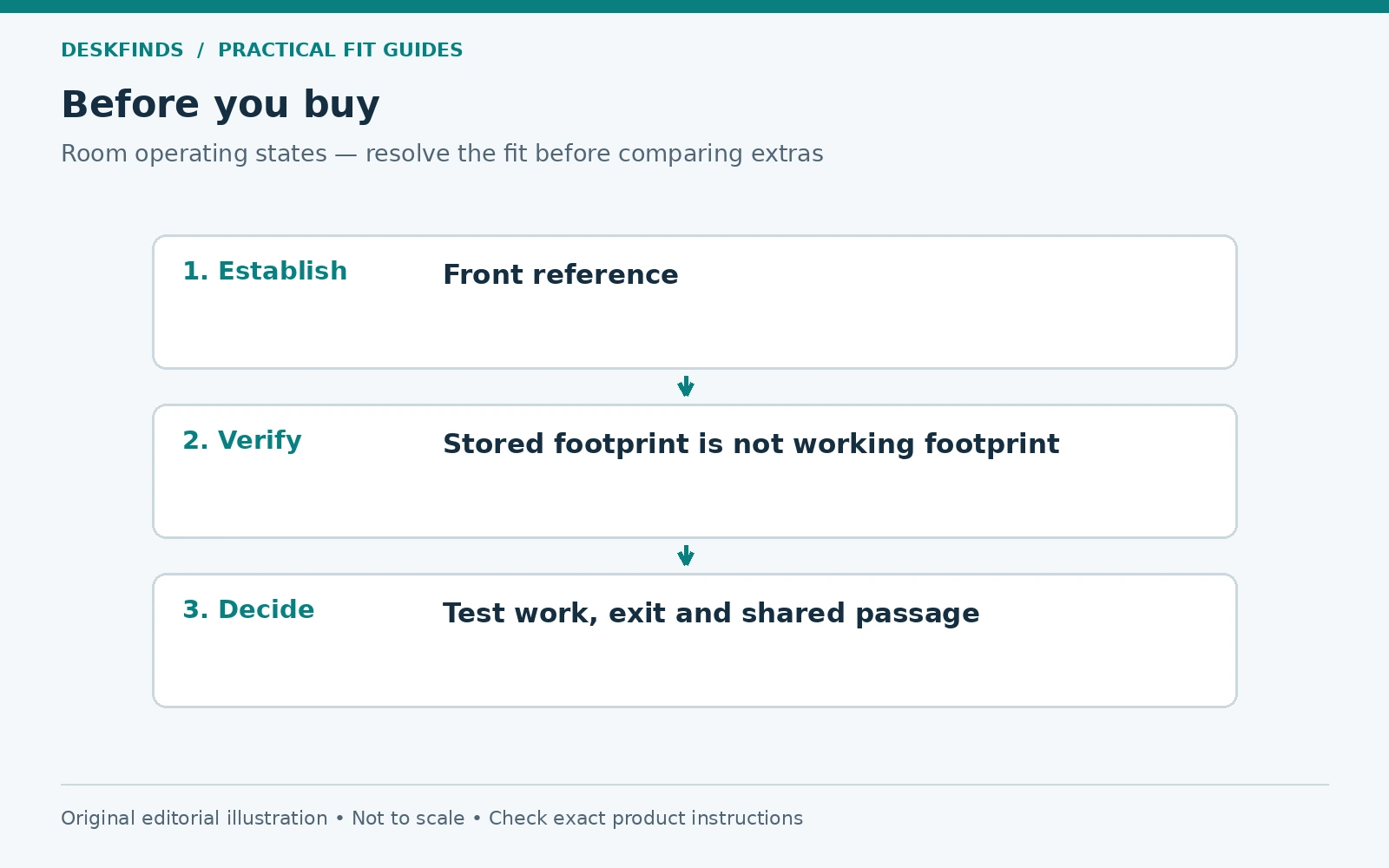
Define the front reference point
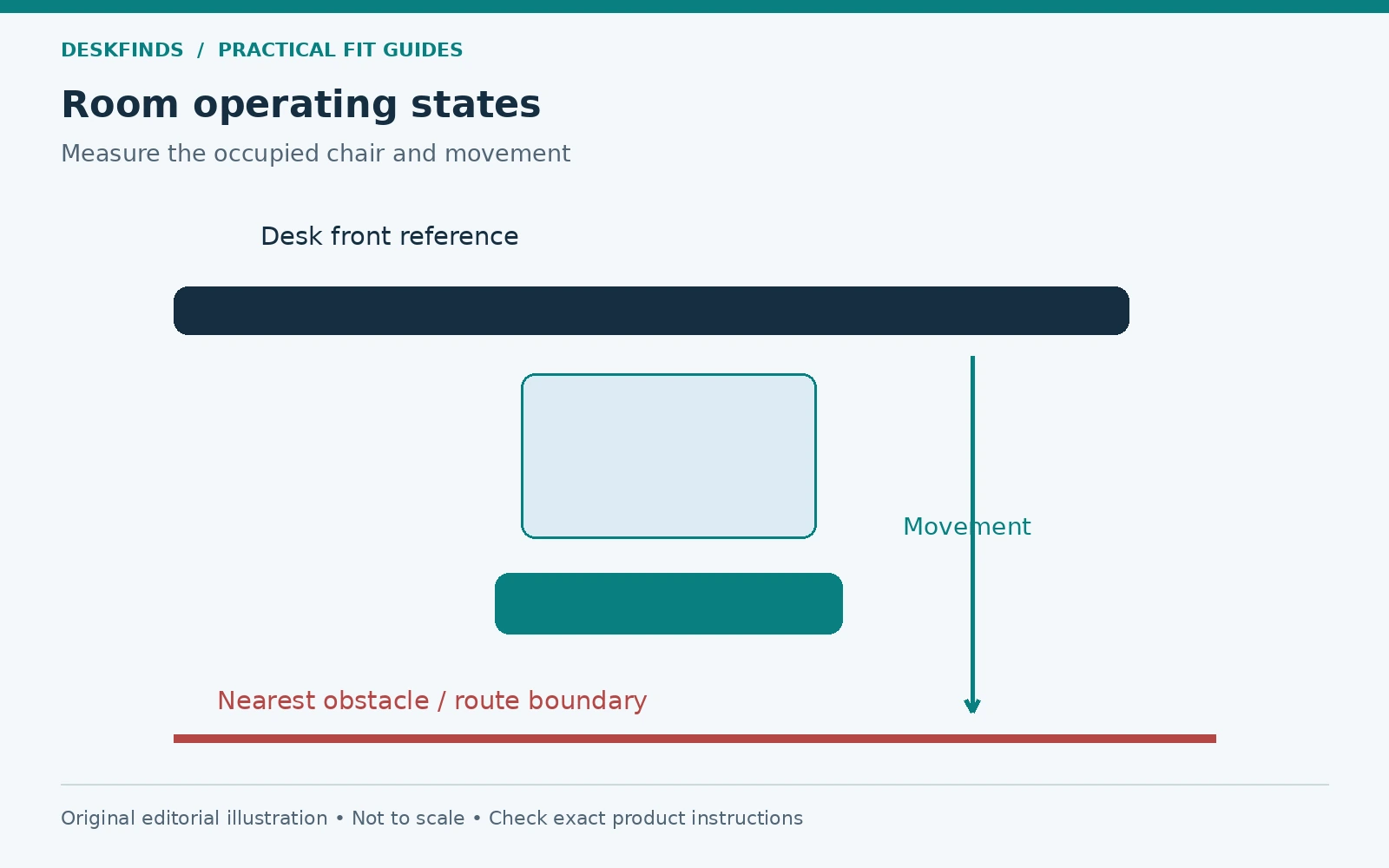
Choose a consistent reference for the measurement. The front edge of the desktop is useful because it is easy to identify, but remember that a keyboard tray can project beyond it. A curved desk may have several front-edge positions. Mark the place where you actually sit, not the most recessed part of the furniture.
Measure from that point toward the nearest obstruction behind the chair. The obstruction might be a wall, bed, cabinet, sofa, or another workstation. Include handles and trim that project into the gap. If the distance changes along the desk, measure at the chair's expected position and along its movement route.
Write down the reference in your notes. “Thirty inches behind the desk” is ambiguous if one person measures from the rear edge and another from the front. A small labeled sketch prevents that confusion when comparing layouts, discussing a room with someone else, or checking a new chair's dimensions.
Separate storage space from working space
An empty chair can often tuck beneath a desk, making a room look spacious. Once occupied, the seat moves outward and the backrest occupies more of the gap. The user also needs room to approach the keyboard without the chair arms colliding with the desk. These are working dimensions, not storage dimensions.
Measure the chair tucked in only to understand the room when the workstation is idle. Then sit normally and mark the rearmost point of the chair. Include the backrest in the position you use, not only its most upright showroom setting. A reclining chair may need substantially more room in some positions.
Next, record the position needed to get out. Pull back naturally, stand, and turn as you normally would. Do not hold an awkward posture to make a tight layout appear workable. The entry and exit movement is part of the workstation's footprint even though it happens only for a few seconds.
Use the actual chair when possible
Chair width, base diameter, backrest shape, and arm design all affect the space needed. A broad five-star base can reach farther than the seat edges. A high back can approach a wall before the casters do. The advertised seat dimensions therefore cannot describe the full room footprint.
If you do not own the chair yet, ask for overall dimensions and create a full-size floor outline. Add an upright marker for the backrest position and account for movement. A static template cannot prove comfort, but it is better than substituting a dining chair with a completely different base and assuming the result transfers.
Check arm clearance separately. If the arms hit the desk, you may be forced to sit farther back, using more room behind the chair and reaching farther forward. Our chair arm fit guide covers that interaction. A room problem can begin with a vertical collision at the desk.
Measure the room in operating states
Make a table for the states that matter in your home. At minimum, include empty storage, occupied work, and getting in or out. Add reclining, a keyboard tray extended, or a second person passing if those are real activities. The room must serve its normal use, not only one carefully arranged moment.
| State | What to observe |
|---|---|
| Chair stored | Does it tuck without striking desk hardware? |
| Normal work | Is the backrest clear of the obstacle behind? |
| Entering or leaving | Can you move without twisting around furniture? |
| Reclining if used | Does the backrest or base meet a wall or bed? |
| Shared passage | Can another person use the intended route? |
| Doors and drawers open | Do their paths conflict with the occupied chair? |
Take photographs from above or draw the positions on paper. Avoid marking floors with materials that can damage them. The purpose is to reveal overlap between activities. A cabinet drawer and a chair may each fit individually but require the same patch of floor at the same time.
Include the route to the chair
The space directly behind the chair is not enough if you cannot reach it. Trace the route from the room entrance to the seat. Check the narrowest point, changes in direction, door swings, and furniture corners. Carrying a bag or moving with another household member can expose conflicts that an empty-room measurement misses.
If the workstation is beside a bed, check whether bedding hangs into the route. If it is beside a wardrobe, open the doors and try retrieving clothing while the chair is in its normal position. A room can technically contain both functions while making one unusable whenever the other is occupied.
Keep essential routes clear. Do not rely on a person moving a chair instantly to make an important exit or access route usable. Where accessibility needs apply, evaluate the complete route with the user and the relevant requirements. A generic internet clearance number cannot replace that assessment.
Example: the desk fits, the chair does not
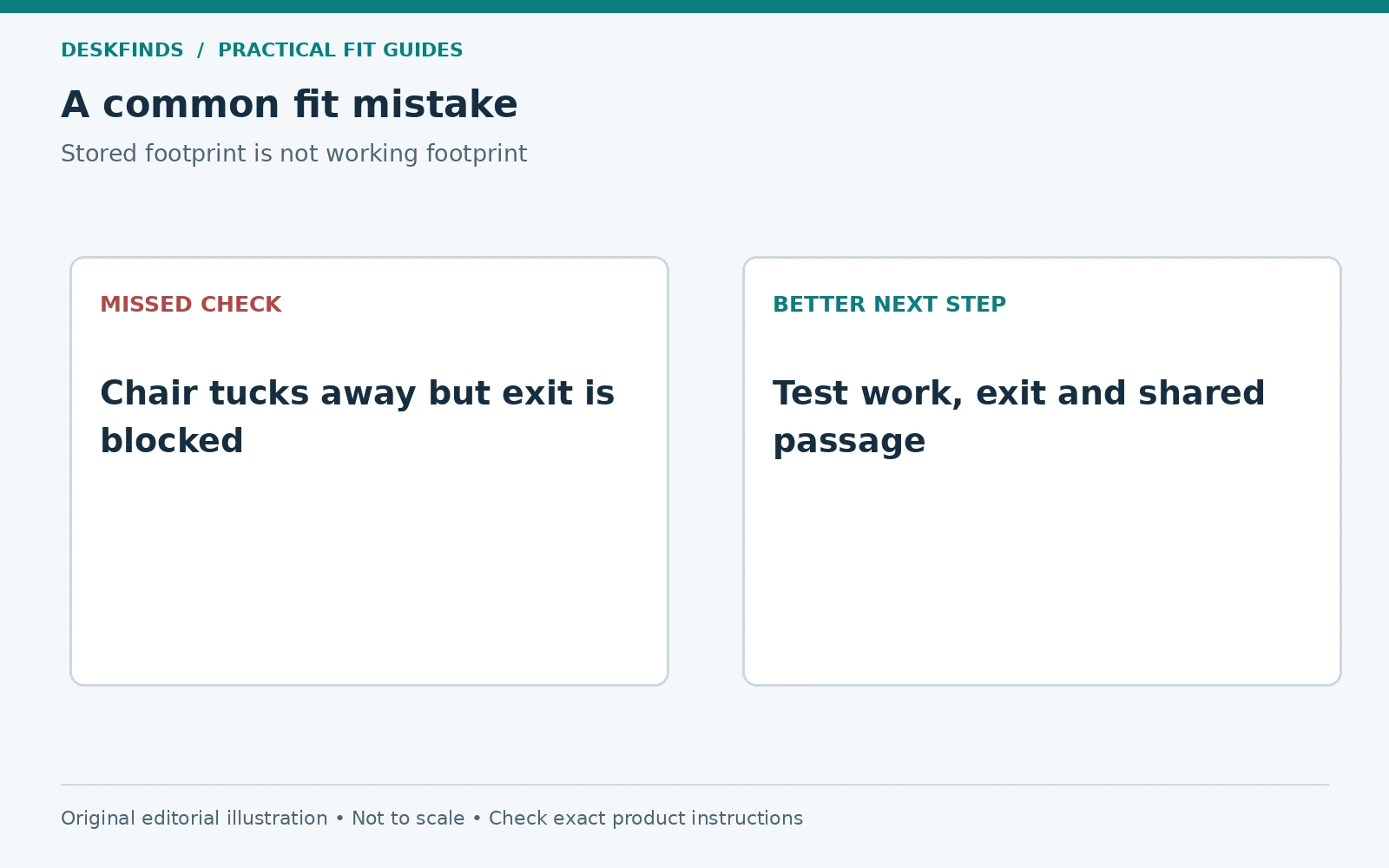
Imagine a bedroom where a compact desk leaves a modest gap before the bed. With the chair tucked in, the layout looks workable. When the user sits, the backrest nearly touches the bed, and getting up requires turning sideways while pushing the chair against the bedding. The desk footprint alone gave a false impression of fit.
The user tests a shallower desk outline and a different orientation. Moving the desk to another wall creates a clearer approach route without changing the chair. That layout may be more useful than buying a smaller chair solely to preserve the original furniture arrangement. The workstation should fit the user as well as the room.
If another orientation is impossible, compare a desk that can be packed away or used at different times. Do not assume a stool is an equivalent substitute for a supportive work chair during long sessions. The best space-saving choice depends on task duration and the person using it.
Example: a keyboard tray changes the calculation
A second user measures adequate space behind the desk with the keyboard on the top. Later, a tray moves the typing position forward into the room. The chair follows it, reducing the remaining passage behind the backrest. The tray improves surface space but changes the room-level footprint.
Before installation, the user should model the tray's full projection and repeat the occupied-chair test. If the passage becomes impractical, compare another tray position, a different desk height, or a layout without the tray. The accessory's footprint includes the person using it, not only its rails.
This is why under-desk accessories should be planned together. A drawer may move the user sideways, a tray may move the user outward, and a chair arm collision may prevent close approach. Each small change can affect the same rear clearance.
Compare desks by usable geometry
A shallower desk can recover room behind the chair, but it must still support the screen and input devices at useful positions. Do not solve the rear gap by forcing the monitor too close or leaving no mouse space. Our small desk setup guide helps compare those competing needs.
A wall-mounted fold-down desk can free space when stored, but its deployed depth and chair footprint still count during use. A corner desk can change the approach angle and make the room feel more open, or create a tight pocket depending on the layout. Test both operating and stored states.
A mobile desk also needs a safe place to go. If moving it requires crossing cables or blocking another route, mobility has not solved the underlying space problem. Plan the storage position, power route, and movement process as deliberately as the working position.
Choose a chair that fits the user first
A compact chair can help a small room, but overall size is not the only criterion. Check seat dimensions, adjustment range, support, and compatibility with the desk. A chair too small for its user is not a good fit simply because it leaves a wider aisle. Avoid trading basic usability for a tidier floor plan.
Consider whether arms adjust or retract as intended, how far the backrest moves, and whether the base clears nearby furniture. Compare the chair at the settings you need. Our office chair fit guide provides a starting point before assessing the room around it.
If you use a footrest, include it in the layout. It can change how far the chair must sit from the desk and where your feet move when standing up. Keep the leg area clear of bags and storage boxes so the rear-clearance test is not distorted by avoidable clutter.
Test before committing to a purchase
Use cardboard outlines to represent a proposed desk depth and chair base. Arrange the existing furniture around them, then simulate work and entry. If the actual chair is available, use it with a temporary desk-height reference that is stable and safe. Do not work under an improvised structure that could fall.
Try the arrangement during a normal busy part of the day. Another person may need the wardrobe, a pet may pass through, or the room door may be opened frequently. Those interactions matter more than a quiet five-minute test with every other object removed. Record the specific conflict rather than simply calling the room small.
If the layout only works after moving several items every time you sit down, decide whether that routine is realistic. A deliberate pack-away workstation can be effective when designed for quick transitions. An accidental daily obstacle course is more likely to become cluttered and uncomfortable.
Keep the clearance after the room changes
Repeat the check after adding a rug, cabinet, chair mat, keyboard tray, or storage cart. A chair mat needs its own dimensions and should not be chosen only to match the desk width. Our chair mat size guide covers that separate footprint.
Watch for cables entering the chair's rolling area. They can limit movement and be damaged by casters. Keep bags and boxes out of the exit route from the seat. A layout that was well measured initially can become impractical as temporary storage accumulates behind the chair.
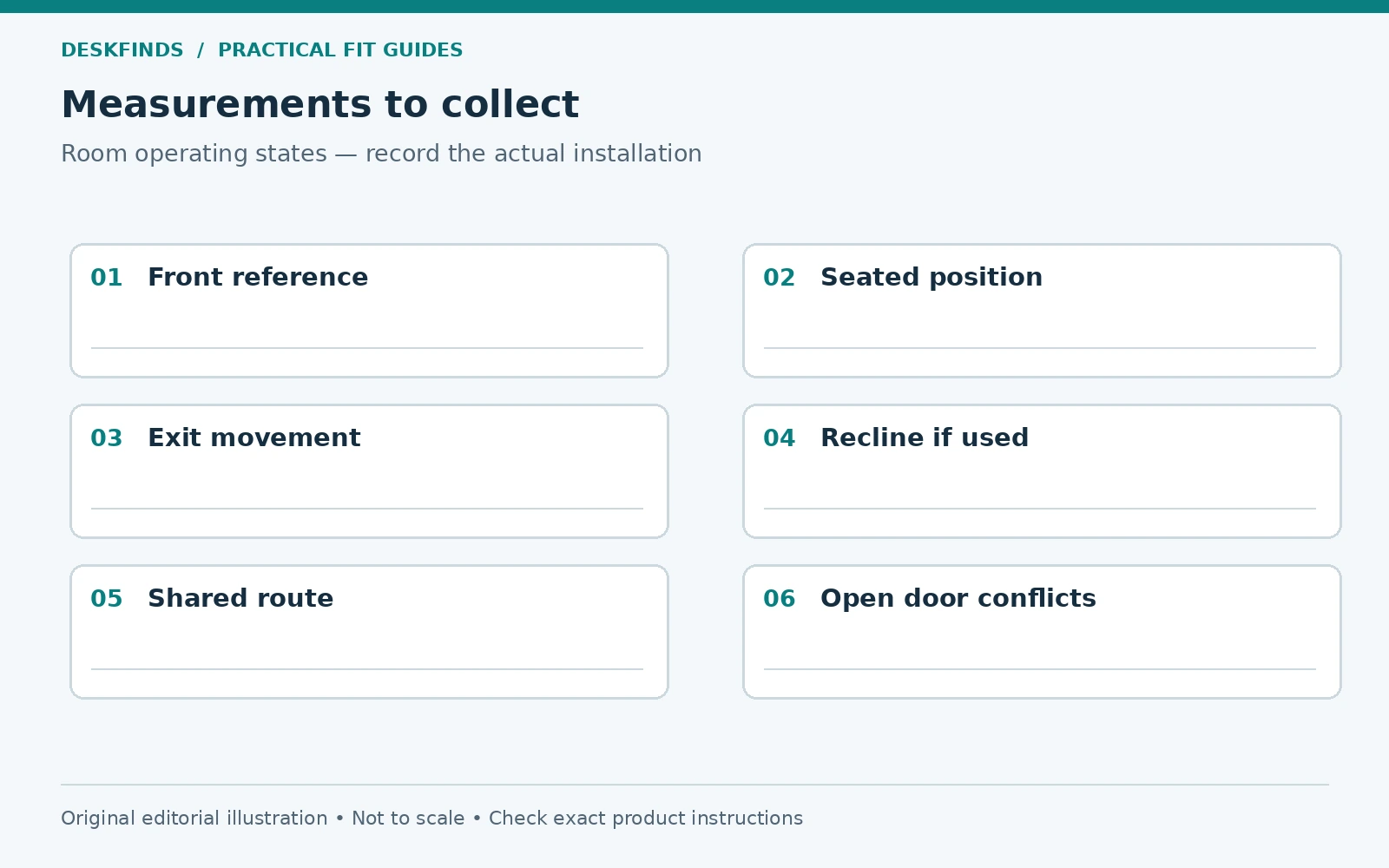
Save a simple room plan with the desk reference point, occupied-chair position, exit movement, and shared route. Use it when comparing furniture rather than starting from product dimensions alone. The useful clearance is the space that supports the activities you need, consistently and without forced movement.
Build a two-person scenario into a shared room
If another person uses the route behind the chair, test the room with one person seated and the other carrying out a normal task. That might mean reaching a wardrobe, entering the room, or moving between the bed and door. Do not assess the passage only with the chair empty or tucked away. Those conditions do not represent a working shared room.
Record where the overlap occurs. The backrest may be the limiting point, or the person's route may meet a desk corner before reaching the chair. Identifying the location helps compare changes. Moving the desk sideways can sometimes help more than choosing a shallower chair, while a different furniture orientation may remove the conflict entirely.
Agree which activities need to happen at the same time. A deliberately scheduled use of a shared small space can work, but an important route should not depend on constant negotiation. Where accessibility or exit requirements apply, follow those requirements independently of household preferences. A comfortable arrangement for two particular people is not proof of code compliance.
Compare three layouts on the same basis
Draw the current layout, a shallower-desk option, and a rotated-desk option at the same scale. Mark the occupied chair, exit movement, and open doors on each. Use the same user position and chair settings so the comparison is meaningful. A drawing that shows one option occupied and another empty will favor the wrong layout.
List what each option gains and loses. A shallower desk may improve rear space while reducing screen distance. A rotated desk may improve the chair route while creating glare or a longer power-cable path. A fold-away setup may improve the idle room while requiring a daily transition. There is rarely a single dimension that captures the whole decision.
Test the most promising option with floor outlines before moving heavy furniture. If the actual furniture is moved, disconnect and handle equipment appropriately. Do not drag a loaded monitor arm or stretch cables to perform a quick experiment. The planning stage should reduce unnecessary handling, not create new equipment risks.
Use the room plan when shopping for a chair mat
A mat should support the chair movement you actually use, not merely cover the space under the seat. Compare its shape with the marked entry and exit path, desk feet, and surrounding furniture. Check that its edges do not introduce a new trip or rolling obstacle. Follow the mat's instructions for the floor type and intended use.
If the mat changes the chair's height or rolling behavior, repeat the desk-approach and rear-clearance checks. A chair that previously stayed close to the desk may move differently on the new surface. That does not mean a mat is unsuitable; it means it is part of the workstation geometry rather than a purely decorative layer.
Keep the final layout understandable to other users. A simple plan showing where the chair parks and which route remains clear can prevent temporary storage from filling the critical area. When the room changes, update the plan rather than relying on a measurement taken before the new furniture arrived.
Know when the room needs a different work pattern
If no layout allows a usable chair position and clear movement, reconsider whether a permanent desk belongs in that exact spot. A compact workstation elsewhere, a planned pack-away arrangement, or using the room at different times may serve the tasks better. Buying increasingly small furniture cannot solve every spatial conflict.
The decision should preserve the person's working needs. Do not replace a suitable chair with an unsuitable seat only because it stores easily. A room plan succeeds when the work and movement both fit, not when every object can be squeezed inside the walls.
Sources and scope
- OSHA workstation chairs - general reference on coordinating chair and workstation adjustments.
- OSHA workstation evaluation - general assessment resource, not a room-circulation code.
The operating-state method and examples are original editorial guidance. Local accessibility and building requirements must be assessed separately where relevant.