
Small Desk Setup Ideas: 15 Smart Ways to Build a Better Workspace
A small desk does not have to feel cramped. With the right layout, lighting, storage, and accessories, even a compact workspace can feel clean, comfortable, and easy to use.
This guide is for students, remote workers, apartment renters, and anyone trying to make the most of a small desk. The ideas below range from five-minute swaps like adding cable clips to longer setups like mounting a pegboard. Each one includes a specific product suggestion, the reason it helps on a small desk, and a note on when to skip it.
Not every idea belongs in every setup. Read through the list, pick the three or four that address the problems you actually have, and start there. A small desk that does two things well is more useful than one that tries to do everything.
All 15 Ideas at a Glance
At a Glance
Quick Small Desk Setup Checklist
| Area | What to add |
|---|---|
| Lighting | Clamp lamp or monitor light bar |
| Screen height | Monitor stand or laptop stand |
| Storage | One compact desk organizer |
| Cables | Cable tray and adhesive clips |
| Surface | Desk mat |
| Vertical space | Pegboard or desktop shelf |
| Extras | Headphone hook + USB hub |
Use a Clamp Lamp Instead of a Base Lamp
A traditional base lamp takes up a footprint of six to twelve inches on a small desk. A clamp lamp mounts directly to the desk edge, sits above the work surface, and leaves the desktop completely clear. This single swap can feel like gaining a quarter of your desk back.
Look for a lamp with a flexible gooseneck so you can direct light exactly where you need it. Models with a built-in USB charging port on the base add extra value on a small desk where outlet access can be limited.
Clamp desk lamp
Voncerus LED Clamp Desk Lamp
Amazon Prime eligible
For more options, see our guide to best clip-on desk lamps.
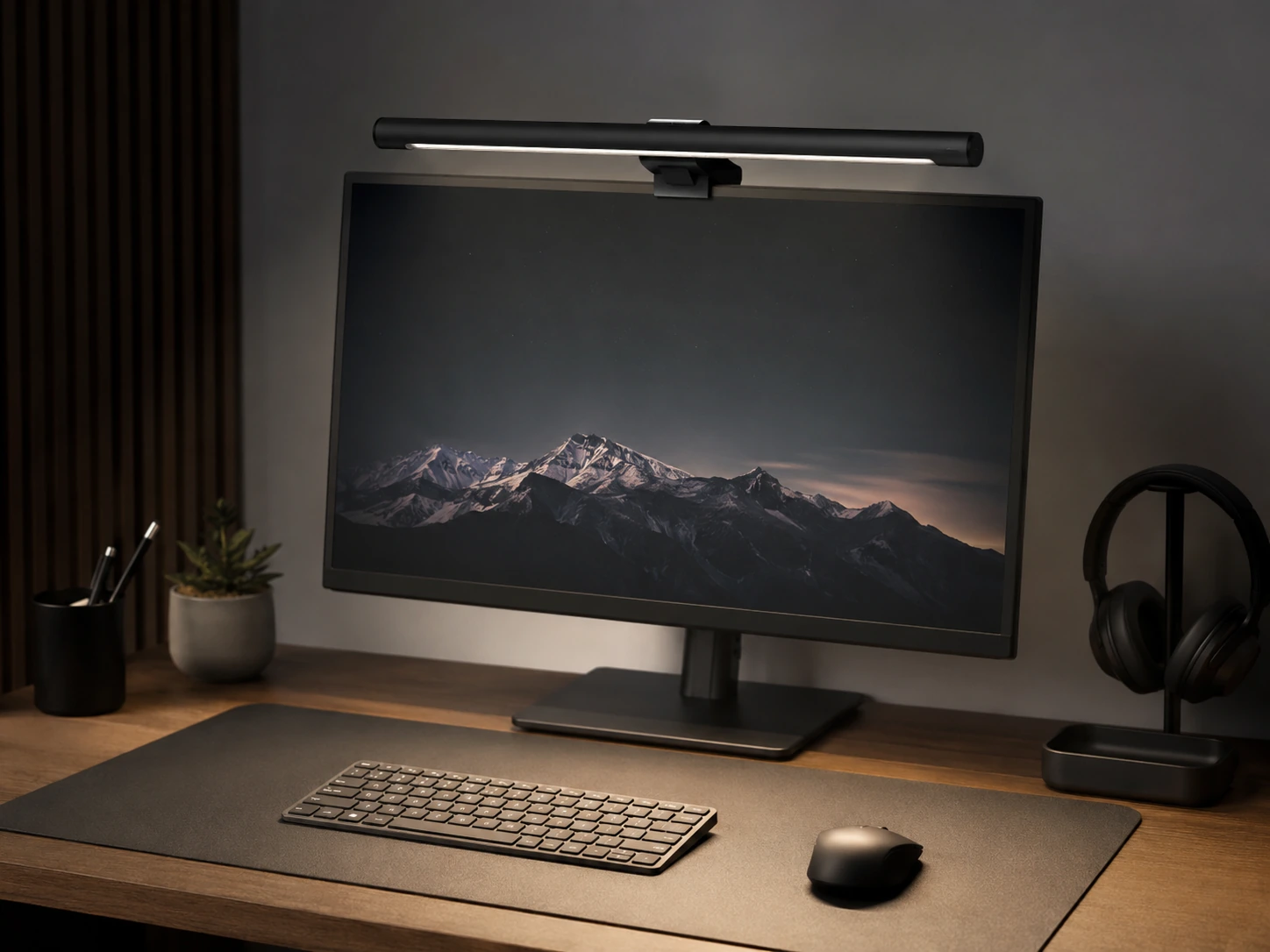
Try a Monitor Light Bar for Glare-Free Lighting
A monitor light bar rests on the top edge of any flat-panel monitor and uses an asymmetric lens to light the desk surface without reflecting back into the screen. The result is a bright, even workspace with zero desk footprint and zero screen glare.
This is especially useful for anyone doing video calls or working with a second monitor, where a side lamp can cause uneven lighting in the frame. Most models are USB-powered directly from the monitor, so there is no extra cable to manage.
Monitor light bar
Quntis Monitor Light Bar
Amazon Prime eligible
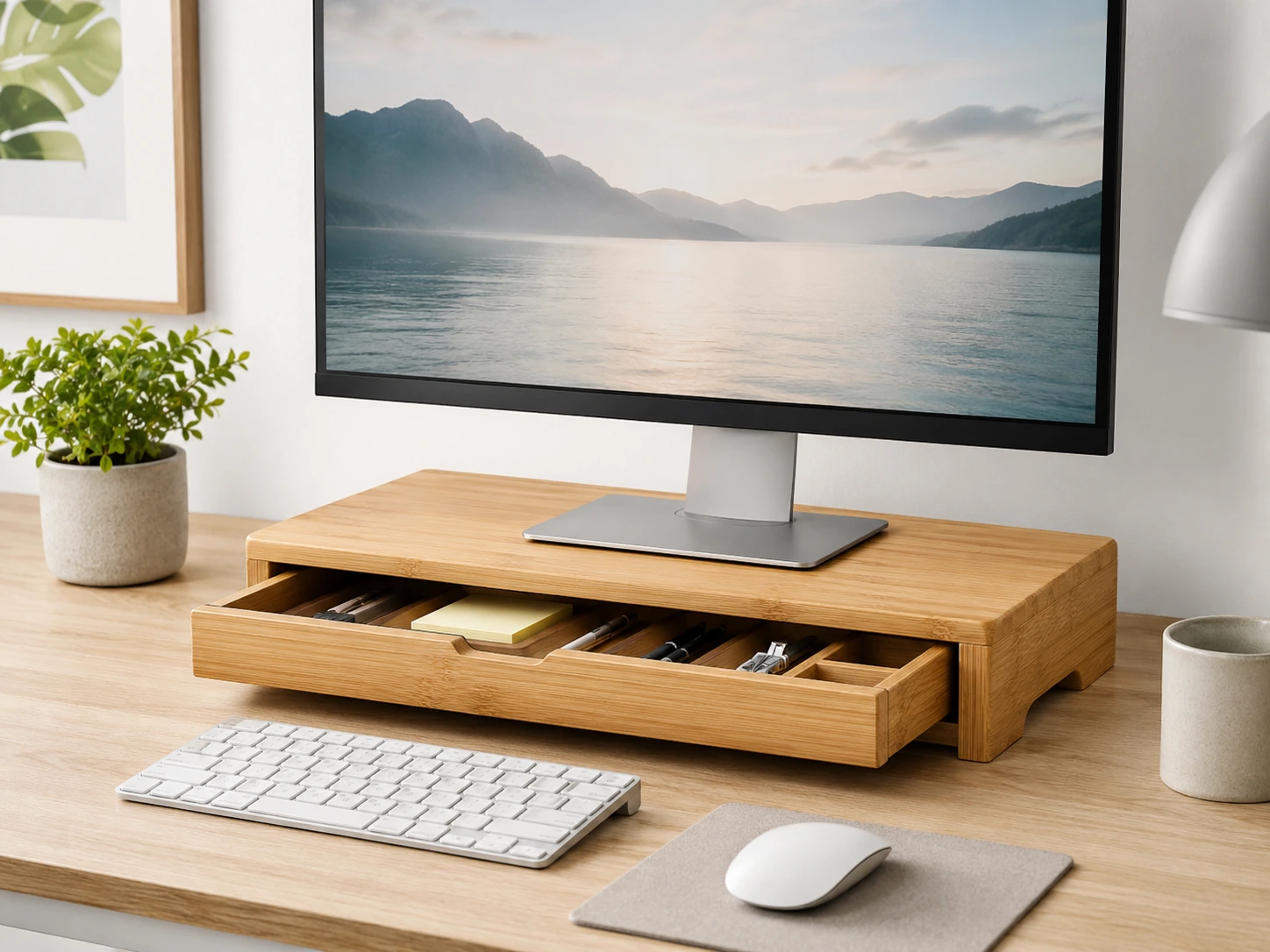
Raise Your Screen With a Monitor Stand
Placing a monitor at eye level is one of the most impactful ergonomic changes you can make. But a monitor stand also does something practical for a small desk: it turns the space underneath into storage. A riser with a built-in drawer can hold pens, sticky notes, charging cables, and small accessories that would otherwise be scattered across the desktop.
Bamboo models work well in small setups because they look clean without adding visual weight. Choose a riser that matches the width of your monitor rather than the full desk width to keep the proportions balanced.
Monitor stand with storage
Bamboo Monitor Riser With Drawer
Amazon Prime eligible
For more options, see our guide to best monitor stands for small desks.
Use a Foldable Laptop Stand to Free Up Desk Space
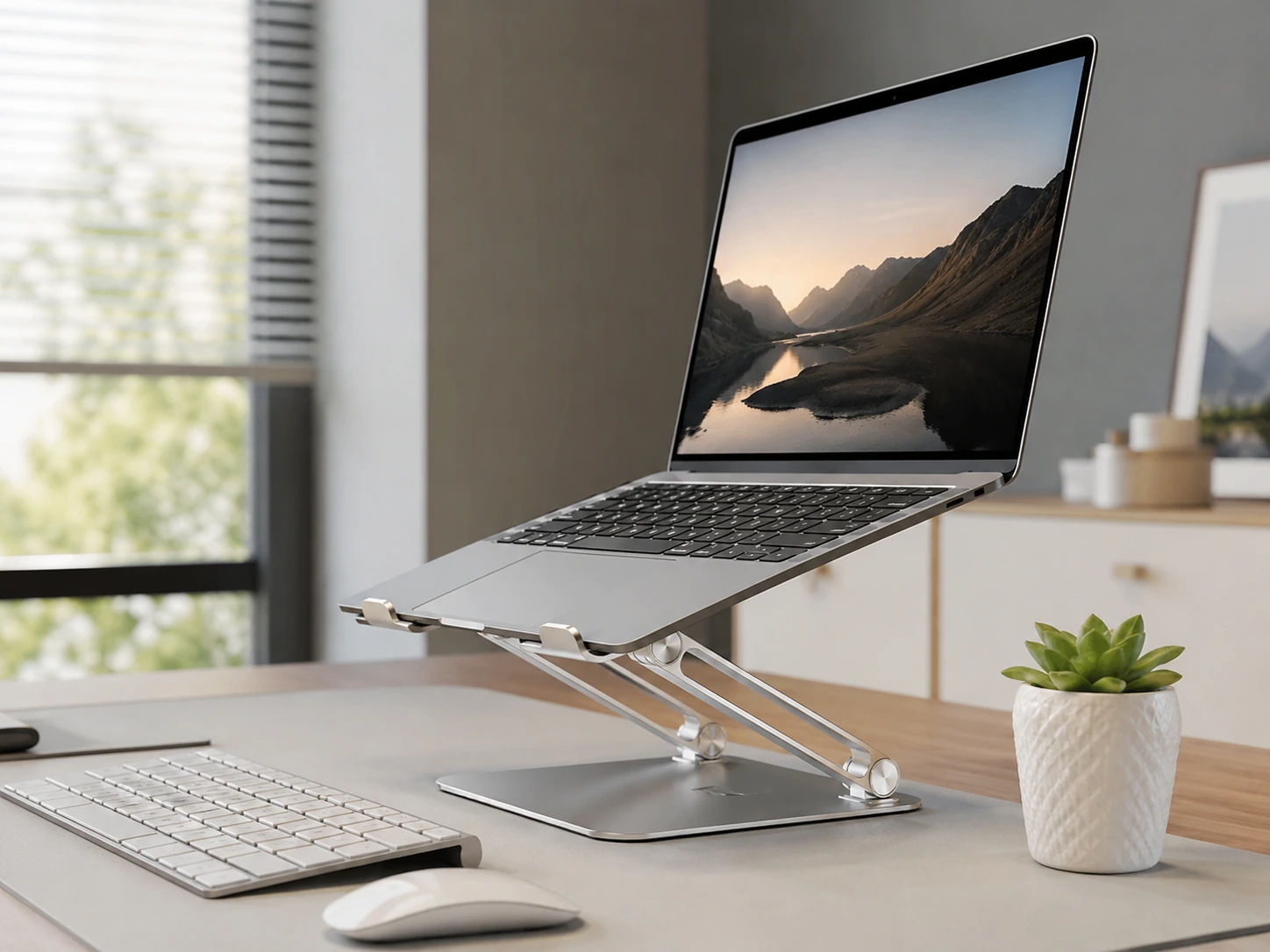
If you work from a laptop on a small desk, propping it flat on the surface wastes vertical space and forces you to look downward. A foldable laptop stand solves both problems: it raises the screen to a better height and folds completely flat when you close up for the day, leaving the desk surface clear.
Pair the stand with a compact wireless keyboard and mouse for a dual-screen feel without adding much footprint. On a very small desk, a portable stand that weighs under a pound and collapses into a thin profile is often more practical than a heavy metal riser.
Foldable laptop stand
Lamicall Foldable Laptop Stand
Amazon Prime eligible
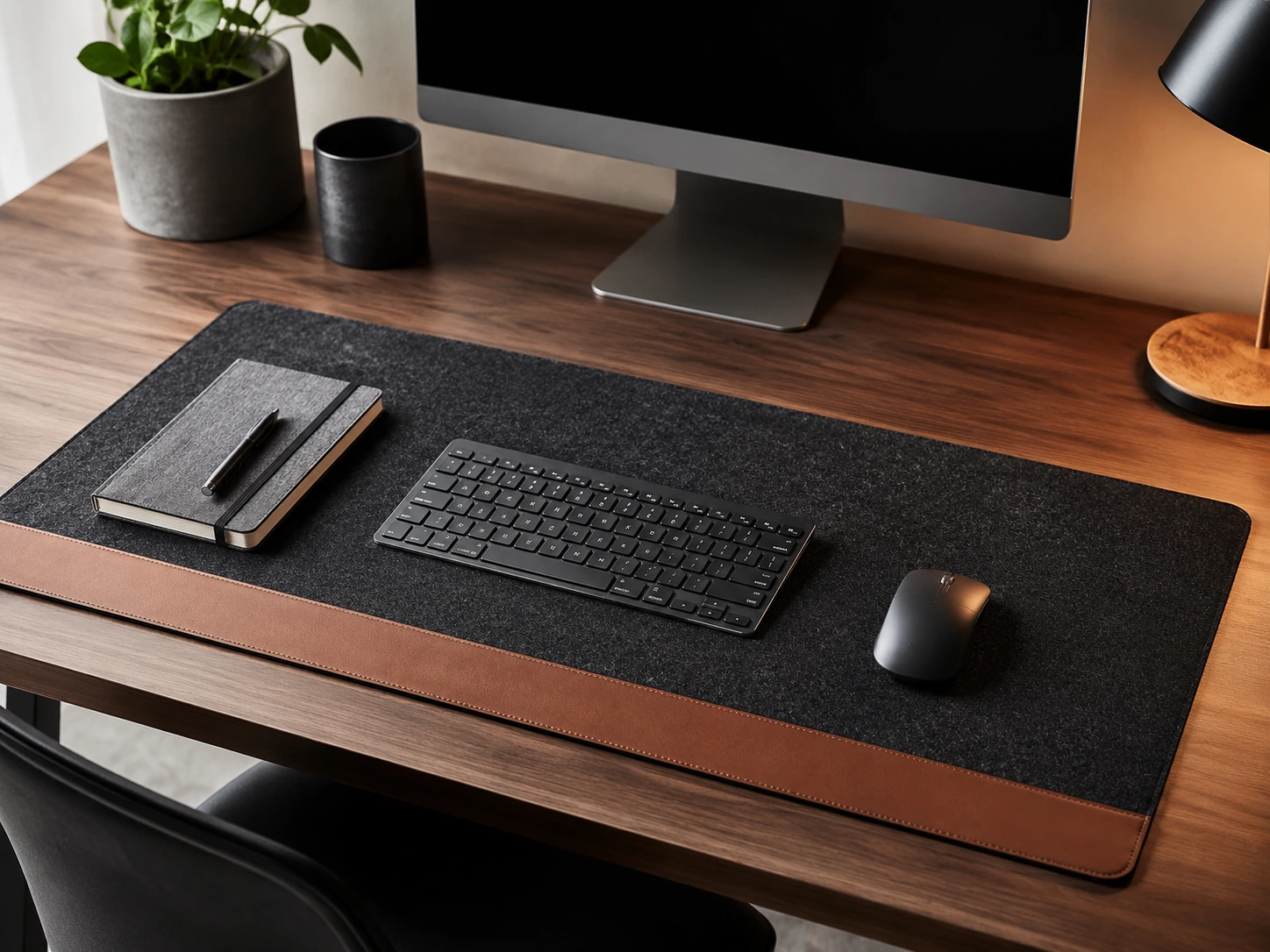
Lay Down a Desk Mat to Define Your Work Zone
On a small desk, visual clutter is amplified by the limited surface area. A desk mat gives the workspace a defined boundary and pulls all the items on it into a cohesive zone. Even on a plain white desk, a dark or neutral mat immediately makes the setup look more considered.
Beyond aesthetics, a mat protects the desk surface from scratches and provides a smoother writing and mousing surface. Choose a mat that covers roughly 60 to 80 percent of the desk width rather than one that overhangs the edges, which can look oversized on a narrow desk.
Desk mat
Nordik Felt Leather Desk Mat
Amazon Prime eligible
For more options, see our guide to best desk mats for small desks.
Mount a Cable Tray Under the Desk
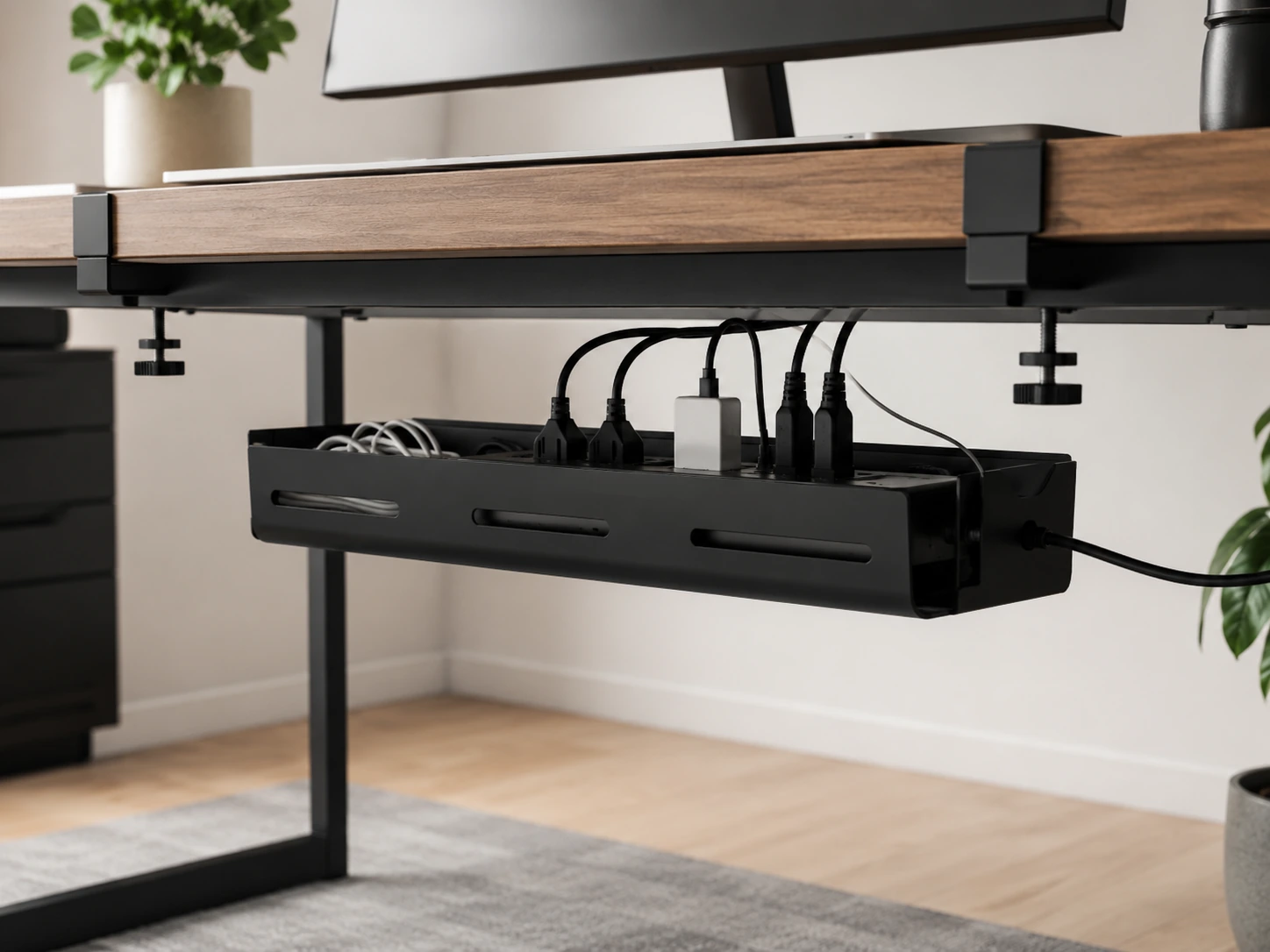
Visible cables are the single biggest contributor to a cluttered-looking small desk. An under-desk cable tray mounts beneath the desktop and holds your power strip, excess cable length, and adapters out of sight. From the front, the desk looks clean even if the cables are still there.
Metal mesh trays are the most durable option and allow airflow around charging bricks. Look for a tray that mounts with screws rather than adhesive, since adhesive brackets can pull away under the weight of a full power strip over time.
Under-desk cable tray
Cinati Under-Desk Cable Tray
Amazon Prime eligible
For more options, see our guide to best under-desk cable trays.
Use Adhesive Cable Clips Along the Desk Edge
Even with a cable tray, the cables running from the tray to the monitor, keyboard, and other devices need to be guided. Adhesive cable clips stick to the back or underside of the desk and hold individual cables in place so they run in a straight line rather than coiling loosely on the surface.
These clips are inexpensive and reversible -- most peel off cleanly if you change the layout later. Apply them in a row along the rear edge of the desk to guide cables down the back leg and toward the cable tray, keeping the entire desktop surface free.
Adhesive cable clips
Austor Adhesive Cable Clips
Amazon Prime eligible
Add One Compact Organizer -- Not Five
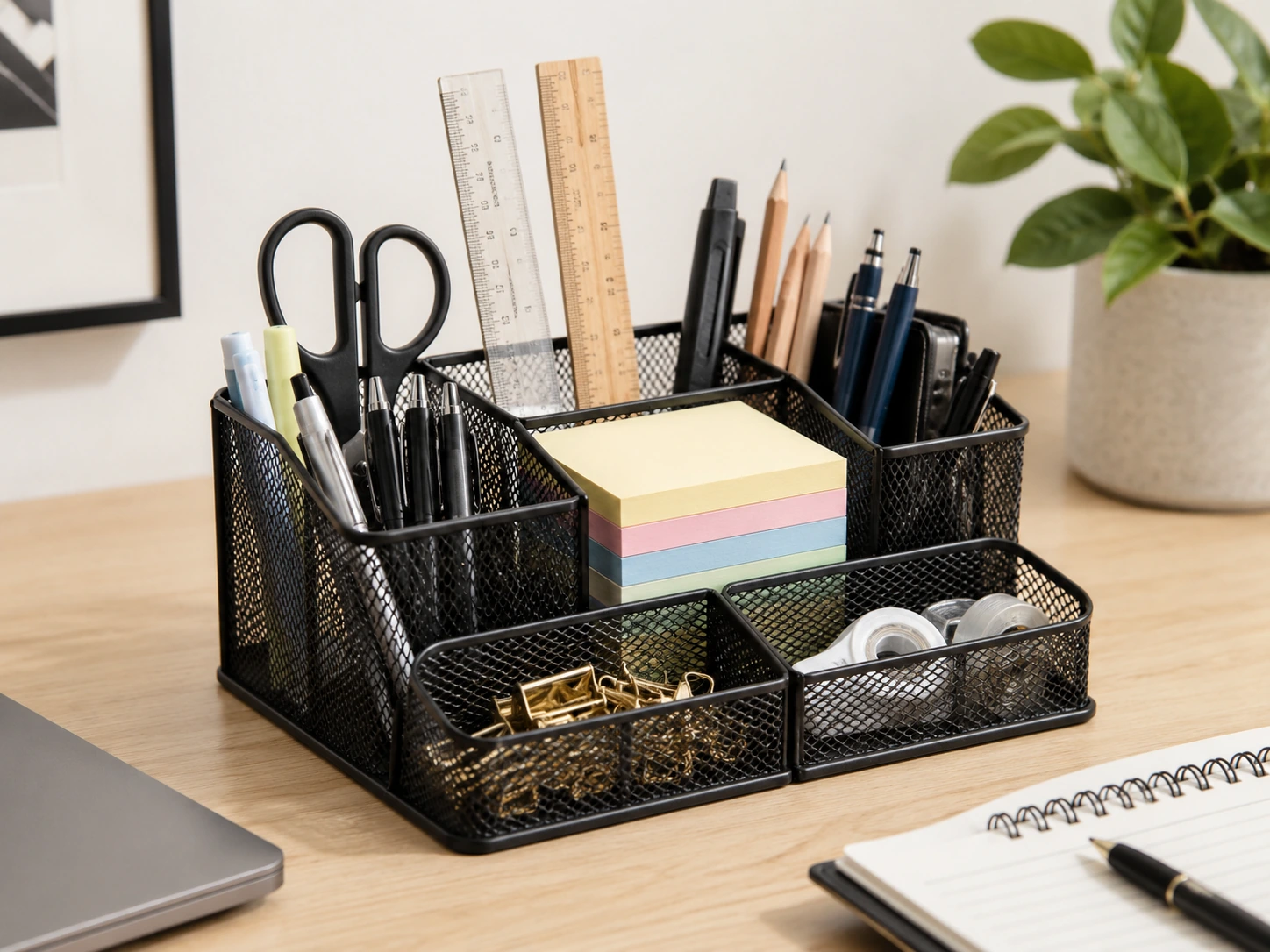
The mistake most people make is buying multiple organizers -- a pen cup, a phone stand, a sticky note holder, a business card tray -- and placing them all on a small desk. The result is more items on the desk, not fewer. One compact multi-compartment organizer that consolidates all of these is almost always the better choice.
Mesh organizers work well because they are visually lightweight -- you can see through them, which keeps the desk feeling open. Aim for something no wider than 10 inches so it does not dominate a narrow desk.
Compact desk organizer
Comix Mesh Desk Organizer
Amazon Prime eligible
For more options, see our guide to small desk organization ideas.
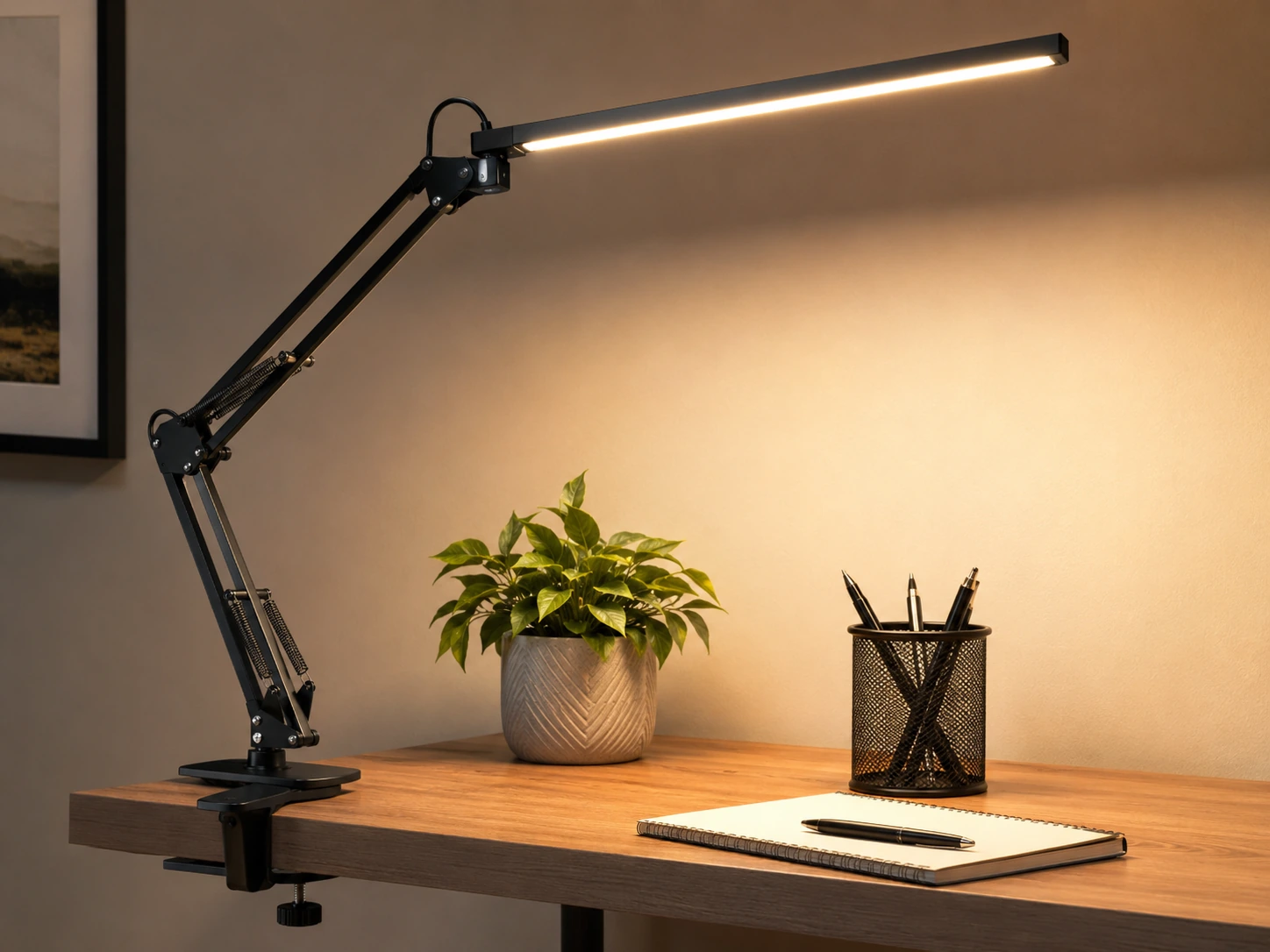
Replace Multiple Adapters With One USB Hub
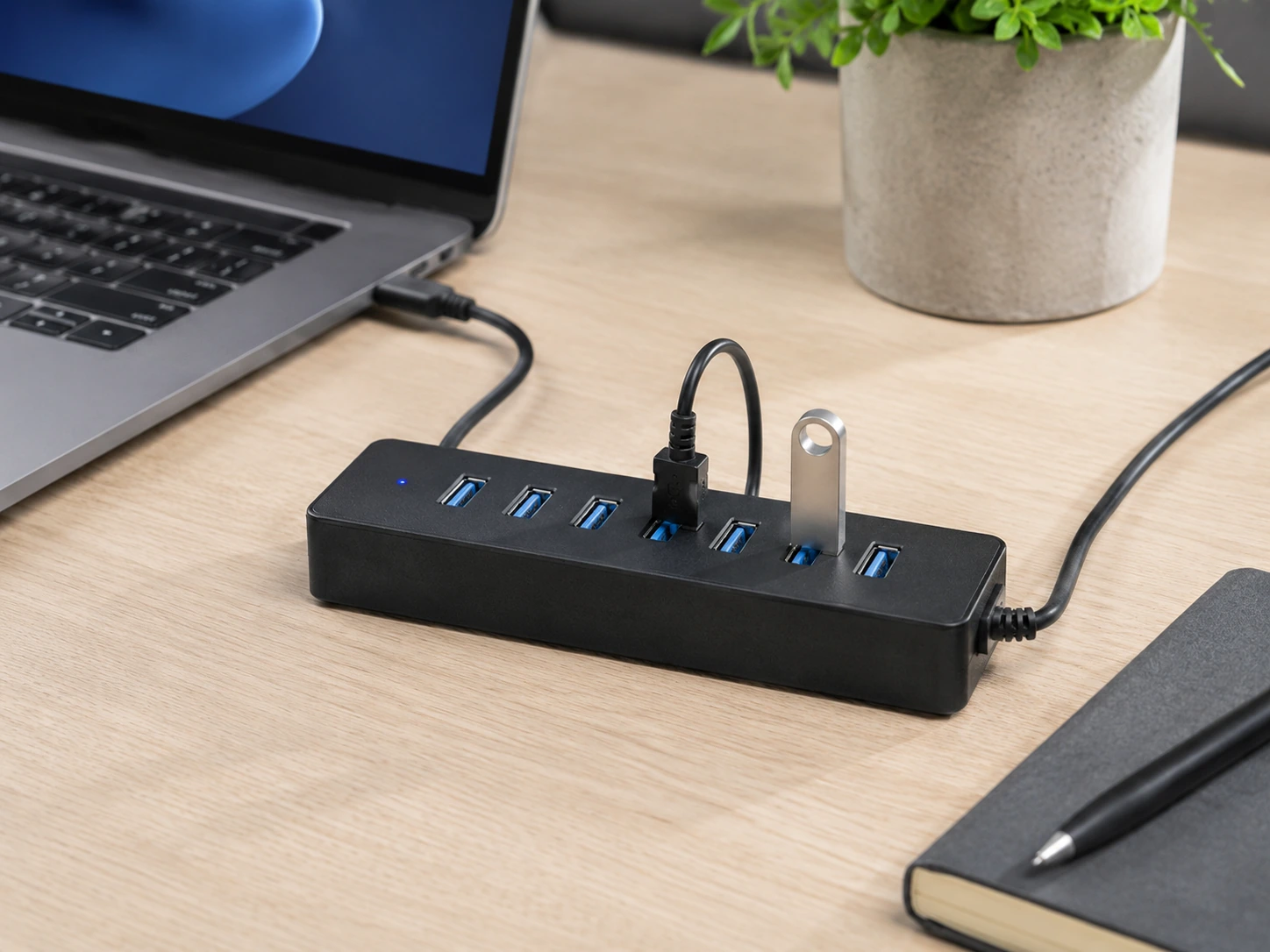
A small desk often has limited outlets, and adding a separate charging brick for each device creates a mess of adapters and cables. A powered USB hub with six or seven ports consolidates all of this into one unit, which can then be mounted under the desk or placed at the back corner, out of the main work area.
Choose a hub with individual power switches per port so you can turn off charging for unused devices without unplugging them. This reduces standby draw and keeps the power strip cleaner.
Powered USB hub
Anker 7-Port Powered USB Hub
Amazon Prime eligible
For more options, see our guide to best USB hubs for desk setups.
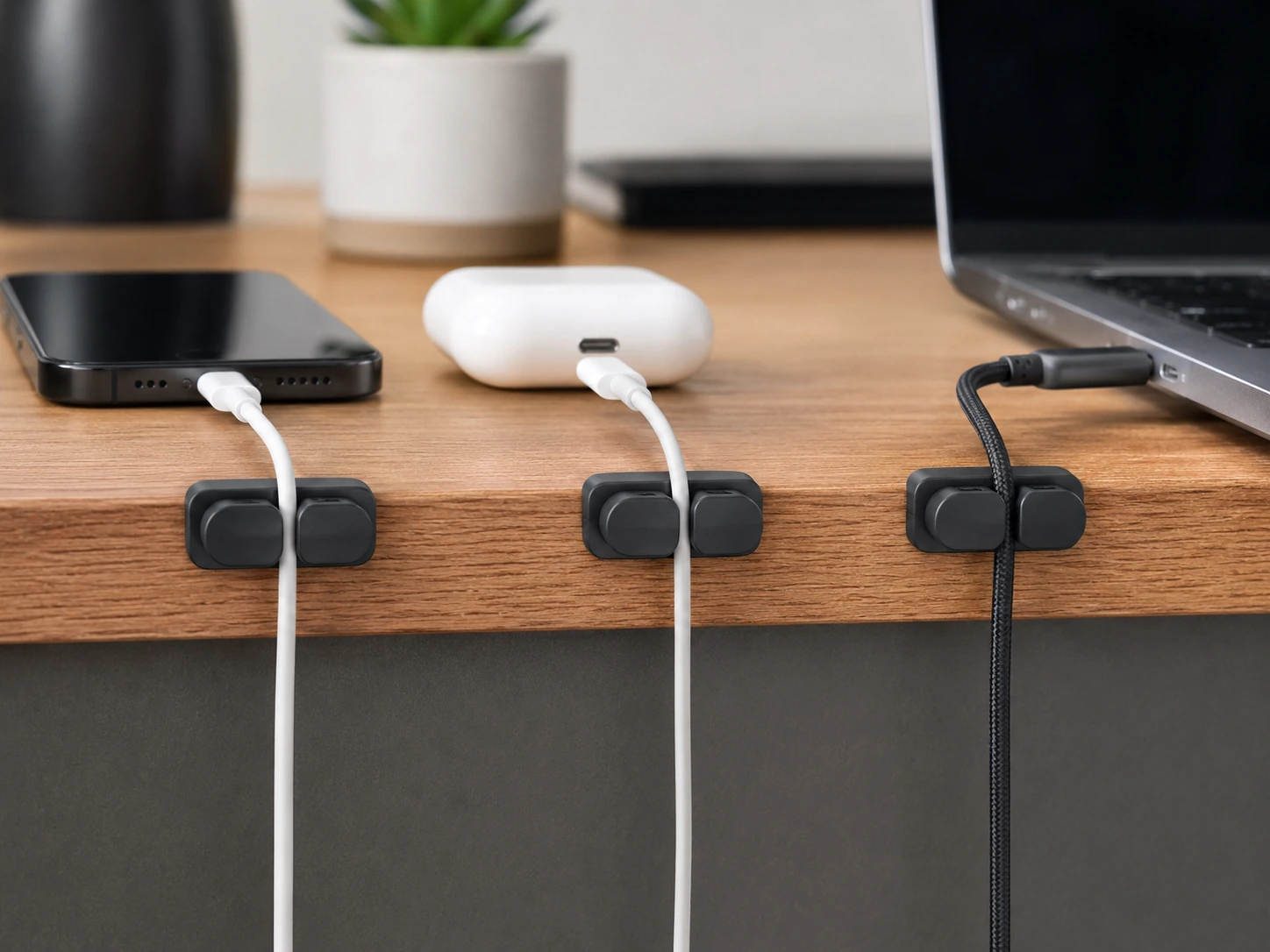
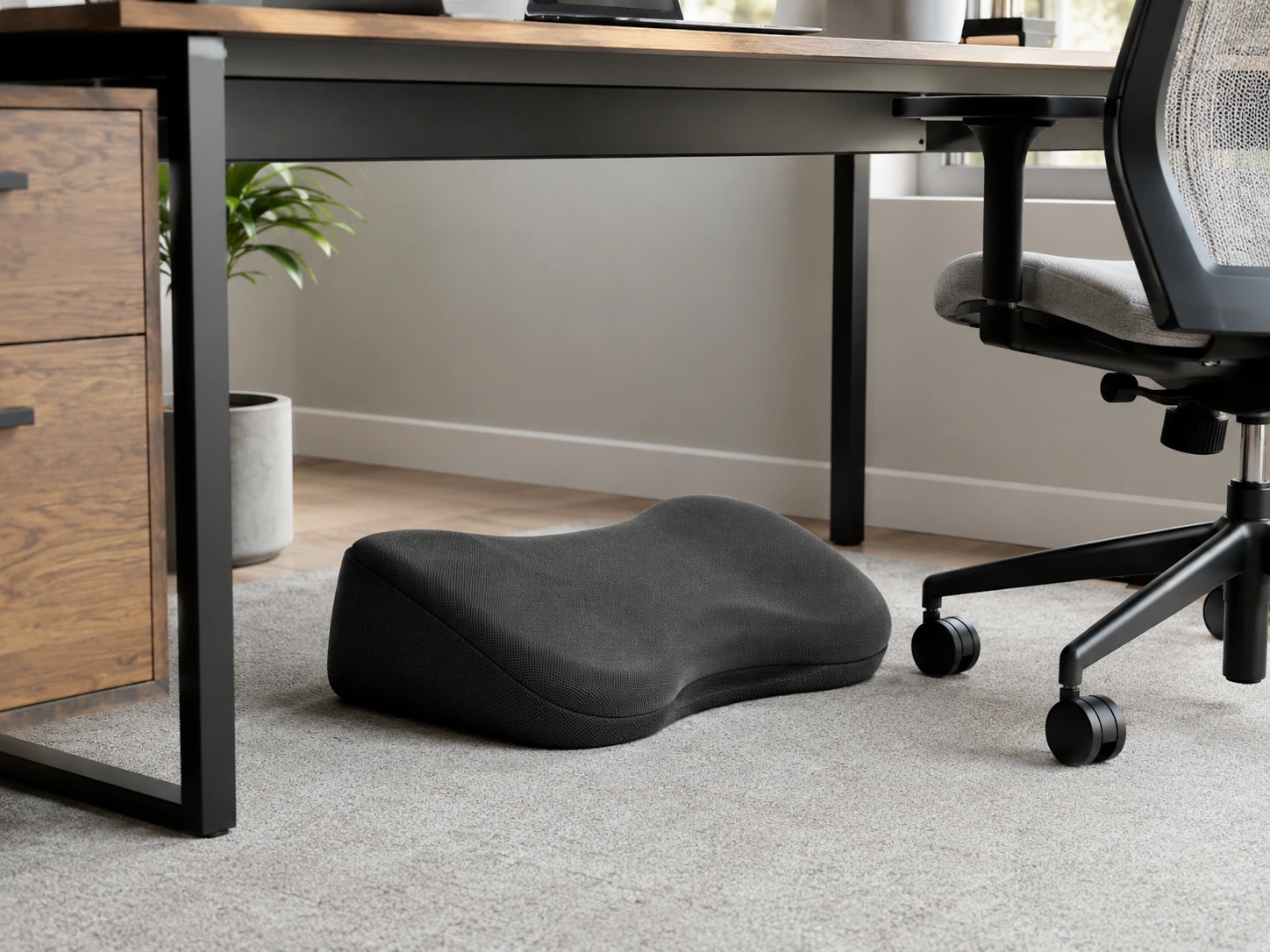
Add a Footrest for Posture Without Adjusting the Chair
Most small desks are fixed-height, which means the chair height is often a compromise between elbow position and foot placement. If the desk height is correct for your arms, your feet may not rest flat on the floor. A footrest solves this by raising the floor to meet your feet rather than forcing you to choose between a hunched back and dangling legs.
Memory foam footrests are quieter and more comfortable than hard plastic ones, and they sit low enough to slide under the desk when not in use. Look for one with a non-slip bottom so it does not creep forward during the day.
Memory foam footrest
ComfiLife Memory Foam Footrest
Amazon Prime eligible
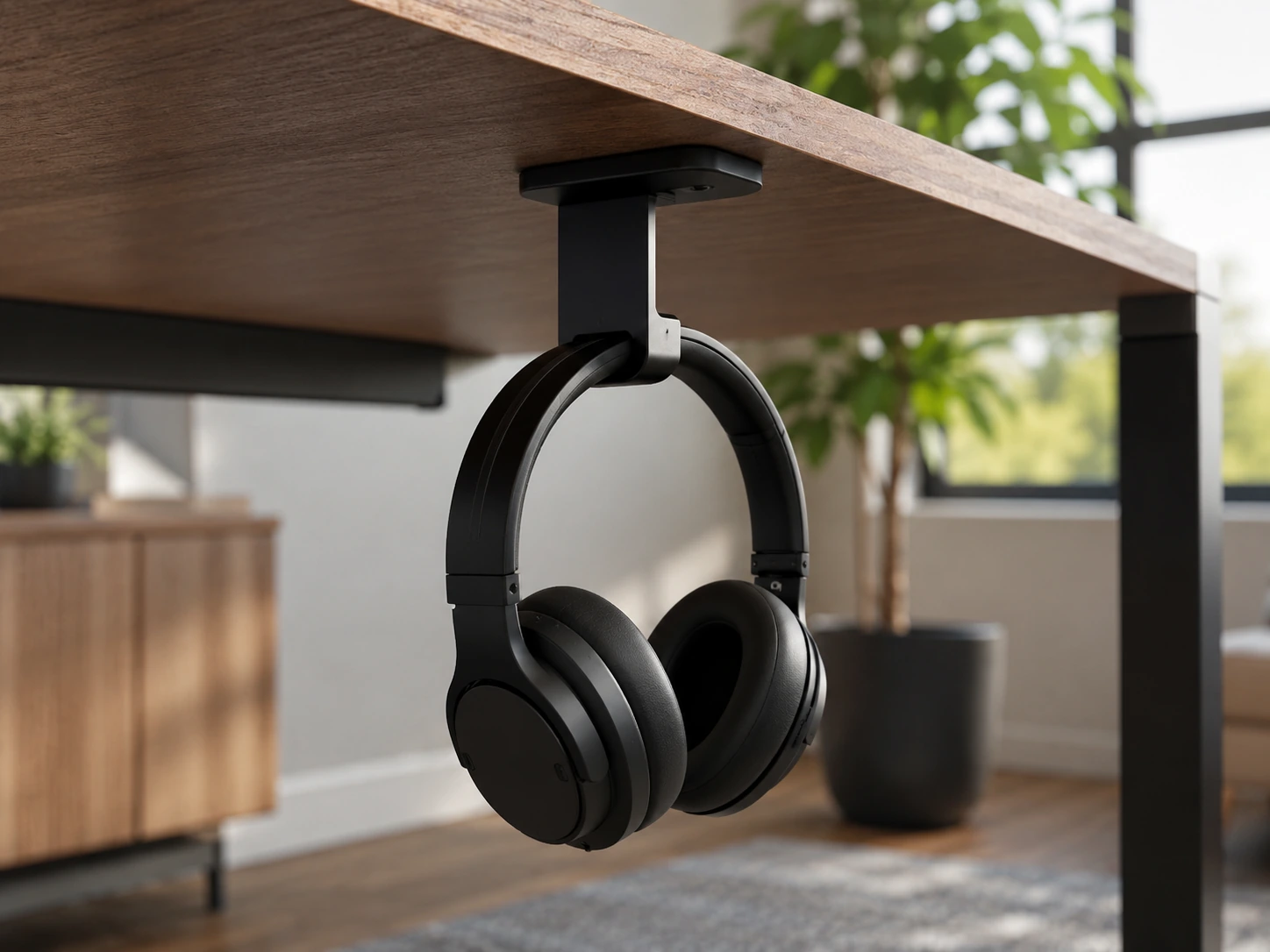
Mount a Headphone Hook Under the Desk
Headphones left on the desk take up a surprising amount of space, especially over-ear models. An under-desk headphone hook uses an adhesive or clamp mount to hang them directly beneath the desk edge, where they are easy to grab but completely out of the work zone.
This also prevents headphones from being knocked off the desk, which is a common cause of driver damage. Most hooks hold up to 15 pounds, which is more than enough for any over-ear headphones or a lightweight headset.
Under-desk headphone hook
Elevation Lab Under-Desk Headphone Hook
Amazon Prime eligible
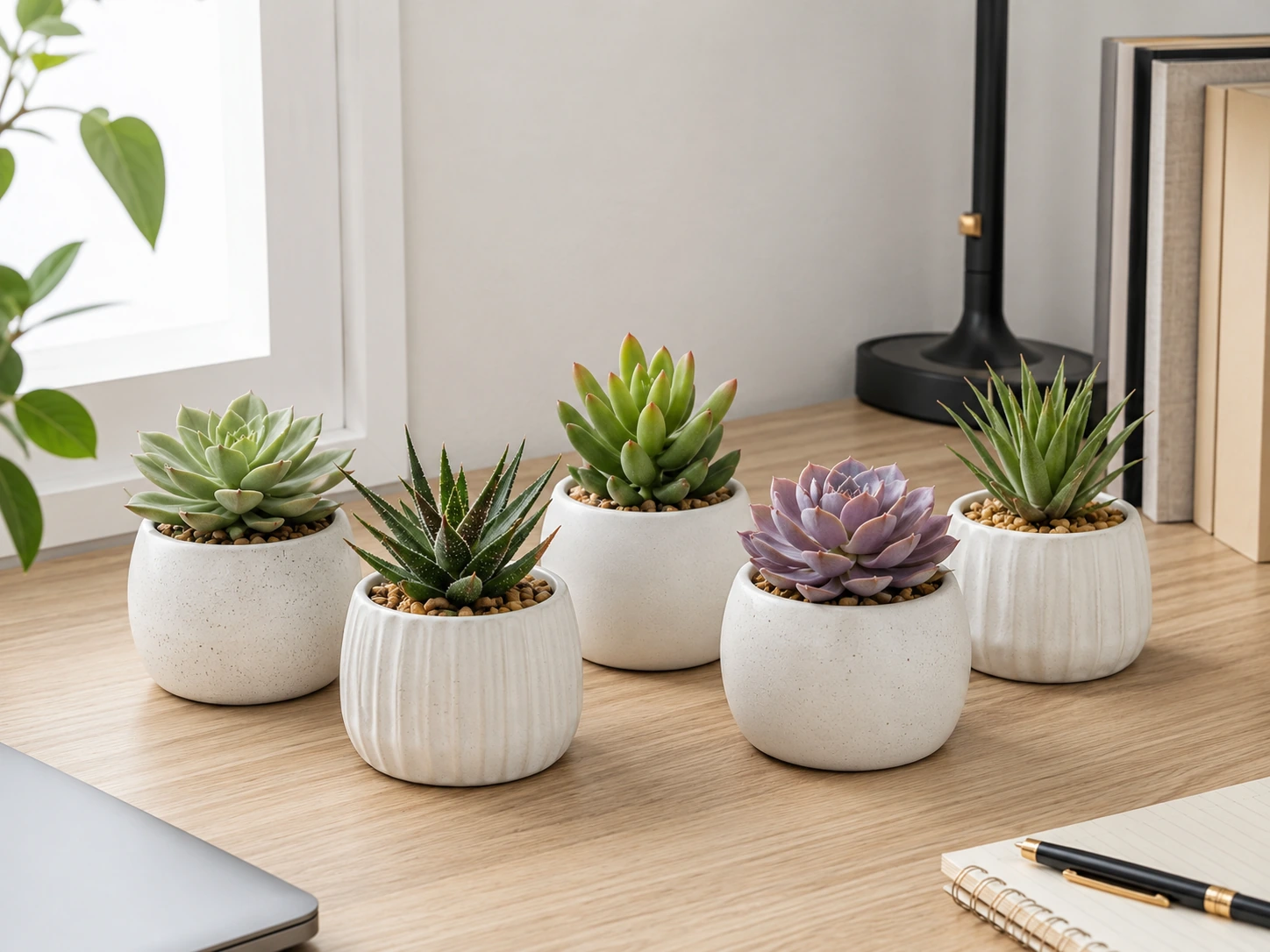
Add One Small Plant or Succulent
A small desk looks intentional and lived-in when it includes one personal element. A small succulent or potted plant is the most practical choice because it is compact, slow-growing, and requires minimal care. It also works well visually in any color palette -- green reads as neutral on a desk.
If you work in a room with limited natural light, artificial succulents are a completely reasonable alternative. Quality faux succulents are nearly indistinguishable from real ones at desk distance, and they require no watering, no soil, and no sunlight.
Artificial succulents
Funarty Artificial Succulents
Amazon Prime eligible
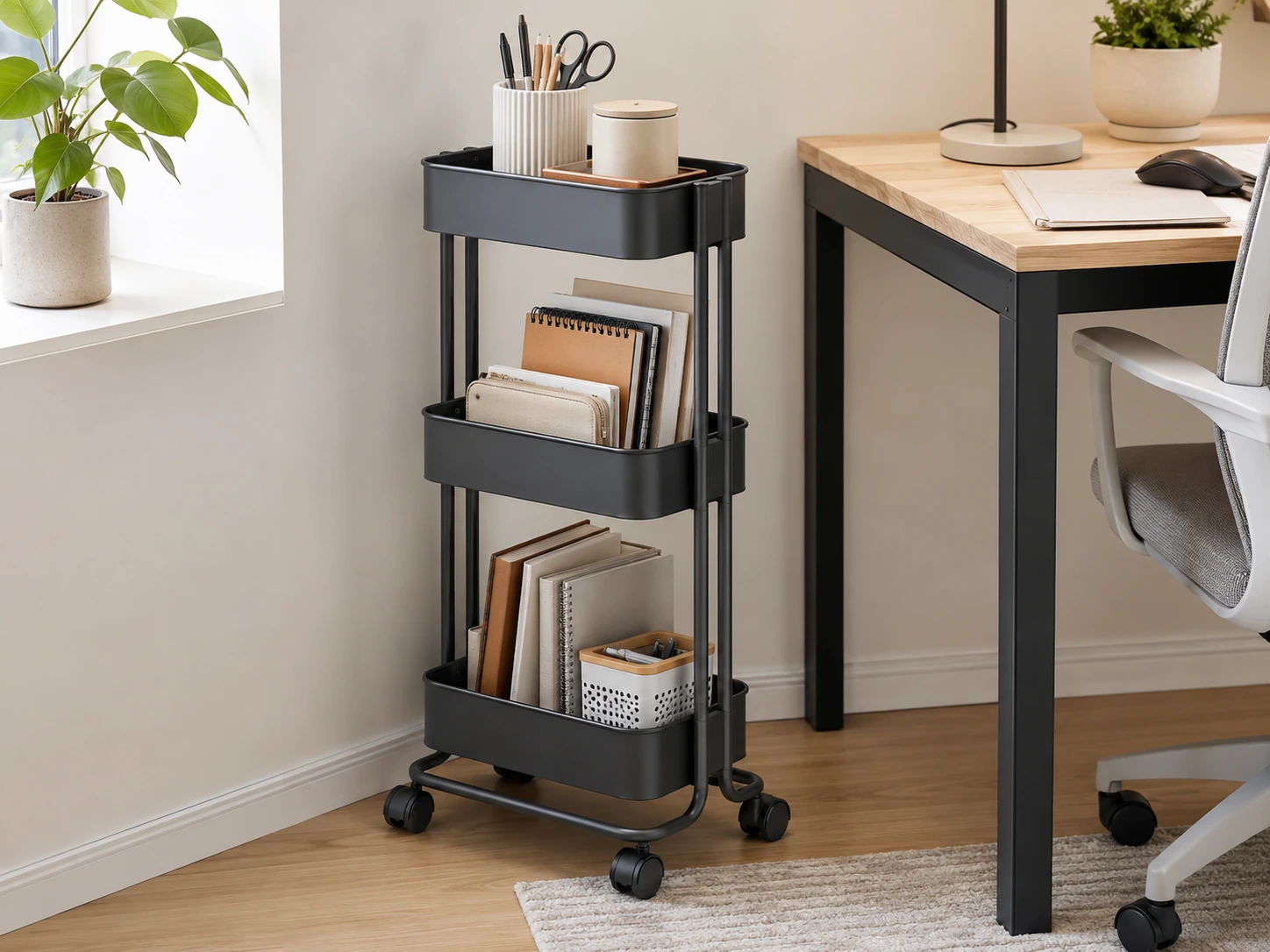
Use a Slim Rolling Cart Beside the Desk
When a small desk simply does not have enough surface or drawer space, a slim rolling cart placed beside it effectively extends the desk's storage without adding to its footprint. The cart becomes a side table for the monitor, a printer stand, or extra drawer space, and it rolls out of the way when the room needs to serve a different purpose.
Three-tier carts work best because they provide storage at three heights: the top tier for active items, the middle for reference materials, and the bottom for heavier items like notebooks or a laptop bag. Look for a cart no wider than 12 inches so it fits alongside a narrow desk without blocking movement.
Slim rolling cart
SONGMICS 3-Tier Rolling Storage Cart
Amazon Prime eligible
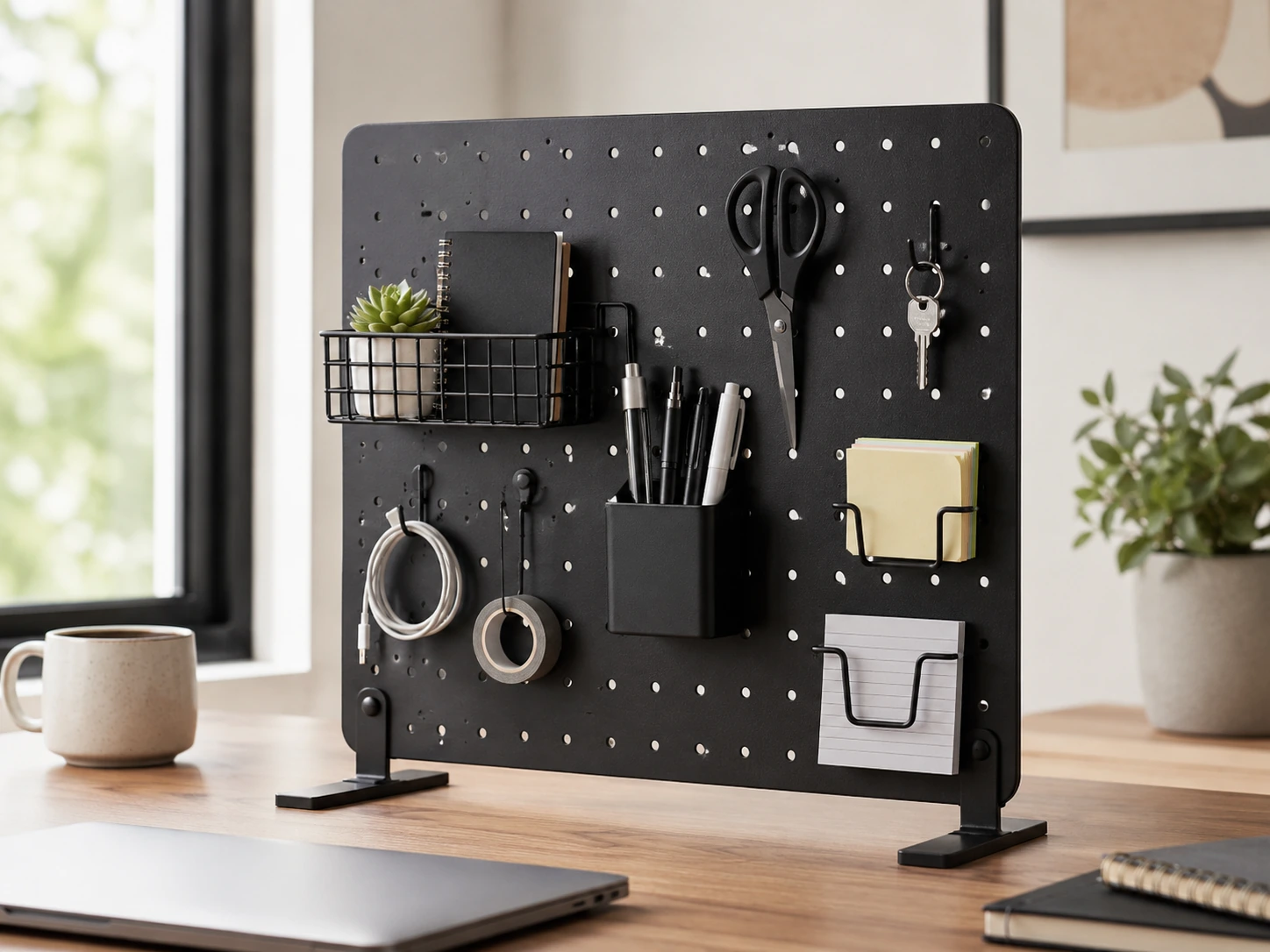
Install a Wall Pegboard Above the Desk
The wall above a small desk is almost always unused space. A pegboard mounted directly above the desk transforms that area into customizable storage for headphones, cables, stationery, a small shelf, or a hook for a bag. Because pegboard hooks are repositionable, the layout can change as the desk setup evolves.
This is particularly useful for setups where the desk is pushed against a wall. The pegboard also acts as a visual backdrop that can make the overall setup look more intentional, especially when the hooks and accessories are color-matched to the rest of the desk.
Wall pegboard
Kinpaw Wall Pegboard Organizer
Amazon Prime eligible
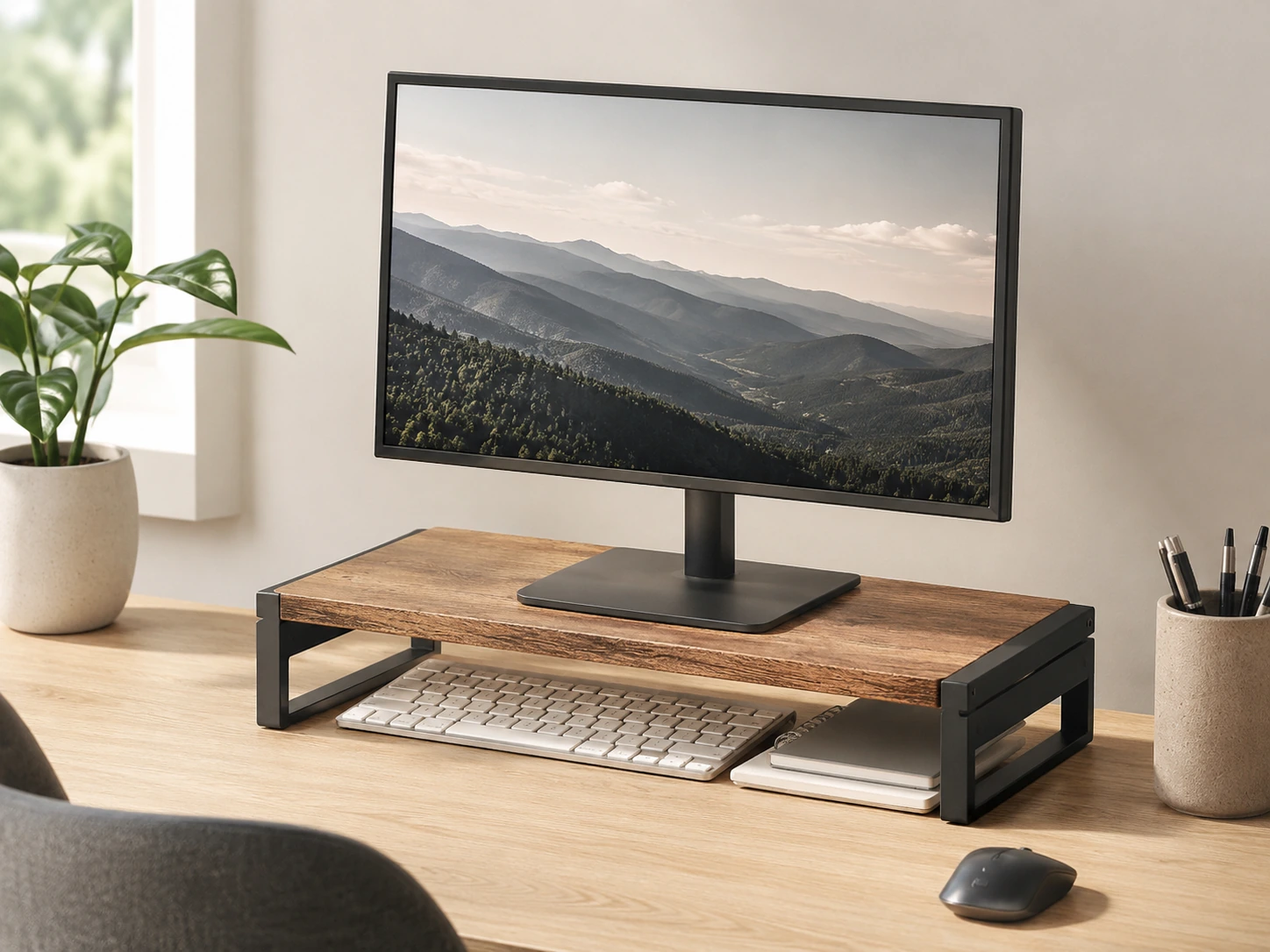
Add a Raised Desktop Shelf for a Second Layer
A desktop shelf is different from a monitor stand: instead of lifting just the screen, it creates an elevated platform across the back portion of the desk that can hold the monitor, a small speaker, a plant, or books, while the desk surface below remains usable for active work. This effectively gives a small desk two work planes instead of one.
Choose a shelf with an open design (two legs rather than a solid panel) so you can tuck items underneath it. This keeps the desk feeling open rather than adding a wall of storage at the back.
Desktop shelf riser
SimpleHouseware Desktop Shelf Organizer
Amazon Prime eligible
Small Desk Setup Mistakes to Avoid
Buying too many accessories at once
Add one item, live with it, then decide if the next one is actually needed.
Using a lamp with a large base
A base lamp can occupy 30 to 50 square inches of desk space. A clamp lamp or light bar uses none.
Leaving cables visible on the surface
Even a neat desk looks messy if cables are loose. Route them first before adding anything else.
Choosing accessories that are too wide
A monitor stand or shelf that spans the full desk width can make the setup feel enclosed rather than open.
Ignoring the wall above the desk
A pegboard or floating shelf can double usable storage without touching the desk at all.
Skipping the desk mat
Without a mat, the desk looks like a collection of objects. With a mat, it looks like a workspace.
How We Evaluated These Ideas
Space efficiency
Does the product reduce the desk footprint or use vertical/under-desk space?
Setup complexity
Can it be installed in under 10 minutes without tools?
Reversibility
Can it be removed or repositioned without damaging the desk?
Value
Is the improvement proportional to the cost for a small-desk setup?
Product selections are based on research, specifications, and customer feedback. DeskFinds earns a commission on qualifying purchases at no extra cost to you.
Frequently Asked Questions
What should I put on a small desk?
Keep only daily essentials on the surface: a monitor or laptop, a keyboard and mouse, a lamp, and one organizer. Everything else -- cables, phone, notebook, chargers -- belongs off the surface or inside a drawer or organizer.
How do I make a small desk setup look clean?
Route cables under the desk with a cable tray and clips, use a desk mat to unify the surface visually, and keep only three to five items on the desktop. A single color palette across accessories also makes a significant difference.
What is the best layout for a small desk?
Push the monitor to the back third of the desk and keep the front two-thirds clear for active work. If possible, mount the monitor on a stand with a drawer to gain under-screen storage without using desk depth.
How do I organize cables on a small desk?
Start by routing power cables under the desk using a cable tray. Then use adhesive clips along the rear edge to guide device cables down the back. A powered USB hub consolidates charging cables into one.
Can a small desk work for both a monitor and a laptop?
Yes. Use a laptop stand to raise the laptop to monitor height and connect a single external keyboard and mouse. Both screens can then be used at eye level without either taking over the main work surface.
How can I add storage to a small desk without making it cluttered?
Use vertical space: a monitor stand with a drawer handles small items, a desktop shelf adds a second layer at the rear, and a pegboard uses the wall. These approaches add storage without expanding the desk's horizontal footprint.
Ready to upgrade your small desk?
All 15 products are available on Amazon with Prime shipping.
Shop on Amazon