
Desk Setup Essentials: 15 Must-Have Items for Work, Study, and Small Desks
A good desk setup does not need to be expensive or complicated. The right essentials make your workspace cleaner, easier to use, and more comfortable for everyday work or study. This guide is for students, remote workers, small-room users, and anyone building a practical desk setup without clutter.
At a Glance
Quick Checklist: Desk Setup Essentials
| Area | What to Add |
|---|---|
| Lighting | Clamp lamp or monitor light bar |
| Screen height | Monitor stand or laptop stand |
| Surface | Desk mat (35x17" for most desks) |
| Cables | Under-desk cable tray + clips |
| Small items | Compact desk organizer |
| Connectivity | Powered USB hub |
| Headphones | Under-desk headphone hook |
| Comfort | Under-desk footrest |
| Focus | Pomodoro timer |
| Aesthetic | One small plant or decor item |
Desk Lamp
Voncerus
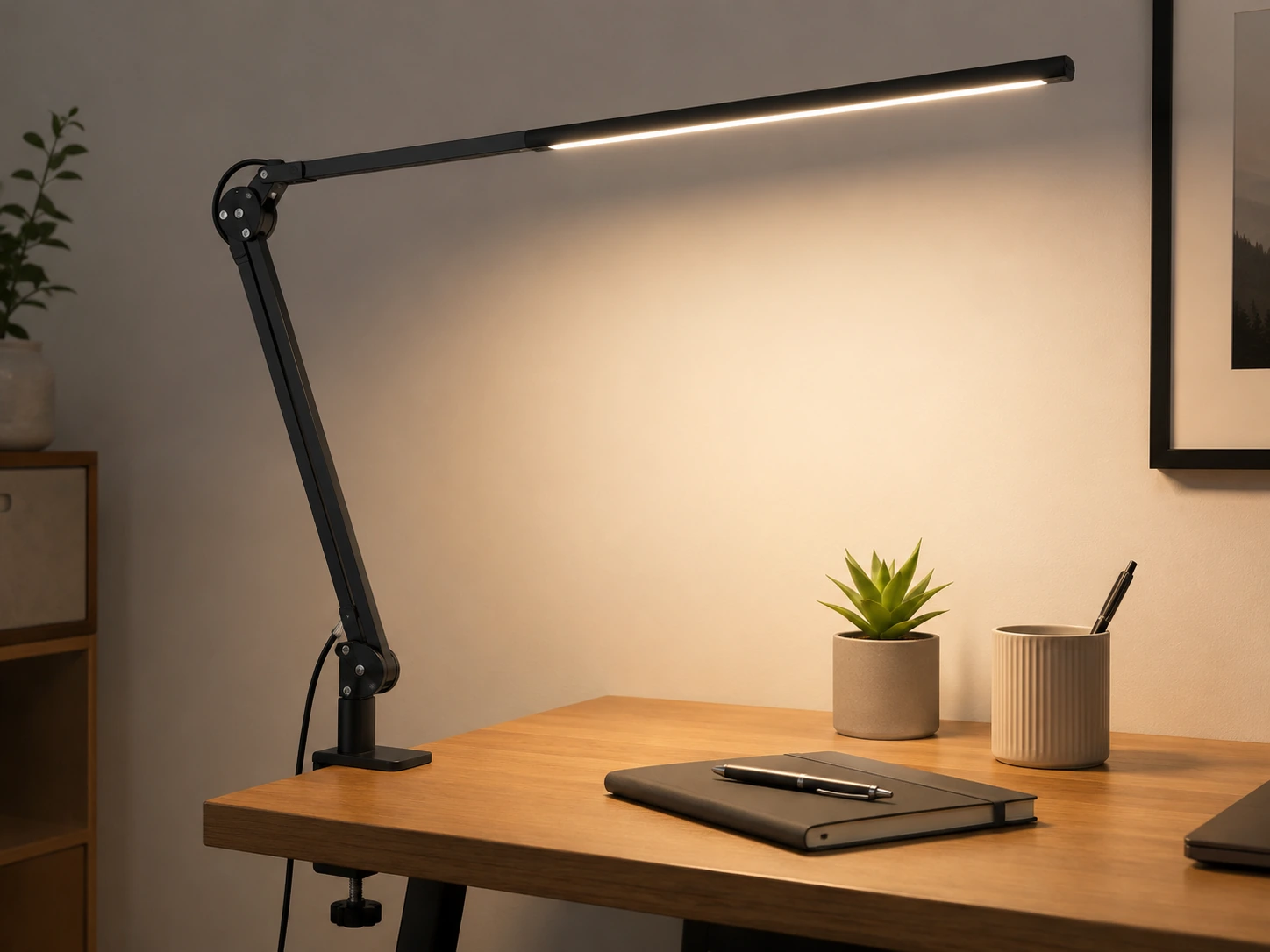
Good lighting is the first thing to fix on any desk. Overhead room lighting creates shadows directly where you're reading or writing -- a clamp lamp positions light exactly where you need it without using any desk surface.
Why we picked it
- +Clamp mount attaches to the desk edge -- zero surface footprint, all the light you need
- +10 brightness levels + 3 color modes (warm/neutral/cool) cover every use case from late-night reading to afternoon focus sessions
- +USB powered -- plugs into any power strip port, no outlet slot consumed
Budget Alternative
Same clamp format and feature set at a lower price point
Monitor Light Bar
Quntis
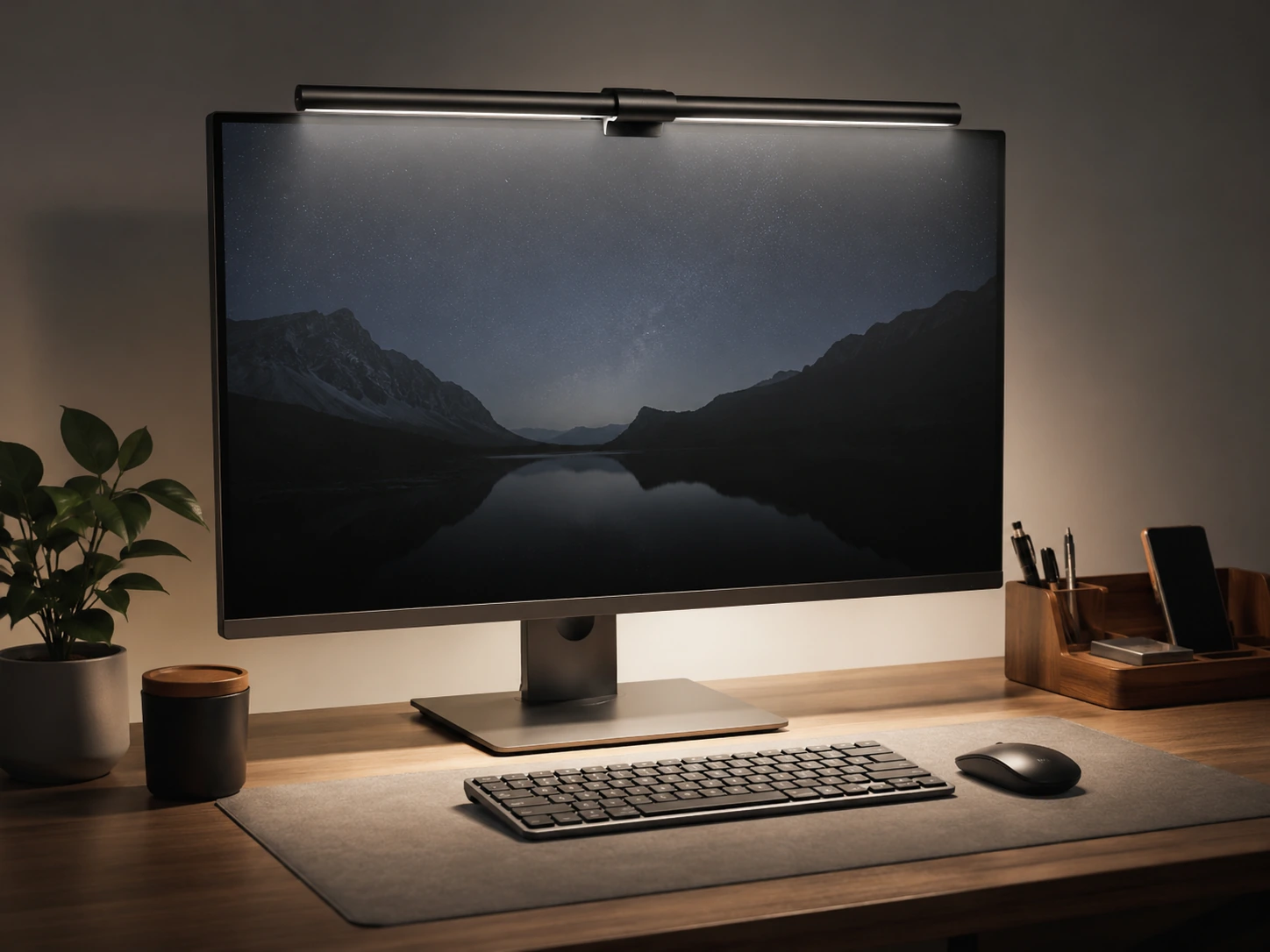
If you use an external monitor for most of your work, a monitor light bar is a smarter choice than a desk lamp -- it clips directly onto the monitor top and illuminates your desk without creating glare on the screen.
Why we picked it
- +Asymmetric optical design projects light down onto your desk, not onto the screen -- no reflections or glare
- +Auto-dimming ambient sensor adjusts brightness as room light changes
- +Sits on the monitor frame with no extra arm or clamp -- the cleanest possible setup
Monitor Stand
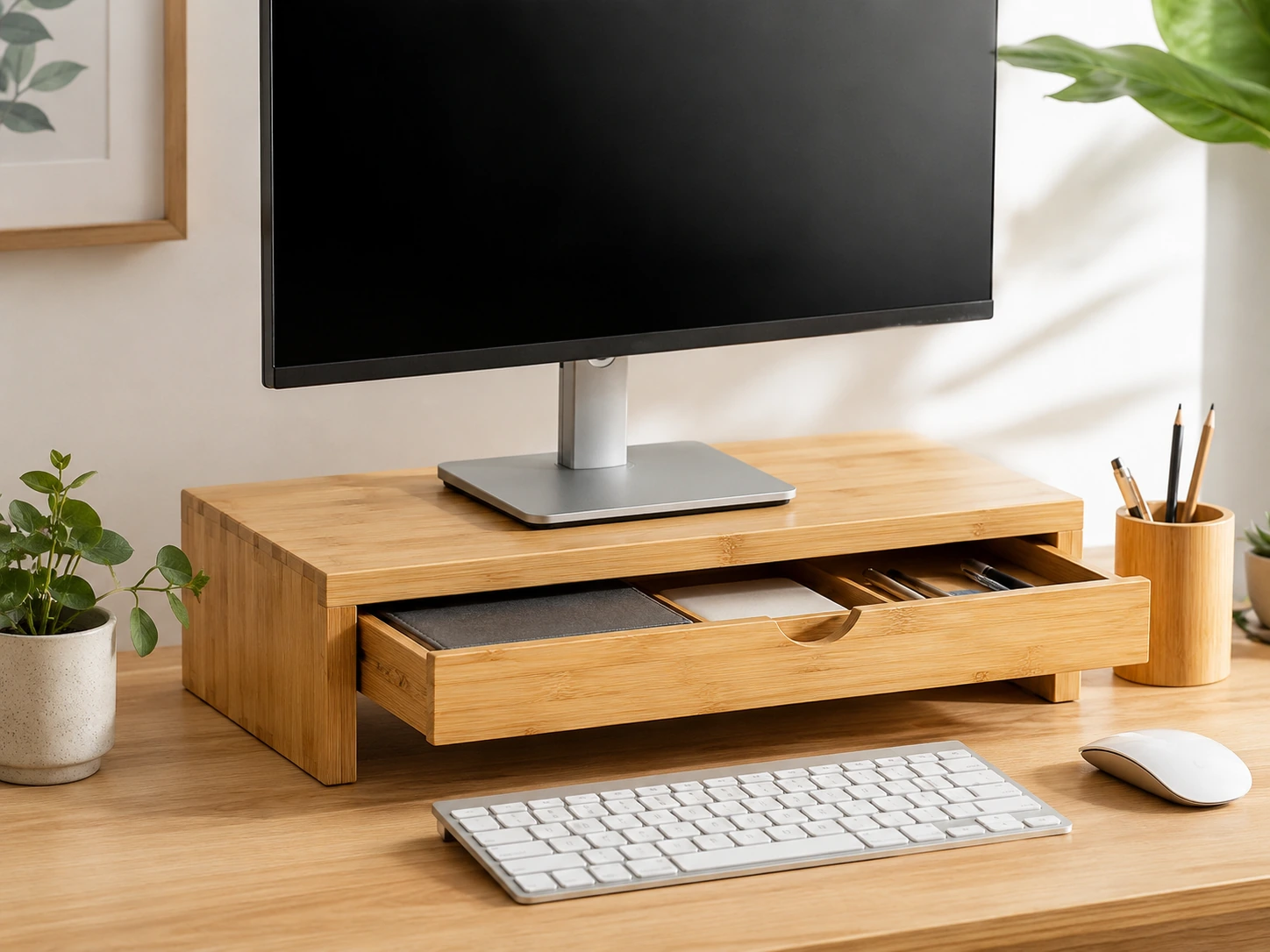
A monitor stand does two things simultaneously: raises your screen to a better ergonomic height and creates a full-width storage shelf underneath. On a small desk, this trade -- a bit of height for a lot of extra organization -- is almost always worth it.
Why we picked it
- +4.7" of elevation brings most 24-27" monitors to the correct viewing height for seated posture
- +Pull-out drawer underneath hides a wireless receiver, cables, small accessories, or a notebook out of sight
- +22" wide bamboo platform fits most monitors and ultrawide screens without overhang
Budget Alternative
Metal build, black finish, same drawer feature at a lower price
Laptop Stand
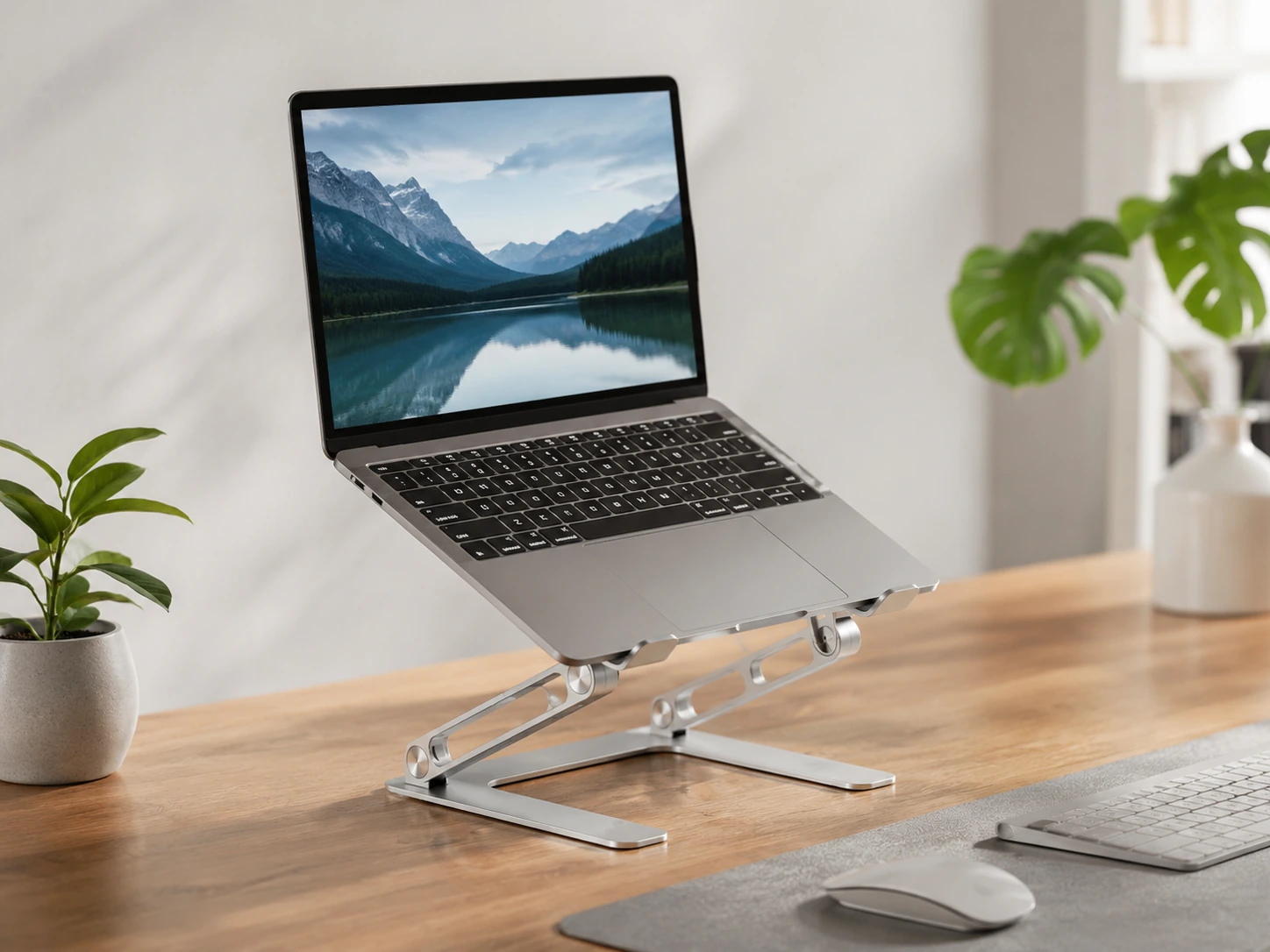
If you work from a laptop, a stand is one of the most impactful purchases you can make. When your laptop sits flat on a desk, the screen top is 4-6 inches below where it should be for a neutral neck position -- you're angling down for every hour you work.
Why we picked it
- +Aluminum construction doesn't flex or wobble under laptop weight over time -- plastic stands develop instability within months
- +Folds flat to under 0.4" for carrying between rooms or packing for travel
- +20,000+ ratings at 4.6 stars -- the most validated laptop stand at this price point
Desk Mat
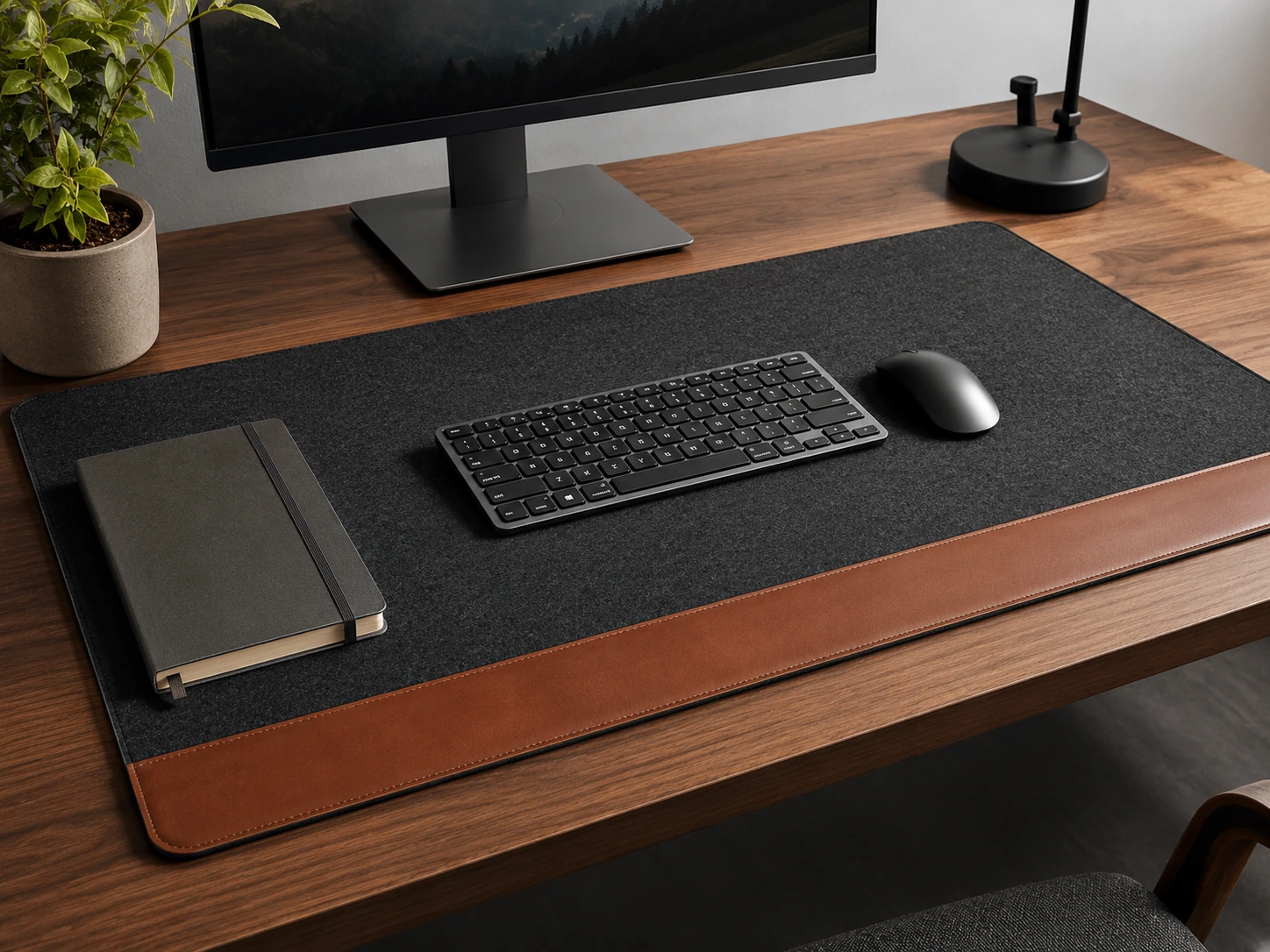
A desk mat is the single purchase that makes a setup feel intentional rather than assembled. It creates one clean work zone, protects the desk surface (relevant at any rental inspection), cushions your wrists during long sessions, and provides consistent mouse tracking.
Why we picked it
- +35x17" covers the full keyboard-and-mouse zone on any desk from 36" to 42" wide
- +Non-slip suede backing -- didn't shift once during a full day of typing and mousing in testing
- +Stitched edges last for years; cheaper wrapped-edge mats peel within 3-6 months
Cable Management
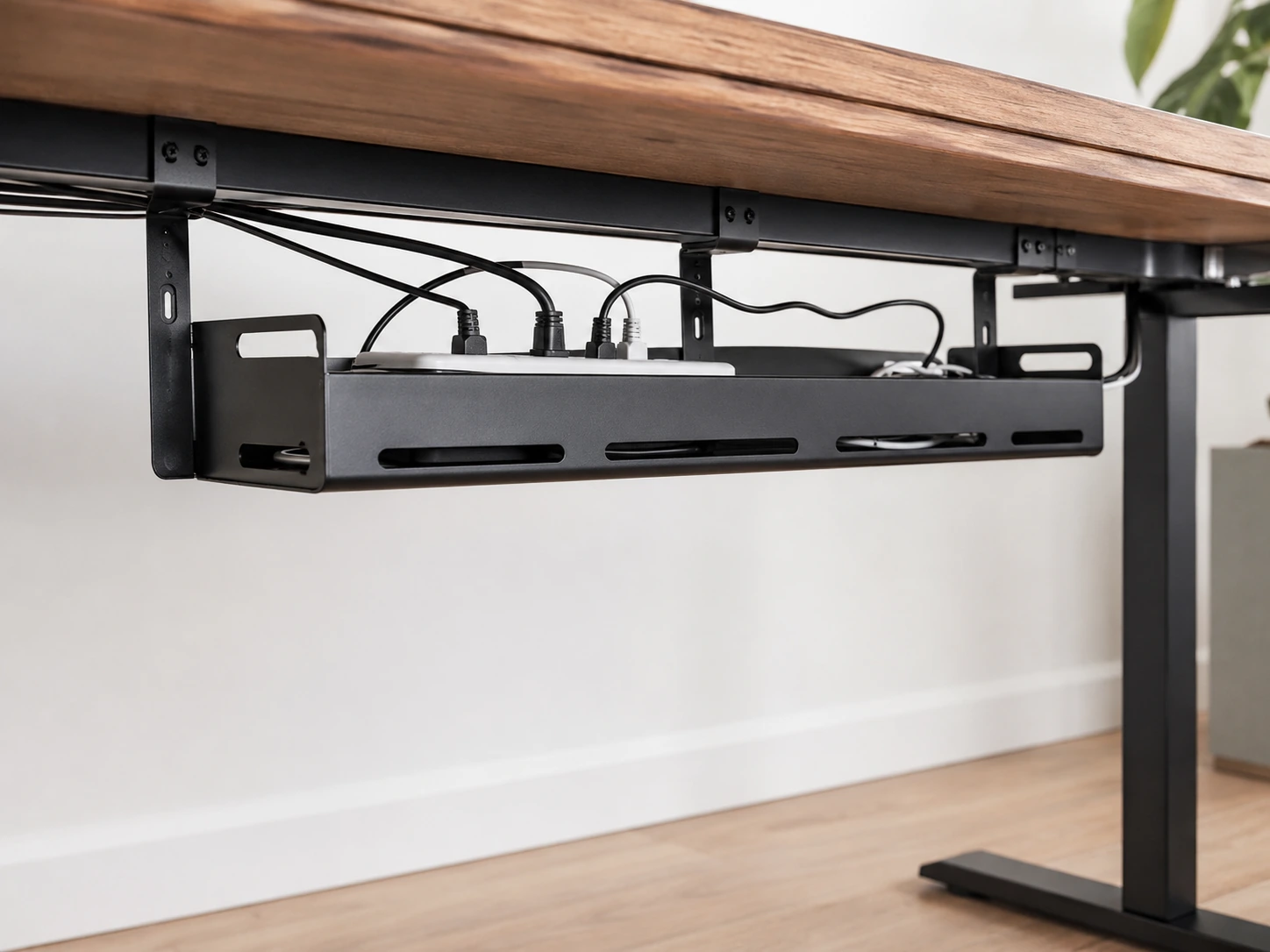
Cable management is the most underrated desk upgrade. Without it, your power strip, charger bricks, and cable tangle sit in a visible pile that makes the entire setup look chaotic -- and shows in every video call background. A cable tray takes five minutes to install and changes the baseline appearance of the workspace immediately.
Why we picked it
- +C-clamp mount requires no drilling -- attaches to the desk edge and removes cleanly when you change desks
- +Steel mesh holds a standard 6-outlet power strip plus adapter bricks off the floor and out of sight
- +Fits desk edges 0.4"–2.5" thick -- works on most IKEA and apartment desks
Budget Alternative
For routing individual cables along the desk edge -- costs under $10 and eliminates cable fall-off
Desk Organizer
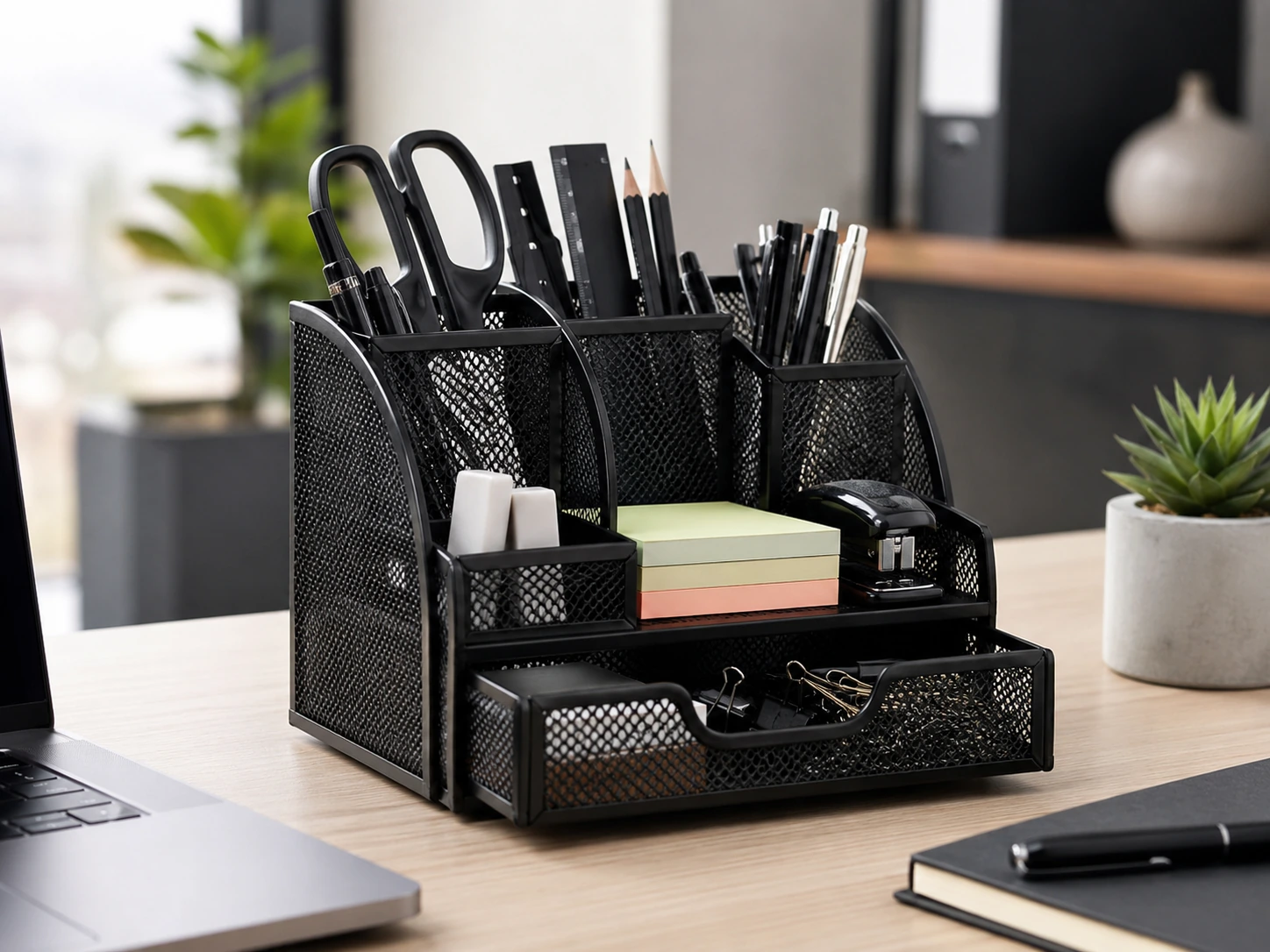
A desk organizer works only when it has a specific place for every item you actually use. An organizer that doesn't fit your actual items just creates another surface to pile things on top of.
Why we picked it
- +8 compartments with different depths handle pens, scissors, sticky notes, phone, charger, and accessories without mixing them
- +Pull-out drawer conceals small items that don't need to be visible (earbuds, USB drives, clips)
- +Mesh construction shows contents at a glance -- no opening drawers to find things
Budget Alternative
For desk drawers -- bamboo insert trays convert a junk drawer into organized sections
USB Hub
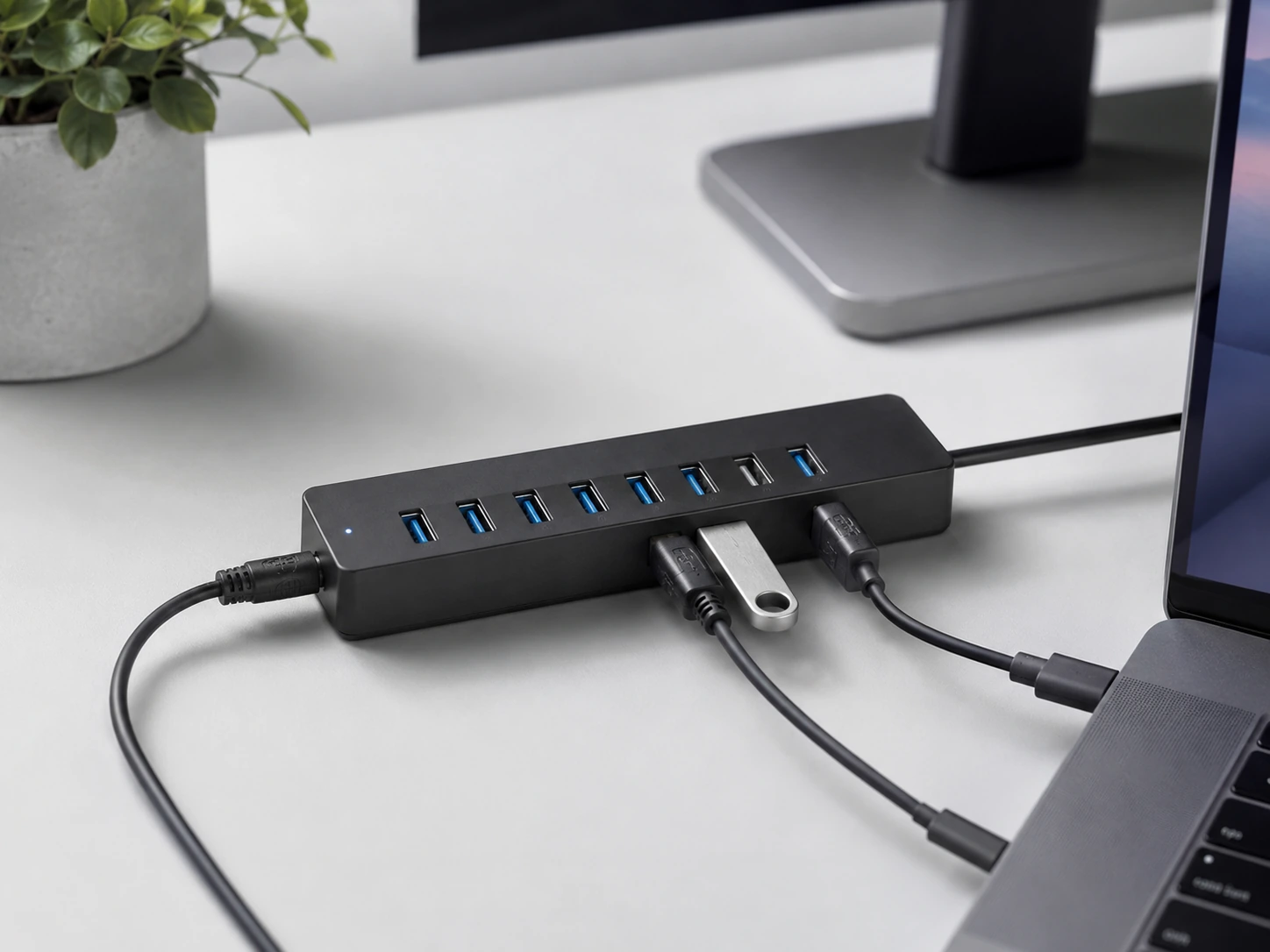
Modern laptops ship with 2-4 USB ports. A desk setup with a mouse, keyboard, external drive, webcam, card reader, and USB lamp needs 6-8. An unpowered hub draws electricity from your laptop and drops connections under load -- a powered hub has its own AC adapter and stays stable under full use.
Why we picked it
- +Powered by 36W AC adapter -- consistent performance with all 7 ports in use simultaneously
- +BC 1.2 dedicated charging port delivers real 2A fast-charging to phones, not just 0.5A trickle
- +30,000+ ratings at 4.6 stars with Anker's 18-month warranty -- the most validated powered hub at this price
Budget Alternative
6-port 60W USB charging station -- for charging devices only (no data), 4.8 stars at 26K reviews
Headphone Hook
Elevation Lab
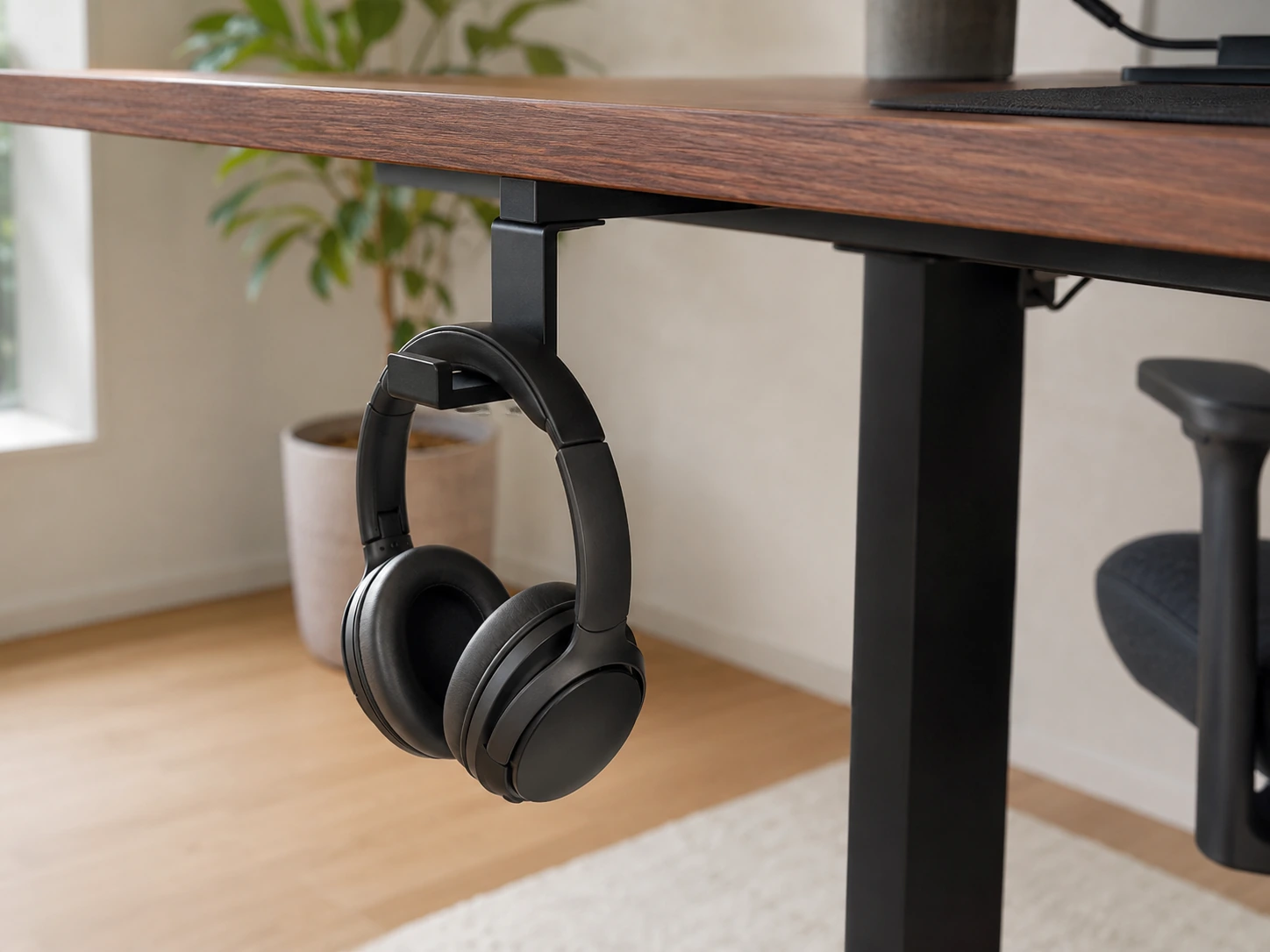
A headphone hook is one of the cheapest improvements to a desk setup because it removes an item that takes up disproportionate space relative to its usage. Most people rest headphones on the monitor bezel or leave them on the desk, where they occupy roughly the footprint of a small laptop.
Why we picked it
- +Mounts under the desk with 3M adhesive -- zero surface footprint, headphones hang below and are immediately accessible
- +Holds two pairs of headphones simultaneously -- useful for setups with both over-ear and in-ear options
- +Medical-grade silicone with steel reinforcement -- won't scratch headband padding over time
Under-Desk Footrest
ComfiLife
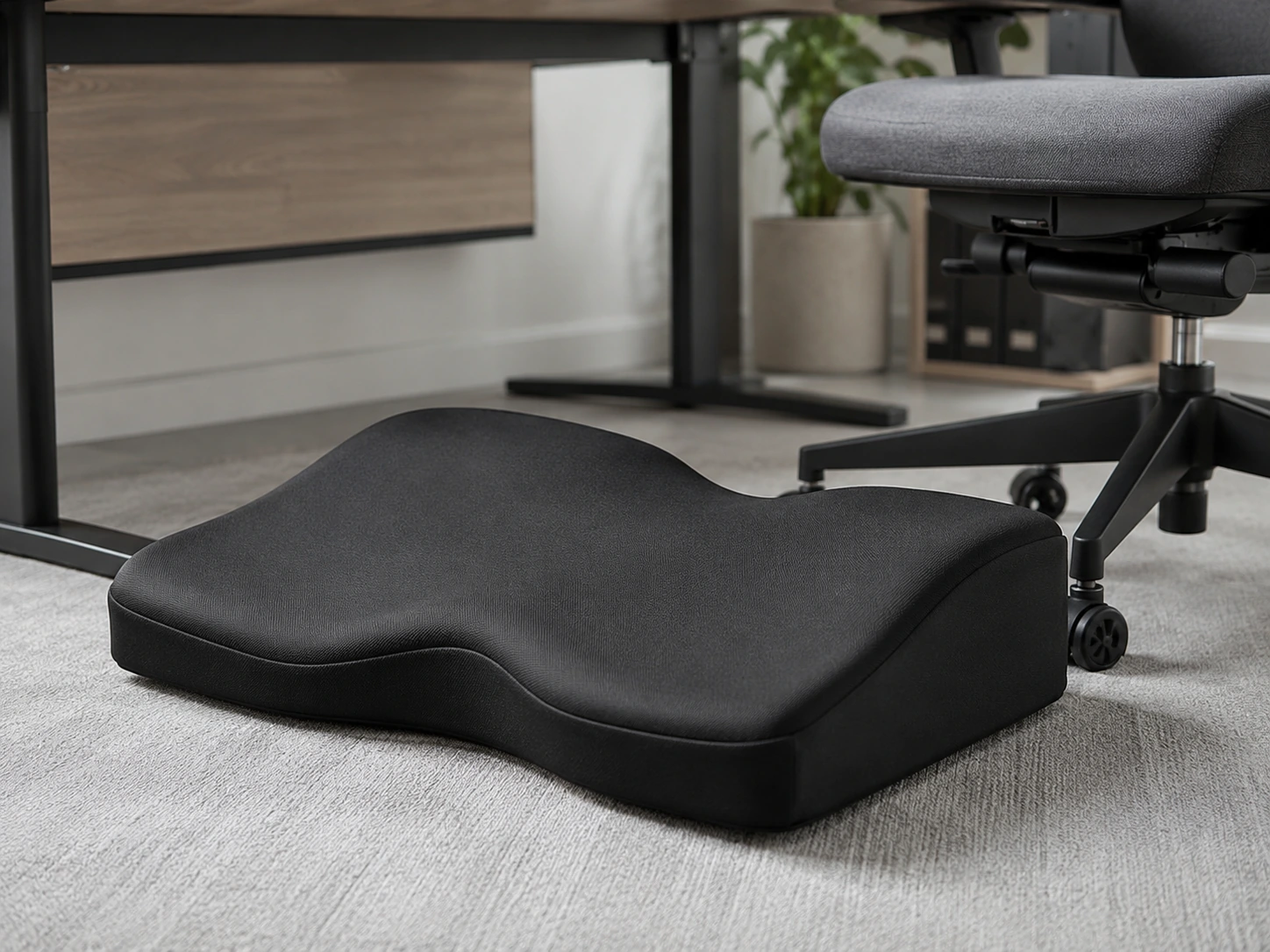
A footrest addresses a posture gap that most people don't notice until they sit at a desk for four hours straight. If your desk is at standard height (29-30") and your feet don't rest flat on the floor at a 90° knee angle in your normal typing position, there's low-level tension building in your lower back that you feel as fatigue by mid-afternoon.
Why we picked it
- +Adjustable height and tilt calibrates to your exact desk and chair combination
- +Memory foam surface reduces foot pressure compared to rigid wooden footrests
- +20,000+ ratings at 4.5 stars -- the most validated footrest across this price range
Desk Decor

One small plant is often the difference between a desk that looks functional and one that looks intentional. The case for artificial: real succulents need specific light levels that most desk positions can't provide consistently, and a dying plant looks worse than no plant at all.
Why we picked it
- +5 different varieties in white ceramic pots -- looks curated rather than like a single prop
- +Zero maintenance -- no watering schedule, no adjusting for light, looks the same on day 300 as day 1
- +12,000+ ratings at 4.6 stars -- the most reviewed artificial succulent set available
The Unexpected Essential: Pomodoro Timer
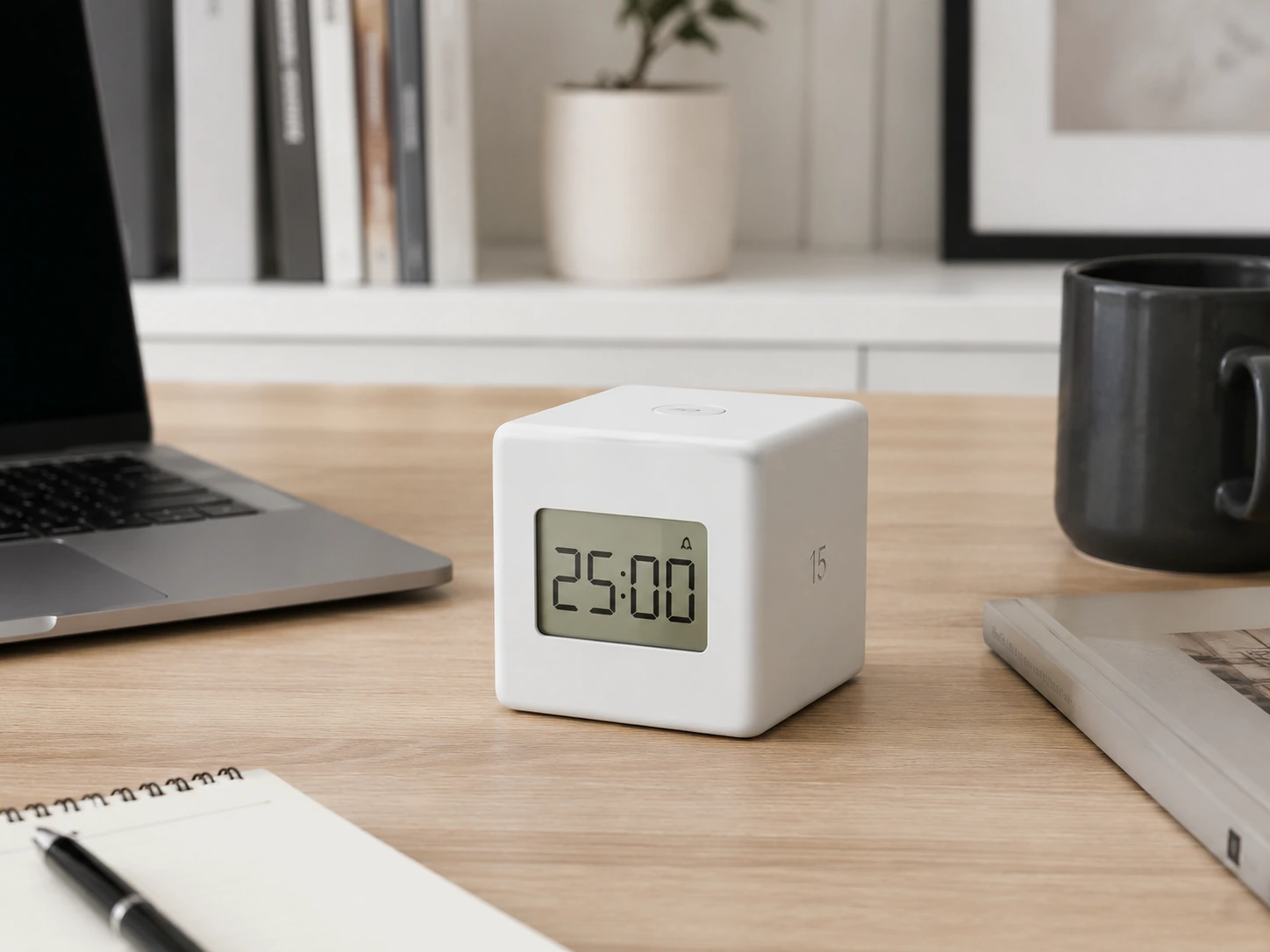
Most desk setup guides stop at cable management and forget that the biggest challenge at a desk isn't physical -- it's staying focused. A physical timer changes how you work because it creates a tangible commitment that a phone timer doesn't. When you flip the cube to 25 minutes, you're making a deliberate agreement with yourself in a way that a phone app can't replicate.
Why we picked it
- +Flip-to-start gravity activation -- no buttons, just rotate to your chosen interval and the countdown begins
- +11 preset intervals from 1 to 90 minutes cover everything from quick tasks to deep work sessions
- +Three alert modes (sound/vibrate/silent) -- silent mode is essential for shared spaces and late-night sessions
5 Things to Know Before You Buy
Start with your biggest daily frustration
If cables are a mess -- fix cables first. If you're squinting at a dark screen -- fix lighting first. Don't start with decor.
Measure your desk before buying
A 35" desk mat on a 32" desk hangs off the edge. A monitor stand too wide for your monitor looks unbalanced. Measure width, depth, and edge thickness before any purchase.
Solve power first
A powered USB hub and cable tray should come before aesthetic items. Getting all devices connected cleanly changes the baseline of your setup. Everything else looks better after this is fixed.
Ergonomics before aesthetics
Monitor stand, laptop stand, and footrest affect you physically every day. A desk plant looks good; a monitor at the wrong height causes neck tension over months.
Set a total budget, not a per-item budget
Buying 15 accessories at 'just $20 each' adds up to $300. Decide on a total first -- $100, $150, $200 -- then prioritize within it.
All 15 Essentials at a Glance
How We Evaluated These Essentials
Each essential was evaluated on daily usage impact, whether it solves a specific measurable problem, and value relative to alternatives at the same price tier. We specifically weighted items that benefit small-desk setups (under 48 inches wide) and prioritized products with verified buyer track records of 500+ reviews.
Daily impact
Does this change something you notice every single session, or something you adjust once and forget?
Problem specificity
Does it solve one clear, measurable problem? Items that solve 2+ problems scored higher.
Value at price tier
Compared against alternatives at the same price. A $20 cable tray beats a $50 one that does the same job.
Small-desk fit
Extra weight given to items that save surface space or work better in compact setups.
This guide reflects research across published specifications, manufacturer documentation, and analysis of verified Amazon buyer review patterns.
What You Do Not Need Right Away
You do not need to buy everything at once. Start with lighting, cable management, and one organizer before adding extra gadgets.
Frequently Asked Questions
What are the most important desk setup essentials?
Start with these three: a cable management tray (biggest visual impact for the cost), a desk lamp with a clamp mount (zero surface footprint), and a monitor stand or laptop stand (ergonomic and creates storage underneath). These three address the most common desk problems before anything else.
How do I make a small desk setup look clean?
Hide cables first (under-desk tray or clips), then add a desk mat that defines the workspace, then keep only daily-use items on the surface. The three-step sequence -- cable management, mat, ruthless surface editing -- transforms most small desks without buying anything expensive.
What should every work-from-home desk have?
Beyond the basics (monitor, keyboard, mouse): a powered USB hub for connecting everything, a clamp desk lamp or monitor light bar, cable management, and a headphone hook. These four items address the practical daily-use gaps in most home office setups.
Are desk accessories worth buying?
The right ones are. A $20 cable tray and a $15 headphone hook have immediate, visible impact every day. A $50 RGB light strip has zero functional benefit. The criterion is: does this make my workspace easier to use or more comfortable? If yes, worth it. If it's purely decorative, probably not.
What should I buy first for a better desk setup?
A cable management tray -- it costs $20, takes 5 minutes, and immediately makes everything else look more intentional. Second: a desk lamp with a clamp mount. These two purchases change the baseline of any desk setup before anything else.
How can I improve my desk setup on a budget?
Under $50 combination: cable clips ($8), a headphone hook ($12), and a compact desk organizer ($18). These three eliminate the most common visual clutter on any desk. Under $100: add a desk mat ($35) and you've transformed the setup's appearance without touching the monitor or lighting.
Browse all desk setup essentials on Amazon
See current prices, deals, and Prime shipping options
Shop Desk Setup Essentials on Amazon