
How to Pack and Label a Desk Setup for a Dorm Move
Affiliate Disclosure: We may earn a small commission on qualifying Amazon purchases at no extra cost to you. Full disclosure →
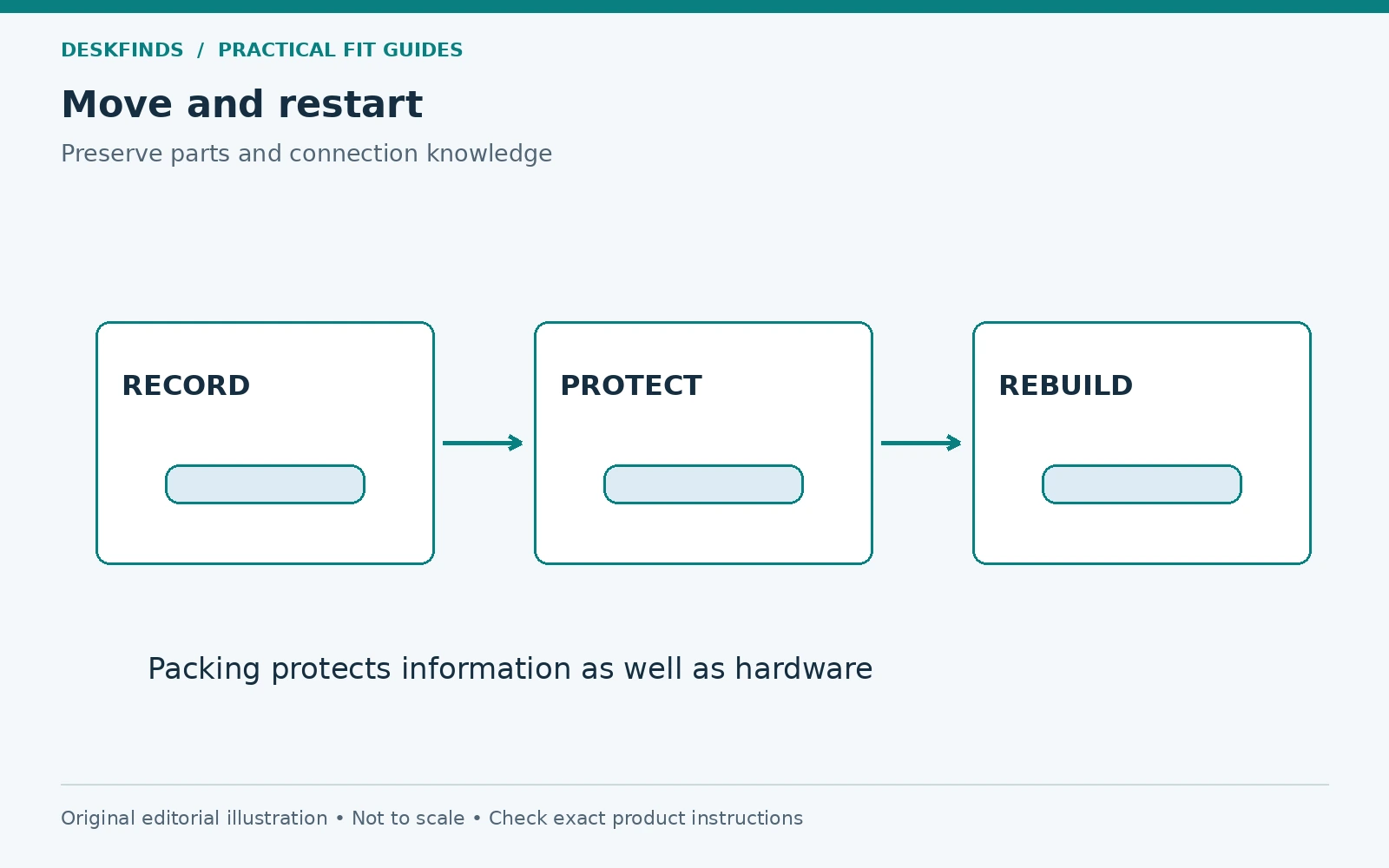
A desk setup can take minutes to disconnect and much longer to rebuild when cables, screws, adapters, and fragile parts are packed without a system. A dorm move adds room-condition checks, shared transport, tight schedules, and furniture that may belong to the residence. The useful plan preserves both the equipment and the information needed to restore it.
Quick answer: Photograph and inventory the working setup, prepare devices according to their exact instructions, label cables and parts by function, and pack each item with suitable protection. Keep a small first-use kit separate. Do not use a cable to pull a device free, pack a printer from generic advice, or assume a monitor arm can travel assembled and loaded.
This guide addresses packing and reassembly planning, not a guarantee against transport damage. Follow carrier rules and device requirements, especially for batteries, liquids, and large equipment.
Separate your property from residence furniture
Check which desk, chair, shelves, and accessories belong to the room. Read the move-out requirements and condition-report process. Do not dismantle supplied furniture or remove parts unless the residence explicitly directs it. Your monitor, lamp, and personal organizers may need to leave while the original furniture stays.
Compare the room with the move-in condition record where available. Plan to remove permitted attachments by their exact instructions and inspect the surfaces afterward. A no-drill accessory can still leave marks. Our reversible dorm desk guide explains why removal should be planned from installation.
Allow time for the room to be cleared and checked without rushing equipment handling. A late discovery that a clamp blocks another part's removal can lead to awkward lifting. Work through the sequence deliberately and keep the area free of people carrying unrelated items.
Inventory the complete working system
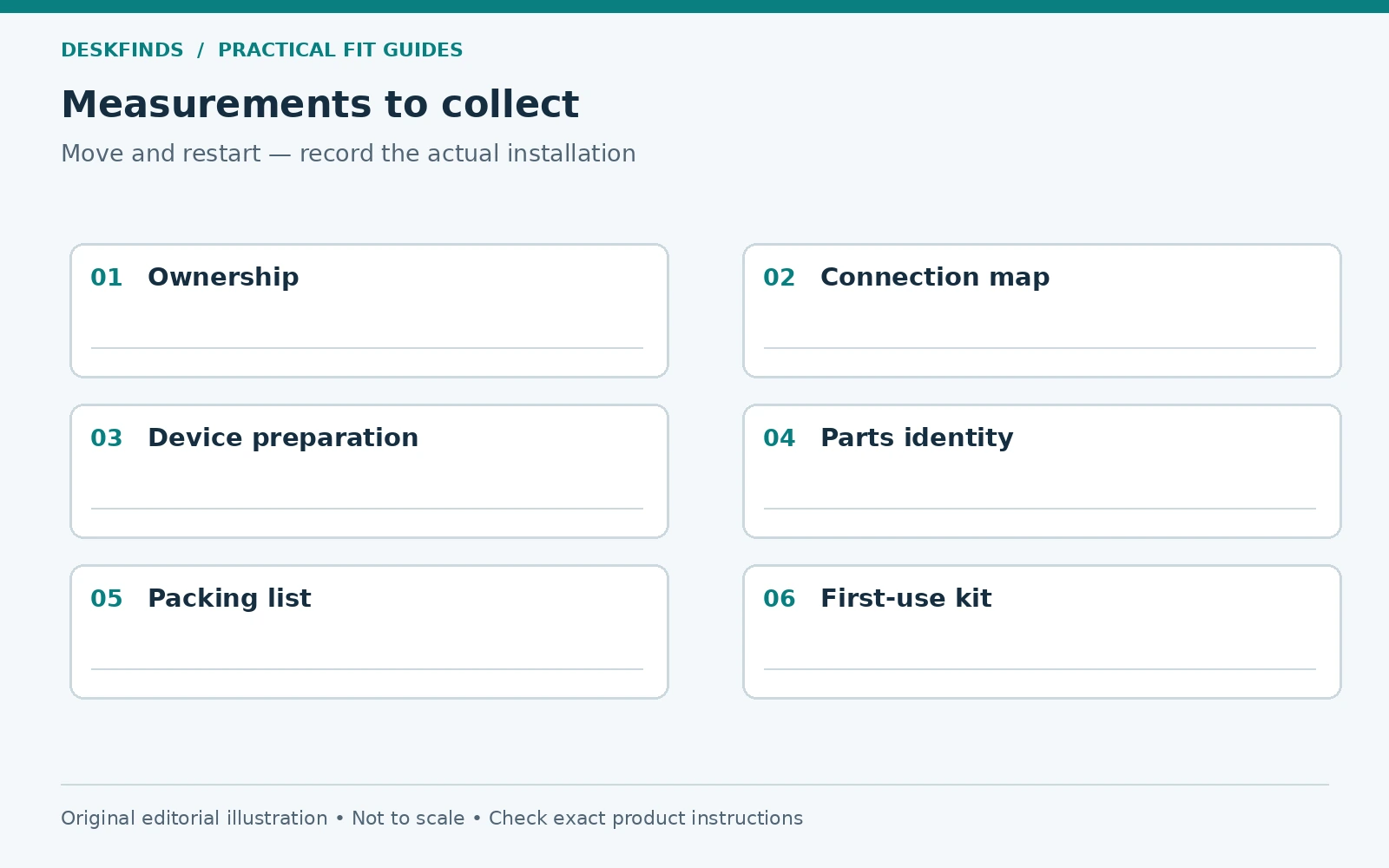
List the computer, displays, input devices, camera, headset, lamp, dock, power equipment, cables, mounts, and small accessories. Note model numbers where useful and identify which parts belong together. A box called desk stuff is not enough to reconstruct a multi-device setup.
Record the connection map. Photograph the rear of the devices and the cable routes without exposing passwords, private documents, or sensitive account information. Label connections by function rather than relying only on cable color. Similar leads can have different capabilities.
Keep the inventory with your move records and a copy accessible during unpacking. This is particularly useful when several boxes travel separately. A clear list helps identify a missing adapter before every container is emptied onto the new room's floor.
Protect the information before the hardware moves
Follow an appropriate backup process for your computer and verify access to the files you need. This is separate from physically protecting the device. A padded box does not protect against data loss, and a backup does not prevent a cracked screen. Both deserve attention before the move.
Use the device's intended shutdown and disconnection procedure. Do not assume that unplugging every cable in any order is appropriate for all equipment. Keep account credentials and recovery information secure and separate from public box labels. Avoid writing passwords on a device or packing list.
Our backup strategy guide provides general background. Apply the method suitable for your data and devices rather than treating moving day as the first time to investigate backup access.
Label cables before disconnecting them
Give each cable a functional identifier, such as display-to-dock or lamp power, and mark both ends where appropriate. Keep labels from interfering with connectors or required product information. Record any important capability or device-specific role without assuming all same-shaped leads are interchangeable.
Disconnect by the intended plug or release method, supporting the device as needed. Do not pull on the cable or lift equipment by a connected lead. Inspect components and keep damaged parts out of normal reuse. Our charger routing guide explains why ports should not carry hanging loads.
Coil cables according to their requirements without tight bends or pressure on connectors. Keep them with the relevant device or in clearly indexed pouches. A single mixed bag may save packing space but create a long sorting task at the destination.
Keep fasteners tied to the exact assembly
If a mount or stand must be disassembled, follow its manual and support the equipment through the process. Spring-assisted arms and loaded mechanisms need particular care. Do not remove a monitor from an unsupported assembly or improvise the sequence from appearance alone.
Place permitted removed fasteners in a labeled container identifying the product and assembly step. Similar screws can differ in length or purpose. Do not mix monitor mounting screws with furniture hardware. Keep supplied spacers, plates, tools, and original stands accounted for.
Attach the parts container to a suitable packing location without taping it directly to a fragile screen or finish. Keep the instructions or a reference copy with the item. Reassembly should use the correct parts, not whichever screws are easiest to find in the general tool box.
| Record | Why it matters |
|---|---|
| Device inventory | Confirms what travels and what belongs to the room |
| Connection map | Rebuilds function without guessing from plug shape |
| Parts list | Keeps correct fasteners and adapters together |
| Packing list | Locates items without opening every box |
| Condition notes | Distinguishes existing issues from new damage |
| First-use kit | Supports essential work before full unpacking |
Pack displays with suitable protection
Use the original packaging where available and appropriate, or equivalent protection suitable for the exact device and transport. Follow the display's instructions for stand removal, orientation, and handling. Do not put pressure on the panel or treat a soft blanket alone as proof of adequate packaging.
Keep loose objects and hardware from contacting the screen. A cable or screw packet inside a loosely packed box can become a damaging object in transit. Support the device so it cannot shift as the packaging system intends. Mark handling information accurately without assuming a label replaces protection.
Do not stack heavy boxes on fragile equipment contrary to its packing requirements. Plan where the display sits in the vehicle and how it will be carried through doors. A well-packed screen still needs appropriate handling and transport conditions.
Treat printers and batteries as special cases
A printer may need model-specific transport preparation involving ink, tanks, locks, cartridges, or orientation. Obtain its exact manual. Do not copy a procedure from another model or assume the closed housing is ready to move. Manufacturer examples differ because the internal systems differ.
For devices containing batteries and spare batteries, follow the device and carrier requirements for the transport method. Airline, postal, and road arrangements can have different rules. Check current official requirements when relevant rather than relying on a general dorm packing list.
Keep liquids and consumables separate as instructed. Do not pack opened ink bottles with a printer unless its exact instructions explicitly direct that arrangement. A storage bin that holds the items at home is not automatically suitable transport packaging.
Example: the monitor arrives but its support parts do not
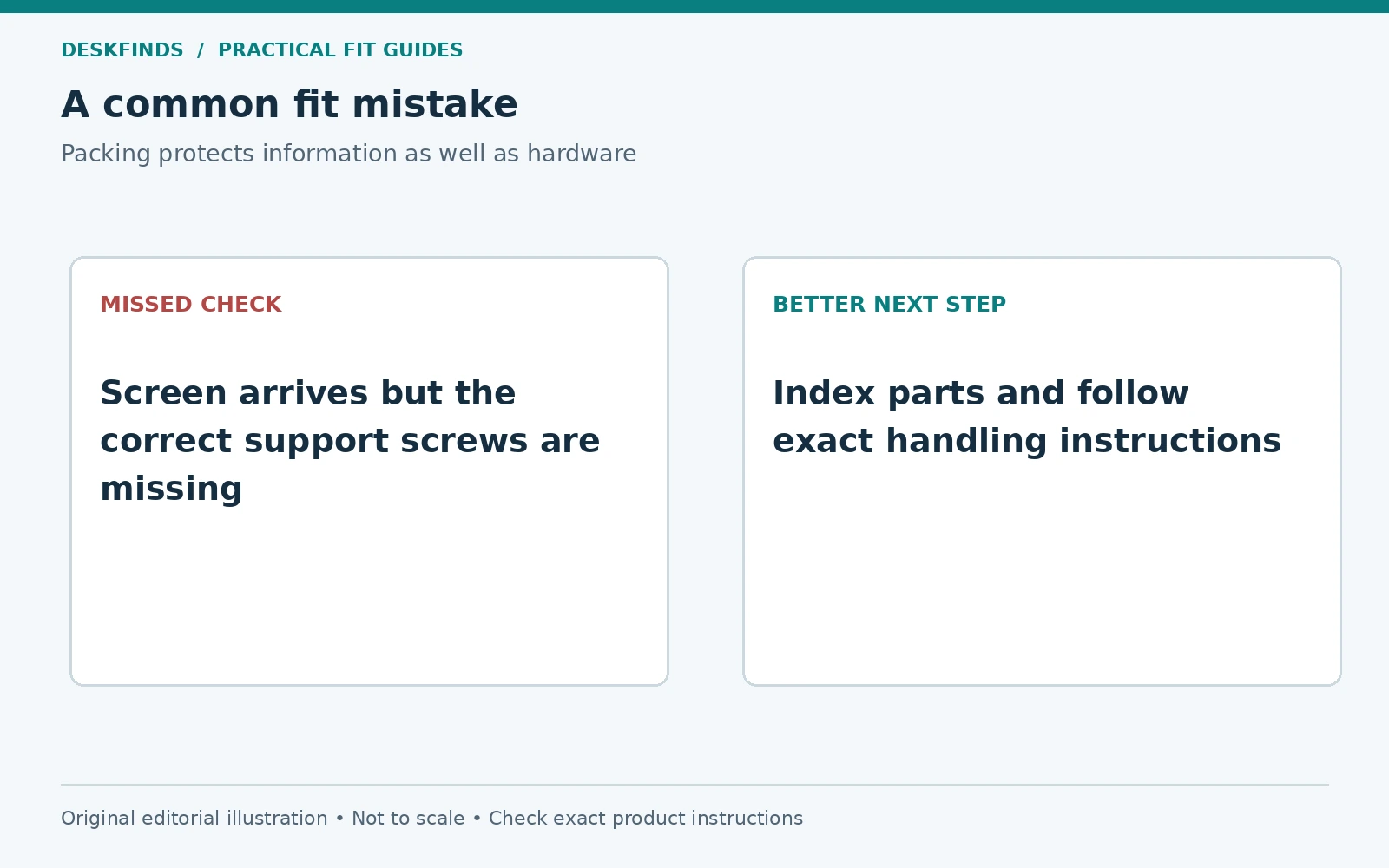
A student packs the screen carefully but places its stand screws in a general hardware bag. At the new room, several similar screws are available and the correct set is unclear. Using a guessed screw can create a mounting problem even though the display itself survived the journey.
The better process labels the exact parts during disassembly and keeps them indexed to the display. The original stand or supported alternative remains available. Reassembly follows the manual rather than a memory of how the old desk looked. Information protection is part of equipment protection.
If parts are missing, obtain the specified replacements or manufacturer guidance. Do not force a near match to make the workstation usable that evening. A temporary verified setup is preferable to an improvised mount with unknown hardware.
Example: everything is packed together except the first-day needs
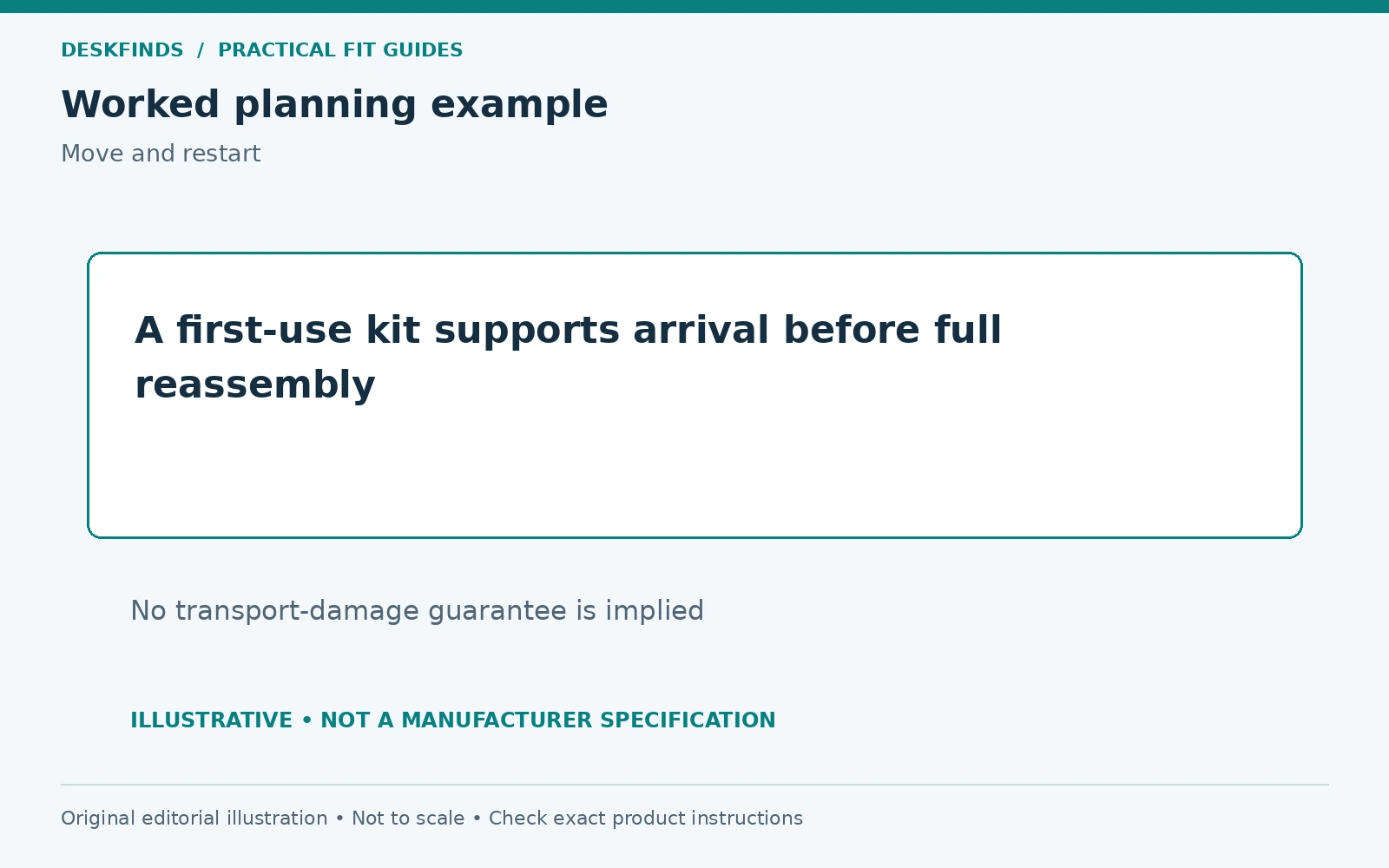
Another student packs all chargers and input devices in the same large box as occasional supplies. The laptop is needed on arrival, but its compatible adapter is difficult to find. Unpacking becomes a search through unrelated equipment before basic work can begin.
A small first-use kit solves that transition: the required compatible charger, essential input device, necessary cable, and a short connection note. The kit is packed and transported appropriately for its contents. It does not replace careful packaging for the larger setup.
The full workstation can then be rebuilt after the new room is measured and the furniture rules are known. There is no need to reproduce the old layout blindly before checking the new desk's construction, clearance, outlets, and light.
Rebuild from the room outward
Inspect the new space and supplied furniture before attaching equipment. Measure the desk and chair relationship, identify power provision, and check window light. A mount that was suitable on the old desk is not automatically approved for the new top. Our hollow-core mounting guide covers that uncertainty.
Set up the essential work core first, then add accessories after the layout passes. Keep cables out of walking routes and allow the intended movement. Our window glare layout guide can help avoid repeating a poor screen orientation.
Use the connection map to restore devices, but verify compatibility and condition before powering equipment. Stop if an item shows damage or behaves unexpectedly and use the appropriate support route. A successful move includes a controlled restart, not merely opening the boxes.
Close the packing loop
Check the inventory against unpacked items and record any missing or damaged parts. Keep suitable packaging for future moves if practical. Store small original parts and instructions together rather than letting them disappear into several drawers. The next move becomes easier when the current one ends in an organized state.
Review what was unnecessary. Equipment that was never used may not need to return to the desk. A dorm move is an opportunity to rebuild the active setup around actual tasks while keeping occasional items in separate storage. Avoid filling the new room simply because every old accessory arrived.
Compare desk organizers or laptop bags only for a defined need. The useful packing system preserves the equipment, correct parts, connection knowledge, and first-day access. Those details matter more than a large box with a tidy label.
Make labels useful at both ends of the move
A box label should identify the contents, destination area, and handling information appropriate to the packaging. A separate detailed inventory can list small parts and connection roles. Do not put passwords, private client names, or unnecessary sensitive information on an outward-facing label. The mover needs handling and destination information, not account access.
Number the boxes and reference those numbers in the inventory. If a charger travels in the first-use kit while its device is elsewhere, record that deliberately. Separating items can be useful, but only when the record preserves their relationship. Avoid a vague note that accessories are in another box without identifying which one.
Use labels that remain attached under the expected transport conditions without damaging the device or packaging. Do not tape directly across a fragile screen or cover ventilation and product labels on equipment that will be used before full unpacking. The labeling system should support safe handling rather than create another removal problem.
Plan disassembly in reverse connection order
Read the relevant manuals and identify what must be supported before a connection or fastener is released. Photograph the assembled state and label parts before removing them. Do not rely on a remembered sequence for a spring-assisted arm or a heavy display. If the procedure requires another person, arrange the help rather than improvising one-handed support.
Keep each product's parts together by exact role. A monitor plate, spacers, and screws belong to that assembly, while a desk clamp may have different hardware. Use containers that will not open and scatter parts inside a larger box. Record any component deliberately left assembled under its instructions.
At the new room, reverse the documented process only after confirming the new support and layout are suitable. The old connection map explains function, but it does not approve the new desktop material or wall installation. Reassembly is a new fit check as well as a memory task.
Build the first-use kit from an arrival scenario
Imagine what you need to do on the first evening: connect the laptop, access essential files, attend a call, or read move-in information. Pack only the compatible equipment needed for that scenario in an appropriately protected kit. Keep its contents manageable and clearly identified.
Do not put everything valuable in one unstructured bag simply because it stays with you. Fragile devices and heavy adapters need suitable separation and protection. Follow transport rules for the actual method, including any current battery requirements. A first-use kit is a convenience plan, not an exemption from handling instructions.
Include a brief setup note that does not expose sensitive credentials. It can identify the correct charger and cable role and point to securely stored instructions. This lets basic work begin while the rest of the room is assessed, without rushing a monitor installation onto an unfamiliar desk.
Check packaging against the whole journey
Consider stairs, narrow doors, vehicle loading, weather exposure, and any handoffs. A box that protects an item while stationary still needs to be carried and secured appropriately. Use the device and packaging guidance and any carrier requirements. Do not assume that a fragile label prevents heavy objects being placed nearby.
Keep liquids, loose hardware, and dense objects from contacting delicate equipment. Plan the vehicle arrangement so the packages remain supported and do not shift as the transport method requires. If professional packing is appropriate for an item, compare that option rather than improvising from a general desk article.
Record the condition before packing and inspect on arrival according to the product guidance. If damage is found, follow the seller, carrier, or manufacturer process as applicable. Do not power damaged equipment merely to complete the unpacking checklist.
Use the move to simplify the next setup
After the essentials work, review which accessories actually supported your tasks in the old room. Keep occasional equipment in suitable separate storage until there is a defined need. The new desk may have a different shape, light direction, or supplied furniture, so reproducing every old position can create avoidable conflicts.
Update the inventory and connection map when the new setup is final. Keep correct original parts and useful packaging organized for the next move. A successful packing system closes with a clear restart record, not a floor full of unidentified empty boxes and spare screws.
Finish with a parts check
Before discarding packing materials, compare the inventory with the assembled setup and inspect small pockets for remaining parts. Keep specified spare hardware and original components in a labeled location rather than mixing them into general stationery. Confirm that the first-use kit has been integrated or deliberately kept ready for travel. Closing this loop preserves the connection between the move record and the workstation now in use.
Sources and scope
- Epson transport instructions example - illustrates model-specific preparation; obtain your own printer's instructions.
- Apple adapter and cable guidance - manufacturer handling and damaged-part information.
The packing records and cases are original editorial guidance. No transport-damage guarantee, carrier approval or universal printer procedure is implied.