
How to Set Up a Dorm Desk Without Drilling or Permanent Adhesives
Affiliate Disclosure: We may earn a small commission on qualifying Amazon purchases at no extra cost to you. Full disclosure →
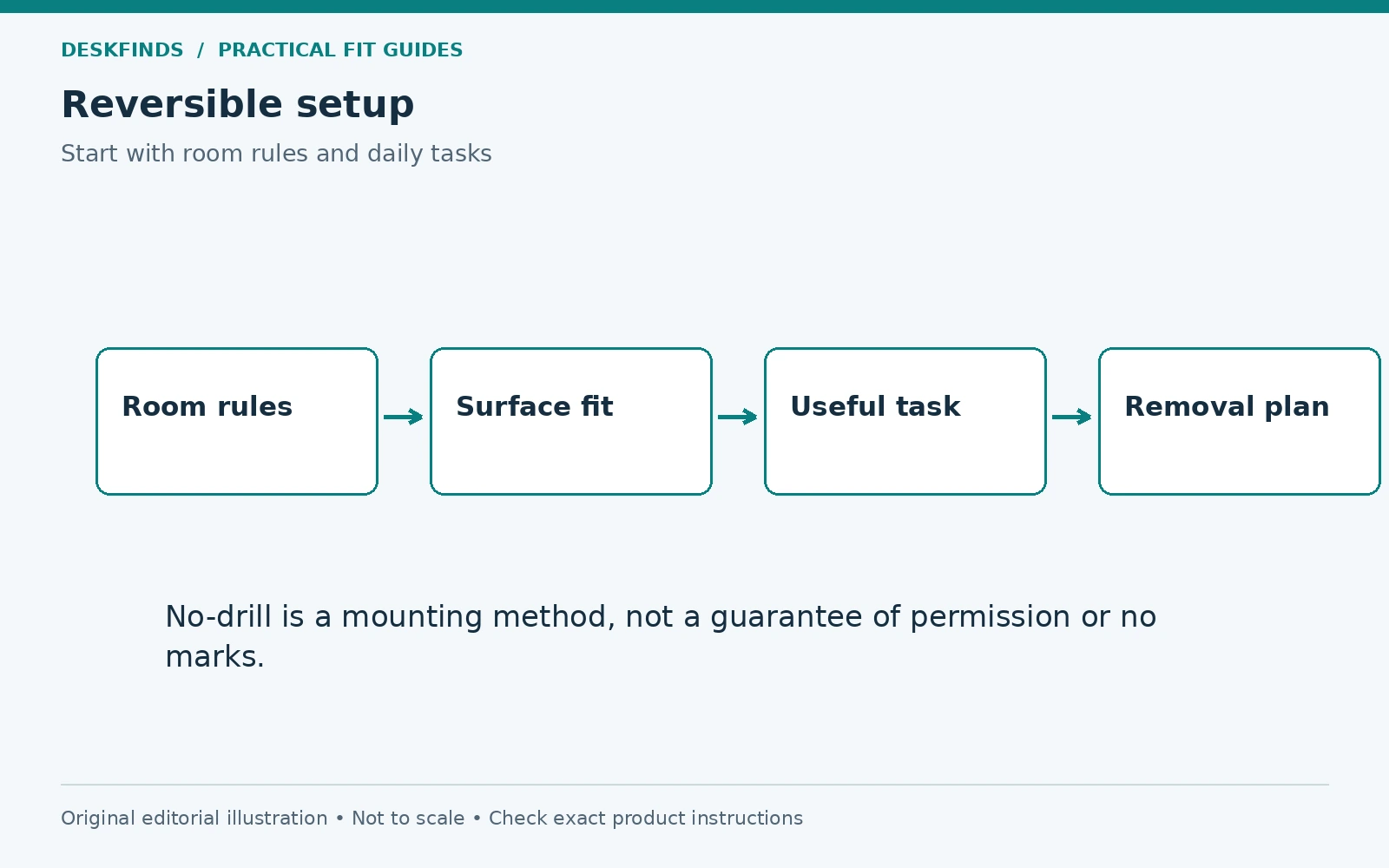
A dorm desk has to work within a room you may not own, furniture you may not modify, and rules that can differ from one building to another. The most useful setup is not the one with the most accessories. It is the one that supports study, stays within the housing rules, and can be removed without an improvised repair at move-out.
Quick answer: Read the housing rules first, measure the desk and its clearances, then prioritize freestanding and explicitly permitted removable accessories. Clamp-on and adhesive products still need compatible surfaces and permission. No-drill does not mean no possibility of marks, and a product's marketing cannot override your residence policy.
This guide focuses on desk organization rather than a whole-room shopping list. For the wider product categories, see our dorm essentials guides. Keep the actual residence handbook as the controlling source for room-specific restrictions.
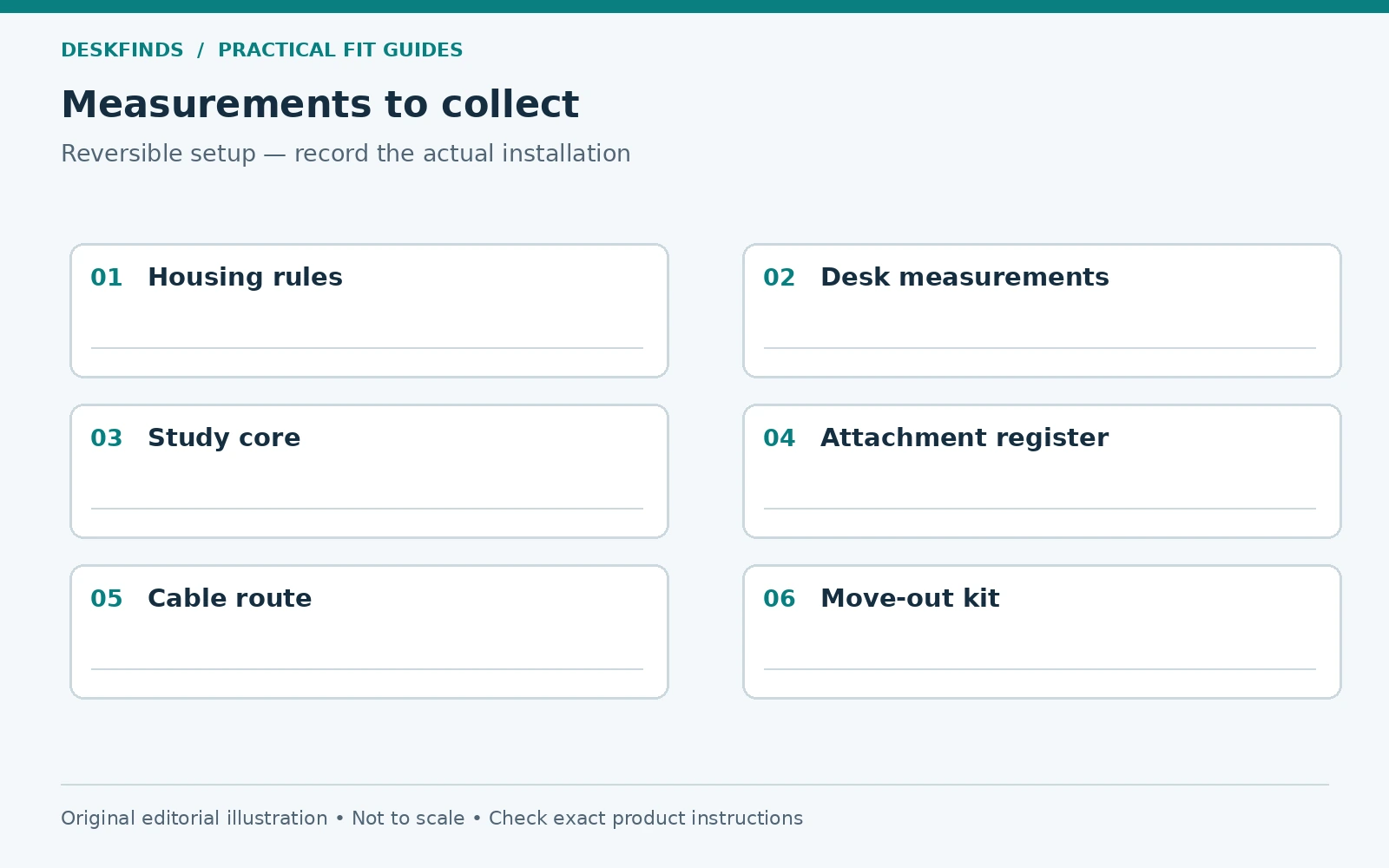
Turn the housing rules into a practical list
Look for restrictions on wall attachments, furniture changes, electrical equipment, bed adjustments, and items near doors or vents. Check whether removable adhesive products are allowed and whether particular types are prohibited. Some policies distinguish walls from supplied furniture, so do not assume a permitted wall hook can be used on the desk.
Ask housing staff about unclear wording before purchasing. A photograph of the proposed accessory and a short description of the attachment method can help. Keep the answer with your room documents. Do not rely on what a student in another building was allowed to do last year.
Photograph the supplied desk and surrounding surfaces at move-in, following the residence's condition-report process. Record existing marks and damaged edges. This is useful both for accountability and for choosing mounting locations that are already unsuitable. Do not cover a damaged surface with an accessory and treat the problem as resolved.
Measure the actual desk, not a typical dorm desk
Record desktop width, depth, height, and underside clearance. Identify drawers, aprons, frame rails, rounded edges, and the position of outlets. The usable surface may be smaller than its overall dimensions because a shelf or hutch occupies part of it. Measure the area where the keyboard and notebook will sit.
Check the chair's approach and your leg space. A desk can appear generous while a central drawer or low apron prevents close seating. Adding a tray or clamp-on drawer may worsen the conflict. Our chair arm clearance guide helps separate furniture fit from storage choices.
Note where the desk sits relative to windows, the bed, wardrobe, and room door. A lamp or monitor should not obstruct normal room operation. If the furniture can be moved under the rules, test a layout before buying accessories for the original position. A better orientation can solve problems at no cost.
Establish a simple study core
Start with the tools you use every day: computer or tablet, keyboard and mouse if needed, notebook, task lighting, and a place for a few supplies. Put them in a usable arrangement before adding decorative or specialized items. This reveals the remaining space instead of filling it with organizers first.
Reserve a writing zone if your coursework involves paper. A laptop stand can recover space beneath the device, but raising the screen may require external input devices for a usable typing arrangement. Our small desk setup guide can help plan the combined footprint.
Keep frequently used items within easy reach. Store occasional materials elsewhere if the room allows. A desk does not need to display every textbook, charger, and stationery item at once. The most effective space-saving method is often reducing the permanent inventory rather than adding another tier.
Prefer freestanding solutions when they solve the task
A compact desktop organizer, stable bookend, suitable monitor riser, or small supply tray can provide structure without attaching to the furniture. Check their footprint, load limits, and contact with the finish. A freestanding object can still scratch a surface if dragged or become unstable if overloaded.
Use vertical space carefully. A riser should not raise the screen beyond a useful position or leave a narrow, unstable base beneath it. A stack of boxes is not equivalent to a product designed to support the equipment. Keep the complete support surface and load within the intended use.
A removable storage bin can simplify move-out and daily reset. Choose one that fits the shelf or drawer where it will live, including handles and retrieval space. The bin should make items easier to reach rather than create a dense stack that has to be dismantled for every task.
Evaluate clamp-on accessories as furniture attachments
Check whether clamps are permitted and whether the desk material is compatible. Measure thickness at the intended contact point and inspect both upper and lower surfaces. A bevel, apron, or hollow construction can make an otherwise attractive accessory unsuitable. Do not assume all dorm furniture is robust enough for concentrated clamp loads.
Include the complete hardware in the layout. A cup holder can project into a walkway, a drawer can block knees, and a lamp clamp can compete with a monitor mount for the same edge. Our clamp-on drawer measurement guide shows how to map those conflicts.
Use only the protective pads and installation method the product permits. Tightening harder is not a solution to an incompatible edge. If a clamp leaves a new mark or will not remain seated, remove the accessory safely and address the mismatch. No-drill should describe the method accurately, not promise a damage-free outcome.
Treat removable adhesive as a conditional option
If the residence permits adhesive products, follow the exact product's surface and installation requirements. Smooth painted surfaces, textured walls, wallpaper, laminate, and other finishes are not interchangeable. Cleaning method, paint condition, curing time, load, and removal direction can all matter. Read the package and current instructions for the specific product.
Do not apply a generic rule that all removable strips are suitable after the same waiting period. Different products and surfaces can have different requirements. Test only as the manufacturer and housing rules allow, and avoid valuable or fragile objects over beds or equipment unless the product is intended and approved for that use.
Plan removal access from the start. A release tab hidden behind an immovable object may be difficult to use correctly later. Keep the instructions and do not pull an adhesive mount away from the wall in a direction that contradicts them. If the surface is unsuitable, choose a freestanding alternative rather than stronger adhesive.
Build a cable system that can be undone
Identify the minimum cables needed and label similar ones. Route them away from chair casters, drawers, and walkways. Reusable ties can bundle slack without permanently fastening it to furniture, but do not over-tighten or force sharp bends. Keep connections accessible so a device can be removed without pulling the whole bundle.
If approved clips are used, check their mounting surface and load. A cable clip should not carry the weight of a heavy adapter unless designed for it. Support power bricks according to their instructions and keep ventilation clear. A neat desk should not hide a pile of warm adapters under bedding or fabric storage.
Use electrical equipment permitted by the residence and suitable for your region. Follow device and power-strip instructions, and do not daisy-chain strips to reach another part of the room. Our dorm power guide is a starting point, but the residence's policy and exact equipment requirements control the final arrangement.
Make the setup work for a roommate
Discuss task lighting, calls, shared outlets, and storage boundaries. A lamp that is useful for you may shine directly toward another bed. Headphones can reduce speaker noise, but microphone use and late-night calls still affect the room. Place equipment with the shared environment in mind.
Keep your accessories within an agreed footprint. A cart or extended keyboard tray can occupy shared floor space even if attached to your desk. Open wardrobe doors and test the route through the room with the workstation in use. Our chair clearance guide helps make those overlaps visible.
Create a quick end-of-day reset. Put loose papers in a tray, return small tools to one container, and leave power and walking routes clear. A simple routine often preserves usable space better than adding more organizers after clutter accumulates. Make the routine realistic enough for a busy week.
Example: a desk with no approved mounting surface
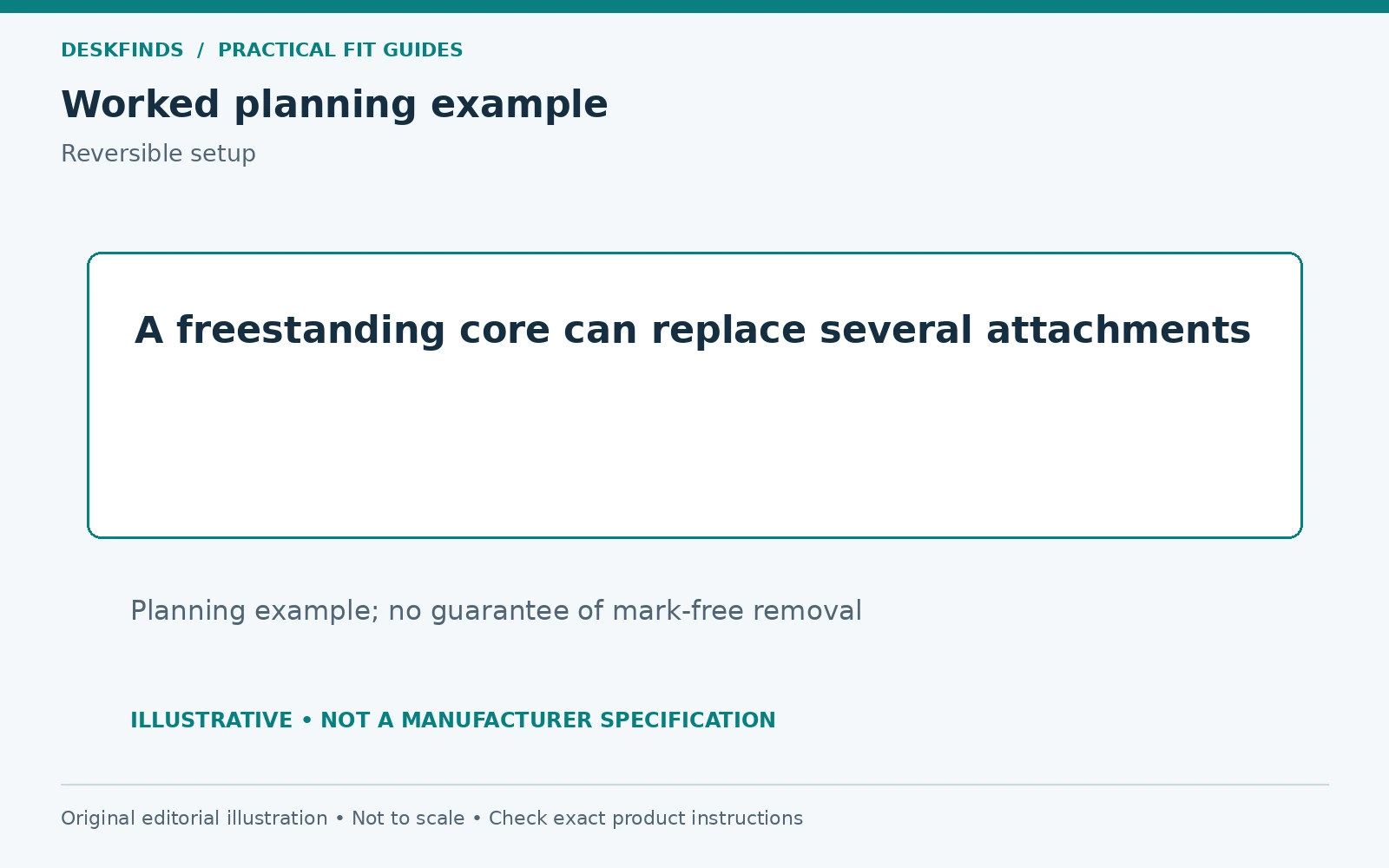
A student wants a monitor arm, clamp lamp, and under-desk drawer. The desk has a shaped edge and a low apron, and housing rules prohibit attachments to supplied furniture. The accessories may be marketed as removable, but that does not make them permitted or compatible.
The student uses the original monitor stand, a compact freestanding lamp, and a small removable supply tray. A notebook fits beneath a suitable riser only if the screen height and support conditions work. The resulting desk has fewer attachments but supports the actual study tasks and can be packed away easily.
This is a successful constrained design, not a temporary inferior version of an ideal setup. The room's rules and furniture are part of the brief. Buying accessories that cannot be installed adds expense without adding usable function.
Example: adhesive is permitted, but the wall is unsuitable
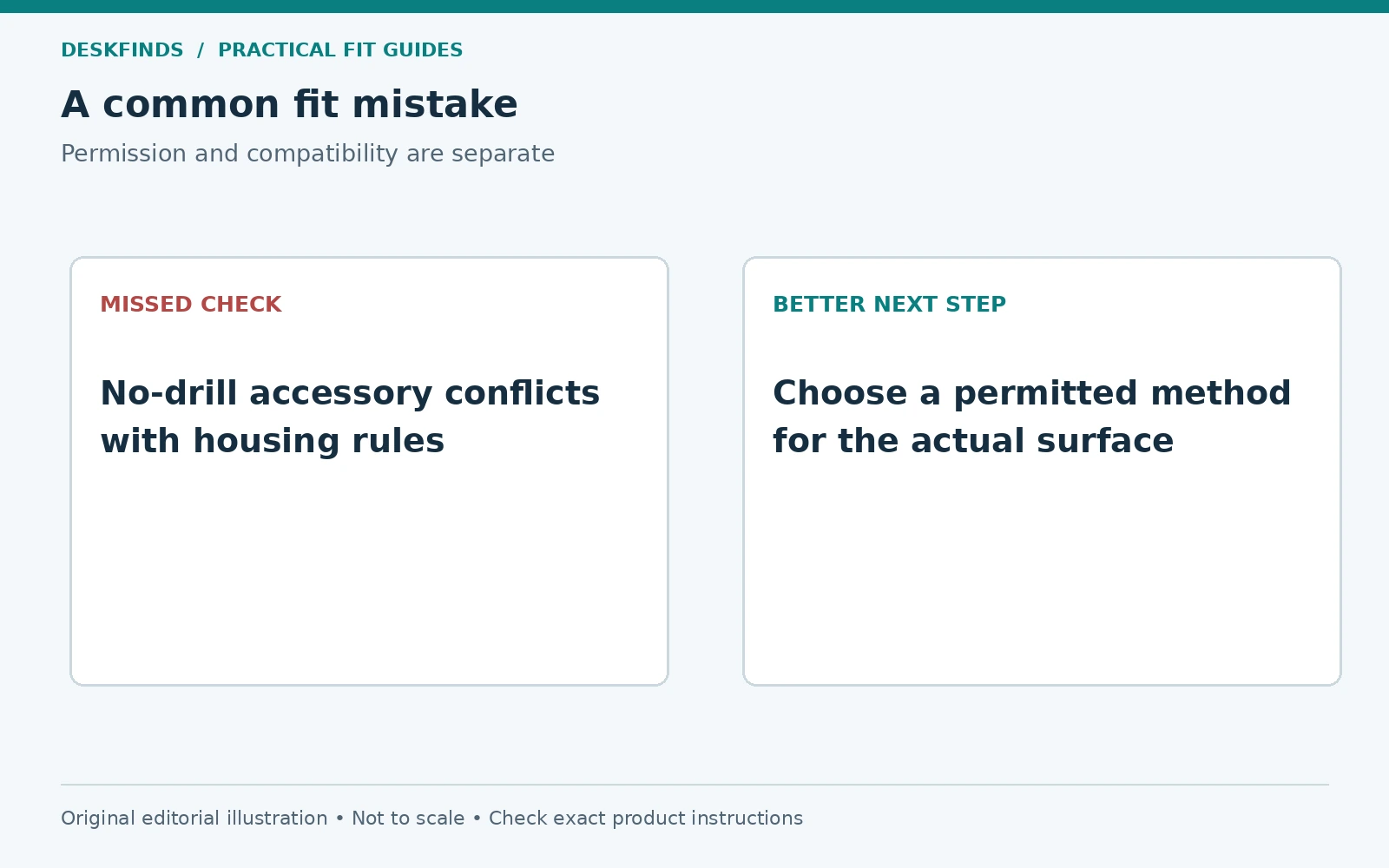
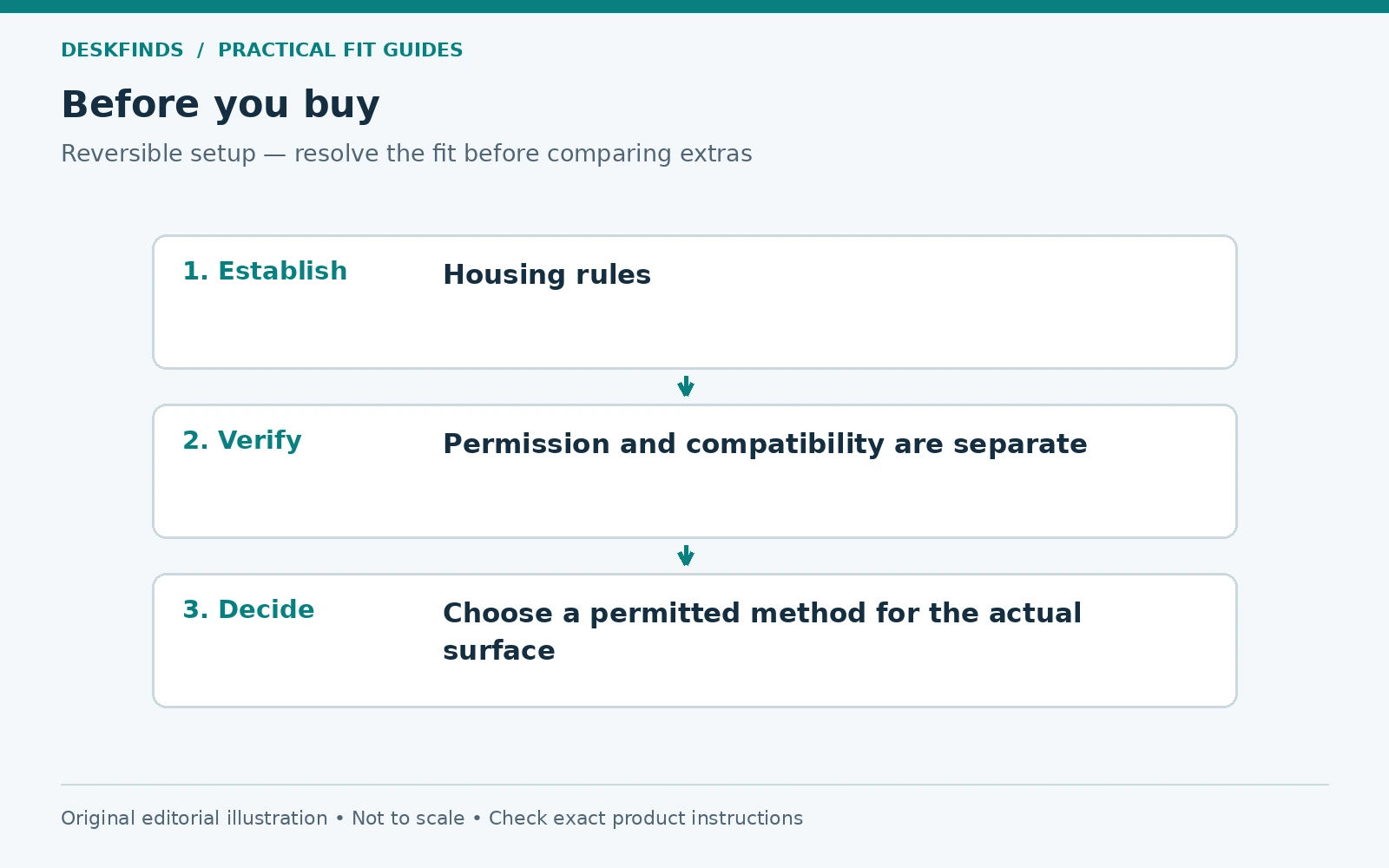
Another student is allowed certain removable hooks, but the wall is textured and the chosen product excludes that surface. The student should not infer that housing permission guarantees adhesion or clean removal. Permission and product compatibility are separate conditions.
A freestanding board or shelf organizer may provide the same planning function without using the wall. If a different adhesive product is considered, its instructions and residence approval need checking again. Stronger bonding is not automatically a better solution when move-out removal is part of the requirement.
The same reasoning applies to cable clips on furniture finishes. A product suitable for one painted wall may be unsuitable for a laminated desk or a rough underside. Keep each attachment tied to its actual surface rather than treating the room as one uniform mounting area.
Buy in an order that prevents waste
Begin with the study core and lighting, then live with the layout before adding storage. Measure each unresolved problem: missing writing space, cable movement, inaccessible supplies, or poor screen placement. Choose one accessory that addresses the specific problem and check how it affects the rest of the desk.
Keep packaging and original furniture parts during the initial setup period. Avoid buying several accessories that all need the same small edge or underside area. A shared plan for clamps, drawers, lamps, and cables is more useful than separate purchases based on individual product photos.
For product comparisons, use our dorm cable management guide, desk organizers, and desk lamps. Apply the room rules and measured footprint before comparing extra features. The best dorm setup is practical during term and straightforward to remove afterward.
Build a two-stage shopping list
Divide the list into essentials needed for the first week and optional items that depend on the actual room. Essentials might include the required study equipment and a permitted task light, but even those should be checked against what the residence supplies. Optional items include mounts, trays, extra shelves, and specialized storage. Do not buy them solely from a generic dorm checklist.
After moving in, measure the desk and live with the basic arrangement for several study sessions. Record the recurring problem rather than the accessory you think you need. For example, write that the notebook has no place during laptop work, or that the charger cable falls behind the desk. Those observations point to a targeted solution.
Set a small footprint budget as well as a money budget. Every organizer consumes some surface, edge, underside, or floor area. A low-cost accessory can be expensive in usable space if it blocks a drawer or narrows the route beside the bed. Compare what it removes from the desk with what it occupies elsewhere.
Create a room-specific attachment register
For each proposed attached accessory, record the surface, mounting method, housing permission, product compatibility, installation date, and removal instructions. This can be a short note rather than a formal document. The purpose is to prevent an approved method on one surface from being copied casually to another.
Include clamps as well as adhesive products. A clamp lamp on a solid, permitted edge is a different case from a monitor arm on a lightweight top. An adhesive cable clip on one finish is a different case from a hook on another wall. Keep the exact product instructions with the corresponding entry.
At the end of term, the register becomes a removal checklist. You can unload each accessory, follow its sequence, inspect the contact area, and restore the room without guessing. This is particularly useful when several small attachments were added gradually and the original packaging has been put away.
Make lighting work with both study and sleep
Place the lamp so its light reaches the task without shining directly toward the roommate's bed or reflecting strongly in the screen. Test it from both positions. A compact base may be useful on a small desk, but a permitted clamp or shelf location should still be evaluated for contact and clearance.
Do not choose brightness by a single lumen figure alone. The lamp's distribution, distance, direction, and the task affect the light reaching the work surface. Use supported adjustments to find a useful position. Our desk lamp brightness guide provides background, while the actual room test determines whether the arrangement serves both occupants.
Keep cords out of the chair and bed routes. A light that is moved between study and bedside use needs a suitable cable plan in both locations. Do not stretch the lead across a walkway or route it beneath bedding to preserve a tidy appearance. Convenience should come from a planned location rather than an improvised extension routine.
Design the move-out kit while setting up
Keep small fasteners, supplied pads, original stands, and instructions in one labeled container. Record which part belongs to which accessory. If an original monitor stand is removed for an approved mount, store its screws with it rather than mixing them with general stationery. Correct parts make restoration much easier later.
Choose storage containers that can also pack supplies for transport where practical. A desk tray with a clear role during term can become a labeled packing module, provided it is suitable for the contents. Avoid filling it with unrelated items simply because it will eventually be moved. The same organization should help both daily use and departure.
Before leaving, inspect the surfaces in good light and compare them with the condition record. Remove attachments using the exact instructions and report issues through the residence process where needed. A successful no-drill setup includes a controlled ending, not just an easy installation at the start of term.
Sources and scope
- Command FAQs - product-specific surface, installation and removal conditions for adhesive options.
- Your current residence handbook and furniture instructions - required local sources; rules vary and must be obtained for the actual room.
The purchase sequence and examples are original editorial planning guidance. No attachment method is described as universally permitted or guaranteed to leave no marks.