
How to Arrange a Desk in Front of a Window Without Screen Glare
Affiliate Disclosure: We may earn a small commission on qualifying Amazon purchases at no extra cost to you. Full disclosure →
A window can make a small workspace pleasant, but the same light can leave a bright shape across the screen or put your face in shadow on calls. Moving the monitor closer to the glass does not necessarily solve either problem. The useful layout depends on where the light comes from, what the screen reflects, and how those conditions change during your working hours.
Quick answer: If the room permits it, start with the screen roughly perpendicular to the window, then test the view from your seated position at several times of day. If the desk must face the window, control the light with suitable window coverings and adjust the screen position without sacrificing viewing distance. Do not compensate for a poor layout only by turning the screen brightness up.
This guide provides a room test and layout process. It does not prescribe a medical treatment for eye discomfort or a single brightness setting. Our screen glare guide explains the general issue; this article focuses on a window-facing room.
Identify which kind of light problem you have
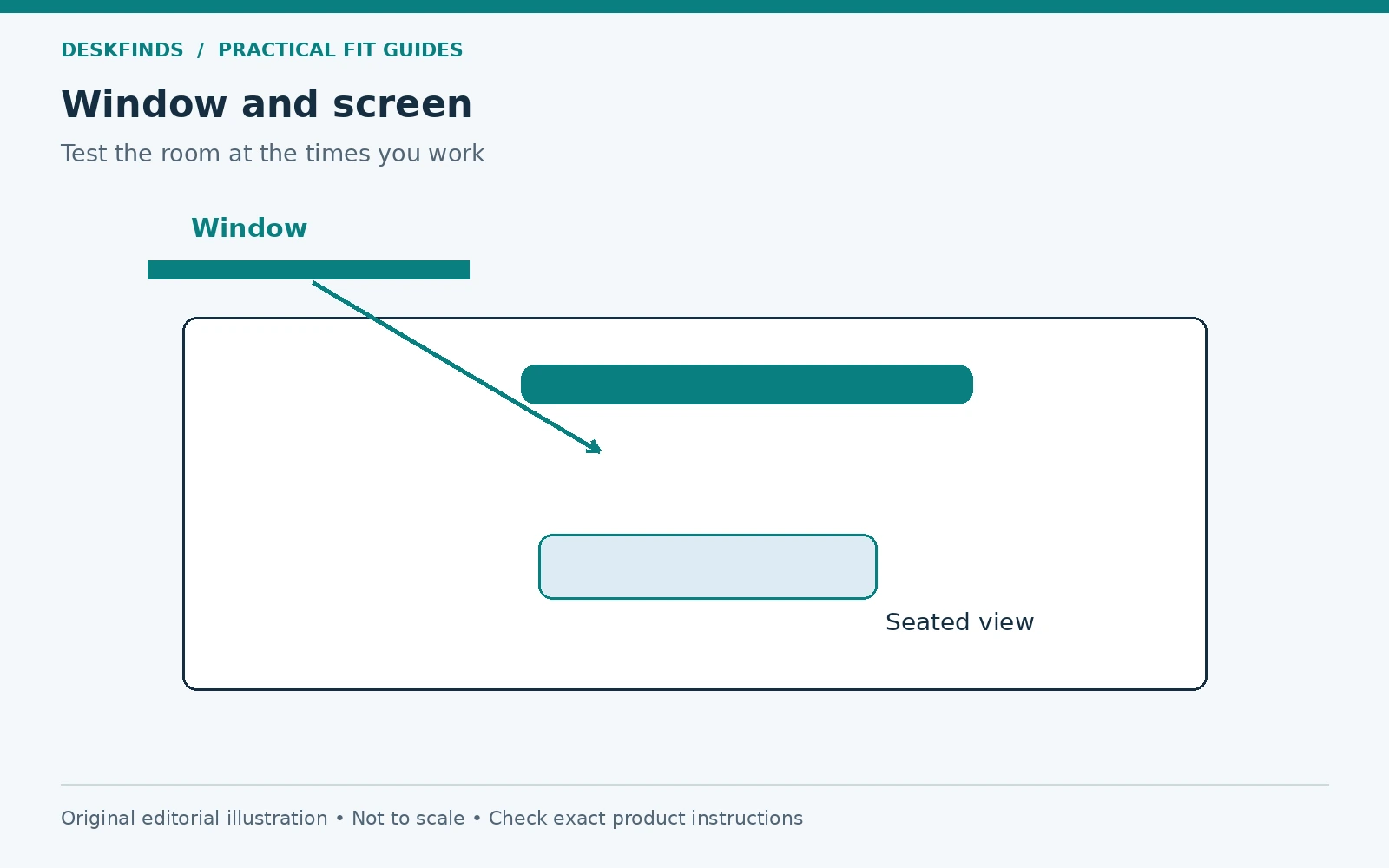
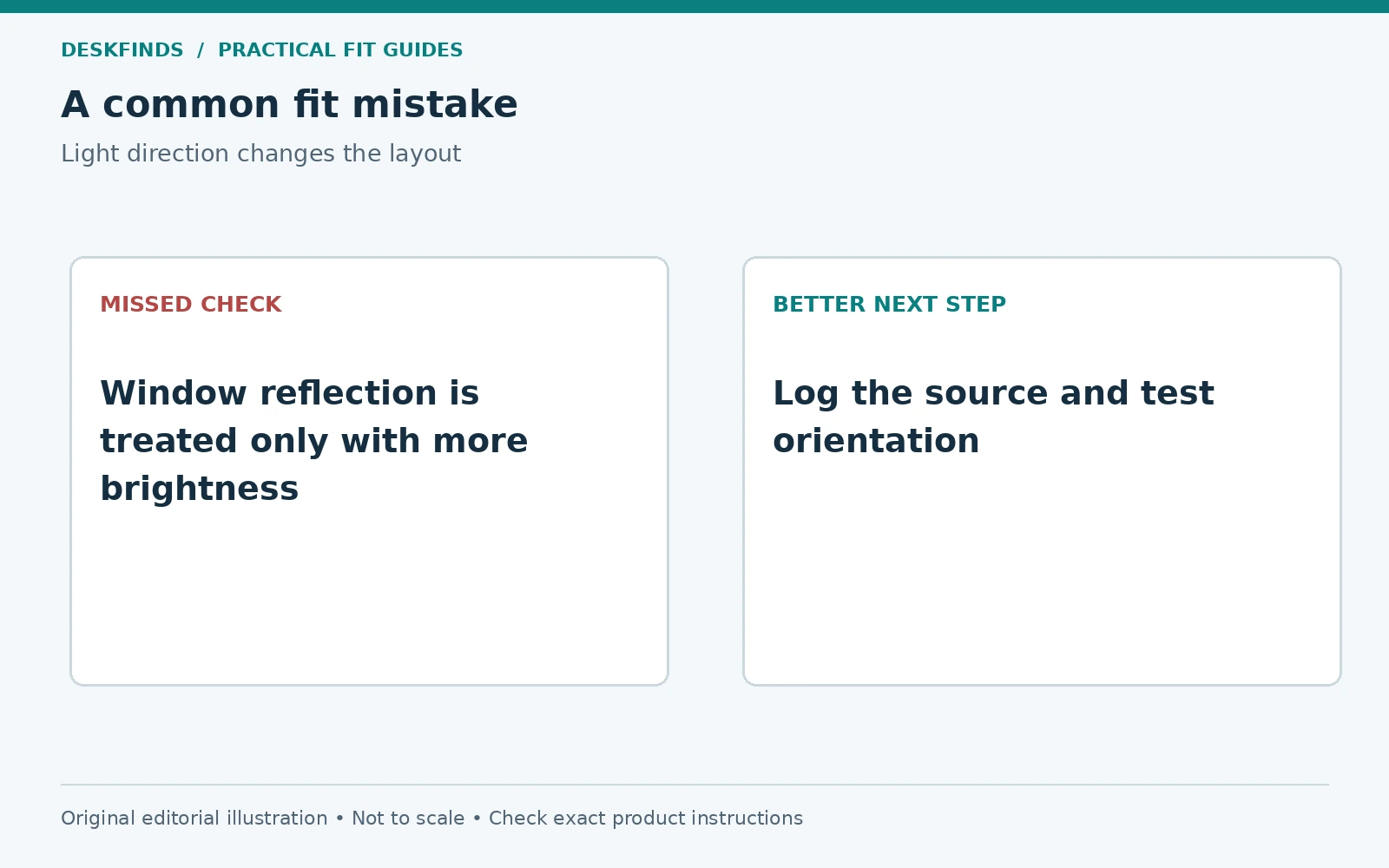
Start with the screen switched off or displaying a dark image while you sit normally. Look for a recognizable reflection of the window, a bright patch, or a direct view of strong daylight beyond the screen. These are different conditions. A reflected window calls for a change in the relationship between light, screen, and viewer; a bright background may require controlling the window itself.
Next, check the surface around the screen. A glossy desktop, glass frame, or pale shiny object can redirect light into your view. Moving one object may help even when the desk cannot move. Do not assume that every bright patch on the display comes directly from the glass behind it.
Finally, open your usual call preview. A window behind you can make the camera expose for the bright background, while a window in front may light the face unevenly. Camera appearance is not the same test as readable screen content. Keep separate notes for screen glare, direct light, and call lighting so one improvement does not hide another problem.
Make a daylight log before buying equipment
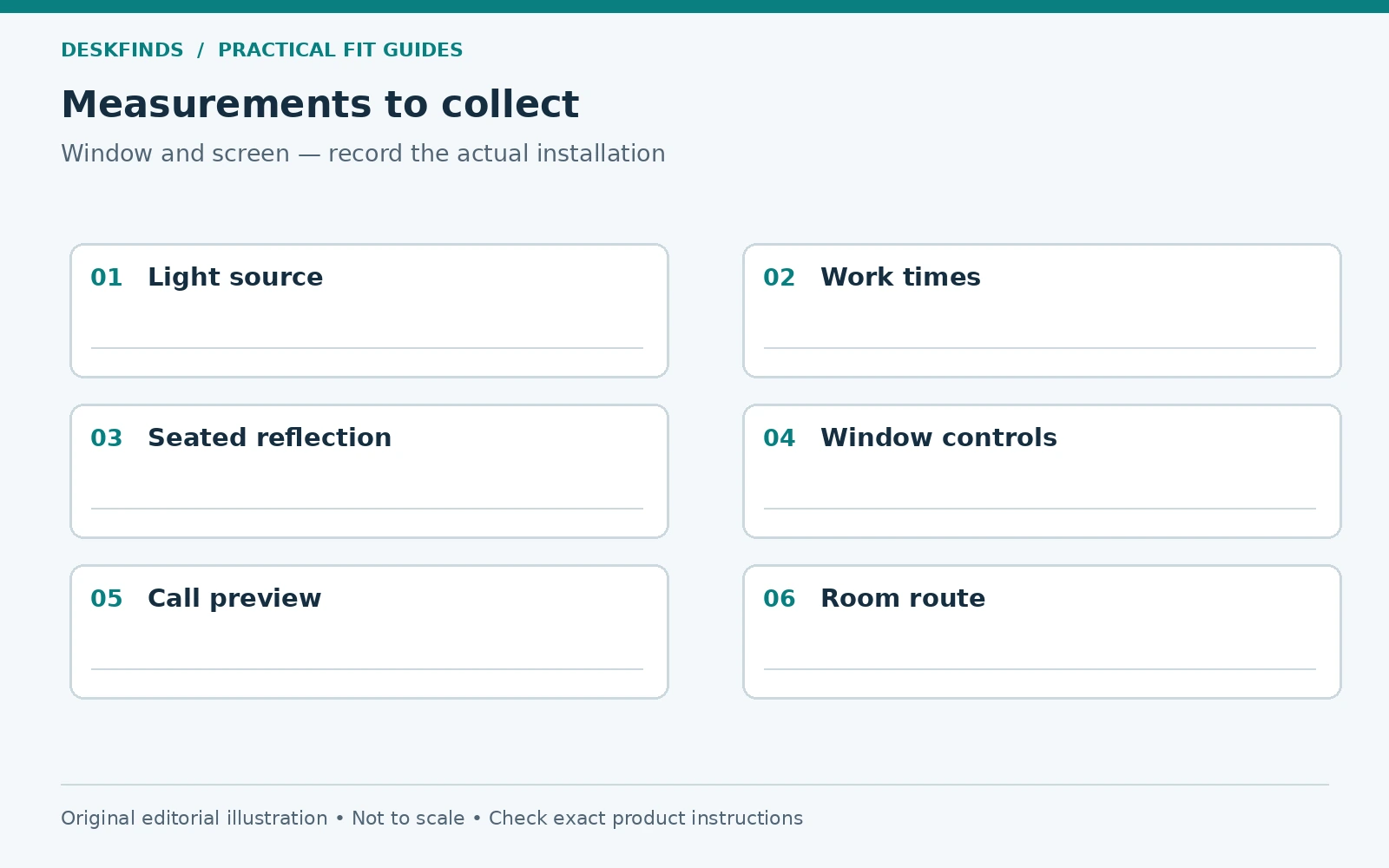
Observe the workstation when you begin work, near the middle of the day, and later if you still use the room. Record whether curtains or blinds are open and where sunlight falls. You do not need specialist equipment to identify a recurring reflection; a short written description and a room sketch are enough for planning.
Include the tasks affected. A reflection that is obvious on a dark video may be less visible in a document, but that does not make it irrelevant if video work is part of the day. Test the applications you actually use. A layout should serve the work rather than a single bright demonstration screen.
If the room faces a changing sun path, note that a cloudy-day test has limits. Avoid a permanent furniture decision based on one hour of flat light. You can make an initial improvement and review it during stronger daylight later. Keep the original layout sketch so the effect of each change remains clear.
Compare three desk orientations
The first option is a desk turned so the screen is roughly at right angles to the window. This can reduce the chance of a large direct window reflection, but the exact result depends on the room and screen. Check the chair route, power access, and nearby furniture before assuming rotation is available.
The second option is a desk facing the window. The light source sits beyond the display, which can create a strong brightness difference in your field of view. A suitable blind or curtain may be more useful than moving the screen closer to the window. Keep access to window controls and any ventilation openings.
The third option is a desk with the window behind the user. This can put the window in the screen's reflected view and behind you on calls. It may still work with appropriate light control and screen placement, but should be tested rather than chosen for the room photograph. Each orientation has a different compromise.
| Layout | Main check |
|---|---|
| Window to the side | Reflections from the actual seated angle and changing sun |
| Window beyond the screen | Bright background and access to coverings |
| Window behind the user | Screen reflection and call backlighting |
| Desk partly offset | Screen distance, curtain access and room circulation |
Test an orientation without moving everything
Draw the proposed desktop footprint on paper or use a safe floor outline. Place the chair at the intended position and hold a dark, nonreflective planning board where the screen would be; use the actual supported monitor for reflection checks only when it can be positioned safely. Do not balance a display on temporary furniture.
Check the route to the chair and the space behind it. A rotation that improves glare but blocks the wardrobe is not a complete room solution. Our chair clearance guide helps evaluate occupied use and movement, not just the desk's empty footprint.
Also check cables and plug access. The new orientation may require a different approved power route. Avoid stretching leads across a walkway or trapping them behind furniture to preserve a preferred light angle. The window problem should be solved within a workable room arrangement.
Choose window control by the actual task
Consider whether you need to diffuse daylight, block a specific bright area, or darken the room for a particular task. Different coverings serve different roles. A sheer curtain may soften light without removing a strong bright background; an opaque covering can reduce daylight more substantially but changes the room's atmosphere and shared use.
Check room rules and installation requirements before attaching blinds or hardware. In a rental or dorm, the existing covering may be the only permitted option. Do not interfere with safety devices, window operation, heating, or required ventilation. A freestanding screen may create its own stability and circulation issues.
Test the covering in realistic positions rather than treating it as simply open or closed. Partial adjustment may control the troublesome area while preserving useful light elsewhere. Keep the controls reachable without leaning across the monitor. A solution that is inconvenient to adjust is less likely to follow changing daylight through the day.
Keep the screen in a useful working position
Small changes in screen angle can alter reflections, but do not tilt it so far that reading or posture becomes awkward. Move one variable at a time and check text in the usual applications. If a screen is difficult to read, consider text size and display settings alongside room light rather than moving your face closer.
A monitor arm can make position changes easier only if the desk, mount, load, and room geometry are compatible. It does not remove glare automatically. Our monitor arm rear-space guide is particularly relevant when the desk is close to a window sill or wall.
Check whether raising the screen introduces a new reflection from a ceiling light or changes the background seen on calls. A useful final position balances the task, support system, and lighting. Keep the permitted movement range and cable slack in view if the screen will be adjusted frequently.
Use task lighting for the work surface
A desk lamp can light a notebook without requiring the entire room to be brighter. Position it so the writing area is useful while the light source and its reflection stay out of your normal screen view. Turning the lamp on is not a substitute for controlling an overly bright window.
Test the lamp while reading and while writing. Your hand can cast a shadow, and a glossy notebook may reflect light differently from plain paper. Our desk lamp placement guide covers that combined task. The window layout and lamp layout should be checked together.
Avoid creating a bright pool of light immediately beside a very dim screen in an otherwise dark room without assessing comfort. There is no universal lumen figure that resolves every room. Use the lamp's supported adjustments and the actual task to choose a useful balance.
Example: the desk has to face the window
A student has a narrow room where turning the desk would block the bed route. The window beyond the monitor is very bright during afternoon study. The student first records when the problem occurs and tests the existing blind at several positions, rather than buying an anti-glare accessory immediately.
The blind reduces the bright background while leaving daylight at the side. The monitor remains at a readable distance, and the lamp lights the notebook without shining toward the screen. The result uses the fixed furniture layout more effectively instead of forcing the desk into an impractical angle.
This is an illustrative case, not a guarantee that the same blind position works elsewhere. A different window, screen finish, or task may need another approach. The transferable method is to identify the source and test one change while preserving the workstation's function.
Example: the room looks better, but calls look worse
Another user rotates the desk to reduce a screen reflection. The window now sits behind the chair, and the call preview shows a bright background with a darker face. The screen improvement is real, but the camera task needs a separate adjustment. One orientation did not solve every use case.
The user tests the available window covering and a camera position that preserves a useful framing. If lighting is added, it is placed for the face rather than aimed at the display. The user checks both the preview and document work before accepting the layout. There is no need to choose a room arrangement from camera appearance alone.
If the workstation serves frequent calls and paper work, keep a small settings note for each mode. A practical switch might involve adjusting a blind and lamp rather than moving the desk. Make those changes easy enough to repeat during an ordinary day.
Avoid common purchases that miss the cause
A brighter monitor may not remove a visible reflection. An anti-glare film may change image appearance and needs compatibility checks. A light bar lights the desk but does not control daylight through the window. These products can have a role, but the purchase should follow the source diagnosis rather than replace it.
Before ordering a screen accessory, ask what specific problem it is expected to solve. Compare that claim with the reflection log and product documentation. If the problem is a bright background beyond the display, changing the room light may be more direct than adding something to the screen surface.
Keep expectations realistic about glossy objects too. Replacing a shiny desktop accessory with a matte one may help a local reflection, but it does not establish a general lighting standard. Use the observable result at your workstation to decide whether the change is worthwhile.
Keep the setup adaptable
Review the layout when seasons, working hours, or room furniture change. A new monitor can have a different surface and housing, and a new shelf can redirect light or block a curtain. The original daylight log gives you a starting point for reassessment rather than a permanent answer.
For shared rooms, agree on covering positions and call times that work for everyone. Keep the window operable and the route clear. Avoid using the sill as an overloaded equipment shelf merely to gain desk depth. The workstation should remain compatible with the room's other functions.
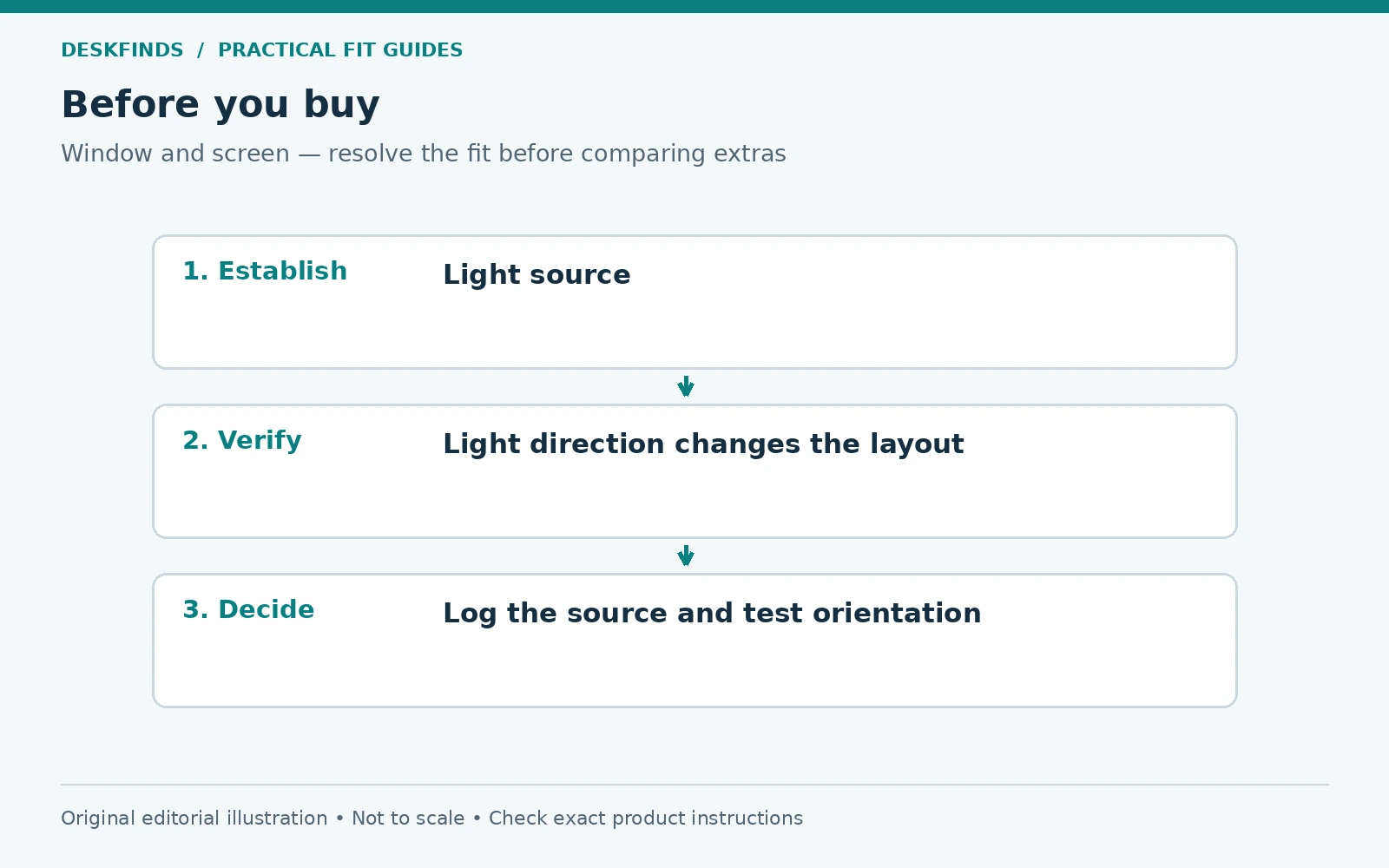
Once the layout is established, compare small-desk lamps or monitor stands against the remaining need. The useful purchase is the one that supports a tested room plan. Start with light direction, preserve the working position, and use equipment to refine a layout that already makes sense.
Use a cause-and-change notebook
Make four columns: time, visible problem, change made, and result during the same task. For example, record an afternoon window reflection in a dark spreadsheet area, a partial blind adjustment, and whether the text becomes readable without moving the screen. Keep the wording observational. Do not turn a personal comparison into a measured claim about eye strain or a product's performance.
Photograph the room geometry if useful, but remember that camera exposure can make brightness differences look different from what you see. The image can record positions and covering settings; it is not a calibrated light measurement. Use your seated task check alongside it rather than choosing the layout from a phone photograph alone.
If two changes are necessary, record them in sequence. Moving the desk and changing the blind at the same time can make it difficult to know which solved the reflection. You do not need to run an elaborate experiment. A short repeatable comparison is enough to guide the next practical decision and avoid buying an accessory for the wrong cause.
Check what a screen accessory would actually change
Before choosing a filter or hood, list the exact source problem and the accessory's documented role. A surface film may affect the appearance of reflections, while a hood may screen light from certain directions. Neither should be assumed to control a bright window beyond the monitor. Check device compatibility, installation, removal, and any effect relevant to your work.
For design or image work, evaluate whether an accessory changes the view in a way that matters to the task. Do not rely on a generic promise of improved comfort. A return option can help assess a remaining visual preference, but it does not establish an approved attachment or replace the light-source diagnosis.
A useful no-purchase comparison is to test available room controls first: existing blinds, a supported screen position, and removal of a shiny object. If these solve the observed problem while preserving the workstation, there may be no reason to add another screen layer. Keep the final arrangement as simple as the task permits.
Prepare for the part of the year you have not tested
Write down the limits of the initial trial. You may have observed only cloudy mornings or a short work session. Leave the layout adaptable enough to adjust the covering or lamp when stronger light appears. Avoid fastening equipment permanently around one untested daylight condition.
If a desk is shared, keep a brief note of the useful screen and covering positions for each user. Their seated angles can produce different reflections even with the same furniture. Test the view from the actual positions rather than assuming the first user's result applies to everyone. The record should support easy adjustment, not force a single lighting setting on the room.
Sources and scope
- OSHA workstation environment - general guidance on window orientation and glare control.
- OSHA monitors - general workstation placement reference.
The log, room comparisons and cases are original editorial planning tools. This is research-based guidance, not a measured lighting assessment or hands-on product test.