
How to Position a Desk Lamp When You Write and Use a Monitor
Affiliate Disclosure: We may earn a small commission on qualifying Amazon purchases at no extra cost to you. Full disclosure →
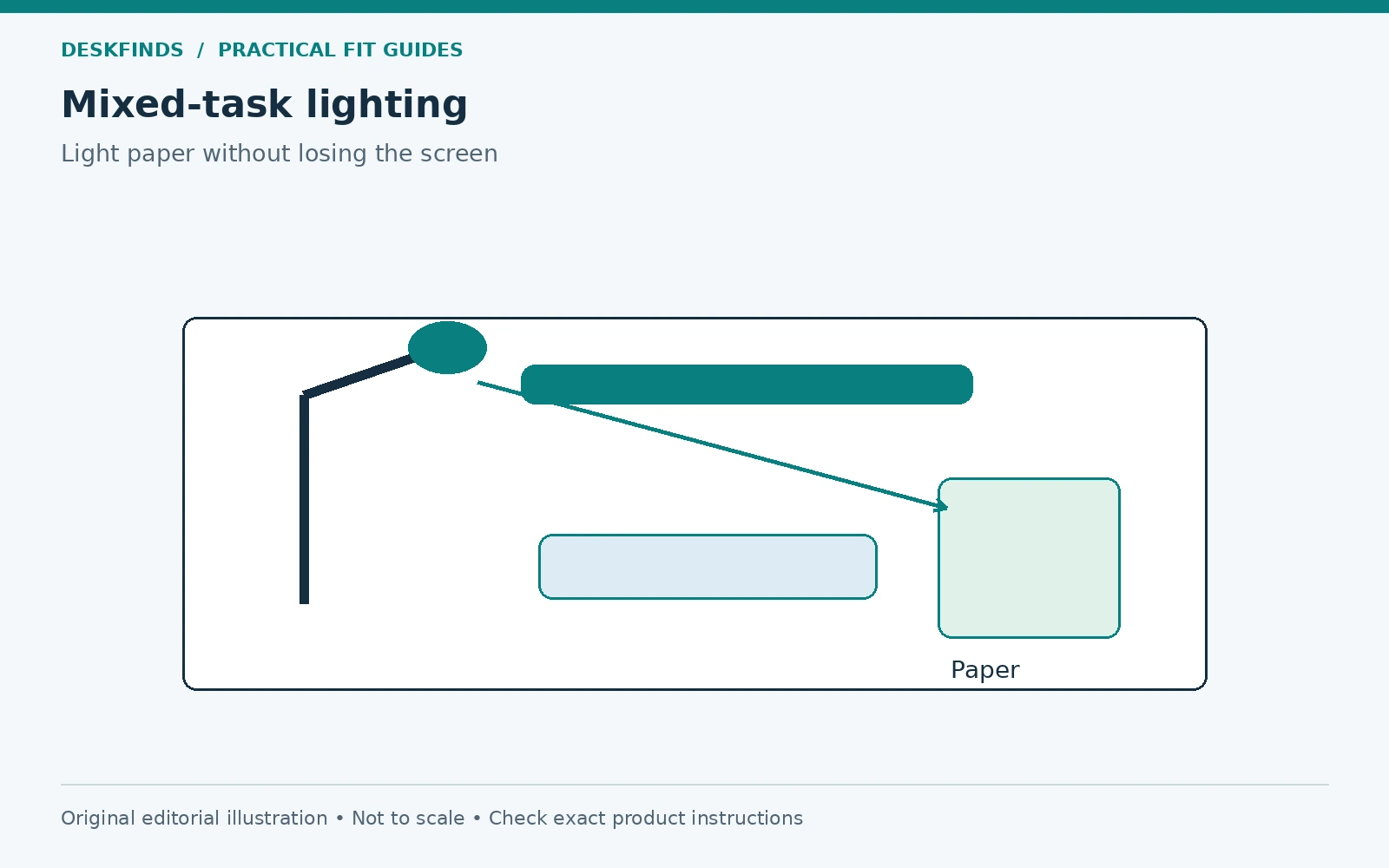
A lamp that makes a notebook easy to read can also put a bright reflection on the screen. Move it to the other side and your hand may cast a shadow across the page. The right location is therefore a relationship between the light source, writing hand, paper, display, and seated view, rather than a fixed corner that works on every desk.
Quick answer: Start with the lamp on the side opposite your writing hand, then aim the light at the page and test for hand shadows and screen reflections. Adjust its position, head angle, and brightness within the product's instructions. Preserve keyboard and mouse space, and check that the lamp source is not directly in your normal line of sight.
This article focuses on mixed paper-and-screen work. Our lumens guide covers brightness concepts; the placement test here does not assign one light output or color setting to every task.
Map the two tasks before placing the lamp
Put the keyboard, mouse, and notebook where you actually use them. If you move the keyboard to write, show both positions. Mark the writing area separately from the screen area. A lamp placed around an empty desktop may occupy the exact spot the notebook needs once work begins.
Notice whether you read printed material beside the keyboard or copy from paper while typing. Those tasks may need different document positions. A suitable document holder can reduce the amount of repeated looking down, but it must not block the screen or become another reflective surface. Choose the task arrangement before choosing the lamp position.
Include occasional tools such as a calculator, drawing pad, or reference book. Do not create a perfect lighting setup that requires moving the lamp every time an ordinary tool appears. A useful plan leaves a clear task area and gives the lamp enough range to serve it.
Start on the opposite side of the writing hand
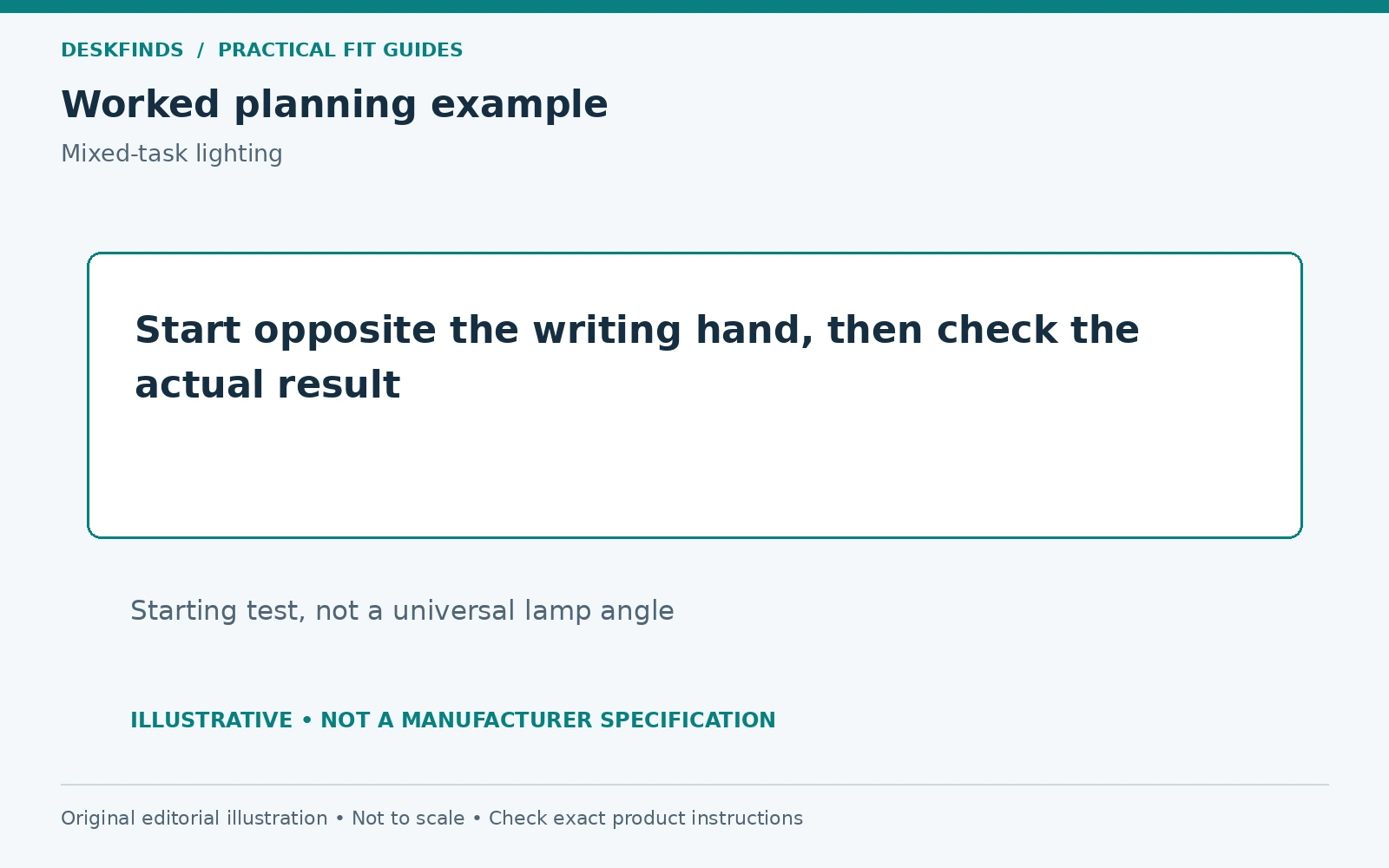
For a right-handed writer, a lamp to the left is a useful first test; for a left-handed writer, begin on the right. This can reduce the shadow cast by the working hand, but it is a starting point rather than a rule that overrides the actual desk. Lamp height, head shape, and writing position all affect the result.
Write a few lines on the paper rather than only looking at it. Watch the hand shadow as you move across the page. Turn a notebook page and test a larger document if you use one. The light should remain useful through the real movement of the task, not just at the center of an empty sheet.
If the preferred side is occupied by a wall, shared desk, or equipment, test another supported lamp position. A movable head or suitable alternative light can help. Do not put an unstable lamp on a narrow edge or clamp it to an excluded surface simply to follow the opposite-hand starting position.
Check what the screen reflects from the chair
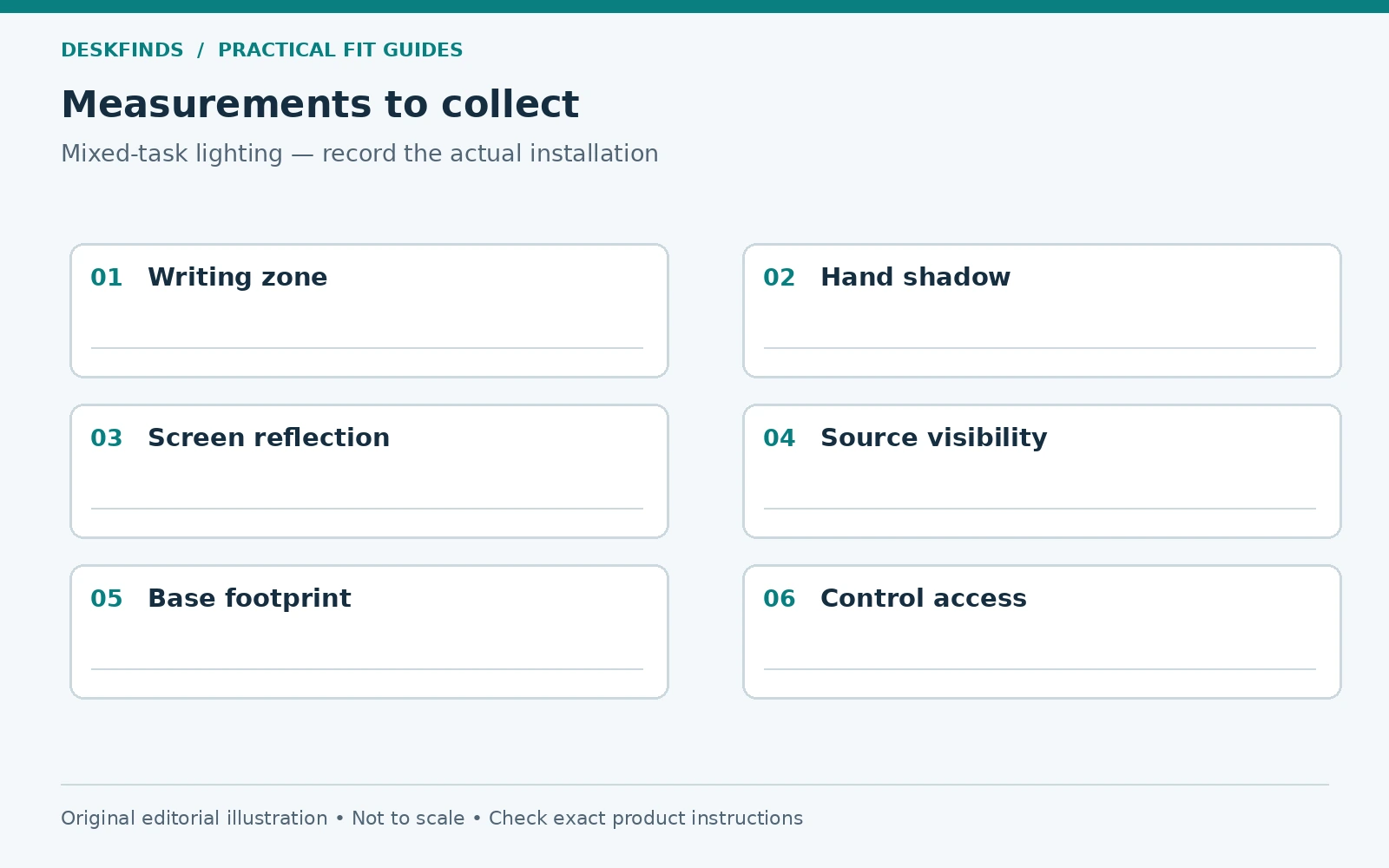
Sit in the normal working position and view the screen with a dark image or while it is off. Look for the lamp head, bright desktop patch, and reflected notebook. Move the lamp or change its head angle one step at a time. A reflection visible from the standing position may be irrelevant while seated, and the reverse can also occur.
Check the monitor at the angle you use, including any common raised or lowered position. Tilting the screen to hide a reflection can introduce an awkward viewing position or another reflection from overhead lighting. Treat the screen and lamp as a combined layout rather than using one to compensate for the other indefinitely.
If daylight also affects the desk, repeat the test with the normal window covering position. Our window-desk glare guide provides a separate process for that source. A lamp test in a dark room does not establish how the setup behaves during afternoon study.
Aim the light without staring into it
Use the lamp's intended adjustments to direct illumination toward the task. Check whether the bright source is visible from your seated position. A shade or shield can help control the view, but do not attach improvised covers that block ventilation or contact hot parts. Follow the product's instructions and intended accessories.
Consider people across the desk or in a nearby bed. A lamp that avoids your eyes may shine directly toward a roommate. View it from their position too. In a shared room, a more controlled light distribution can be useful, but it still needs to serve the page and remain within the permitted placement.
Test height and reach together. Raising a lamp can spread light differently, while lowering it can concentrate the illuminated area and bring the source into view. There is no single arm angle that works for all designs. Judge the task and reflection, not the visual symmetry of the lamp on the desktop.
Separate brightness from position
If the page is poorly lit, first verify that the beam reaches it rather than the wall or keyboard. Increasing brightness on a badly aimed lamp may create a brighter reflection without improving the writing area. Once the position is useful, adjust supported brightness settings for the task and surrounding room.
Do not assume that the highest setting is best for long work. Likewise, a warm or cool label does not guarantee comfort. Use the available settings deliberately and consider the room's other light. If visual discomfort persists, seek appropriate professional advice rather than treating a lamp setting as a diagnosis or treatment.
Keep a simple note of useful settings for common tasks: keyboard work with brief notes, extended reading, and detailed paper work. The values are personal operating notes, not a universal recommendation. A quick repeatable setup can be more useful than constantly experimenting with every control.
Protect the footprint needed for work
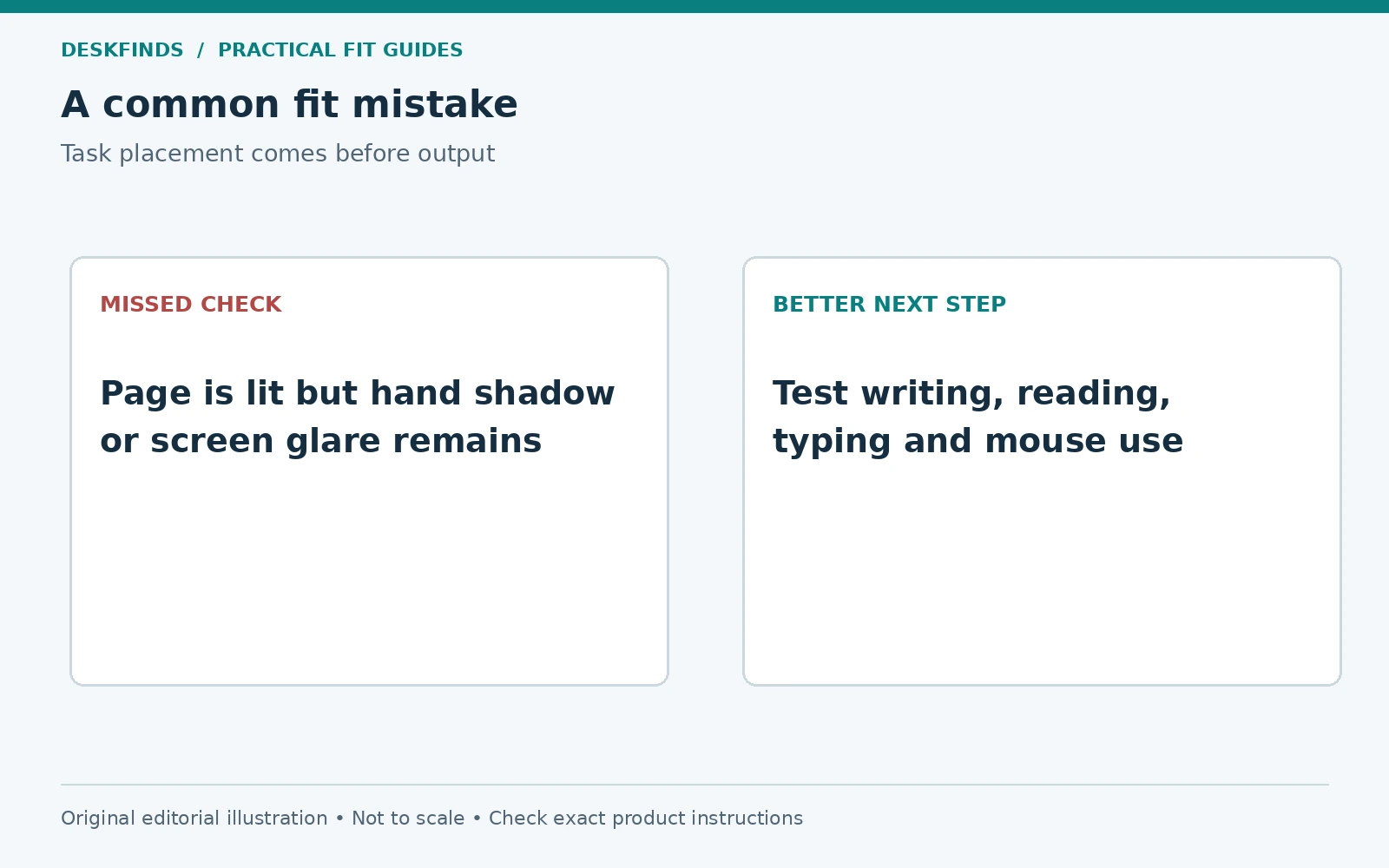
Trace the lamp base and compare it with the notebook and mouse zones. Some bases are large enough to displace the task they are meant to light. A clamp design may recover space, but it introduces surface, edge, load, and underside checks. Our desk lamp buying guide can help compare forms after the layout is known.
Check the arm's movement path. A lamp that reaches the notebook may sweep through the monitor, camera, shelf, or another person's space while being adjusted. Include the rearmost position and cable route. Do not count only the base footprint when evaluating a long articulated light.
Keep the controls reachable without leaning over the screen. If adjustment is difficult, you may leave the lamp in a poor position rather than change it between tasks. A slightly different location with easy access can be more practical than the neatest position at the far back corner.
Example: the lamp lights the screen instead of the notebook
A user places a lamp behind the display because it keeps the base out of the way. The head points forward, but the monitor blocks much of the light from reaching the notebook. The user raises brightness and gets a bright patch near the screen while the writing area remains uneven.
Moving the lamp to a compatible side position lets the head serve the page directly. The user then checks hand shadows and reflections at the chair. The brightness setting is adjusted only after the position works. This addresses the path of the light instead of using more output to compensate for an obstruction.
If the desk cannot accommodate that base, a different lamp form may be appropriate. The decision should come from the task footprint and permitted mounting surfaces. A small lamp placed effectively can be more useful than a powerful one hidden behind equipment.
Example: two people write with different hands
A shared desk is used by a right-handed student in the morning and a left-handed student later. A fixed side position serves one person better than the other. The pair marks a clear task area and chooses a lamp arrangement that can be moved or adjusted as intended without crossing cables or striking the display.
They record two simple settings and keep the base landing area free. The lamp is not attached to a surface that prevents the transition. Both users test actual writing and screen work. The result recognizes that the same room can need more than one useful light position.
If frequent movement is inconvenient, another compatible lighting arrangement may work better. The right solution depends on the product's distribution and the desk's geometry. Sharing does not require everyone to use the identical setting, but the transition should remain straightforward.
Use a document holder when it serves the task
For copying from paper while typing, a holder can keep the document in a consistent position. Check that it supports the paper or book size and remains stable. Place it where it can be read without blocking the display or input area. The lamp should illuminate the document without shining onto the screen.
A glossy sleeve or laminated page can produce a reflection even when ordinary paper does not. Test the actual material. Small changes to document angle may help, but preserve readable positioning. Do not tilt a holder beyond its supported range or balance a heavy book on a light-duty clip.
For handwriting, the document still needs a stable writing surface. A holder for reference material is not necessarily designed for writing pressure. Keep these roles separate when comparing accessories. One device may serve reading while a clear area on the desk serves notes.
Plan the cord for every useful lamp position
Route the cord away from chair casters, drawer slides, and the edge of the writing area. Leave enough allowance for the lamp's intended movement without pulling its plug or base. A cable clip can guide the lead only if it suits the surface and cable; it should not force a sharp bend or carry an unsupported adapter.
Check whether moving the lamp between users or tasks changes the route. A cable that is adequate in one corner may become taut in another. Our charger cable routing guide covers the broader distinction between guiding a cable and making a connector support a load.
For an adjustable desk, verify the supply route through the intended height range. Keep the lamp and desk instructions in view. Avoid using a tight cord as an accidental limit on arm movement or desk travel. The final arrangement should move naturally within its documented range.
Evaluate the result with a short work sequence
Read a printed page, write a paragraph, type from a reference, and use the mouse. Then turn the lamp off and on to identify what it adds. Check whether any task repeatedly requires moving equipment. Record the specific friction: shadow, reflection, blocked space, unreachable control, or cable tension.
Change one element and repeat the same sequence. This is a practical comparison, not a laboratory lighting test. It helps you avoid replacing a lamp when the real issue is a glossy object or poor task placement. It also shows when the current lamp cannot serve the necessary area within its supported adjustments.
Compare clamp versus base lamps only after identifying that constraint. A suitable lamp position should leave the page readable, the screen usable, the controls accessible, and the work surface available. The goal is a repeatable task setup rather than the brightest possible desk.
Run a four-task placement comparison
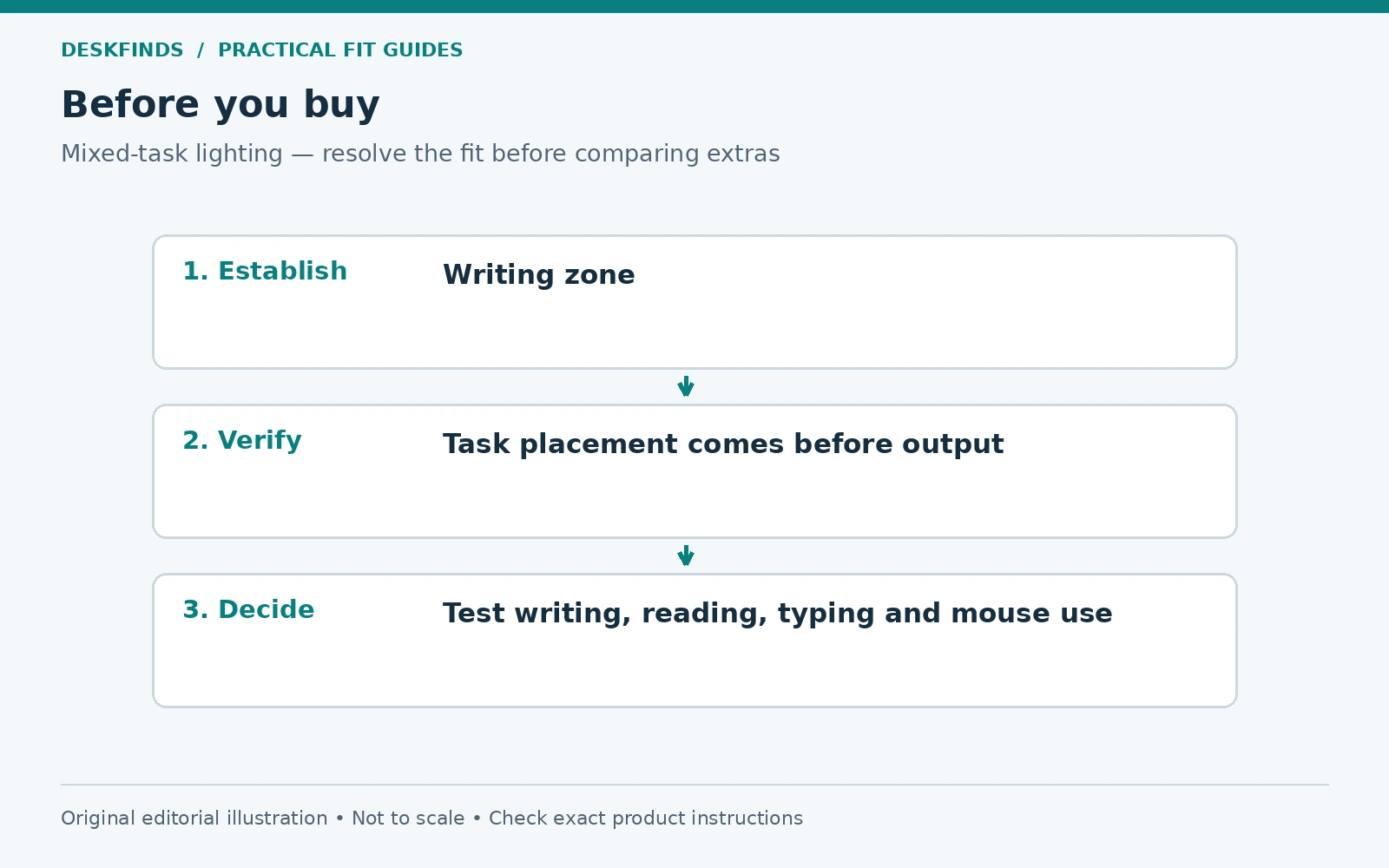
Use the same short sequence for each candidate lamp position. First read a printed page without moving the lamp. Then write a few lines across the page. Next type while referring to the paper, and finally use the mouse for a normal selection task. Record shadows, screen reflections, blocked space, and control access in separate columns.
This sequence reveals trade-offs that a single reading test misses. A position can light the center of a page but cast a shadow when the hand moves toward an edge. Another can serve handwriting while the lamp base restricts mouse travel. The best position is the one that serves the tasks you actually combine, not the one that wins a single isolated check.
Keep the surrounding room light reasonably consistent while comparing positions. If the window changes substantially, note that condition rather than attributing every difference to the lamp. You are creating a practical decision record, not a laboratory measurement. The aim is to choose the next useful adjustment with fewer guesses.
Plan a stable place for an open book
An open book often occupies more area and has a different surface angle from a sheet of paper. Put the actual book in the task zone and check both pages. A lamp that reaches a small notebook may leave the far page poorly lit or require its arm to cross the monitor. Include the turning of pages in the test.
Use only a support intended for the book's size and weight if a holder is needed. A light document clip may not support a heavy text, and a reading stand may not be intended for handwriting pressure. Keep those functions separate. The lamp should serve the supported task rather than making an unstable arrangement seem usable.
Check glossy pages as well as plain paper. A small change in book or lamp angle may alter a reflection, but keep the reading position practical. Do not increase brightness indefinitely to overcome a reflection that is mainly geometric. Repositioning the source or task may be the more direct action.
Compare the cost of movement with the value of adjustment
Count how many times the lamp needs to move during a typical work session. If every switch from typing to notes requires lifting the base around cables, the layout may need a different lamp form or task location. An articulated arm is useful only when its permitted range reaches the needed positions without collisions.
A fixed lamp can be effective if it serves a stable task zone. A movable one can be effective if the transition is easy. Neither is automatically better for a small desk. Compare the repeated action, the occupied footprint, and the support requirements rather than assuming more joints mean more usefulness.
Before ordering another lamp, write a purchase brief describing the task area, available base or clamp location, required reach, control access, and reflection problem. Ask for missing dimensions if they decide fit. This turns a vague wish for better lighting into a concrete arrangement that can be checked against product documentation.
After the change, repeat the same four tasks and keep the useful settings note. If the new lamp solves only one part of the problem, record the remaining constraint. A clear result is more valuable than a broad claim that a certain lamp type is best for every desk.
Sources and scope
- OSHA document holders - general guidance on coordinating document placement and task light without monitor glare.
- OSHA workstation environment - general lighting and glare reference.
The mixed-task sequence, cases and layout worksheet are original editorial guidance. They are not measurements from a tested lamp or a prescribed treatment for eye symptoms.