
Can You Put a Monitor Arm on a Hollow-Core Desk?
Affiliate Disclosure: We may earn a small commission on qualifying Amazon purchases at no extra cost to you. Full disclosure →
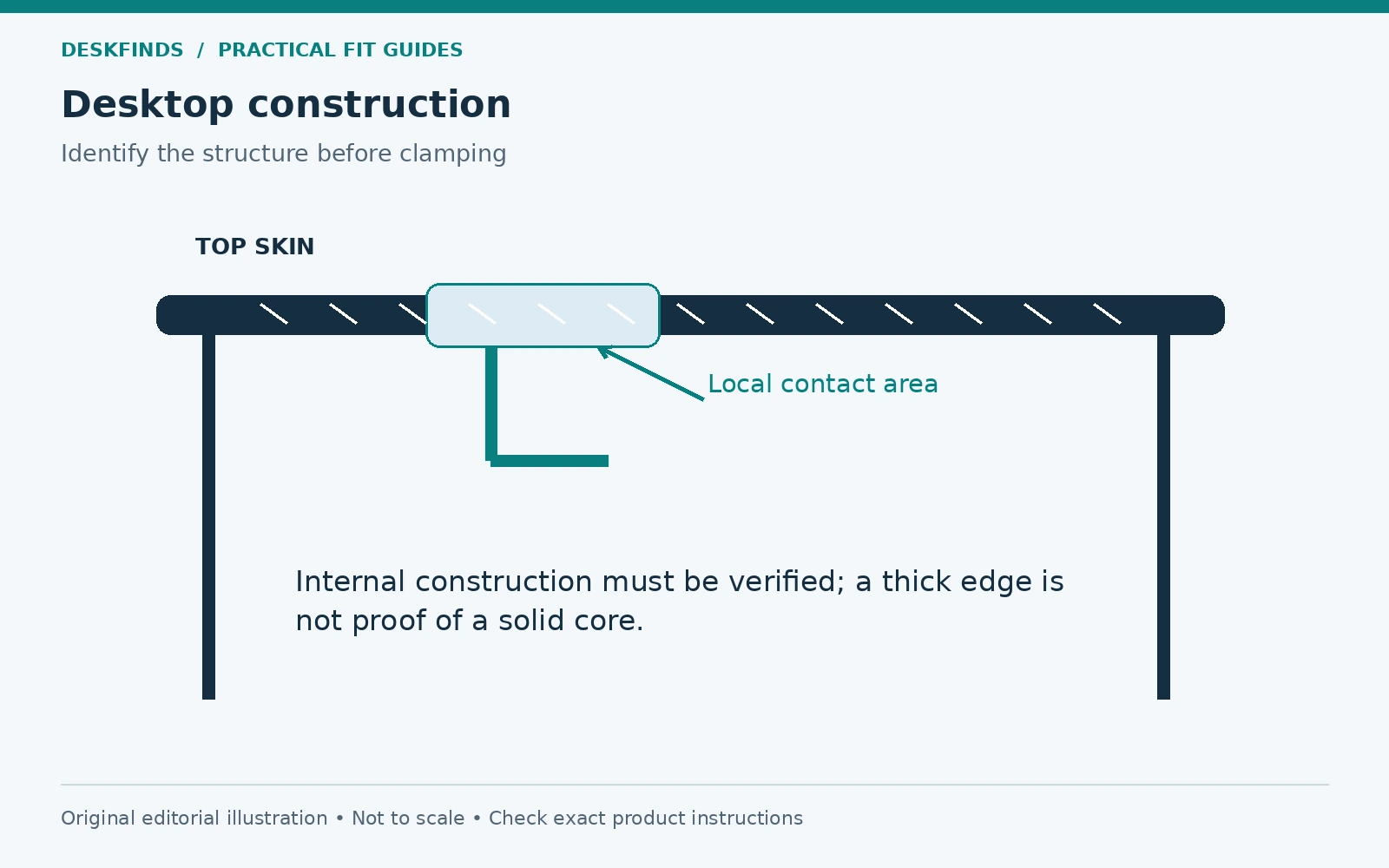
A monitor arm can attach to an edge without that edge being strong enough to support it. On a hollow-core desktop, this distinction matters more than the screen size printed on the arm's box. The top may have thin outer skins, an internal paper or lightweight core, and solid material only around selected edges. From above, it can look much like a much stronger panel.
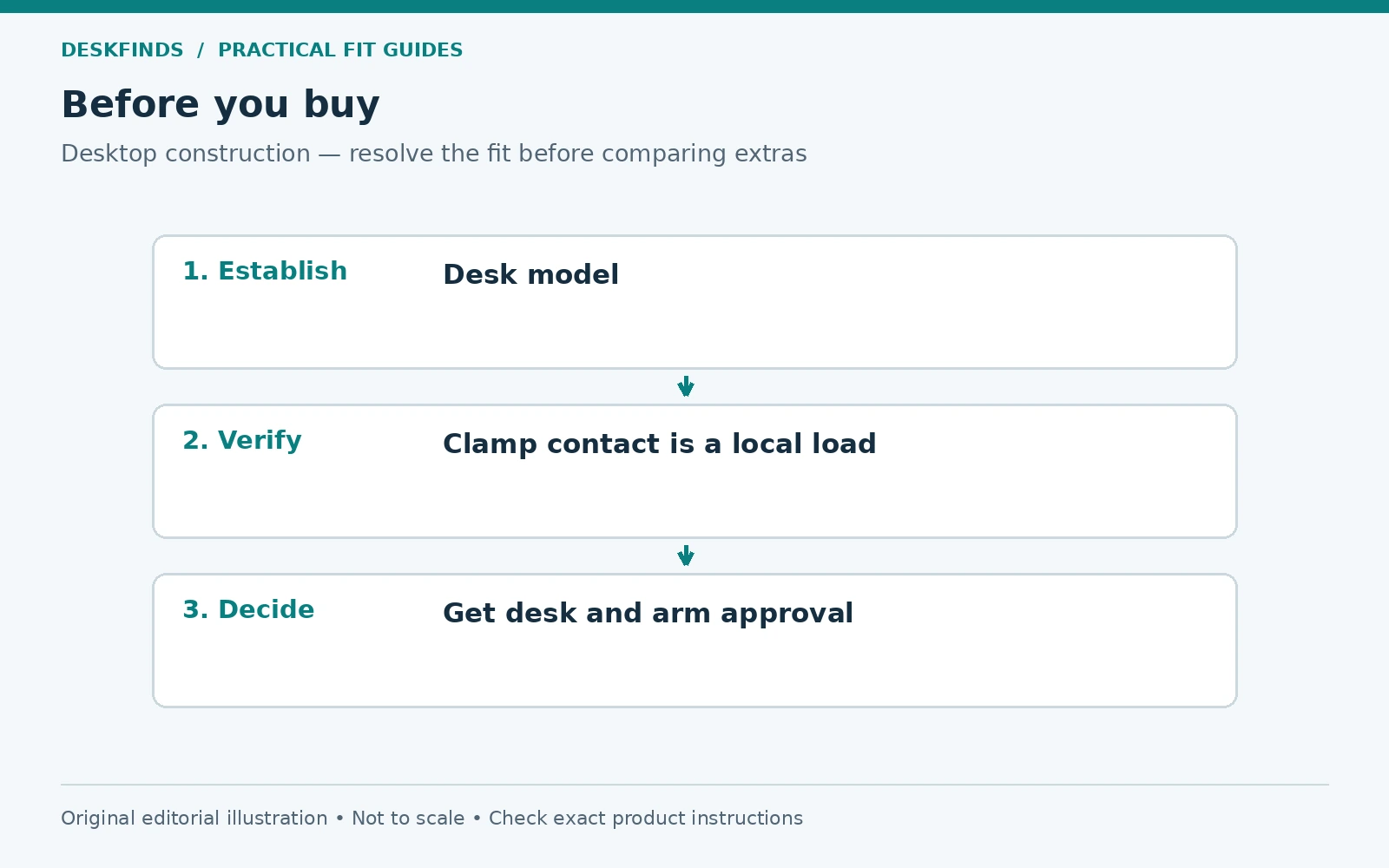
Quick answer: Use a monitor arm on a hollow-core desk only when the desk and mount manufacturers approve that combination or provide a specified mounting solution. A reinforcement plate spreads contact pressure, but it does not establish the structural capacity of an unknown desktop. If the arm manual prohibits hollow-core surfaces, a plate does not cancel that restriction.
This guide helps you identify what information is missing, inspect the intended mounting area, and compare alternatives before loading the desk. It is research-based guidance, not a hands-on load test or an engineering certification of your furniture.
Start with the desktop, not the monitor arm
Find the exact desk model and its assembly instructions. Look for the material description of the top rather than the legs or finish. A listing that says wood effect, engineered wood, or laminate does not tell you whether the panel is solid particleboard, a hollow panel, plywood, or another construction. A thick edge can conceal a much thinner structural skin.
Search the manufacturer's support page for terms such as honeycomb, paper filling, hollow construction, and approved accessories. Check whether the desk is designed to accept a monitor mount at a particular point. Some furniture has reinforced sections for its own accessories; that does not mean the entire back edge offers the same support.
Do not drill a test hole to identify the core. That can damage rented furniture, weaken an edge, and leave you with a repair before you have answered the compatibility question. Existing exposed edges, factory openings, documentation, and written support advice are better starting points. If the construction remains unknown, record it as unknown rather than guessing from weight or sound.
Understand the load the clamp applies
A clamp creates pressure where its upper base and lower pad touch the desk. The arm also applies a turning effect when the screen is held away from that point. Moving the screen farther out can increase that turning effect even though the monitor's weight stays unchanged. Two screens and a laptop tray add both weight and more possible working positions.
This is why the desk's overall load rating is not an approval for a clamp mount. A top that carries equipment distributed across its surface may respond differently to concentrated pressure near an edge. Likewise, a monitor arm's rated screen load describes the arm under its stated installation conditions. It is not a promise that any desk can support the assembly.
Treat three questions separately: can the clamp physically close, can the arm carry the installed equipment, and can the desk support the mount at that location? Passing the first two does not answer the third. Our desk measurement guide covers the physical fit checks; material approval belongs alongside those measurements.
What a reinforcement plate can and cannot do
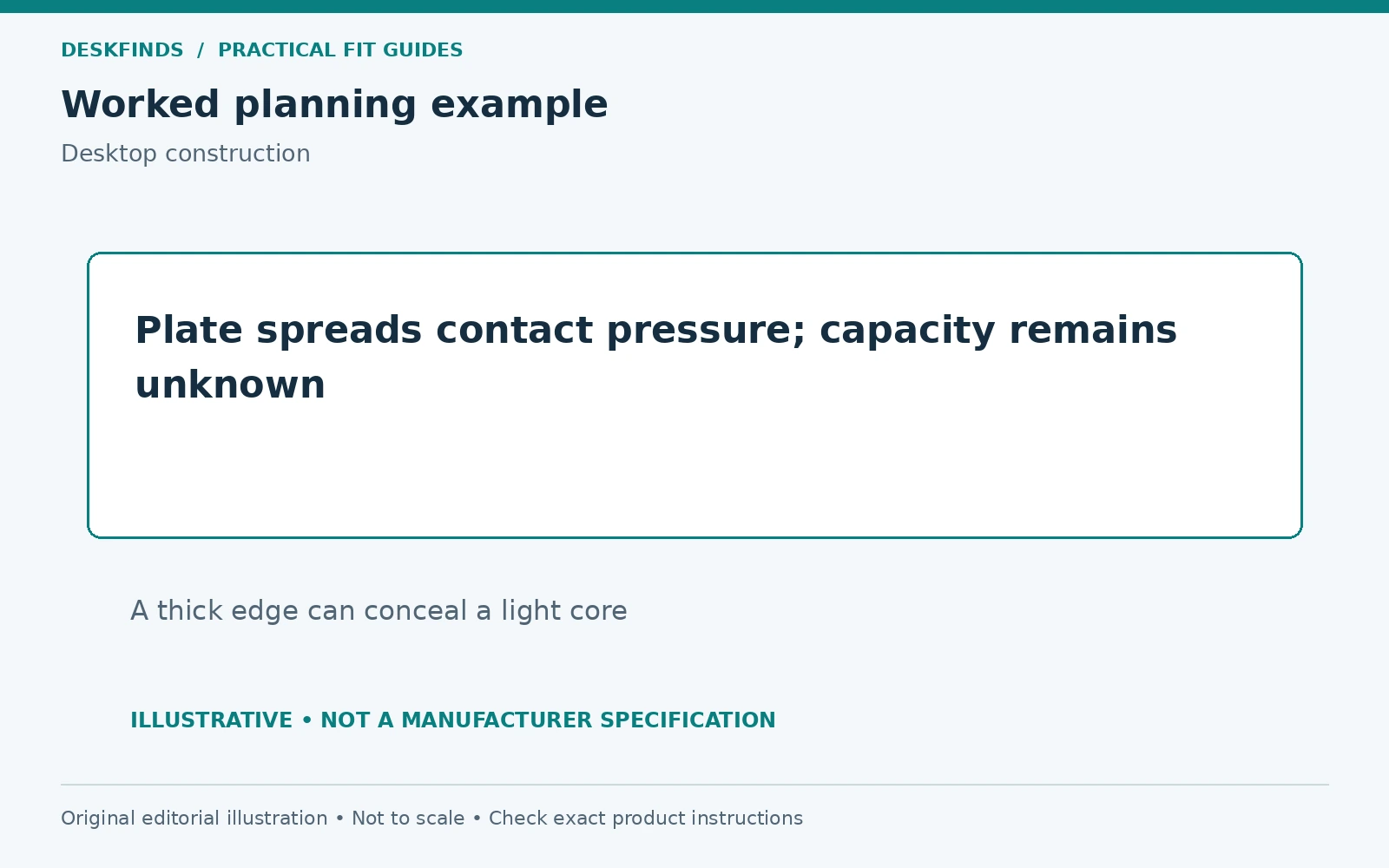
A plate can enlarge the area over which a clamp bears against a surface. Depending on its design, it may help protect the finish, distribute pressure, or provide a flatter contact area. Its effectiveness depends on the plate, the desktop underneath, the clamp geometry, and the permitted load. It is not possible to assign every plate the same improvement in strength.
A plate cannot reveal the internal construction of the top. It cannot restore a crushed core or guarantee that thin skins will not bend. It also cannot turn a prohibited installation into an approved one. If a seller claims universal compatibility, ask for the desk constructions, loading conditions, and limitations behind that claim.
Avoid stacking scrap boards, books, foam, and metal pieces until the clamp seems tight. Compressible layers can change shape, slide, or prevent the clamp from seating as designed. A homemade sandwich has no established performance simply because the screen initially stays up. Use only the mounting arrangement the relevant manufacturers permit.
Build a compatibility record before buying
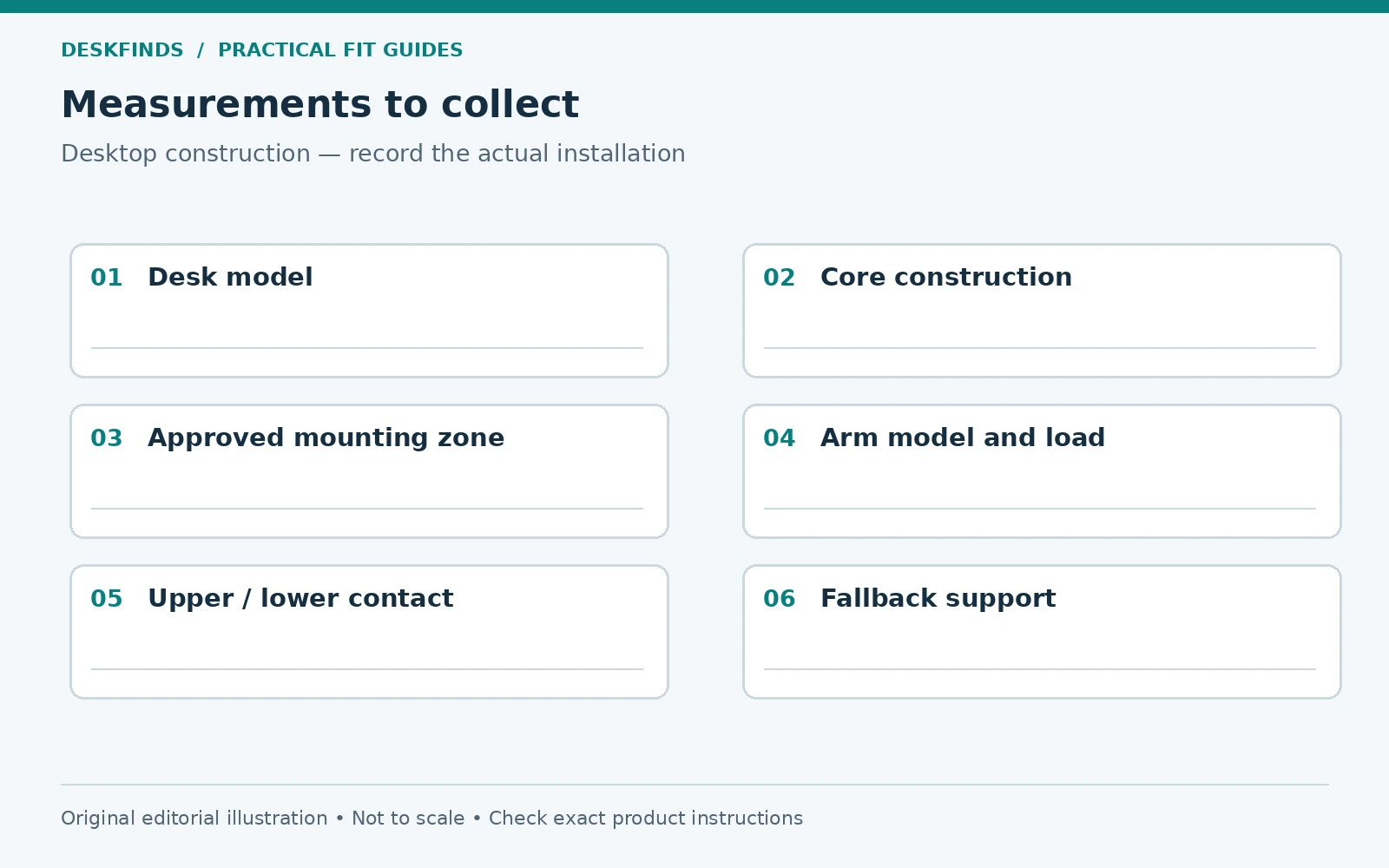
Create one short record for the actual combination you intend to use. This makes a support question much easier to answer than a photograph captioned “Will this work?” Include the desk model, the top construction if known, its thickness at the mounting point, and photographs of the underside. Add the arm model and the screen's weight without its original stand.
Also note any adapters, laptop holders, lights, or other items that will load the arm. Record the position in which you expect to work: screen close to the pole, extended toward a seat, or regularly moved between people. A narrow desk beside a wall may constrain the arm in ways a product demonstration does not show.
| Detail to record | Why it matters |
|---|---|
| Exact desk and desktop revision | Similar-looking tops can use different construction |
| Intended clamp location | Strength and obstructions can vary across the edge |
| Upper and lower contact surfaces | Both need to match the permitted installation |
| Screen and accessory load | The installed load includes more than the panel alone |
| Typical arm extension | Working position affects the load applied at the base |
If approval depends on a particular kit, save its part number and instructions. A note saying “use reinforcement” is incomplete unless it identifies what reinforcement and where it goes.
Inspect the mounting area without loading it
With the desktop clear, examine both faces of the intended location in good light. Look for dents, swelling, delamination, cracks, loose edge banding, old clamp marks, and previous drilled holes. Take a close photograph so you have a reference if the surface changes later. An existing depression is a reason to pause, not a place to tighten a clamp harder.
Check that the base would sit flat rather than partly on a rounded edge, seam, cable opening, or raised trim. Underneath, confirm that the clamp pad would contact the intended surface rather than a thin decorative strip or angled frame member. A clamp can look square from above while its lower pad bears against only a small corner.
Keep the desk's own assembly sound as well. Loose frame fixings and damaged joints add separate problems. Repairing those according to the desk instructions may improve the furniture's condition, but it does not establish permission to mount an arm. Structure, physical fit, and correct assembly remain different checks.
An example: a thick top with an unknown core
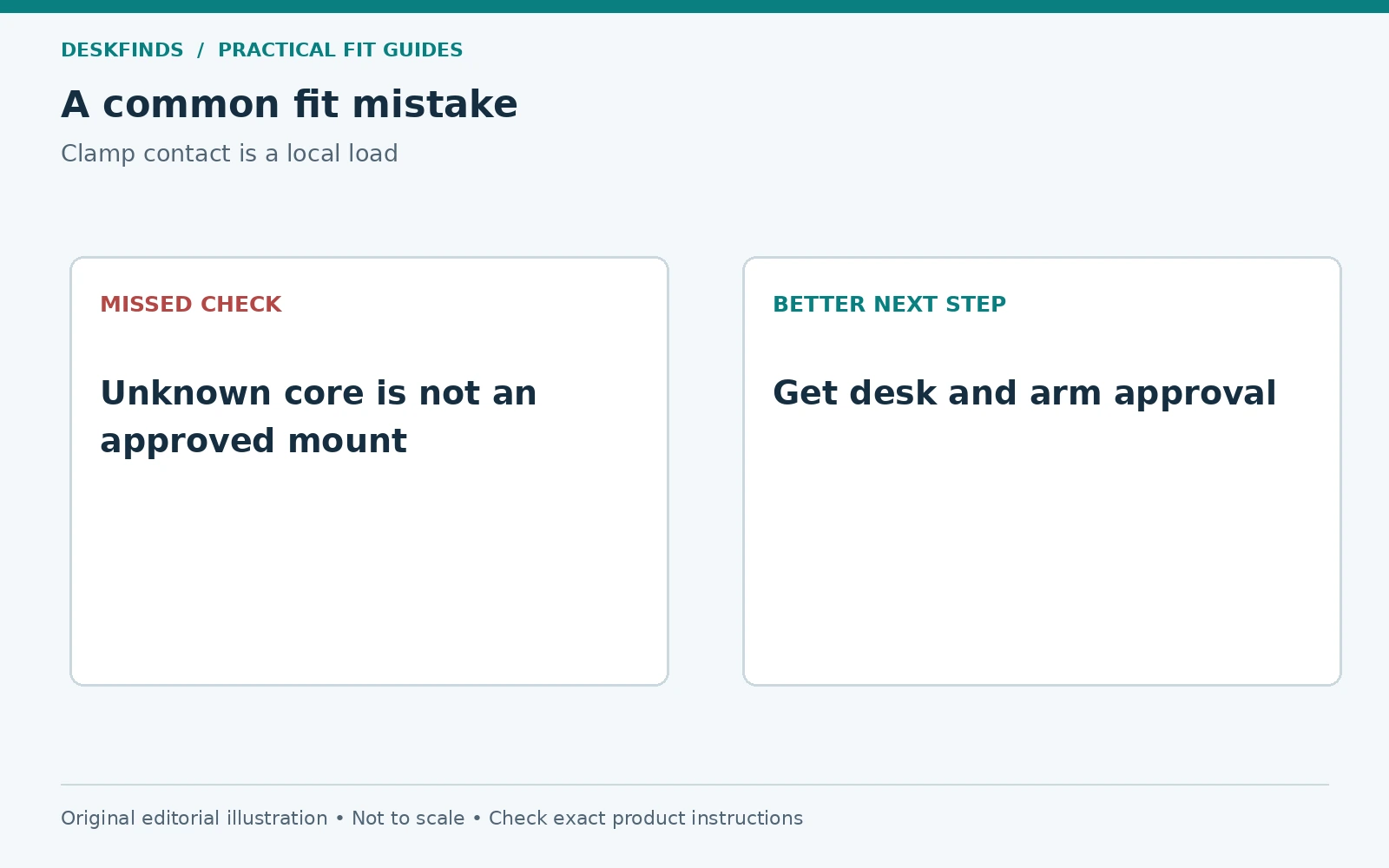
Imagine a student with a 40-inch desk whose top measures two inches at the rear edge. The monitor fits the arm's stated load range, and the clamp opens wide enough. Those facts establish that the parts may meet dimensionally; they do not identify the panel construction. A thick decorative edge can be the least useful clue in the whole decision.
The desk listing describes a lightweight paper-filled top, but does not mention monitor mounts. The proposed arm's instructions exclude hollow surfaces. Buying a broad plate would leave that restriction unresolved. The practical decision is to choose another support method or replace the top with a compatible, approved alternative, rather than treating a plate as insurance.
If a different desk manufacturer instead offers a mounting zone and an approved kit, the process changes. Verify the zone, kit, arm load, and installation instructions together. The article is not saying that every lightweight desk fails; it is saying that the decision must rest on the particular construction and permitted installation.
Compare alternatives by the space they actually consume
The original monitor stand is often the easiest fallback because it spreads support through its own base. Measure its footprint before rejecting it. A compact stand arrangement, a smaller keyboard, or moving a lamp can recover enough working space without changing the monitor's support. Our monitor stand guide is a useful comparison point.
A freestanding monitor mount still places load on the desktop and can have a large or heavy base. It therefore needs a suitable desk and a stability check of its own. It removes clamp pressure from the edge, but does not remove all loading concerns. Include the base dimensions and total weight in your decision.
A wall mount moves the support question to the wall. That means verifying wall construction, mounting hardware, permission to drill, and the mount's instructions. A floor stand moves the footprint to the floor and introduces trip, stability, and clearance considerations. Neither should be presented as an automatically safe universal substitute.
Replacing only the desktop may make sense when the frame is compatible with a manufacturer-approved top. Confirm attachment points, dimensions, weight, and warranty implications. Do not assume that any slab resting on the frame is a suitable replacement. Compare the total cost with a desk that already supports your intended arrangement.
Ask support a question that can produce a useful answer
A useful message is specific: “My desk is model A, with the attached material description and underside photos. I want to use arm B with monitor C, weighing this amount without its stand, at the marked rear-edge position. Is that installation permitted, and is a particular kit required?” This gives support something concrete to assess.
Ask whether the answer applies to your exact desktop option. Product families may offer different top materials under the same broad desk name. If the response is general, request clarification about hollow-core construction and the intended mounting point. Keep the answer with the assembly instructions rather than relying on a remembered chat.
If no one can verify the combination, uncertainty is itself useful information. You can choose a different mount or desk before spending time and money on installation. There is no need to force every desk into an arm-based setup. A successful small-space workstation solves your task without leaving a structural question unresolved.
If an approved installation is available
Follow the exact order in the arm manual, including how the base, arm, and monitor are supported during assembly. Protect the screen on a suitable surface while preparing its mounting hardware. Use the correct screws and any specified spacers for the monitor. Screw length is a separate compatibility issue from the desk material.
Seat the clamp on the approved surfaces and tighten only as instructed. More force is not a substitute for the right installation. Route cables with enough movement allowance that they do not pull the arm or screen as you adjust it. Check the entire permitted movement range before placing breakable objects underneath.
After installation, inspect the desktop contact area and base alignment as directed by the manufacturers. Stop using the mount if you notice a new dent, cracking, separation, progressive tilt, or a base that will not remain secure. Support and remove the equipment safely before investigating. Repeatedly retightening a deteriorating mounting point can hide the symptom while worsening the underlying damage.
Plan the workstation around the decision
An arm is one way to reclaim space, not the goal of the workstation. List what you need in front of you: keyboard, mouse travel, writing area, and the screen at a usable distance. Then compare layouts with and without the arm. A paper template of the original monitor base can help you see whether a less dramatic change solves the problem.
If you are choosing a new desk, evaluate the top construction and approved accessories before buying. Ask about the mounting zone while the seller can still help you choose a suitable configuration. This is more efficient than purchasing a low-cost top and then adding plates, adapters, and workarounds whose combined cost approaches a better starting point.
For a rental or dorm room, record furniture restrictions too. An approved installation from a product perspective may still violate the owner's rules. Keep existing hardware and the original stand so the room can be restored without inventing a replacement at move-out. Our small desk setup guide can help you compare layouts before committing to a mount.
Before you order: a final decision check
You should be able to name the desktop construction, point to the permitted mounting arrangement, and identify the exact arm and installed equipment. You should also know how the base clears the frame, where the screen will sit, and what you will do if the combination is not approved. Missing information belongs on the shopping checklist, not under the clamp.
When those questions are resolved, compare features such as adjustment range and cable routing in our monitor arm buying guide. When they are not, keep the original stand or choose another verified support method. Saving desk space is useful only when the surface and mounting system are suitable for the job.
Compare the cost of keeping the desk versus changing the top
Make a small cost table before buying a reinforcement accessory. Include the mount, any approved plate or kit, delivery, and any replacement hardware the manufacturer requires. Then compare that total with retaining the original stand or moving to a compatible desk. This is not a claim that the expensive option is stronger; it is a way to avoid spending repeatedly on a combination that has never been approved.
Also include the cost of losing useful space. A floor stand may occupy a route beside the chair. A wall installation may require permission and later repair. A freestanding base may use the very writing area you hoped to recover. Listing these consequences makes the decision more concrete than comparing only the prices of mounts and plates.
For a student moving between rooms, portability can matter as much as the final appearance. A solution tied to one desk's reinforced zone may not transfer to the next room. Keep the original screen stand and mounting parts so the display has a verified fallback. That small planning step can prevent a rushed improvised installation after a move.
A support reply you can evaluate
Suppose support says that a plate should help. Ask whether this is an explicit approval for your exact desktop construction and arm configuration, or general advice about reducing surface marks. Those are different statements. A useful answer identifies the approved mounting location, relevant kit, load conditions, and any installation restrictions. It should not leave the crucial material question unanswered.
If the desk manufacturer approves mounting but the arm instructions exclude that surface, the combination remains unresolved. Send each party the conflicting requirement rather than choosing the more convenient answer. The same applies when a retailer's product description differs from the current manual. Ask for clarification tied to the model and revision you own.
Do not treat a successful installation shown in a photograph as equivalent evidence. You cannot see its internal desktop construction, exact load, service history, or later outcome. Such images can suggest layouts to investigate, but they cannot establish your desk's capacity. Keep the distinction between inspiration and approval in the final decision.
Your purchase record should therefore contain both dimensions and permission. If you can fill in only the dimensions, the worksheet is incomplete. Choosing a simpler support method while that question remains open is a practical way to protect the furniture and keep the workstation usable.
For the next layout check, see monitor arm clearance behind a desk and monitor movement while typing.
Sources and scope
- UPLIFT Enfield Single Monitor Arm - manufacturer specifications and mounting options; consult the instructions for your exact revision.
- Ergotron desk mounts - manufacturer compatibility and installation resources.
Examples and decision worksheets are original editorial analysis. They are not measured failure thresholds, product tests, or permission to depart from a manufacturer's instructions.