
How to Plan a Desk Setup Around a Baseboard Heater or Floor Vent
Affiliate Disclosure: We may earn a small commission on qualifying Amazon purchases at no extra cost to you. Full disclosure →
A strip of wall or floor can look like available desk space while serving an important heating or airflow function. A desk apron, storage cabinet, rug, or cable bundle may obstruct it even when the desktop sits well above. The first task is to identify the equipment and its requirements, not choose a gap from a generic room photograph.
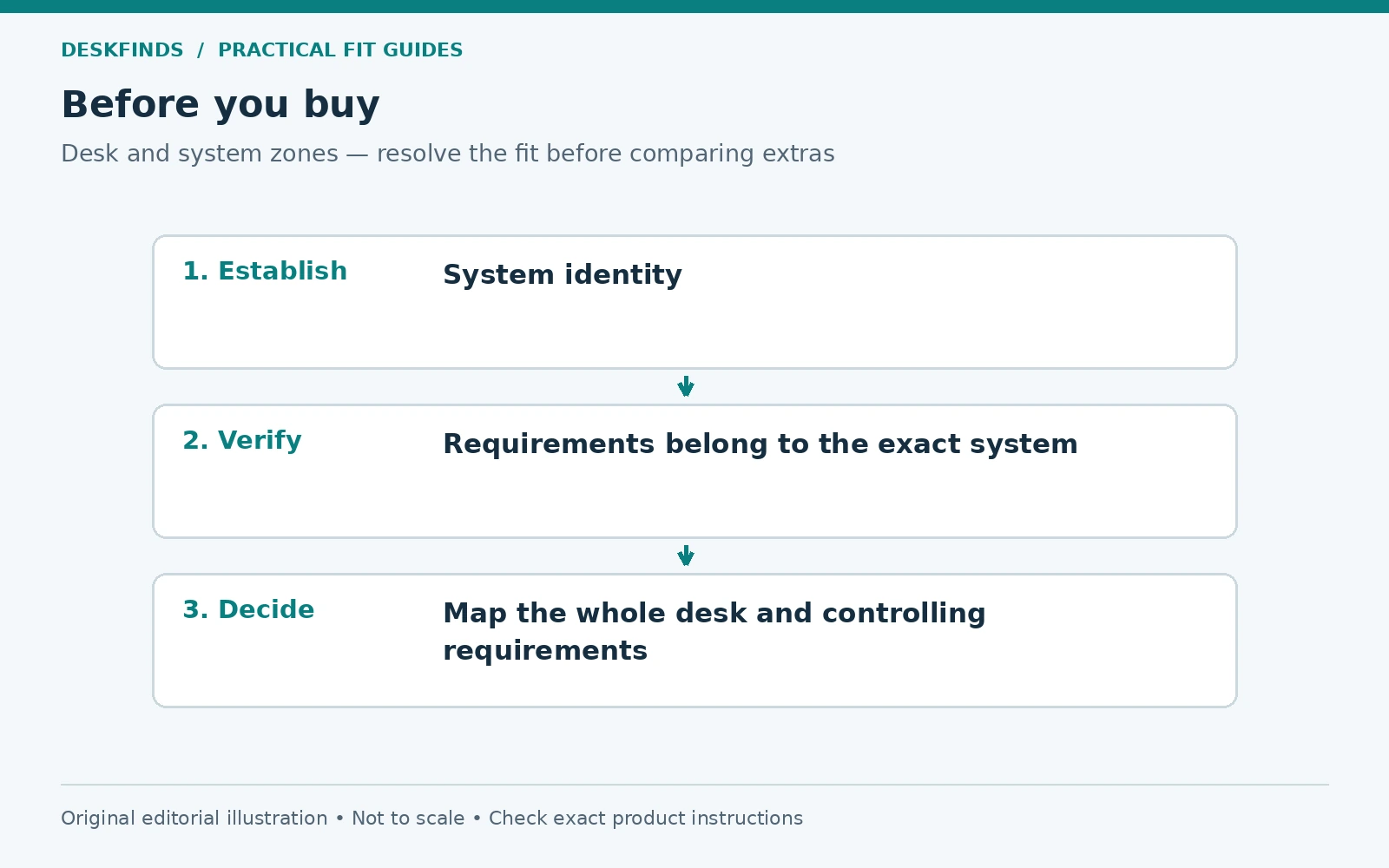
Quick answer: Identify whether you have a fixed heater, portable heater, supply register, return grille, or another system. Obtain the exact equipment and building requirements, then map the desk, underside storage, cables, chair, curtains, and their movement outside the required clear areas. Do not cover, redirect, relocate, or modify heating equipment as a furniture workaround.
This guide is for layout planning. It is not heating installation, electrical work, or HVAC design advice. When the equipment or requirements are unclear, ask the property manager, manufacturer, or a qualified professional before placing the workstation.
Identify the system before applying a clearance
Baseboard heaters can use different technologies and models, while a floor opening may supply or return air. A decorative cover does not reliably identify the underlying system. Look for a model label or building documentation without removing covers or touching hot or electrical parts.
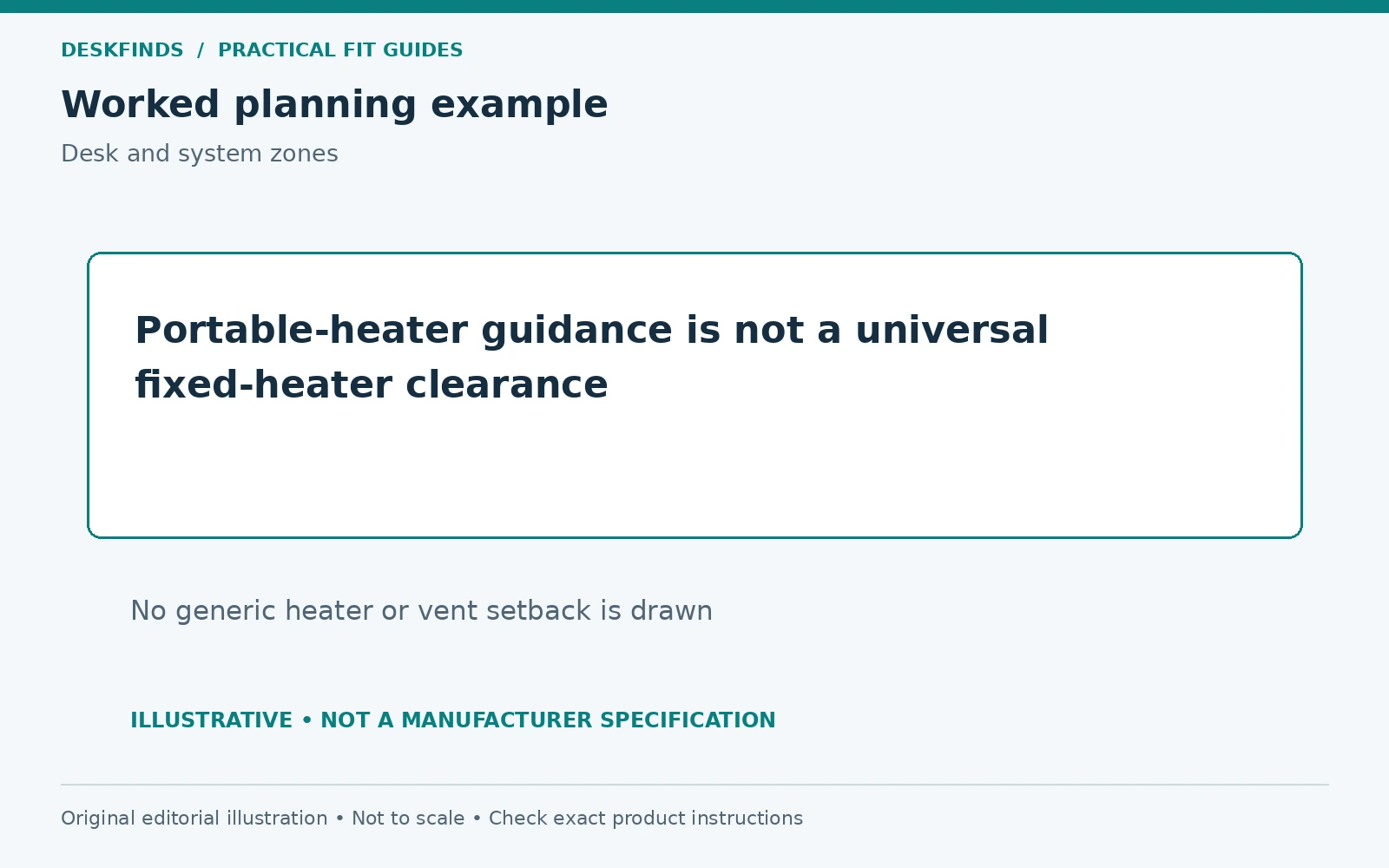
A portable space heater is a different product category with its own placement and power requirements. The US Consumer Product Safety Commission advises keeping portable heaters at least three feet from combustible materials such as furniture and bedding. That guidance should not be turned into a universal dimension for every fixed heater or floor vent.
For a fixed heater, use the exact model manual and applicable building guidance. Even manufacturer support pages can discuss several heater types with different clearances. Keep the actual model and document version in the room plan rather than copying a number from a similar-looking unit.
Draw the required clear areas first
Once the requirements are established, mark them on a room sketch before drawing the desk. Include front, side, above, and service-access requirements as applicable. A clear desktop does not establish that the lower furniture is outside those areas. The underside and surrounding objects need their own check.
Keep the distinction between a physical non-contact gap and the required operating space. A desk leg that does not touch a heater can still be in a prohibited location. Likewise, a cabinet that does not cover a floor grille directly may affect the intended airflow or access. Use the appropriate system guidance.
If the room plan cannot accommodate the required areas, choose another workstation location. Furniture should not be designed around assumptions that a heater will remain off or a vent can be blocked temporarily. The layout needs to work under the room's normal operating conditions.
Map the entire desk profile
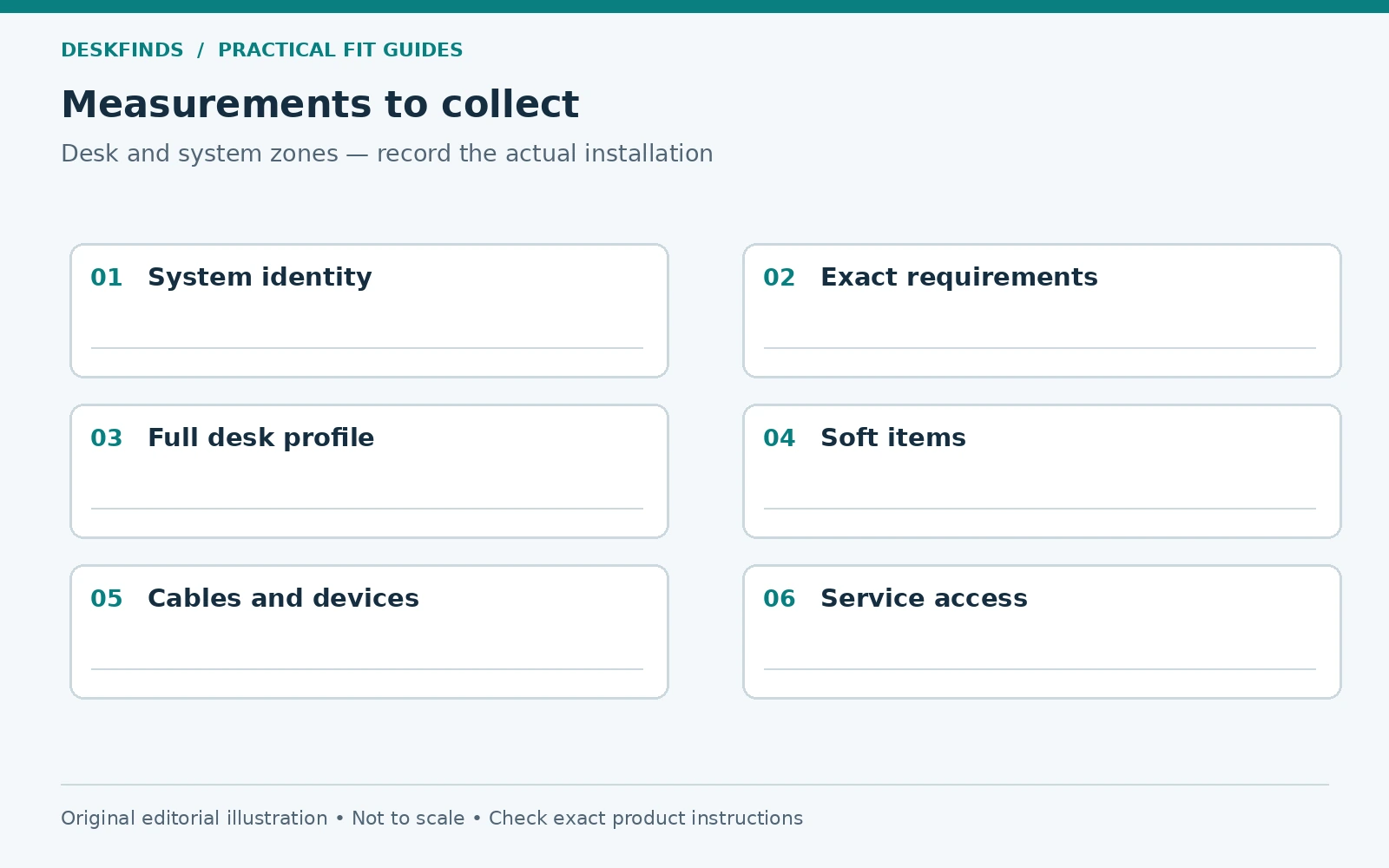
Draw the top, legs, apron, rear panel, drawers, and any under-desk shelves. A visually open desk can have a low modesty panel that changes the space behind it. Add cable trays, power equipment, computer supports, and stored bags. These additions can enter the clear area after the main desk seems to fit.
For an adjustable desk, include the full intended height range and any moving accessories. A cable loop or drawer can approach equipment during lowering even if the top itself remains clear. Follow the desk instructions and do not use a collision-detection feature as the normal way to test an obstruction.
Keep the chair's occupied and exit positions on the plan. A layout that places the desk outside a required area may still leave the user's chair, clothing, or a bag in an unsuitable position. Our chair clearance guide helps map ordinary movement as a separate layer.
Treat floor registers and returns as working room features
Keep the intended airflow paths and access clear according to the system requirements. The US Department of Energy's ventilation guidance identifies furniture blocking supply vents as a circulation issue. It does not provide a universal furniture setback for every home or authorize closing or redirecting a register arbitrarily.
Identify which opening you have and ask the property manager or qualified HVAC professional about the proposed layout when necessary. A return grille and a supply register may have different functions. Do not assume that because air is not visibly blowing from an opening it is unused space.
Avoid covering openings with rugs, storage bins, cable mats, or computer platforms. A desk can leave the grille visible while later accessories block it. Include the complete loaded workstation and a plan for keeping the area available over time.
| Planning layer | Question to resolve |
|---|---|
| Equipment identity | Exact heater or airflow-system role |
| Required clear area | Model and building requirements, not a guessed gap |
| Furniture | Top, legs, panels and under-desk storage |
| Moving items | Desk travel, chair, curtains and opening drawers |
| Cables and devices | Suitable route and operating environment |
| Maintenance | Equipment remains accessible for proper service |
Check curtains, bedding and soft storage
A desk beside a window can introduce a curtain path near heating equipment. Check the curtain in its normal open and closed positions, including movement during use. Do not assess only the furniture's rigid footprint. Follow the heating equipment and window-covering requirements.
Bags, laundry baskets, blankets, and soft organizers can migrate into the area below a desk. Give them storage elsewhere if they would conflict with the system. A clear zone is difficult to maintain when the room has no alternative landing place for ordinary objects.
Our window-desk layout guide can help coordinate light and screen position, but glare improvement does not override heating or airflow requirements. The final layout needs to satisfy both functions rather than solve one by blocking the other.
Route power and data away from unsuitable conditions
Follow the cable and equipment instructions for heat, placement, and support. Do not drape cords over a heater or hide a power strip in a location that conflicts with the heating system's requirements. A cable tray does not make an unsuitable location acceptable simply by containing the leads.
For portable heaters, follow their exact power instructions and current official safety guidance. Do not treat a desk power strip as a universal supply option because it has an empty socket. This article does not design an electrical circuit or approve extension arrangements.
Keep laptop adapters and computers in suitable operating environments with access and ventilation. Our cable tray guide and PC placement guide address their own layout checks. Each device's requirements remain separate from the room heating system.
Example: the desktop clears, but the back panel does not
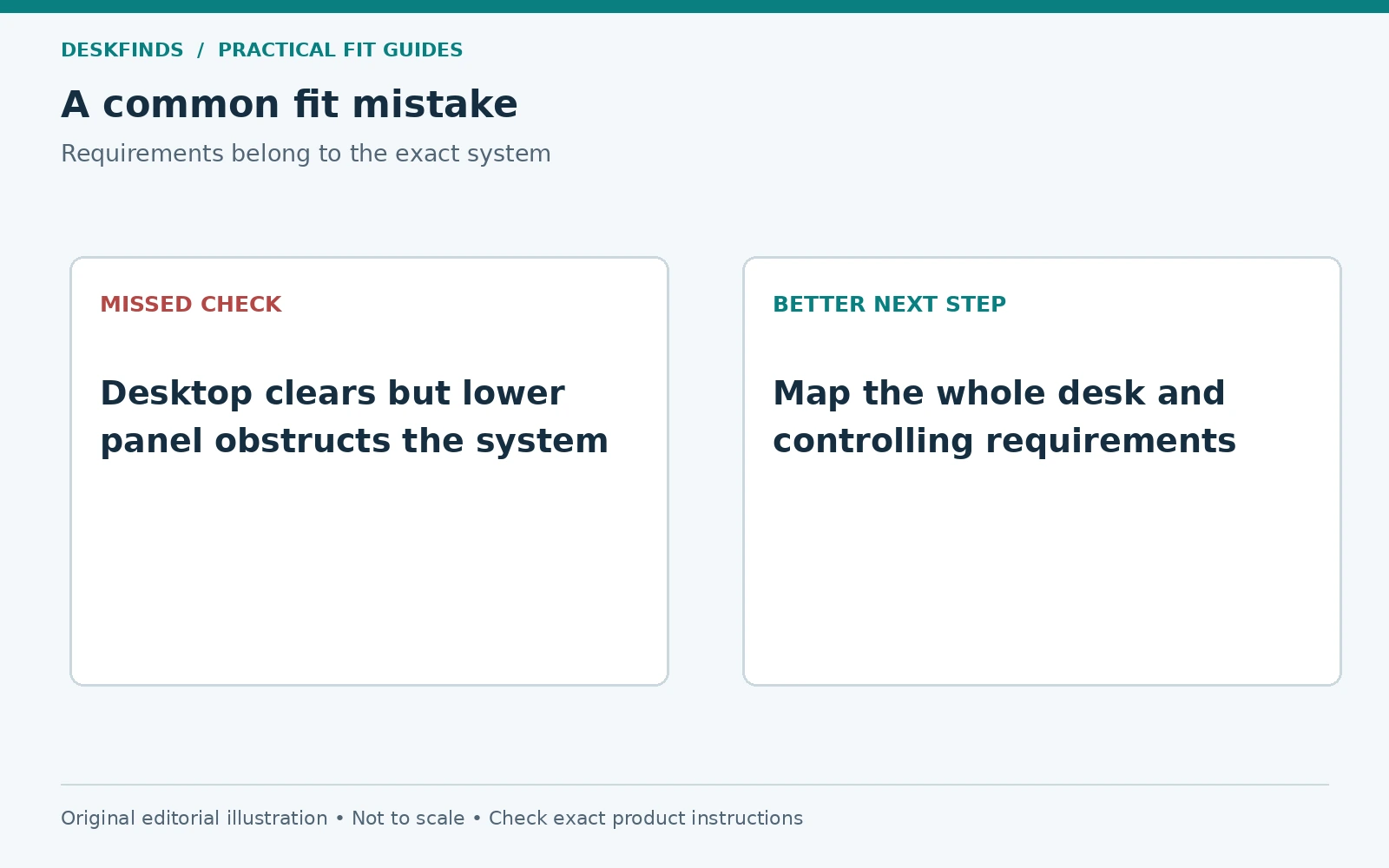
A user measures the desk surface well above a fixed baseboard heater and assumes the location works. The desk has a rear panel and storage beneath, which occupy space the heater's manual requires to remain clear. The surface height was not the relevant complete profile.
The user draws the full desk side view and compares another location or a different furniture design against the actual equipment requirements. Removing a structural panel or changing the heater cover is not assumed to be acceptable. The furniture should be used as intended while preserving the heating system's function.
This is an illustrative planning case, not a clearance recommendation. Its lesson is to compare complete envelopes and approved requirements. A desk that looks airy from the front can still present a different obstruction at the rear.
Example: a floor vent is blocked after the room is organized
Another workstation initially leaves a floor opening clear. Later, a storage cart and a rug are added to improve organization, and the airflow feature becomes partly covered. The main desk has not moved, but the room's operating arrangement has changed.
The user restores the required access and relocates the accessories. A floor plan that labels the opening's role helps prevent the same space being treated as empty storage again. If the system's needs are unclear, the appropriate building or HVAC source is consulted.
The case shows why the final review should include the loaded room, not just the first furniture purchase. Storage improvements can quietly undo a previously suitable layout. The clear area needs an understood purpose and a practical way to remain available.
Do not use deflectors or covers as automatic permission
An aftermarket airflow accessory may be intended for particular uses, but it does not establish that any furniture can sit over a register. Verify suitability with the system requirements and appropriate professional advice. Changes to airflow can affect more than the local feeling at the desk.
Likewise, a heater cover or decorative enclosure needs explicit compatibility and installation approval. Do not add a screen, shelf, or panel to make a desk fit without resolving those requirements. A product listing's attractive room image is not an engineering assessment of your heating system.
If a permanent change to the room's heating or ventilation is desired, use the proper professional and property-permission route. This guide's scope ends at choosing and arranging furniture around established requirements. It does not authorize modifying building services.
Make a room-level comparison
Draw at least two workstation locations using the same desk, occupied chair, equipment, and required clear zones. Compare light, power access, door movement, and heating or airflow function. A second location may solve several conflicts even if the first seems visually ideal.
If a different desk is considered, compare its complete profile rather than only width and depth. An open-leg design may offer different possibilities from an enclosed pedestal desk, but only the actual requirements determine suitability. No furniture style is automatically approved for heater proximity.
Keep the user's working needs in the comparison. A location that preserves equipment access but makes the screen unreadable or blocks the chair is not complete. Our small desk setup guide can help organize the task requirements after the room's system constraints are mapped.
Preserve the plan through seasonal changes
Review the arrangement before a heating season or whenever furniture, curtains, rugs, or under-desk storage changes. Do not assume a layout assessed while the system was unused remains suitable after new objects accumulate. Keep model documentation and the room plan accessible.
If the heater or airflow system shows damage or unusual behavior, use the appropriate service route rather than moving furniture slightly and treating the issue as resolved. Equipment maintenance and furniture layout are separate responsibilities. Do not remove covers or attempt repairs from this guide.
The useful result is a workstation that fits the room's normal operation without competing with heating, ventilation, service access, or the user's movement. Start from the exact system requirements, then choose furniture that works within them. The apparent empty strip beside a wall or across a grille is not the full space brief.
Keep an equipment identification sheet with the room plan
Record the heater or airflow feature's exact identity, model where relevant, controlling document, and the source of any building requirement. Include the document date or revision when available. This prevents a generic clearance remembered from another room from becoming the basis for the new desk position.
If a label cannot be read without unsafe access or removing a cover, use the property manager or appropriate professional route. Do not dismantle equipment to complete a furniture worksheet. The missing identity is a reason to resolve the requirement, not a reason to assume the least restrictive arrangement.
For a floor opening, record whether its role has been confirmed as supply, return, or another feature. Keep that information distinct from a personal impression of airflow. A grille that feels inactive at one moment can still have a system function. The room plan should follow the actual installation, not a short observation during one operating state.
Compare the complete seasonal room state
Add curtains, bedding, bags, and under-desk storage in the positions they normally occupy during the heating season. These soft and temporary objects can change the clear area more than the desk itself. A room measured only with the floor empty may not represent ordinary use.
Give displaced items a suitable alternative location. Simply writing keep clear is less effective when the room offers no place for a bag or blanket. A small change to storage elsewhere can make the equipment's required space easier to preserve. Keep that change within the other furniture and room requirements.
For shared rooms, make the purpose of the open area understandable. A visible gap is often treated as spare capacity unless its function is known. Use a simple room note or agreed arrangement rather than an improvised barrier near hot equipment. Any physical guard or accessory needs its own approval and instructions.
Read differing guidance as a reason to clarify
Manufacturer material can discuss several heater technologies, models, and installation contexts. If two pages appear to give different numbers, do not average them or choose the one that lets the desk fit. Identify the exact equipment and obtain the applicable current instructions or manufacturer clarification.
Keep the direction of a clearance explicit. A front distance is not necessarily a side or above distance, and a service space may have a different purpose from operating separation. A sketch with labeled faces can make a support question much clearer than a general request about furniture near a heater.
When professional or building guidance applies, keep it with the model instructions and resolve any conflict through the appropriate source. This article does not select between legal, installation, or site-specific requirements. Its role is to help you ask a precise question and choose furniture after the requirements are known.
Consider a different workstation location before modifying services
Compare the cost and disruption of another desk orientation or room location with a proposed heating or ventilation change. The furniture may be easier to move than the building system, but the comparison should include the user's tasks, power access, and room circulation. Do not solve a clearance issue by creating a cable or chair obstruction elsewhere.
If no location serves the work within the established requirements, consult the relevant professionals about the room rather than improvising a cover, deflector, or disconnected system. A small-space setup does not have to occupy every visually available wall. Choosing against one location can be the most useful outcome of the planning process.
Preserve a clear-area record
Keep a labeled sketch of the equipment, its required clear areas and the final furniture position. Note where the controlling requirements came from. This can help a roommate or future user understand why an apparently empty strip is not a storage location. Recheck the sketch when accessories, curtains or room use change. If the heating equipment itself is replaced, obtain the new requirements rather than inheriting the old diagram. The furniture plan is specific to the installed system and its documented use.
Sources and scope
- CPSC portable-heater guidance - three-foot separation guidance for portable heaters and combustible materials, not a universal fixed-heater rule.
- Cadet owner guide example - illustrates model-specific clearance requirements; obtain the correct manual for the installed heater.
- DOE ventilation assessment guide - general context on obstructed supply vents and circulation.
The room mapping and examples are original editorial tools. This is not an installation, code-compliance, electrical or HVAC design assessment.