
Can a Monitor Riser Fit a Full-Size Keyboard Underneath?
Affiliate Disclosure: We may earn a small commission on qualifying Amazon purchases at no extra cost to you. Full disclosure →
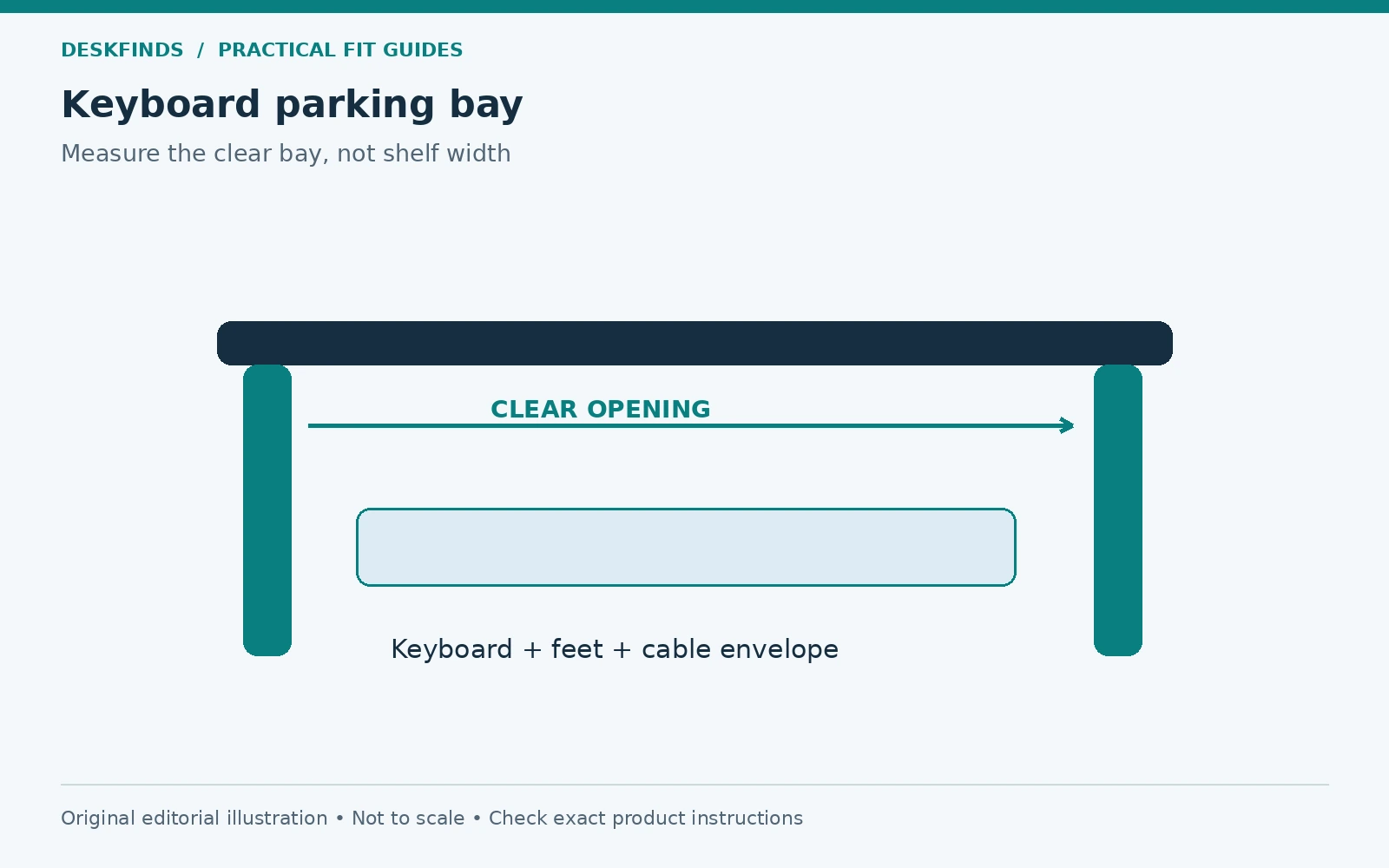
A monitor riser can make a crowded desk look as though it has gained a second level. Whether that lower space is useful depends on the opening between its supports, not the width of the shelf above. A full-size keyboard may be shorter than the riser and still hit a central leg, raised edge, or underside brace before it can slide in.
Quick answer: Measure the keyboard's complete parked shape, then compare it with the riser's clear opening, usable depth, and lowest underside point. Include cable plugs, feet, wrist supports, and any central divider. Check that the monitor remains properly supported at a useful viewing position. Space beneath a riser is normally a parking area, not automatically a suitable typing surface.
This guide focuses on storing a keyboard between tasks. For choosing the height of the upper surface, see our desk shelf height guide. Treat the storage opening and screen position as two separate qualifying checks.
Define the keyboard you actually need to park
Full-size describes a layout category, not one fixed external size. Two keyboards with number pads can differ in width, depth, front profile, cable position, and attached controls. Measure your exact device rather than using a generic keyboard chart as a fit specification. If you plan to buy a new keyboard, obtain its complete dimensions.
Decide what stays attached during parking. A separate wrist support, USB receiver storage feature, audio control, or cable adapter can change the envelope. If the wrist support must be removed every time, count that action in the routine and give it a destination. Do not describe a fit that depends on repeatedly setting parts aside as a simple slide-in solution.
Measure with the feet in the position you normally use, then check whether the device is intended to be moved with those feet deployed. Its tallest point may be at the rear rather than the keycaps near the front. The relevant shape is the one you will actually move beneath the riser.
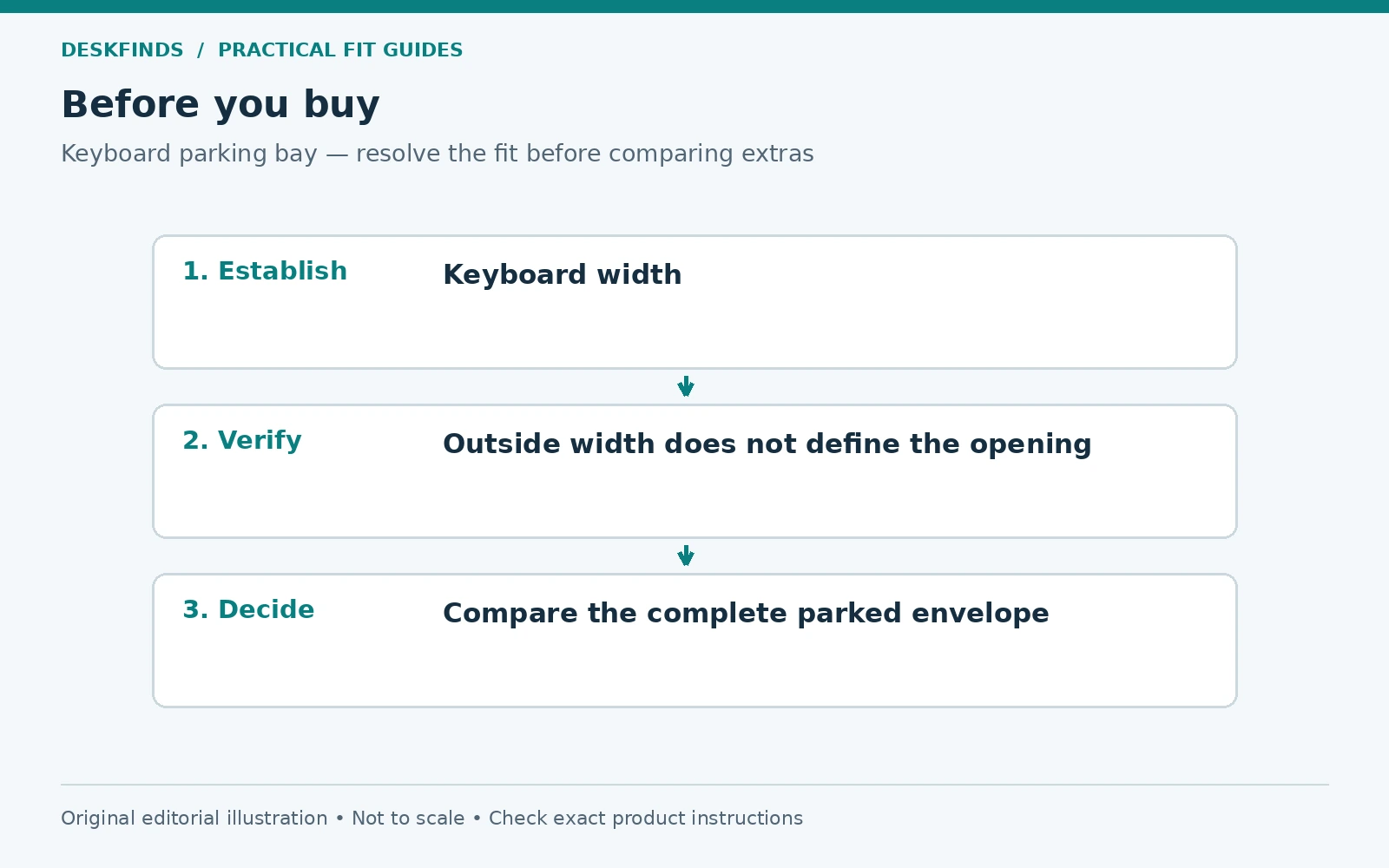
Find the clear opening instead of the shelf width
Look for an interior opening drawing. The overall riser width includes side supports and may conceal a center leg or drawer mechanism. A shelf wide enough to carry a screen does not necessarily offer one continuous keyboard bay. Ask for the distance between supports at the level where the keyboard passes.
Measure the opening near the front and farther back. A tapered support or rear brace can narrow the route. Check the lowest point as well: a screw head, shelf rail, or tray may hang below the main underside. Do not use the average height when one low component controls passage.
For a riser with drawers, identify whether the storage opening changes when a drawer is opened. The keyboard might fit in the closed arrangement but obstruct the drawer's travel. That can be acceptable only if the intended routine supports it, and the products remain used as directed. Fit should include the other feature you are buying.
Separate width, height and depth tests
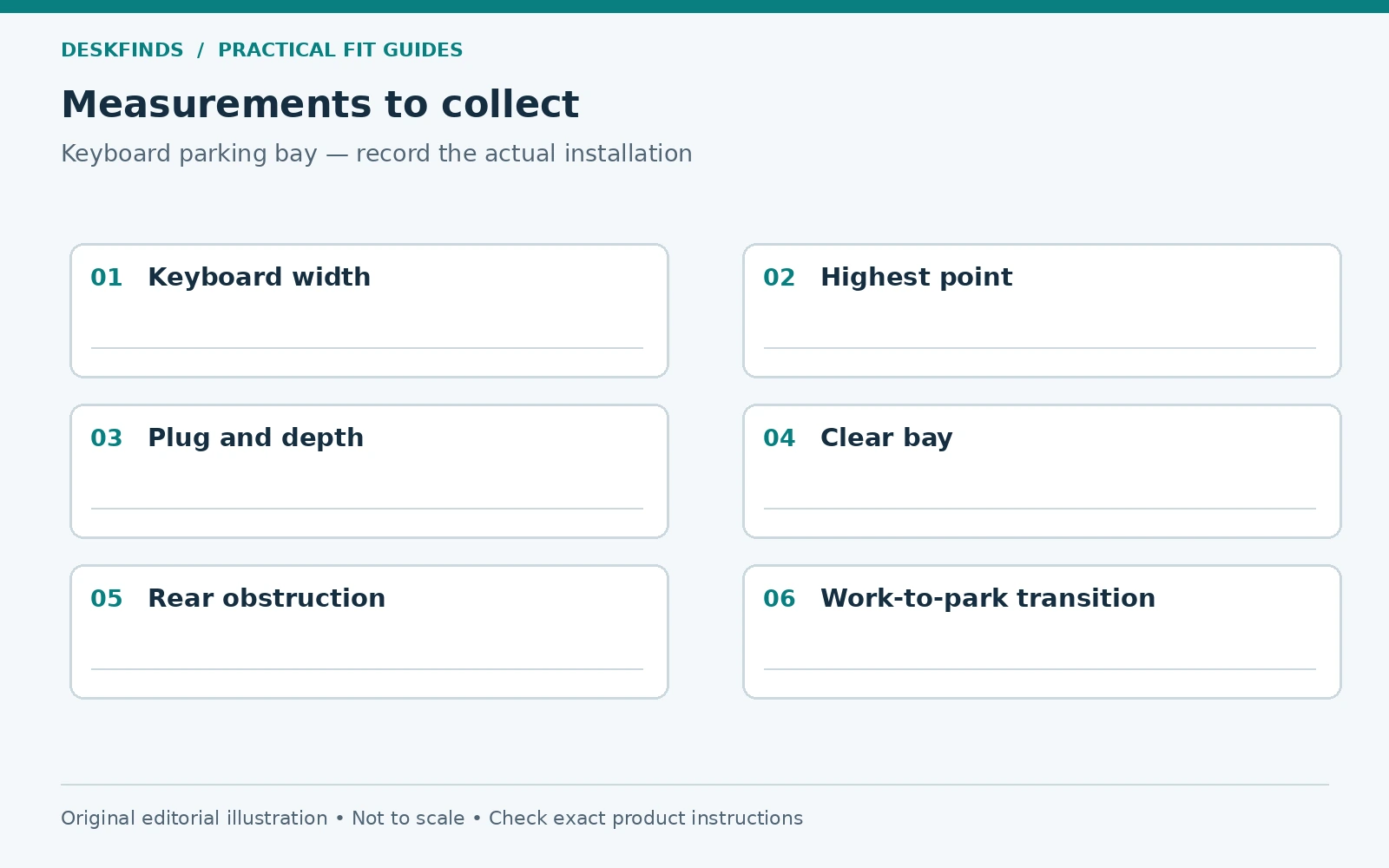
Use three lines in the worksheet. First compare the widest installed keyboard with the narrowest clear opening. Then compare the highest keyboard point with the lowest overhead point. Finally compare the keyboard's depth and connection envelope with the usable parking depth. Passing two does not compensate for failing the third.
Include the desk behind the riser. A wall, rear cable opening, monitor stand foot, or dock may limit how far the keyboard can move. The riser's lower bay can be open at the back while the room is not. A product drawing describes the riser, not the whole parking route on your desk.
Leave practical movement room based on the actual objects rather than planning a friction fit. There is no universal clearance margin for every keyboard, surface, and riser. The device should enter without scraping, pressing keys, bending a cable sharply, or requiring the supports to flex.
| Check | Include |
|---|---|
| Keyboard width | Side controls, attached support and projecting parts |
| Keyboard height | Rear housing, feet and highest controls |
| Keyboard depth | Front support, rear connector and natural cable route |
| Riser opening | Legs, divider, rails and lowest hardware |
| Desk route | Rear objects and the user's insertion path |
| Other functions | Drawer travel and access to stored tools |
Make an illustrative fit calculation
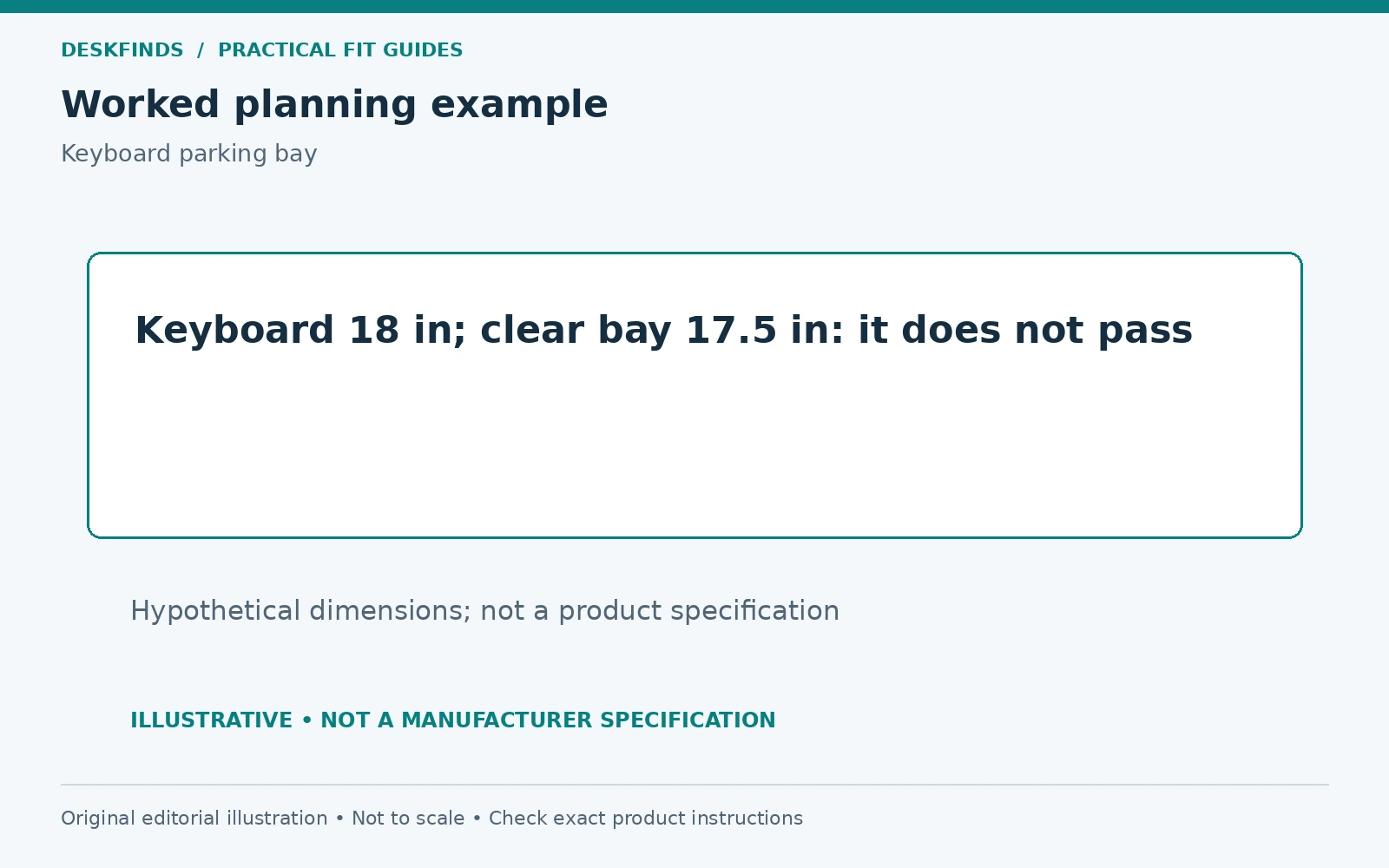
Suppose a keyboard measures 18 inches across in its intended parked configuration, while a candidate riser's clear opening is 17.5 inches. The keyboard does not pass that opening, even if the shelf's outside width is 22 inches. These are hypothetical dimensions that illustrate reference points, not specifications for a product.
A second riser might offer enough width but insufficient depth once a rear-facing plug is included. Turning the keyboard sideways may change the route, but it also changes access and cable behavior. Judge that as a different parking arrangement rather than treating the original plan as a success.
The useful calculation is a set of comparisons with the same reference points. Do not subtract the thickness of supports from a photograph and call the result a specification. If the interior dimension decides the purchase, obtain it from the manufacturer or measure the actual item.
Test the keyboard's connection state
Decide whether the keyboard remains connected while parked. A wired device needs a route that accommodates both working and stored positions without tension. The cable should not carry the keyboard's weight or force a connector against the rear wall of the bay. Keep it clear of any drawer slides.
A wireless keyboard avoids that lead during ordinary use, but still has controls and charging requirements. Check whether a switch or key can be pressed accidentally under the shelf. Do not assume that parking the keyboard in a tight space turns it off or makes every contact harmless. Follow the device instructions.
If a cable is disconnected daily, plan its resting place. Our charger and cable routing guide explains the connected and disconnected states. The same planning principle applies here: a lead should remain accessible without falling behind the desk or becoming a pulling force.
Reserve a useful typing position outside the bay
The keyboard's stored location should not dictate an awkward working position. Pull it into the input area you actually use and check mouse movement, screen distance, and room for your hands. A riser that saves space only by forcing the keyboard to the front edge may not improve the task.
Do not assume that typing partly beneath a low shelf is suitable. It can restrict hand movement, hide controls, or encourage reaching. If a product is designed as a specific input platform, assess that intended use separately. This article's parking test does not approve an improvised under-shelf typing arrangement.
Our laptop, monitor and paperwork guide can help define the work zone. A parking bay is most valuable when it enables a real transition, such as clearing space for a notebook, rather than simply hiding the keyboard when no work is happening.
Check the monitor support before using the lower space
Verify the riser's permitted load, top dimensions, assembly, and support requirements. The monitor's complete base should be supported as intended. A broad display foot can extend beyond a small shelf even when the screen weight is below the limit. Load and footprint remain separate checks.
Assess the resulting screen position with the actual stand and chair. A shelf adds height on top of the desk, and the monitor's own stand may not lower enough to compensate. Do not buy a tall riser solely because it creates a generous keyboard opening. A storage improvement should not create a poor viewing arrangement.
Keep the top clear of loads or accessories the riser is not intended to support. Stacking another shelf or adding a clamp to the riser introduces a new structural question. Use only documented configurations, and do not treat an opening measurement as evidence of the product's strength.
Example: the center support divides the bay
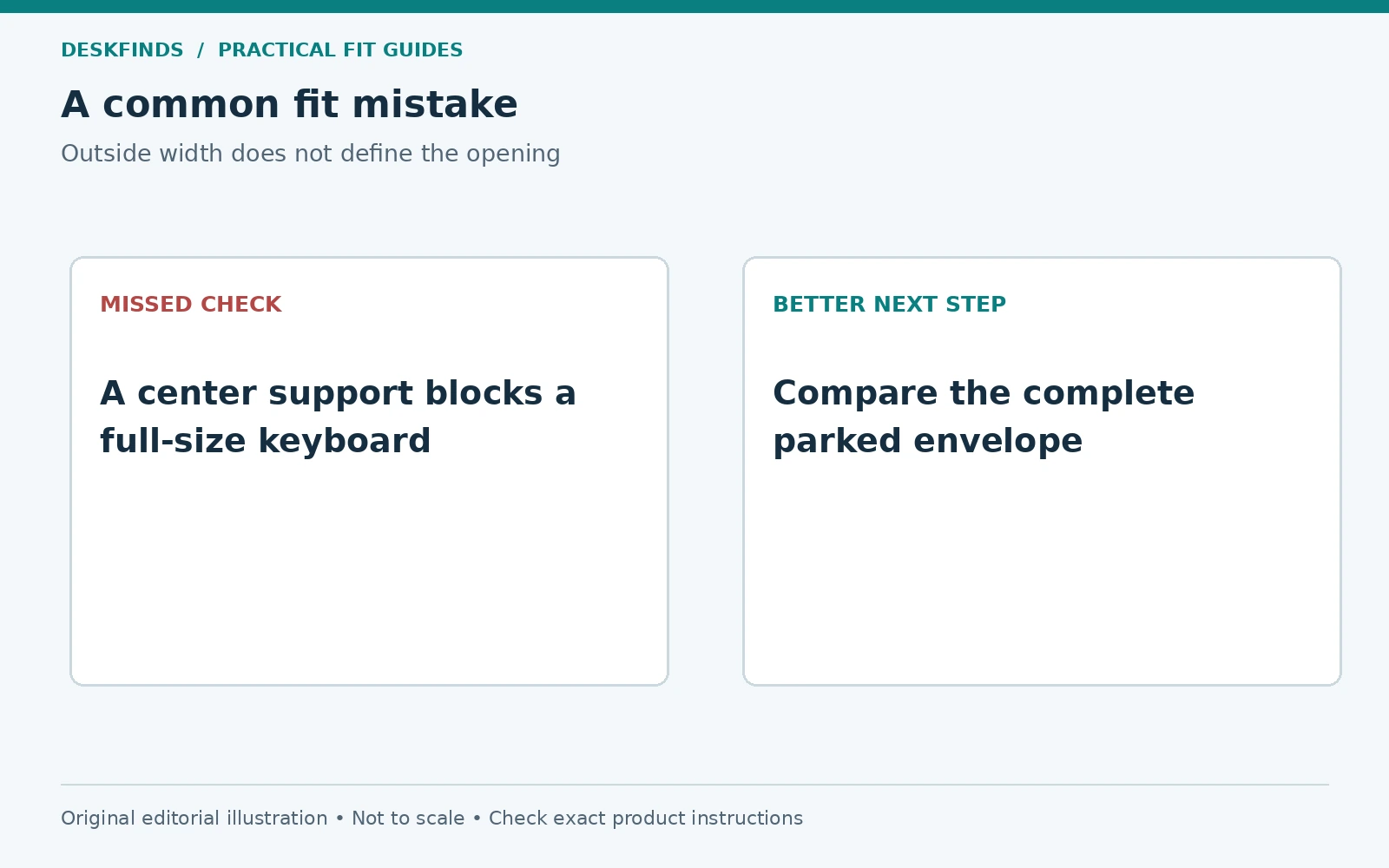
A user sees a wide riser with room for several small items beneath it. The product photograph suggests a long open space, but a center support divides it into two shorter bays. Neither accepts the user's full-size keyboard. The overall shelf width was the wrong reference.
The user asks for the actual opening layout and compares a single-bay design that also supports the monitor. A smaller keyboard is considered only if its layout serves the user's work. Giving up a frequently used number pad is a workflow trade-off, not a free solution to a storage mismatch.
This case shows why the lower space should be assessed by shape as well as area. Two separate openings can provide substantial storage without accepting one long object. A useful buying brief names the object that must pass through, not just the total space desired.
Example: the keyboard fits but blocks another task
Another user parks the keyboard successfully, but its wrist support projects into the writing zone. The mouse cable crosses the bay entrance, and pulling the keyboard out catches it. The static dimensions pass while the daily transition remains awkward.
The user traces both input devices and decides what moves together. A separate mouse parking location and a different cable route may help if supported. If the transition still requires several actions, the riser may not deliver the intended benefit. A simpler desk layout can be more useful than hidden storage.
Test the full sequence with ordinary papers and tools in place. A five-second empty-desk demonstration does not establish that the system works during a busy session. The best fit supports returning the keyboard to work as easily as putting it away.
Use a template before buying a set of accessories
Cut a lightweight cardboard profile matching the keyboard's maximum width and height, and a floor outline for its depth. Include a marker for the plug and attached support. Move the template along the intended route without forcing it against the riser or furniture. This reveals a low rail or narrow rear point.
If the actual riser is not available, draw the documented opening and place the keyboard outline over it at the same scale. Keep missing dimensions labeled as unknown. A mock-up is a planning tool, not a load test or permission to modify the product.
Compare monitor risers and small-desk monitor stands after the brief is ready. The useful candidate supports the screen, offers a real keyboard route, and preserves the work area. Matching outside widths is only the beginning of that decision.
Build a two-state keyboard worksheet
Make columns for working and parked positions. In each, record the keyboard's width, highest point, depth, connection state, and any attached support. Then add the mouse and the object that will use the freed surface. This makes the purpose of parking concrete: the keyboard moves so a notebook, drawing task, or another user can occupy the area.
Write the transition steps between the columns. If a wrist support is removed, give it a stable place. If a cable is disconnected, identify its parking point. If the mouse moves too, show where it goes. A bay that fits the keyboard body may still fail to simplify the task if every transition creates several loose objects elsewhere.
Use the same worksheet for two candidate risers. Keep the monitor's useful position and the input area unchanged during comparison. Otherwise one product can appear to fit better only because the screen moved forward or the writing zone disappeared from the sketch. The comparison should preserve the work you are trying to improve.
Check the front opening and the rear stop separately
A keyboard can enter a bay but stop before it is fully parked. A rear brace, cable connector, or object behind the riser can control the final depth. Mark the first point of interference and compare it with the amount of surface you need to free. Partial parking may be useful, but it is a different outcome from complete storage.
If the front of the keyboard remains outside, check that it does not create an obstacle to paper work or another task. Do not assume a partial fit is harmless because the object is stable. The desk's remaining usable depth is the practical result. A slightly different shelf location may help only if the monitor and base remain supported appropriately.
Avoid cutting a riser, removing a brace, or filing the keyboard's feet to gain the missing space. Those changes are outside the dimensional planning method. A different product or another parking location is a clearer solution than altering parts whose structural or functional roles have not been assessed.
Compare smaller keyboards by the work they change
A narrower keyboard can fit a bay that excludes a full-size model, but the saved width has a workflow cost if you rely on the missing controls. List the keys used frequently and test the alternative layout where possible. A separate number pad adds another object and storage need, so include it in the parked and working states.
Our keyboard size chart can help identify layout categories, but it does not establish a candidate's exact outside dimensions. Compare the actual model, including knobs, side keys, and attached supports. A label such as full-size or compact describes only part of the fit.
If the existing keyboard serves the task well, it may be better to choose another riser or store the keyboard elsewhere. The storage accessory should not automatically drive replacement of a useful input device. Compare the total change in cost, daily steps, and available desk area before deciding.
Ask for the measurement that is missing
Send a seller the keyboard's complete profile and ask for the narrowest clear opening, lowest underside point, and usable depth of the exact riser. State whether a central support or drawer is present. A general answer that the shelf stores keyboards does not resolve a long device or tall rear housing.
If the answer remains uncertain, a one-item trial under clearly understood return conditions may help, where practical. It still does not replace the riser's load and support instructions. Keep the original monitor stand and correct parts available so a failed storage fit does not leave the screen without a verified support arrangement.
Check the actual benefit before keeping the riser
Park the keyboard, perform the task that needs the space, and return the keyboard to work. Note whether a notebook now opens freely or whether the mouse and cables still occupy the cleared zone. If the task remains blocked, the bay may be solving only a visual storage problem. Revise the layout or choose a different support rather than keeping an accessory solely because the keyboard technically fits underneath. The useful result is a simpler work sequence with the monitor still supported and positioned appropriately.
Sources and scope
- VIVO tabletop riser example - model-specific external dimensions and product documentation; interior clearance must be verified separately.
- OSHA monitor guidance - general background for the screen position above the shelf.
The fit calculations and cases are original editorial examples. No riser load test or universal keyboard opening was established.