
How to Choose a Desk Shelf Without Raising Your Monitor Too High
Affiliate Disclosure: We may earn a small commission on qualifying Amazon purchases at no extra cost to you. Full disclosure →
A desk shelf can add useful storage while placing the screen higher than you can comfortably use. The shelf's height is only one part of the result: the desktop, monitor stand, panel mounting position, chair, and user all contribute. Buying a shelf for its lower opening first can leave the most frequently viewed object in the wrong place.
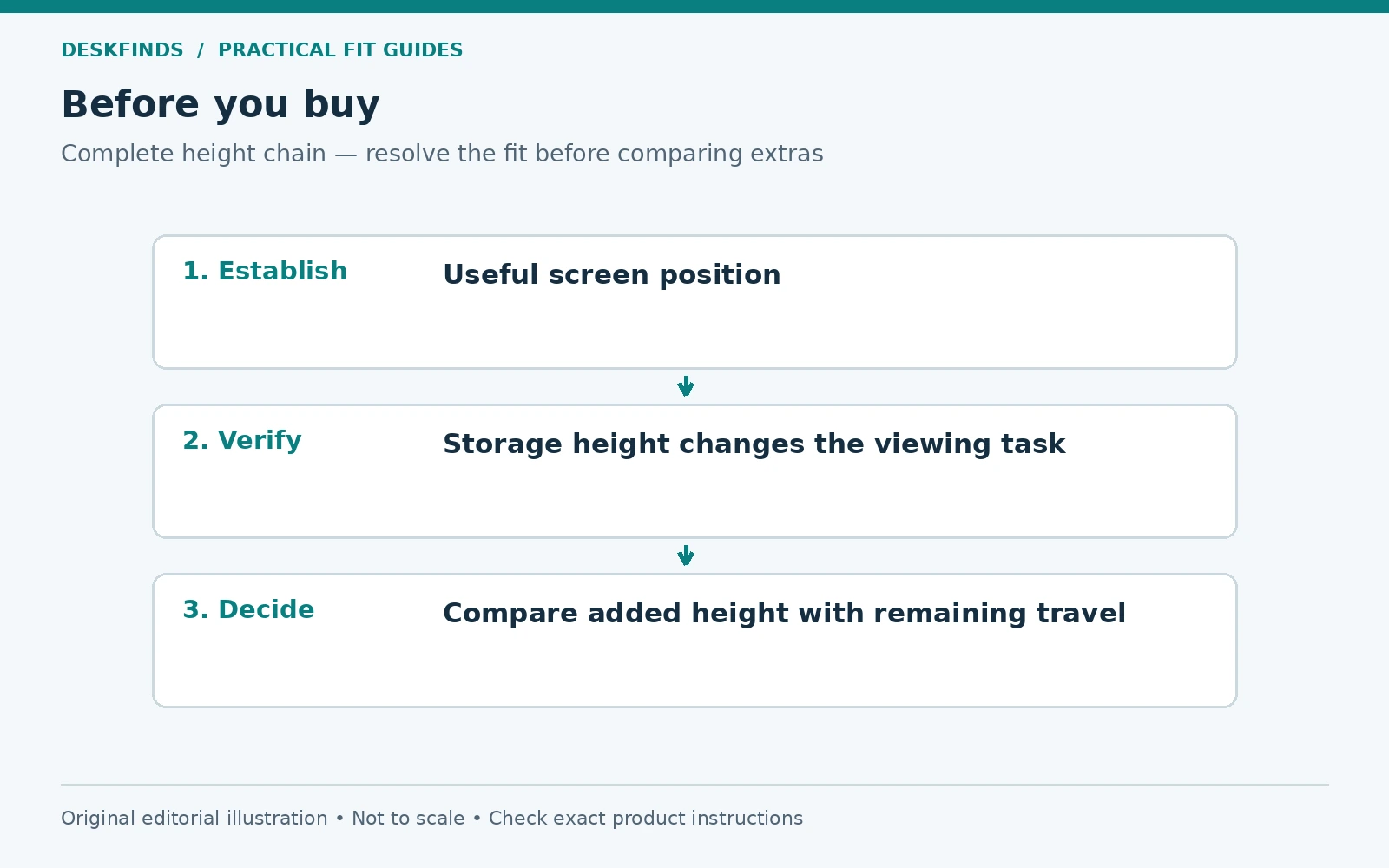
Quick answer: Establish a useful screen position on the existing desk, measure how much adjustment remains in the monitor stand, and compare that with the shelf's added height. Test the complete arrangement from the chair. If the display cannot return to a suitable position, choose a lower shelf, a compatible alternative support, or storage elsewhere.
This is a workstation planning guide, not a medical prescription for one monitor height. Our monitor distance and height guide provides broader context. The focus here is the extra height introduced by a shelf.
Start with the screen position you need
Sit in your usual chair setting and use the monitor for a normal task. Notice whether you can read without holding your head tilted or leaning to find a useful part of the screen. Check the applications and text size you actually use. A large display and a small one can have different useful arrangements even at the same top-edge height.
If the current position is already unsuitable, do not treat it as the target. Adjust the workstation within the equipment's supported range and assess the result. Consider text scaling and screen angle alongside height. A shelf should support a useful arrangement, not preserve an existing problem because it matches the desk's appearance.
Users with particular vision needs may prefer a different display position. Do not apply a rigid eye-level rule that forces someone to tilt their head to read through their lenses. Use appropriate professional advice where needed. The shelf choice should leave adjustment available rather than eliminate it.
Measure the complete height chain
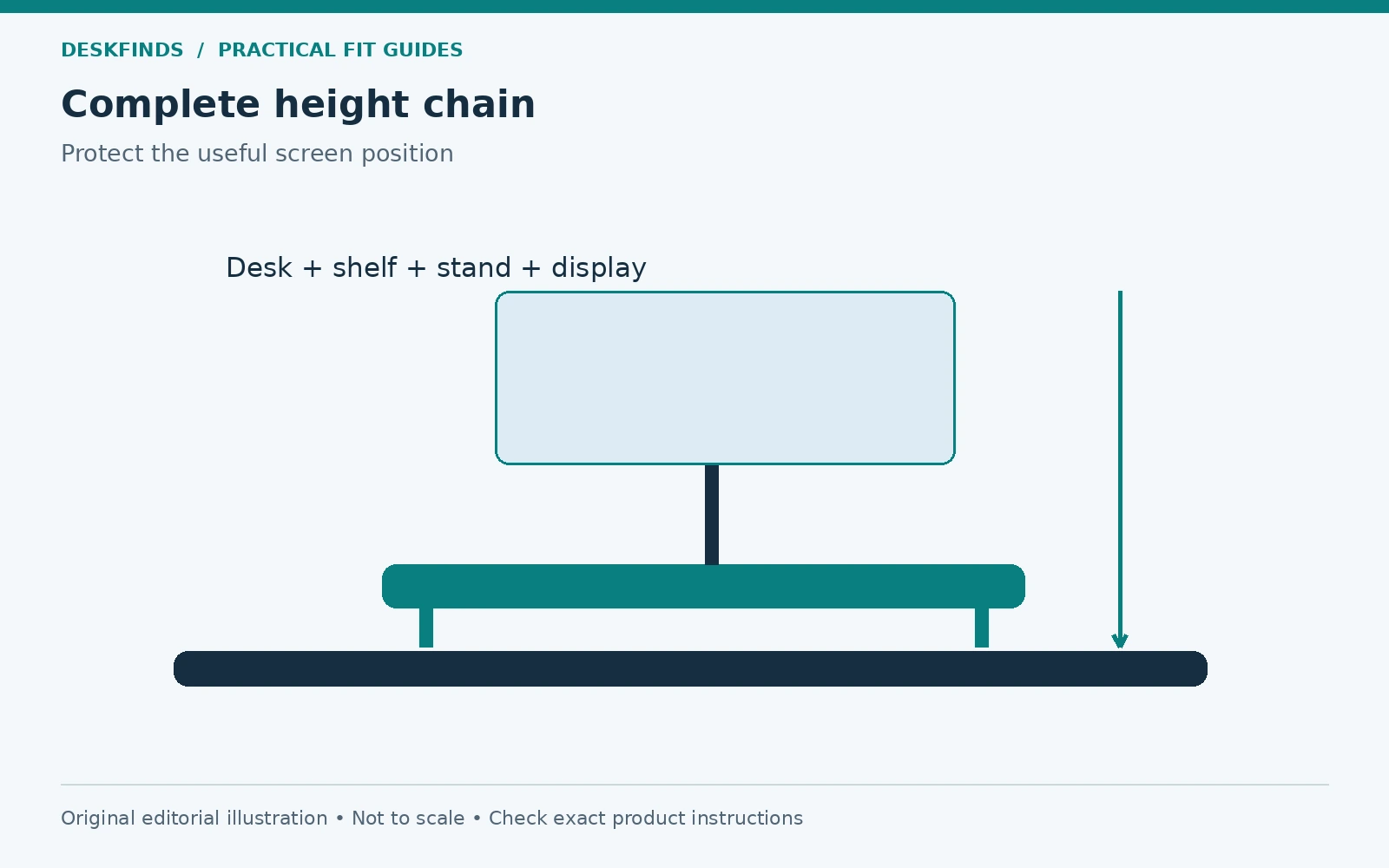
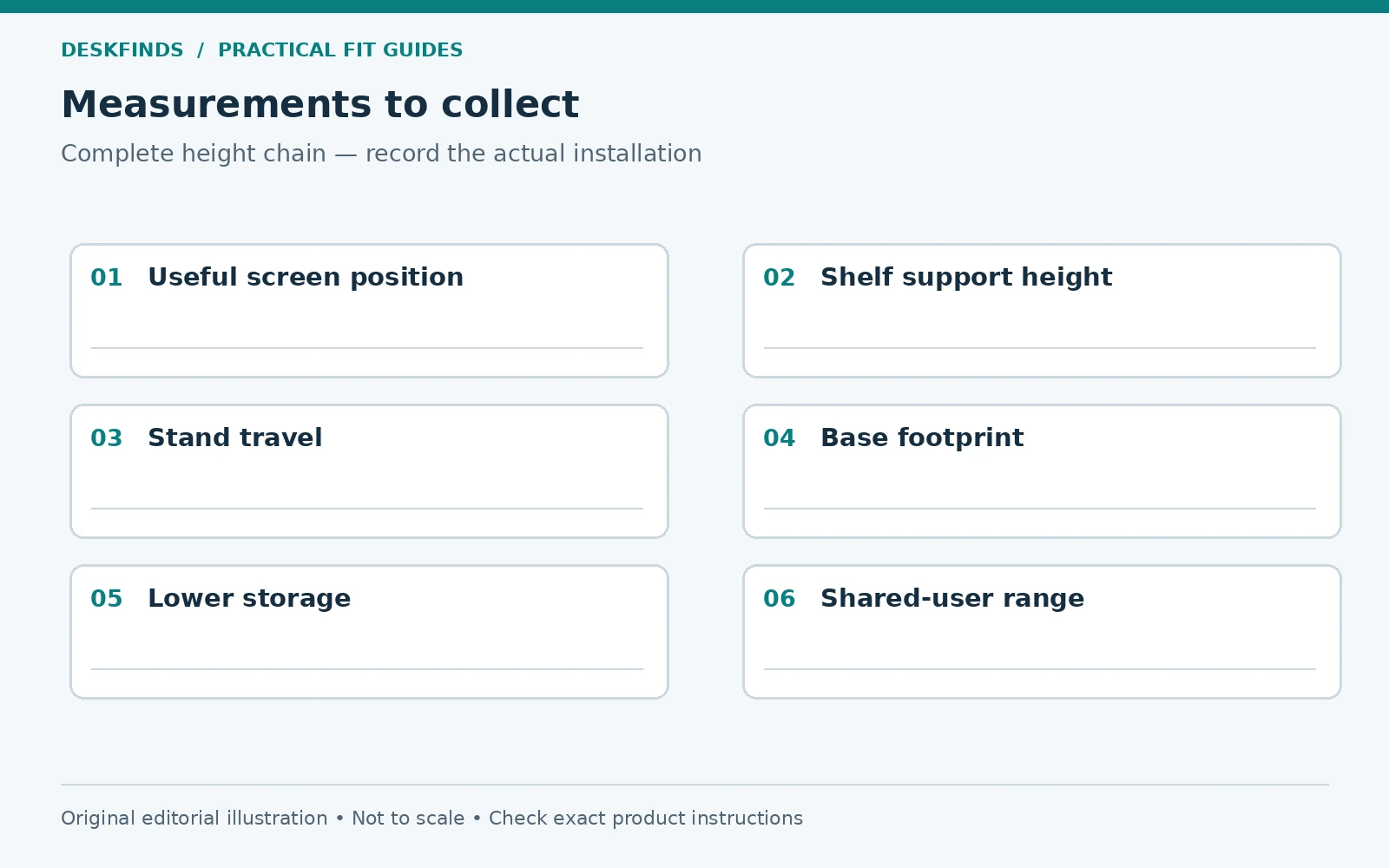
Record the desktop height from the floor, the shelf's added support height, and the monitor's screen position relative to its base at the settings you can use. Keep the same reference point on the panel, such as the top edge, throughout the comparison. Mixing screen center and top-edge measurements creates misleading arithmetic.
A shelf's advertised height may refer to its overall structure, not the height of the support surface. Feet, pads, and the top thickness can matter. Ask for the assembled support height if that is the decisive figure. Do not estimate it from a styled photograph.
Check the stand's remaining downward travel. A monitor already at its lowest position cannot absorb the shelf's rise by lowering further. A stand with some adjustment may absorb part of it, not necessarily all. The result depends on the exact monitor and shelf, not the category name ergonomic riser.
Use an illustrative height calculation
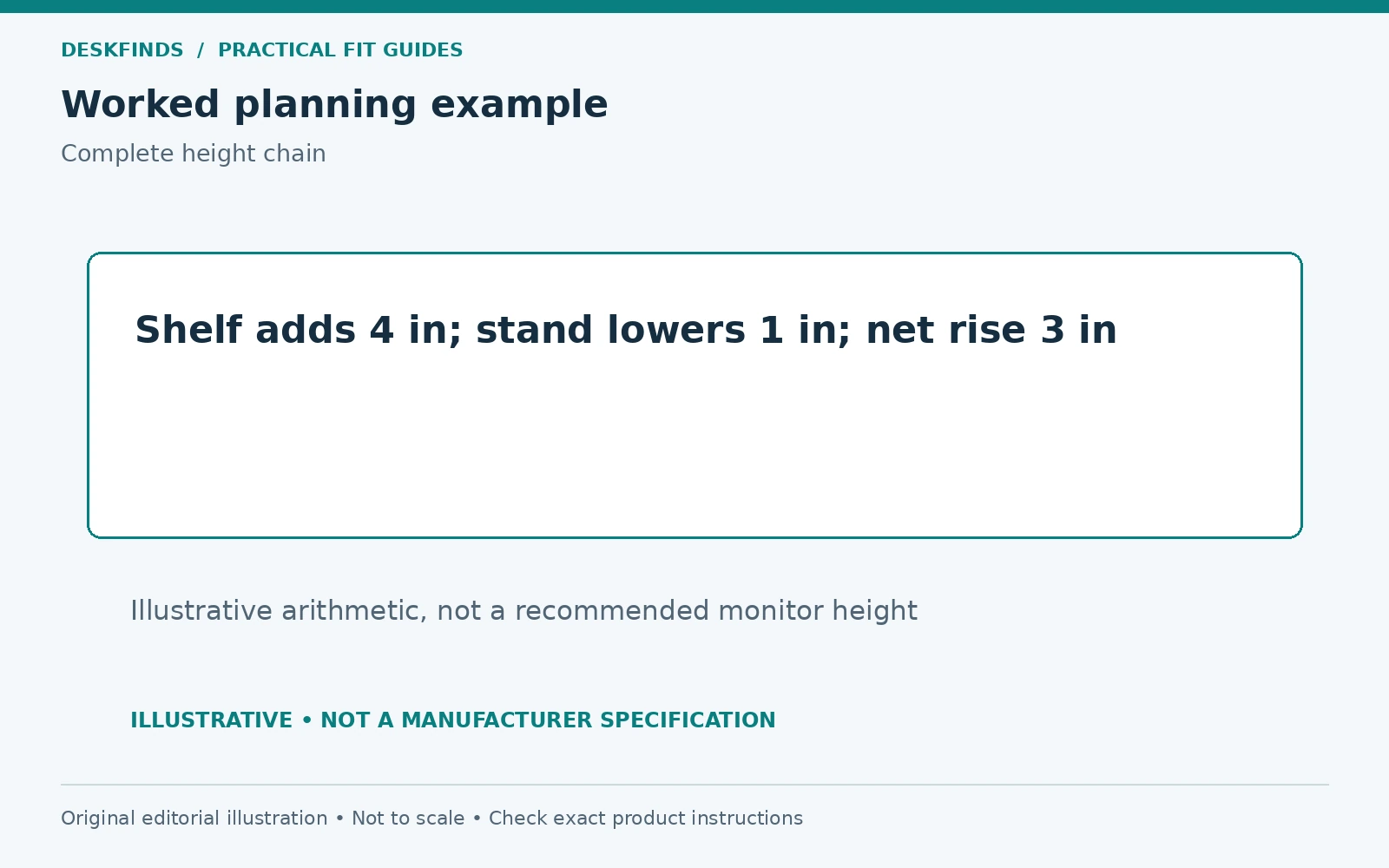
Imagine a shelf raises the monitor base by four inches, while the monitor stand can lower the screen by only one inch from the current useful position. The screen would remain three inches higher if nothing else changed. These are hypothetical figures, not a recommended height or a particular product's specification.
Raising the chair to meet that result changes foot support, keyboard position, and desk clearance. It may be an appropriate adjustment in some coordinated setups, but it is not an automatic fix. Reassess the whole workstation rather than using the chair solely to accommodate a shelf selected for storage.
The calculation is useful because it identifies the unresolved height before purchase. It does not determine comfort by itself. A full-size supported mock-up or actual trial at the intended position remains necessary, especially for a large display or a user with specific viewing needs.
Define the storage benefit precisely
List what needs to go beneath the shelf. A keyboard, notebook, dock, or small supply tray has a different height and access requirement. Choose the lowest suitable opening that serves the actual objects rather than the tallest shelf available. Unneeded lower clearance still raises the monitor above it.
Our keyboard-under-riser guide covers the opening geometry. The shelf's external width and height do not establish usable space between supports. A storage plan can fail even before the screen-height issue is considered.
Also decide whether the objects are parked or operating beneath the shelf. A keyboard stored between tasks differs from a powered device that needs ventilation and port access. Follow the exact device instructions. Do not place operating equipment in a tight bay simply because it leaves the upper surface clear.
| Height-chain item | What to record |
|---|---|
| Desk | Actual support surface height |
| Shelf | Added assembled height to its top |
| Monitor stand | Useful adjustment range remaining |
| Display | Same panel reference point in each state |
| Chair and user | Normal working setting and readable view |
| Lower storage | Minimum useful opening and access |
Check the top footprint and load separately
The monitor base must fit the shelf's usable support area as intended. A shelf can be wide enough while too shallow for long stand feet. Do not let a base hang partly over an edge to recover depth unless the product explicitly supports that arrangement. Screen weight alone does not establish footprint suitability.
Read the shelf's load, assembly, and placement instructions. Include any speakers, laptop supports, or other objects on top. A long decorative shelf is not automatically rated for several screens. Keep total and local loading requirements distinct where the manufacturer specifies them.
If another mount will attach to the shelf, verify that exact use. A freestanding shelf's monitor load rating is not necessarily approval for a clamp arm. The arm can apply concentrated pressure and leverage. Our hollow-core and clamp guide explains why dimensional fit and structural approval are separate.
Make a safe visual mock-up
Represent the proposed screen position with a lightweight board or outline at the same reference height. Use a stable arrangement that cannot fall on the user or equipment. Do not stack a real monitor on books or loose boxes to create a trial load. The mock-up is for view and geometry, not strength.
Sit at the desk and perform the usual visual task. Check the top and bottom of the working content, not only a central icon. Include the chair settings and input position you intend to keep. A high display can seem acceptable for a brief glance while becoming inconvenient during detailed work.
Test the shelf's lower opening with separate object templates. Keeping those two tests distinct prevents a good storage result from distracting from a poor screen result. The candidate needs to serve both roles, or the storage should move elsewhere.
Example: useful storage creates an unhelpful screen lift
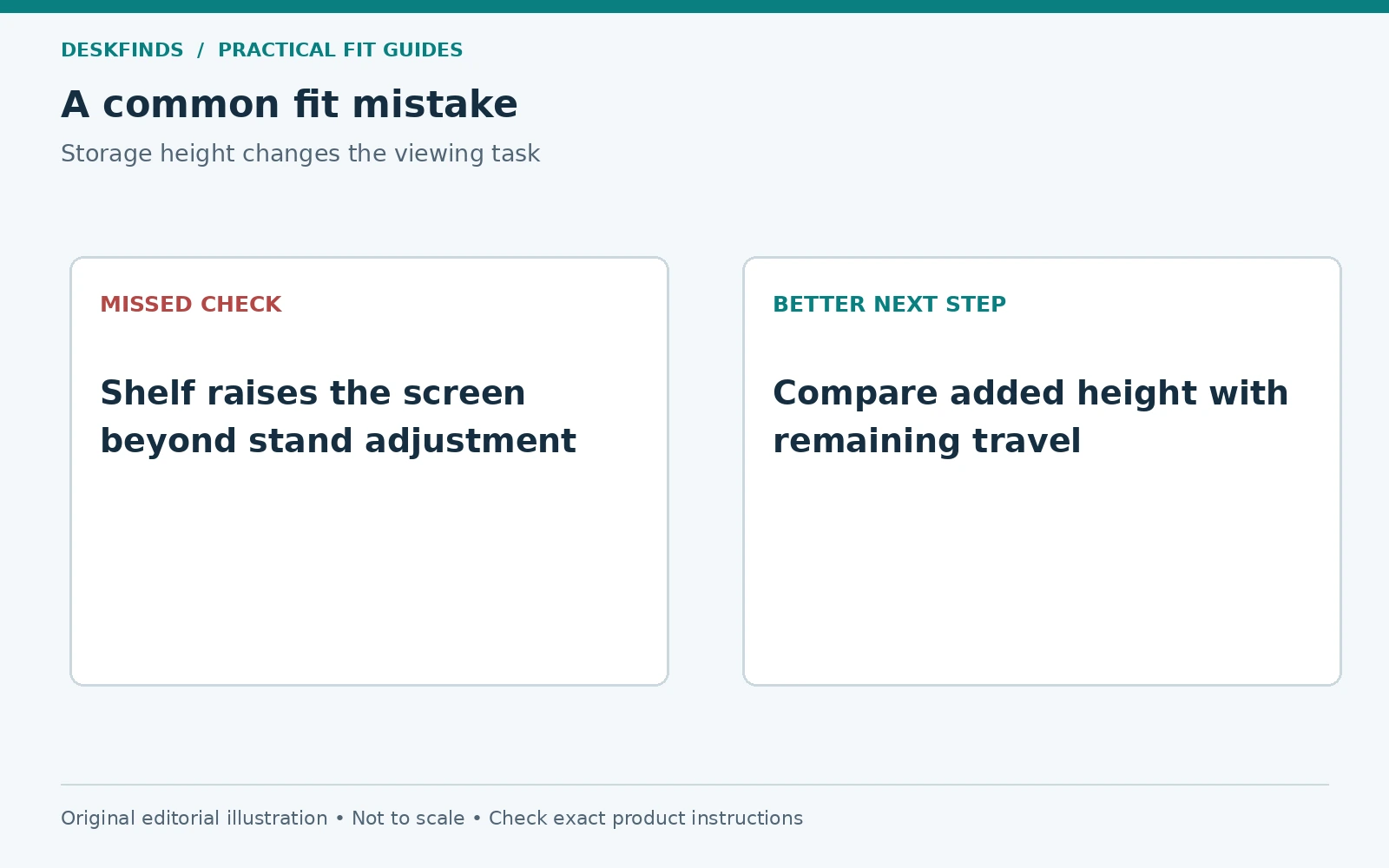
A user wants room for a keyboard and notebooks beneath a shelf. The chosen shelf provides a generous opening, but the monitor stand is already at its lowest setting. The display ends up higher than the user can read naturally. Lowering the stand cannot compensate.
The user compares a lower shelf that fits only the essential parked items and moves occasional notebooks to another location. The storage benefit is smaller on paper but the working arrangement is better. The shelf is chosen from actual contents rather than a desire to maximize the lower bay.
Another option might be a compatible screen support that preserves height while storage is arranged independently. That requires its own load, mounting, and room checks. The important point is not to make the user adapt to an avoidable shelf height solely because the product looks organized.
Example: a shared desk needs more adjustment range
Two people share a desk at different times. One finds the shelf height useful, while the other needs the screen lower. A fixed shelf and nearly fixed stand leave too little range for the second user. A compromise midpoint does not necessarily serve either person well.
They record their useful screen positions and compare a lower shelf with a compatible adjustable support. The lower storage is redesigned so both users can work without dismantling the arrangement. Our shared-desk handover guide helps preserve those individual settings.
The solution is assessed through the transition as well. Moving the screen between users should not trap cables or collide with a shelf, lamp, or wall. The final positions and the movement between them both need room.
Do not solve height by creating a depth problem
Moving the monitor farther away can change how its height feels, but the screen still needs to remain readable at a useful distance. Do not push it to an extreme rear position merely to tolerate an unsuitable lift. Text scaling and task layout deserve separate attention.
A shelf can also move the base forward if its supports or rear position are constrained. Trace the complete footprint on the desk and keep keyboard and mouse space available. Our shallow-desk monitor layout guide provides a way to protect the input area.
Check rear plugs and cable bends. A shelf near a wall may raise the screen into a window sill or bring connectors against an obstacle. The height chain is part of a three-dimensional layout, not a standalone vertical number.
Compare alternatives by the task they preserve
A low monitor stand may provide enough organization without a broad shelf. A side storage unit can hold supplies without changing the display. A compatible monitor arm can separate screen support from surface storage, but needs a suitable desk and movement envelope. Each option has different checks.
Keep the original stand available if changing supports. It can provide a known fallback when moving to another room or desk. Do not discard necessary parts because the shelf arrangement looks permanent. The workstation may change, and reusable components reduce the need for improvised support later.
For product context, Grovemade's shelf system shows a particular coordinated arrangement. Treat it as model-specific design information, not evidence that any shelf height suits any monitor. The actual user and equipment remain the basis of the decision.
Keep a purchase brief with both roles visible
Write the desired screen reference height, the stand's remaining adjustment, maximum acceptable added support height, required top footprint, and lower storage opening. Include the exact objects to park and any operating devices beneath the shelf. Ask for missing dimensions before ordering.
After installation as directed, reassess the normal work sequence and shared-user settings. If the screen position causes persistent difficulty, revise the arrangement rather than treating the shelf as an ergonomic improvement by definition. Useful storage should not make the main visual task harder.
Compare monitor risers after the height and footprint brief is clear. A good desk shelf earns its place by improving organization while preserving a useful display position. Its largest opening or most attractive material is secondary to that fit.
Record the useful range rather than one perfect number
Write down the screen positions that serve your normal tasks and users. A large document, a call, and another person's session may use different supported settings. The shelf should leave enough practical adjustment for those needs. A design that reaches one position exactly but eliminates all flexibility may be less useful than it first appears.
Keep the viewing check task-based. Read the content you use, look between its upper and lower parts, and assess whether you are holding an awkward position. Do not turn a brief trial into a medical conclusion. If a particular vision or posture issue needs professional assessment, use that guidance alongside the furniture plan.
When comparing shelves, note how much adjustment remains after each is added. This can reveal why a low shelf plus a suitable stand is more adaptable than a tall shelf chosen for a generous storage bay. The useful range is part of the purchase brief, not an extra feature to consider only after installation.
Separate shelf height from monitor-base geometry
Two monitor stands can place their panels at different heights above the same support surface. The base can also sit at a different point on the shelf because of its footprint. Measure the actual relationship instead of assuming the shelf's lift is the complete screen-height change in every configuration.
Check whether a stand's advertised height range is measured to the mounting point, screen center, or another reference. Use the same reference when comparing your current useful position. A specification can be accurate and still be misapplied if its endpoints are misunderstood. Ask the manufacturer when the drawing is unclear.
Do not infer that a third-party stand will provide the needed lower position without verifying its compatibility, load, mounting interface, and geometry. Replacing the stand is a separate equipment decision. A shelf that requires another unverified purchase is not yet a complete solution.
Give operating devices beneath the shelf their own brief
If a dock or small computer will operate below the shelf, record its dimensions, ventilation needs, cable exits, and service access. The minimum keyboard opening is not automatically the right space for an active device. A clean upper surface does not justify placing equipment in conditions its instructions exclude.
Check how a device is connected and removed. A port at the rear may be difficult to reach once the shelf and monitor are loaded. A power adapter may need a different supported location. The lower bay should remain serviceable without using the display or shelf as a handle for moving the whole arrangement.
If the device cannot operate appropriately there, reserve the bay for suitable parked items and move the active equipment elsewhere. Storage and operation are different roles. Keeping that distinction can prevent buying a tall shelf to solve a device-placement problem that the shelf does not actually resolve.
Review the change with a before-and-after task list
Before installation, note what the shelf is expected to improve: keyboard parking, paper organization, or a particular device arrangement. After a permitted installation, repeat the same normal tasks and check the screen, input area, and access. Do not assess success only from the amount of empty desktop visible.
If the lower storage is useful but the display position is worse, the product has solved only part of the problem. Compare a lower shelf or another storage location rather than adapting indefinitely to the height. If the display improves but the bay remains unused, a simpler support may provide the same benefit with less occupied surface.
Keep the final dimensions and settings in a short record. When a new display or chair arrives, repeat the height-chain check. The old shelf does not become universally suitable because it worked with the previous monitor and user settings.
Keep the reference points on the drawing
Label whether each height is measured to the support surface, screen top or mounting point. This prevents a future comparison from mixing unlike figures. When a monitor is replaced, measure its own stand relationship again instead of applying the old screen height to the new device.
Sources and scope
- OSHA monitor guidance - general positioning and individual viewing considerations.
- Grovemade shelf system - example product-system context; no dimensions or outcomes are generalized.
The height-chain worksheet and examples are original editorial planning tools, not a medical assessment or hands-on shelf test.