
How to Create a Home Office You Can Pack Away Each Evening
Affiliate Disclosure: We may earn a small commission on qualifying Amazon purchases at no extra cost to you. Full disclosure →
A workspace in a dining room, bedroom, or shared living area has two jobs: support useful work and return the room to its other function. Hiding a laptop in a drawer is only one part of that transition. The monitor, cables, papers, chair, and charging equipment also need deliberate destinations that do not create a new pile elsewhere.
Quick answer: Design the work state, storage state, and route between them before buying furniture. Give every moved item a stable landing place, keep necessary equipment accessible and ventilated, and reduce the number of daily connections. Test the full pack-away sequence during a normal workday. A setup is only portable if you can actually move and restore it comfortably.
This guide focuses on repeatable daily transitions. It is different from packing equipment for transport, which is covered in our dorm move guide.
Decide what pack-away means in your room
Some rooms need the desktop completely clear for dining. Others only need work materials hidden from view. A third may require the furniture itself to fold or move. Write down the required end state in functional terms: table available, walkway clear, personal papers stored, or floor space returned.
Do not impose a fully invisible office if a smaller reset meets the household need. Moving a heavy monitor every day can add handling without improving the room's actual function. A permanent screen on a compatible support may be acceptable while the keyboard and papers are stored. Agree on the outcome before optimizing the mechanism.
Include the chair. It may need to tuck under furniture, move elsewhere, or remain available for another use. Check its storage footprint and the route. A cleared table with a work chair blocking the room has not fully returned the space to its intended function.
Inventory what must move
List the laptop, input devices, headset, notebook, documents, lamp, dock, cables, and any other equipment. Mark which items can remain in place and which must be stored. Separate fragile or heavy equipment from lightweight tools. This reveals whether one removable kit can handle most of the transition.
Keep only the active work inventory at the desk. Archives, spare cables, and occasional tools need not join the daily pack-away routine. Reducing the number of moved objects can be more useful than buying a larger storage unit. The goal is a short sequence that does not require sorting every evening.
For each moved item, record its dimensions, weight where relevant, and storage conditions. A closed box may be suitable for an unplugged keyboard but not for operating charging equipment that needs ventilation. Follow the exact device instructions rather than treating all small electronics as interchangeable contents.
Draw three states, not one beautiful setup
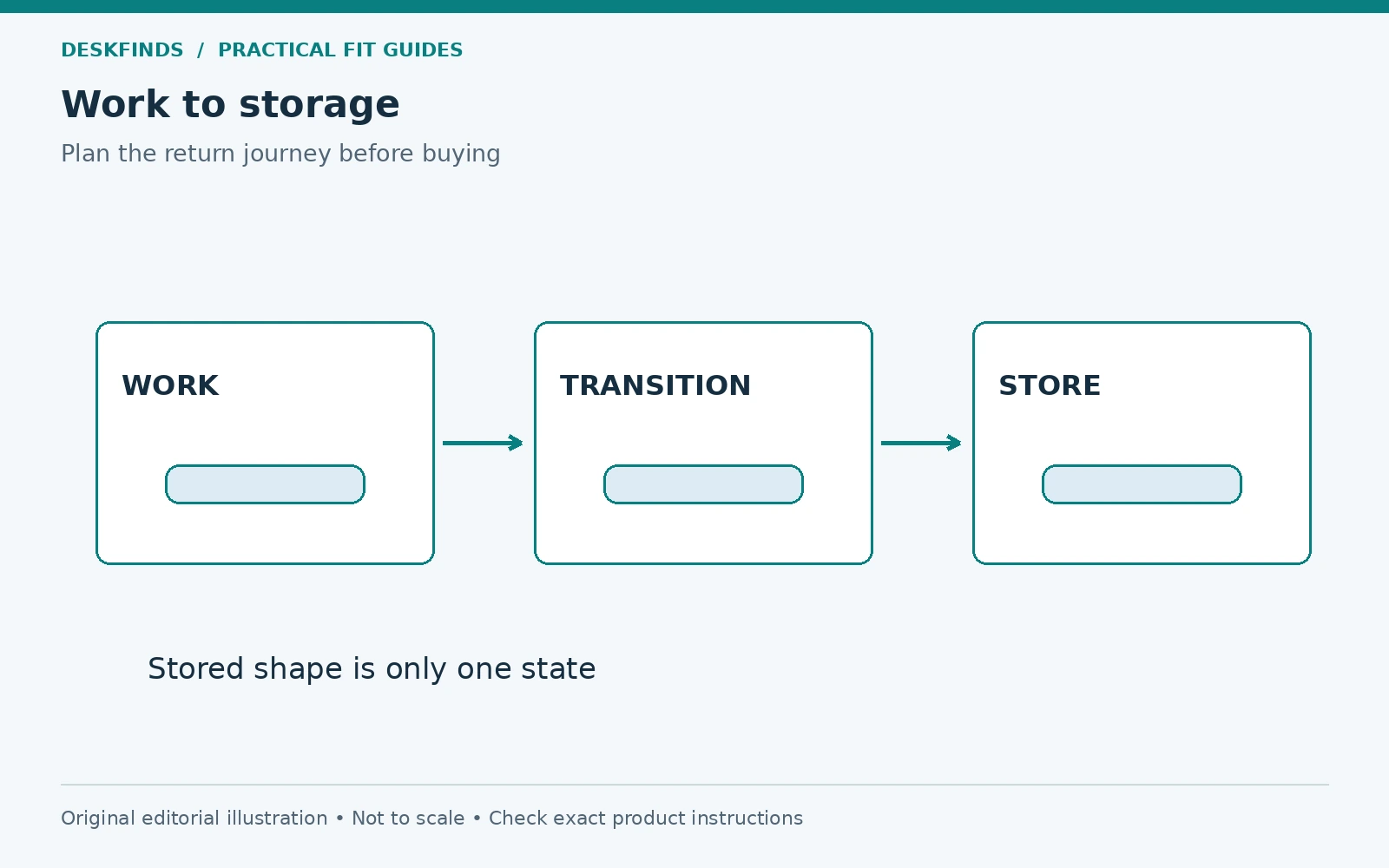
Make a work-state plan showing the user, screens, input area, paper space, power route, and required room access. Then draw the stored state with every item assigned a destination. Finally, draw the transition route, including turns, door openings, and temporary landing points.
A system can fit both endpoints and still fail the move between them. A monitor may fit on a shelf but be awkward to lift around a lamp. A folding desk may store flat but need a clear sweep area to open. Follow the furniture's operation and load instructions through the full sequence.
| State | Question to answer |
|---|---|
| Working | Can the actual tasks be completed in a useful position? |
| Storing | Does each item have a suitable, accessible place? |
| Moving | Can it reach that place by the prescribed handling method? |
| Reopening | Can the desk be restored without searching or unsafe balancing? |
Build a work kit around the daily tools
A removable tray or bin can gather a keyboard, mouse, notebook, and small accessories. Check the usable internal dimensions and the weight you can carry comfortably. A kit should not become so deep that the frequently used item is buried beneath everything else. Keep heavy and fragile objects supported appropriately.
Give the kit a fixed storage location. Measure shelf access, handles, and the path out, not just the container's body. Our storage bin fit guide covers those dimensions. A container that must be turned sideways and unpacked to reach its shelf is unlikely to support a quick daily routine.
Use simple internal roles: input tools, active papers, and small accessories. A few clear categories can be enough. Avoid a kit with so many compartments that packing requires a precise arrangement every evening. The system should tolerate an ordinary busy day without becoming disorganized.
Reduce connections without assuming universal compatibility
A suitable dock can reduce the number of cables handled daily, but verify support for the computer, displays, peripherals, and power needs. One connector shape does not guarantee one-cable operation. Our single versus dual cable docking guide explains the distinction.
Decide which cables remain with the room and which travel with the laptop. Label them and keep loose ends in a suitable accessible position. Do not let a parked cable fall behind furniture or pull on a device port. Cable guides need compatible surfaces and should not carry unsupported adapters.
If the power equipment stays in place, keep it accessible and used within its instructions. Do not hide an operating charger in fabric storage merely to make the room look clear. A visually quiet office can still leave the necessary ventilation and inspection access intact.
Choose furniture by the deployed and stored task
A fold-down desk needs a suitable installation and a clear operating area. A mobile desk needs a route and parking location. A cabinet workstation needs usable access with doors open and enough space for the user. None should be chosen only by its closed appearance.
Check the load limit and whether equipment must be removed before folding or moving. Do not assume a desk can be relocated while loaded because it has wheels. Follow the furniture's intended handling method and keep cables clear. A daily transition should not depend on ignoring the product's operating instructions.
Compare a permanent small surface with a removable work kit as well. It may provide a simpler transition than furniture with several moving parts. The best solution is the one that returns the room to its needed function with the least unnecessary handling.
Plan paper work as part of the reset
Give unfinished documents an active-work tray or folder rather than mixing them with archived records. Decide what must be secured or kept private according to the actual needs and policies. An open box placed on a shelf may conceal clutter without protecting information.
Keep a brief restart note with the active work if useful. It can state the next task or the document location without leaving sensitive information exposed. The physical desk can be clear while the work remains easy to resume. This reduces the temptation to leave everything spread out overnight.
Our laptop and paperwork layout guide helps define the working zones before choosing their storage destinations. A paper system should support both the session and its ending, not become a separate sorting project each day.
Example: the dining table becomes available after work
A remote worker uses a laptop, external keyboard, small monitor, and paper notes at a dining table. The family needs the table clear each evening. Initially, the equipment moves to the nearest chair and then back again, leaving cables and papers scattered.
The worker creates a suitable storage location and a lightweight kit for input devices and active notes. The monitor's handling and support requirements are checked separately; it is not placed in the same loose bin. Cables are disconnected by their intended method and parked where they can be found. The table is cleared through a defined sequence rather than a series of temporary piles.
The routine is tested after a busy day, not only during initial setup. If it requires too much lifting or a risky screen move, the furniture or equipment plan is revised. A good pack-away office should remain practical when the user is tired.
Example: only the visual work cues need to disappear
Another room does not need an empty surface, but the user wants to stop seeing unfinished work in the evening. Moving every device is unnecessary. A closed personal tray for papers, a parked keyboard, and an appropriate screen state meet the goal while the monitor stays supported in place.
The user keeps the reset short and avoids enclosing equipment contrary to its instructions. The room returns to its other role without daily lifting of fragile devices. This is a valid pack-away strategy because it addresses the actual need rather than an ideal of total invisibility.
If the room is shared, agree which items may remain and where. The result should be clear to everyone, so a permanent lamp or monitor is not repeatedly treated as clutter to move. A defined end state prevents the routine from becoming a daily negotiation.
Time the transition and remove friction
Perform the full pack-away process and note the steps that take the most effort. Do not turn the exercise into a speed contest. Look for avoidable actions: tracing an unlabeled cable, clearing another shelf, finding a missing sleeve, or moving an object twice. Those are design opportunities.
Try the reverse process as well. A desk that clears quickly but takes a long time to restore may still discourage use. Keep a connection photo and a simple contents list if they help. The system should reduce decisions rather than require memorizing a complex arrangement.
A useful accessory eliminates a repeated problem. A correctly sized bin, cable label, or stable landing surface can be more valuable than a large decorative cabinet. Compare desk organizers and small-room storage against the specific step you want to improve.
Keep the routine safe and sustainable
Follow device shutdown, disconnection, cooling, storage, and handling instructions as applicable. Do not assume that closing a laptop or switching a display off makes every storage arrangement suitable. Keep liquids, loose metal objects, and pressure away from fragile equipment. Inspect cables when they are handled frequently.
Maintain the storage location. If it fills with unrelated items, the work kit will return to temporary piles. Review what belongs there and move archives elsewhere. A pack-away system needs a protected destination just as a permanent desk needs a protected input area.
After a week, ask whether the room's other function is restored and whether work can restart easily. If both are true, the system is serving its purpose. A home office that disappears each evening should be designed around real tasks, clear storage, and a manageable transition rather than the largest number of folding accessories.
Build a transition ledger
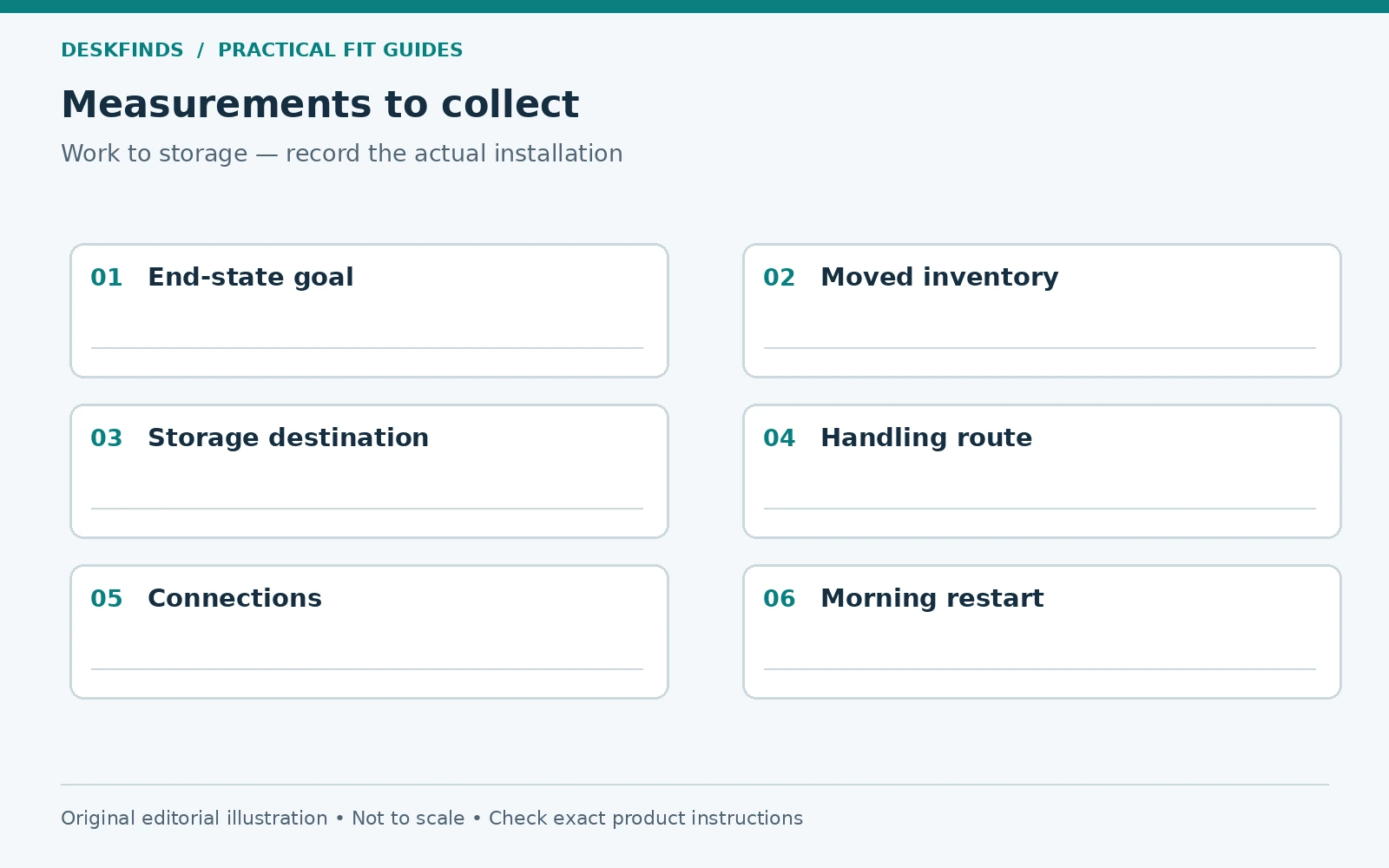
Write each moved item in one row and give it a work location, storage location, handling method, and restart step. The ledger makes it clear whether an object is truly packed away or merely relocated to another temporary surface. A row without a storage destination is an unresolved part of the design.
Add the connections that must be released and restored. A laptop may need one supported docking connection, while a monitor may have separate power and display leads. Do not assume one-cable operation from the connector alone. Keep the correct cable identities in the ledger so the restart does not become a guessing exercise.
Use the ledger during a real end-of-day reset. Mark any item moved twice or any step that requires clearing another location first. These are the most direct opportunities to simplify the system. Moving the storage kit closer may save more effort than buying a more elaborate folding desk.
Design a landing surface for the difficult item
The heaviest or most fragile daily-moved item deserves its own plan. Check its handling instructions, grip points, orientation, and required support. Do not put a monitor into a general supplies bin simply because it fits diagonally. A device that is awkward to move may be better left on a suitable permanent support.
If the room requires the item to disappear, compare a dedicated storage location with enough access for the prescribed handling. Include the approach route and the space needed to turn. A shelf that fits the resting device may still be difficult to reach while holding it safely. Use a lightweight dimensional mock-up for planning rather than experimenting with the real load.
If the transition needs assistance, make that part of the ownership decision. A system that depends on help every evening may not suit a person who usually works alone. The furniture's compact stored shape is less important than whether the actual user can perform the whole sequence as intended.
Keep operating equipment out of the storage fiction
List which devices remain powered or charging after the room resets. Their location must still meet the operating requirements. Do not label a closed box as storage if an adapter inside is actively supplying power and needs ventilation. The visual end state should be designed around the real equipment state.
A suitable open shelf or accessible charging location may serve better than a sealed decorative container. Cable routes can be neat without concealing every component. Preserve the ability to inspect, disconnect, and replace parts without dismantling the storage system. A tidy room should not require inaccessible power equipment.
For devices that are shut down and stored, follow their own instructions for cooling, handling, and environment. Requirements differ. Avoid a generic assumption that all electronics can be enclosed immediately after use. Keep the relevant manual information with the transition ledger so the routine remains accurate when equipment changes.
Test the morning restart under time pressure
Choose an ordinary morning when you need to begin work and follow the planned sequence without extra preparation. Notice missing cable ends, a kit that opens in the wrong direction, or a chair parked behind another object. These are design issues worth fixing before the routine becomes established.
Keep a small restart checklist only for the steps that are easy to miss. Too many instructions can become another burden. A clear connection photo and labeled kit may remove the need for several written steps. The goal is a stable physical system, not dependence on a long daily procedure.
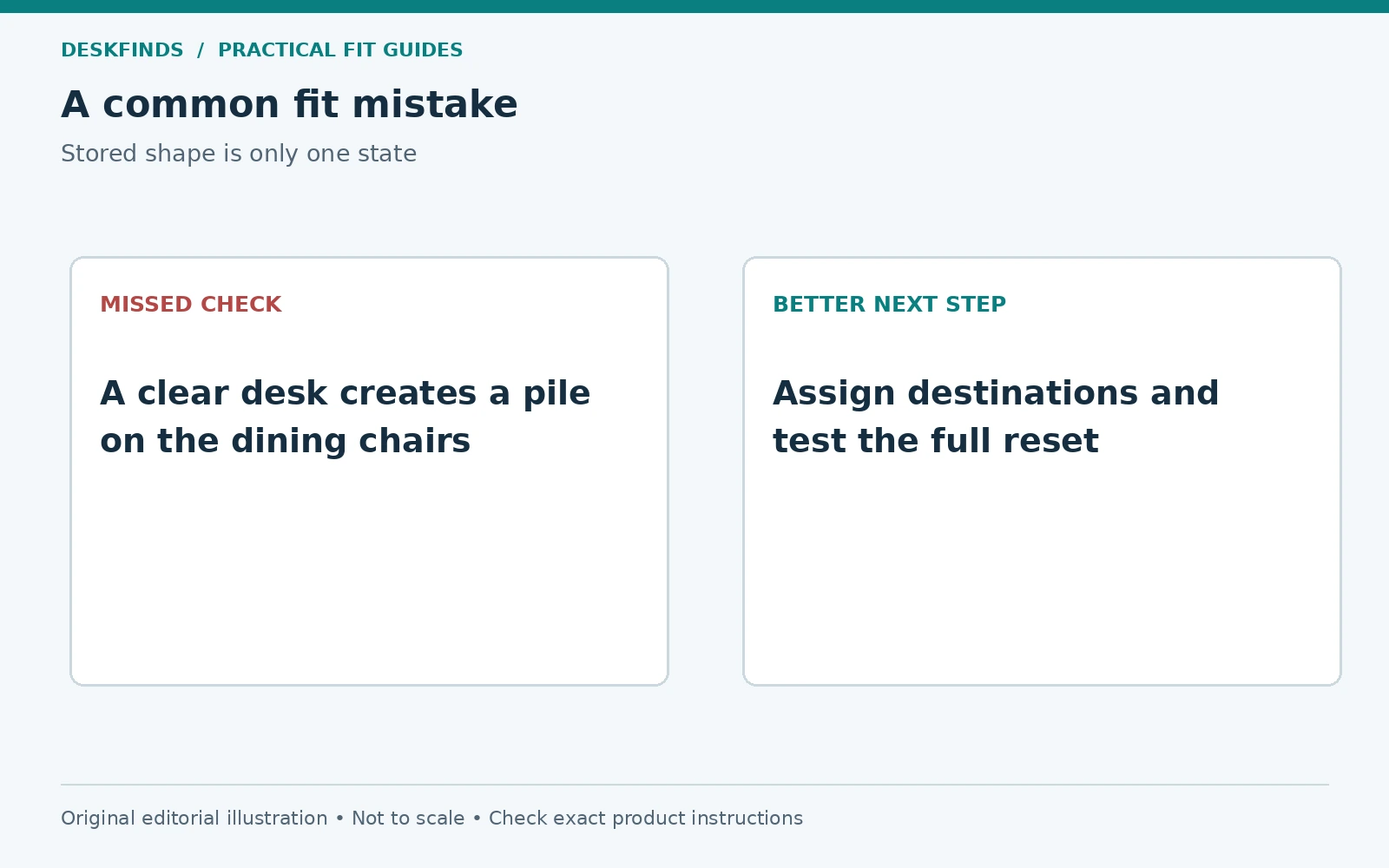
After the trial, compare the room's non-work use as well. Is the table genuinely available? Is the route clear? Are work papers appropriately stored? A pack-away office succeeds only if both the restart and the room's other function work. A fast reset that leaves equipment on the dining chairs has simply moved the problem.
Protect the storage destination
Keep the work kit's shelf available throughout the day. If it becomes a general landing area, the evening reset will again depend on moving unrelated objects. A clear label or agreed household rule can help preserve the space. The destination is part of the office system, so it deserves the same attention as the deployed desktop.
Sources and scope
- Apple adapter and cable guidance - example of device-specific power and handling requirements.
- OSHA workstation components - general background for the deployed working arrangement.
The three-state method and examples are original editorial planning guidance. Furniture and device manuals control permitted movement, support, ventilation and storage.