
Minimalist Desk Setup: 10 Clean, Clutter-Free Workspaces (2026)
A minimalist desk setup is not about removing everything from your workspace. It is about keeping only the items that make your desk easier to use, easier to clean, and easier to focus on.
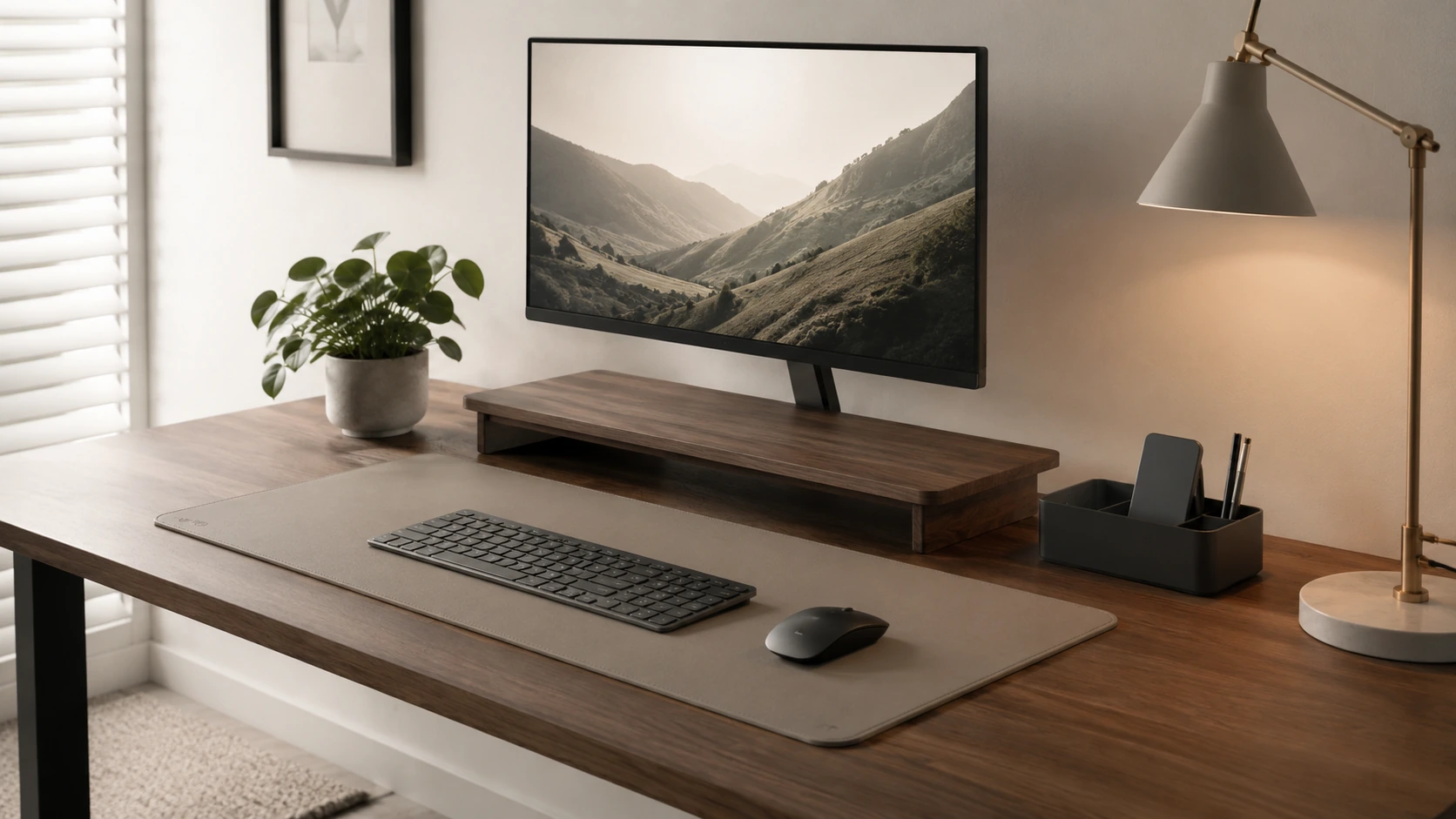
A minimalist desk setup is not about removing everything from your workspace. It is about keeping only the items that make your desk easier to use, easier to clean, and easier to focus on. The best minimalist setups usually rely on a few smart pieces: a clean desk mat, one slim organizer, hidden cables, a compact lamp, and simple tools that do more than one job.
Every item on a minimalist desk should earn its place. That means each piece solves a clear problem -- reduces clutter, saves space, improves lighting, hides cables, or improves focus. If it does not do any of these things, it probably belongs somewhere else.
Below are 10 minimalist desk setup ideas for work, study, and small spaces -- plus the products that actually deserve a place on your desk.
All 10 Picks at a Glance
At a Glance
Minimalist Desk Setup Checklist
Each item below earns its place because it solves a specific problem. Use this as a quick reference before buying anything new.
| Minimalist item | Best for |
|---|---|
| Desk mat | Cleaner visual layout |
| Slim organizer | Pens, sticky notes, chargers |
| Cable tray | Clean desk look |
| Wireless charger | Phone and earbuds |
| Slim keyboard | Laptop or monitor setups |
| Compact mouse | Any minimal setup |
| Monitor stand | Small desks |
| Clamp lamp or light bar | Study and work lighting |
| Headphone hook | Audio users |
| One decor piece | Cozy minimal setups |
If starting from scratch: begin with a desk mat, cable management, and one organizer before adding anything decorative.
Start With a Clear Desk Surface
Before buying anything new, remove every item from the desk and set it on the floor. Then bring things back one at a time, only if they serve a clear daily purpose. Most people discover that roughly half of what was on their desk can stay off permanently.
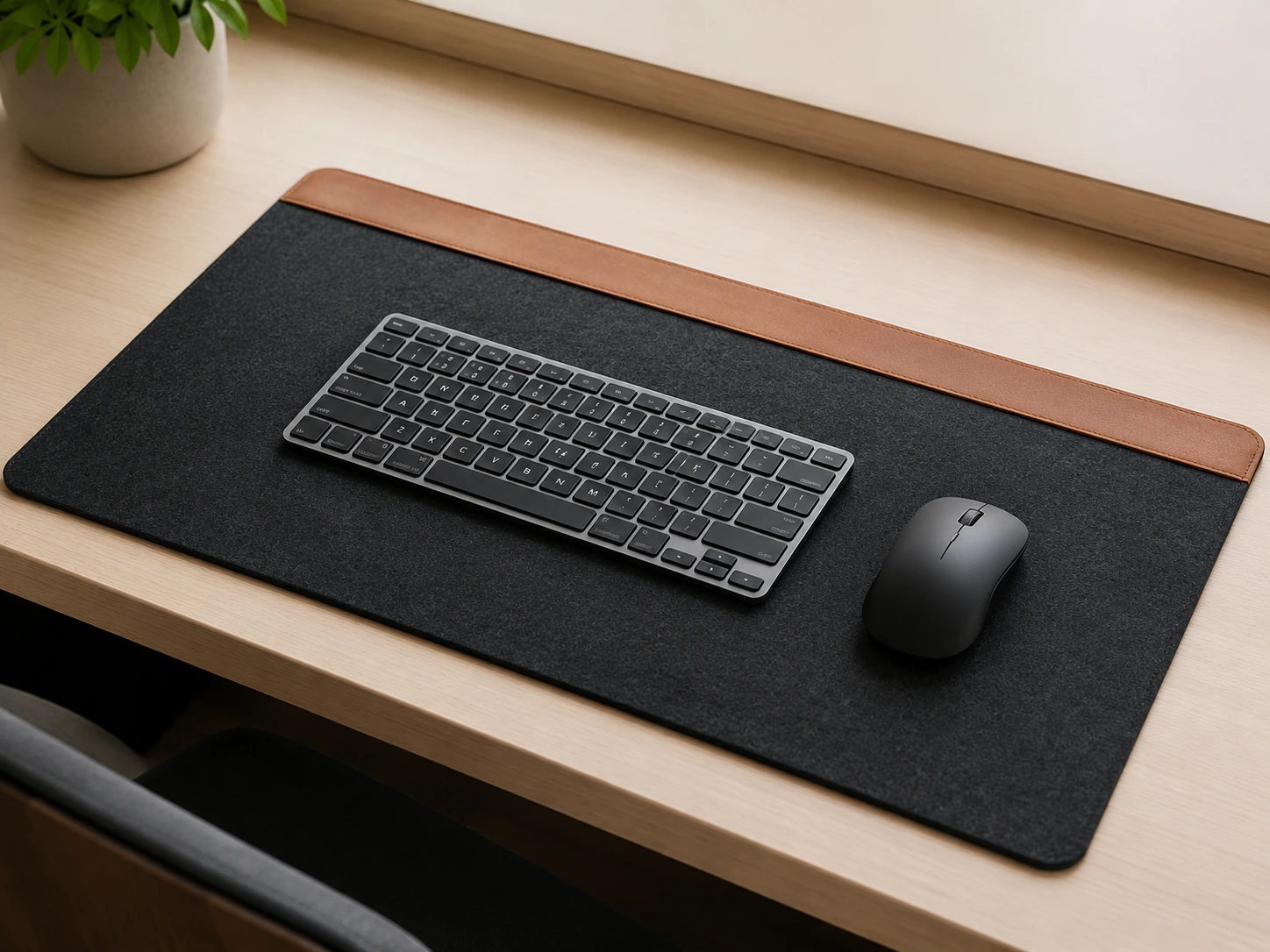
A minimalist desk setup works best when the surface has one clear job: giving you enough space to work. A desk mat placed at this stage helps define the working zone and makes everything that stays feel more intentional.
Desk mat
Nordik Felt + Leather Desk Mat
Amazon Prime eligible
For more options, see our guide to best desk mats for small desks.
Use a Desk Mat to Visually Anchor the Setup
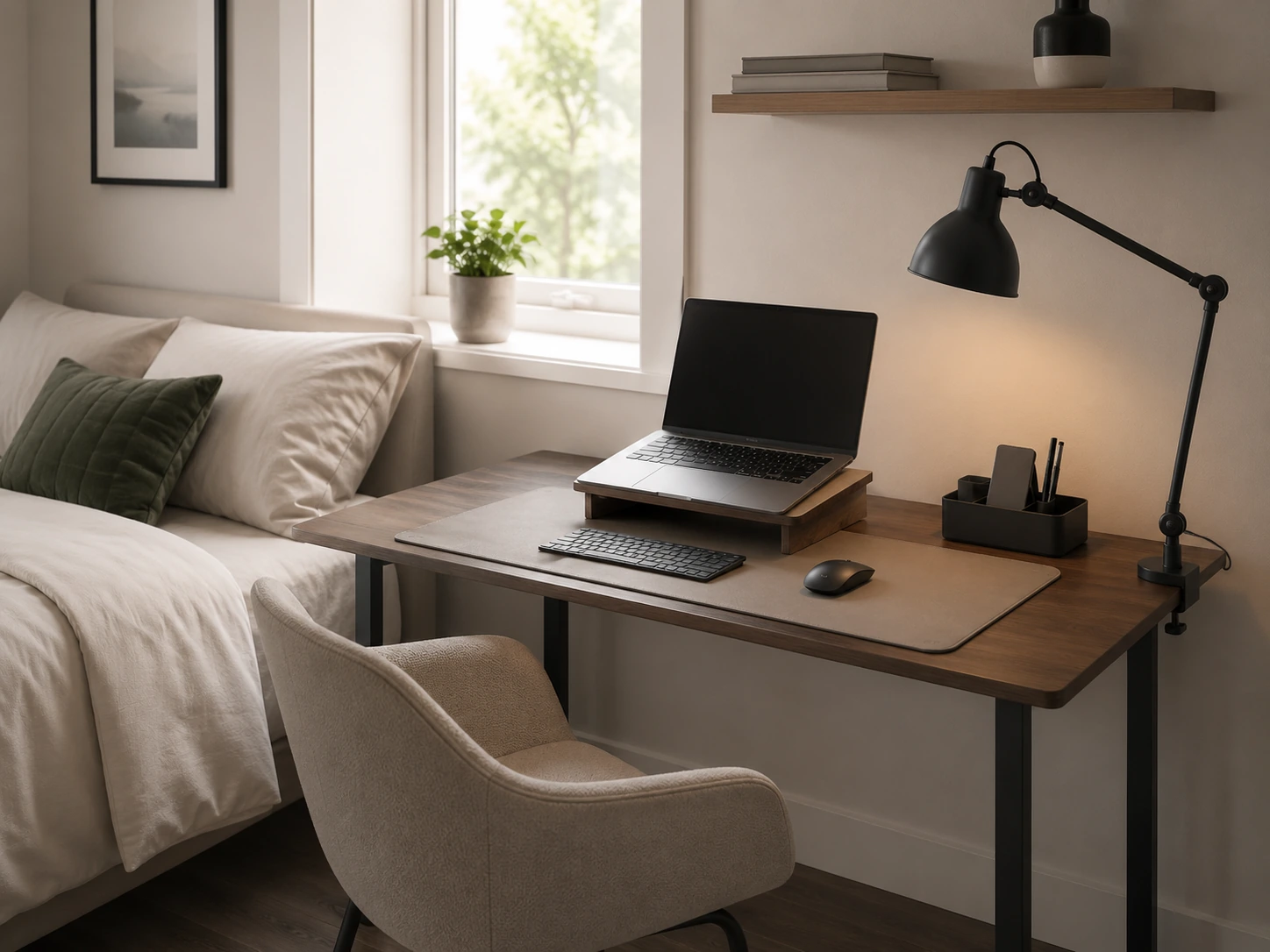
A desk mat is one of the easiest minimalist upgrades because it makes the setup feel intentional without adding extra objects. Choose a neutral color -- charcoal, slate, beige, or black -- a simple texture, and a size that fits your keyboard and mouse without covering the full desk.
A mat also makes it immediately obvious when something does not belong. Items that sit on the mat are part of the setup. Everything else can be stored, hidden, or removed.
Desk mat
Nordik Felt + Leather Desk Mat
Amazon Prime eligible
For more options, see our guide to best desk mats for small desks.
Replace Multiple Containers With One Slim Organizer
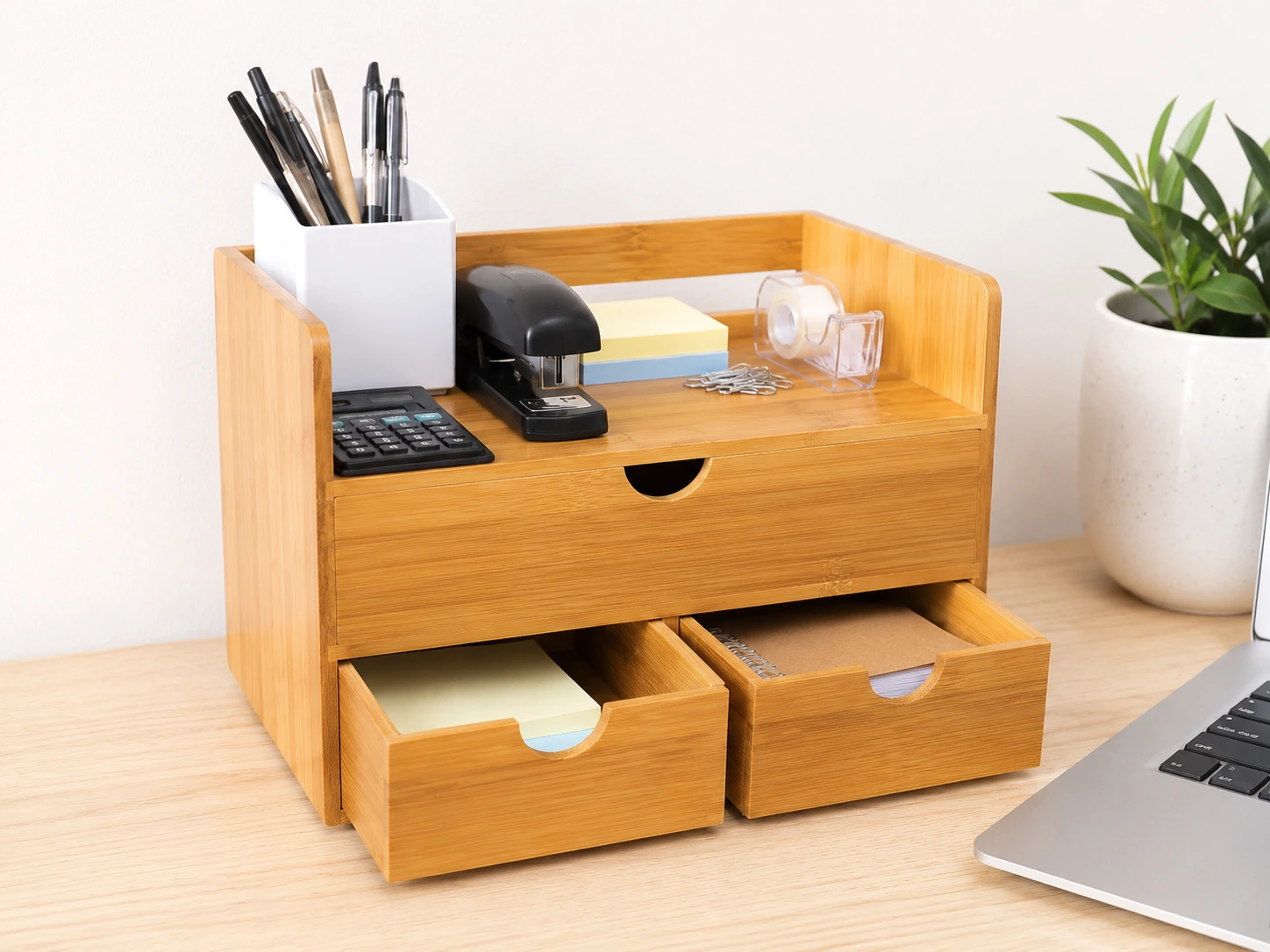
The most common clutter mistake on a minimalist desk is using five separate containers when one would do. A pen cup, a sticky note tray, a cable box, a business card holder, and a small basket each take up individual footprint and visual attention. A single slim organizer with compartments handles all of them in one object.
For a minimal look, choose an organizer with a natural material -- bamboo or wood -- or a single neutral color. Avoid chrome, heavily branded, or multi-color options that fight for attention against everything else on the desk.
Minimal desk organizer
Sorbus Bamboo Desk Organizer
Amazon Prime eligible
For more options, see our guide to small desk organization ideas.
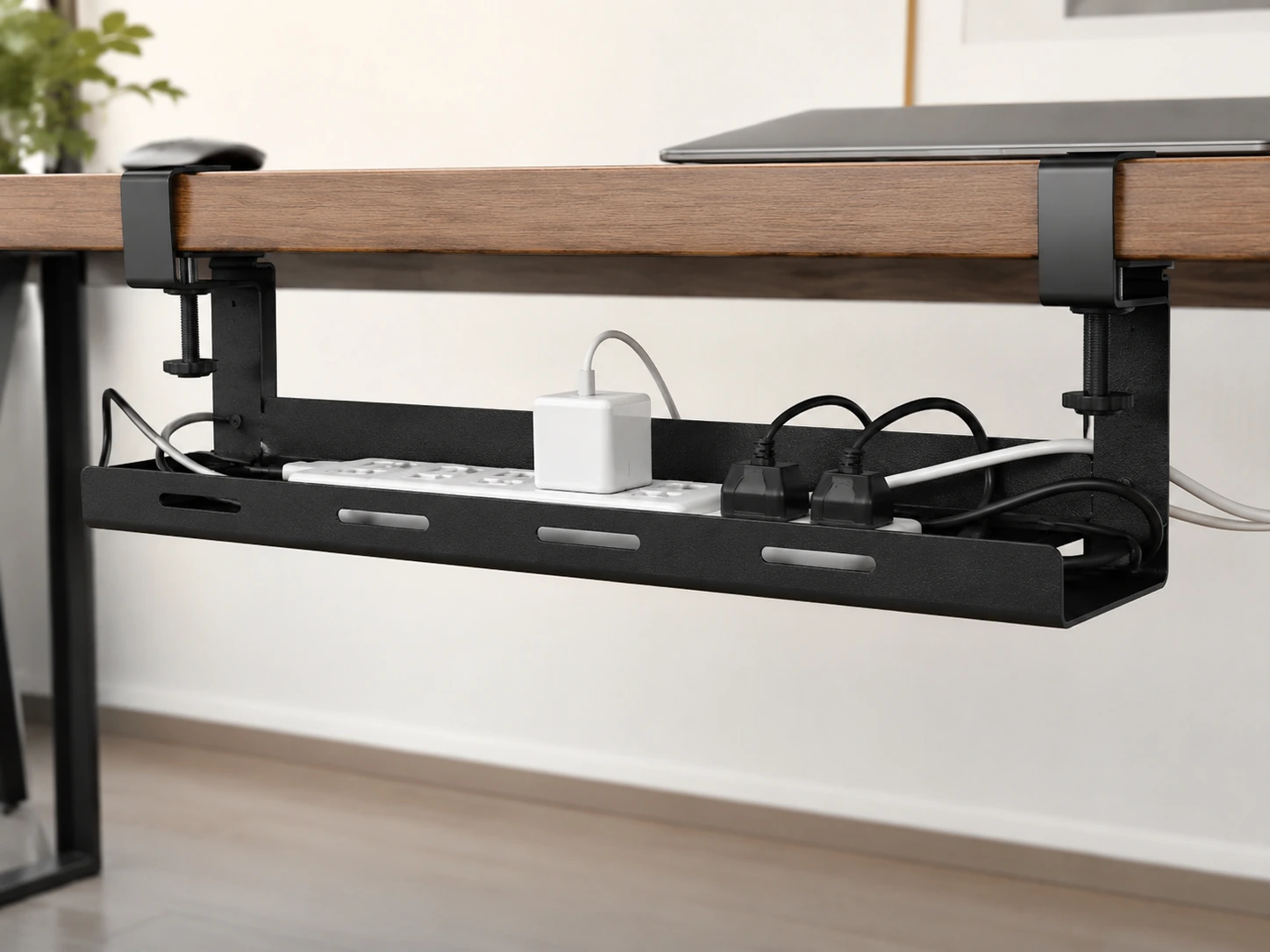
Hide Cables Before Adding More Accessories
Cables are the fastest way to ruin a minimalist desk setup. Even with a good desk mat and clean accessories, loose cables behind the monitor or hanging off the side of the desk immediately signal disorder. The fix is not buying more cable organizers to put on the desk -- it is routing cables completely out of sight.
An under-desk cable tray mounted beneath the desktop keeps the power strip, excess cable length, and adapters invisible. From the front, the desk looks clean regardless of how many devices are connected. Do this before adding any other accessories.
Under-desk cable tray
Cinati Under-Desk Cable Tray
Amazon Prime eligible
For more options, see our guide to best under-desk cable trays.
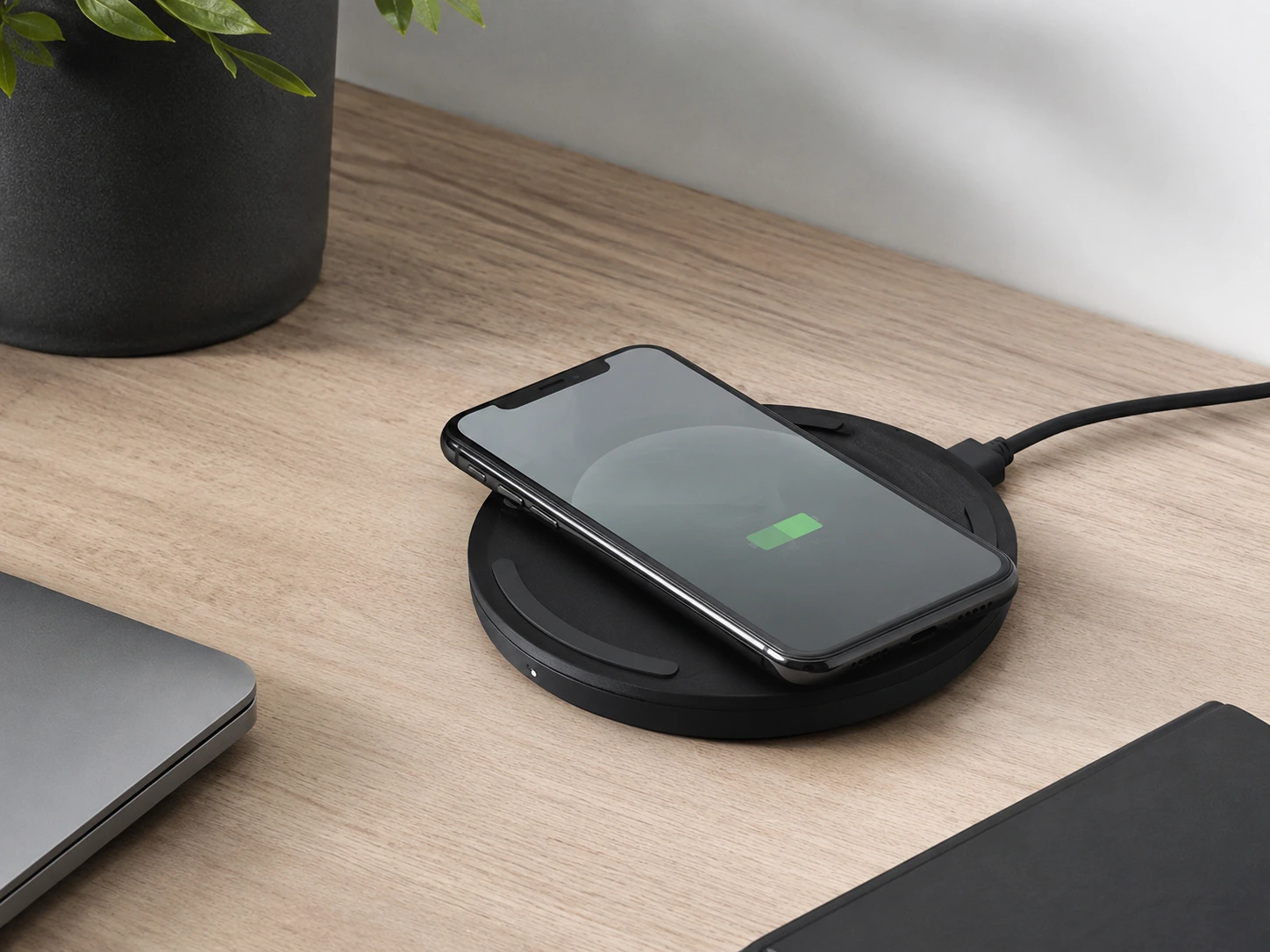
Choose a Wireless Charger to Reduce Cable Clutter
If your phone and earbuds support wireless charging, a slim pad can replace the most persistent source of desk cable clutter. Instead of a cable that needs to be plugged and unplugged throughout the day, a flat charger sits in a fixed position and the device simply lands on it.
For a minimalist desk, choose a flat pad rather than a vertical stand -- it has a lower profile and less visual weight. Keep it at the rear corner of the desk mat so it does not interrupt the main working area.
Slim wireless charger
Belkin Wireless Charging Pad 10W
Amazon Prime eligible
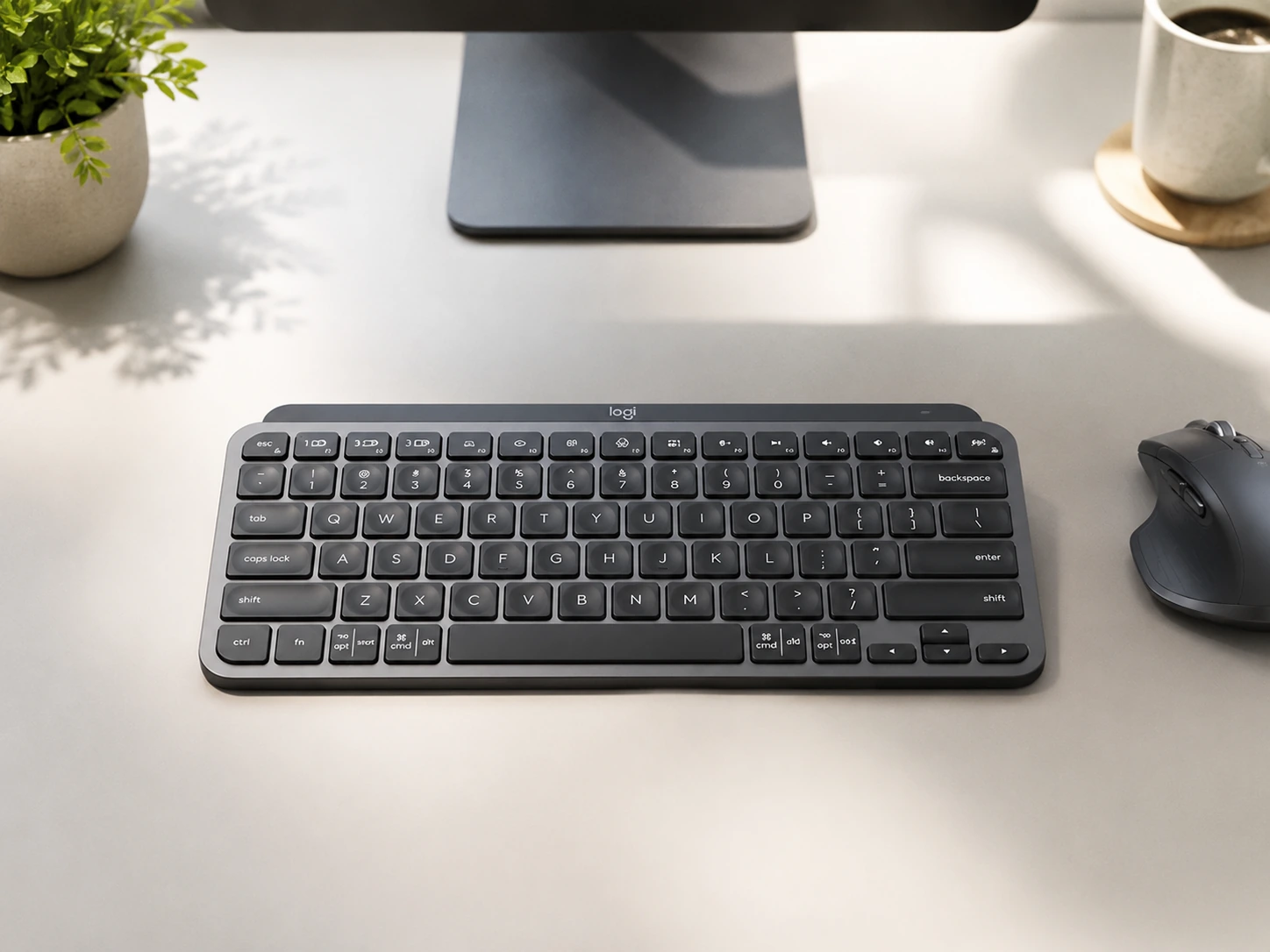
Use a Slim Keyboard and Compact Mouse
A full-size keyboard with a number pad on a minimalist desk occupies roughly 18 inches of width and signals a busy, utilitarian setup. A tenkeyless or compact wireless keyboard removes about 4 inches of horizontal space and, more importantly, changes the visual weight of the entire surface.
Pair a slim keyboard with a compact wireless mouse and place both on the desk mat to keep the layout contained. For a clean look, choose a keyboard and mouse in matching neutral colors -- black, white, or gray. Avoid backlit or gaming-style designs with visible LEDs.
Slim wireless keyboard
Logitech MX Keys Mini
Amazon Prime eligible
Also consider: Logitech M330 Silent Mouse — Compact silent mouse
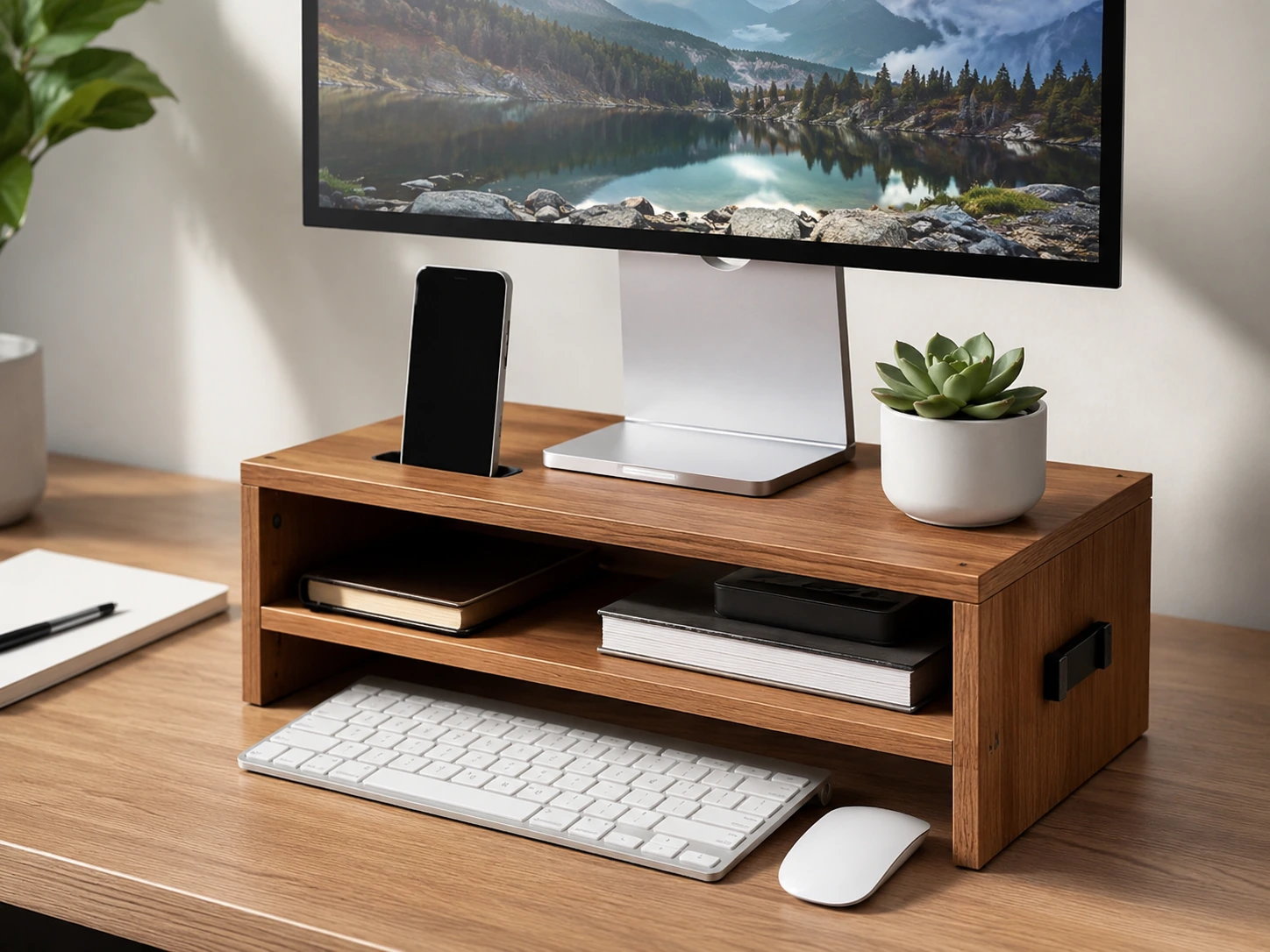
Raise Your Screen With a Simple Monitor Stand
A monitor resting flat on the desk takes up depth and makes the surface feel more occupied than it needs to be. A simple monitor stand raises the screen and creates usable space underneath for a keyboard when not in use, a small notebook, or nothing -- which still looks cleaner than a monitor sitting directly on the desk.
For a minimal setup, choose a riser with a natural material or a single solid color. Avoid risers with visible mesh patterns or branding. The stand should disappear visually rather than draw attention.
Monitor stand
Bamboo Monitor Riser With Drawer
Amazon Prime eligible
For more options, see our guide to small desk setup ideas.
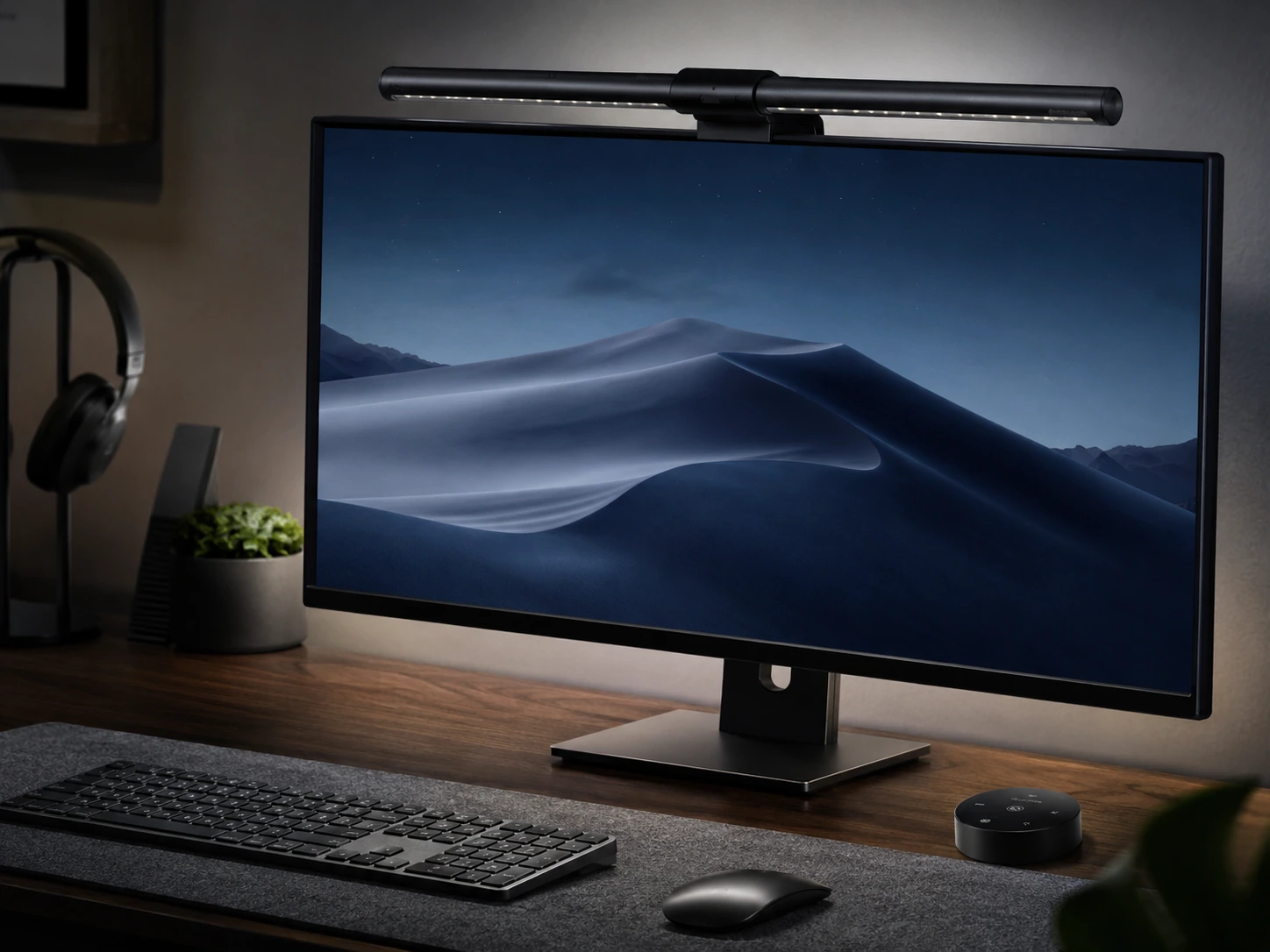
Pick a Clamp Lamp Instead of a Bulky Base Lamp
Lighting is essential, but a standard lamp base takes 30 to 50 square inches of desk space and adds vertical bulk that competes with the monitor. A clamp lamp attaches to the desk edge, and a monitor light bar clips to the top of the screen -- both provide focused task lighting with zero desk footprint.
For the most minimal look, a monitor light bar is the better choice: it has no visible body on the desk at all and illuminates the work surface with an asymmetric lens that does not reflect back on the screen.
Monitor light bar
Quntis Monitor Light Bar
Amazon Prime eligible
Also consider: Voncerus LED Clamp Desk Lamp — Clamp desk lamp
For more options, see our guide to best clip-on desk lamps.
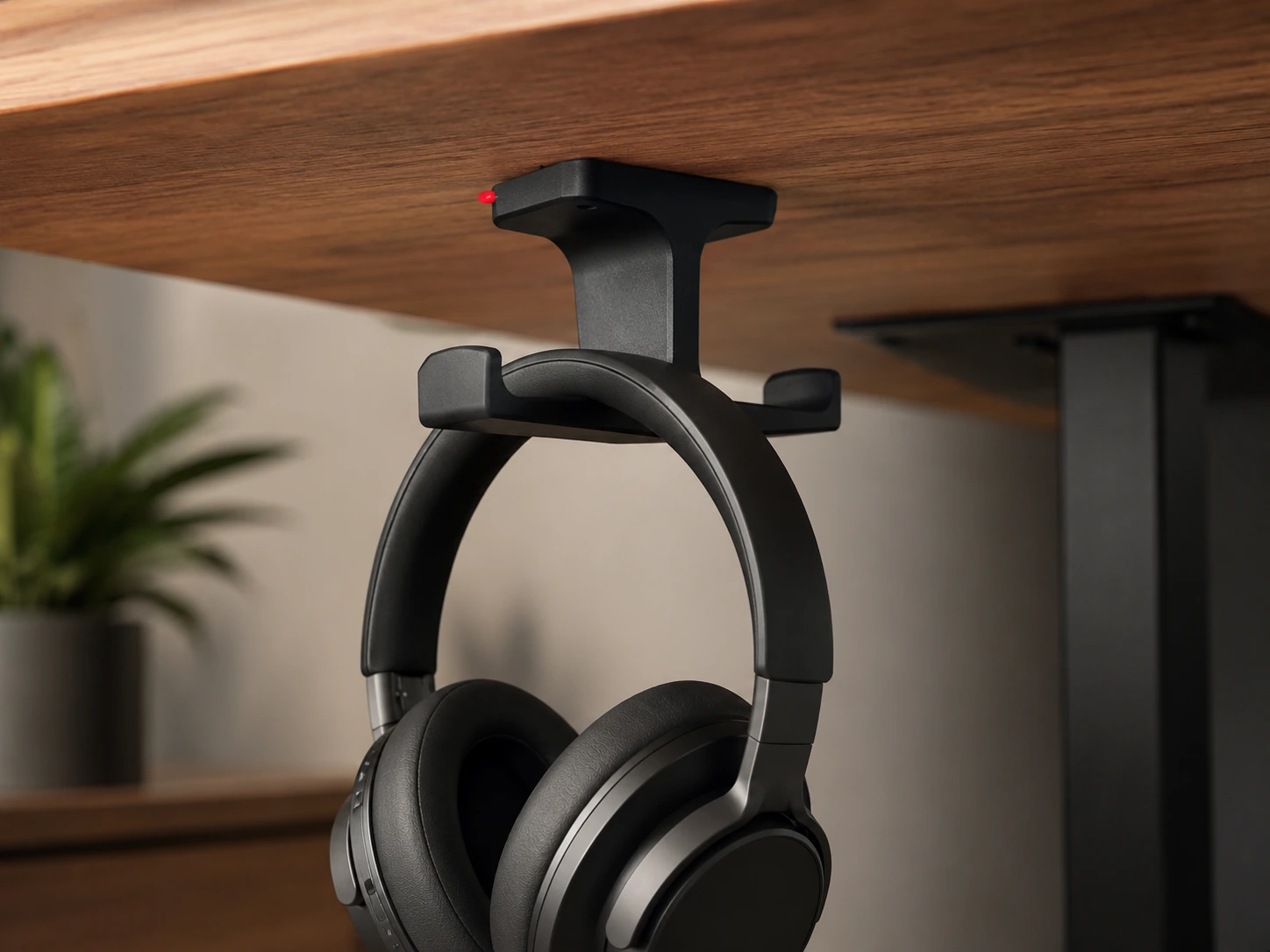
Move Headphones Off the Desktop
Headphones left on the desk take up a surprising amount of visual space. Over-ear headphones are large, irregular in shape, and hard to place neatly. An under-desk headphone hook mounts beneath the desk edge with adhesive and holds the headphones out of sight but within arm's reach.
This single change often has a disproportionate impact on how clean the desk looks. It also prevents headphones from being knocked off the desk accidentally, which is a common source of driver damage.
Headphone hook
Elevation Lab Under-Desk Headphone Hook
Amazon Prime eligible
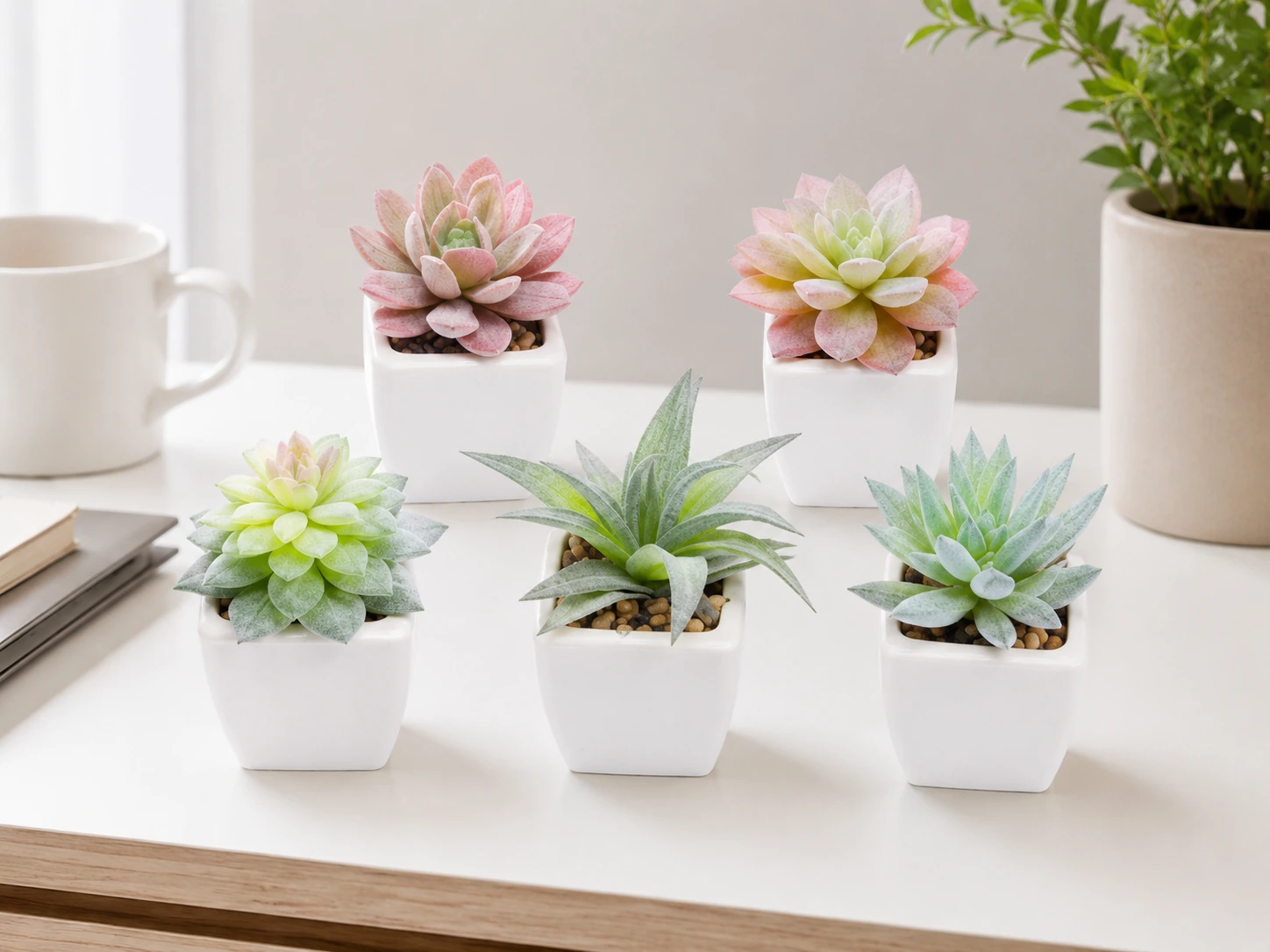
Add One Personal Touch, Not Ten
A minimalist desk does not have to feel empty or corporate. One small plant, a framed photo, a simple clock, or a minimal succulent adds personality without creating clutter. The rule is one, not several -- the moment decorative items outnumber functional ones, the setup loses its minimal character.
Artificial succulents are a practical choice for desks with limited natural light. They look the same year-round, require no water or soil, and do not shed. Place them at the corner of the desk mat rather than in the main working area.
Minimal desk decor
Funarty Artificial Succulents
Amazon Prime eligible
What You Probably Do Not Need on a Minimalist Desk
A minimalist desk setup improves when you remove low-value items, not when you keep buying smaller versions of the same clutter.
Multiple pen cups or trays
One organizer does the job -- the rest is clutter multiplied
Oversized speakers on the desk surface
Bluetooth speakers visible on the desktop break visual balance unless audio is a priority
Large lamp base
Takes 30--50 sq inches of prime desk space -- switch to clamp or light bar
Visible power bricks or adapters
These belong under the desk in a cable tray, not on the surface
Random notebooks you rarely open
One notebook is fine; a stack is not
Unused charging cables left plugged in
A wireless charger or cable clip removes these from sight entirely
Decor that blocks your working area
Anything between you and the keyboard is in the wrong place
More than one personal item
One plant, one photo, or one clock -- not all three
Minimalist Desk Setup Ideas by Use Case
Different desks have different priorities. Start with the products that match your primary use case.
| Use case | Best starting products |
|---|---|
| Small desk | Cable tray, slim organizer, clamp lamp |
| Laptop setup | Laptop stand, wireless charger, USB hub |
| Monitor setup | Monitor stand, desk mat, cable tray |
| Study desk | Desk mat, lamp, one pen organizer |
| Work from home | Monitor stand, slim keyboard, footrest |
| Bedroom desk | Warm clamp lamp, neutral mat, hidden cables |
How We Selected These Products
Minimal visual footprint
Does the product reduce or remove visual clutter rather than add to it?
Single clear purpose
Does it solve one specific problem cleanly, or is it trying to do too many things at once?
Neutral design
Does it blend into the setup rather than drawing attention to itself?
Value at price
Does the improvement in desk cleanliness justify the cost?
Product selections are based on research, specifications, and customer feedback. DeskFinds earns a commission on qualifying purchases at no extra cost to you.
Frequently Asked Questions
What is a minimalist desk setup?
A minimalist desk setup keeps only the items that serve a clear, daily purpose. It is not about having an empty desk -- it is about removing low-value objects so the ones that remain feel intentional. The typical minimalist setup includes a desk mat, one organizer, hidden cables, a compact keyboard, a lamp with no base, and one personal item.
How do I make my desk look minimalist?
Start by removing everything from the desk. Put back only items you use every day. Add a desk mat to define the work zone. Route cables under the desk with a cable tray. Replace separate containers with one organizer. The setup should look clean after these four steps -- then add accessories only if they solve a specific problem.
What should I keep on a minimalist desk?
Keep the monitor or laptop, keyboard, mouse, a lamp, one organizer, and one personal item. Everything else -- chargers, notebooks, headphones, bags -- should either be stored, mounted under the desk, or removed entirely. A wireless charger and a headphone hook handle two of the most common surface clutter sources.
What should I remove from my desk first?
Start with anything you have not touched in a week. Then remove all visible cables and replace them with wireless charging and cable management. Then remove duplicate containers -- if you have two pen cups, keep one. Most people find that clearing cables and consolidating storage makes the biggest visible difference.
How do I hide cables in a minimalist desk setup?
Mount an under-desk cable tray to hold the power strip and excess cable length. Use adhesive cable clips along the rear edge of the desk to guide individual cables toward the tray. Replace charging cables with a wireless charger pad where possible. A USB hub consolidates multiple device cables into one.
What colors work best for a minimalist desk setup?
The most common minimalist palettes are white and wood, black and walnut, beige and cream, and gray and silver. The key is using no more than two accent colors across all accessories. A neutral desk mat ties the palette together. Avoid brightly colored accessories or matching themed sets, which draw attention to individual items rather than the setup as a whole.
Is a minimalist desk setup good for small spaces?
Yes -- a minimal setup is especially effective on small desks because it maximizes usable surface area. A clamp lamp, slim organizer, and hidden cables free up the most space. A monitor stand with a storage shelf adds a second layer without expanding the desk footprint. See our guide to small desk setup ideas for more.
Browse minimalist desk accessories on Amazon
All products are Prime-eligible. Every item on this list ships free.
Shop on Amazon →