
5 Best Budget Multi-Device Charging Stations Under $50 (2026)
At $30–$50 you start getting GaN technology, USB-C Power Delivery that fast-charges newer phones and iPads, and multi-device organizers that handle everything in one spot. These are the 5 best picks for the money.
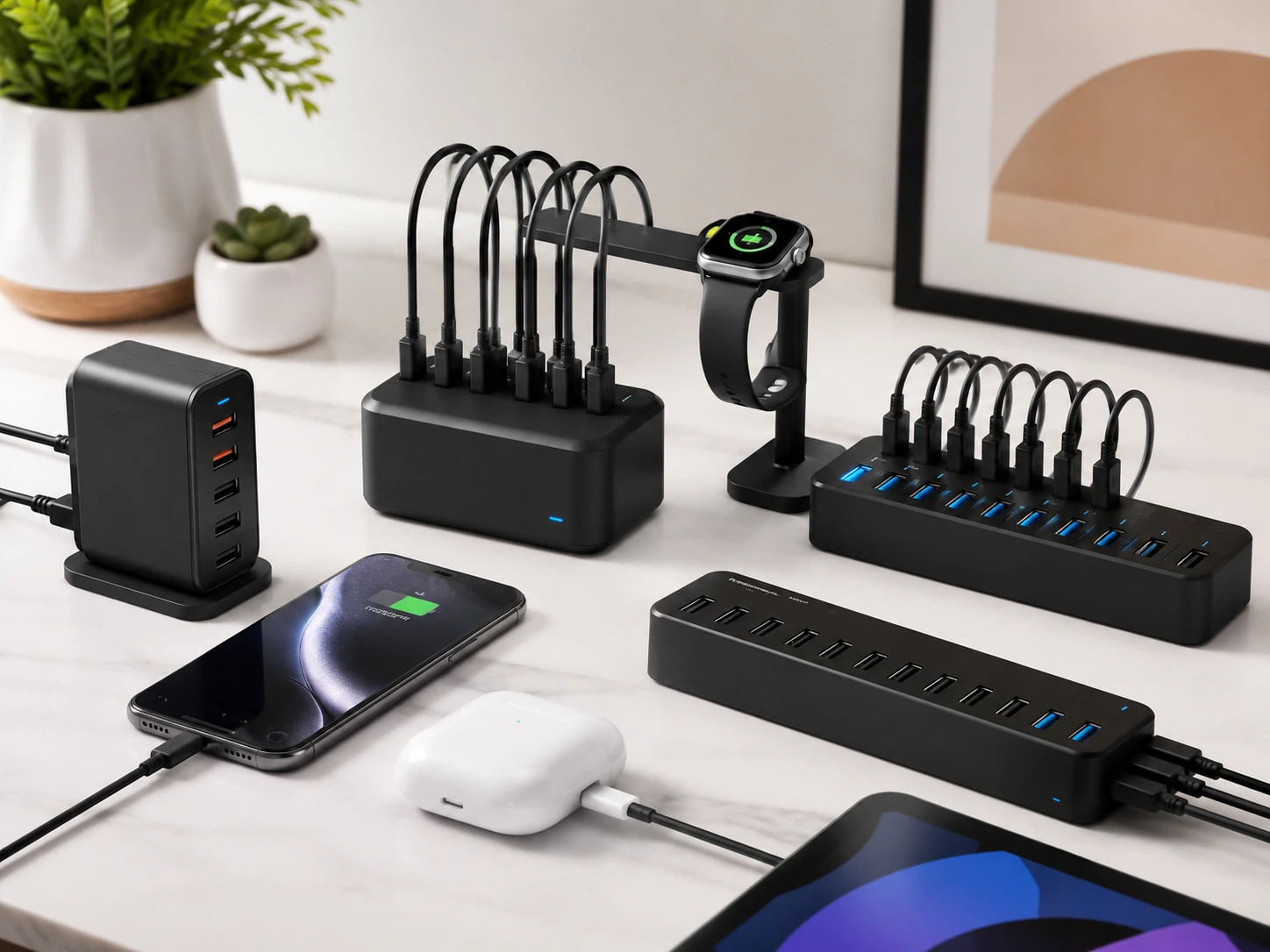
Quick Picks
| Pick | Product | |
|---|---|---|
| Best Overall | UGREEN Nexode 65W 4-Port GaN | Check price |
| Best for USB-C Laptops | Anker Premium 5-Port PD | Check price |
| Best for Apple Watch | SooPii Premium 6-Port + Watch Arm | Check price |
| Most Ports | ORICO 10-Port 120W | Check price |
| Best Hub + Charger Combo | Sabrent 10-Port USB 3.0 Hub | Check price |
The $30–$50 range is where USB charging stations start getting genuinely interesting. At $25, you get USB-A hubs that charge phones reliably. At $35–$50, you start getting GaN technology, smaller, cooler-running chargers that can fast-charge laptops alongside phones.
The 5 picks in this guide were evaluated on wattage per port, USB-C PD availability, GaN efficiency, and whether they handle mixed Apple and Android device households without compromise.
Every pick is from a brand with a verifiable Amazon history, UGREEN, Anker, SooPii, ORICO, and Sabrent all have thousands of reviews across their product lines.
What to Know Before Buying a Multi-Device Charging Station
GaN vs Traditional Silicon, Why It Matters at This Price
Traditional chargers use silicon transistors. GaN (Gallium Nitride) chargers use a different semiconductor that runs at higher frequencies, this makes them smaller, cooler, and more power-efficient. A 65W GaN charger like the UGREEN Nexode is roughly deck-of-cards size. A traditional 65W charger would be significantly larger.
Traditional silicon charger
- Larger physical size
- Runs warmer, generates more heat
- Less efficient, some wattage lost as heat
- Often cheaper at same wattage
GaN charger
- Compact, often 40–60% smaller
- Runs cooler, better long-term durability
- More efficient, less wasted heat
- Slightly more expensive at same wattage
How Much USB-C Wattage Do You Actually Need?
| Device | Minimum PD needed | Full-speed charge |
|---|---|---|
| iPhone 12–16 | 20W | 20W (0–50% in 30 min) |
| iPad Air / iPad Pro | 20W | 30W (full speed overnight) |
| MacBook Air M2/M3 | 30W (slow) | 65W (fast, active use) |
| MacBook Pro 14" | 30W (charge while asleep) | 96W (active use, not available here) |
| Android flagship (most) | 18W PD | 25–45W (device-specific) |
Our Top 5 Picks
UGREEN Nexode 65W 4-Port GaN
Why it works
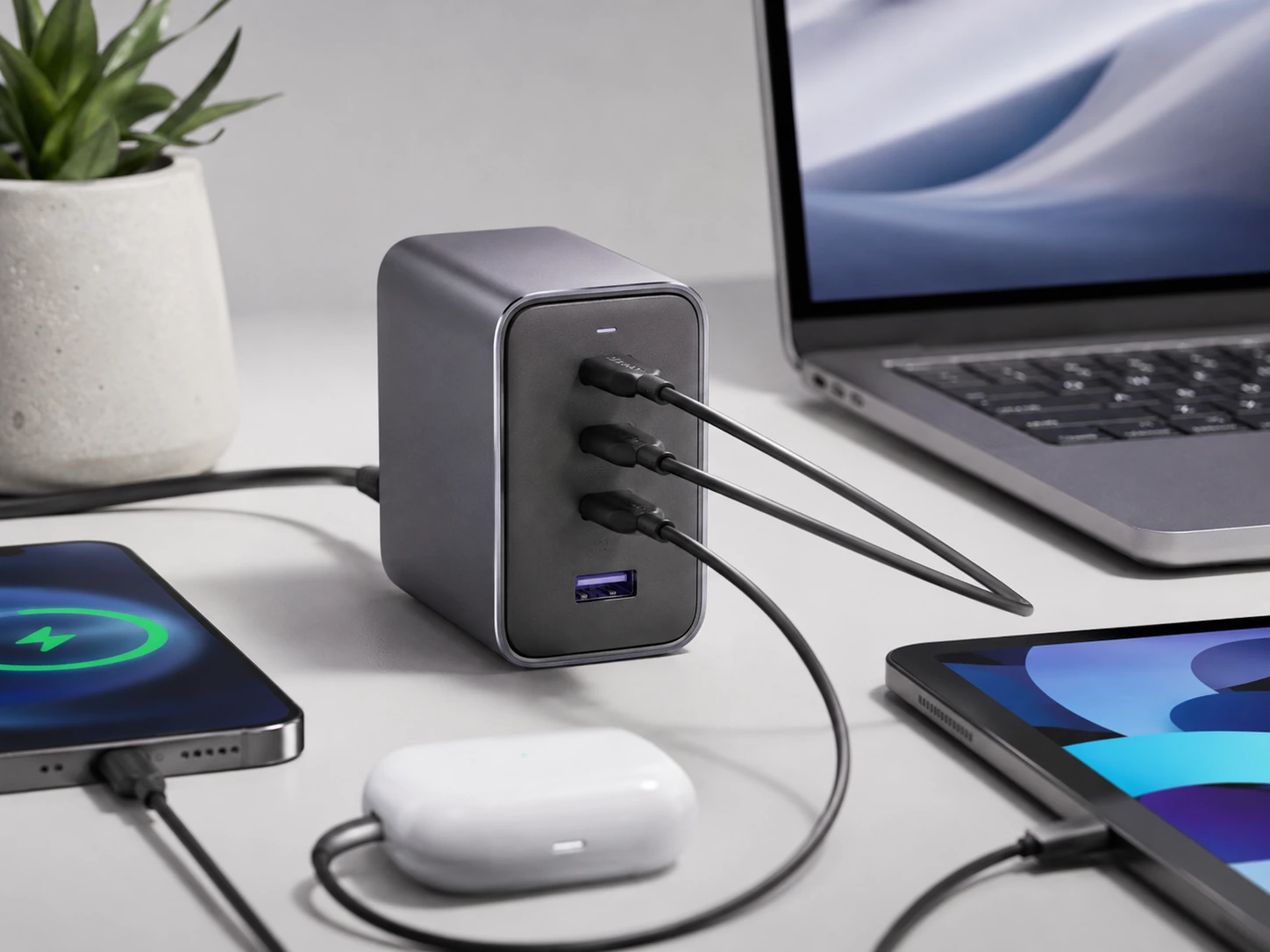
65W total from a GaN chip charges a MacBook Air overnight, iPhone in under an hour. 3 USB-C ports cover iPhones 15/16, iPads, Android flagships, and MacBooks simultaneously. GaN runs 40% cooler than traditional silicon chargers. Compact, roughly the size of a deck of cards. Frequently on sale for $24–$30.
Trade-offs
- · Only 4 total ports, not for 5+ device households
- · Only 1 USB-A port, older devices need cable adapter
Skip if: You still have mostly older USB-A devices. The Anker Premium or SooPii picks give more USB-A ports.
Check price on AmazonPros
- +65W GaN, charges MacBook Air overnight
- +3 USB-C ports for modern devices
- +40% cooler than traditional chargers
- +Deck-of-cards size
- +Best watt-per-dollar in this guide
Cons
- −Only 1 USB-A port
- −Only 4 total ports
Anker Premium 5-Port PD
Why it works
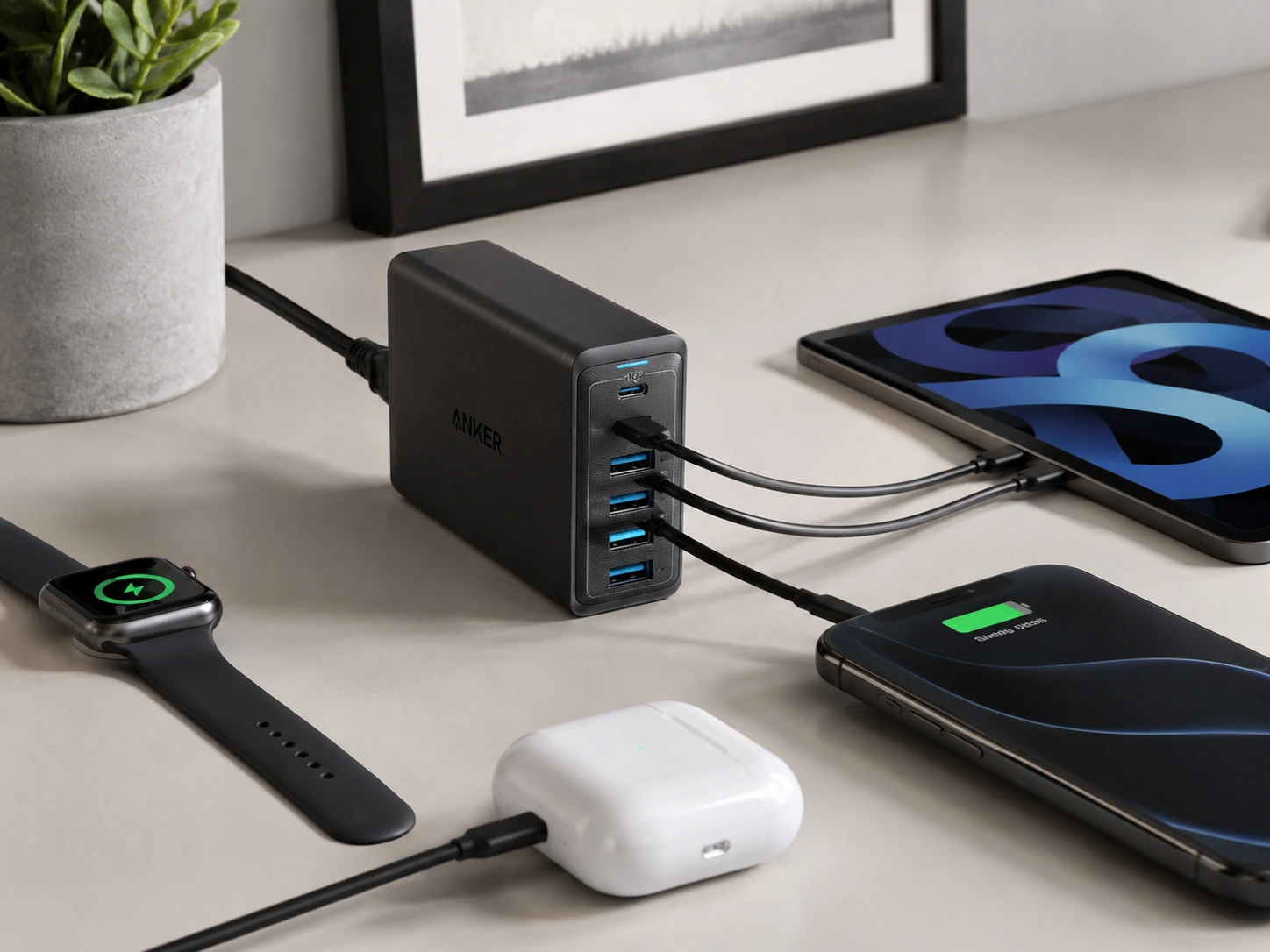
30W USB-C PD port, the highest-wattage USB-C port under $40 in this category. 4 additional PowerIQ USB-A ports auto-detect each device's optimal charge speed. Desktop design with flat base stays stable. Charges a MacBook Air (2018+) at a slow but steady rate overnight. Anker warranty and support.
Trade-offs
- · 30W USB-C won't fast-charge a MacBook Pro during active use (needs 61W+)
- · USB-A ports split remaining 30W across 4 devices, slower under full load
Skip if: You need to fast-charge a MacBook Pro at full speed during active use.
Check price on AmazonPros
- +30W USB-C, highest in this sub-$40 category
- +PowerIQ on all 4 USB-A ports
- +Stable flat-base desktop design
- +Charges MacBook Air overnight
- +Anker warranty
Cons
- −30W USB-C insufficient for MacBook Pro active use
- −Slower USB-A under full load
SooPii Premium 6-Port + Watch Arm
Why it works
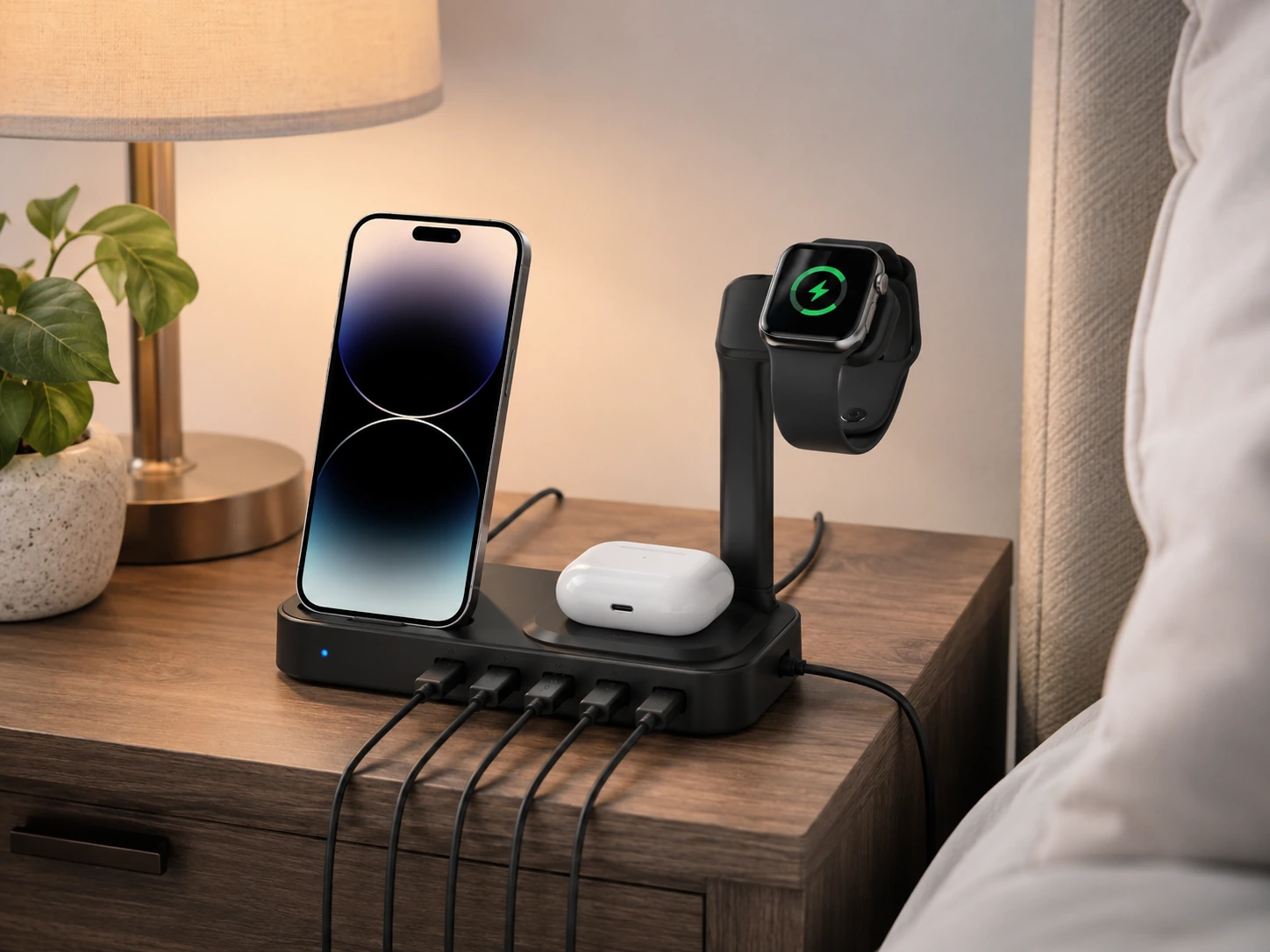
Dedicated Apple Watch charger arm holds your Watch at the correct angle, the only pick in this guide with a built-in Watch arm. Includes 6 short cables (2× Lightning, 2× USB-C, 1× Micro-USB, 1× USB-C to USB-C). 6 charging slots organize phones and tablets vertically. PD 20W USB-C fast-charges modern iPhones. Best for households mixing iPhones, Androids, and Apple Watch.
Trade-offs
- · Apple Watch arm is a holder only, you still need your own Watch charger puck
- · Larger footprint than UGREEN Nexode
Skip if: You don't use Apple Watch and don't need included cables. The UGREEN Nexode delivers more wattage in a smaller body.
Check price on AmazonPros
- +Built-in Apple Watch arm holder
- +6 cables included ready out of the box
- +6 device slots keep everything organized
- +PD 20W fast-charges iPhones
- +Best for mixed Apple/Android households
Cons
- −Watch arm doesn't include charger disk
- −Larger footprint
ORICO 10-Port 120W
Why it works
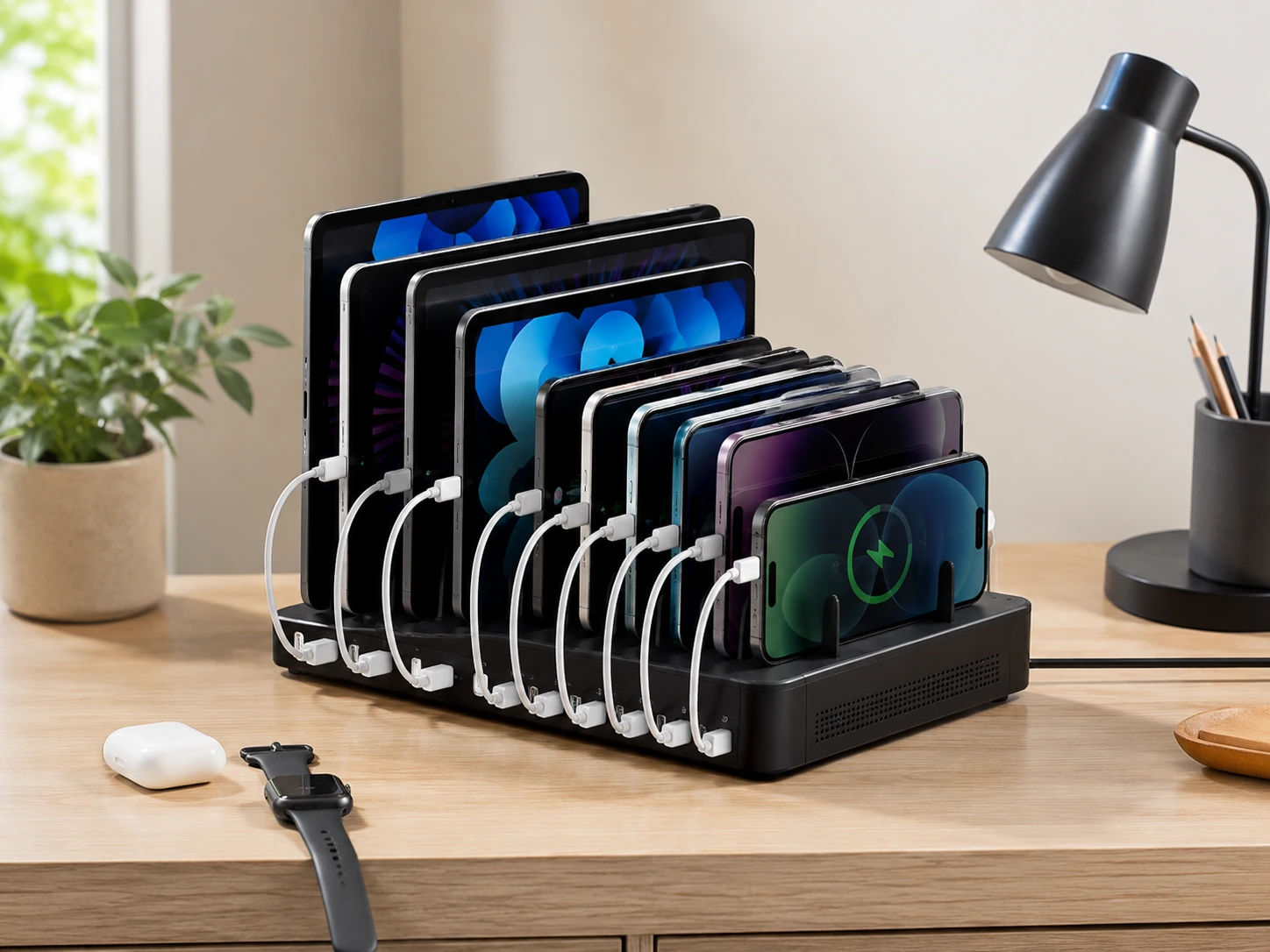
120W across 10 ports, double the wattage of most budget stations, delivering 12W per port. Handles a family of 4 with phones, tablets, earbuds, and readers simultaneously. Individual port switches on some models let you toggle per slot. Best wattage-per-port ratio in the sub-$50 USB-A category.
Trade-offs
- · All USB-A, no USB-C for newer devices
- · Larger station requires more desk space
- · Priciest pick at $40–$45
Skip if: You have USB-C devices that need fast charging. The UGREEN Nexode at the same price gives GaN and USB-C PD.
Check price on AmazonPros
- +120W across 10 ports = 12W per port
- +Handles 10 devices simultaneously
- +Individual port switches
- +Best wattage-per-port under $50 for USB-A
- +Double the wattage of typical budget stations
Cons
- −No USB-C port
- −Larger physical size
- −Most expensive in this guide
Sabrent 10-Port USB 3.0 Hub
Why it works
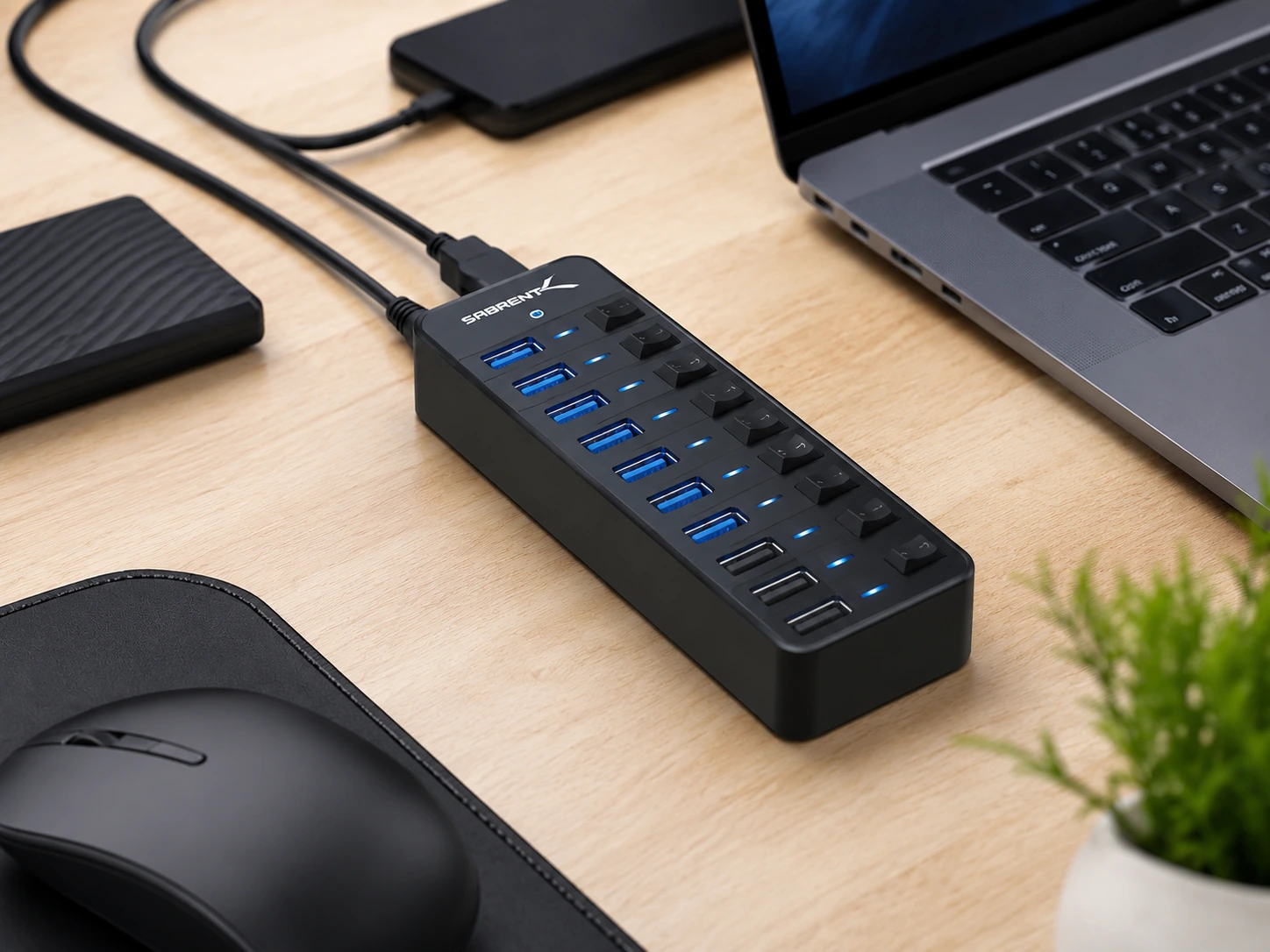
Combines USB 3.0 data hub (5Gbps) with 3 dedicated smart charging ports in one unit. Individual power switches and LED indicators for each port. Works with PC, Mac, Xbox, PS5. 60W power adapter included. Best pick if your desk also needs USB 3.0 data expansion (hard drives, printers, keyboards).
Trade-offs
- · Only 3 charging ports, 7 ports are data-only
- · $45–$50 is the top of this guide's range
- · Overkill if you only need charging
Skip if: You only need to charge devices and don't need USB 3.0 data transfer. One of the first four picks gives more charging value.
Check price on AmazonPros
- +USB 3.0 data hub + charging in one unit
- +Individual switches + LED per port
- +Works with PC, Mac, Xbox, PS5
- +60W adapter included
- +Best if you need data expansion too
Cons
- −Only 3 dedicated charging ports
- −Most expensive pick ($45–$50)
- −Overkill for charging-only use
Frequently Asked Questions
What's the difference between USB-A and USB-C charging stations?
USB-A stations have the traditional rectangular port. USB-C stations have the newer oval port, which supports faster charging (20–100W+) and works with modern iPhones (15+), iPads, Android flagships, and laptops. If you have devices from 2022 or later, USB-C capability is worth the extra $10.
Can a $50 charging station charge a laptop?
The UGREEN Nexode 65W and Anker Premium 30W USB-C picks can charge laptops at a slow but functional rate. 65W charges a MacBook Air overnight. For a MacBook Pro under active workload, you need 90–140W, that's above $80.
Is GaN worth paying for in a budget charging station?
Yes, especially for a desk. GaN chargers run significantly cooler, are smaller, and maintain their wattage longer than traditional silicon chargers. The UGREEN Nexode at ~$30–$40 is the clearest example: GaN technology at a price that used to cost $60+.
How many watts does an iPhone need to fast charge?
iPhone 12 and later fast charges at 20W via USB-C PD. With a 20W adapter and USB-C cable, you go from 0–50% in about 30 minutes. Any station with a 20W+ USB-C PD port achieves this.
Bottom Line
Best overall and best GaN: the UGREEN Nexode 65W, 65W GaN, 3 USB-C ports, deck-of-cards size. Best watt-per-dollar at this price.
Best for Apple Watch + cables: the SooPii Premium 6-Port, built-in Watch arm, 6 cables included, PD 20W, best for mixed Apple households.
Most ports (family use): the ORICO 10-Port 120W, 12W per port across 10 devices, double the wattage of typical budget stations.
Browse multi-device charging stations under $50 on Amazon
GaN options included. All Prime-eligible.
Shop on Amazon →Related Guides
Best USB Charging Stations Under $30
7 reliable picks for phones, earbuds, and tablets, under $30
Best Apple 3-in-1 Charging Stations Under $40
iPhone + Watch + AirPods on one stand, under $40
USB-C Hub vs Docking Station
Which one do you actually need for your setup?
Desk Setup Essentials
15 must-have items for any desk setup
Last updated: June 2026. Prices checked at time of writing, verify current Amazon price before purchasing.