
7 Best Budget USB Charging Stations Under $30 (2026)
A tangled mess of individual chargers eating every outlet isn't a setup, it's a fire hazard. These are the 7 best USB charging stations under $30 in 2026, all verified on Amazon, all with solid ratings.
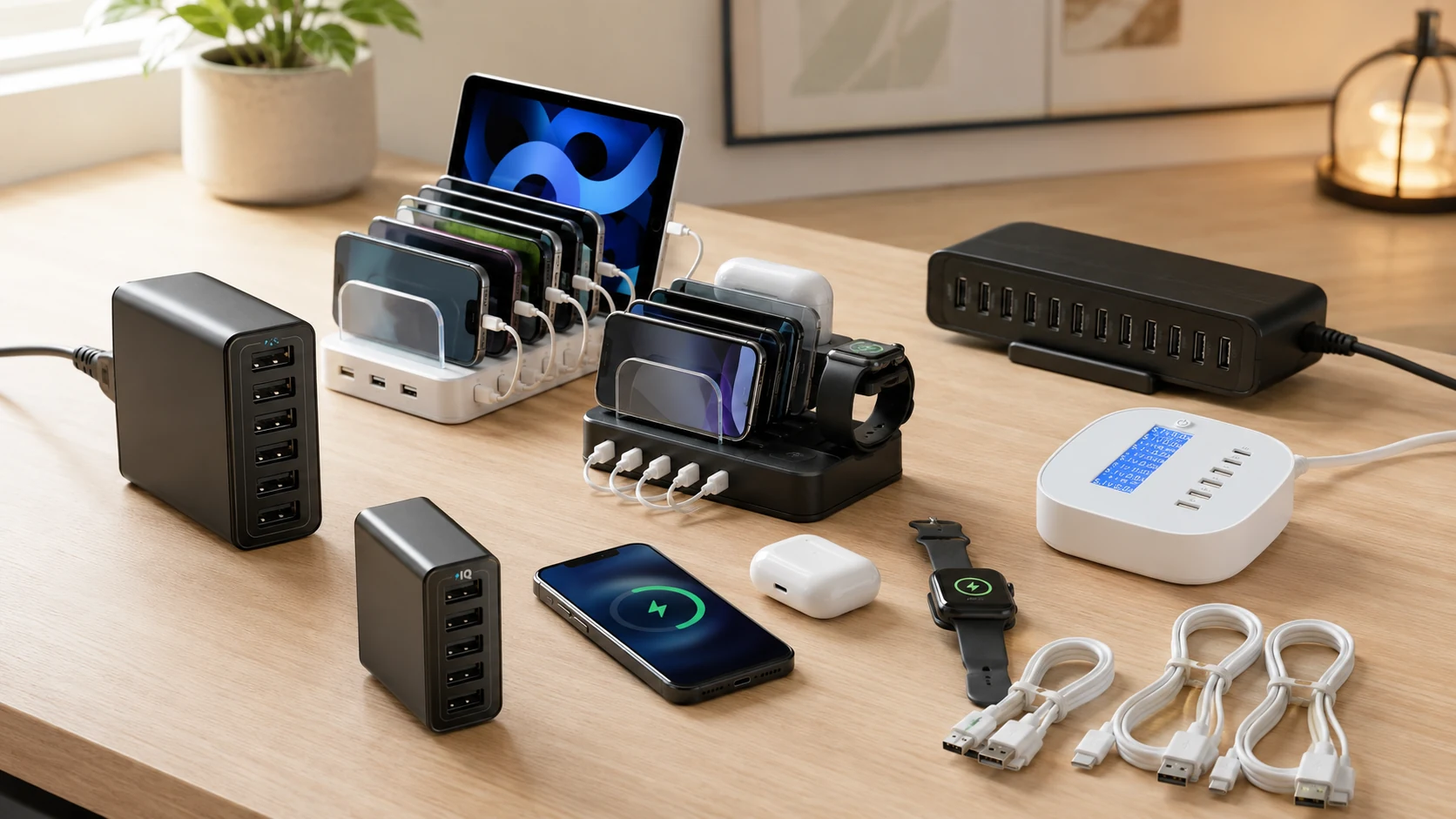
Quick Picks
| Pick | Product | |
|---|---|---|
| Best Overall | Anker PowerPort 6 | Check price |
| Best Under $20 | Hercules Tuff 6-Port | Check price |
| Best with Cables Included | SooPii 6-Port + 6 Cables | Check price |
| Most Ports | Sabrent 10-Port AX-TPCS | Check price |
| Best All-in-One | MSTJRY 68W 6-Port + 8 Cables | Check price |
| Best Quick Charge | Anker Quick Charge 3.0 5-Port | Check price |
| Best with Display | SooPii LCD 6-Port | Check price |
The typical desk has a laptop charger, a phone charger, maybe a monitor or lamp, and usually only one or two free outlets. A USB charging station replaces 6–10 individual wall adapters with a single unit that charges everything from one plug.
At under $30, the quality range is enormous, from UL-certified brands like Anker and Sabrent to no-name units that run hot and fail after 6 months. Every pick in this guide is from a brand with a verifiable Amazon track record.
We evaluated 7 picks on total wattage, port configuration, safety certifications, smart-charging capability, and desk footprint, then ranked them for small-desk and dorm use.
What to Look For in a Budget USB Charging Station
1. Total Wattage, The Spec That Actually Matters
Every product in this guide lists "up to 60W" on the box. But 60W across 6 ports is only 10W per port under full load. 60W across 10 ports is 6W, fine for phones, slow for tablets.
| Ports | Total watts | Watts per port (full load) | Best for |
|---|---|---|---|
| 5–6 ports | 60W | 10–12W | Phones + earbuds at full speed |
| 10 ports | 60W | 6W | Phones only (tablets slow) |
| 6 ports | 68W | 11–14W | Mix of phones + one tablet |
2. USB-A vs USB-C, Do You Need It?
If you have an iPhone 15 or later, any Android from 2021+, or iPad Pro/Air, your device charges via USB-C. A USB-A only station charges these devices just fine, but at 10W max, not 20–45W fast-charge speed.
For a station under $30, most have 0–1 USB-C port. The SooPii (pick #3) and MSTJRY (pick #5) both include a PD 20W USB-C port that fast-charges modern iPhones and Android phones in ~30 minutes from 0–50%.
3. Smart Charging vs Fixed Output
Budget stations either deliver a fixed 2A per port regardless of the device, or use auto-detection (PowerIQ, Auto Detect, Smart IC) to identify the device and deliver the correct speed.
Fixed output is fine for phones, most smartphones cap at 2A anyway. But it undercharges tablets (which need 2.4A+) and can be inefficient. Anker's PowerIQ and Sabrent's Auto Detect both handle this correctly.
4. Safety Certification, UL, CE, and Brand Reputation
A charging station with no safety marks from an unknown brand is a genuine fire risk. Every pick in this guide is either UL Certified (Sabrent), or from a brand (Anker, SooPii, Hercules Tuff, MSTJRY) with a substantial verifiable Amazon review history indicating real-world safety.
Our Top 7 Picks
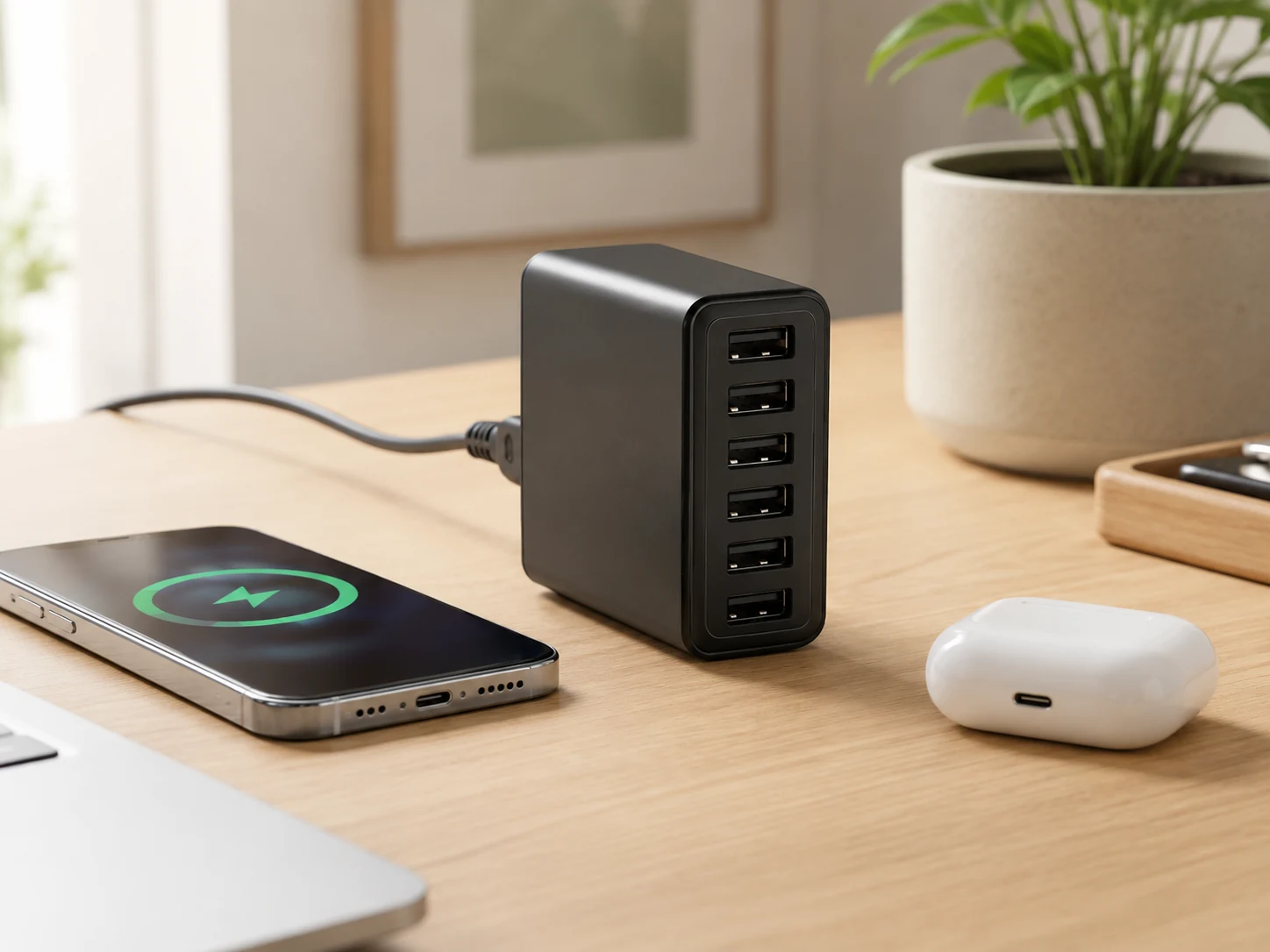
Anker PowerPort 6
Why it works
PowerIQ identifies each device and delivers the fastest safe charge speed. 60W total across 6 ports charges phones at full speed on all 6 simultaneously. Detachable 5ft power cord keeps it clean on a desk. MultiProtect safety: surge protection + temperature control built in.
Trade-offs
- · All USB-A, no USB-C port for newer devices
- · Larger footprint than wall-plug alternatives
Skip if: Every device you own uses USB-C. The MSTJRY (pick #5) adds PD 20W USB-C for similar money.
Check price on AmazonPros
- +PowerIQ smart charging on all 6 ports
- +60W, enough for all 6 at full speed
- +Surge protection + temperature control
- +Detachable 5ft cord
- +Anker warranty and support
Cons
- −No USB-C port
- −Desktop footprint requires desk space
Hercules Tuff 6-Port
Why it works
Aluminum housing dissipates heat far better than plastic at this price. 60W/12A total with 2.4A per port, same specs as chargers twice the price. Under $18 is the lowest-cost trustworthy option in this roundup. Compact and low-profile, fits under monitors without blocking anything.
Trade-offs
- · No smart auto-detect, fixed 2A per port
- · No USB-C port
Skip if: You charge tablets that need higher amperage. Fixed 2A per port throttles iPad charging.
Check price on AmazonPros
- +Aluminum housing for better heat dissipation
- +60W / 2.4A per port
- +Under $18
- +Low-profile design
- +Strong long-term review track record
Cons
- −Fixed amperage, no smart detection
- −No USB-C port
SooPii 6-Port + 6 Cables
Why it works
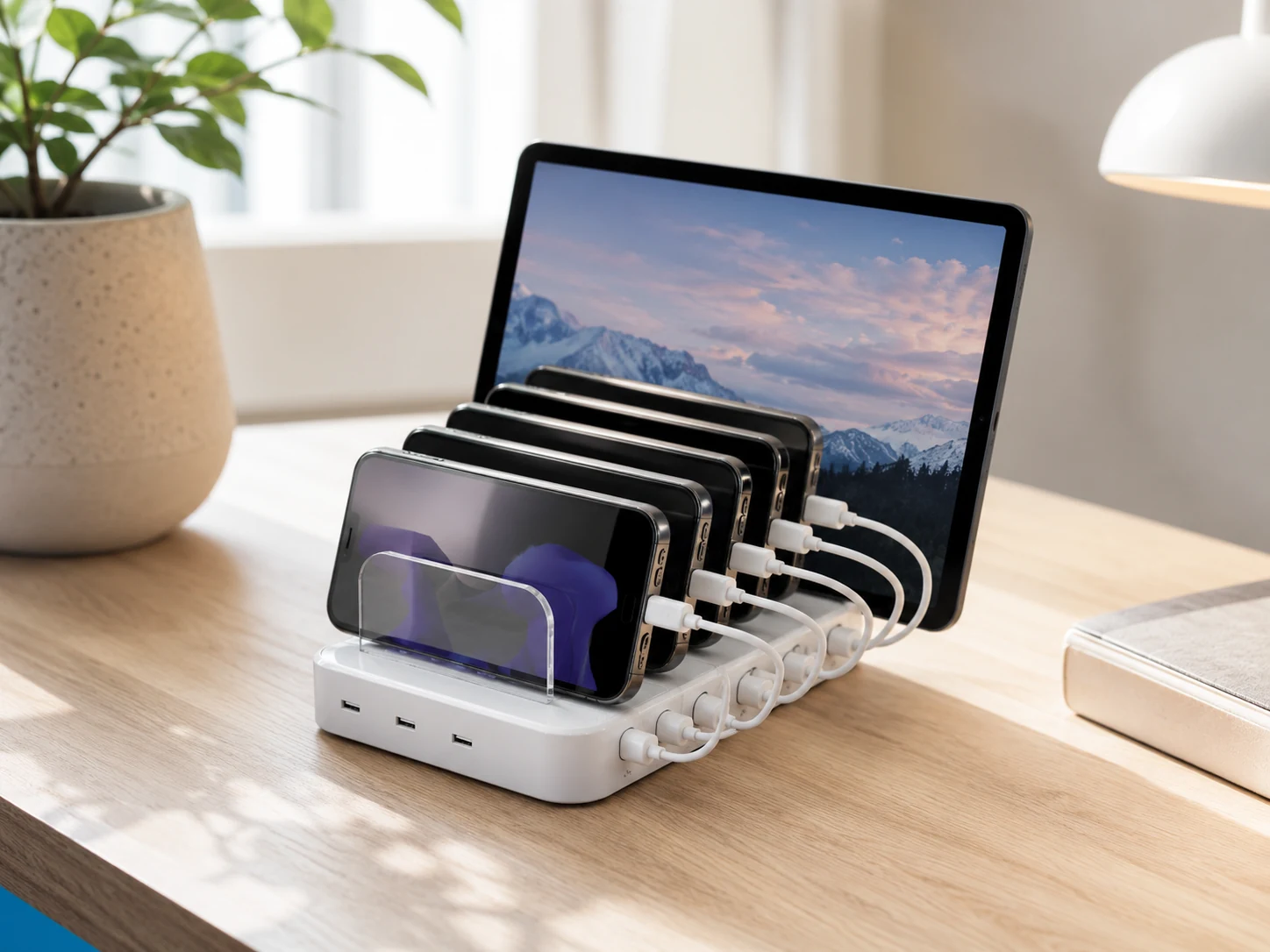
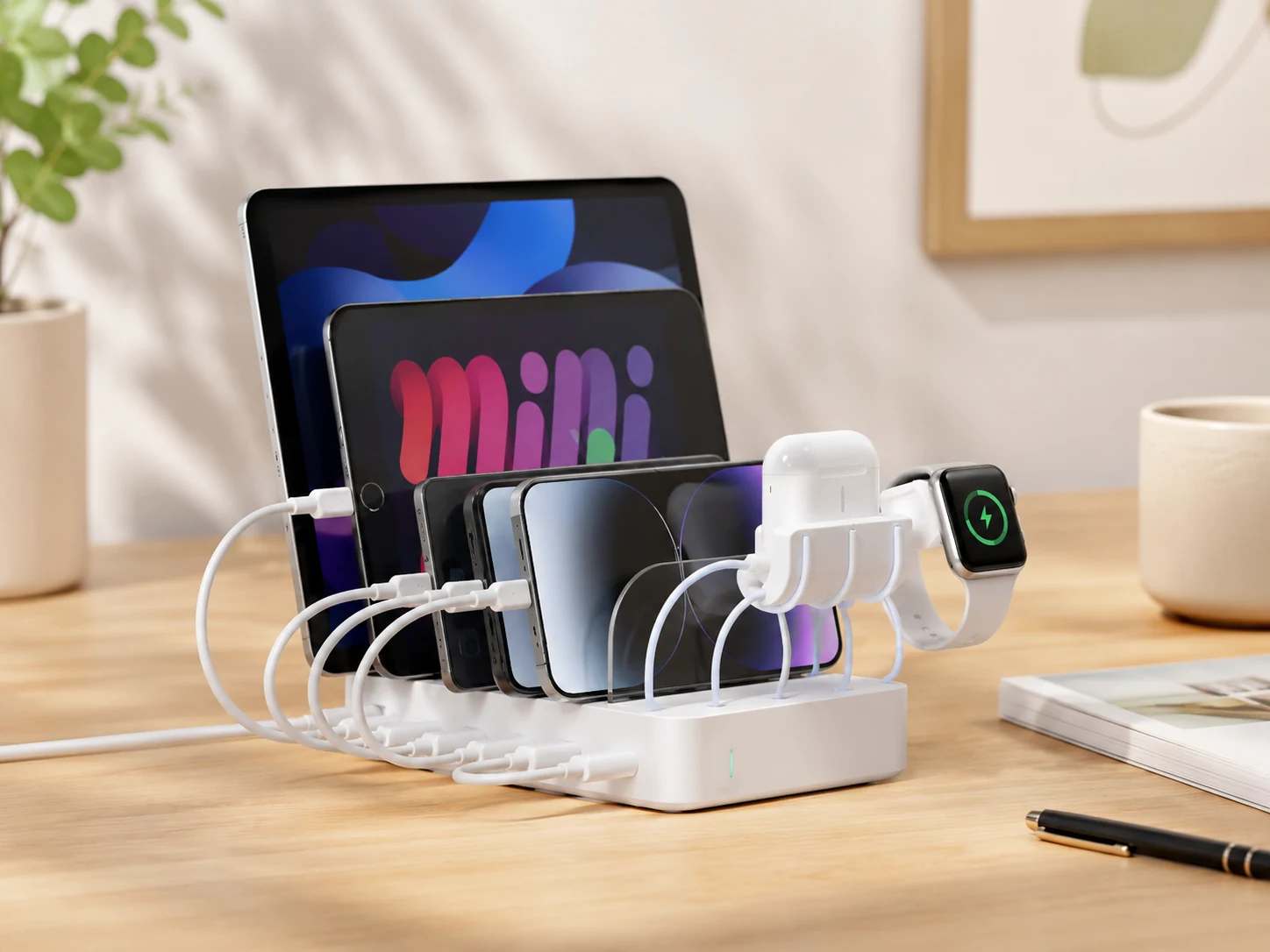
Comes with 6 short charging cables (2× Lightning, 2× USB-C, 1× Micro USB, 1× USB-C to USB-C), ready out of the box. 1 USB-C PD 20W port fast-charges iPhone 12–16. Built-in divider slots keep phones and tablets upright while charging. Apple Watch arm holder included.
Trade-offs
- · Included cables are short (1ft), phone must stay near the station
- · Larger footprint, needs ~6"×4" of desk space
Skip if: You already have all cables and just want a compact brick. The Anker PowerPort 6 is cleaner.
Check price on AmazonPros
- +6 cables included (Lightning, USB-C, Micro-USB)
- +PD 20W USB-C fast-charges modern iPhones
- +Device slots keep phones upright
- +Apple Watch arm holder
- +4.4 stars across 5,800+ reviews
Cons
- −Short included cables (1ft)
- −Larger footprint than compact alternatives
Sabrent 10-Port AX-TPCS
Why it works
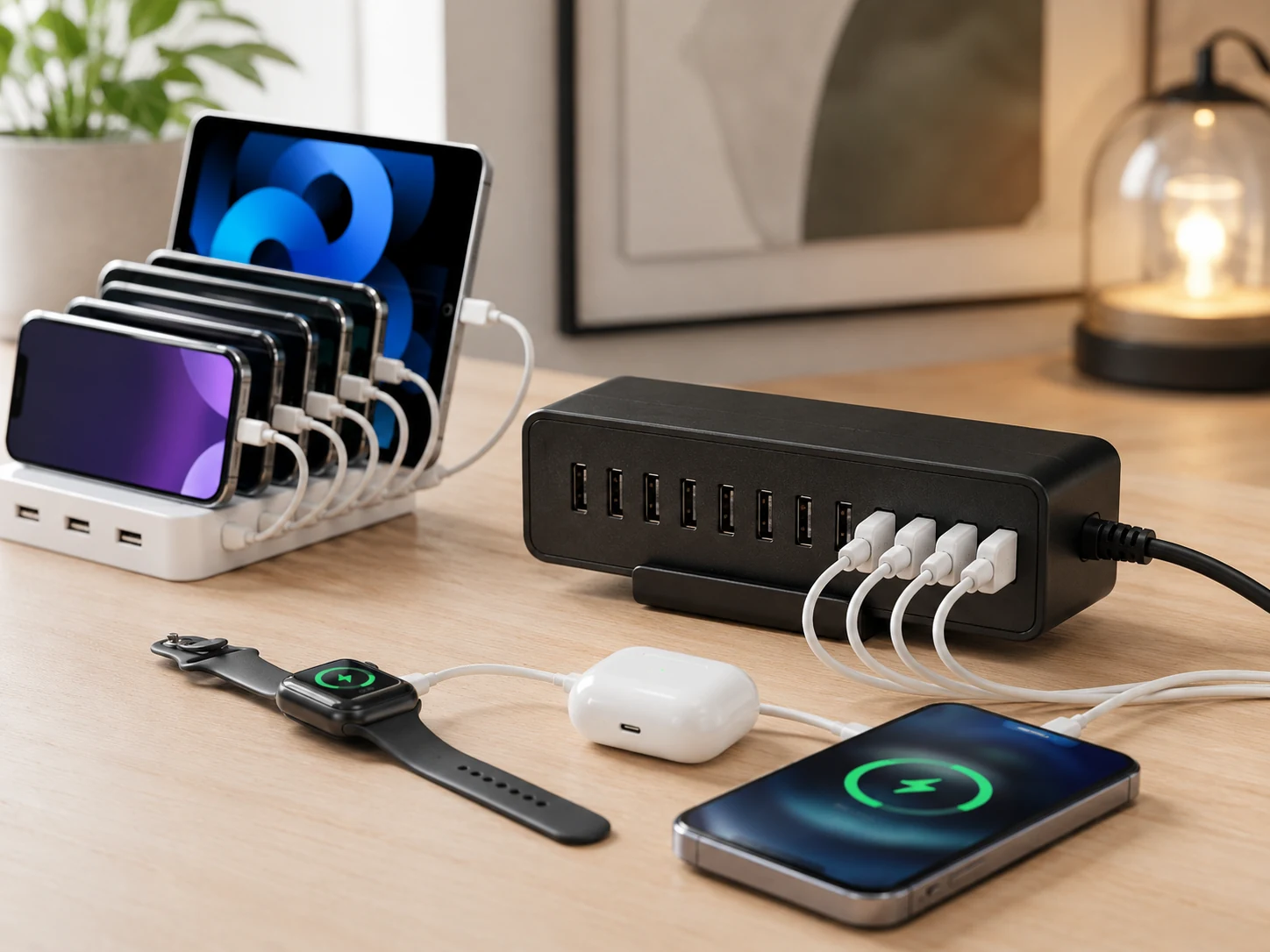
10 USB-A ports handles a whole family or a desk full of devices at once. UL Certified, one of few ultra-budget options with formal safety certification. Auto Detect adjusts output per device. Under $20 for 10 ports is the best port-per-dollar ratio in this roundup.
Trade-offs
- · 60W across 10 ports = 6W average, fine for phones, slow for tablets
- · No USB-C port
- · Larger form factor
Skip if: You're charging tablets or MacBooks. The wattage per port isn't high enough. Use for phones only.
Check price on AmazonPros
- +10 ports for whole-family charging
- +UL Certified safety
- +Auto Detect per device
- +Under $20
- +Heavy base stays flat on desk
Cons
- −6W average per port under full load
- −No USB-C port
- −Larger size
MSTJRY 68W 6-Port + 8 Cables
Why it works
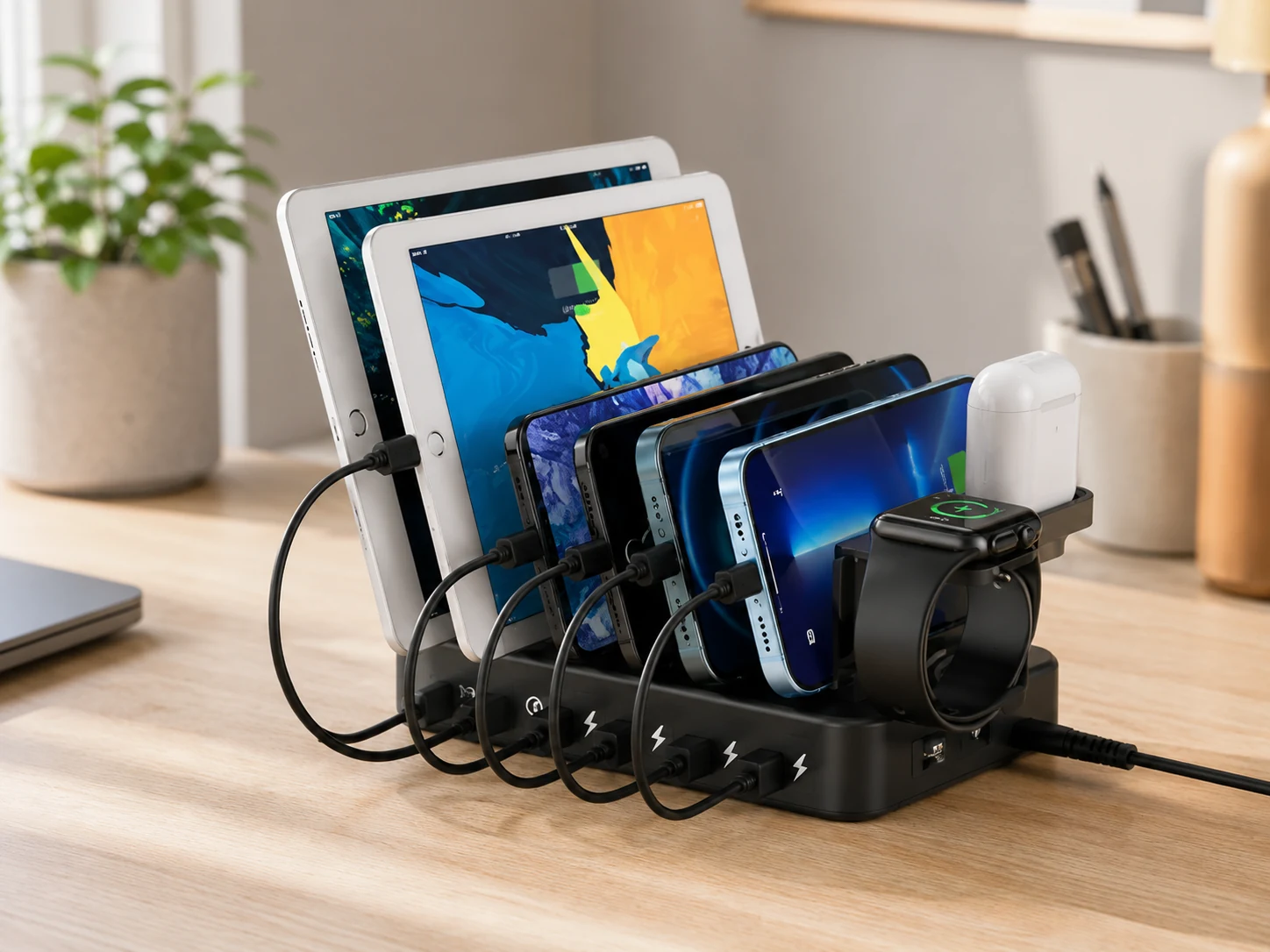
PD 20W USB-C fast-charges iPhone 12–16 from 0–50% in ~30 min. Quick Charge 3.0 for Samsung Galaxy, Pixel, and QC-compatible Android phones. Comes with 8 short cables. 68W total, highest combined wattage among 6-port picks. Built-in Apple Watch arm holder.
Trade-offs
- · More cables than needed if you don't use all types
- · Larger organizer footprint (~6"×5")
Skip if: You want minimal desk footprint and already have cables. The Anker PowerPort 6 is cleaner.
Check price on AmazonPros
- +PD 20W USB-C fast-charges iPhone in 30min
- +QC 3.0 for Android fast-charge
- +8 cables included
- +68W, highest wattage in this roundup
- +Apple Watch arm holder
Cons
- −More cables than some users need
- −Larger footprint
Anker Quick Charge 3.0 5-Port
Why it works
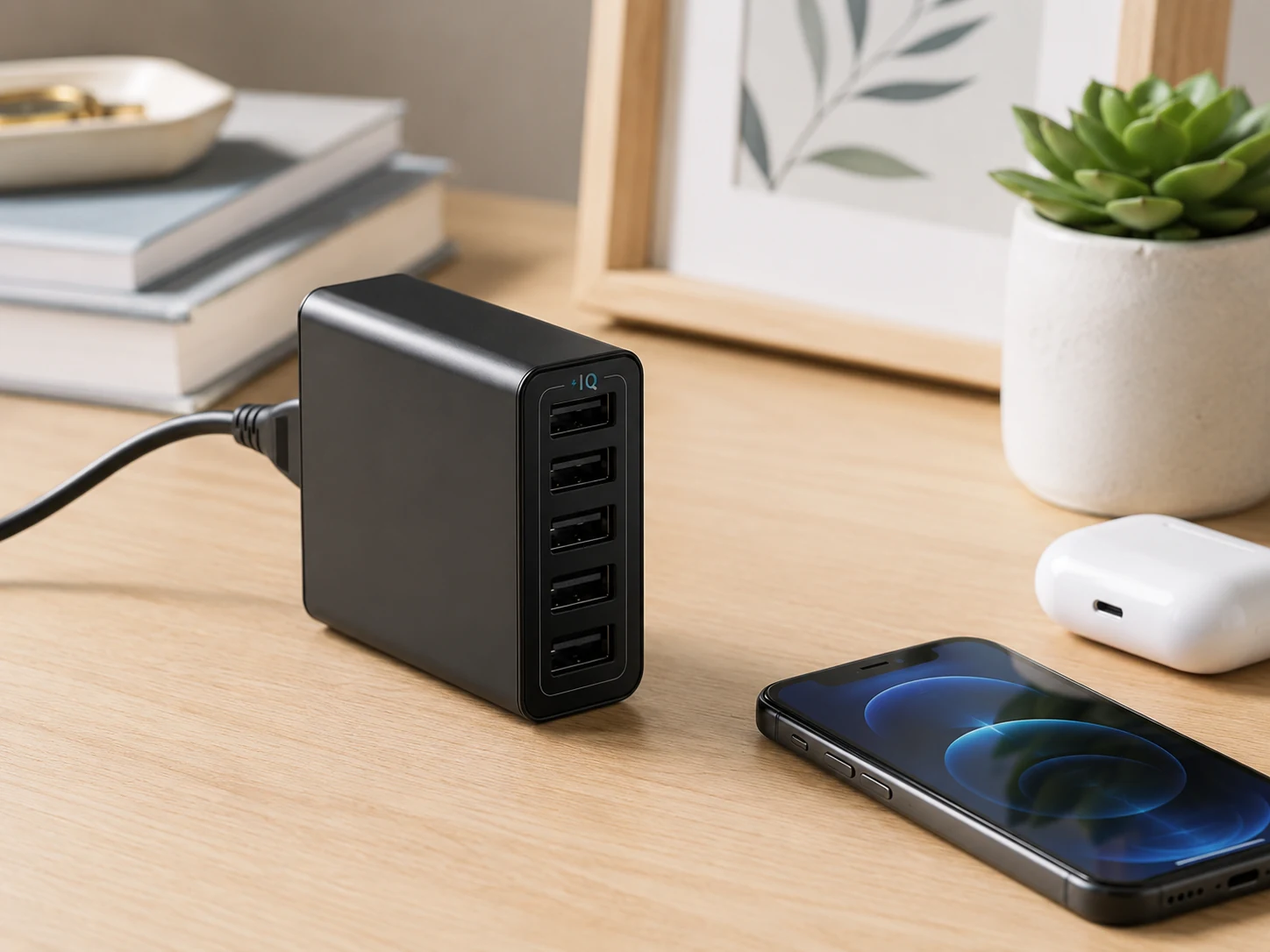
Dedicated Quick Charge 3.0 port fast-charges Samsung Galaxy, Pixel, and QC-compatible Android up to 4× faster than standard. 63W total, highest wattage in this under-$30 roundup. PowerIQ on the 4 remaining ports for smart detection. Stable flat base.
Trade-offs
- · Only 1 Quick Charge port
- · No USB-C port
Skip if: You only own iPhones, QC 3.0 is an Android fast-charging standard. Anker PowerPort 6 is the better pick.
Check price on AmazonPros
- +QC 3.0 fast-charges Android up to 4× faster
- +63W total
- +PowerIQ on 4 remaining ports
- +Flat stable base
- +Anker warranty
Cons
- −Only 1 QC port
- −No USB-C
SooPii LCD 6-Port
Why it works
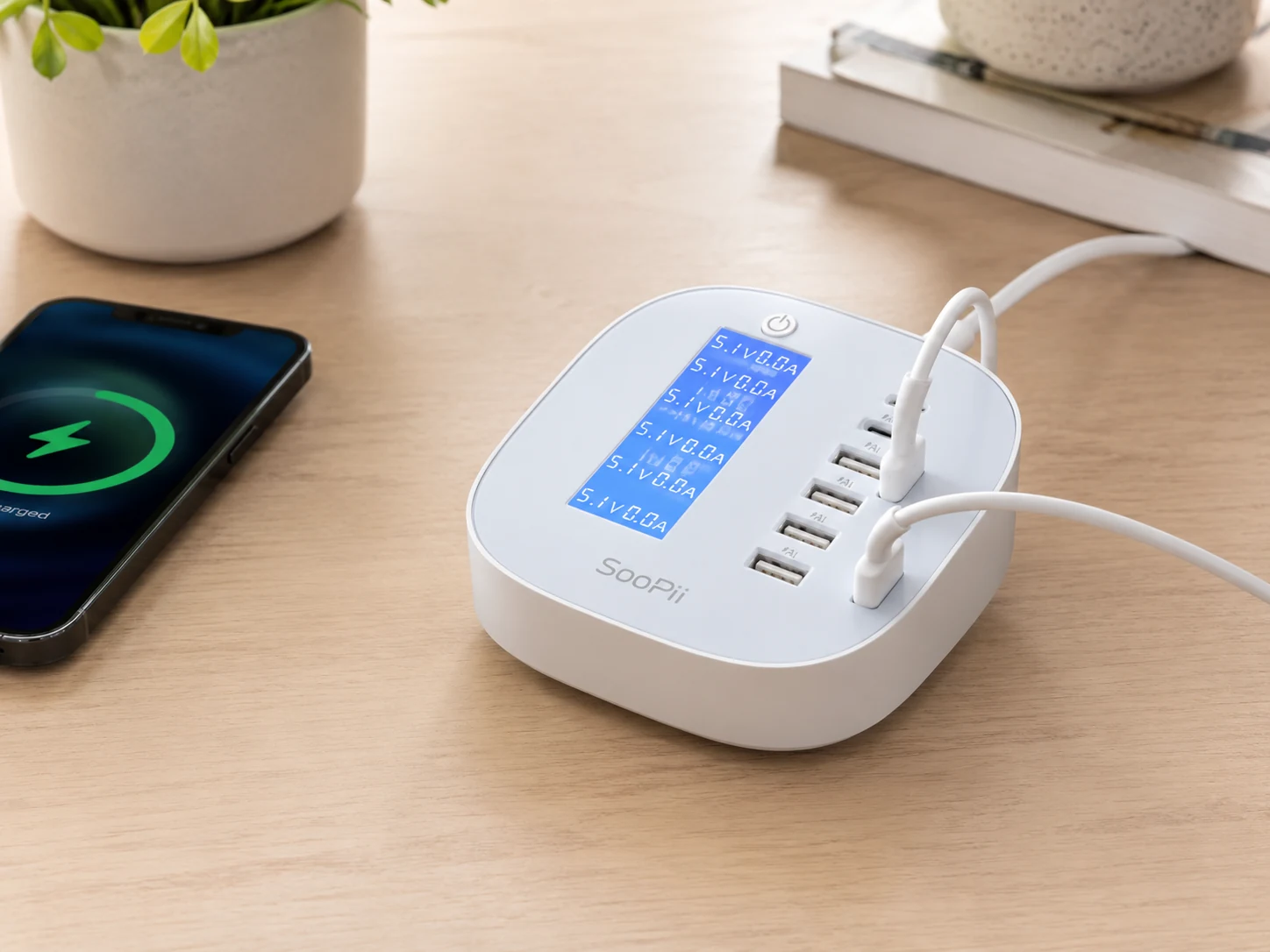
LCD display shows real-time total power draw, useful for verifying devices are charging. 6 USB-A ports at 60W total. Compact horizontal design sits flat without tipping. Visual feedback immediately shows if a cable is seated correctly.
Trade-offs
- · LCD adds minimal functional value for most users
- · No USB-C port
Skip if: You don't care about the power display, the Anker PowerPort 6 is the cleaner pick for the same money.
Check price on AmazonPros
- +LCD shows real-time power draw
- +60W across 6 ports
- +Compact horizontal design
- +Visual confirmation of charging status
Cons
- −LCD is mostly aesthetic
- −No USB-C port
Frequently Asked Questions
How many watts do I need in a USB charging station?
For phones only: 40–60W is plenty. 60W across 6 ports delivers ~10W per port, which charges a smartphone in 2–3 hours. For tablets or USB-C fast charging, you need at least one 18–20W dedicated port.
Are cheap USB charging stations safe?
Not all of them. Every pick on this list is from a brand with a verifiable Amazon track record and at least 500 reviews. Avoid unknown brands with zero reviews under $10, those are the genuine fire risks.
What's the difference between USB-A and USB-C charging?
USB-A is the older rectangular port. USB-C is the newer oval port, faster charging (up to 240W with the right adapter) and now standard on iPhones 15+, iPads, and most Android phones. If you have newer devices, look for at least one USB-C PD port.
Can a USB charging station charge a laptop?
Standard USB-A stations cannot meaningfully charge modern laptops. Laptops require USB-C Power Delivery at 45–100W. The picks in this guide are designed for phones, tablets, earbuds, and small devices.
Bottom Line
For most setups: the Anker PowerPort 6, 60W, 6 ports, PowerIQ smart charging, surge protection, detachable cord. Reliable Anker warranty.
Under $18: the Hercules Tuff 6-Port, Aluminum build for heat dissipation, 60W/2.4A per port, low-profile.
With USB-C PD + cables included: the SooPii 6-Port, PD 20W, 6 cables included, organizer slots for dorm setups.
Browse USB charging stations under $30 on Amazon
All Prime-eligible. Verified brands only.
Shop on Amazon →Related Guides
Best Multi-Device Charging Stations Under $50
GaN, USB-C PD, and Apple Watch arms, the upgrade picks
Best Apple 3-in-1 Charging Stations Under $40
iPhone + Watch + AirPods on one stand, under $40
Dorm Room Power Essentials
Power strips, surge protectors, and USB hubs for dorm setups
Desk Setup Essentials
15 must-have items for any desk setup
Last updated: June 2026. Prices checked at time of writing, verify current Amazon price before purchasing.