
How to Reduce Keyboard Noise in a Shared Home Office

Affiliate Disclosure: We may earn a small commission on qualifying Amazon purchases at no extra cost to you. Full disclosure →
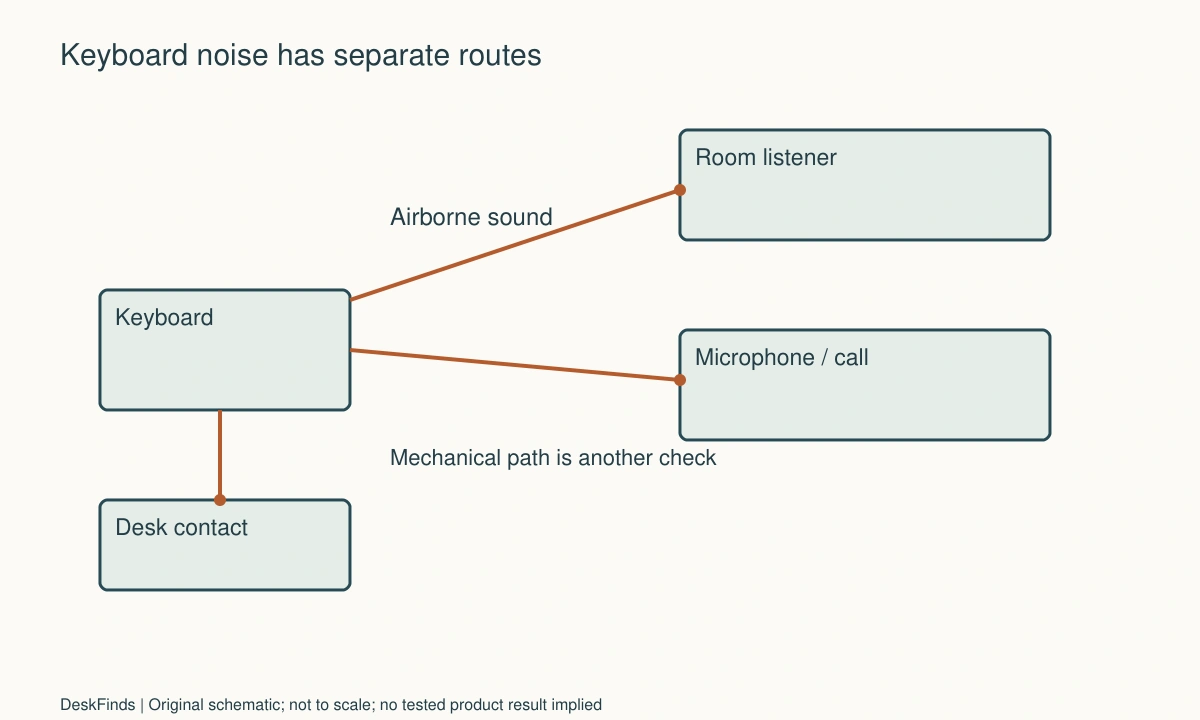
A keyboard can annoy a roommate through several routes: the airborne click of the switch, the impact of a key reaching its stop, a hollow desk amplifying vibration, or the same sound entering a microphone. Buying a product labeled silent before identifying the route can leave the main problem unchanged.
Quick answer: Establish whether the problem is sound heard in the room, vibration through furniture, or noise heard on calls. Test your current keyboard, desk contact, typing force, and microphone arrangement separately. Choose a quieter keyboard only after checking the exact switch and whole-board sound. A desk mat, microphone change, or acoustic panel addresses a different part of the problem.
Define who hears the noise
Ask the person affected to describe when it becomes intrusive. Someone sleeping nearby hears the physical keyboard even when your microphone is muted. Someone on a call hears the signal captured and processed by the selected microphone. Those two audiences may need different improvements.
Check whether the complaint concerns sharp clicks, low thumps, rattling large keys, or general room activity. Make a short recording with permission and keep private conversation out of it. A phone recording can compare two arrangements but is not a calibrated sound-level measurement.
Create a repeatable comparison
Use the same short passage, keyboard location, seat, and listening position. Include the space bar, Enter, and modifiers, because the board’s larger keys may sound different from ordinary letters. Keep microphone settings unchanged during the first comparison.
Change only one thing at a time. If you move the microphone, add a mat, change input gain, and type more softly together, an improvement will not tell you which purchase is justified. Keep a simple log of the configuration and the listener’s observation.
Separate switch sound from bottom-out impact
A switch’s tactile or mechanical action and the key’s final impact are separate sound sources. A non-clicky switch can still be loud in a particular keyboard. Housing, keycaps, stabilizers, case, and mounting all influence what the listener hears.
Do not assume linear means silent or mechanical means unsuitable. Compare the exact assembled board when possible. A switch sample can show feel and some sound, but it does not reproduce a complete keyboard on your desk. Check return terms if sound is central to the purchase.
Inspect contact with the desk
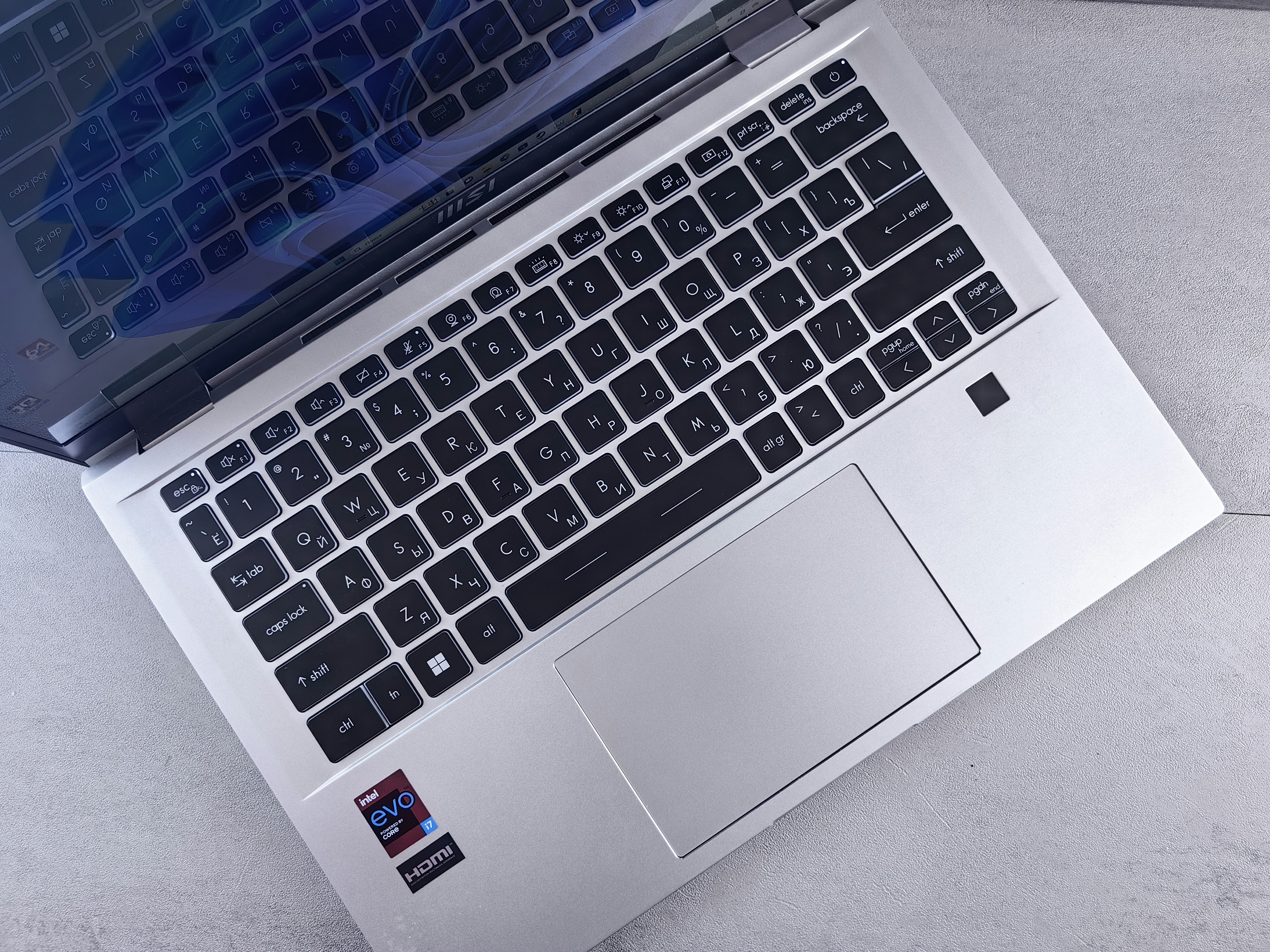
Check that the keyboard sits as intended and that feet or pads are intact. A rocking board can add tapping sounds unrelated to the switches. Follow the keyboard maker’s care guidance for damaged or missing parts rather than improvising a permanent unstable support.
A compatible desk mat can change contact between the board and surface, but it does not enclose the keyboard or guarantee quiet operation. Test the mat without obstructing input movement. Check backing compatibility with the desk finish and keep debris from being trapped beneath it.
Check desk resonance without modifying the structure
A thin or hollow desktop may make impact more noticeable. Compare the keyboard on another suitable stable surface to investigate the route. This is a diagnostic comparison, not permission to add unsupported braces, heavy weights, or adhesives beneath the desk.
Keep structural desk hardware assembled as instructed. If the desk itself is loose or damaged, address that according to its maker’s guidance. A quieter keyboard should not conceal a furniture fault that also affects stability.
Consider typing and task habits
Try a lighter keypress without deliberately holding your hands in a strained position. If the keys reliably register before a hard final impact, a less forceful habit may reduce some noise. It is an option to test, not a promise that everyone can type silently by changing technique.
Put concentrated typing in an agreed part of the day when sharing a sleeping room. Shortcuts, templates, or dictation may reduce some repetitive entry where appropriate, but they have workflow, privacy, and accessibility implications. Do not impose an awkward working method solely to preserve unsuitable equipment.
Treat microphone pickup as a separate branch
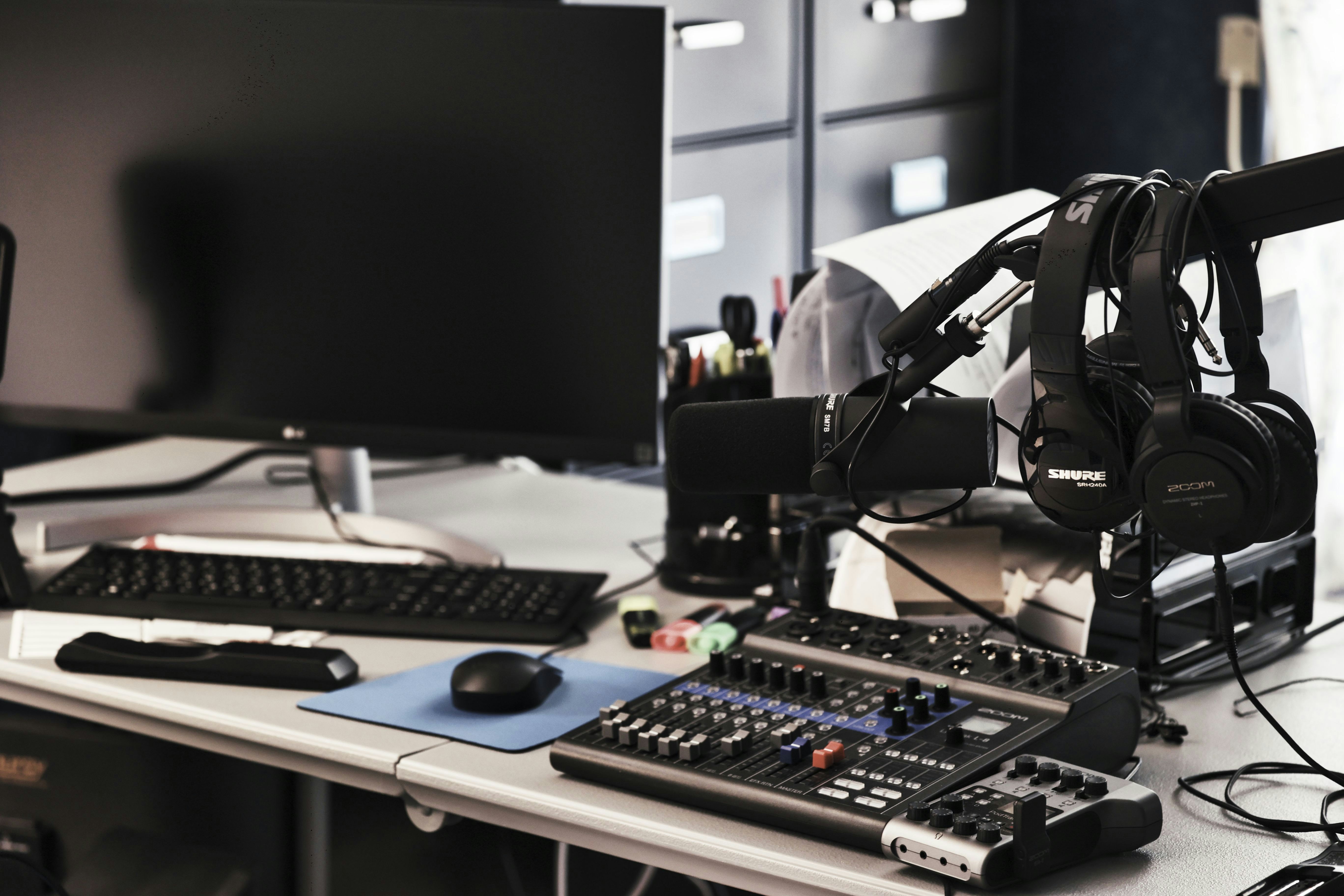
If the room sounds acceptable but calls do not, confirm the active input device. A laptop microphone farther from the mouth may capture more room activity than an appropriately positioned supported headset or directional microphone. Check the actual recording rather than assuming a new webcam changed the audio.
Compare a local recording with a call test, since meeting software can alter the signal. Noise suppression may reduce some typing sounds but can also affect speech. Do not judge a keyboard’s physical room noise from a processed call recording. The desk-vibration microphone guide addresses mechanical transmission specifically.
Buy for the sound that remains
| Remaining issue | Appropriate next comparison |
|---|---|
| Click is intrusive in the room | Exact quieter switch and keyboard assembly |
| Large keys rattle | Supported maintenance or a different assembled board |
| Impact becomes a desk thump | Contact, mat, and suitable desk arrangement |
| Calls are noisy but room is acceptable | Microphone position, selected input, and processing |
| Roommate needs sleep during heavy typing | Schedule or a genuinely separate workspace |
Avoid buying foam panels as a promise to stop keyboard sound reaching another room. Our acoustic treatment comparison separates room reflections from sound isolation. Neither label replaces a keyboard and listener comparison.
Example: the room and the call need different fixes
Imagine a user whose roommate hears a low thump while colleagues hear a sharp click. The user begins with the same passage recorded from the normal room position and through the work microphone. A permitted, compatible desk mat softens the perceived desk contact in the room trial, but the sharp switch sound remains on calls.
Moving the microphone closer to the mouth within its intended use and adjusting input level as directed improves the speech-to-keyboard balance. That change helps the call but does not remove the roommate’s airborne click. The user therefore compares an assembled quieter keyboard rather than buying a shock mount and expecting both problems to disappear.
The new candidate is checked for the space bar and normal typing speed, not just a few gentle letter taps. The user keeps the desk, mat, and listening position unchanged. A quieter result is noted as a personal comparison, not published as a universal decibel reduction.
The roommate and user also agree on a late-evening typing limit. The final solution combines equipment and scheduling because the room serves two functions. Each change has a clear purpose, and no product is described as a complete substitute for a private office.
Keep the purchase claim modest
A silent marketing label does not establish performance in your room. Look for relevant product information, credible assembled-board recordings with their limitations, and a practical return policy. See mechanical switch types for terminology before comparing candidates.
If the keyboard must serve several people, test feel, layout, and necessary shortcuts as well as noise. An unfamiliar layout that causes errors can be a poor compromise. The right purchase reduces the identified disturbance while remaining a useful input device for the person doing the work.
For the feel and layout terms behind the shortlist, compare mechanical switch terminology.
A buying comparison that avoids the silent-label trap
Prepare a short list of tasks the replacement must preserve: number entry, navigation keys, shortcuts, device switching, and connection type. A quieter board that removes essential controls may trade one interruption for another. Measure the complete keyboard and mouse arrangement on the desk before selecting a smaller layout for sound reasons.
When listening to a demonstration, notice what is not controlled. Microphone distance, room, desk, recording gain, typing force, and processing can change the apparent result. A video is useful for identifying a clearly clicky character, but it cannot reliably rank two products recorded in different conditions. Prefer information about the exact assembled board and compare returnable candidates in your own arrangement when practical.
Do not infer that a damped switch guarantees a quiet space bar. Larger keys have their own support and stabilizing mechanisms, and the case can contribute to sound. Include the keys you use frequently in a trial. If the product permits maintenance, follow that guidance; avoid unauthorized modifications that make return or later service difficult.
Budget for the identified problem. If the noise entering calls is primarily a poor microphone position, an expensive keyboard may be an inefficient first purchase. If the roommate hears the physical switch across a quiet bedroom, software suppression cannot solve that audience’s problem. Keep room disturbance and transmitted call sound in separate comparison columns.
After a change, ask the affected listener about ordinary work rather than a deliberately gentle demonstration. Include a realistic typing burst and normal desk actions. A useful result should survive routine use without requiring the worker to hold an unnatural posture or avoid essential keys. If the room’s sleeping and working functions remain incompatible, preserve the equipment improvement and change the schedule or location rather than escalating unverified accessory claims.
Worked trial: choose one change at a time
Suppose a student uses a compact clicky keyboard on a lightweight desk. A roommate reports both a sharp click and a lower knocking sound. The student records a fixed passage from the roommate’s normal location, then repeats it through the meeting microphone with the same settings. The files answer different questions and receive different labels.
First, the student inspects the keyboard’s supported feet and finds one is not seated correctly. Correcting it removes an irregular tap but leaves the expected switch sound. This is logged as a maintenance result, not evidence that all mechanical keyboards are quiet after adjustment.
Next, a compatible mat is tested on the same desk. The listener reports less of the low contact sound while the airborne click remains obvious. The student does not add a claimed decibel figure, because the recording setup is not calibrated. The mat is retained only if its backing suits the desk and it leaves usable mouse movement.
For calls, the student verifies that the selected microphone is the intended headset rather than the laptop array. A normal speech-and-typing test gives a more useful balance than the original distant pickup. This improves the transmitted result without changing the roommate’s physical room experience.
Only then is a quieter assembled keyboard compared. It supports the necessary navigation and shortcuts and fits the desk. The student tests the space bar, Enter, and ordinary typing speed. A few soft taps on letter keys would not represent the normal session. Packaging is retained while the comparison is completed under the return terms.
The roommate and student agree on a late-night routine. Heavy work moves elsewhere during sleeping hours when necessary. The final solution uses maintenance, contact management, the correct audio input, an appropriate keyboard, and scheduling, each for a specific observed issue. No one accessory is credited with solving unrelated routes, and the result remains a personal setup comparison rather than a universal product ranking.
For independently positioning the input devices, use external keyboard and mouse planning.
Decide what evidence is enough to order
For an inexpensive reversible change, a clear personal comparison and a suitable return policy may be enough. For a keyboard you cannot return or a large desk change, request more relevant information first. Keep the exact model, switch option, and assembly in the record. A review of a similar board should not silently become evidence about a different configuration.
Check the connection routine as well. A wireless board may remove a cable from the writing area, but battery care, pairing, and receiver placement become part of ownership. Those features do not determine acoustic performance. Separate the sound comparison from the convenience comparison so a strong result in one does not conceal a failure in the other.
If several people use the desk, let them try normal typing and essential tasks. A very different feel can change force or error rate in ways a short quiet demonstration does not reveal. Do not ask every user to reproduce one unusually gentle technique to justify the purchase.
After choosing, keep one short note describing the problem solved and the conditions tested. That prevents later equipment changes from being credited or blamed incorrectly. If a new microphone or desk changes the result, repeat the relevant branch rather than assuming the quieter keyboard has failed at a job it was never designed to perform.
Your practical comparison worksheet
Use the following checks with the actual people, objects, and room in your plan. Record a measured value, an observed task result, or the exact product information that answers each point. Keep unresolved details separate from confirmed ones. A result about one feature should not silently establish another: physical fit, ordinary use, support, and care may require different evidence. Work through the checks before ordering, then repeat the relevant actions with the delivered item while the return terms apply. The worksheet is a planning aid rather than a product test or approval for an improvised installation.
1. Room listener
Listen from the place where the roommate normally studies or sleeps, with doors and furnishings in their ordinary state; identify click, rattle, and thump separately.
Keep this result separate from a call recording. If physical sound remains intrusive, a software setting on the work computer cannot establish that the room problem is solved.
2. Call listener
Use the intended meeting app and selected microphone to compare speech with normal typing; include the larger keys and relevant shortcut use.
Change input selection or supported placement before buying hardware when the original result came from an unintended microphone. Repeat the call test after any keyboard or audio change.
3. Keyboard contact
Inspect feet, pads, and the board’s normal support on a suitable desk surface; note rocking or a repeated uneven tap.
Resolve supported maintenance first. A mat may change contact but should not conceal damaged parts or create an unstable input position merely to produce a softer recording.
4. Switch character
Check the exact assembled board and switch option rather than a generic mechanical, linear, or silent label; compare ordinary typing rather than unusually gentle taps.
Include space bar and Enter in the shortlist decision. Different recordings are informative but not a controlled loudness ranking when microphones and rooms differ.
5. Desk contribution
Compare the same board on another suitable stable surface when practical, keeping typing and the listening position as consistent as possible.
Treat a changed thump as a clue about the support path. Do not modify structural desk parts or add concentrated weights based on an informal sound experiment.
6. Mat fit
Lay out the keyboard, mouse movement, and any wrist support on the proposed mat; check backing and finish compatibility and keep the surface clean.
Retain it only if it helps the identified contact issue and the task still works. A larger mat is not automatically a quieter complete workstation.
7. Work requirements
List number entry, shortcuts, layout, connection, and switching needs before choosing a replacement board; compare those functions with the space available.
A sound improvement should preserve usable input. A compact layout that forces awkward repeated workarounds may be a poor shared-room compromise.
8. Daily agreement
Test a normal session with the affected person and identify the times or tasks for which the room still cannot support both functions.
Use an alternative location or schedule when needed. Equipment improvements do not guarantee a bedroom becomes an undisturbed workspace at every hour.
Sources and scope
- Logitech MK295 product information - Example of a model-specific quiet-keyboard claim; no advertised percentage is assumed for other products or this room.
Editorial note: This is a research-based planning guide, not a hands-on product review. Worked examples are hypothetical. Follow the exact product instructions and resolve compatibility, installation, and care questions before relying on the arrangement.