
How to Reduce Desk Fan Noise in a Microphone Without Guessing
Affiliate Disclosure: We may earn a small commission on qualifying Amazon purchases at no extra cost to you. Full disclosure →
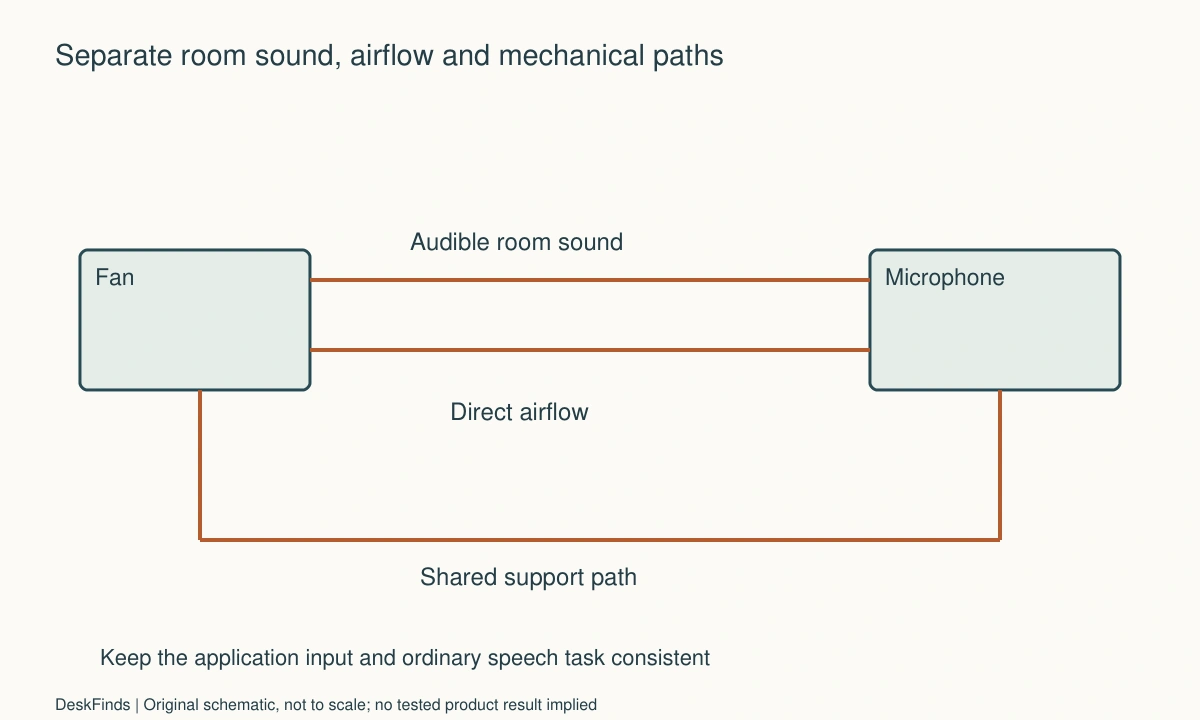
A fan can enter a microphone in several ways. The microphone may hear the motor and moving air in the room, receive direct airflow at its capsule, or pick up vibration through a shared desk. Software may also select a different microphone after a reconnect. Those paths need different checks, so begin with the symptom rather than a shopping list.
Quick answer: Make a private comparison with the same microphone, application, and speaking task. Compare fan off and on, then change one supported placement variable at a time. Keep direct airflow away from the microphone where possible, check mounting vibration separately, and verify the selected input. A windscreen or software filter may address part of a signal, but neither guarantees that every fan sound will disappear.
Identify who hears the problem
A roommate hears the physical fan in the room, while a remote caller hears the captured and processed signal. Muting the microphone changes the second path, not the first. Ask which audience is affected before deciding whether microphone placement or the fan itself is the relevant purchase.
Describe the sound in concrete terms: steady hum, broadband hiss, low rumble, periodic rattle, or a change when the desk is touched. A description does not diagnose the cause, but it helps distinguish observations. Note whether it occurs at one speed, during adjustment, or whenever the fan is active.
Do not record other people without permission. Use a private test or an application preview with non-confidential material. A short recording can compare arrangements under the same conditions; it is not a calibrated sound-level measurement or a product benchmark.
Establish a repeatable baseline
Keep the selected microphone, gain or level settings, application, and speaking position unchanged for the initial comparison. Use the same short passage and include a quiet interval. Compare the fan’s documented off and normal operating states without changing several software features at once.
Verify the application input explicitly. A webcam microphone, laptop microphone, and external microphone can all be available. If the program has selected the wrong one, changing the fan location may obscure the actual issue. The docking-station troubleshooting guide offers related checks when a dock is part of the connection.
Record the fan position and speed used, without extrapolating a manufacturer’s airflow or noise rating to your room. The useful result is a specific observation about a specific setup. It should not become a claim that a particular fan is universally silent or unsuitable for calls.
Separate direct airflow from room sound
Direct moving air at a microphone can create a different signal from the audible fan sound reaching it through the room. Shure’s wind-noise guidance describes low-frequency rumble and model-specific mitigation examples. Use it to understand the distinction, not to assume an outdoor wind accessory removes all indoor fan noise.
Compare another supported fan direction or location that keeps its operating clearance and useful task role. Change only that variable while keeping the microphone and application consistent. Do not cover the fan, obstruct its grille, or place improvised material around it to alter the air path.
If a windscreen is considered, choose one intended for the exact microphone and use it as documented. A foam cover may affect a particular airflow problem while leaving motor sound audible. Check the result on ordinary speech rather than presuming the accessory solves every noise path.
Check desk vibration separately
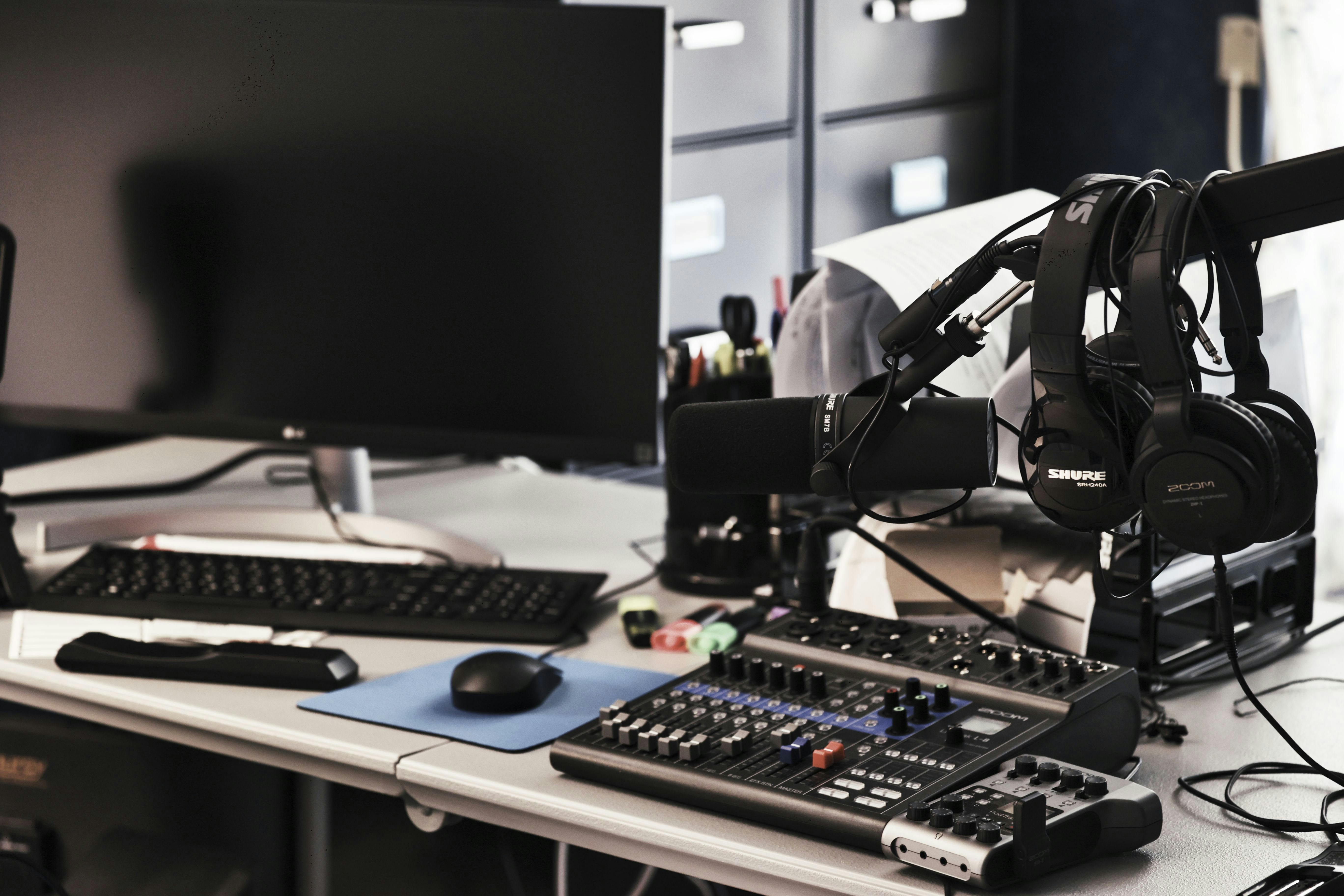
A fan and microphone sharing a surface can introduce a mechanical path. Observe whether the symptom changes with supported placement or mounting arrangements, but do not deliberately stress the fan, clamp, or microphone to provoke noise. Keep equipment supported according to its instructions.
For a detailed mechanical-path approach, use desk vibration reaching a microphone. A microphone support change and a fan relocation should be evaluated separately from direct airflow. A mat or isolation accessory is not a universal repair and should not be inserted into an unsuitable clamp arrangement.
If the fan rattles or behaves abnormally, follow its own care and support guidance. Do not treat a microphone filter as a reason to ignore a device fault. Likewise, do not open or modify a fan beyond the permitted maintenance procedure in an attempt to make it quieter.
Evaluate microphone position and pattern
Use the microphone’s documented working orientation and pickup pattern. Compare a practical supported position relative to your voice and the fan. Do not assume the microphone rejects sound equally from every direction, or that turning a side-address model arbitrarily points it correctly.
A closer supported speaking arrangement can change the balance between voice and room sound, but the exact result depends on the microphone and setup. Check ordinary speech, movement, and any application processing. Avoid borrowing a universal distance from another microphone model.
The dynamic and condenser microphone guide explains category terminology. Changing microphone type is a larger decision and should follow the baseline checks, not replace them. A new microphone can still receive direct airflow or be selected incorrectly in software.
Add processing only after the physical comparison
Review the application’s supported noise reduction, gating, or microphone processing features. Compare them using the same ordinary speech task. Listen for missing quiet words, changes in natural speech, or fan sound remaining between phrases. A quiet pause does not prove the voice is captured well.
A low-frequency filter can address some signal content, but it is not a guarantee that broadband noise or mechanical rattle disappears. Use only supported controls and model-specific instructions. Do not apply a numerical setting from another setup as a universal rule.
Keep the physical arrangement record when changing software. If you move the fan, change the microphone, and enable aggressive processing together, an improvement will not tell you which action was useful. A clear comparison can prevent buying several accessories when one supported placement change is enough.
Worked example: the microphone was in the airflow path
Imagine a hypothetical worker with a small fan beside a monitor and a desktop microphone in front of it. The fan sounds acceptable to the worker, but remote listeners hear a low rumble. The worker initially plans to buy a quieter fan based on room-noise ratings.
A private baseline keeps speech and application settings consistent. The worker compares a supported fan direction that no longer sends air toward the microphone. The microphone position remains unchanged for that step. Any observed difference is recorded without calling it a measured reduction in decibels.
The worker then checks whether the fan still serves the intended person and retains its required clearance. If the new direction is impractical, another supported location or suitable microphone accessory can be compared. The fan is not covered, blocked, or balanced on an improvised support to preserve the first location.
The hypothetical outcome may avoid an immediate hardware purchase, or it may produce a better requirement for one. The key is identifying a direct-airflow question separately from the fan’s audible room sound. No claim is made that a particular windscreen or fan model was tested.
A second scenario: a quieter pause hid clipped speech
Consider a hypothetical user who enables strong noise suppression after hearing fan sound in a test. The quiet interval sounds cleaner, so the user initially considers the problem solved. During normal conversation, some soft words or phrase endings are less clear.
The user compares complete speech rather than only silence. The supported physical arrangement is kept constant while processing options are reviewed through official application guidance. A less aggressive setting, another documented microphone position, or a supported fan location may provide a better overall result.
The user does not assign a universal best filter level or conclude that all suppression is harmful. The acceptance criterion is intelligible ordinary speech with an acceptable background in the real task. Different voices, microphones, and applications may produce different outcomes.
The test remains private and uses harmless material. If the problem is only in one application, its input selection and processing are checked before replacing the microphone or hub. The result is a more precise question, not a claim that software can substitute for every physical noise-control decision.
Compare a placement change with a purchase
A new fan may be appropriate when its physical sound or documented operating role is unsuitable, but check the complete placement and control needs. The clamp fan fit guide helps ensure that a smaller base does not create mounting or cable conflicts.
A new microphone support, windscreen, or headset can also be relevant to a defined path. Compare each against the observation it is meant to address. Avoid buying an acoustic panel to solve direct wind at the microphone or assuming a boom arm removes audible motor sound from the room.
Keep room comfort, call audio, and another occupant’s needs as separate acceptance points. A configuration that sounds cleaner remotely may still be annoying in the room. The final arrangement should serve the actual people without promising a completely silent environment from a single accessory.
Six observations worth recording
Audience and symptom
Write who hears the problem and what it resembles. Distinguish physical room sound from the remote signal. Include the fan’s ordinary setting and whether the symptom changes during speech or silence. These observations help select the next comparison without assigning an electrical or acoustic cause that has not been established.
Consistent baseline
Record the microphone, application, selected input, relevant settings, speaking position, and fan location. Keep them unchanged while comparing one variable. A short private recording is a comparison aid, not a calibrated test. Avoid mixing a different microphone or application into the result and then attributing the change to fan placement alone.
Airflow route
Check whether a supported fan direction or location changes direct air reaching the microphone. Preserve the fan’s clearance and intended use. Do not obstruct the grille or cover it with material. If a windscreen is used, verify its compatibility and judge the whole speech task rather than assuming it removes every kind of fan sound.
Mechanical path
Observe supported mounting and surface contact separately from airborne sound. Follow the fan and microphone instructions, and use the related vibration guide when relevant. Do not add loose isolation materials to a clamp or deliberately stress equipment. An abnormal rattle should receive the product’s care or support response, not simply be hidden by processing.
Voice quality
Listen to ordinary words, softer phrases, and natural pauses with any supported processing enabled. A quiet gap alone is not the objective. Note whether speech remains clear and whether recovery after a pause is acceptable. Keep model-specific filters and application controls within their documented use rather than applying another person’s numerical settings as a rule.
Final working state
Confirm that the fan still serves the room task, the microphone remains practical to use, and other occupants are considered. Keep a short record so the arrangement can be restored after cleaning or travel. A useful solution addresses the identified paths in a supported setup rather than merely making one brief test recording sound quieter.
A comparison log with separate sound paths
Use a short configuration label rather than relying on memory. For example, a hypothetical log might name A as the documented fan-off baseline, B as the original supported fan position, and C as another permitted direction with microphone and software unchanged. The letters are planning labels, not test results. Record what you heard in the quiet interval and during ordinary speech for each configuration.
If C changes low rumble but a steady audible hum remains, keep those observations separate. Do not describe the whole signal as solved or infer a universal cause from one improvement. A remaining sound may need another supported placement or product comparison, while the useful airflow direction still has to serve the person using the desk.
A fourth configuration can examine supported software processing with the physical setup held constant. Check quiet words, phrase endings, and return after pauses. That keeps an apparent cleaner silence from concealing an unacceptable effect on the voice. Do not assign a numerical quality score or claim calibrated noise reduction from an informal comparison.
Compare costs against the identified path
For direct airflow, a compatible windscreen or another supported direction may be relevant. For room sound, microphone placement and the actual fan’s acoustic behavior may matter. For mechanical transmission, the support path deserves attention. A product that addresses one path should not receive credit for removing the others without evidence.
Include practical consequences. Moving a fan away from the microphone can obstruct a door, make controls inaccessible, or fail to serve the user. Moving the microphone can block the keyboard or camera. The useful choice must satisfy both the sound task and the physical desk arrangement rather than optimizing one recording in isolation.
A headset can be another supported call option when suitable, but it introduces fit, connection, and ordinary-use questions. Do not recommend a category solely because it is assumed to reject all room sound. Ask what the actual microphone and application capture in the intended setup.
Check speed changes as different configurations
If the fan provides several documented speeds, record the one used in each comparison. Do not change speed and placement together and attribute the outcome to only one. A lower speed may alter both useful airflow and sound, so the user’s actual room task remains part of acceptance.
Avoid interpreting a manufacturer noise claim as a prediction for your microphone signal. Its measurement conditions, distance, and method may differ from the desk. A remote caller hears a processed signal shaped by the microphone, room, and application. Describe your own ordinary observation within that scope rather than converting it into a product-wide rating.
If the fan develops an unusual rattle, stop treating the issue as merely a recording preference. Follow the product’s appropriate care or support process. A software filter making the rattle less audible to callers does not establish that the fan is operating normally.
Keep the result recoverable
Record the supported fan and microphone positions and the essential application input. A quick pre-call check can confirm the selected device without requiring a new experiment each morning. If another user changes the desk, restore the documented arrangement rather than guessing from the last cable position.
Recheck the affected part when the microphone, fan, application, or room arrangement changes. A previous result belongs to the previous configuration. Keeping that limitation explicit makes the guidance useful without pretending that one placement or processing setting guarantees the same outcome for every person and device.
Sources and scope
- Shure wind-noise guidance - Supports the distinction between airflow-related low-frequency content and other sound; no universal filter setting or removal guarantee is given.
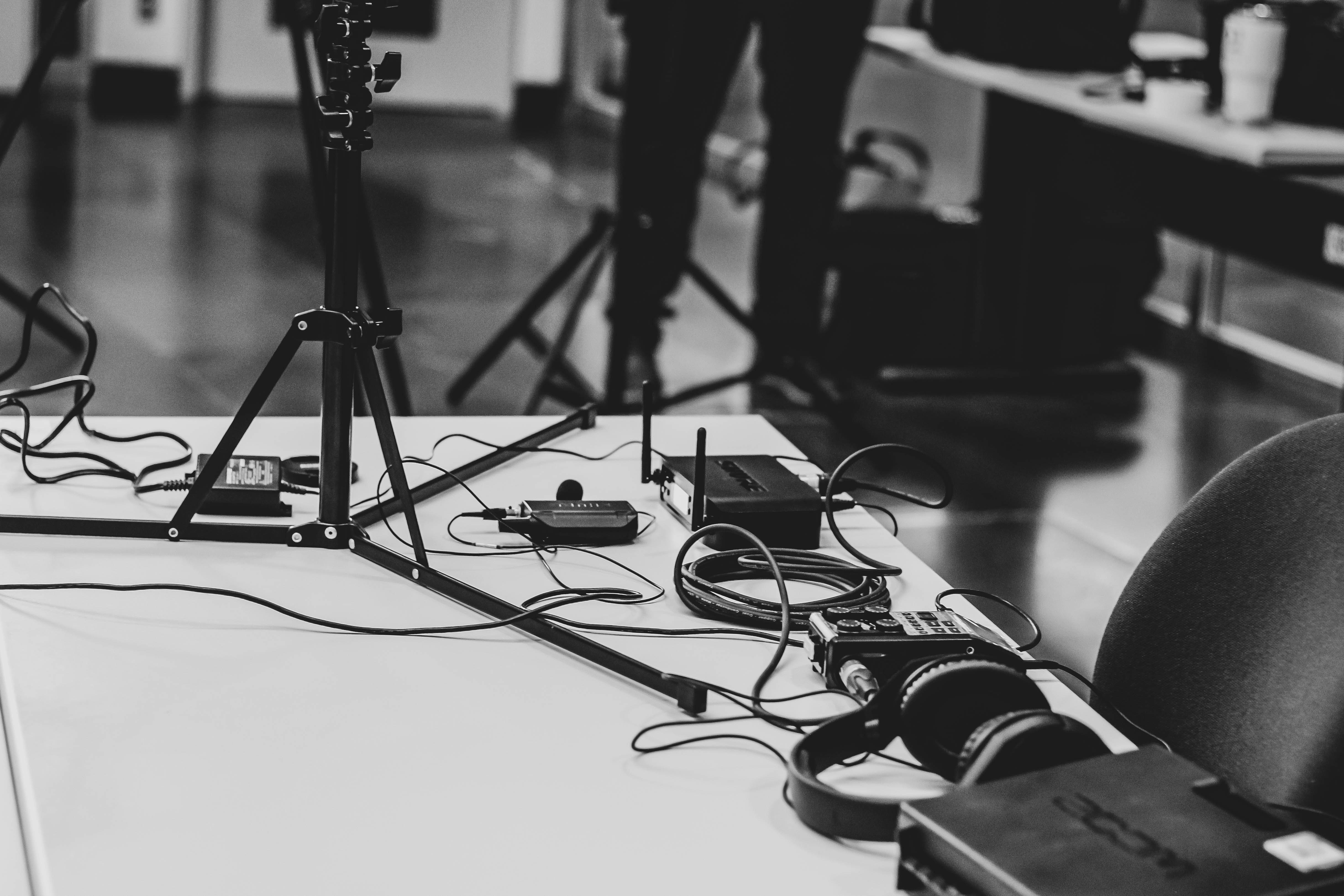
Editorial note: This is a research-based planning guide, not a hands-on product review. All worked scenarios are hypothetical. Measurements and compatibility must be confirmed for the exact equipment. Photography supplies context, not proof of a tested arrangement.
Photos are illustrative and come from free-license libraries such as Unsplash; diagrams are original to DeskFinds.