
How to Fit a Desk Into an Alcove With Uneven Walls
Affiliate Disclosure: We may earn a small commission on qualifying Amazon purchases at no extra cost to you. Full disclosure →
An alcove can look rectangular while being narrower at the back, wider at the floor, or interrupted by trim exactly where the desk frame needs to sit. Ordering a desk from one wall-to-wall measurement leaves those differences undiscovered until assembly.
Quick answer: Measure the alcove at several heights and depths, compare the narrowest relevant clearances with the entire desk and its installation path, and allow usable clearance rather than specifying a friction fit. For a fitted worktop, make a template and confirm the support design before cutting. A wall contour problem and a structural support problem need separate answers.
Draw the cavity before measuring furniture
Sketch the opening from above and label front, middle, and back. Mark baseboards, outlets, pipes, and any wall projections. Then make a front-view sketch showing the intended worktop height. A single floor width cannot describe the space occupied by the desktop.
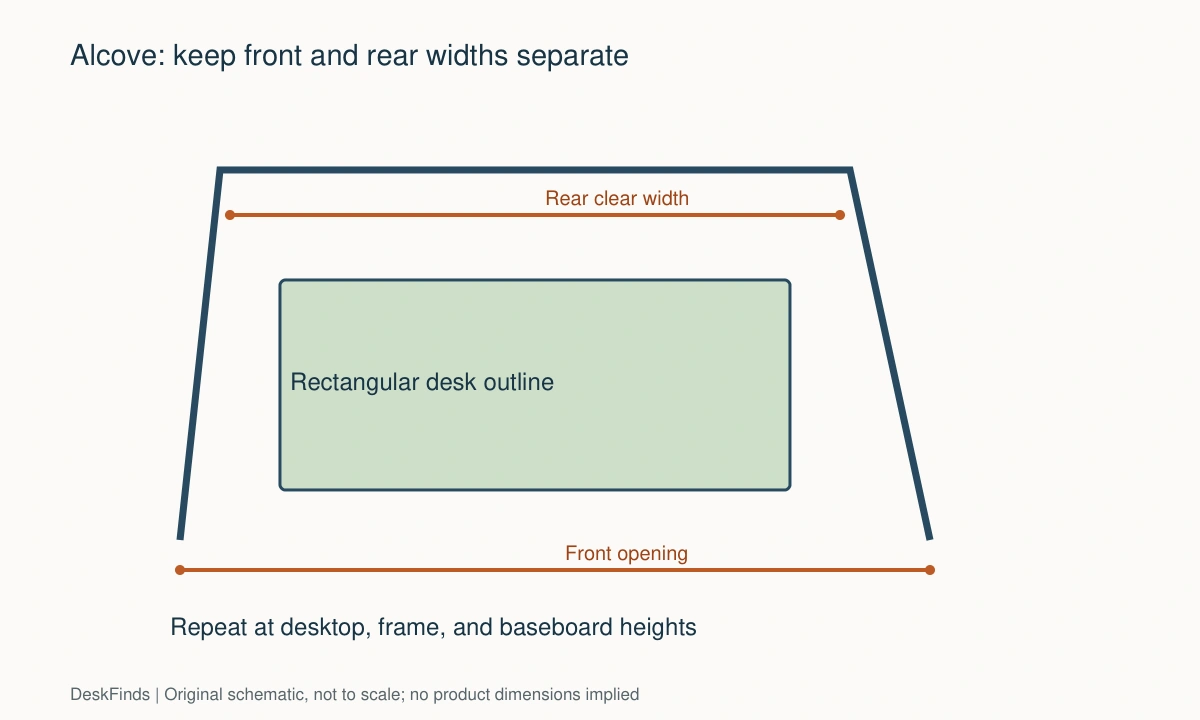
Write each dimension at its actual location. If the front width differs from the rear width, keep both values. Do not average them into one apparently convenient number. A rigid rectangular desktop is controlled by the tight point it must pass or occupy.
For a frame with a rear obstruction, see baseboard and outlet fit.
Use a measurement grid
Measure left-to-right at the front opening, at the likely rear edge, and at an intermediate point. Repeat near the floor, where the desk frame will be widest, and at worktop height. Use a rigid rule or assistance where a flexible tape sags.
Check depth on both sides. A rear wall may angle, or the side walls may not end at the same front plane. Also check whether a radiator, curtain, or socket face projects into a corner. Label obstacles individually so they are not mistaken for wall irregularity.
For reference points, use the finished wall surfaces that the desk will encounter. If there are baseboards, record the clear space between their faces and the clear space above them. Which measurement matters depends on the desk’s legs and rear stretcher.
Separate freestanding fit from a fitted appearance
A freestanding desk does not need to touch three walls. A visible side gap can make installation, cleaning, cable access, and eventual removal much easier. Choose that gap deliberately; do not fill it with wedges that create unapproved structural loads.
If you want a built-in appearance, removable trim or a properly designed infill may conceal a gap without forcing the desktop against uneven masonry. The joinery should not block ventilation or prevent service access. Ask an installer how the surface can be removed later before agreeing to a fully sealed perimeter.
Check squareness without relying on one diagonal
Two diagonal measurements can reveal that something is not square, but they do not map every bowed wall. A wall can curve between otherwise convenient endpoints. Use a straightedge at desktop height to inspect local projections, and record where a straight desk edge would touch first.
For a fitted top, create a physical template using an appropriate templating method. Mark its top face and orientation so it cannot be reversed accidentally. Check the template in place before transferring the outline to the final material. Expensive finishes should not be the first test piece.
Include the desk’s hidden geometry
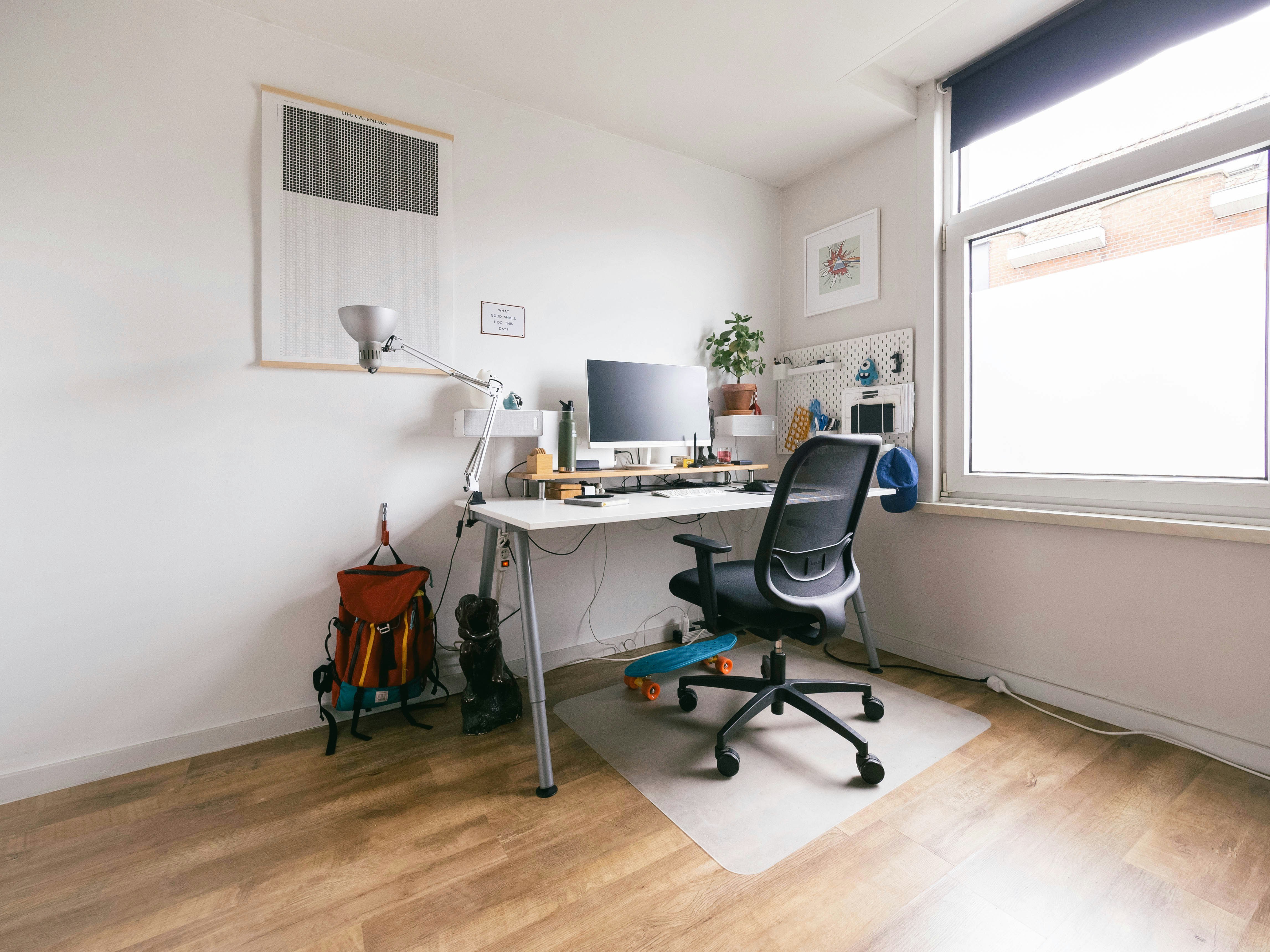
Overall desk dimensions may describe the top while the legs flare outward or a crossbar sits near the floor. Ask for a frame drawing. Also inspect the assembly instructions: a screw driven from the outside of a leg may become inaccessible once the desk is inside the alcove.
A unit that fits after assembly might not fit during assembly. You may need room to turn it upright or attach a rear brace. Choose a model with a feasible installation sequence rather than assuming it can be assembled in a tight cavity by improvising the order.
Plan cable access before closing the rear gap
A monitor plug may point toward the wall even when the screen itself fits comfortably. Include the connector and its natural cable bend. Locate a power strip where its switch and plugs remain accessible without dragging the entire desk forward.
Do not trap a wall outlet behind a permanently fitted support. If a grommet is needed in a custom top, its location must account for the structure below and the connector that passes through it. Check the relevant desk or worktop instructions before drilling.
Keep the support design independent of the contour
An accurately scribed top is not automatically a safely supported top. The span, material, load, brackets, fixings, and wall construction all matter. A close fit to the side walls provides no substitute for a specified support system.
For a standing desk, the surface also needs room to move without rubbing the alcove. Include the full height range, cable movement, and any projecting monitor-arm joints. A fitted look may be a poor priority if it makes normal adjustment unreliable.
Work through an illustrative comparison
Suppose an alcove measures 48 inches across at the front and 47.5 inches near the rear at desktop height. A rigid top that is 47.75 inches wide cannot occupy the rear position unchanged. The difference is meaningful even though the front opening looks generous.
A narrower freestanding desk may be the straightforward answer. A custom top may be another answer, provided its template and support design are resolved. Sanding a finished desk edge or removing its structural frame is not an equivalent low-risk adjustment.
Use the gap for something useful-or leave it open
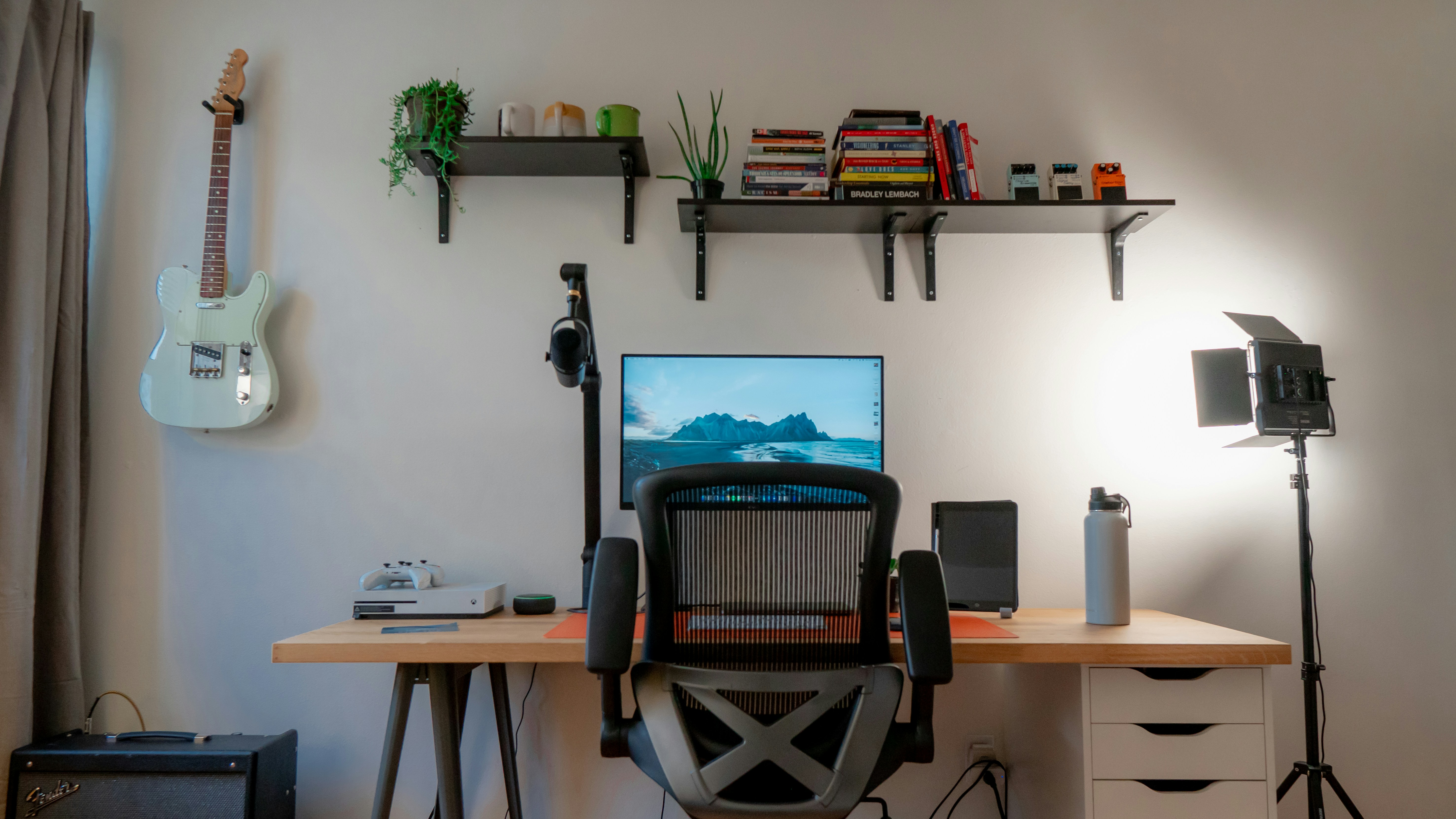
A narrow side gap may hold a cable route, but it is rarely useful storage if you cannot retrieve an object without moving the desk. Avoid buying a rolling cart merely because its catalog width is close. Check the cart’s handles, wheels, and extraction path.
Keep a small access gap behind a screen if it is needed for connecting devices. Our desk cable-management guide can help select a retention method once the cable route is known. An organizer should follow the route, not decide it.
Questions worth asking the seller
| Missing information | Why it matters |
|---|---|
| Maximum frame width | Legs may extend beyond the desktop |
| Rear brace location | Baseboards may prevent the desk reaching the wall |
| Assembly access | Tools may need side clearance |
| Desktop construction | Determines whether modifications are permitted |
| Removable components | Affects moving the desk into and out of the alcove |
Choose the candidate that passes the real cavity and installation checks. A desk that is slightly smaller but easy to install, service, and remove is often a better alcove solution than a nominally perfect size with no working margin.
Choose between three alcove strategies
A freestanding desk with deliberate side gaps
This is often the least complicated option when the walls vary modestly and you do not need a built-in finish. Select the desk from the narrowest relevant cavity measurement, then verify the delivery and assembly route. The side gaps can make cleaning and servicing easier; they do not need to become extra storage.
Before ordering, decide whether the visible gap will bother you. If appearance matters, consider a removable cosmetic treatment that does not carry the desk load. Keep that work separate from the furniture’s structural supports. You should still be able to remove the desk without breaking wall finishes.
A custom surface following the walls
A fitted top can use the available width, but it requires accurate templating and a support design appropriate to the material and wall construction. Agree on where cables pass and how the top can be removed. A beautifully fitted surface with no service access may become difficult to live with when equipment changes.
Ask the installer to explain which parts carry the load. Contact with an uneven wall should not be confused with support. If the planned top spans a wide opening, obtain a design for that span rather than copying a photograph of another alcove.
A height-adjustable frame inside the recess
This arrangement needs more than a successful fit at one height. The top and attached equipment must move clear of wall irregularities, trim, and shelves. A rear corner that clears at the bottom may scrape farther up where the wall bows inward.
Map the full intended travel and leave the specified working clearances. If the only way to achieve a flush appearance is to restrict movement or defeat safety features, choose a different surface size. The adjustable desk should retain the function you bought it for.
If the delivery route is tight, use the desk delivery worksheet.
A useful comparison record
Create one row per candidate with top width, maximum frame width, rear support position, required assembly access, and the unresolved measurement. Keep retailer dimensions separate from your own readings. If a seller gives a new answer, record the date and exact configuration so you do not apply it to a different desk size later.
For an illustrative 47.5-inch narrow point, a 47-inch desk may look promising, but the remaining space is not automatically enough for turning the assembled unit or using a tool. Check those operations individually. The appropriate working margin comes from the actual shape and installation method, not a universal subtraction.
If your measurements differ by a small amount each time, improve the measurement method before choosing an exact-size product. Use consistent endpoints, repeat at the same marked height, and get help holding a long tape. A purchase should not depend on selecting the most favorable reading from several uncertain ones.
Know which imperfection you are willing to see
An alcove installation usually involves a choice between exact visual alignment and easy access. Decide which gaps are acceptable before choosing furniture. A small uneven line beside a freestanding desk may be harmless, while a worktop rubbing the wall is a functional problem. Do not spend effort disguising a cosmetic issue while accepting a difficult installation.
Photograph the empty recess with the tape grid visible. Save the measurements with dates and reference points. If walls or flooring will be refinished, measure again afterward. New trim, plaster, or a floor covering can change an exact-fit plan. The final purchase should use the finished space rather than an earlier construction measurement.
For a custom surface, ask about edge finish, moisture protection where relevant, and how the top attaches to its supports. These are joinery questions that should be resolved before cutting. A good template does not answer them. Likewise, the wall’s surface appearance does not identify the structural fixing beneath it.
Compare the cost of a standard desk plus deliberate gaps with the complete fitted solution, including supports, installation, and removal access. A custom top may be worthwhile for an awkward recess, but the comparison should include the whole project. Do not compare a bare material price with a finished freestanding desk and assume they are equivalent.
Finally, sit at a temporary work position before committing to the recess. Confirm light, screen distance, chair access, and the feeling of working between side walls. Perfect furniture fit is not enough if the alcove is an unsuitable place for your actual tasks. Changing the location early is easier than adapting a fitted installation later.
Worked example: a recess that narrows at the back
Imagine an alcove whose front opening is wider than the space at the planned rear desktop line. The floor is also narrower between the baseboards. A buyer initially compares only the front width with a desk’s headline width and finds what appears to be a close match.
The measurement grid changes the shortlist. One desk has a suitable top width but outward-projecting feet that meet the trim. Another has inset feet but requires access from outside the side legs during assembly. A third is modestly narrower and can be assembled in the room according to its instructions. These are different failures and successes, not a single question of choosing the smallest number.
The buyer places a full-size top outline at working height on safe temporary supports and sits in the intended chair. The narrower candidate still provides the keyboard, mouse, and notebook area needed. Its side gap is visible but gives access to a power connection. That practical benefit is recorded rather than treating the gap as a defect that must immediately be filled.
A custom top remains an alternative. The buyer asks an installer to quote templating, support, edge finishing, cable access, and removal. The quote is compared with the complete freestanding desk, not merely with the price of a board. The installer also explains which wall areas can accept supports and which need a different fixing solution.
The final decision depends on the value of the fitted appearance. If the room is temporary or a move is likely, the narrower freestanding desk may be the more flexible purchase. If the alcove is permanent and every inch is needed for an established task, a properly designed custom surface may justify its cost.
After selecting either option, the buyer retains the measured sketch. When adding a monitor arm later, the underside structure and rear gap must be checked again. The fact that the desk fitted the alcove does not establish that every future clamp or cable tray will fit beneath it. A good initial record supports later decisions without pretending to approve equipment that was never part of the original plan.
Compare surface needs with the desk-size chart.
Your eight-point comparison worksheet
Use these checkpoints to compare the actual room, furniture, or device with a candidate product. Keep each result separate; a favorable overall impression cannot resolve a failed required function. Blank record fields are deliberate so you can use your own measurements rather than copying hypothetical examples.
1. Front opening
Measure at the height and orientation through which the assembled desk or largest part must pass; include trim and door hardware.
If the opening fails, check an approved in-room assembly sequence rather than assuming the internal cavity width guarantees delivery.
2. Rear desktop line
Mark the intended rear edge and measure the width there; repeat slightly above and below if the wall surface varies.
Use the controlling dimension for a rigid rectangular top, and choose custom templating when a straight product cannot occupy the desired position.
3. Floor and feet
Record the clear width between baseboards and any floor-level projections, then compare the desk’s complete foot geometry.
A narrow top does not rescue feet that flare into the trim; choose a different frame or accept a farther-forward position.
4. Underside structure
Locate desk stretchers, brackets, and cable hardware relative to the wall profile at the same height.
Resolve collisions before assembly; a structural member should not be removed simply because the desktop itself fits neatly.
5. Template orientation
Label the room side, top face, front edge, and every obstacle on any physical template prepared for a custom surface.
Check it in the actual recess before cutting, because reversing an asymmetric outline can turn a correct shape into unusable material.
6. Tool access
Read the assembly sequence and identify fasteners requiring side, rear, or overhead access after the desk enters the alcove.
Choose a feasible sequence supported by the instructions; do not omit fasteners or braces to compensate for missing tool space.
7. Cable service path
Install sample connectors in the monitor and dock and outline the room needed to connect and disconnect them.
Reserve an accessible route even if it creates a visible gap; hidden plugs should not require pulling equipment by its cables.
8. Removal route
Imagine the desk leaving after a move or repair, including attached trim and any surrounding storage added later.
Prefer reversible cosmetic details and retain the instructions so a future change does not require damaging the walls or support system.
Sources and scope
- IKEA TROTTEN: product and assembly documents - Example of obtaining model-specific measurements and assembly information; not a template for custom joinery.
Editorial note: This is a research-based planning guide, not a hands-on product test or a certification of a custom installation. Dimensions described as hypothetical are examples. Follow the exact product instructions and confirm unresolved compatibility before buying.