
How to Set Up a Closet Office You Can Close After Work
Affiliate Disclosure: We may earn a small commission on qualifying Amazon purchases at no extra cost to you. Full disclosure →
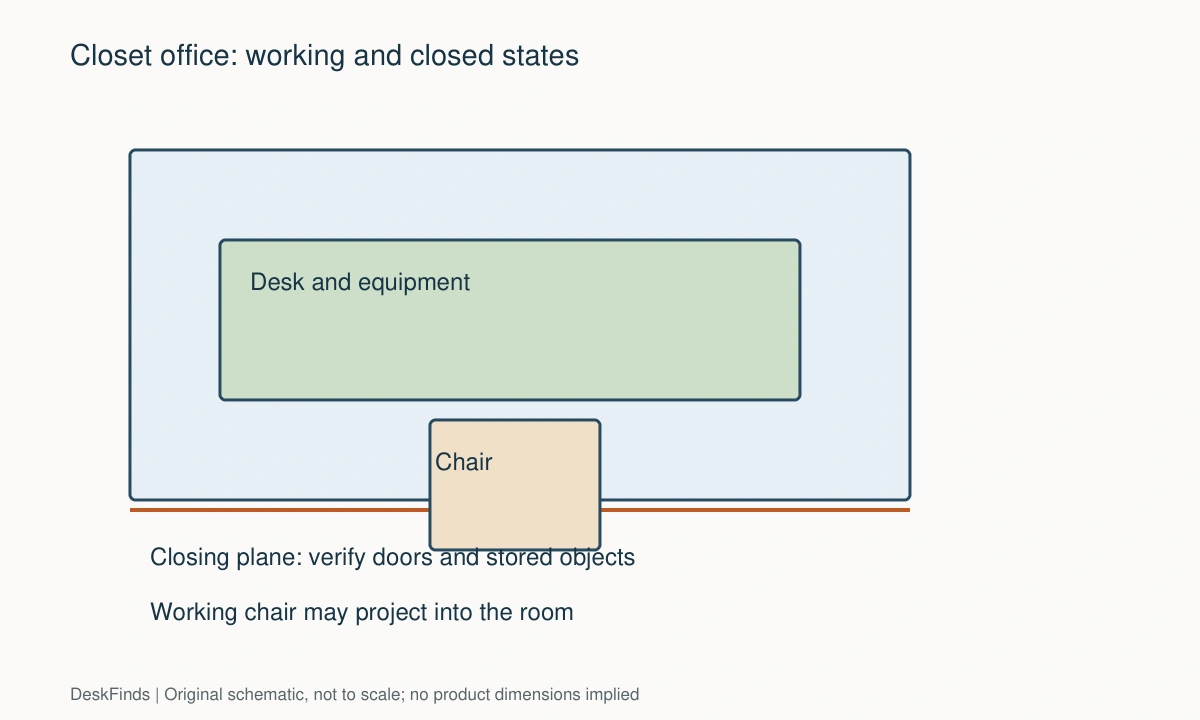
A closet office succeeds when the room can return to its normal job without a pile of equipment beside the door. The desk fitting between the walls is only the first test. Your chair, screen, lamp, cables, and supplies also need somewhere to go when the doors close.
Quick answer: Plan two complete arrangements: working and closed. Measure the opening with the doors fully deployed, keep equipment behind the doors’ actual closing path, and decide whether the chair stays inside or parks elsewhere. Use a freestanding desk if the closet and rental rules permit it; treat a wall-supported worktop as an installation project requiring suitable structure and fixings.
This is a planning guide, not a claim that a storage closet is suitable for every powered device. Keep required equipment ventilation and access to electrical connections. A closed closet is generally a place to park a workstation after use, not permission to run heat-producing equipment inside an unventilated enclosure.
Start with what must disappear
Write down the objects you expect to leave in place. A laptop and one lamp create a different closing problem from a monitor, microphone arm, printer, and desktop computer. Separate equipment that can be shut down and stored from equipment that must continue operating. The second group may need a different location.
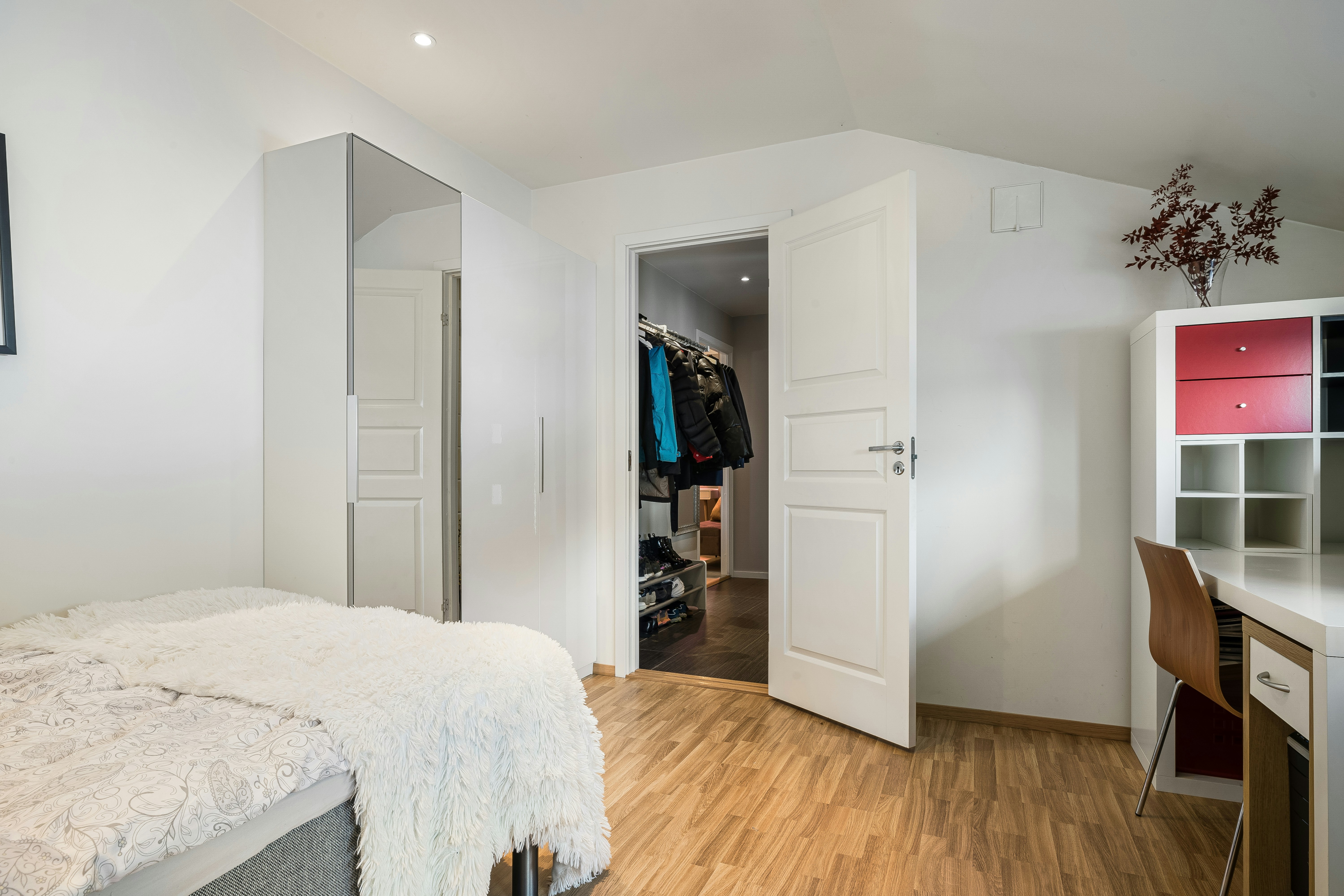
Give the chair an explicit parking position. If it remains outside, mark that position on the bedroom or living-room plan. A closet office that frees the desk but leaves a chair in a doorway has moved the obstruction. If it stays inside, measure the entire chair, including its base and arms, in its actual parked position.
Measure the opening, cavity, and door mechanism separately
The opening width is not necessarily the closet’s internal width. Hinges, tracks, door pulls, and folded panels can reduce usable access. Measure at desk height, near the floor, and at the height of any shelf or monitor you plan to install. Record the narrowest opening the furniture must pass through.
Next measure cavity depth from the rear wall to the nearest part of the closed doors. For a sliding door, inspect both panels and the overlap. For bifold doors, map the folded stack as well as the closing sweep. A chair or lamp can be behind the front trim and still obstruct a panel moving inward.
Use painter’s tape appropriate for the finish to mark the proposed front edge. Open and close the empty closet before buying furniture. This simple test often reveals a knob, hinge, or track that a floor-plan rectangle misses.
Decide where your body will work
A shallow closet may hold the rear half of a desk while you sit outside the opening. That can be workable, but your knees and chair then occupy the room during work. Include that footprint when checking circulation past a bed or sofa. Do not assume that using a closet eliminates the chair clearance requirement.
Keep the main screen in front of the typing position rather than squeezing your body sideways to avoid the door frame. See our chair-clearance guide for the separate movement problem; verify the linked article’s measurements against your own chair rather than treating an example as a room standard.
Choose a support system before choosing a finish
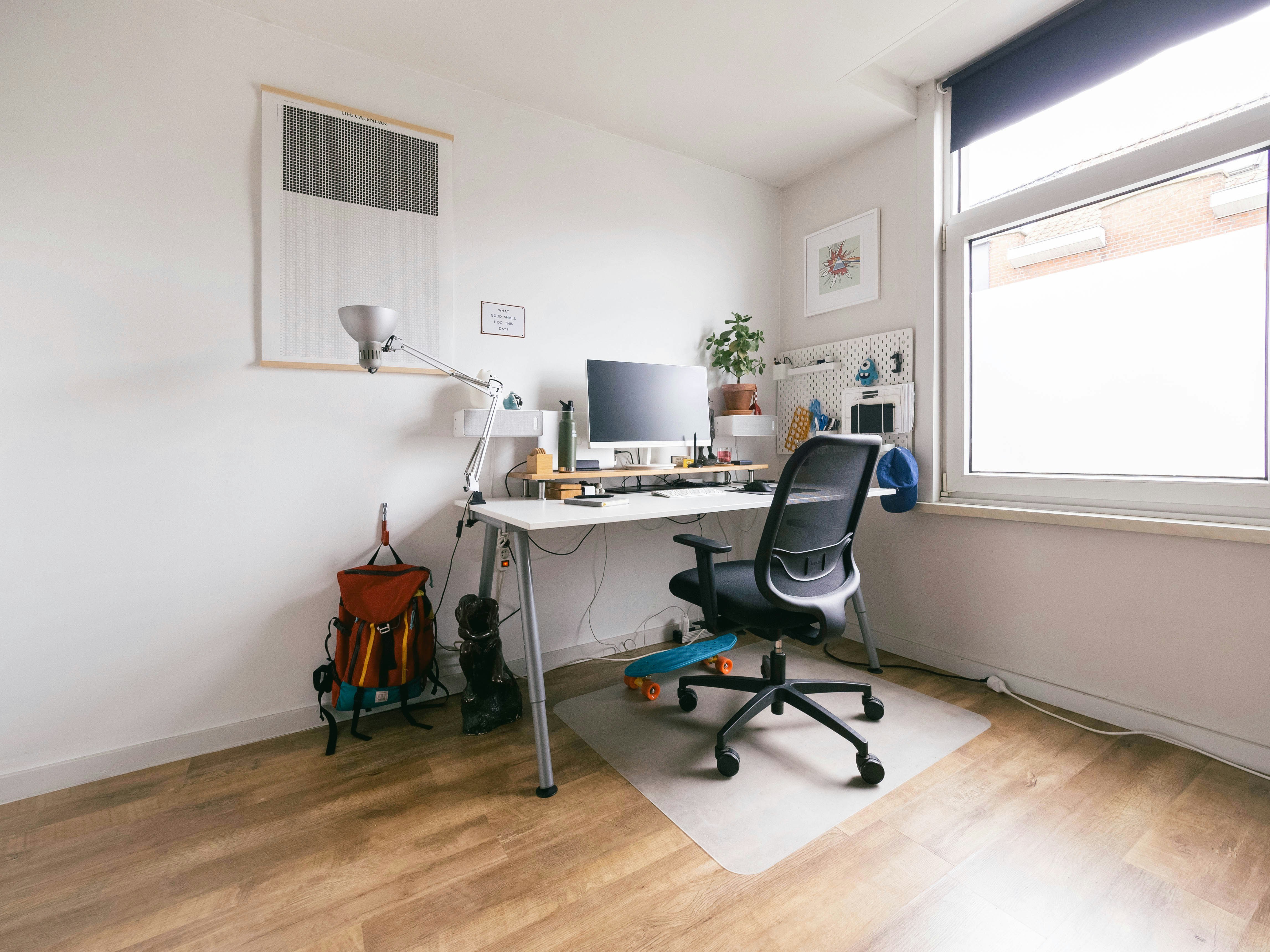
A freestanding desk usually makes later changes easier. Check its frame against baseboards, shelf brackets, and the closet’s rear corners. A desk that is slightly narrower than the cavity may be preferable to one that requires scraping walls during installation.
A fitted worktop can use width efficiently, but the supports must be designed for the wall construction and intended load. Do not assume a clothes rail or existing closet shelf can become a desk support. Check the manufacturer’s instructions or involve a competent installer when the construction is unknown. Keep any required anchoring even if removability is a priority.
Allocate the vertical space
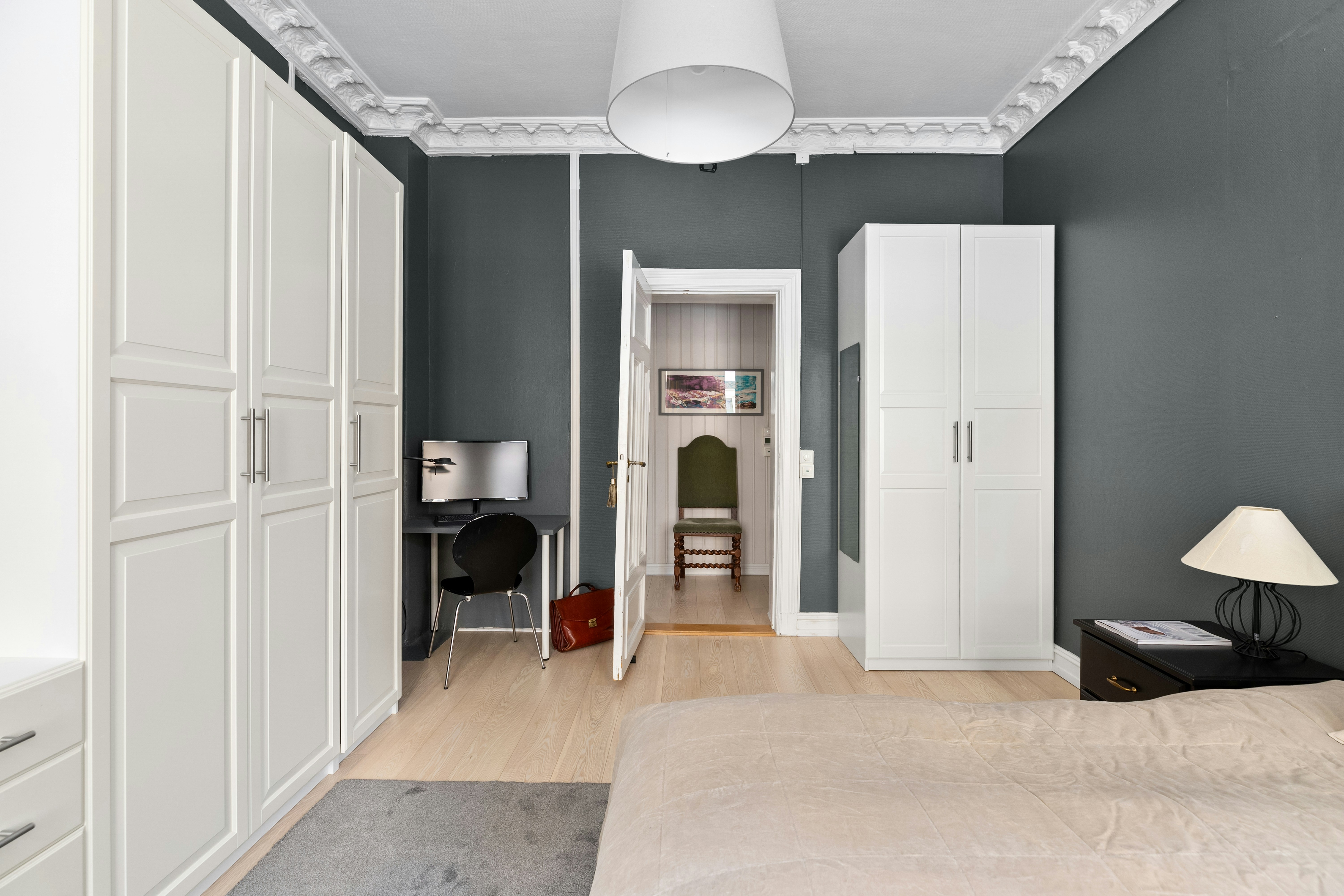
Plan the screen before installing upper storage. Shelves should not force a useful monitor position downward or make the webcam face a shelf edge. Tape cardboard outlines to the wall and sit in the chair with the laptop or monitor in its likely position.
Leave frequently used items low enough to reach without standing on the chair. Put infrequent, light supplies higher if the shelving system permits the load. A hanging organizer can reclaim side space, but it must not push the screen or lamp into the closing path.
Build a closing routine that does not depend on memory
Decide the order: save work, shut down or place devices in the appropriate state, disconnect anything that needs removal, return supplies, park the chair, and close the doors. Attach a small checklist inside the closet if the arrangement has several moving parts.
An arm that can fold is not automatically an arm that folds into this cavity. Check the joints and cable routing in the parked position. Avoid a routine that requires loosening a structural clamp every evening. Adjustments intended for installation should not become daily storage mechanisms unless the product supports that use.
Route power without using the doorway as a cable clamp
Find the actual outlet and inspect the path to the devices. Doors must not compress a power cord or pull it tight when closing. Do not route an extension cord through a pinch point simply to preserve the appearance of a closed room.
Keep chargers uncovered and follow their instructions. Cable organization should retain a loose service loop where equipment moves. If the closet needs a new outlet, use a qualified electrical professional rather than modifying a closet light socket into a workstation supply.
Test the room in both arrangements
Perform a work simulation with the door panels open: type, reach for a notebook, answer a call, stand up, and leave the chair. Then perform the closing routine and walk through the room with a laundry basket or bag. These actions expose different conflicts.
For a hypothetical closet with a 24-inch cavity depth, a desk listed as 24 inches deep is not automatically suitable. The door plane, plugs behind the screen, and trim may consume part of that depth. Compare installed shapes, not matching headline numbers.
Choose improvements by the problem they solve
| Problem | First change to investigate |
|---|---|
| Doors hit the screen | Change the parked screen position or screen support |
| Chair will not store | Create a separate parking bay or choose a smaller compatible chair |
| Worktop feels cramped | Remove permanent storage from the primary work area |
| Closet cannot close without unplugging many items | Simplify the device layout and give removable items one container |
| Cords cross the door path | Reconsider outlet access before adding organizers |
A compact caddy can be more useful than another fixed shelf when several items need to move together. Our pack-away home-office guide covers the broader routine; use it to decide which belongings need to remain inside the closet at all.
Keep the working surface grounded in the small-desk setup guide.
What to photograph before ordering
Take one picture straight into the empty closet, one of the door hardware, one of the floor and baseboards, and one of the outlet location. Add a rough measured sketch. Send this information with any question about a candidate desk’s fit instead of asking whether it is generally suitable for a closet.
The best result is a workstation you can use and close without rearranging the entire room. Accept a narrower desk or fewer permanent devices if that preserves the daily routine. Hidden clutter is still clutter when it prevents the doors from doing their job.
Three closet-office layouts to compare
Shallow cavity, laptop-based work
A shallow cavity often works best as equipment parking behind a desk edge that sits near the opening. Keep the screen position and keyboard position separate. During work, the chair and your body may remain outside the closet; after work, the laptop can be stored appropriately and the input devices placed in a shallow caddy. This layout needs an external chair parking place unless the actual chair fits inside.
Test the closing sequence with the laptop removed as well as left in its approved parked condition. If the only workable arrangement depends on stuffing the power supply behind the screen, change the equipment plan. The smaller cavity should set a realistic limit on permanent devices.
Deeper closet with one external monitor
A deeper closet may accommodate a monitor and freestanding desk, but the screen’s back and connectors can consume a surprising amount of room. Try the original stand first. An arm is worth considering only if it solves the viewing and parking positions while meeting the desk’s mounting requirements.
A single clear shelf above the screen can be more useful than several crowded layers. Keep the lower work zone free for the keyboard and notebook. During the mock-up, verify that a shelf does not prevent reaching the monitor’s buttons or disconnecting a cable. Service access should not require dismantling the built-in arrangement.
Shared room with bifold doors
Bifold doors create a folded stack at the sides and a moving sweep during closing. Put the chair and accessories in place while testing both motions. An organizer on a side wall may be behind the open panel yet still obstruct its path.
If one household member needs the closet closed while another device is still running, address that operating requirement directly. Move equipment that requires open ventilation elsewhere rather than making door closure the only design goal. The successful compromise may be a laptop workstation with storage outside the closet.
Make the first week a layout trial
Keep packaging and delay permanent organizers until you have completed several normal workdays. Record the objects you remove before closing, the number of trips to storage, and any adjustment you repeatedly forget. Those observations are better shopping signals than the amount of empty wall above the desk.
For example, a lamp moved every evening may justify a different light position, while a notebook that stays open overnight may need an active-paper slot. Do not solve both by adding a deep shelf that steals screen clearance. Choose one improvement for the recurring problem and repeat the full work-and-close test.
Set a rule for new equipment: it must have a position in both states. A new printer or speaker can invalidate a previously reliable closing routine. Update the sketch when the equipment changes instead of gradually filling every available corner.

Decide what the closet office should not contain
Before adding storage, remove equipment that does not need to live at the work position. A printer used once a week may be better on an accessible shelf elsewhere than beneath a small desk. A desktop computer that must run unattended may need an open location compatible with its ventilation requirements. Separating these jobs can make the closet much easier to close.
Keep the belongings you need within a session, not every office possession, in the active zone. One notebook, the current reference material, and essential peripherals are a better starting point than an entire stationery collection. Add objects after the closing routine works. This prevents hidden storage from becoming a reason to overload the workspace.
Consider the room’s appearance with the doors open, because that is how you will see it during work. A curtain or decorative panel may create a visual boundary, but it should not interfere with door travel, lighting, or equipment airflow. Do not add fabric around chargers or powered devices simply to conceal cables.
If the closet also stores clothing, separate the access zones. Check whether retrieving a coat requires moving the screen or standing on the chair. The arrangement should not turn daily clothing access into an office reset. A smaller desk may let both functions coexist more successfully.
For your final purchase decision, list the objects that remain inside, the objects removed, and the chair destination. Then write the one measurement or compatibility answer still missing. Resolve that item first. Buying an organizer before confirming the door plane can produce an attractive accessory that has no workable place in either state.
If storage must move with you, start with small-room closet storage.
Worked example: a laptop closet that must close nightly
Consider a hypothetical household with a shallow spare closet, a laptop, an external keyboard, a small lamp, and one active notebook. The first plan uses the full closet width for a fitted desktop. It looks efficient on paper, but the bifold panels occupy part of the opening and the chair cannot enter the cavity far enough to let them close.
The useful first change is not a smaller keyboard. It is deciding where the chair will park. The household marks a position beside the closet that does not obstruct the bed or doorway. With that resolved, the desk can remain within the closet’s measured closing plane, while the occupied chair projects into the room only during work.
Next, the laptop is raised on a suitable stand and the external keyboard sits in front. The notebook fits beside it only when a pen cup is removed. Instead of adding a shelf at screen height, the household puts pens and small supplies in one shallow caddy on a reachable side shelf. This preserves the display position and gives loose objects a defined end-of-day destination.
The lamp is then tested through the complete closing sequence. Its base fits, but the shade projects into a moving panel’s path when left in the normal working position. The household compares a different permitted light arrangement rather than expecting everyone to remember a delicate nightly adjustment. The better choice is the one whose ordinary parked position stays clear without loosening hardware.
Finally, the charging route is checked. The only available outlet is outside the closet. A lead crossing the closing edge would be pinched, so that arrangement is rejected. The household investigates a different approved power route or a properly installed outlet before considering the project complete. A tidy-looking closed door does not justify compressing the cord.
This example produces four separate decisions: chair destination, small-item storage, lighting envelope, and power access. The desk width alone answers none of them. Once the routine works, the household can decide whether a fitted finish is worth the additional installation effort. Buying a larger monitor before that trial would add another permanent object to an unresolved closing problem.
For another room constraint, compare the bedroom wardrobe-access plan.
Your eight-point comparison worksheet
Use these checkpoints to compare the actual room, furniture, or device with a candidate product. Keep each result separate; a favorable overall impression cannot resolve a failed required function. Blank record fields are deliberate so you can use your own measurements rather than copying hypothetical examples.
1. Closed door plane
Use a straight reference across the nearest inside face of the closed panels; include handles or tracks that enter the cavity.
Reject furniture that crosses this plane in its required stored position, even when the surrounding trim projects farther forward.
2. Working chair
Place the actual chair at the keyboard and mark its occupied footprint, including the base and the path used to stand.
If that area blocks another household route, reduce desk projection or choose another work location before adding storage.
3. Parked chair
Measure the chair with arms, back, and wheels in the configuration used at the end of the day.
A chair that fits only with an unapproved part removed is not a reliable daily parking solution; assign a separate location instead.
4. Monitor service space
Include the rear housing, installed connectors, and a hand’s access for the connection tasks you actually perform.
If the screen must be dragged across the desk to change one cable, reconsider the mount or leave an accessible side route.
5. Door opening stack
Inspect folded or slid panels at desk and shelf height, not just where their bottom edges meet the floor.
Relocate side storage when the open panel hides it or prevents access; unused space behind a panel is not automatically reachable storage.
6. Electrical route
Trace each lead from outlet to device while the doors open and close; look for compression and connector tension.
Change the power arrangement if any door relies on pressing a cable flat, and obtain professional help if a new outlet is needed.
7. Portable supplies
Load the intended caddy with the real notebook, keyboard, and accessories and test its shelf position.
Choose the container from the loaded kit’s shape rather than buying a matching bin set and hoping the equipment will fit.
8. End-of-day sequence
Perform the complete reset after an ordinary work session rather than starting from an already tidy empty desk.
Remove steps that depend on balancing equipment or loosening installation hardware; a simpler equipment list may provide the better office.
Sources and scope
- IKEA: wardrobe-workspace example - Example of combining home work with storage; not structural approval for a custom installation.
Editorial note: This is a research-based planning guide, not a hands-on product test or a certification of a custom installation. Dimensions described as hypothetical are examples. Follow the exact product instructions and confirm unresolved compatibility before buying.