
7 Best Webcams for Home Office in 2026 (Tested for Zoom, Teams and Google Meet)
Most webcam guides start at $70 and climb fast. But if your day is back-to-back meetings, a $35 Teams-certified webcam does 95% of what a $200 camera does. The gap only starts to matter when you record locally, teach live, or move around your desk a lot.
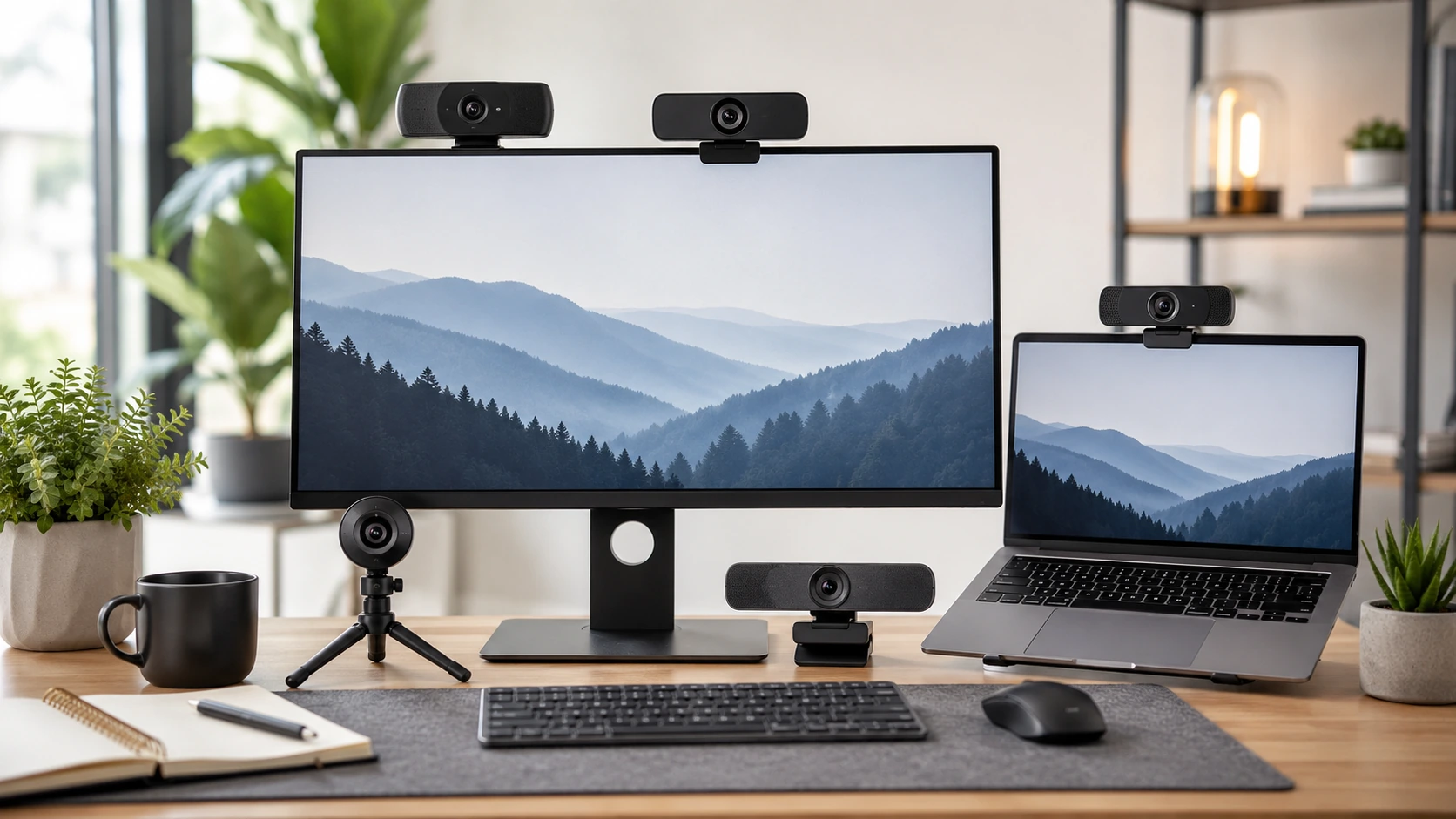
Quick Picks
| Pick | Product | |
|---|---|---|
| Best Budget Pick | Microsoft LifeCam Cinema | Check price |
| Best 2K Under $60 | Anker PowerConf C200 | Check price |
| The Reliable Standard | Logitech C920S HD Pro | Check price |
| Best for Mac and Multi-Platform | Logitech Brio 300 | Check price |
| Best for Movement and Teaching | OBSBOT Meet SE | Check price |
| Best AI Framing Under $130 | Anker PowerConf C300 | Check price |
| Best 4K for Content Creators | Insta360 Link 2C | Check price |
The real question with webcams is not which one has the best specs. It is which one matches how you actually use it. A person with 3 calls per day and a well-lit desk needs a completely different camera from someone who teaches live classes from a standing desk or records content in the evenings.
This guide covers seven webcams across five price points from $35 to $180, tested across Zoom, Teams, and Google Meet. Each pick includes clear guidance on when it makes sense and when to step up.
If your calls require showing documents rather than just your face, see our best document cameras for home office guide. For audio setup, see our best headset for work guide.
What Actually Matters in a Webcam
Resolution
Zoom and Teams both cap live video delivery at 1080p. A 4K webcam produces better 1080p video because it downsamples from a higher resolution source, but the difference is marginal compared to lighting improvements. For meetings only, 1080p is sufficient. For local recording or streaming, 4K matters.
Certified vs Compatible
Certified means the manufacturer worked with Microsoft or Zoom to qualify the hardware. Certified cameras get plug-and-play driver support, hardware button integration (mute, call answer), and coordinated firmware updates. Compatible cameras work as standard USB devices. For personal home offices, compatible is usually fine. For IT-managed enterprise setups, certification reduces support friction significantly.
| Camera | Teams | Zoom |
|---|---|---|
| Microsoft LifeCam Cinema | Certified | Certified |
| Anker PowerConf C200 | Compatible | Certified |
| Logitech C920S | Certified | Certified |
| Logitech Brio 300 | Certified | Certified |
| OBSBOT Meet SE | Certified | Certified |
| Anker PowerConf C300 | Compatible | Certified |
| Insta360 Link 2C | Certified | Certified |
Privacy Shutter
Every camera on this list includes a physical privacy cover. Hardware shutters that block the lens physically are more reliable than software disable, since they work even when the OS or driver has issues. If privacy cover is important to you, all seven picks qualify.
Field of View
Wider field of view captures more of your background and is useful for shared workspaces or when you sit further from your monitor. Narrower FOV is better for single-person close-up shots where you want less background visible. A 78-degree FOV is the general standard for solo home office use. The Anker C200 and C300 let you adjust FOV via software, which is useful if your distance from the camera varies.
The Lighting Rule
Lighting improvement returns more value than camera upgrades in most cases. A $20 USB LED ring or panel placed in front of your face will outperform upgrading from a $70 camera to a $200 camera in the same poor lighting. Fix your light source before upgrading your camera.
7 Best Webcams for Home Office
Microsoft LifeCam Cinema
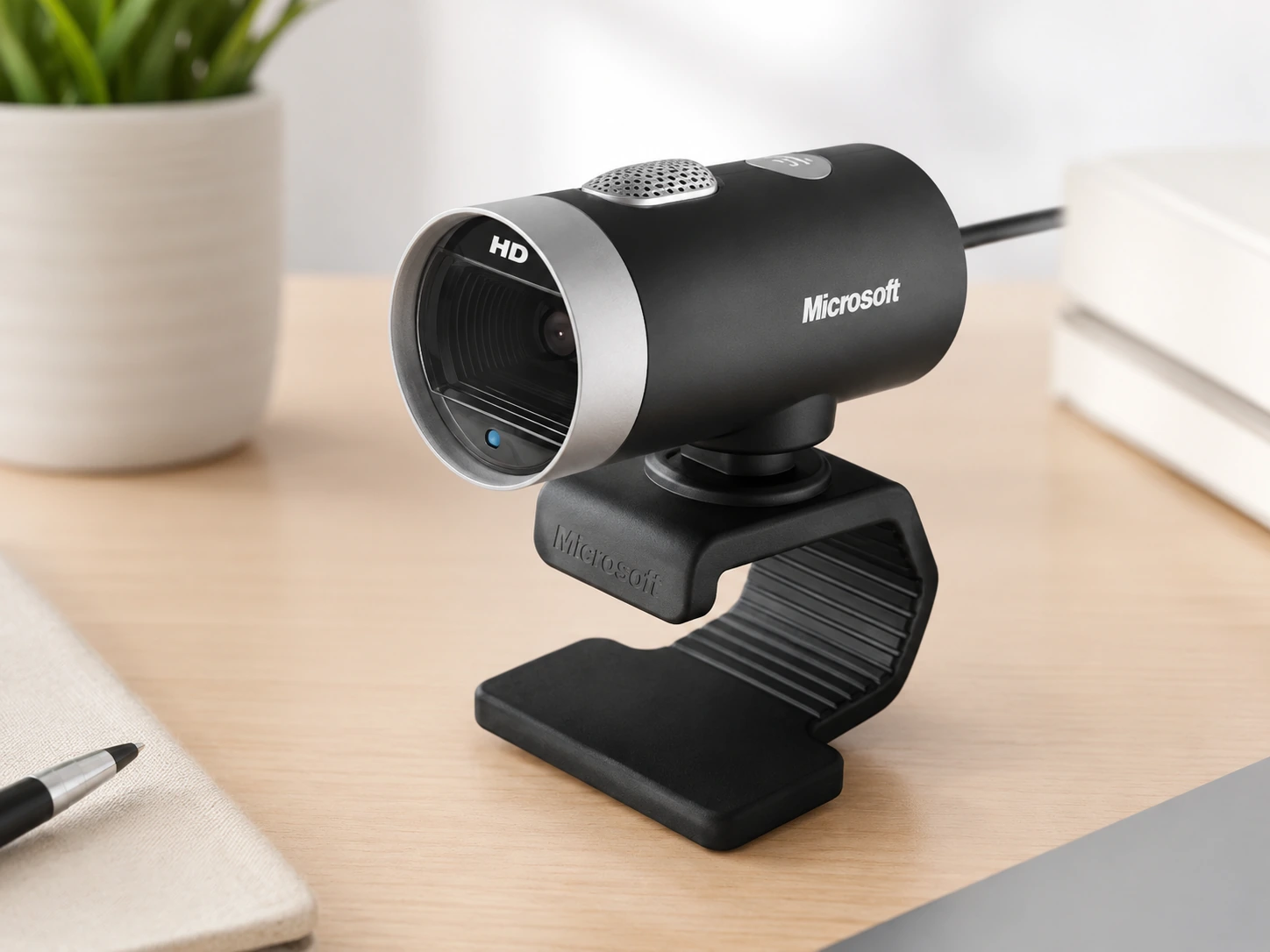
Why it works
One of the only sub-$40 webcams with genuine Microsoft Teams certification; tested with Teams at driver level, not just plug it in and hope; 720p HD output with TrueColor technology handles most conference room lighting conditions well; built-in noise-cancelling microphone noticeably cleaner than laptop mic; for daily Zoom standups and Teams reviews, this camera does the job without waste.
Trade-offs
- · 720p shows limits if participants view you on a large monitor
- · Fixed-focus lens softens at unusual angles
- · USB-A only, no USB-C option
- · Not suitable for streaming or recording
Skip if: You record tutorial videos, teach online classes with movement, or participants frequently complain about video quality.
Check price on AmazonPros
- +Teams-certified at driver level
- +Under $40, lowest price on the list
- +TrueColor technology for decent lighting handling
- +Noise-cancelling microphone
- +Plug-and-play, no setup required
Cons
- −720p only, shows limits on large monitors
- −Fixed focus lens
- −USB-A only, no USB-C
- −Not suited for streaming or local recording
Anker PowerConf C200
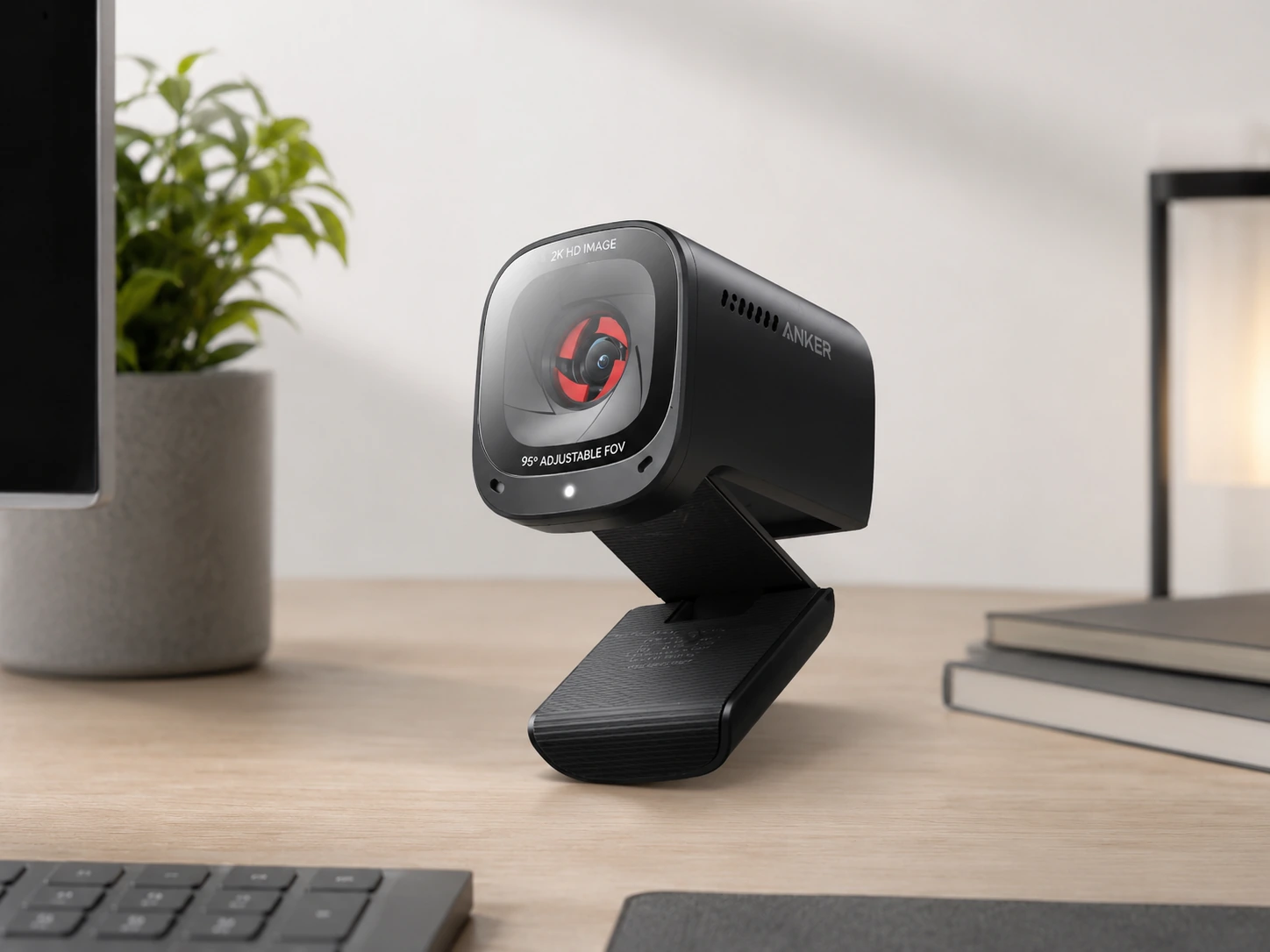
Why it works
Quietest upgrade on the list; shoots 2K (1440p) which helps when platform auto-scales down; three adjustable field-of-view options (65, 78, or 95 degrees) set through Anker software let you dial in exact frame without repositioning; dual AI noise-cancelling microphones perform well in open-plan spaces; built-in privacy cover slides flush when closed.
Trade-offs
- · Zoom certification but not Teams-certified out of the box
- · Works fine with Teams as USB camera but without certified-driver privileges
- · 2K resolution advantage disappears entirely if connection throttles video quality
Skip if: You are in a committed Teams-only shop wanting certified experience; step up to Brio 300 instead.
Check price on AmazonPros
- +2K (1440p) resolution for sharper output
- +Three adjustable FOV settings: 65, 78, and 95 degrees
- +Dual AI noise-cancelling microphones
- +Built-in sliding privacy cover
- +Zoom certified
Cons
- −Not Teams-certified
- −2K advantage lost on throttled connections
- −Software required to adjust FOV
Logitech C920S HD Pro
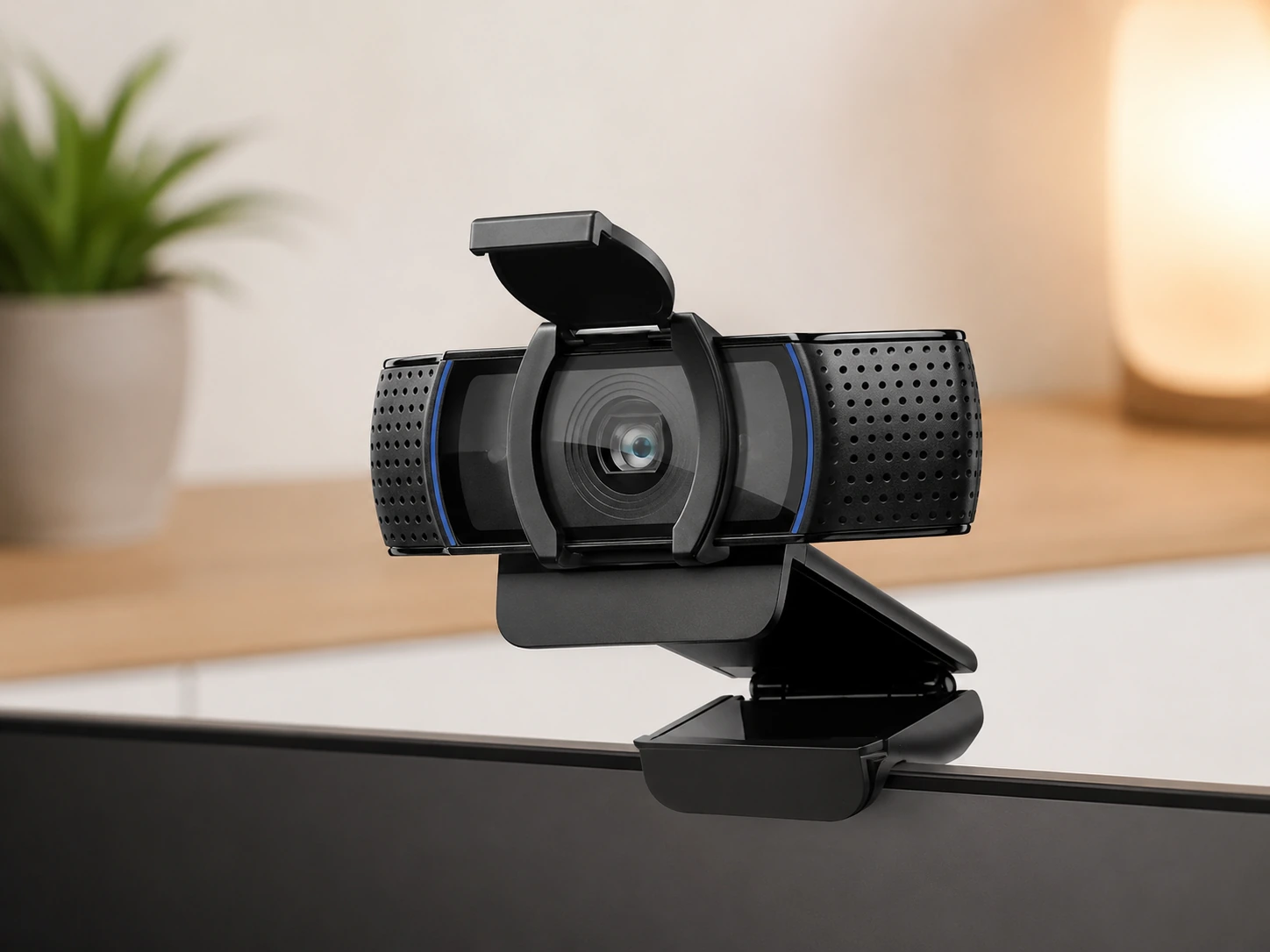
Why it works
The default answer for what webcam should I get for years; full 1080p at 30fps; dual omni-directional microphones handle echo surprisingly well; universal clip fits any monitor; privacy shutter added to original C920 design; glass lens produces noticeably better low-light performance than plastic-lens competitors at same price; simply works.
Trade-offs
- · 30fps cap means motion is not silky smooth for fast movement
- · No USB-C
- · Logitech Capture software is optional but bloated
- · Newer cameras with better low-light sensors available at similar price
Skip if: You sit at a standing desk and move between sit and stand during calls; fixed framing will leave you out of frame when standing; look at OBSBOT Meet SE for AI auto-framing.
Check price on AmazonPros
- +Proven reliability with years of real-world use
- +1080p at 30fps
- +Glass lens for better low-light performance
- +Dual omni-directional microphones
- +Privacy shutter included
- +Teams and Zoom certified
Cons
- −30fps cap, not ideal for fast movement
- −USB-A only, no USB-C
- −No AI auto-framing
- −Logitech Capture software can be bloated
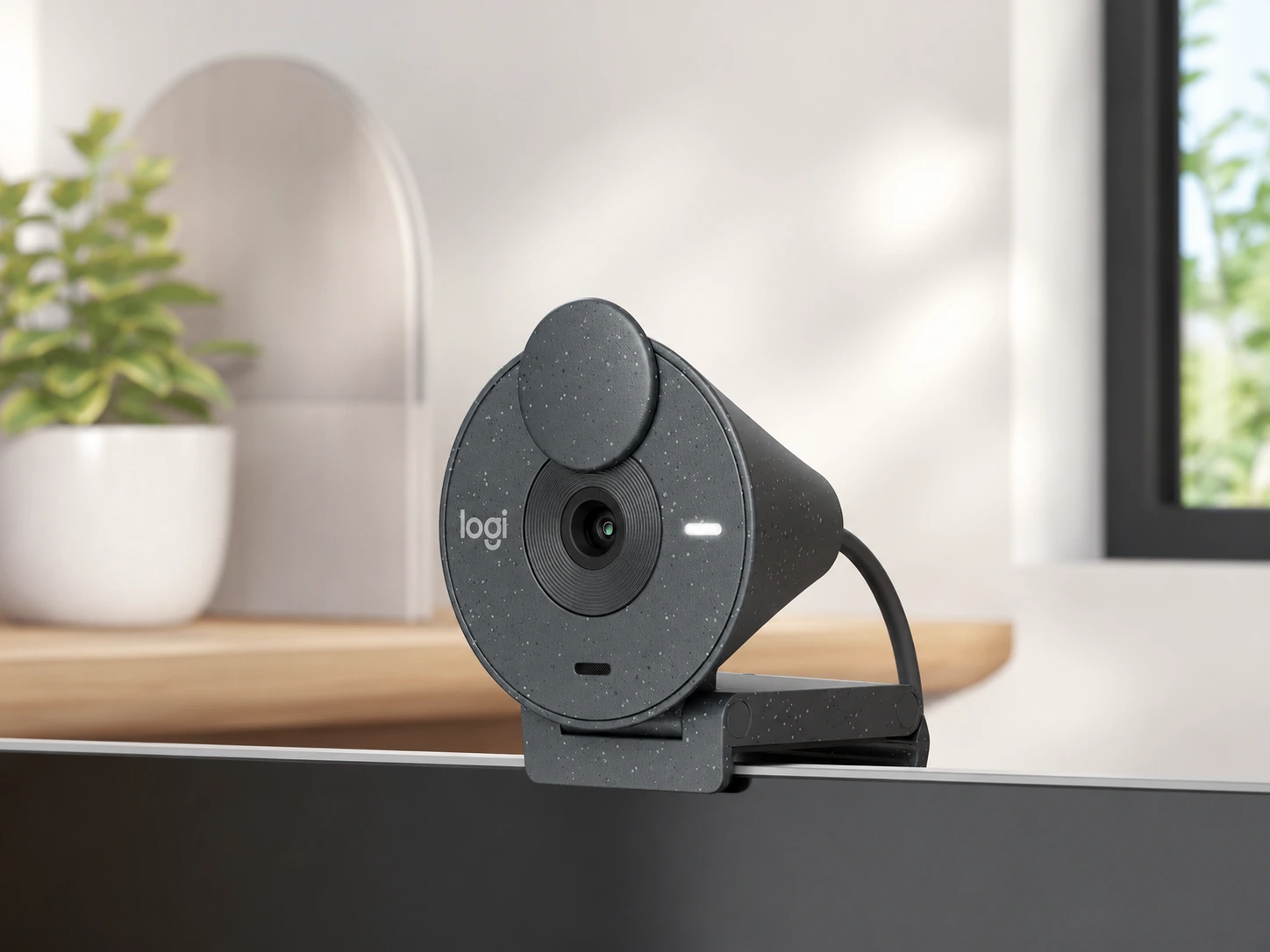
Logitech Brio 300
Why it works
Only sub-$100 camera on this list certified for all three major platforms: Teams, Zoom, and Google Meet; for Mac users the USB-C connection uses the same cable as a MacBook charger; noise-reduction microphone tuned for voice clarity in home offices; auto light correction handles window-backlight problem better than C920S in side-by-side testing.
Trade-offs
- · 1080p at 30fps only, no higher frame rate
- · Fixed 70-degree FOV, slightly narrower than average
- · No AI framing
Skip if: You need wider frame coverage for dual-monitor setup or want smoother motion; OBSBOT Meet SE gives more at $100.
Check price on AmazonPros
- +Certified for Teams, Zoom, and Google Meet
- +USB-C for Mac users
- +Auto light correction for backlit environments
- +Noise-reduction microphone
- +Built-in privacy shutter
Cons
- −1080p at 30fps only
- −Narrow 70-degree FOV
- −No AI auto-framing
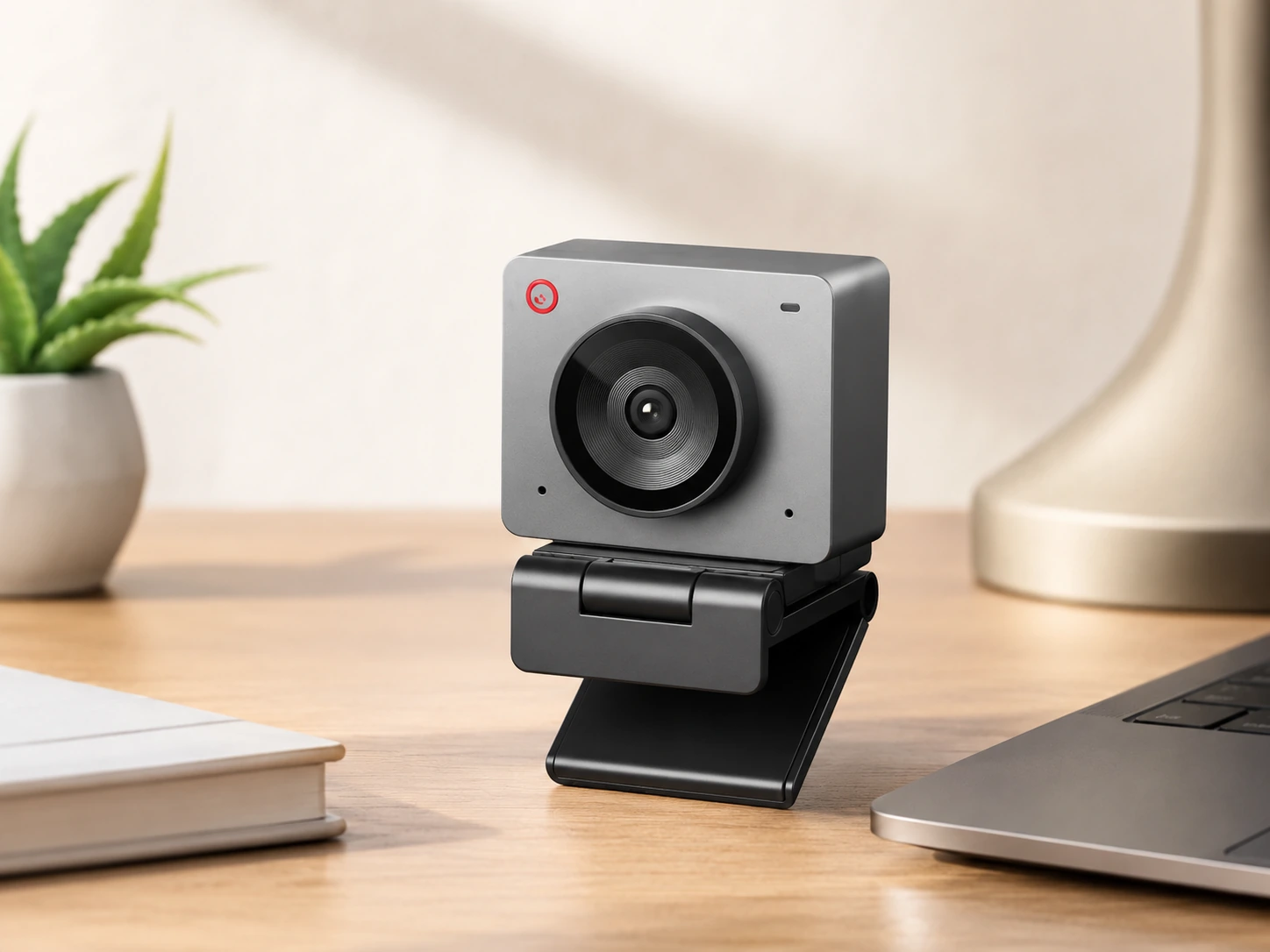
OBSBOT Meet SE
Why it works
Built for people who do not sit perfectly still; 1080p at up to 100fps makes gesture demonstrations and whiteboard sessions visibly smoother for viewers; AI auto-framing tracks single person or automatically switches to group mode when others enter frame; 1/2.8-inch sensor with staggered HDR handles mixed indoor lighting better than any other camera at this price; gesture control lets you trigger framing or zoom without touching the camera.
Trade-offs
- · AI framing can be jittery when you make small movements it misreads
- · Auto-tracking adds small processing delay
- · Not the right camera for someone wanting a static, locked-off shot
Skip if: You sit at a fixed desk, never move during calls, and just want the cleanest possible static shot; Brio 300 or C920S delivers better still-frame consistency for less money.
Check price on AmazonPros
- +1080p at up to 100fps for smooth motion
- +AI auto-framing tracks person or switches to group mode
- +1/2.8-inch sensor with staggered HDR
- +Gesture control for hands-free camera adjustment
- +Teams and Zoom certified
Cons
- −AI framing jittery on small movements
- −Tracking adds processing delay
- −Not ideal for static locked-off shots
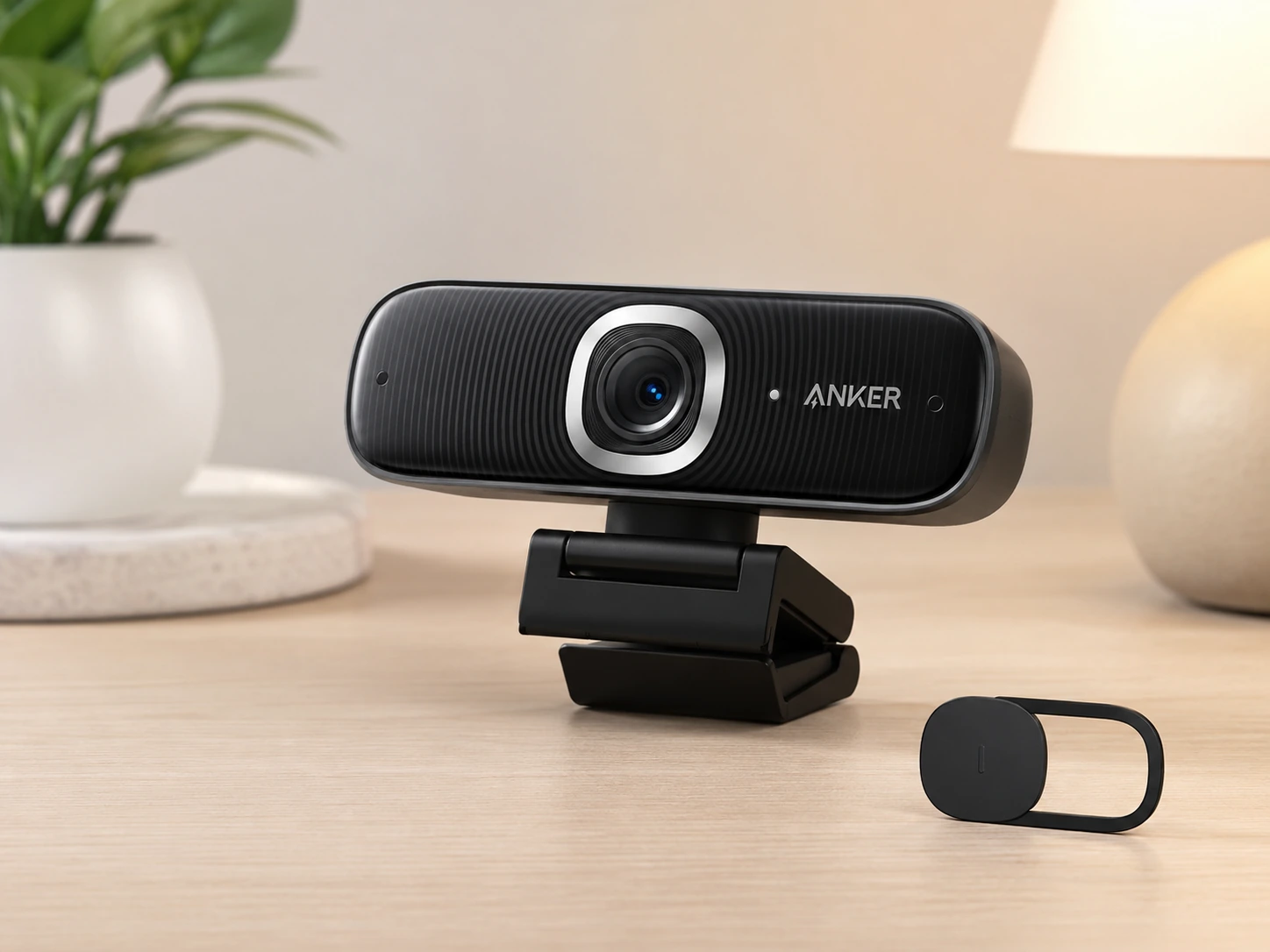
Anker PowerConf C300
Why it works
Most polished mid-range option; AI-powered framing, 1080p at 60fps, Zoom certification, noise-cancelling microphones, adjustable field of view in single package; HDR mode is one of the better implementations at this price tier, recovering detail in both shadowed faces and bright window backgrounds; build quality feels closer to $200 product than $130 one.
Trade-offs
- · Zoom certified but not Teams or Meet certified at driver level
- · AI framing smoother than OBSBOT Meet SE but less aggressive in how far it will zoom to keep you in frame
- · Software-dependent for FOV adjustment
Skip if: Your primary platform is Teams and you want certified driver experience; look at Logitech Brio 300 or step up to Insta360 Link 2C.
Check price on AmazonPros
- +AI auto-framing included
- +1080p at 60fps for smooth motion
- +HDR mode for mixed lighting
- +Adjustable FOV: 65, 78, and 90 degrees
- +Noise-cancelling microphones
- +Premium build quality for the price
Cons
- −Zoom only, not Teams or Meet certified
- −Software required for FOV adjustment
- −Less aggressive AI framing reach than OBSBOT
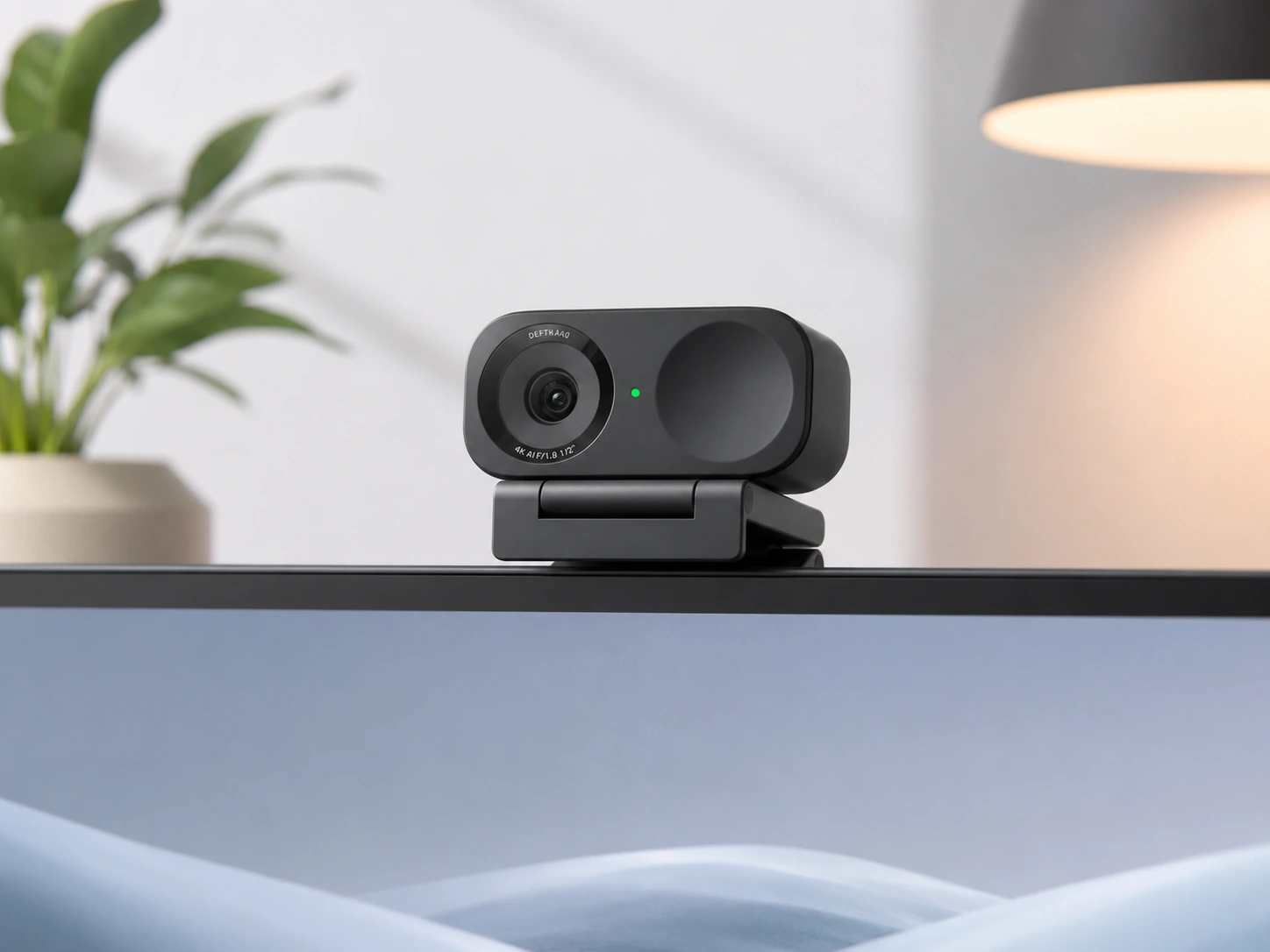
Insta360 Link 2C
Why it works
Pick for people whose webcam does double duty: meetings during day, content creation or streaming in evening; 4K output on 1/2-inch sensor produces noticeably more cinematic quality than anything else on this list when recording locally; AI tracking, gesture control, HDR, and AI noise-cancelling microphones are all standard; certified for Teams, Zoom, and Google Meet; sits magnetically on monitor without clip; motorized gimbal rotates to follow you.
Trade-offs
- · 4K advantage entirely wasted if only used for Zoom calls
- · Motorized tracking makes faint noise in very quiet rooms
- · Insta360 software required to unlock advanced features and adds background process
Skip if: Your use case is purely meetings with no local recording or streaming; Anker PowerConf C300 at $130 delivers 90% of call quality at meaningfully lower price.
Check price on AmazonPros
- +4K resolution for local recording and streaming
- +1/2-inch sensor for cinematic image quality
- +AI tracking with motorized gimbal
- +Certified for Teams, Zoom, and Google Meet
- +Magnetic monitor mount, no clip needed
- +Gesture control included
Cons
- −4K advantage wasted for meetings-only use
- −Motor noise audible in quiet rooms
- −Requires Insta360 software for advanced features
- −Premium price at $180
Frequently Asked Questions
Do I need a 4K webcam for home office meetings?
No. Zoom, Teams, and Google Meet all cap delivery resolution at 1080p for video calls. A 4K webcam only helps if you record video locally to your computer or stream at high resolution to platforms like YouTube. For daily meetings, 1080p is all you need.
What does Teams certified or Zoom certified mean?
Certified means the camera manufacturer worked directly with Microsoft or Zoom to test the hardware. Certified cameras get plug-and-play driver support, often get bandwidth priority on the platform, and receive coordinated firmware updates. A camera marked compatible just means it works as a USB device. For IT-managed setups, certification matters. For personal home offices, compatible cameras work fine.
Is 720p good enough for video calls in 2026?
For most participants viewing you on a laptop or standard monitor, 720p at good lighting is acceptable. The Microsoft LifeCam Cinema at 720p looks better in decent light than a cheap 1080p camera in bad light. If you frequently present to large conference room screens or your role involves a lot of on-camera presence, 1080p is worth the upgrade.
What is AI framing and do I need it?
AI framing means the camera uses software to detect your face and automatically adjust the zoom and crop to keep you centered in frame. It is useful if you stand up during calls, teach from a whiteboard, or move around your desk. If you sit still at a fixed distance from your monitor, you do not need it. The OBSBOT Meet SE and Anker PowerConf C300 both include it.
Should I get a webcam with a built-in microphone or a separate headset?
A webcam microphone is convenient for occasional calls. For daily use in a home office with background noise, a dedicated headset microphone is significantly better for the people listening to you. See our best headset for work guide for recommendations across all budgets.
Does lighting matter more than the webcam itself?
Yes, in most cases. No camera compensates for sitting with a bright window directly behind you or harsh overhead lighting casting shadows on your face. A $20 USB LED panel placed in front of you will produce better results than upgrading from a $70 camera to a $200 camera in the same lighting conditions.
Which webcam is best for a standing desk?
Any webcam with AI auto-framing. The OBSBOT Meet SE or Anker PowerConf C300 both adjust their zoom and crop as you transition between sitting and standing. Fixed cameras like the Logitech C920S will frame you correctly for one height only.
Bottom Line
Tightest budget with Teams certification: Microsoft LifeCam Cinema, 720p, certified at driver level, under $35.
Reliable all-rounder for most WFH setups: Logitech C920S HD Pro, 1080p, glass lens, Teams and Zoom certified.
Mac users and multi-platform Teams, Zoom, and Meet: Logitech Brio 300, USB-C, certified for all three platforms, auto light correction.
Standing desk or teaching with movement: OBSBOT Meet SE, 1080p at 100fps, AI auto-framing, staggered HDR.
Meetings and content creation or streaming: Insta360 Link 2C, 4K, 1/2-inch sensor, motorized AI tracking, certified for all three platforms.
Browse webcams for home office on Amazon
All Prime-eligible. Budget, 1080p, 4K, and AI-framing options available.
Shop on Amazon →Related Guides
7 Best Headsets for Work: Budget to Premium
7 Best Document Cameras for Home Office and Teaching
Ergonomic Desk Setup Guide
Last updated: June 2026. Verify current Amazon prices before purchasing.