
7 Best Monitors Under $100 in 2026: IPS, Curved and 1440p Picks
Finding a good monitor under $100 used to mean accepting a TN panel, 60Hz, and washed-out colors. In 2026, IPS panels are the default at this price, refresh rates of 100 to 180Hz are standard, and one pick delivers 1440p at under $100. This guide covers seven monitors under $100 organized by use case: best value, best brand IPS, best curved for movies, best gaming refresh rate, best 1440p, best frameless design, and best with built-in speakers.
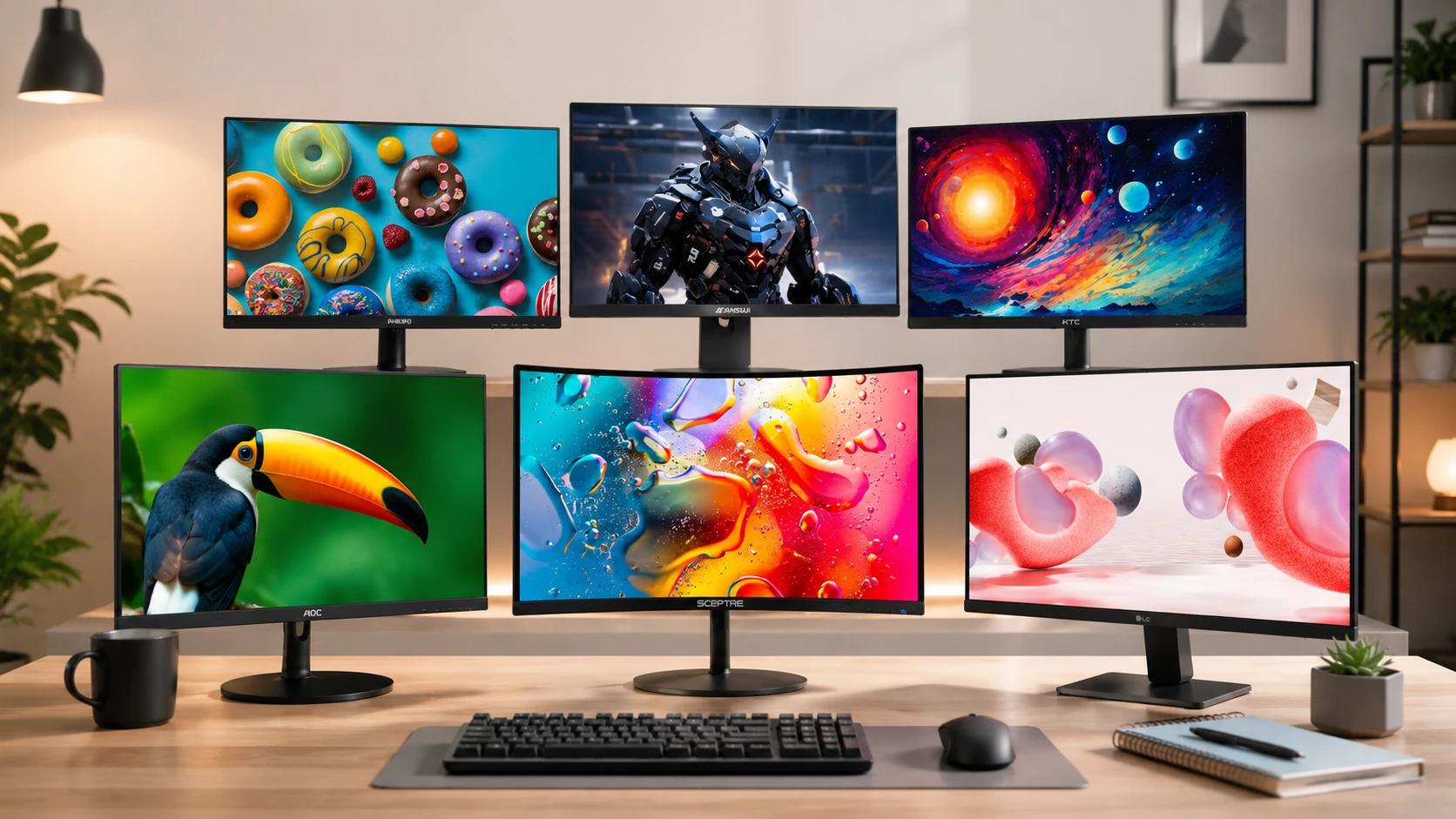
Quick Picks
| Pick | Product | |
|---|---|---|
| Best Value + Best Warranty | Philips 221V8LB | Check price |
| Best Brand Name IPS | LG 24MR400-B | Check price |
| Best Curved for Movies | Sceptre C248W-1920RN | Check price |
| Best Gaming Refresh Rate | Sansui ES-G24F4 | Check price |
| Best 1440p Value | KTC H24T27 | Check price |
| Best Ultraslim Frameless | AOC 24B2XH | Check price |
| Best with Built-in Speakers | Sceptre E248W-19203R | Check price |
Finding a good monitor under $100 used to mean accepting a TN panel, 60Hz, and washed-out colors. In 2026, IPS panels are the default at this price, refresh rates of 100 to 180Hz are standard, and one pick delivers 1440p at under $100.
This guide covers seven monitors under $100 organized by use case. If your desk space is the bottleneck, see our guide on monitor stands for small desks, or browse our full desk setup guide for the complete picture.
Before You Buy: Key Decisions
Panel Type: IPS vs VA
| Feature | IPS | VA Curved |
|---|---|---|
| Contrast ratio | 1000:1 | 3000:1 |
| Viewing angles | 178 degrees, no shift | Narrower, color shifts off-axis |
| Color accuracy | 99% sRGB, excellent | Good, not as consistent |
| Response time | Faster, less ghosting | Slower, visible in fast games |
| Best for | Studying, productivity, gaming | Movies, dark scenes, immersive gaming |
Six of seven picks in this guide use IPS panels. Choose VA (the Sceptre C248W) only if movies and dark-scene gaming are your primary use case.
Size: 21-22 inch vs 24 inch
| Size | Best for |
|---|---|
| 21.5 inch (Philips 221V8LB) | Tight desks under 60cm wide |
| 24 inch (all other picks) | Standard dorm and home office desks |
Resolution: 1080p vs 1440p
1080p (1920x1080) at 24 inches produces 92 PPI. Adequate for most tasks and supported by every GPU including integrated graphics.
1440p (2560x1440) at 24 inches produces 123 PPI. The step up in text sharpness is immediately visible for code, PDFs, and spreadsheets. Requires a dedicated GPU or a modern integrated GPU that supports 1440p output. The KTC H24T27 is the only 1440p pick in this guide.
Refresh Rate: 75Hz vs 100Hz vs 180Hz
75Hz is the baseline. Fine for studying, documents, and video. AOC 24B2XH and both Sceptre models are 75Hz.
100Hz is noticeably smoother for everything including desktop navigation, scrolling, and casual gaming. The Philips 221V8LB and LG 24MR400-B deliver 100Hz at $70 to $100. This is the sweet spot for most buyers.
180Hz is exclusively for competitive gaming. The Sansui ES-G24F4 is the only 180Hz pick in this guide. The improvement over 100Hz is only meaningful in fast FPS and battle royale games.
What You Cannot Expect Under $100
USB-C input: Starts at $120 to $150. No monitor in this guide has USB-C.
Height-adjustable stand: All picks have tilt-only stands. Add a monitor arm for $25 to $30 to solve this.
4K resolution: 4K at 24 inches starts at $150 or more. Not available under $100.
Meaningful HDR brightness: HDR10 support on the KTC H24T27 is present but limited to 300 nits. True HDR performance requires 600+ nits.
Decision Flowchart
Use case decision tree
Tight budget ($70)?
  YES -> Philips 221V8LB (best value + 4-year warranty)

Standard 24-inch + proven brand?
  YES -> LG 24MR400-B (LG IPS, 100Hz, FreeSync)

Movies and dark scenes are primary use?
  YES -> Sceptre C248W-1920RN (VA 3000:1 contrast, 1500R curve, speakers)

Competitive gaming is priority?
  YES -> Sansui ES-G24F4 (180Hz, 1ms GtG)

GPU supports 1440p AND price is at or below $100?
  YES -> KTC H24T27 (sharpest text, 123 PPI)

Want frameless design for dual monitor or clean desk?
  YES -> AOC 24B2XH (ultra-slim 3-sided frame)

No speakers elsewhere on desk?
  YES -> Sceptre E248W-19203R (built-in speakers, 2x HDMI)
7 Best Monitors Under $100
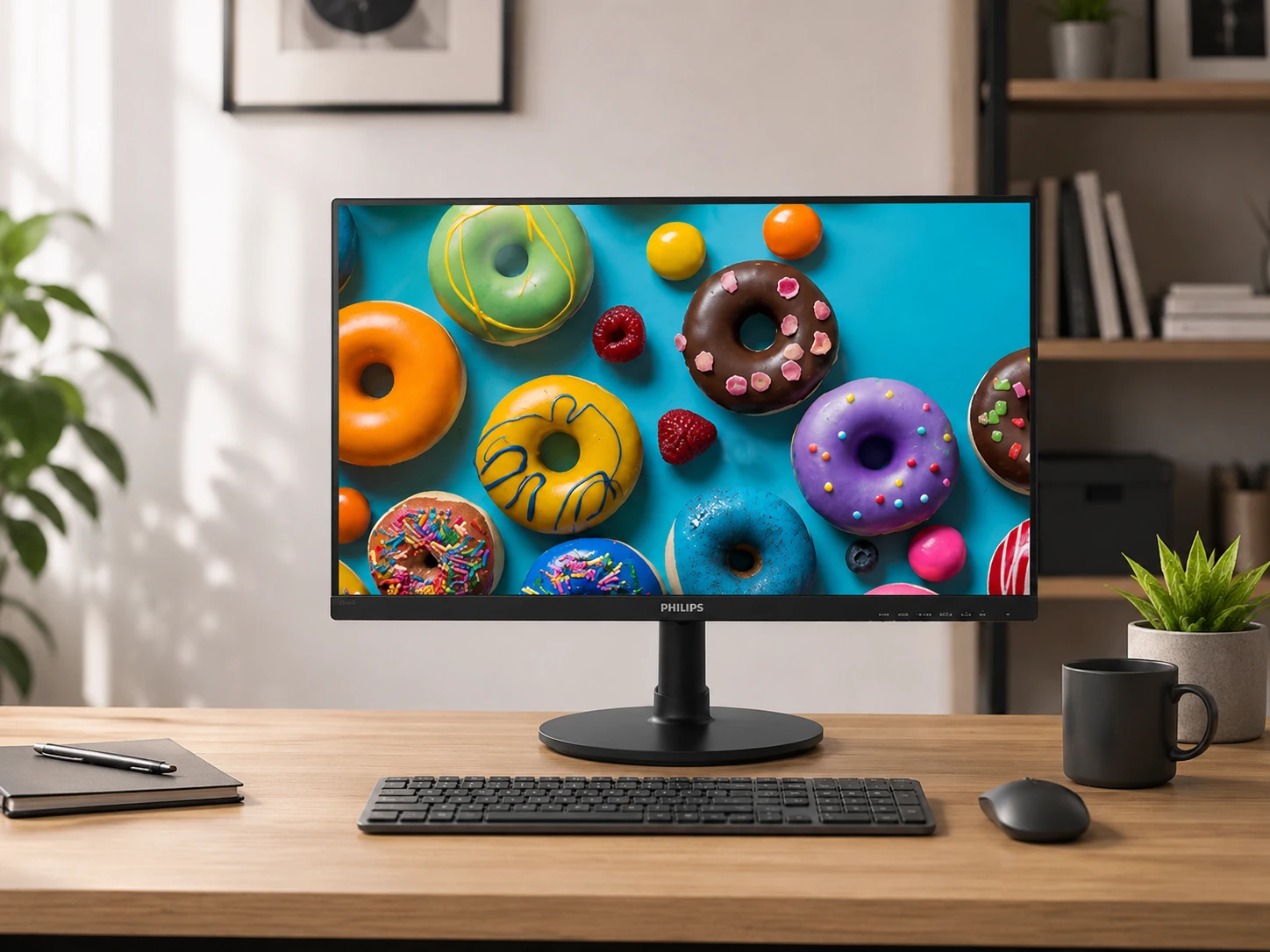
Philips 221V8LB
Why it works
Lowest price in the guide at $70 with a 4-year advance replacement warranty; Philips ships a replacement before you return the defective unit, eliminating the broken screen during finals scenario; IPS panel with 99% sRGB delivers accurate colors for content and classes; 100Hz at $70 is strong value; smallest footprint at 21.5 inches saves real space on a tight desk; LowBlue Mode and flicker-free backlight for multi-hour study sessions; FreeSync compatible.
Trade-offs
- · 250 nits adequate indoors, not for bright sunlit rooms
- · Tilt-only stand with no height or swivel adjustment
- · Single HDMI port, no DisplayPort
Skip if: Your desk is large and you want the standard 24-inch size. The LG 24MR400-B at $85 to $100 is the reliable IPS 24-inch pick.
Check price on AmazonPros
- +Lowest price at $70
- +4-year advance replacement warranty (unique at this price)
- +IPS 99% sRGB accurate colors
- +100Hz + FreeSync
- +Smallest footprint (21.5 inches)
- +LowBlue Mode + flicker-free
Cons
- −250 nits brightness only
- −Tilt-only stand
- −Single HDMI port
- −21.5 inches smaller than other picks
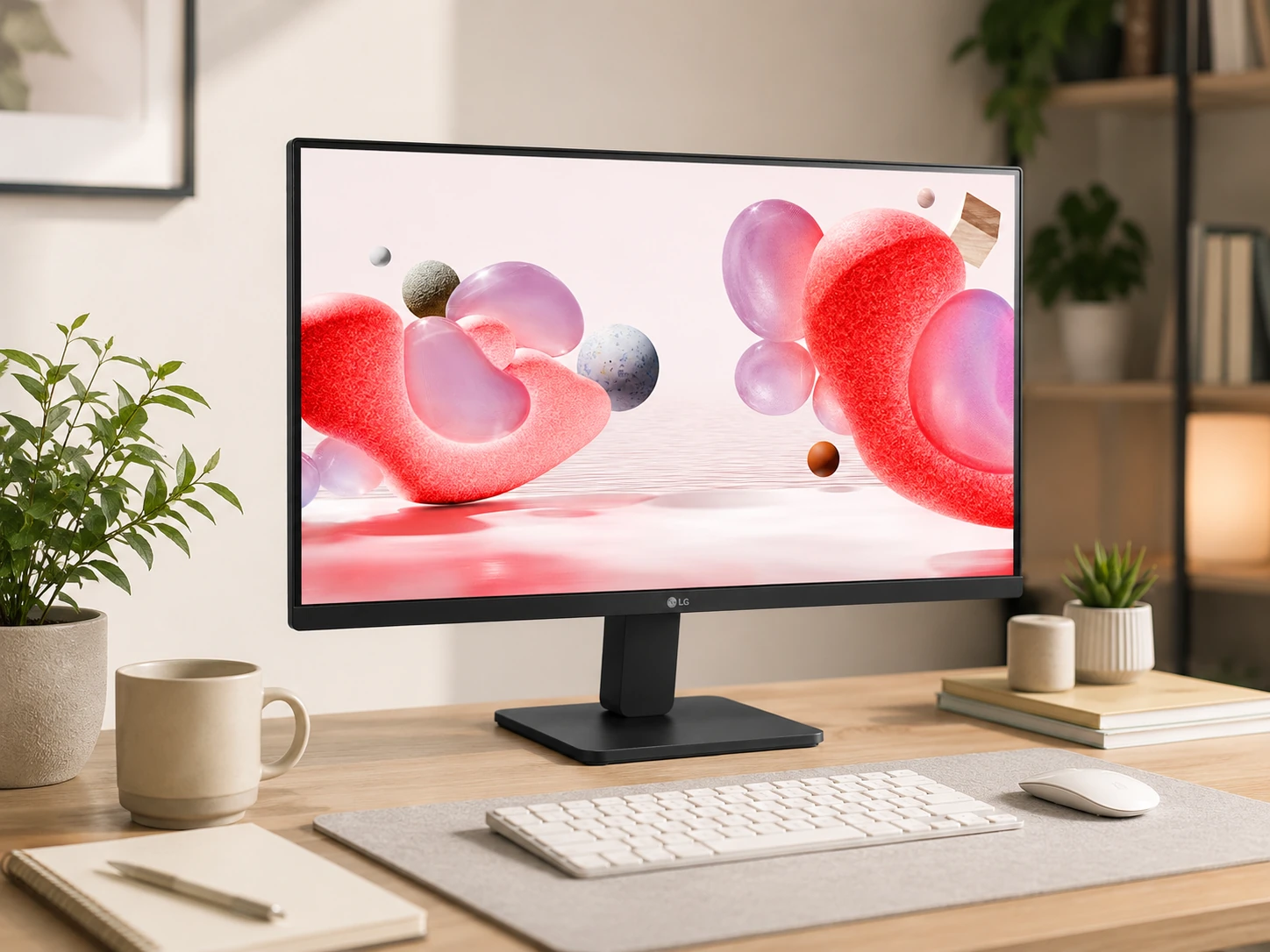
LG 24MR400-B
Why it works
LG IPS panels are the benchmark for color accuracy at every price tier; the 24MR400-B delivers 99% sRGB at under $100, matching what photo editors use for color-accurate work; AMD FreeSync eliminates screen tearing during gaming and works with Intel integrated graphics; Reader Mode shifts color temperature for extended reading sessions; OnScreen Control software lets you adjust brightness and Picture Mode from the desktop without navigating OSD buttons; dual input with HDMI plus D-Sub.
Trade-offs
- · 250 nits same brightness limitation as Philips
- · Tilt-only stand
- · Single HDMI port
- · Slightly higher price than alternatives
Skip if: Budget is firmly $70. The Philips 221V8LB delivers the same panel quality and 100Hz with a 4-year warranty at $70.
Check price on AmazonPros
- +LG brand proven IPS panel quality
- +99% sRGB accurate color
- +100Hz + AMD FreeSync
- +Reader Mode for extended study
- +OnScreen Control software
- +Dual input HDMI + D-Sub
Cons
- −250 nits brightness
- −Tilt-only stand
- −Single HDMI port
- −Slightly more expensive
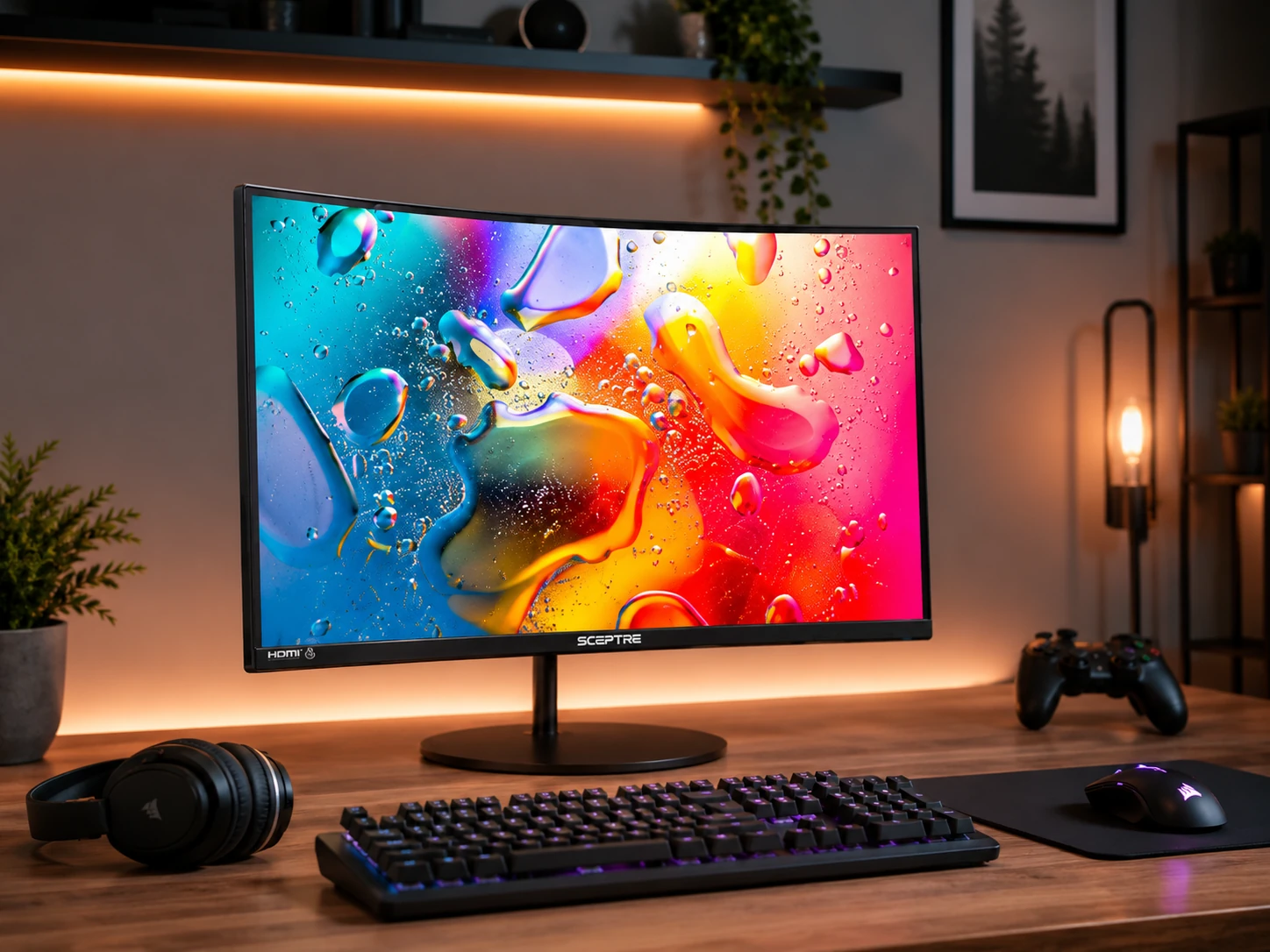
Sceptre C248W-1920RN
Why it works
VA panel delivers 3000:1 contrast ratio vs IPS's 1000:1; at three times the contrast blacks are genuinely deep, white backgrounds are bright, and the difference is immediately visible on dark content and movies; 1500R curvature wraps the screen around peripheral vision for single-monitor gaming and video watching; 300 nits is the highest brightness in the guide; two HDMI ports allow connecting two sources without swapping cables; built-in 2x2W speakers handle casual audio without a separate purchase.
Trade-offs
- · 75Hz only, lower than IPS competitors at similar price
- · VA response time slower than IPS, visible ghosting in fast games
- · Narrower viewing angles than IPS, color shifts off-center
- · No Adaptive Sync
Skip if: You game competitively or need fast response times. VA's slower pixel response causes ghosting in fast FPS games.
Check price on AmazonPros
- +3000:1 VA contrast, deepest blacks in the guide
- +1500R curve for immersive single-monitor use
- +300 nits, highest brightness in the guide
- +2x HDMI ports for two sources
- +Built-in 2x2W speakers
- +VESA mount included
Cons
- −75Hz only
- −Slower VA response time vs IPS
- −Narrower viewing angles
- −No Adaptive Sync
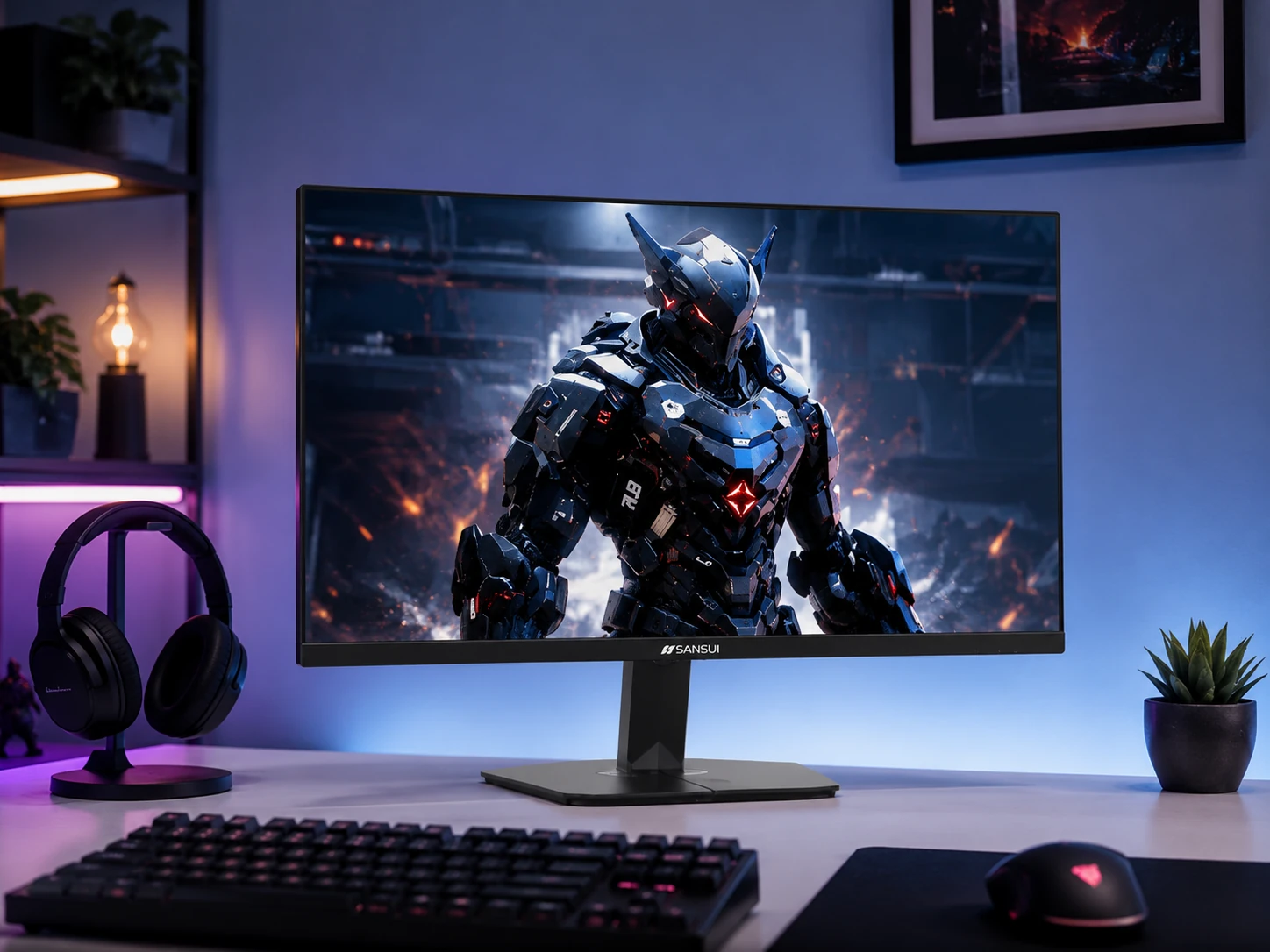
Sansui ES-G24F4
Why it works
180Hz is the fastest refresh rate in the guide at any price; 80% faster than the 100Hz alternatives; 1ms GtG response eliminates ghosting in fast sequences; 110% sRGB exceeds the standard 100% spec for vivid saturated images; 300 nits brightness for rooms with significant ambient light; DisplayPort 1.4 supports the full 180Hz signal (some HDMI connections cap at 144Hz, always use DisplayPort for max refresh); HDMI cable included in box; for competitive gaming this spec sheet was $150 to $200 a year ago.
Trade-offs
- · VESA 75x75mm not standard 100x100mm, some monitor arms require adapter
- · 180Hz has little benefit for study and productivity use
- · Sansui is a smaller brand with less established support
Skip if: You do not game or prioritize refresh rate. The Philips or LG IPS picks at $70 to $100 are better value for study-only use.
Check price on AmazonPros
- +180Hz, fastest refresh rate in the guide
- +1ms GtG, no ghosting
- +110% sRGB vivid colors
- +300 nits brightness
- +DisplayPort 1.4 + HDMI 2.0
- +HDMI cable included
Cons
- −VESA 75x75mm needs adapter for some monitor arms
- −180Hz mainly benefits gaming
- −Sansui smaller brand
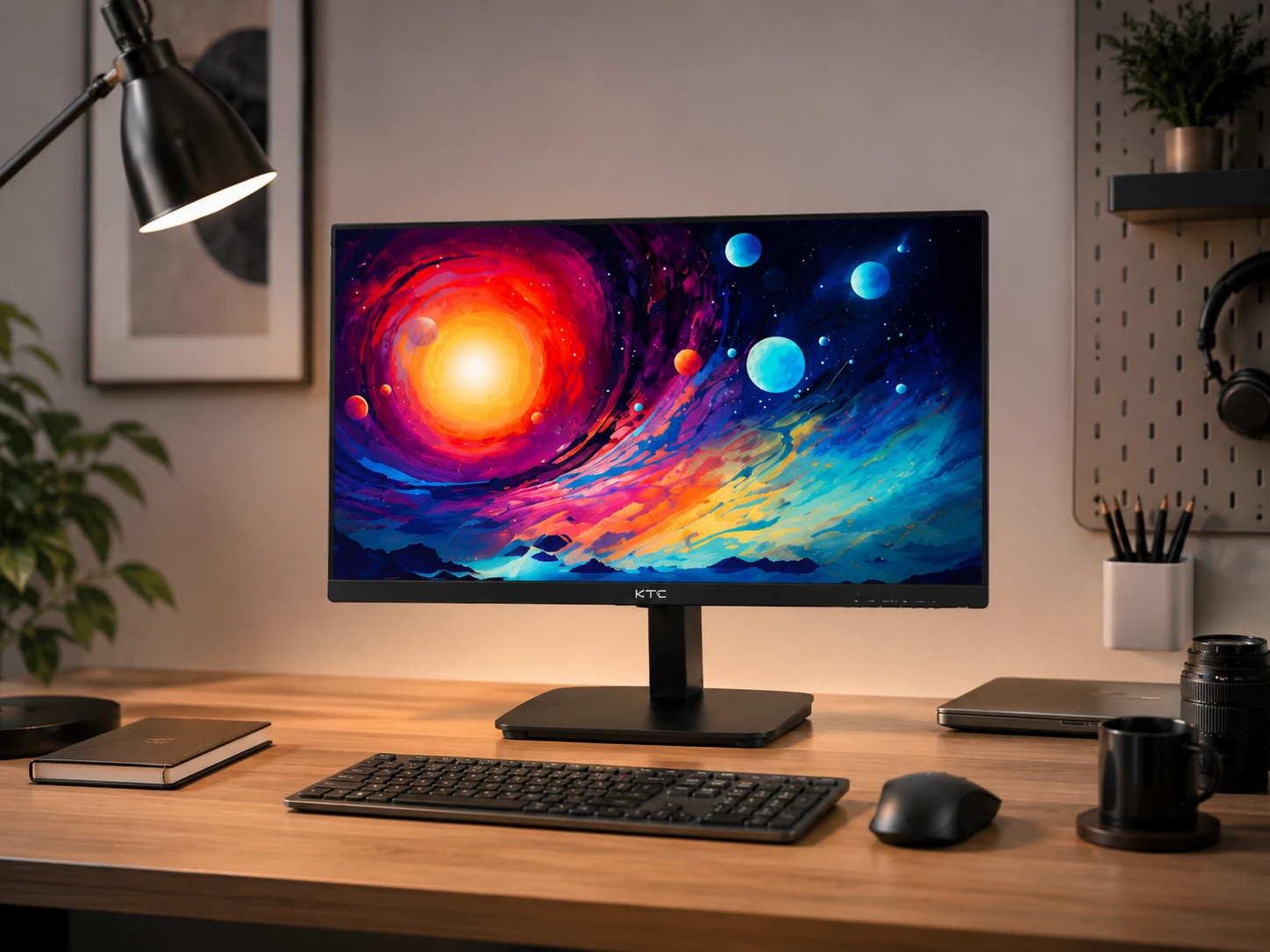
KTC H24T27
Why it works
1440p (2560x1440) at 24 inches produces 123 PPI vs 1080p's 92 PPI; the difference is immediately visible in text sharpness for PDFs, code editors, spreadsheets, and browser text; getting 1440p under $100 was not possible until recently; 122% sRGB and 93% DCI-P3 exceed standard color specs; HDR10 support; FreeSync and G-Sync compatible covering both AMD and NVIDIA; three-sided zero-frame borderless design; HDMI 2.0 plus DisplayPort 1.4; verify the current price is at or below $100 before purchasing as it fluctuates.
Trade-offs
- · Price fluctuates, verify at or under $100 before buying
- · Requires GPU capable of 1440p output (check your laptop or desktop)
- · 5ms response time slower than Sansui for fast gaming
- · KTC is a newer brand with limited long-term track record
Skip if: Your laptop GPU does not support 1440p output, or the price is currently above $100. The LG 24MR400-B is the safe 1080p alternative.
Check price on AmazonPros
- +1440p resolution, sharpest text in the guide (123 PPI)
- +122% sRGB + 93% DCI-P3, exceeds standard color coverage
- +HDR10 support
- +FreeSync + G-Sync compatible
- +Zero-frame three-sided borderless
- +HDMI 2.0 + DisplayPort 1.4
Cons
- −Price fluctuates above $100, verify before buying
- −Requires 1440p-capable GPU
- −5ms response time
- −KTC newer brand
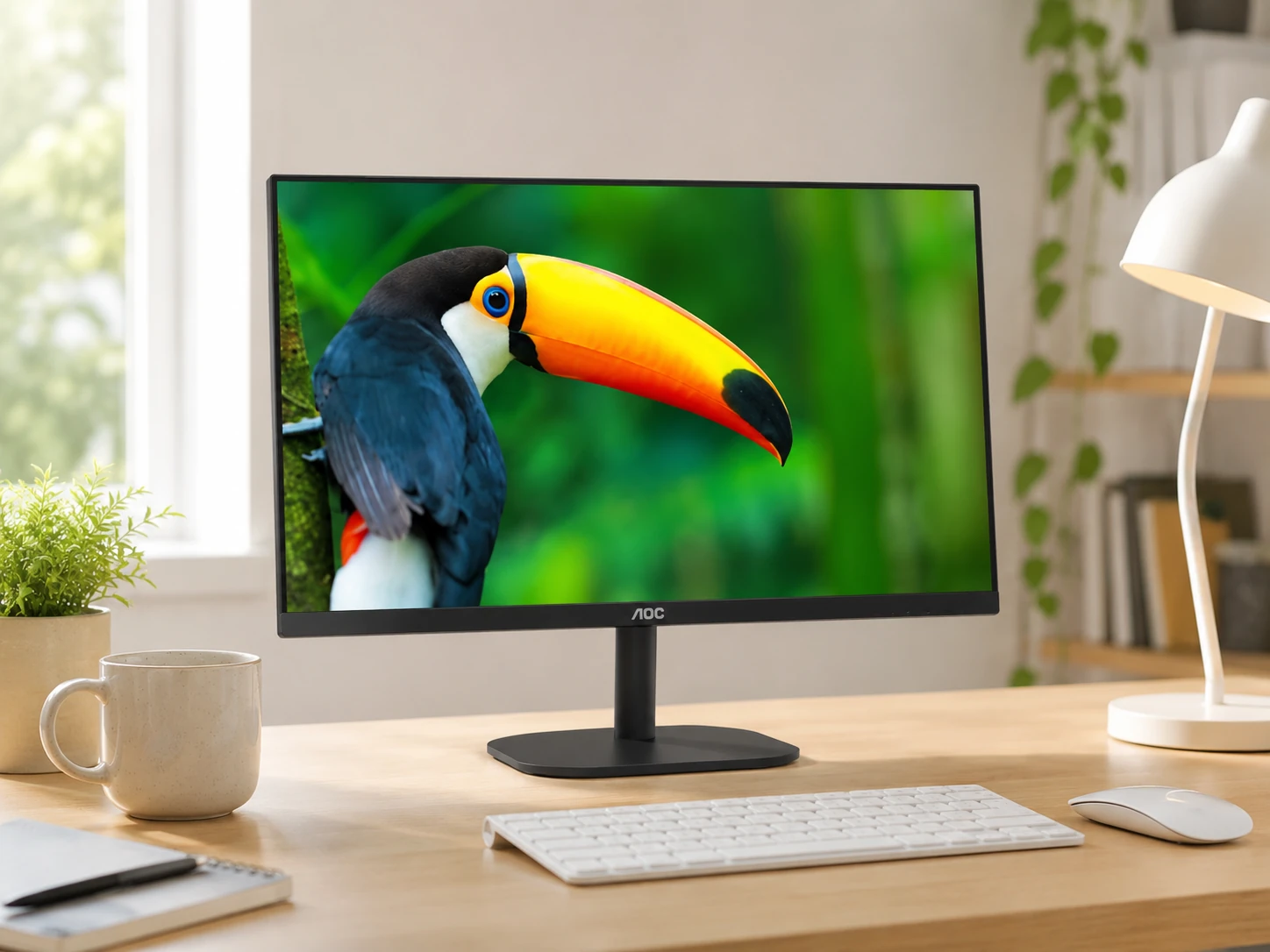
AOC 24B2XH
Why it works
3-sided ultra-slim frame creates a near-borderless appearance on three sides; placed next to a second monitor or at the edge of a desk it takes up minimal visual space; AOC is one of the most recognized budget monitor brands in the US with build quality and support above no-name alternatives; IPS color accuracy with LowBlue Mode and flicker-free for extended study sessions; VESA 100x100mm; standard HDMI plus VGA connectivity.
Trade-offs
- · 75Hz, the lowest refresh rate of the IPS picks
- · 250 nits, adequate indoors only
- · No AMD FreeSync or Adaptive Sync
- · Single HDMI port
Skip if: You prioritize refresh rate or plan to game. The 75Hz refresh is the limitation here vs 100Hz IPS alternatives.
Check price on AmazonPros
- +Ultra-slim 3-sided frameless design
- +IPS 178-degree viewing angles
- +AOC established budget monitor brand
- +LowBlue Mode + flicker-free
- +VESA 100x100mm
- +Lowest priced 24-inch IPS in the guide at $80 to $90
Cons
- −75Hz, lowest IPS refresh in the guide
- −250 nits only
- −No Adaptive Sync
- −Single HDMI
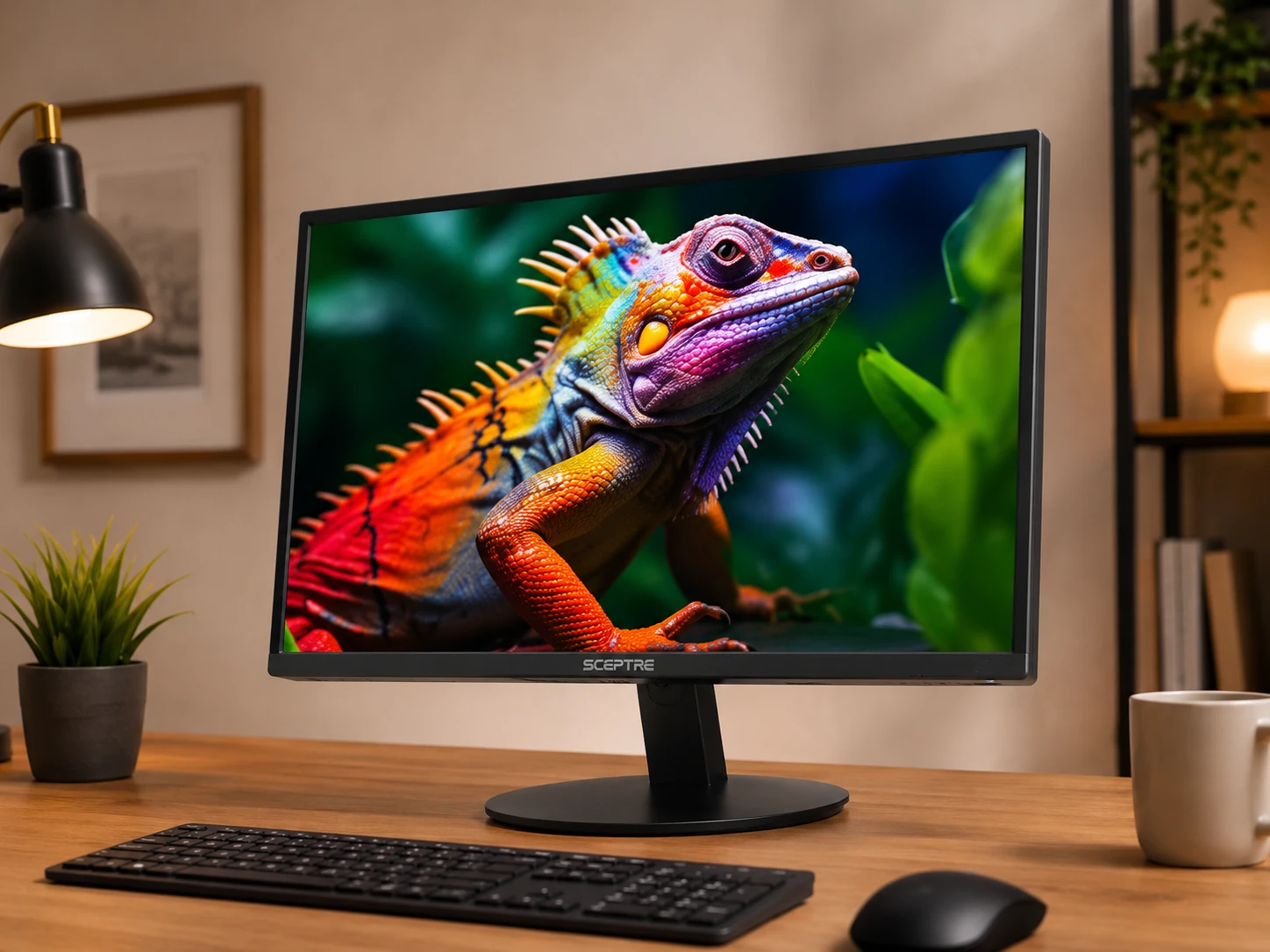
Sceptre E248W-19203R
Why it works
Built-in 2x2W speakers eliminate the need for a separate speaker purchase in a dorm room where desk space is limited; most monitors under $100 either have no speakers or speakers too underpowered to be useful; the E248W speakers are functional for YouTube, online classes, and casual listening; two HDMI ports allow connecting laptop and gaming console simultaneously without a KVM switch; 99% sRGB on IPS; clean flat design with matte anti-glare finish.
Trade-offs
- · 75Hz, lower than IPS competitors at similar price
- · VESA 75x75mm (not 100x100mm), check monitor arm compatibility
- · 2x2W speakers functional, not audiophile quality
- · 250 nits brightness
Skip if: You already have desktop speakers. The LG 24MR400-B at similar price delivers 100Hz and better brand support without speakers.
Check price on AmazonPros
- +Built-in 2x2W speakers, no separate speaker purchase needed
- +2x HDMI ports (laptop + gaming console)
- +IPS 99% sRGB accurate colors
- +Matte anti-glare finish
- +Clean flat design
Cons
- −75Hz, lower than IPS competitors
- −VESA 75x75mm needs adapter for some arms
- −Speakers functional only, not premium
- −250 nits only
Frequently Asked Questions
Is a monitor under $100 worth buying in 2026?
Yes. IPS panels, 100 to 180Hz refresh rates, and even 1440p resolution are all available under $100 in 2026. The days of needing $150 or more for a good IPS monitor are over. The main limitations are USB-C input (starts at $120 to $150), height-adjustable stands (add a monitor arm for $25 to $30), and meaningful HDR brightness.
IPS vs VA: which is better for studying?
IPS for studying. Accurate colors reduce eye strain during long sessions with documents and PDFs, and 178-degree viewing angles mean no color shift when you lean or tilt. VA is better specifically for movies and gaming with dark scenes due to higher contrast (3000:1 vs 1000:1).
Is 1440p worth it under $100?
Yes if your GPU supports it and the KTC H24T27 is currently at or below $100. The jump from 1080p (92 PPI) to 1440p (123 PPI) at 24 inches is immediately visible in text sharpness. Verify the current price and confirm your GPU outputs 2560x1440 before purchasing.
Do I need 144Hz or 180Hz for gaming?
Only for competitive fast-paced gaming (FPS, battle royale). For casual gaming alongside studying, 100Hz is the sweet spot. It is noticeably smoother than 75Hz for everything including desktop use, without the $99 ceiling cost of 180Hz. If gaming performance is the priority, the Sansui ES-G24F4 at 180Hz is worth it.
What size monitor is best for a dorm desk?
24 inches is the standard for a typical 60 to 80cm dorm desk. It is large enough for two windows side-by-side and small enough to fit without dominating the surface. If your desk is unusually small (under 60cm wide or under 50cm deep), the Philips 221V8LB at 21.5 inches saves meaningful space.
What monitor accessories do I actually need?
A monitor arm ($25 to $30) solves the tilt-only stand limitation common to all picks in this guide and saves desk surface. An HDMI cable if your monitor does not include one (the Sansui does). A USB hub since no monitor under $100 has USB ports. A cable management tray if you want a clean desk.
Bottom Line
Best value + warranty: Philips 221V8LB: $70, 100Hz IPS, and a 4-year advance replacement warranty that no competitor matches at this price.
Best brand IPS color: LG 24MR400-B: LG's proven IPS panel with 99% sRGB, 100Hz FreeSync, and OnScreen Control software at $85 to $100.
Best for movies: Sceptre C248W-1920RN: VA 3000:1 contrast, 1500R curvature, and built-in speakers for immersive movie watching.
Best for gaming: Sansui ES-G24F4: 180Hz IPS with 1ms GtG, the fastest monitor in this guide at $99.
Best 1440p value: KTC H24T27: 2560x1440 at 24 inches for under $100 when the price is right. Verify before buying.
Browse monitors under $100 on Amazon
All Prime-eligible. IPS, VA curved, 1080p and 1440p options compared.
Shop on Amazon →Related Guides
Last updated: June 2026. Verify current Amazon prices before purchasing.