
Top 6 Best Headphones for Online Classes: Clear Audio, Decent Mic, All-Day Comfort
Online classes have specific audio needs that general headphone reviews consistently miss. You need lecture clarity, a mic that works on Zoom, and comfort for multi-hour sessions -- the three things most reviews do not treat as priorities.
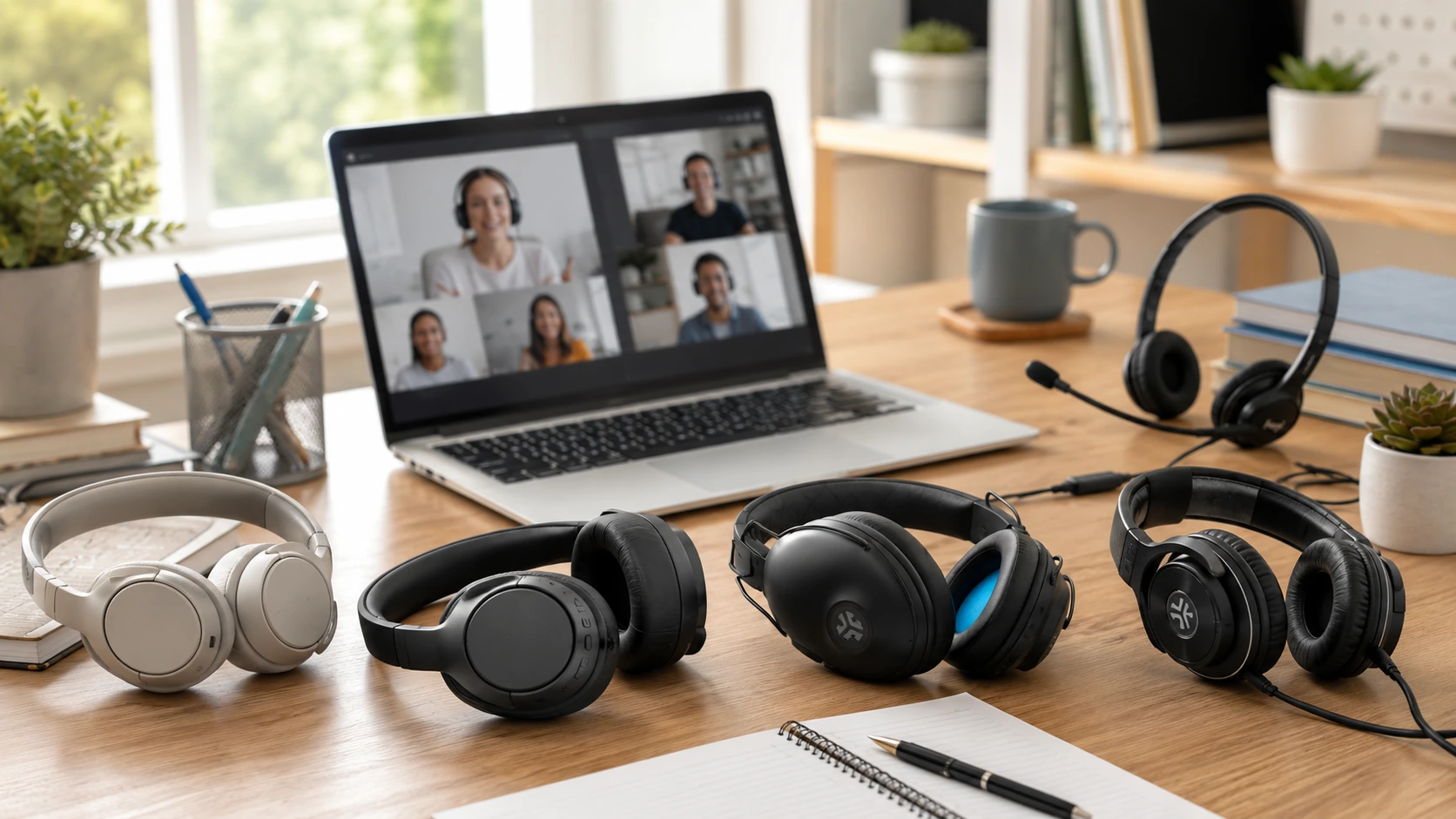
Quick Picks
| Pick | Product | |
|---|---|---|
| Best Overall | Sony WH-CH520 Wireless | Check price |
| Best Wired + Best Mic | Logitech H390 USB Headset | Check price |
| Best ANC (Noisy Dorm) | Soundcore Anker Q20i | Check price |
| Best Budget Under $35 | JLab Studio Wireless | Check price |
| Best for Long Classes | JLab Studio Pro Wireless | Check price |
| Best Wired No Charging | Audio-Technica ATH-M20x (Wired, Studio-Grade) | Check price |
Online classes have specific audio needs that general headphone reviews consistently miss. You need to hear your professor clearly -- which means good speaker quality and sound isolation. You need a mic that does not make you sound like you are calling from a bathroom -- which means understanding which mic types actually work on Zoom. And you need something that does not hurt after two hours of lectures.
This guide is written specifically for online class use. Every pick is evaluated on three criteria: lecture clarity, mic quality for participation, and comfort for multi-hour sessions -- the three things that matter most.
Headphones vs Headset for Online Classes -- Which Do You Need?
This is the first question most guides skip. Headphones have built-in microphones (usually on the cable or earcup) -- better sound, often wireless, better for listening to lectures. Headsets (like the Logitech H390) have a dedicated boom microphone -- meaningfully better for calls because proximity matters.
| Headphones (built-in mic) | Headset (boom mic) | |
|---|---|---|
| Sound quality | Better | OK |
| Mic quality for calls | Adequate | Better |
| Wireless available | Yes | Usually wired |
| Comfort for 3+ hours | Better (lighter) | Varies |
| Best for | Mostly listening (lectures, videos) | Heavy participation (seminars, group calls) |
Wired vs Wireless for Online Classes
Every competitor article covers wired vs wireless for music use. None of them address the class-specific tradeoffs.
Wired headphones for class
- Never die mid-lecture
- Zero connection delay (no audio lag on Zoom)
- Plug in and use immediately -- no pairing
- Cheaper at same quality level
- Cable can tangle, restrict movement
Wireless headphones for class
- Freedom from desk during breaks
- Can step away briefly without unplugging
- Works with any device, no dongle needed
- Battery must be charged before long sessions
- Rare but real: Bluetooth dropout during a call is embarrassing
All 6 Picks at a Glance
At a Glance
Our Top Picks
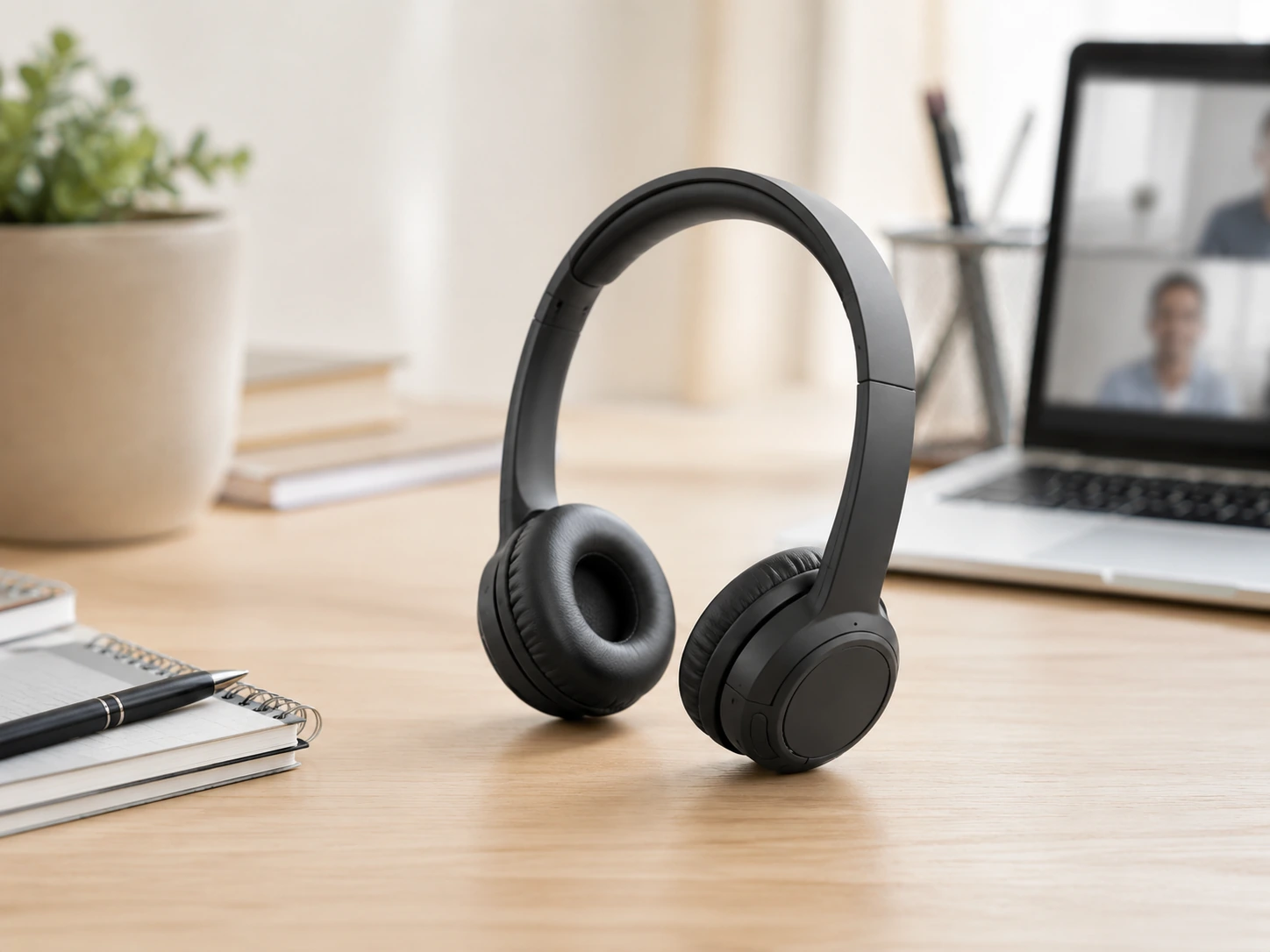
Sony WH-CH520 Wireless
Why it wins
The WH-CH520 hits the right combination for most students: lightweight on-ear design (lighter than most wireless headphones), 50-hour battery (charge once a week, not once a day), and a built-in microphone that handles Zoom participation adequately. The USB-C quick charge gives you 90 minutes of battery from a 3-minute charge -- the 'I forgot to charge it' emergency fix.
For listening to lectures, the sound is clear and well-balanced without the exaggerated bass of many budget wireless headphones. Professors' voices cut through clearly without manual EQ adjustments. At 147g, significantly lighter than over-ear alternatives -- for 2--3 hour classes, on-ear pressure is less fatiguing.
Check price on AmazonSpecs
- Type: Wireless on-ear Bluetooth
- Battery: 50 hours (+ quick charge: 90 min from 3 min)
- Mic: Built-in, adequate for calls
- Weight: 147g
- Connectivity: Bluetooth 5.2 + 3.5mm wired fallback
- Foldable: Yes -- flat fold for bag storage
Pros
- +50-hour battery eliminates charging anxiety
- +Lightest pick at 147g
- +USB-C quick charge (90 min from 3 min)
- +Foldable, Bluetooth 5.2
- +Wired fallback via 3.5mm
Cons
- −On-ear (not over-ear) -- some find less comfortable over 3+ hours
- −Built-in mic not as clear as boom mic
Best for: Most students -- wireless flexibility, long battery, lightweight, adequate mic for participation.
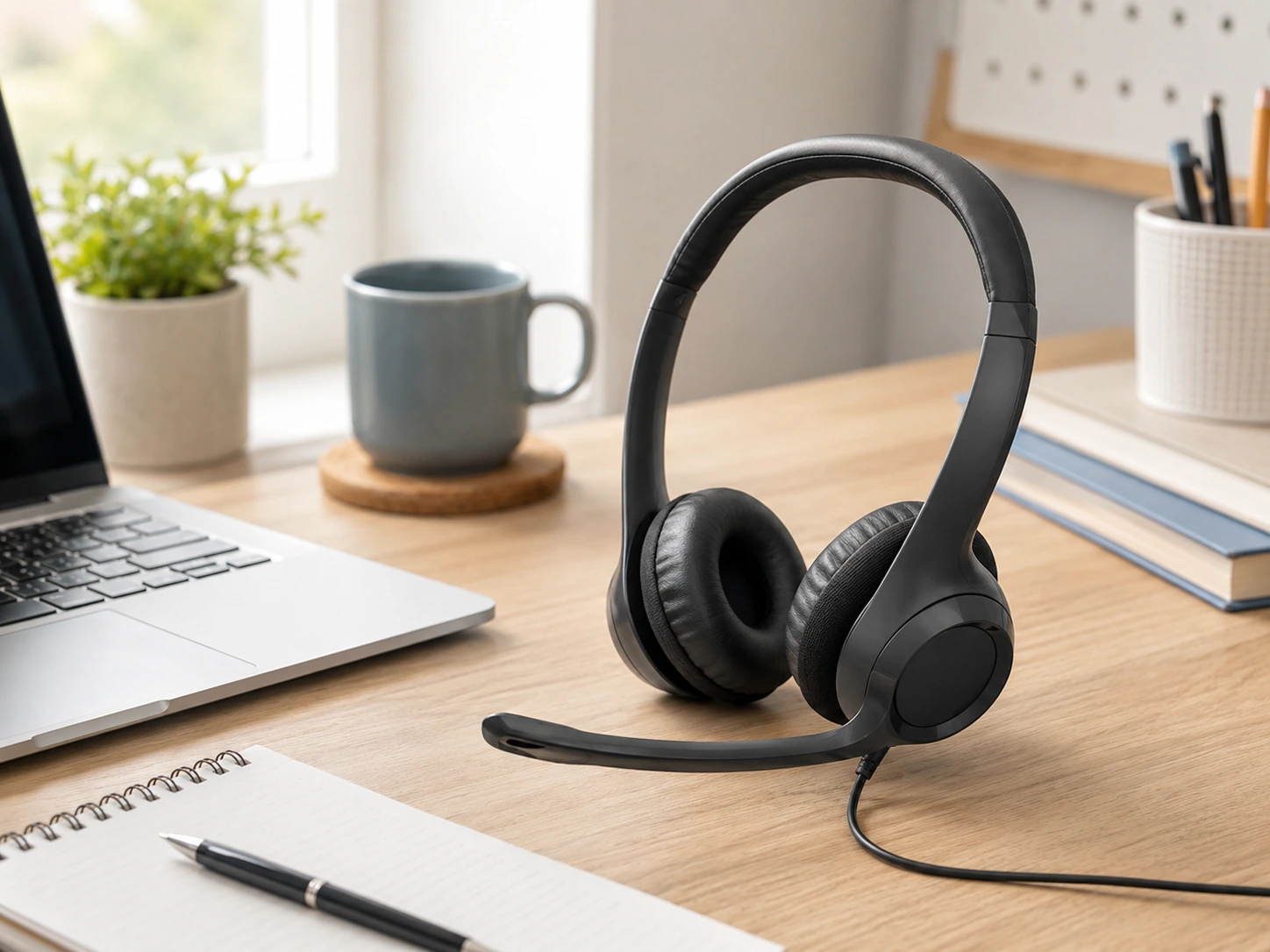
Logitech H390 USB Headset
Why it wins
For small seminars, group discussions, language classes, or any class where you are frequently unmuted and speaking -- the dedicated noise-canceling boom mic on the H390 produces noticeably clearer voice than any built-in headphone mic in this price range. Proximity to the mouth is the reason: the boom positions 5--7cm from your lips, capturing voice directly rather than from 15--20cm away.
The USB connection works on virtually all modern laptops and Chromebooks. No Bluetooth pairing, no battery -- plug in and use immediately. In-line controls (volume, mute) sit on the cable for quick access without reaching for your keyboard during class.
Check price on AmazonSpecs
- Type: Wired USB headset with boom mic
- Mic: Noise-canceling adjustable boom
- Connectivity: USB-A (Chromebook certified, PC, Mac via USB)
- In-line controls: Volume wheel + mute button
- Weight: ~165g
- Cable length: ~2.3m
Pros
- +Best mic clarity in this roundup (boom proximity)
- +No charging ever -- plug and use
- +In-line mute for quick silencing during class
- +Chromebook certified, works everywhere
- +Lowest-cost pick with serious mic quality
Cons
- −Wired only
- −USB-A may need adapter on newer MacBooks
- −Less comfortable for casual listening vs dedicated headphones
Best for: Participation-heavy classes, language learning, group seminars, or anyone who frequently speaks on camera.
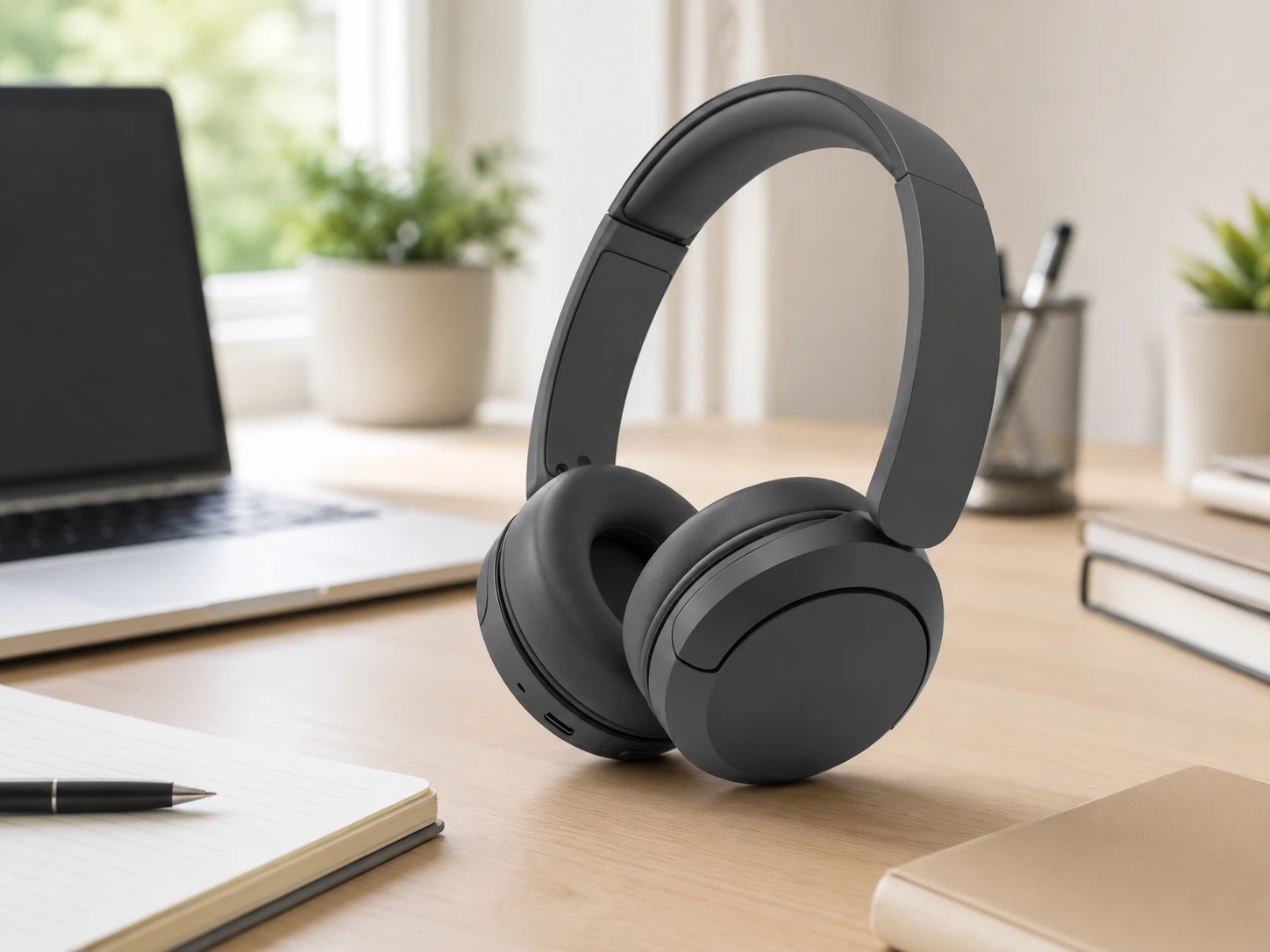
Soundcore Anker Q20i
Why it wins
Active Noise Cancellation (ANC) is not just about music immersion -- for online classes in noisy environments, ANC blocks background before it reaches your ears: roommate on the phone, hallway noise, HVAC hum. The Q20i delivers hybrid ANC (feedforward + feedback mics) at a price where most competitors offer only basic noise isolation.
The 40-hour ANC battery is generous -- most ANC headphones sacrifice battery for noise cancellation. Transparency mode lets you hear someone knock on your door or a professor make an announcement without removing the headphones.
Check price on AmazonSpecs
- Type: Wireless over-ear with ANC
- ANC: Hybrid (feedforward + feedback)
- Battery: 40 hours with ANC on (60 hours without)
- Transparency mode: Yes
- Mic: Built-in for calls
- Bluetooth: 5.0
Pros
- +Hybrid ANC blocks real dorm/shared-room noise
- +40h ANC battery -- best value in this price range
- +Transparency mode for quick awareness
- +Over-ear comfort for long sessions
- +Affordable ANC
Cons
- −Heavier than Sony CH520 (300g+)
- −Built-in mic adequate but not exceptional
- −No USB-C (micro-USB charging)
Best for: Dorm rooms, shared apartments, library study pods, or any noisy environment where background noise affects lecture focus.
JLab Studio Wireless
Why it wins
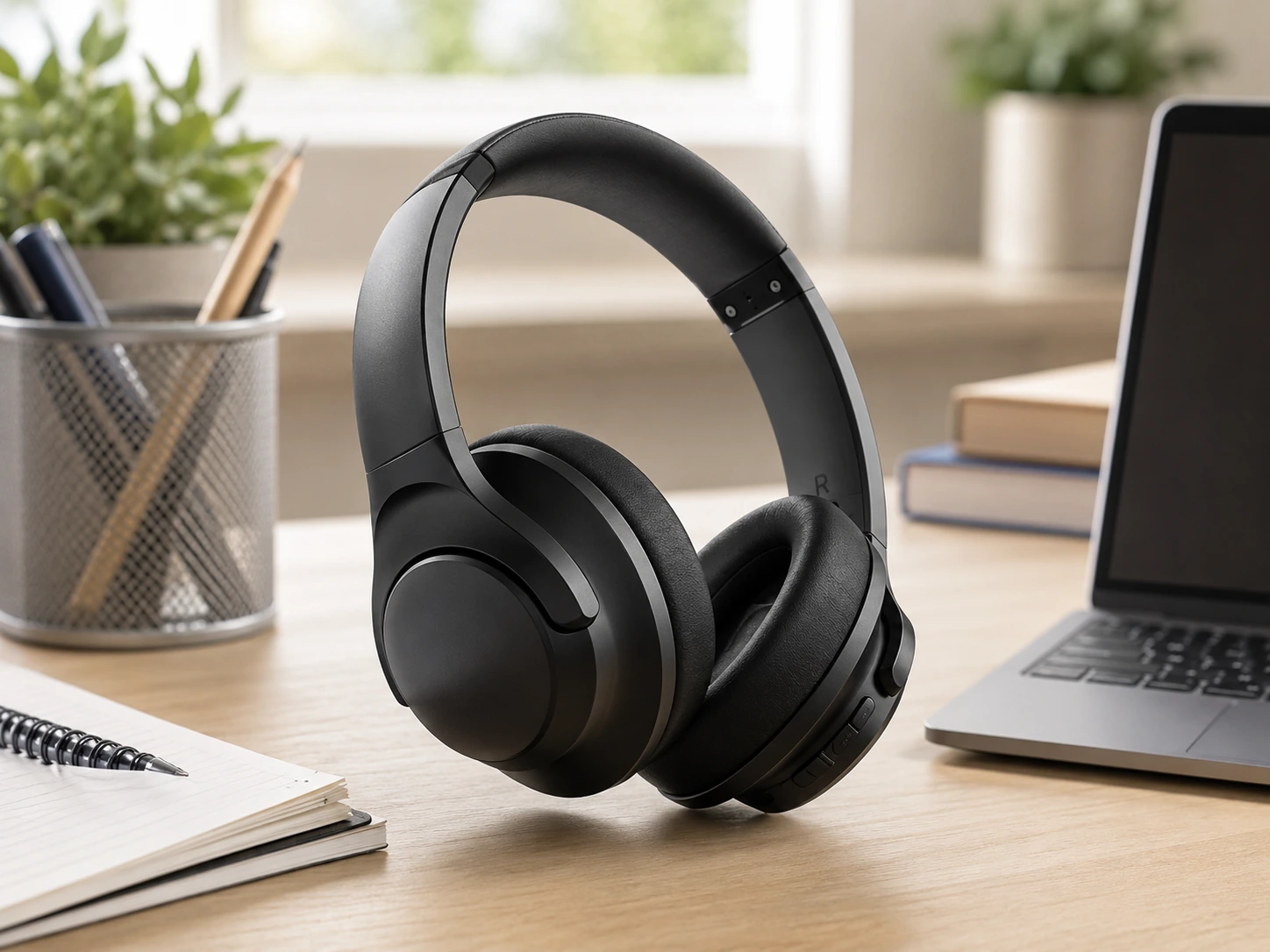
Under $35, most wireless headphone options involve either poor sound or uncomfortable build. The JLab Studio Wireless avoids both. It folds flat for bag storage, works 30+ hours on a charge, and handles Zoom participation adequately with its built-in mic.
At this price point, expectations should be calibrated accordingly: no ANC, basic mic, basic sound. But for students who mostly listen to recorded lectures and attend occasional online sessions, this covers the requirements at the lowest cost.
Check price on AmazonSpecs
- Type: Wireless on-ear Bluetooth
- Battery: 30+ hours
- Mic: Built-in basic
- Foldable: Yes -- compact for backpack
- Bluetooth: 5.0
Pros
- +Lowest-cost wireless pick
- +Foldable for backpack
- +30h battery
- +Adequate for casual class use
Cons
- −No ANC
- −Basic mic -- not ideal for heavy participation
- −On-ear cushions less plush than Studio Pro
Best for: Budget-first buyers who attend mostly lecture-style classes with minimal speaking.
JLab Studio Pro Wireless
Why it wins
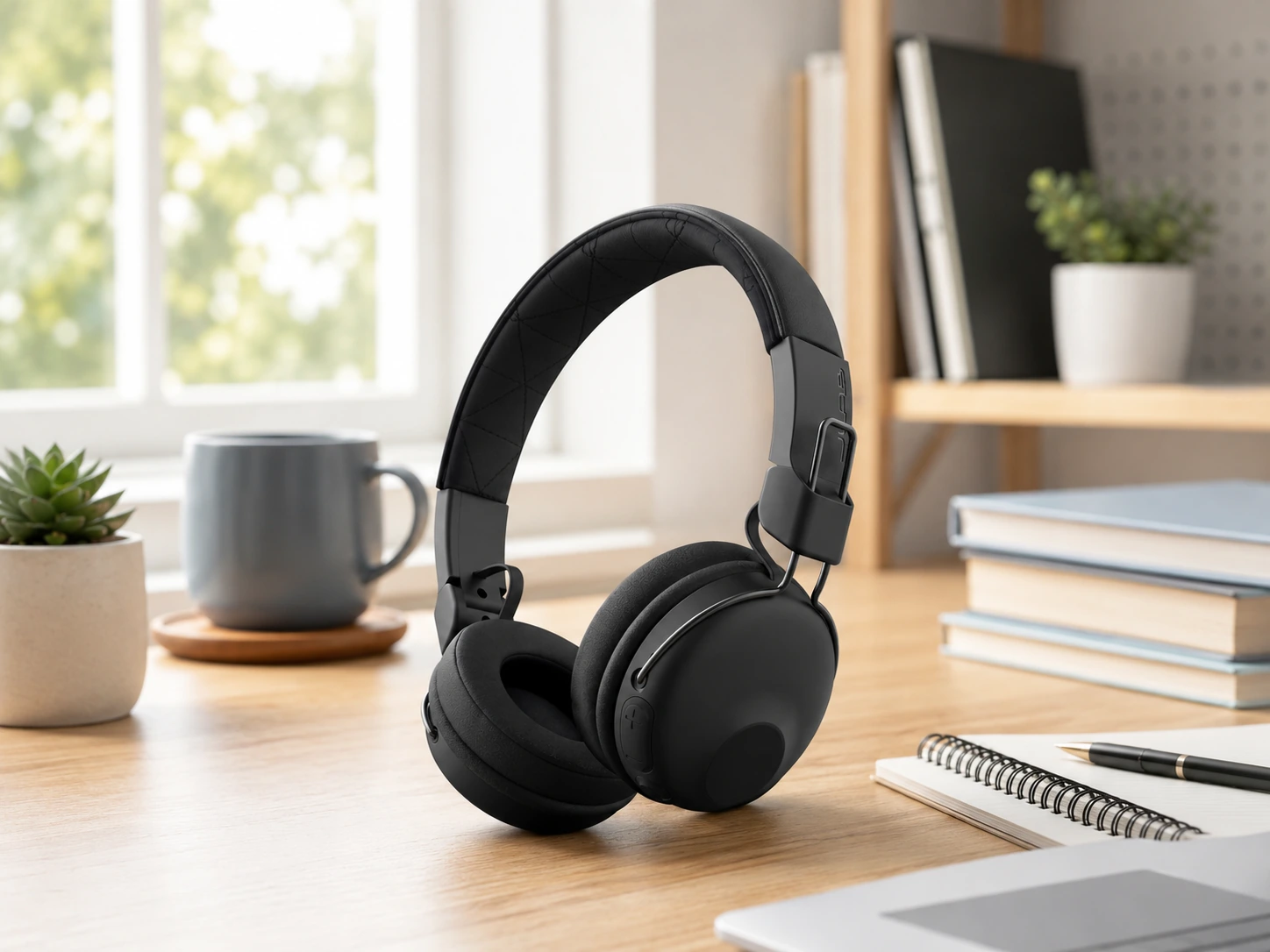
The specific gap the JLab Studio Pro fills is comfort over long sessions. The cloud foam + faux leather ear cushions are noticeably softer than the standard foam used on most budget headphones, including the base JLab Studio. For a 3-hour lecture block or a study session that runs into the evening, this difference is felt literally.
50-hour battery makes it one of the longest-running wireless headphones at this price. EQ3 sound lets you adjust between signature, bass boost, and balanced -- useful when switching between lecture audio and music during breaks.
Check price on AmazonSpecs
- Type: Wireless over-ear Bluetooth
- Battery: 50+ hours
- Cushions: Cloud foam + faux leather -- softer than competitors
- Mic: Built-in with call controls
- EQ: 3 presets (EQ3)
- Foldable: Yes
Pros
- +Most comfortable cushions in this roundup
- +50h battery
- +EQ3 presets for lecture vs music
- +Foldable
- +Over-ear design better for 3+ hour sessions
Cons
- −Slightly heavier than Sony CH520
- −No ANC
- −Built-in mic adequate but not exceptional
Best for: Students with long class or study blocks where cushion comfort directly affects concentration.
Audio-Technica ATH-M20x (Wired, Studio-Grade)
Why it wins
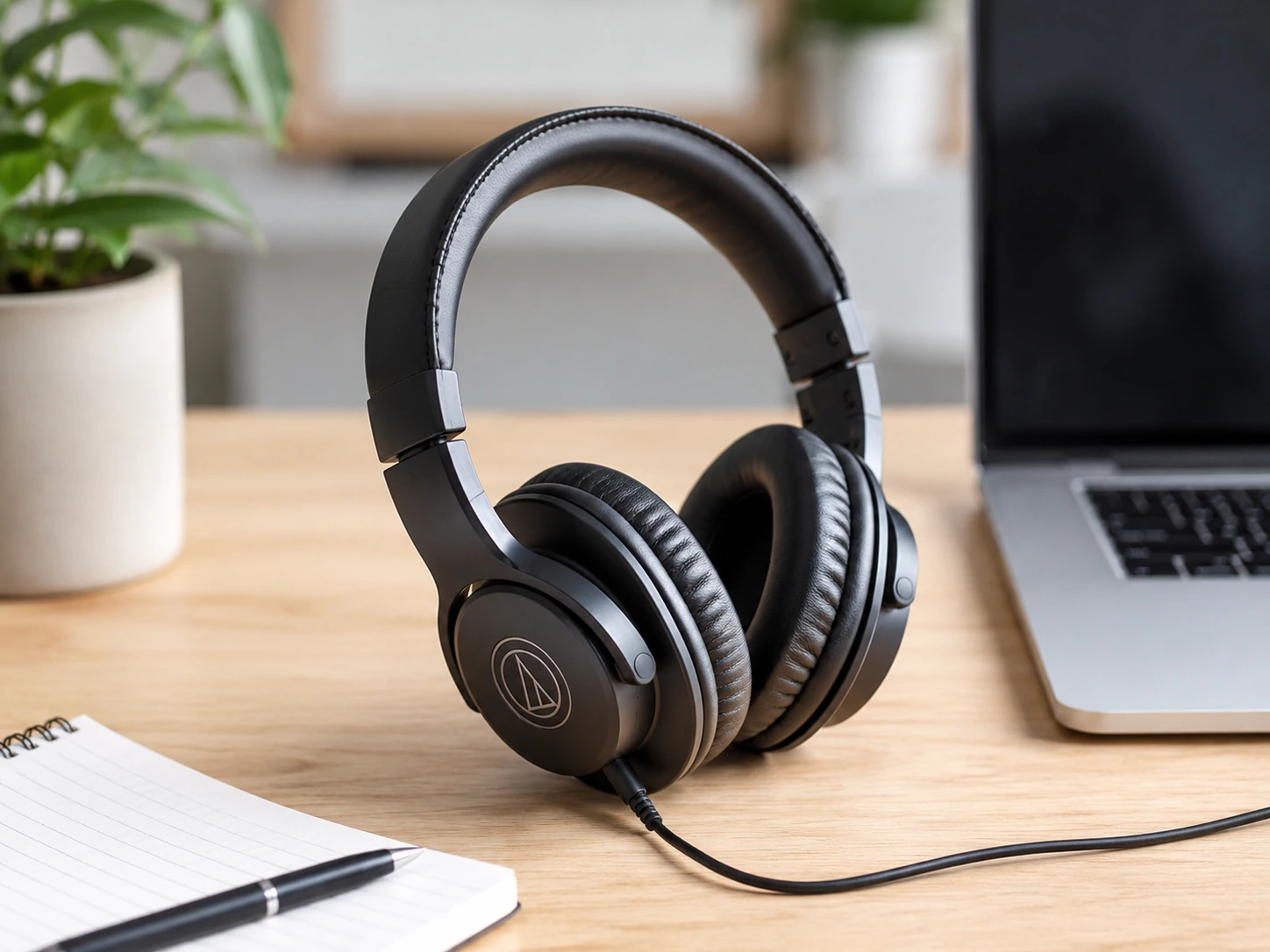
If your priority is hearing lectures, music, and audio content with the best possible fidelity in this price range -- and you plan to use your laptop's built-in mic or a separate microphone for speaking -- the ATH-M20x delivers studio monitor-level accuracy at $40--55. No wireless, no built-in mic, no ANC -- just excellent sound.
For music production students, audio engineering courses, or anyone who cares primarily about what they hear, this is the right tool. Pair it with a USB microphone for calls. The closed-back design provides good passive isolation from ambient noise.
Check price on AmazonSpecs
- Type: Wired over-ear (closed-back)
- Driver: 40mm
- Frequency response: 15Hz--20kHz
- Impedance: 47Ω
- Mic: None (use laptop mic or separate USB mic)
- Cable: 3m (designed for studio use)
Pros
- +Best audio accuracy in this roundup
- +Closed-back passive isolation
- +Studio-grade drivers -- accurate sound reproduction
- +Durable professional build
- +No charging ever
Cons
- −No mic -- need separate for class participation
- −3m cable is long for desk use
- −No wireless option
Best for: Audio/music students, anyone prioritizing listening quality over mic quality, or those with a separate microphone for calls.
What Competitors Don't Tell You About Class Headphones
Mic Quality: Why "Built-in Mic" Varies So Much
The factor nobody explains: mic-to-mouth distance. A mic on the earcup is 20--30cm from your mouth. A boom mic (H390) is 5--7cm. Sound drops off with distance -- a closer mic captures your voice before room noise overwhelms it. This is why the H390 boom mic sounds cleaner than built-in mics costing $200+ more.
ANC for Classes: What It Does and Doesn't Block
ANC is marketed as blocking "all background noise." The reality:
ANC blocks well
- Constant low-frequency noise (HVAC, fan, traffic hum)
- Steady mid-frequency noise (crowd murmur, office background)
ANC does not block
- Intermittent noise (someone talking nearby)
- Sudden loud noise (door slam, alarm)
- Roommate at normal volume at close range
On-Ear vs Over-Ear for Long Classes
On-ear (Sony CH520, JLab Studio)
- Lighter weight, more portable
- Less heat buildup
- Some users find them uncomfortable after 2+ hours (pressure on ear cartilage)
Over-ear (Q20i, JLab Studio Pro, ATH-M20x)
- More comfortable for long sessions (no pressure on ear)
- Better passive noise isolation
- Heavier, bulkier
For classes over 2 hours: the JLab Studio Pro or Anker Q20i over-ear designs are worth the extra weight.
Choosing by Class Type
| Class type | Best pick |
|---|---|
| Lecture (mostly listen) | Sony WH-CH520, JLab Studio Pro |
| Seminar / discussion | Logitech H390 |
| Noisy dorm / shared room | Soundcore Q20i |
| 3+ hour blocks | JLab Studio Pro |
| Budget tight | JLab Studio |
| Audio/music courses | ATH-M20x |
| Chromebook user | Logitech H390 |
Frequently Asked Questions
What are the best headphones for online classes?
For most students, the Sony WH-CH520 covers the right balance: wireless, 50-hour battery, lightweight, adequate built-in mic. For classes with heavy participation, the Logitech H390 provides better mic clarity via its boom microphone.
Do I need noise-canceling headphones for online classes?
Only if you study or attend class in a consistently noisy environment. ANC helps with constant background noise (dorm HVAC, street traffic). For a quiet room, standard headphones are sufficient. ANC handles HVAC and hallway hum well, but will not silence a nearby roommate having a full conversation.
Which is better for online classes -- wired or wireless?
Both work. Wired (Logitech H390) is more reliable -- no battery risk, no Bluetooth latency. Wireless (Sony WH-CH520, JLab picks) is more flexible. If battery anxiety is a concern, go wired. If you prefer freedom of movement, go wireless and charge nightly.
Can I use gaming headsets for online classes?
Yes, gaming headsets work for classes. Most have boom mics (good for calls) and decent audio. They tend to be heavier and bulkier than the picks in this guide, and the aggressive styling may be visually prominent on video calls. The Logitech H390 covers the mic quality benefit of gaming headsets without the gaming aesthetic.
What headphones work best for Zoom classes?
Any headphone with a built-in mic works on Zoom. Use Zoom's 'Suppress background noise' setting (medium or high) in Audio settings to improve built-in mic performance. The Logitech H390 is the most reliable choice for consistent Zoom call quality.
Bottom Line
For most students: the Sony WH-CH520 -- wireless, 50-hour battery, lightweight, fits in a bag, adequate for lectures and occasional participation.
For participation-heavy classes: the Logitech H390 -- the boom mic makes a real, audible difference on calls. Under $35, wired, no charging.
For noisy dorms: the Soundcore Q20i -- ANC actually blocks dorm background noise that passive isolation cannot handle.
Browse student headphones on Amazon
Wireless, wired, and ANC options -- all Prime-eligible.
Shop on Amazon →Related Guides
Best Dorm Items Under $25
25 high-impact dorm essentials on a student budget
Best Desk Lamp Under $30
Dorm-friendly desk lamps for studying
Desk Setup Essentials
15 must-have items for any desk setup
Ergonomic Desk Setup
The correct way to position everything at your desk
Last updated: June 2026. Prices checked at time of writing -- verify current Amazon price before purchasing.