
4 wins
2 wins
Desk Mat vs Mouse Pad: Which One Is Right for Your Setup?
Both cover your desk and improve mousing — but that's where the similarity ends. A desk mat protects the full surface and ties the aesthetic together; a mouse pad optimizes tracking for precision work or gaming. At $10–$30, neither is a big commitment, but choosing the wrong one means buying both anyway. Here's how to get it right the first time.
We may earn a commission when you buy through Amazon links. This guide is based on product specs, buyer feedback, use cases, and comparison criteria — not paid placement. Learn more.
Quick Answer
Get a Desk Mat if...
- ✓ You want to protect the full desk surface
- ✓ Aesthetics and a unified desk look matter
- ✓ You spill drinks at your desk
- ✓ You use a wooden or expensive desk
Get a Mouse Pad if...
- ✓ You play games where mouse precision matters
- ✓ Budget is under $20
- ✓ You only need the mouse area covered
- ✓ You want an optimized tracking surface
Head-to-Head: 6 Criteria
Desk Coverage
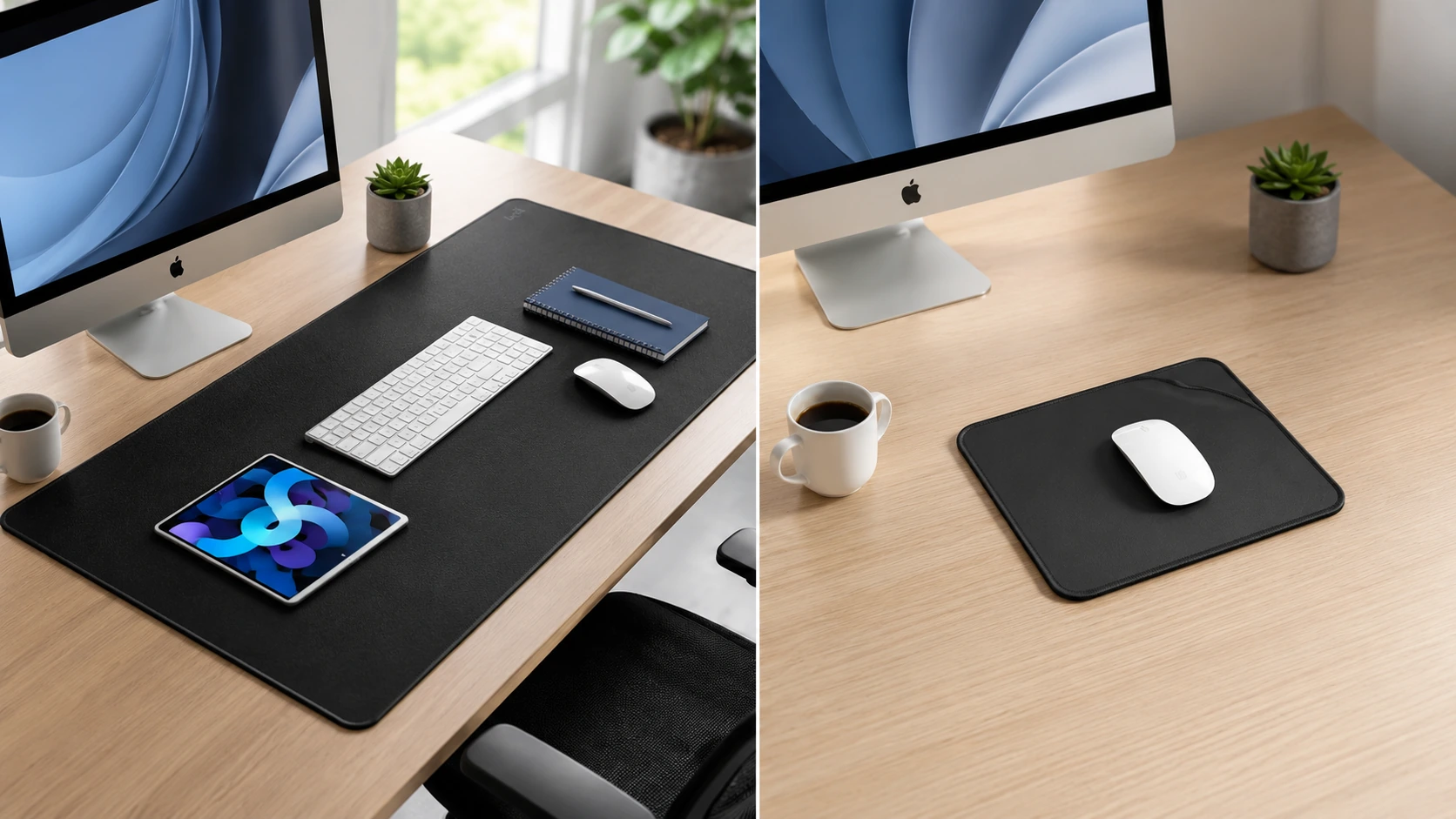
Desk Mat winsDesk mats cover the entire desk surface (30–35+ inches wide). Mouse pads cover only the mouse zone. For full desk protection and a cohesive look, mats win.
Desk Mat
Full desk coverage. Keyboard, mouse, and accessories on one surface.
Mouse Pad
Mouse zone only. Rest of desk is unprotected.
Mouse Tracking
Mouse Pad winsDedicated mouse pads — especially gaming-optimized cloth pads — have more consistent surface textures that improve tracking precision. Desk mats are functional but not optimized for precision gaming.
Desk Mat
Functional for everyday use. Not ideal for high-DPI competitive gaming.
Mouse Pad
Optimized surface texture. Consistent glide and precision for gaming.
Desk Protection
Desk Mat winsMats protect the entire desk surface from scratches, spills, and wear. Mouse pads leave the rest of the desk exposed. For wooden or expensive desks, a mat is the smarter protection layer.
Desk Mat
Full-desk scratch and spill protection. PU leather options are waterproof.
Mouse Pad
Protects only the mouse zone. Rest of desk takes wear normally.
Aesthetics
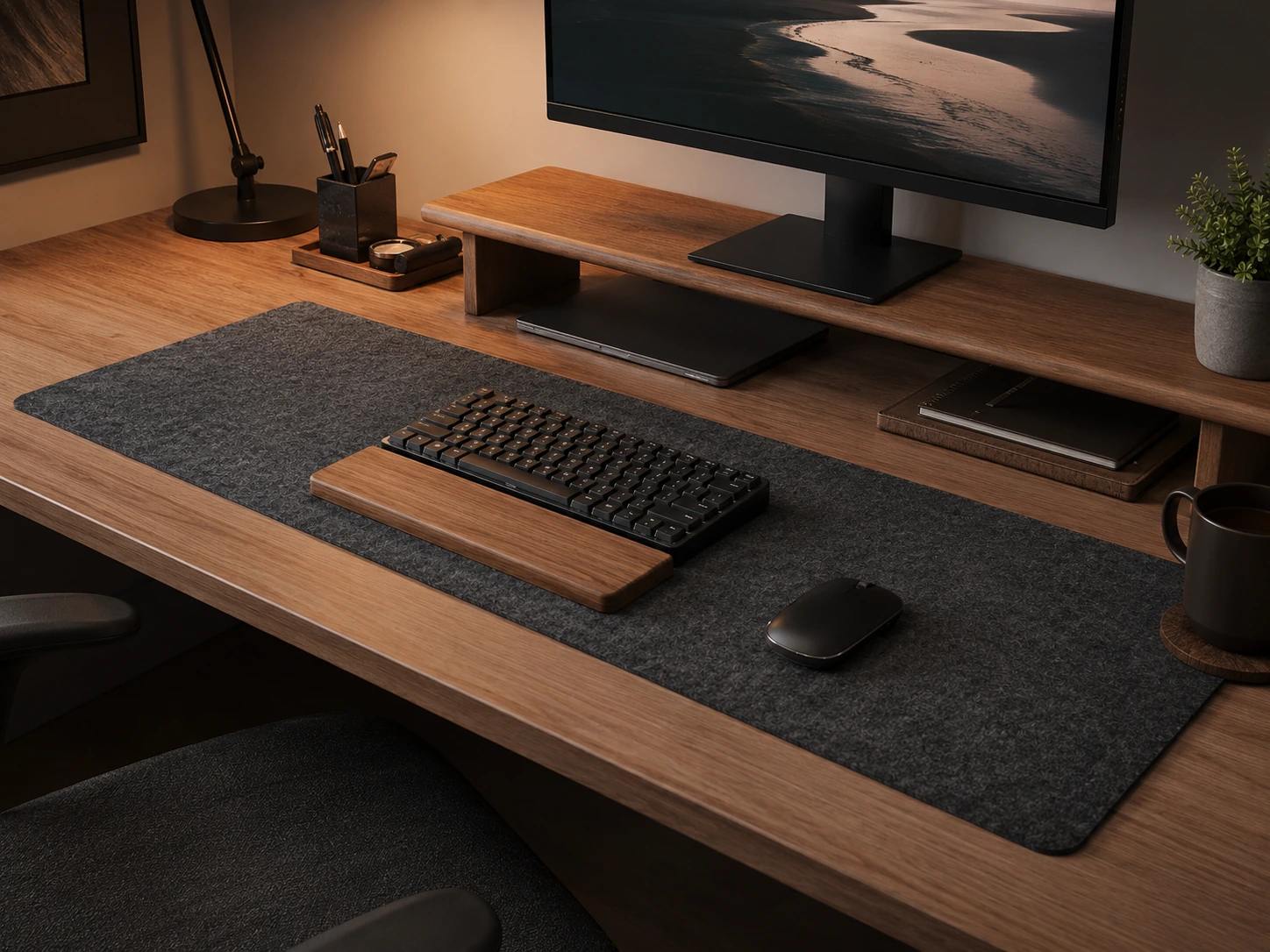
Desk Mat winsA desk mat unifies the desk surface visually — all accessories sit on the same material. Mouse pads look good on their own but create a visual inconsistency with the rest of the desk.
Desk Mat
Unified desk look. Available in leather, felt, and fabric to match any setup.
Mouse Pad
Good standalone look, but breaks the visual flow of the full desk.
Price
Mouse Pad winsMouse pads start at $10 and a quality pick costs $10–$19. Desk mats start at $18 and a quality mat runs $20–$30. Both are affordable, but pads are cheaper per dollar of value.
Desk Mat
$18–$30 for a quality mat. Still affordable.
Mouse Pad
$10–$19 for an excellent pad. Lowest entry cost.
Cleaning
Desk Mat winsPU leather desk mats wipe clean with a damp cloth in seconds. Cloth mouse pads absorb spills and require hand washing. For coffee-prone desks, mats win on maintenance.
Desk Mat
PU leather: wipe clean instantly. Felt: harder to clean.
Mouse Pad
Cloth pads absorb spills and need washing. Longer drying time.
Which One Should You Get?
Answer these questions in order to find your match.
Do you play games competitively where mouse precision matters?
Do you want to protect the full surface of your desk from scratches?
Is your desk aesthetic important to you (minimalist, unified look)?
Is your budget under $15?
Do you frequently spill coffee or drinks on your desk?
Do you primarily need better mouse tracking for work (spreadsheets, design)?
Best Desk Mats
Full desk coverage, protection, and aesthetics.
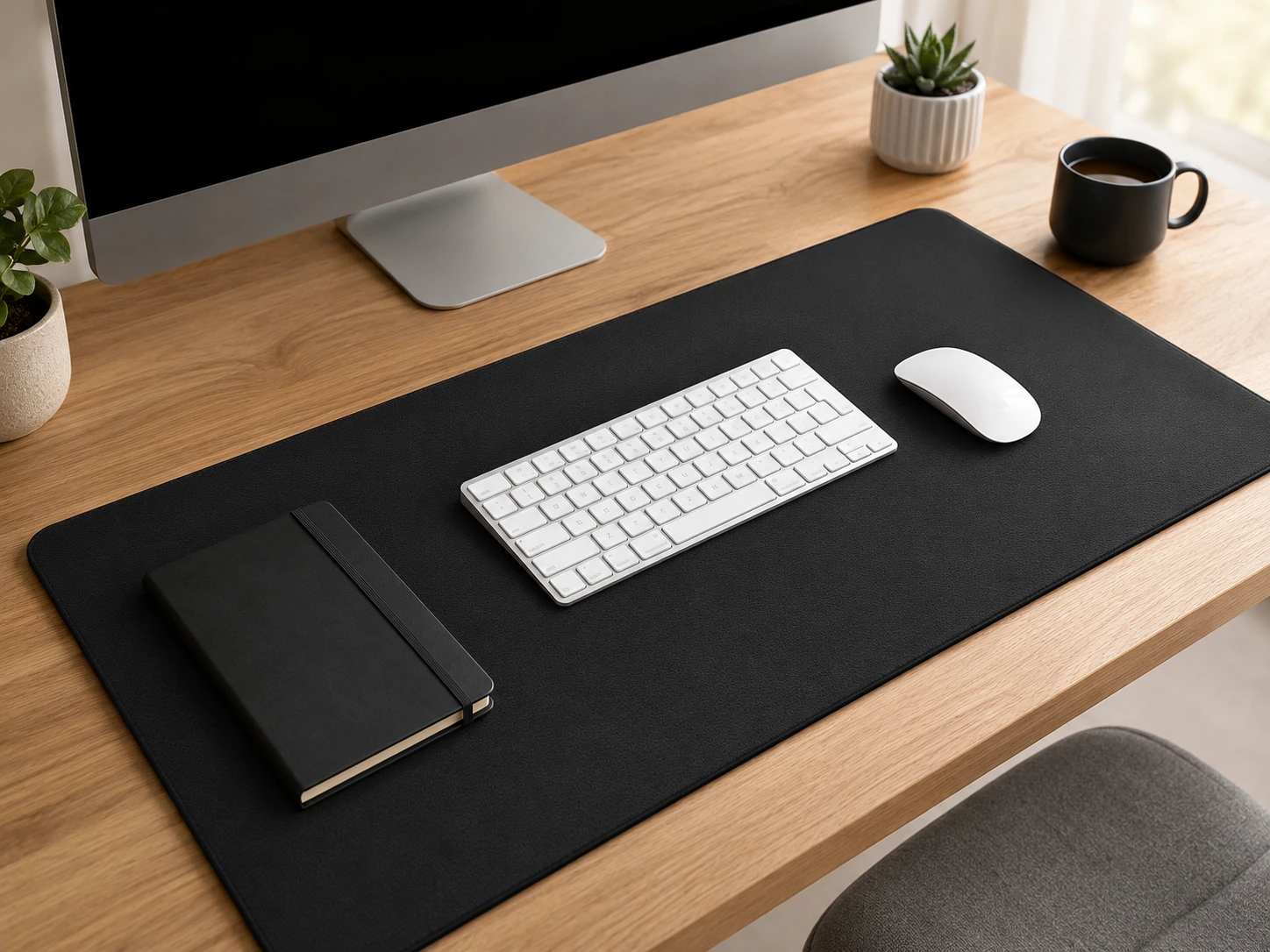
K KNODEL Large Desk Mat (31.5 × 15.7 in)
31.5 × 15.7 in · PU leather top, non-slip rubber base
Why it works
- Covers the full desk surface — protects from scratches and spills
- Smooth PU leather top works well with optical mice
- Non-slip rubber base stays in place without adhesive
- Wipes clean in seconds — spill-resistant surface
Tradeoffs
- PU leather can feel warm in summer
- Edges may curl if stored rolled for a long time
Reddit: Frequently recommended in r/battlestations for budget desk protection. Popular with people who want a clean, minimal desk aesthetic.

Aothia Dual-Sided Leather Desk Pad
31.5 × 15.7 in · PU leather / felt dual-sided
Why it works
- Dual-sided: PU leather for smooth mousing, felt for a softer look
- Felt side protects surface better from impact
- Budget price at $18–$25
- Available in multiple colors to match desk setups
Tradeoffs
- Thinner than single-sided mats — less padding
- Felt side attracts dust and lint
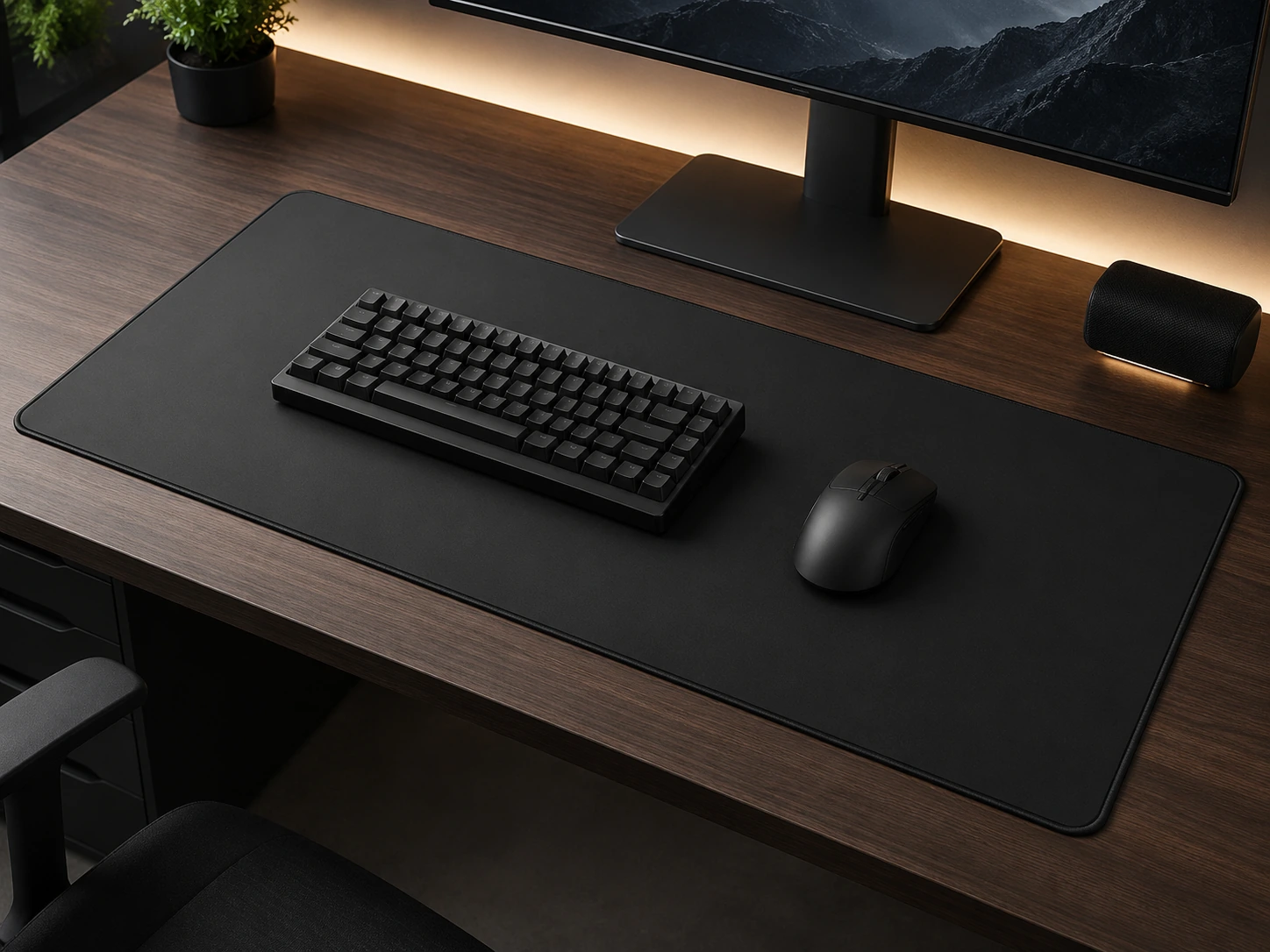
DAWNTREES Felt Desk Mat (35.4 × 17.3 in)
35.4 × 17.3 in · Premium wool felt
Why it works
- Wool felt has a premium, textured look that elevates minimalist setups
- Largest coverage at 35.4 × 17.3 in — fits wide desks
- Soft surface muffles keyboard noise
- Natural material stays cool even in warm climates
Tradeoffs
- Felt surface is less smooth for gaming mice at high DPI
- Harder to clean spills vs PU leather
Best Mouse Pads
Precision tracking for gaming and everyday work.
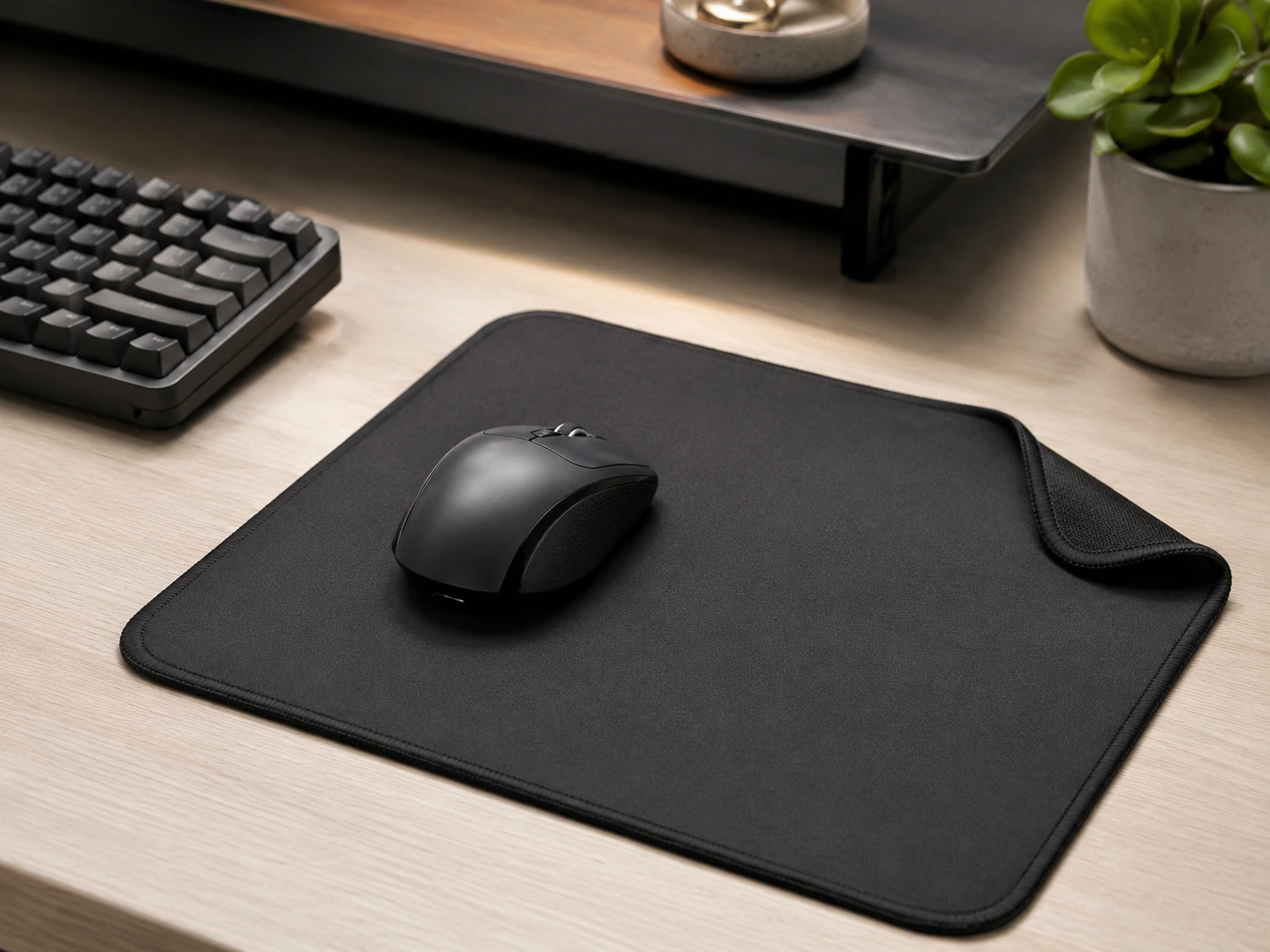
Logitech Studio Series Mouse Pad
11.6 × 9.1 in standard · Consistent textile top, rubber base
Why it works
- Consistent surface texture works with all optical and laser mice
- Stitched edges prevent fraying after months of use
- Premium feel at a $10–$18 price
- Matches Logitech's Studio Series keyboard and mouse aesthetics
Tradeoffs
- Standard size only — doesn't cover the full desk
- Not waterproof — spills seep through
Ktrio Extended Gaming Mouse Pad (35.4 × 15.7 in)
35.4 × 15.7 in XL · Micro-weave cloth, rubber base
Why it works
- XL size covers keyboard and mouse zone completely
- Micro-weave cloth optimized for fast mouse movements and precision
- Thick 3mm base absorbs desk vibration
- Best value for gaming use at $14–$19
Tradeoffs
- Gaming aesthetic (dark color, logo) — not ideal for minimalist setups
- Cloth surface absorbs spills — needs careful maintenance
Reddit: Consistent top pick in r/MouseReview for budget extended pads. Praised for surface speed and durability.
Recommendations by Use Case
Minimalist / Aesthetic Setup
Desk MatDAWNTREES Felt Desk Mat
The wool felt surface has a premium, textured look that elevates any minimal setup. Large 35.4-inch coverage unifies keyboard, mouse, and accessories on one cohesive surface.
View on AmazonGaming / High-Precision Mouse Use
Mouse PadKtrio Extended Gaming Pad
Micro-weave cloth, 3mm thick base, and an XL surface that fits keyboard and mouse — the right tool for competitive tracking at a price that leaves no reason to compromise.
View on AmazonWFH / Small Desk (Under 36 in)
Desk MatK KNODEL Large Desk Mat
PU leather surface works well with all mice, wipes clean from coffee spills, and looks professional on camera during video calls. Best all-round desk mat for home offices.
View on AmazonBudget / First Desk Setup
Mouse PadLogitech Studio Series Mouse Pad
At $10–$18, the Logitech Studio Series gives you stitched edges, consistent tracking, and a quality feel that justifies the cost over a $5 no-name pad. Simple and reliable.
View on AmazonSummary: Desk Mat vs Mouse Pad
| Factor | Desk Mat | Mouse Pad |
|---|---|---|
| Coverage | Full desk (30–35+ in) | Mouse zone only |
| Mouse tracking | Functional for most use | Optimized for precision |
| Desk protection | Full surface protection | Mouse area only |
| Aesthetics | Unified desk look | Standalone piece |
| Price | $18–$30 | $10–$19 |
| Cleaning | PU leather: wipe clean | Cloth: hand wash needed |
Common Mistakes to Avoid
Buying a thin desk mat that curls at the edges
Ultra-thin mats (under 1.5mm) curl after a few weeks, especially at corners. Look for mats with a thick rubber base (2mm+) and stitched or rolled edges. The K KNODEL and DAWNTREES mats both avoid this issue.
Using a cloth pad without a waterproof layer on a coffee desk
Cloth mouse pads absorb spills and develop odors if not dried promptly. If you regularly have drinks at your desk, a PU leather desk mat that wipes clean is a more practical choice.
Buying an XL gaming pad for a small desk
A 35-inch extended pad on a 30-inch desk will overhang the edge and bunch up. Measure your desk first and buy a pad that leaves 2–3 inches on each side.
Assuming a desk mat replaces a proper mouse pad for gaming
Leather desk mats have inconsistent texture — fine for work mice at 800–1600 DPI, but at 3200+ DPI used in competitive gaming, dedicated gaming cloth pads track more accurately. Use a gaming pad on top of the mat if you need both desk protection and precision.
Frequently Asked Questions
What is the difference between a desk mat and a mouse pad?
A desk mat covers the full desk surface (30–35+ inches wide) to protect the desk and unify the aesthetic. A mouse pad covers only the mouse zone and is optimized for tracking performance. Desk mats are better for desk protection and aesthetics; mouse pads are better for precision and gaming.
Is a desk mat worth it?
Yes, especially for desks that cost $100+. A $20–$30 desk mat protects the entire surface from scratches, heat, and spills, and makes the desk look significantly cleaner. For wooden desks, it's particularly worth it. For pure mouse tracking, a dedicated mouse pad still wins on surface consistency.
Can I use a desk mat as a mouse pad?
Yes — most desk mats work fine as mouse surfaces for everyday computing. For casual use, work tasks, and gaming at 800–1600 DPI, a PU leather or felt mat is fully adequate. For competitive gaming at 3200+ DPI, a dedicated cloth gaming pad offers more consistent tracking.
What size desk mat should I get?
Measure your desk and subtract 3–4 inches from each side for the mat. A 40-inch desk works well with a 31–35-inch mat. Make sure the mat doesn't overhang the front edge — it should sit flush with room for your wrists to rest naturally.
How do you clean a desk mat?
PU leather mats: wipe with a damp cloth. For stains, a drop of mild dish soap on a microfiber cloth works well. Felt mats: use a lint roller for dust; spot-clean with a damp cloth for spills and let air-dry. Cloth mouse pads: hand wash with mild soap and cold water, then air-dry flat.
Are extended mouse pads the same as desk mats?
They overlap but are not identical. Extended mouse pads (like the Ktrio XL) are cloth-based and optimized for mouse tracking — they cover the keyboard and mouse zone but are typically thinner and gaming-focused. Desk mats are usually PU leather or felt, thicker, and focused on desk protection and aesthetics over tracking performance.