
How to Keep a Rolling Office Chair From Moving While You Pedal
Affiliate Disclosure: We may earn a small commission on qualifying Amazon purchases at no extra cost to you. Full disclosure →
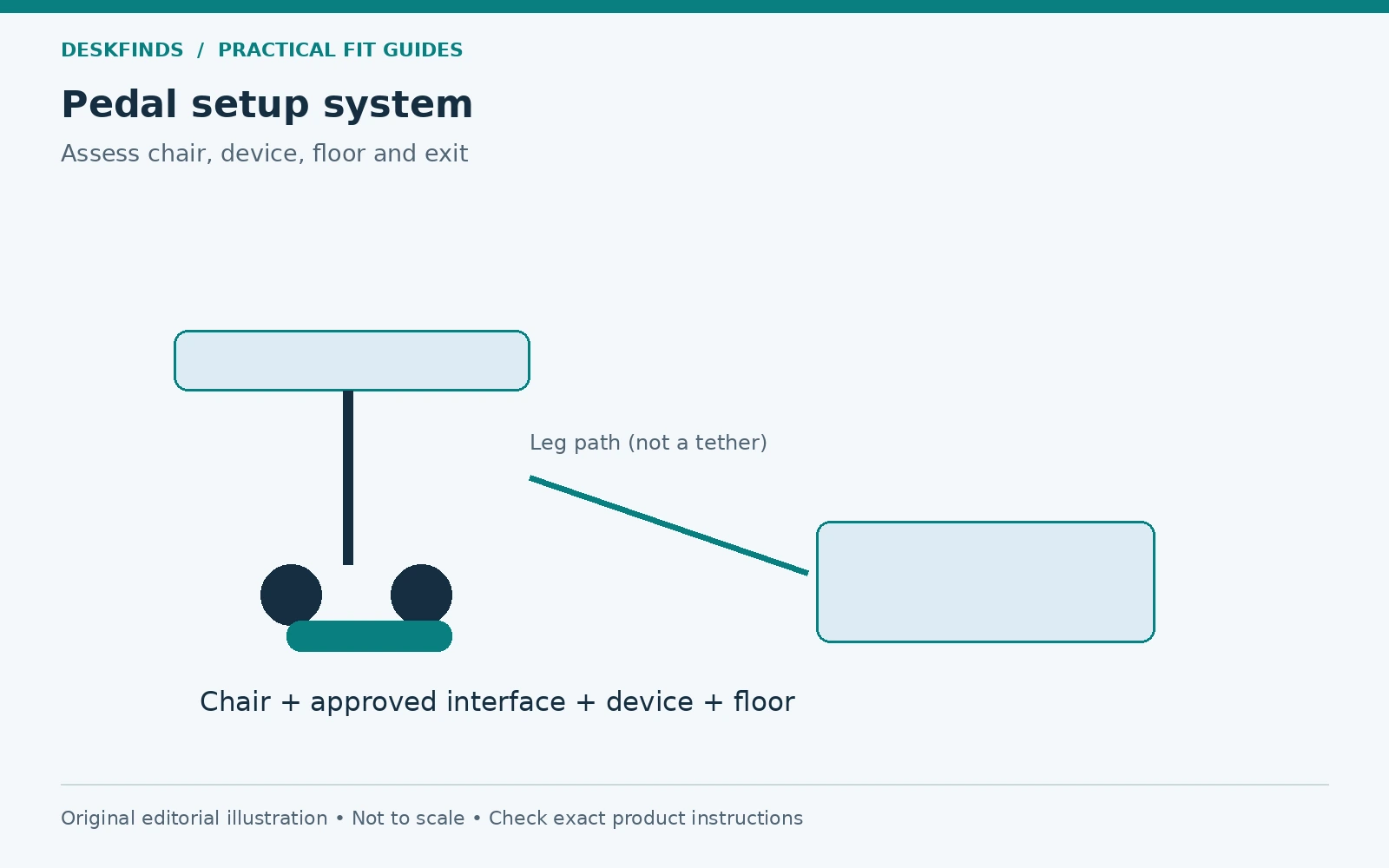
An under-desk pedal device can push a wheeled chair away from the working position. The user then pulls closer, changes posture, or tries to brace against the desk. Preventing that movement is not simply a matter of wedging the nearest caster. The chair, exercise device, floor, and any restraint need to work together within their instructions.
Quick answer: Start with the exercise device's prescribed seated setup and any model-specific chair-stopping accessory. Verify compatibility with your chair and floor, then check position, leg clearance, entry and exit. Do not stand on a seated pedal device, tie the chair to furniture, or use an improvised block as a substitute for a supported arrangement.
This guide covers setup, not exercise suitability or medical advice. Follow the equipment instructions and obtain appropriate professional guidance where your health or mobility needs require it. Our bike versus elliptical guide explains the broader equipment distinction.
Identify which object is moving
Observe a brief normal-use attempt only if the setup is otherwise permitted and stable. Is the chair rolling backward, the pedal unit sliding forward, or both moving? Does the chair rotate, or does a caster lift or catch? Record the symptom without increasing resistance or speed to make it more visible.
A sliding exercise unit and a rolling chair can require different solutions. A mat intended to support the unit may not prevent the chair from moving. A wheel stopper may restrain one part of the chair while leaving the unit unstable. Do not purchase an accessory before identifying the relationship.
Stop if the setup feels unstable, causes pain or other concerning symptoms, or cannot be used as directed. Do not brace yourself against the desk or hold the keyboard to keep the chair in place. The workstation should not depend on your arms acting as a restraint.
Read the exact device instructions
Find the full model and revision manual. Seated bikes and ellipticals can have different placement, resistance, and chair requirements. Some include a specific stopper or tether arrangement; others may not. Use only the method intended for that device and chair combination.
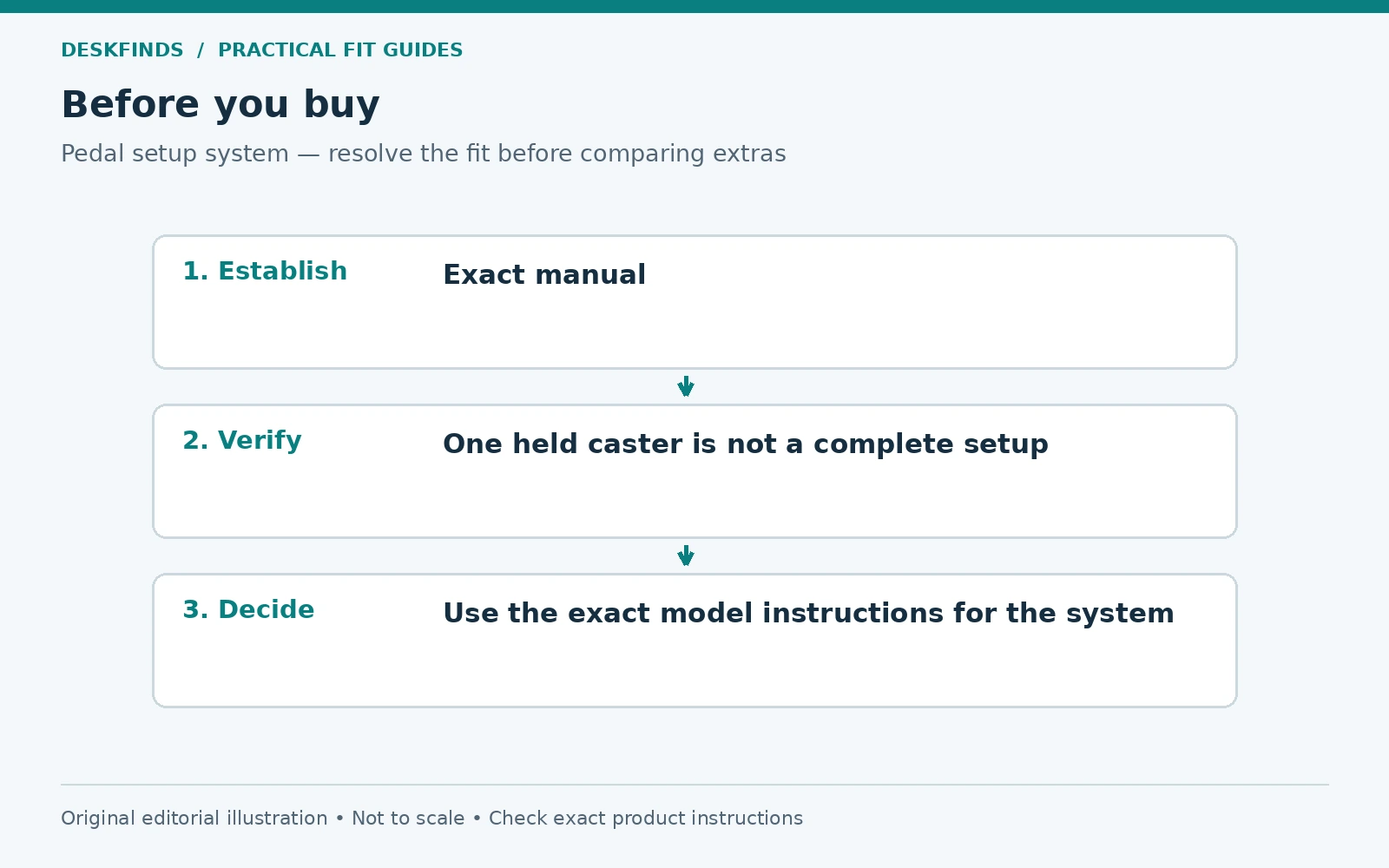
Cubii, for example, publishes model-specific instructions for chair wheel stoppers. The existence of that accessory does not establish that any stopper fits every Cubii model, chair base, or pedal device. Confirm the exact configuration, attachment, and positioning from the relevant manual.
Do not copy a setup from an older product with a different chair geometry. A four-legged wheeled chair, a five-star office base, and a fixed chair are not interchangeable supports. The instructions should explain the intended use, and uncertainty should be resolved with the manufacturer rather than filled with an improvised restraint.
Set the seated position before restraining movement
Place the chair and device as the instructions describe, with the user's feet and legs moving within the intended range. Check the relationship to the desk underside and frame. A chair that cannot approach without hitting its arms may put the device too far away. Our chair-arm clearance guide covers that separate issue.
Check knee clearance through the actual pedal movement, not just while feet are still. The device's footprint and the user's leg path both matter. Do not lower the chair solely to create clearance if doing so makes the rest of the workstation unsuitable. Follow the device guidance and reassess the desk arrangement.
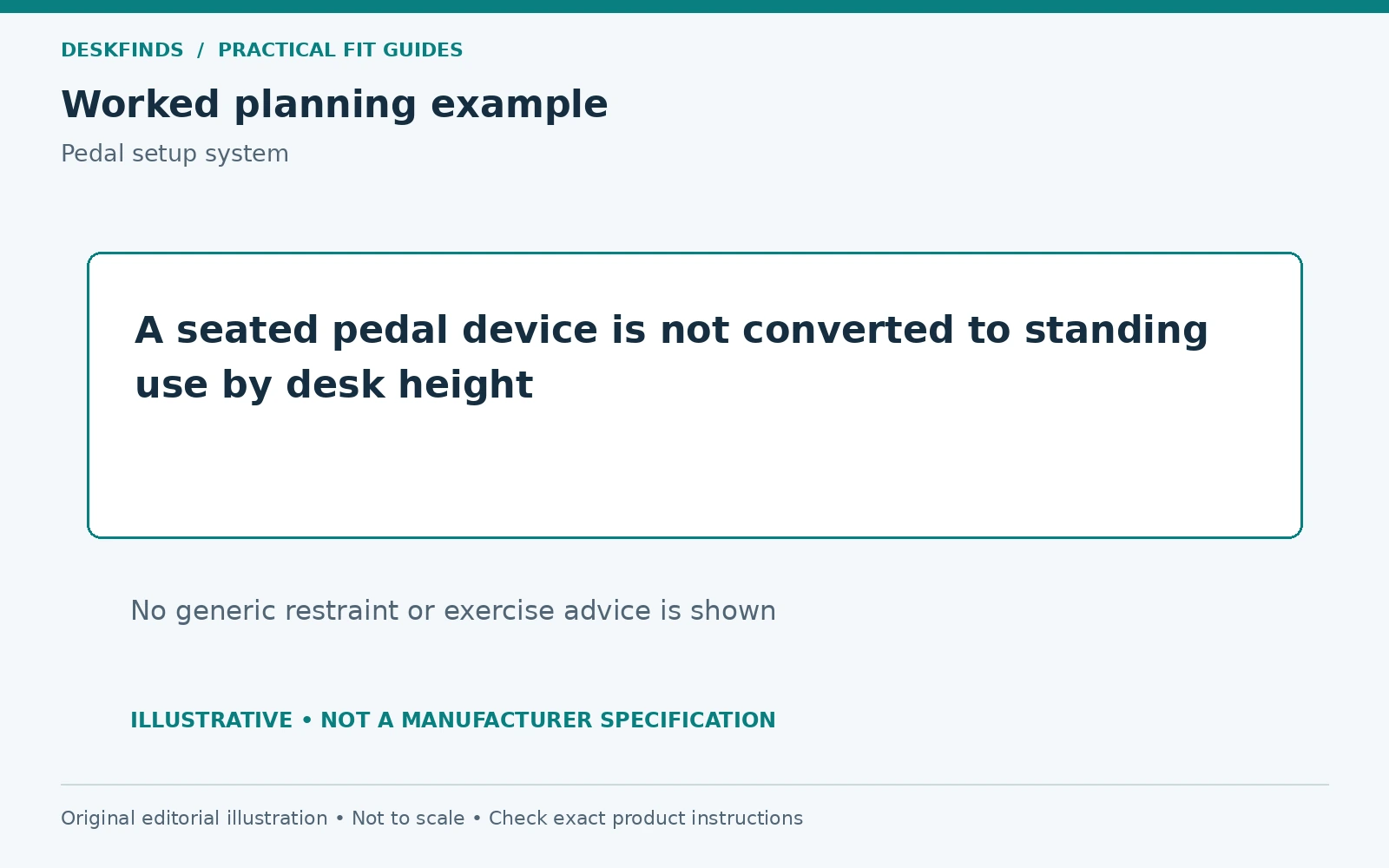
Keep the intended use seated where specified. A standing desk raised high does not convert a seated pedal device into standing exercise equipment. Use the product only for its documented purpose. The desk's height range and the device's operating mode are separate facts.
Evaluate a stopper as a complete interface
Check the caster size, shape, and position the accessory is designed to receive. A wheel resting partly on a stopper may not be seated as intended. Confirm the floor surface and whether the stopper attaches to the device or remains separate. The exact instructions control how those parts work together.
Look at the path for entering and leaving the chair. A restraint can become a trip or handling obstacle if it sits where feet need to move. Do not create a setup that requires stepping over a taut strap or pulling the chair against a fixed object. Keep controls and release methods accessible as intended.
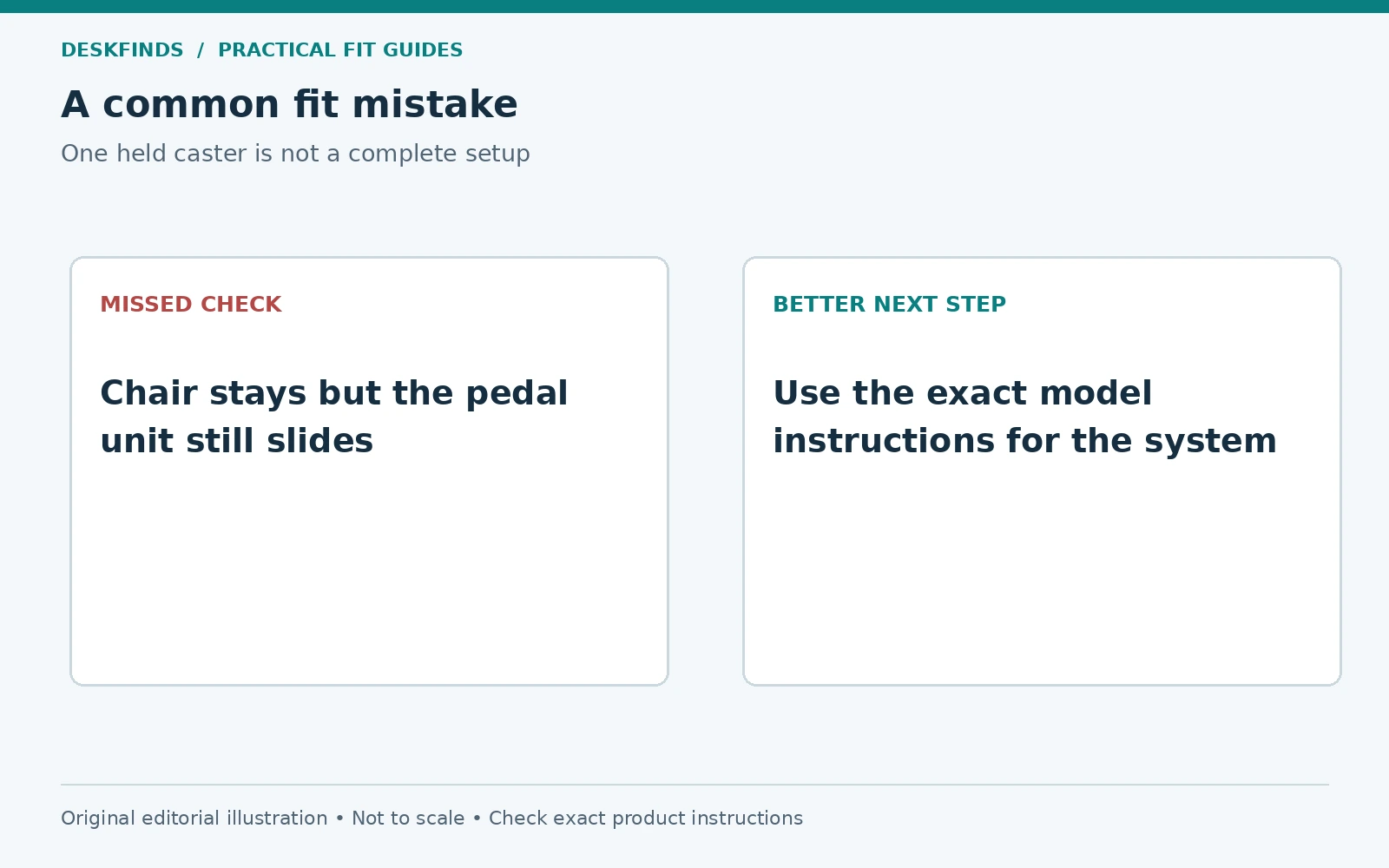
Include any effect on chair swivel and posture. Preventing backward rolling is not the same as making the entire setup suitable. If the chair rotates unexpectedly, the device shifts, or you cannot leave easily, stop and reassess. A single caster held still does not prove the system is stable.
| Component | Question to verify |
|---|---|
| Exercise unit | Correct seated mode, placement and operating limits |
| Chair | Compatible base, casters and useful seated position |
| Stopper or restraint | Exact approved model and complete engagement |
| Floor | Suitable surface without rocking or unintended sliding |
| Desk | Leg movement and frame clearance |
| Exit route | User can stop and leave without an obstacle |
Do not improvise a fixed point
Tying the chair to a desk leg can load furniture in an unintended direction and create a cord across the foot area. Pushing the chair against a wall may force an unsuitable working position. Wedging a caster with a loose object can shift or catch unexpectedly. These are not substitutes for a documented setup.
Likewise, replacing casters with fixed feet changes the chair configuration and height. Use only compatible parts and a configuration the chair manufacturer permits. A chair that no longer rolls may still rotate, tip, or sit at an unsuitable height. The change needs a full workstation check.
If no compatible arrangement is available, a suitable fixed chair may be an option only if the exercise device and chair instructions support it and the user fits it. Do not assume any dining chair is equivalent to the recommended support. The simplest safe decision may be to use the exercise device away from the desk as intended.
Check the floor and mat separately
Read the device's requirements for the supporting surface. A soft rug, uneven mat edge, or slippery floor can affect the unit and chair differently. A mat may protect the floor or serve another specified role, but it should not be presented as a universal anti-slip solution.
If a mat is used, verify its suitability for the equipment and floor and check the complete setup again. Include the mat's thickness in desk and chair relationships where relevant. Keep edges out of the entry route and do not cover damaged cables or unstable supports beneath it.
Our chair mat comparison discusses a different workstation choice. Neither a mat nor a caster change should be selected solely because it creates more friction. The equipment's intended use and the user's ability to enter, work, and leave remain the priority.
Example: the chair is held, but the unit slides
A user adds a compatible stopper to a rolling chair, but the pedal unit still moves on the floor during use. The chair symptom is reduced while the system problem remains. Increasing resistance or pushing harder would not establish a suitable setup.
The user stops and checks the unit's floor and placement instructions. A permitted arrangement may resolve the issue, or another location may be necessary. The stopper is not treated as approval for every floor condition. Each interface needs to meet the documented requirements.
This case shows why the initial observation should identify all movement. Holding one object can transfer the visible motion elsewhere. A successful setup needs the chair, unit, and user to remain in the intended relationship without bracing against unrelated furniture.
Example: the stopper works, but the desk does not
Another user follows the device's stopper instructions correctly. The chair stays in position, but the knees meet an under-desk drawer during the pedal cycle. The issue is now leg clearance, not rolling. Adding another restraint would not solve it.
The user compares a different permitted device position and the desk layout. If the movement cannot fit without compromising seated use, the exercise task needs another location or equipment choice. Our under-desk storage guide can help identify removable clutter, but structural furniture should not be modified casually.
The lesson is to assess the full pedal cycle and task. A product can be correctly assembled yet unsuitable for a particular desk-user combination. Compatibility is more specific than the words under-desk on the box.
Test ordinary work without promising multitasking performance
Once the setup passes the instructions and clearance checks, use only tasks you can manage comfortably and safely. Movement can affect precision and attention differently for different people. Do not assume that every user can type, edit, or handle calls effectively while pedaling.
Keep a simple note of which tasks suit the arrangement and when movement is stopped. This is a personal operating record, not a performance study. Avoid increasing duration or resistance to meet an internet target. Follow the device guidance and any relevant professional advice.
Our desk exercise routine guide addresses habit planning, but it should not be read as permission to ignore setup limits. A useful routine begins with equipment that fits the person, support, and space.
Make the setup and removal process clear
Record how the stopper or other supported accessory is installed and removed. Keep the instructions with the device. If the chair is used elsewhere, ensure the transition does not leave loose parts in a walkway. Do not roll over or drag a restraint that is meant to be released first.
For a shared desk, label the intended setup and keep it from being confused with the chair's normal configuration. Another user should not discover a restraint by trying to roll away. Clear the area and restore the desk's ordinary state when the device is stored.
Inspect the accessory and equipment as the instructions require. Damaged straps, cracked parts, or a caster that no longer seats correctly are reasons to stop and obtain the appropriate replacement or guidance. Do not repair load-bearing parts with tape or substitute a random object of similar shape.
Choose equipment from a verified setup brief
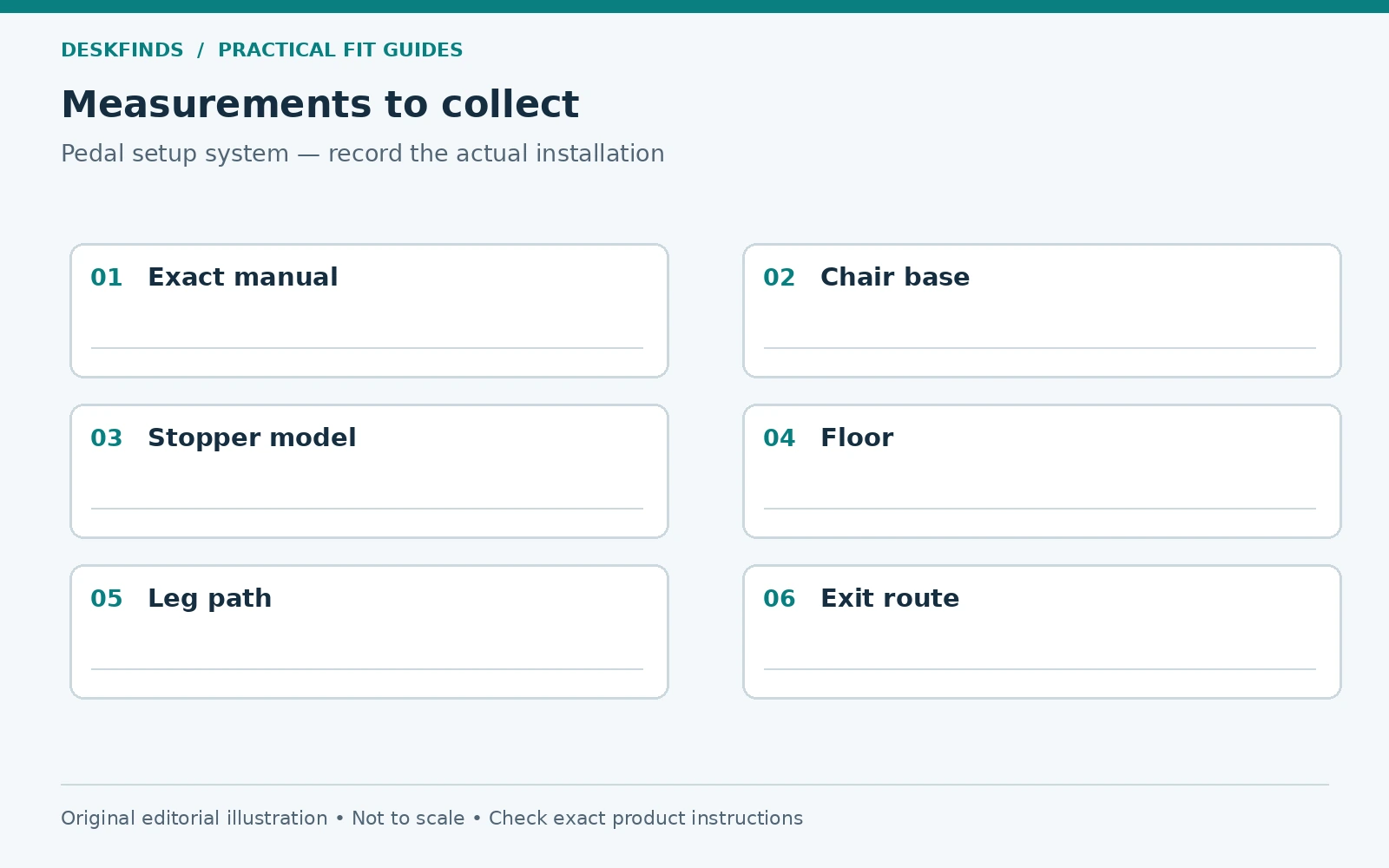
Before buying, list the device model, chair base and caster details, floor type, desk clearance, user needs, and available exit space. Ask the manufacturer about the exact stopping method and compatibility. A general claim that an accessory works with office chairs is not enough for an unusual base or floor.
Compare under-desk pedal exercisers only after those conditions are understood. Features and price matter within a workable setup. The goal is not a chair that cannot move under any force; it is a documented arrangement that supports the intended seated activity without creating another obstacle.
Keep a setup record for the complete system
Write the exercise model and revision, chair base and caster details, floor surface, stopper part, desk configuration, and user position in one record. Attach the relevant manual pages or links. This makes it possible to ask a manufacturer about the actual combination instead of a generic office chair. The record should describe what is installed, not what looked similar in a product photograph.
Add the observed movement and the conditions in which it occurs. A chair that rolls only when the device is moved farther away presents a different question from a unit that slides on every attempt. Do not increase effort to create a clearer demonstration. Normal-use observations and a safe stopped configuration are enough to explain the issue to support.
When a component changes, update the record and repeat the permitted setup checks. A new chair mat, caster set, or desk drawer can change the relationship even if the exercise device is unchanged. Compatibility belongs to the system, so it should not be treated as permanent approval for every future arrangement.
Assess entry and exit as a separate task
Stop the activity as instructed and practice leaving the setup without pulling on the desk or stepping over an obstruction. Check where the feet go, how the chair is released or moved if required, and where the device remains. A restraint that works during movement can still make the exit awkward.
If assistance is needed, follow the appropriate guidance and make that part of the intended routine. Do not improvise a transfer method from an online setup article. This guide does not assess individual mobility or rehabilitation needs. The equipment and any professional advice relevant to the user take precedence.
For a shared room, restore a clear route when the device is not in use. A stopper, strap, or pedal unit left in the chair path can surprise another person. Give the parts a known storage location and keep the instructions available. The setup should be understandable before someone tries to roll the chair away.
Compare a fixed chair without assuming it solves everything
A fixed chair removes rolling only if it is suitable for the device and user. Its seat height, support, legs, and floor contact still need checking. It may slide or tip under conditions outside its intended use. Do not substitute a light folding chair solely because it has no casters.
Ask the exercise manufacturer about the intended chair type and the chair manufacturer about any relevant use restriction. Check the user's working position and leg path again. A chair that serves the exercise task may not serve long desk work, so the room may need a deliberate change between activities rather than one compromised seat.
If the device is better used away from the desk, plan that location with the same care. A useful seated activity does not have to happen while typing. Keeping the functions separate may provide a clearer setup and fewer simultaneous demands on the user.
Distinguish equipment troubleshooting from exercise progression
Movement of furniture is a setup issue, not a reason to increase resistance or duration. Do not use a harder setting to make the pedal unit feel more planted or to compensate for a slipping support. Resolve the arrangement according to the instructions before considering normal activity choices.
Likewise, a comfortable short trial does not establish a program or health benefit. Keep any exercise progression within the device guidance and relevant professional advice. The practical success described here is a stable, accessible, permitted setup, not a medical or fitness outcome.
Before purchasing another stopper or accessory, ask which observed problem it is meant to solve and whether it is approved for the exact system. A small targeted question can prevent a collection of restraints that complicate the area without resolving the actual mismatch.
Make the stopped state obvious
When the activity ends, follow the device instructions and return the chair area to the agreed condition. Another person should be able to see whether a stopper or other accessory is still engaged before trying to move the chair. Keep loose parts out of the foot route. A clear stopped state is especially useful at a shared desk, where the next user may not know how the exercise setup was arranged.
Sources and scope
- Cubii model owner manual - model-specific wheel-stopper and setup instructions; verify the exact product.
- Cubii desk-fit guidance - manufacturer support reference.
The system checklist and cases are original editorial guidance. No universal restraint method, exercise outcome or medical suitability is established.