
How to Choose a Footrest for a High Desk and Shorter Legs
Affiliate Disclosure: We may earn a small commission on qualifying Amazon purchases at no extra cost to you. Full disclosure →
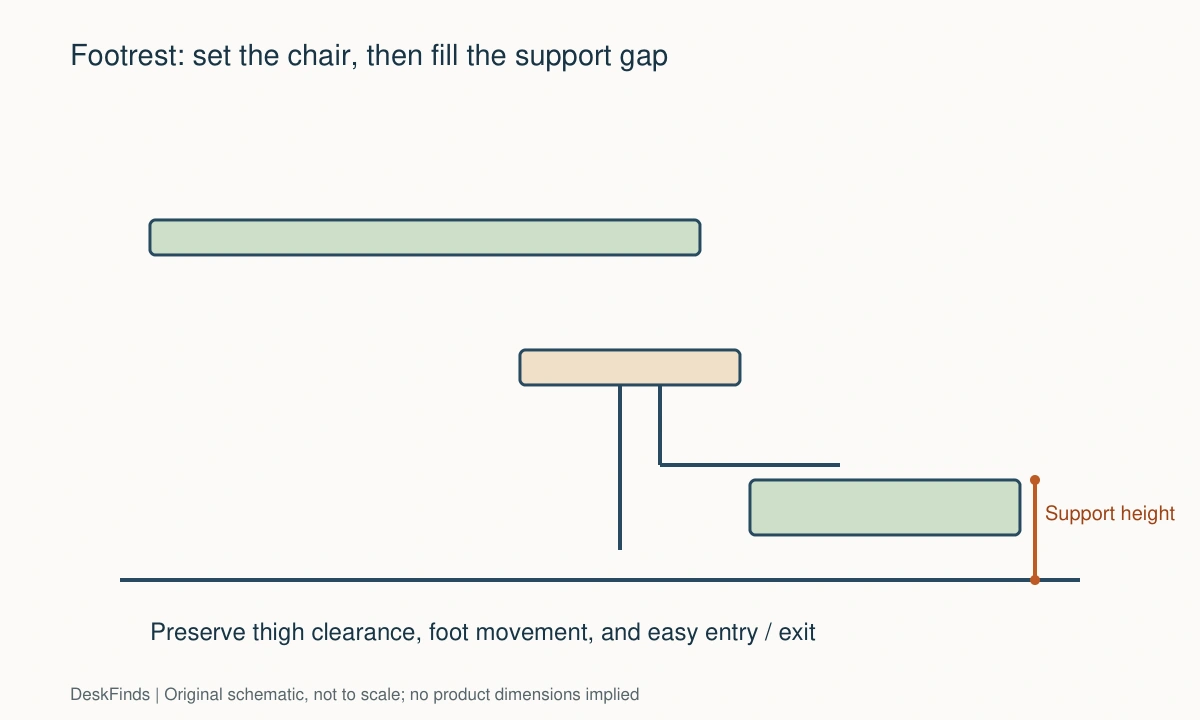
A desk can put the keyboard at a useful height only after you raise the chair, leaving your feet without stable support. A footrest can address that gap, but choosing one by appearance or a fixed height recommendation can create another problem beneath the desk.
Quick answer: Adjust the chair for the work surface first, confirm that the seat and underside clearance remain suitable, then measure the support your feet need in that position. Choose a footrest with enough height range, usable platform area, stability, and room for position changes. A footrest cannot make an unsuitable chair seat or obstructed knee space fit.
Establish the work position first
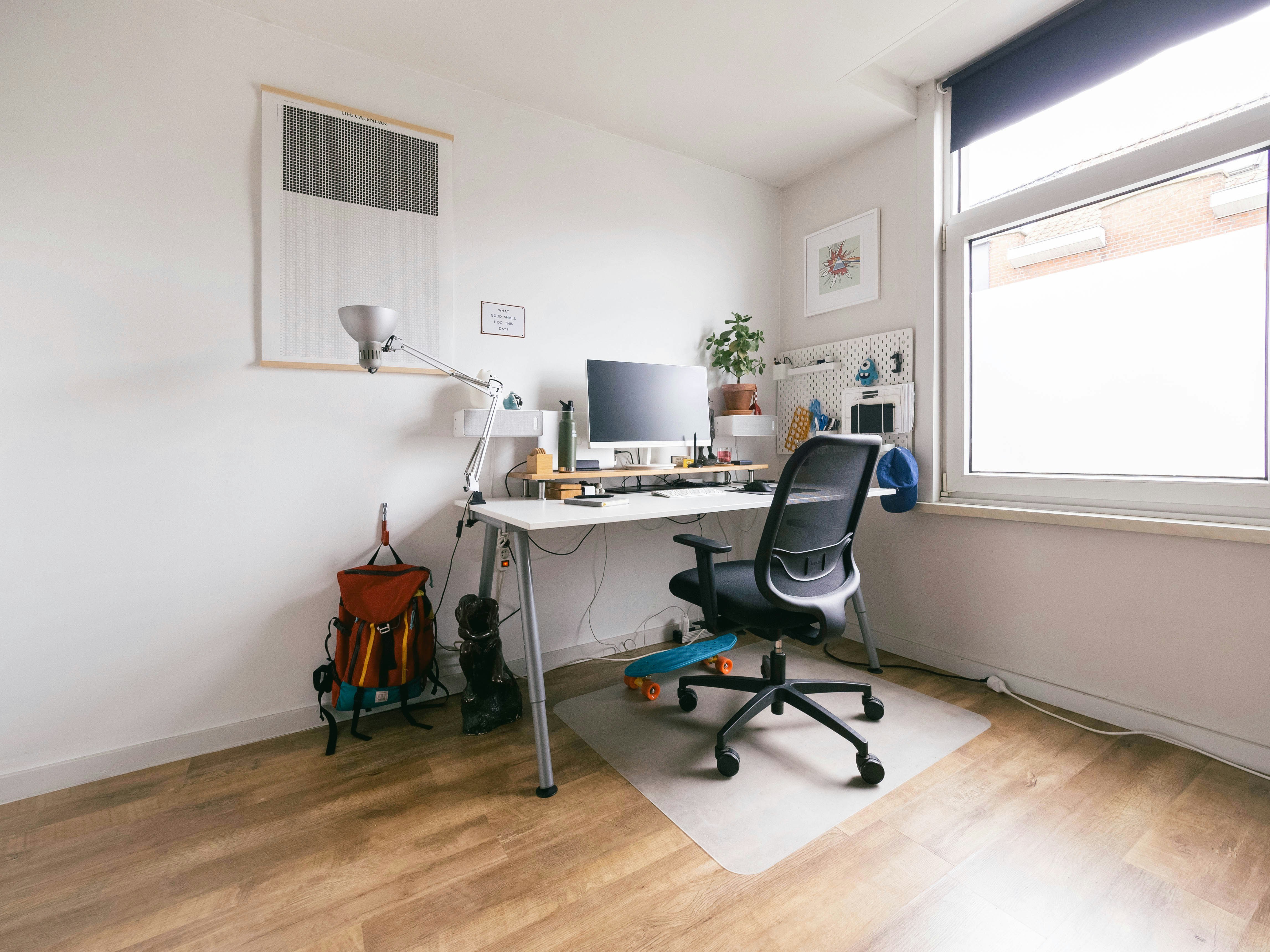
Set the chair and input devices so you can work without deliberately lifting your shoulders or reaching away from the body. If the desk is adjustable, explore its usable range before buying another accessory. A lower work surface may remove the need for a high footrest.
Check the chair’s seat depth and back support at this position. If you must sit on the front edge to bend your knees comfortably, the chair itself may be too deep. Raising your feet does not automatically solve that mismatch.
Inspect the space above your legs
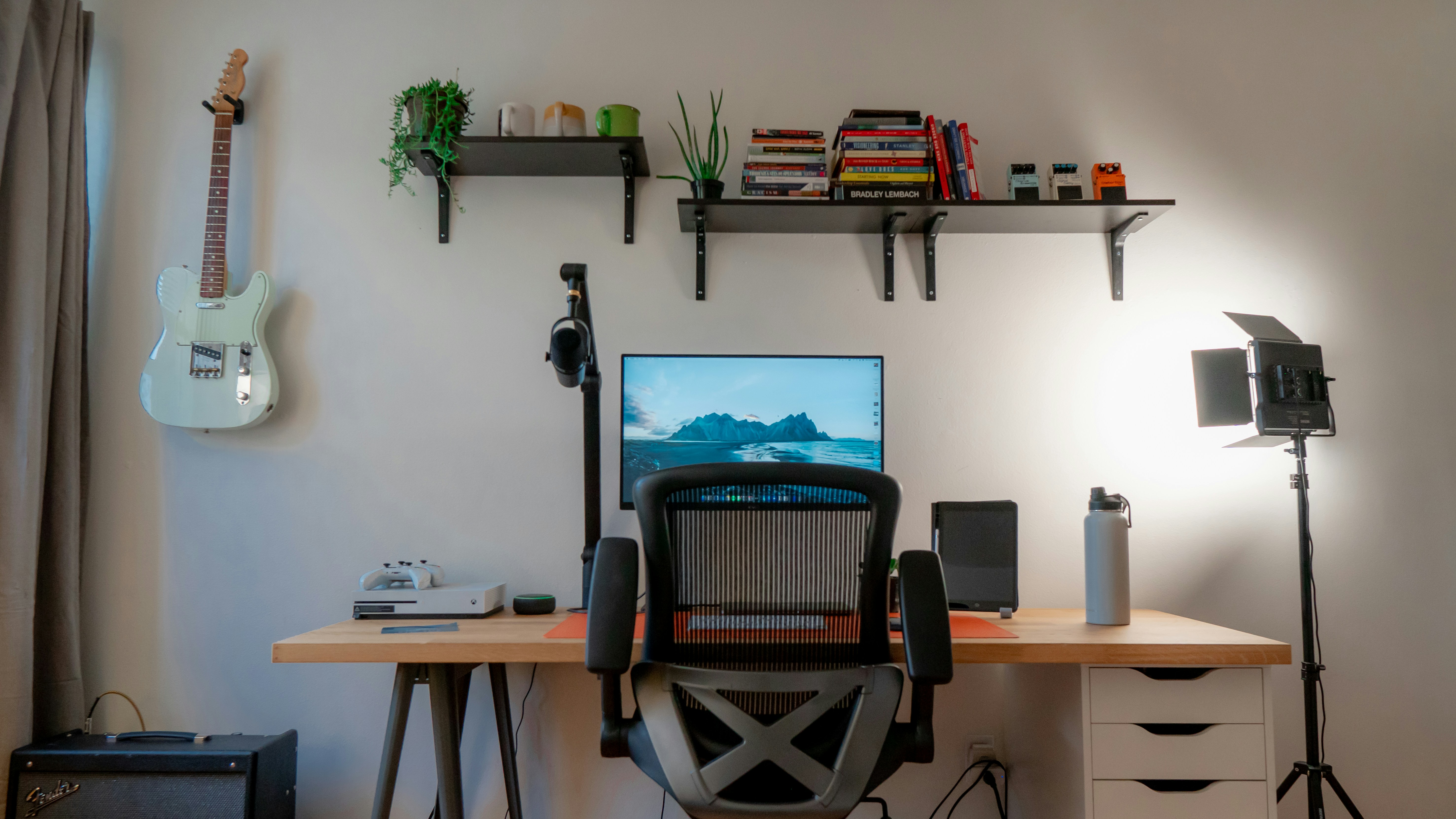
A desk apron, drawer, keyboard tray, or mounted storage can reduce thigh clearance. Raising the chair moves your legs closer to these objects. Test normal changes of posture before introducing a platform under the feet.
Do not accept a cramped position because the keyboard height has improved. The whole workstation needs to work together. Our chair-arm clearance guide addresses another common collision when raising a seat.
Measure the support gap in shoes you use
Wear your normal work footwear and sit in the selected position. Use a stable adjustable test support or an appropriate existing footrest to establish where the soles can rest without strain. Do not balance on a loose stack of books as a daily solution.
Record the useful height near the heel and forefoot if the platform is angled. An advertised maximum height may refer to one point, not the whole supporting surface. Compare the measurement method with the product drawing.
Choose enough platform area
The surface should accommodate your feet in a natural position and allow some movement. A narrow bar or small cushion can provide a different kind of support from a broad platform. Choose according to the position you need rather than the product’s overall width.
Include shoe length, placement, and changes of position. Raised edges, support legs, or adjustment mechanisms can reduce usable area. A large outside footprint can still have a relatively small place for the feet.
Understand tilt and movement
A fixed-angle platform, adjustable platform, rocker, and soft cushion behave differently. Decide whether you want a stable resting position, occasional movement, or both. Check how the product locks or changes angle.
Do not assume the maximum tilt is the best setting. Try the least complicated adjustment that supports the feet comfortably. A moving platform should not make the chair roll away or require continuous effort to stay in place.
Check floor grip and chair movement
A footrest may slide on a smooth floor when you reposition. Confirm compatible grip materials and floor-care requirements. Soft-looking feet do not guarantee they will protect every surface.
Test the chair’s behavior too. If pressing lightly on the platform sends the chair backward, the combination needs reconsideration. Avoid improvised restraints around the chair base. Consider suitable approved casters, floor protection, or a different support arrangement.
If changing wheels affects seat height, check replacement-caster fit.
Fit the footrest into the working bay
Measure the platform’s depth and the space needed to bring your feet in and out. Under-desk storage and crossbars may prevent placing it where it is useful. Keep power supplies and cables outside the foot movement zone.
A footrest that fits at the back of the desk but cannot be reached naturally is not a successful fit. Locate it from the seated user’s position first, then see whether the furniture accommodates that location.
Distinguish sitting support from standing accessories
A seated footrest for both feet and a standing-desk foot rail serve different routines. Do not substitute a narrow standing rail for the support surface you need while seated. Likewise, an anti-fatigue mat does not provide meaningful height adjustment by itself.
If the desk is shared, record each person’s settings. A footrest with accessible adjustment may be useful, but it should remain stable after changes. Check whether adjusting it requires crawling beneath a cluttered desk.
Trial the setup with ordinary tasks
Type, use the mouse, read, lean back as the chair permits, and stand up. Notice whether the platform supports you without forcing one rigid position. Check that it does not trap a foot during entry or exit.
Reassess after a normal session rather than deciding from a few seconds. If the setup causes discomfort, stop and adjust. This guide offers fit checks, not a medical treatment or a promise that one accessory resolves every sitting problem.
Compare candidates by the missing support
| Question | Useful specification |
|---|---|
| How high must the support be? | Actual platform height range and reference point |
| Will both feet fit? | Usable surface dimensions |
| Can position change? | Tilt, rocking behavior, and available movement |
| Will it stay put? | Intended floor compatibility and grip |
| Will the desk accommodate it? | Complete footprint and mechanism clearance |
OSHA’s workstation-position guidance includes floor or footrest support for the feet when needed. Apply that principle to your own adjusted chair and desk rather than buying from a universal height chart. The right support fills the real gap while preserving leg room and easy movement.
Three support situations
Fixed desk, chair raised for typing
This is the clearest case for checking a seated footrest. After adjusting the chair to the input surface, confirm that the seat still supports you and that your thighs clear the underside. Measure the resulting foot-support requirement rather than beginning with a favorite footrest height.
Choose a platform whose useful range includes that position. A very high setting may look attractive in a product diagram, but the supporting surface must remain stable and usable. Check whether the stated height refers to the front, rear, or center of an angled platform.
Adjustable desk already at its lower limit
If the desk cannot go lower, a footrest may help with supported feet, but other constraints remain. Check the chair’s minimum seat depth and the position of the screen. A large gap to the floor may indicate that the workstation needs a broader fit review.
Do not assume that every height-adjustable desk reaches a suitable seated position for every person. Compare the actual minimum with the input-device arrangement. The keyboard’s thickness and any desktop accessories also affect the effective working height.
Shared workstation
Two users may need different seat and footrest positions. Choose an adjustment that is accessible and clearly secured. Record the settings or reference points that work for each user, then test whether switching is practical.
A footrest left at one person’s high setting can obstruct the other’s leg movement. Give it a defined parking position when not needed. That position should not be tangled with power leads or under-desk storage that makes adjustment difficult.
A useful trial record
Record the chair setting, footwear, keyboard position, platform height, and tilt for each trial. Note whether your feet rest without effort, whether you can change position, and whether the chair moves unexpectedly. Short observations help distinguish the footrest from unrelated desk or chair problems.
Do not seek a single rigid pose that must be held all day. The platform should support ordinary changes of position. Take appropriate movement breaks and reassess the arrangement if it causes discomfort. An accessory specification cannot guarantee an individual comfort outcome.
Compare soft and rigid support by function
A foam cushion, rigid platform, and rocking support can all occupy similar space while behaving differently. A compressible surface changes under load; a rigid adjustable platform has a defined mechanism; a rocker permits movement. The product name alone does not tell you which will provide the missing support.
If a soft product compresses too much to reach the needed position, a taller advertised outside height may not solve the problem. If a moving product makes the chair roll, a more stable design may be preferable. Choose from the support behavior observed in the complete workstation, not from a generic ergonomic label.

Know when to change the desk instead
A footrest is a sensible way to provide missing foot support in some fixed-height arrangements. It is less convincing when several other dimensions remain unsuitable. If the seat must be extremely high, thighs meet the apron, and the screen position is difficult, compare a broader workstation change rather than adding another accessory to each problem.
A lower desk or suitable keyboard surface can change the required chair height. That may reduce the foot-support gap and improve underside clearance together. Any new surface still needs appropriate structure, input space, and installation. Do not create a makeshift tray merely to avoid buying the right furniture.
Consider shoes and normal changes of position. A footrest adjusted for one thick sole may feel different when working in socks. An accessible range can be useful, but the platform should remain stable and easy to reposition. Avoid a setup whose correct adjustment requires unloading the desk every time.
If you share the workstation, compare the complete settings for each user rather than averaging them. One person may need the footrest while another needs the floor space clear. A defined storage place and simple handover make that difference manageable. Leaving the platform at an unsuitable setting is not a useful compromise.
At the end of the trial, assess support, movement, entry and exit, and task comfort together. Keep the product only if it fills the actual gap without creating another obstruction. A broad ergonomic label does not establish fit; the useful evidence is how the correctly adjusted chair, desk, and platform work together for you.
Place the footrest where the seated body needs it before deciding what other objects can remain under the desk. Starting with a storage cabinet and pushing the support into the leftover rear space reverses that priority. If the platform cannot reach the useful position without meeting a bar or power supply, move the obstruction appropriately or reconsider the furniture. Do not use the platform to cover loose leads or conceal an adapter cluster. Easy foot entry, ordinary movement, and access to electrical equipment should remain independent parts of the layout rather than competing for the same hidden space.
For a whole-workstation review, use the workstation assessment checklist.
Worked example: supporting feet after raising the chair
Consider a worker using a fixed desk whose input surface requires a higher chair position than the worker would choose for floor contact alone. Raising the chair improves the arm position, but the feet no longer have stable support. A footrest is considered after checking the whole seated arrangement.
The worker confirms that the seat depth still allows appropriate back support and that the thighs clear the apron. If either check failed, buying a footrest would not resolve it. With those conditions suitable, the worker measures the useful foot-support position in normal work shoes.
Two products are compared. One lists a high rear edge but a much lower front edge on a fixed slope. The other provides an adjustable platform with a clearly described measurement reference. The worker compares the actual supporting surface rather than treating both advertised maximum heights as equivalent.
The first trial platform supports the feet but slides on the floor when the worker changes position. The chair also rolls backward when pressure is applied. The response is to reassess the approved floor and support combination, not tie the chair to the desk or wedge random objects behind its wheels.
A more suitable arrangement is then tested with typing, pointing, reading, and getting up. The platform leaves room to move the feet and does not obstruct the exit path. Its position stays clear of cables and an under-desk cabinet. The worker records the chair and footrest settings so the arrangement can be restored after another user changes them.
The second user does not need the platform in the same position. A defined parking location is therefore part of the shared workstation. Leaving it under the desk at the first user’s setting would consume useful leg space for the second.
The final purchase follows the support gap, platform behavior, and full movement routine. It is not selected from a universal height recommendation. A footrest is useful here because the adjusted workstation has a specific missing support; it would be a weaker solution if the chair, apron, and input position remained unsuitable.
For support categories, compare footrest types.
Your eight-point comparison worksheet
Use these checkpoints to compare the actual room, furniture, or device with a candidate product. Keep each result separate; a favorable overall impression cannot resolve a failed required function. Blank record fields are deliberate so you can use your own measurements rather than copying hypothetical examples.
1. Input position
Set the chair and keyboard for the actual work surface and verify that shoulders and arms are not deliberately held in an awkward position.
Explore desk adjustment first where available, then measure foot support in the resulting workable seated arrangement.
2. Seat fit
Check seat depth, back support, and normal knee position after the chair has been raised to the required level.
Do not use a footrest to conceal a chair that only fits when you sit unsupported on its front edge.
3. Upper clearance
Inspect the lowest apron, drawer, tray, and storage component above the thighs in the adjusted chair.
Preserve room for position changes; improved keyboard height is not a sufficient result if the legs become trapped beneath hardware.
4. Support height
Record the useful platform height with normal footwear and clarify where an angled product’s height is measured.
Choose a range that contains that requirement rather than comparing an uncertain gap with the most favorable advertised maximum.
5. Usable platform
Measure the space for both feet and ordinary sideward or forward changes, excluding rails and adjustment structures.
A large outside footprint can conceal a small support area, so compare the actual surface your shoes will occupy.
6. Tilt and motion
Identify fixed angle, adjustable angle, rocking movement, and any locking mechanism that controls the platform.
Select the support behavior you need and do not assume maximum tilt or continuous motion is automatically more useful.
7. Floor and chair
Check platform grip, floor-finish compatibility, chair rolling behavior, and easy entry and exit together.
If the combination slips or rolls unexpectedly, reconsider the approved support arrangement rather than tying or wedging the chair in place.
8. Shared use
Rehearse adjustment or removal for the next user and assign a clear storage position when the platform is not needed.
Keep the mechanism accessible and the foot zone free of cords so a shared workstation remains practical for each intended user.
Sources and scope
- OSHA: good working positions - Reference for supporting feet on the floor or a footrest when needed; choose actual product dimensions from the adjusted setup.
Editorial note: This is a research-based planning guide, not a hands-on product test or a certification of a custom installation. Dimensions described as hypothetical are examples. Follow the exact product instructions and confirm unresolved compatibility before buying.