
How to Plan a Desk Under a Sloped Ceiling
Affiliate Disclosure: We may earn a small commission on qualifying Amazon purchases at no extra cost to you. Full disclosure →
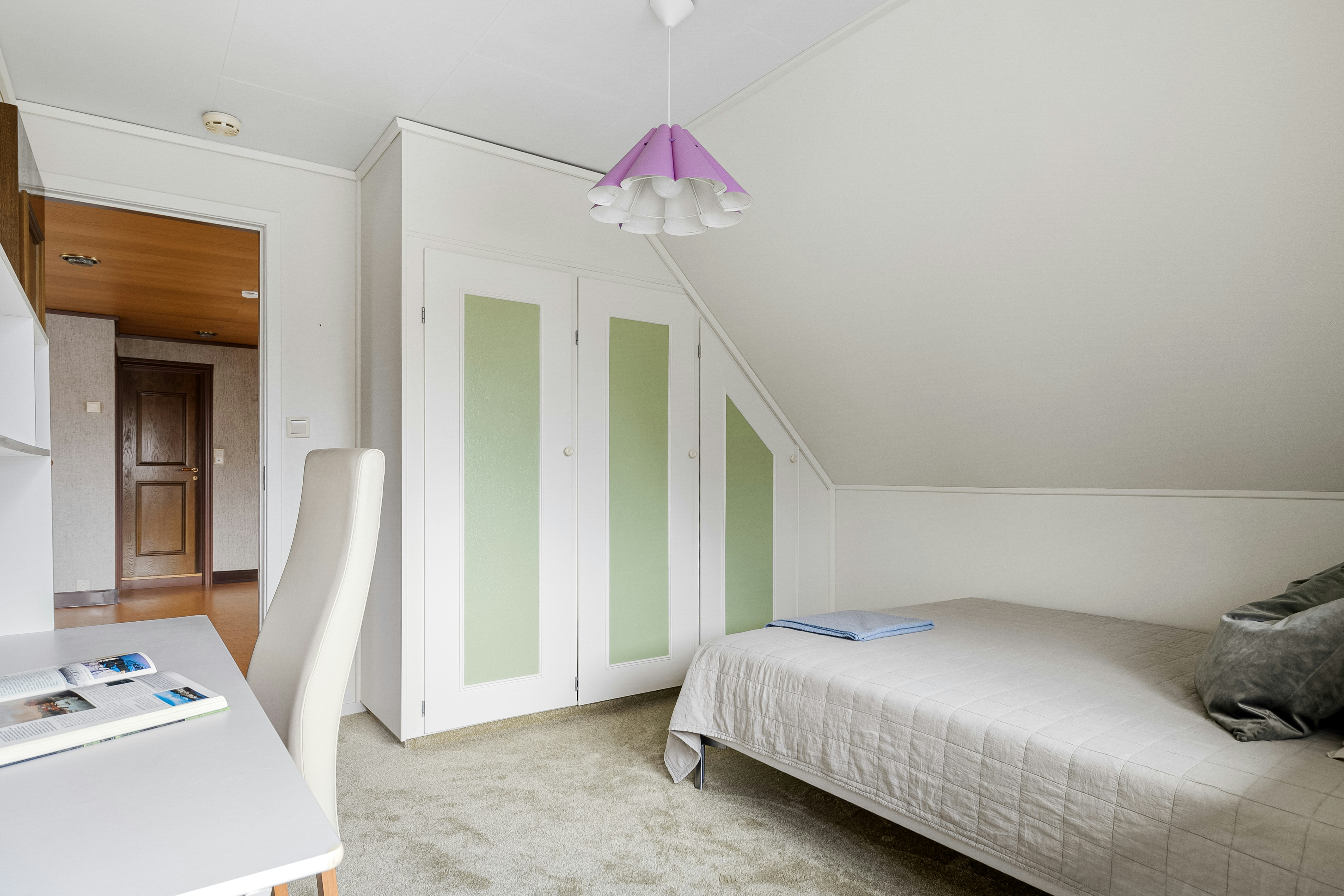
The lowest part of an attic room can hold storage, but a work position needs space for your head, monitor, chair, and the movement from sitting to standing. Floor area alone does not reveal where a desk will be comfortable to use.
Quick answer: Map the ceiling height at the intended seated head position, screen position, and standing-up path. Test those positions with your actual chair before buying furniture. Keep low storage under the shallowest part of the slope and put the user’s movement zone where headroom is adequate. No universal desk-to-wall distance solves every roof pitch or body size.
Measure a side profile of the room
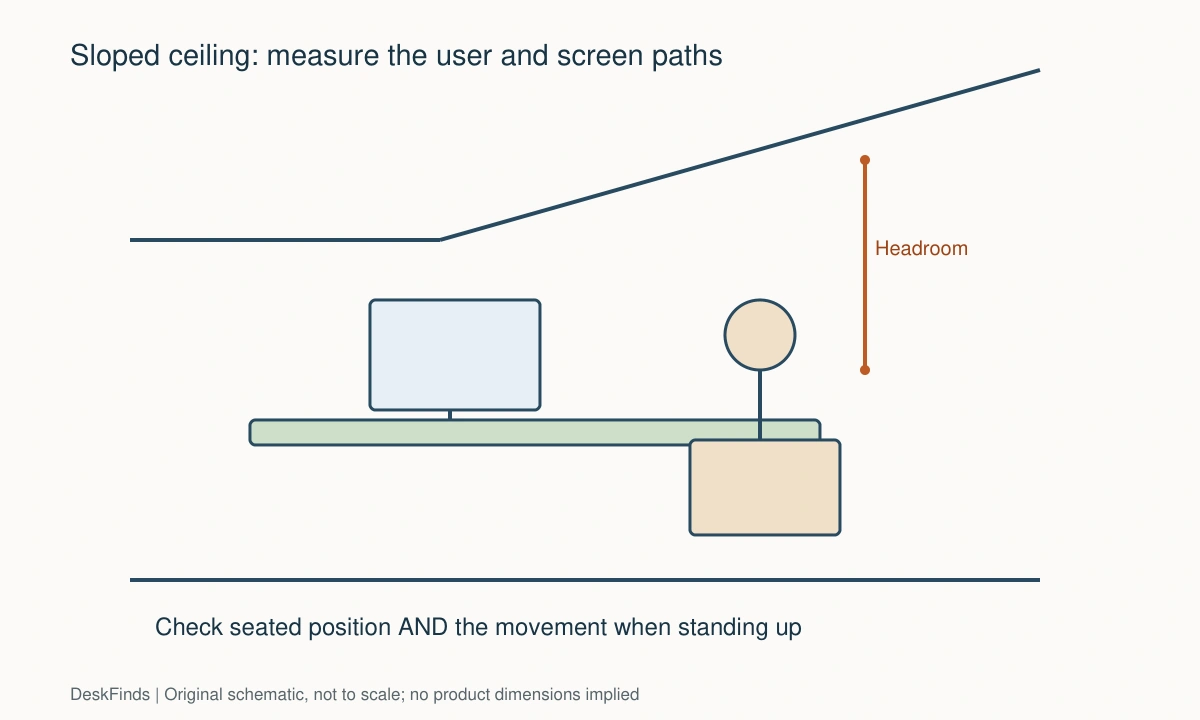
Draw a side view showing the floor, vertical knee wall if present, and sloping ceiling. Mark changes in height, beams, skylights, and light fixtures. Take height readings at several distances from the low wall and write those distances on the sketch.
Use the floor as the reference rather than guessing from a photograph. A desk may sit above an uneven floor, and a beam can be lower than the surrounding plaster. The lowest obstruction along your actual movement path controls the useful space.
Locate your head before placing the desktop
Sit in your normal chair with your feet supported and a temporary work surface at a suitable height. Note where your head sits when upright, when leaning toward a document, and when looking at the screen. You need room for normal changes of position, not merely one carefully held pose.
Then stand up as you normally would. Some people move forward first; others rise more vertically. A ceiling that clears your head while seated may intersect that transition. Move the entire workstation toward the taller part of the room if you must duck to leave it.
Compare two desk orientations
With the desk facing the low wall, the screen may be the first object to meet the slope. A deep desk can move the chair into better headroom, but it can also leave wasted space behind the monitor. Draw both the screen and the seated person in section.
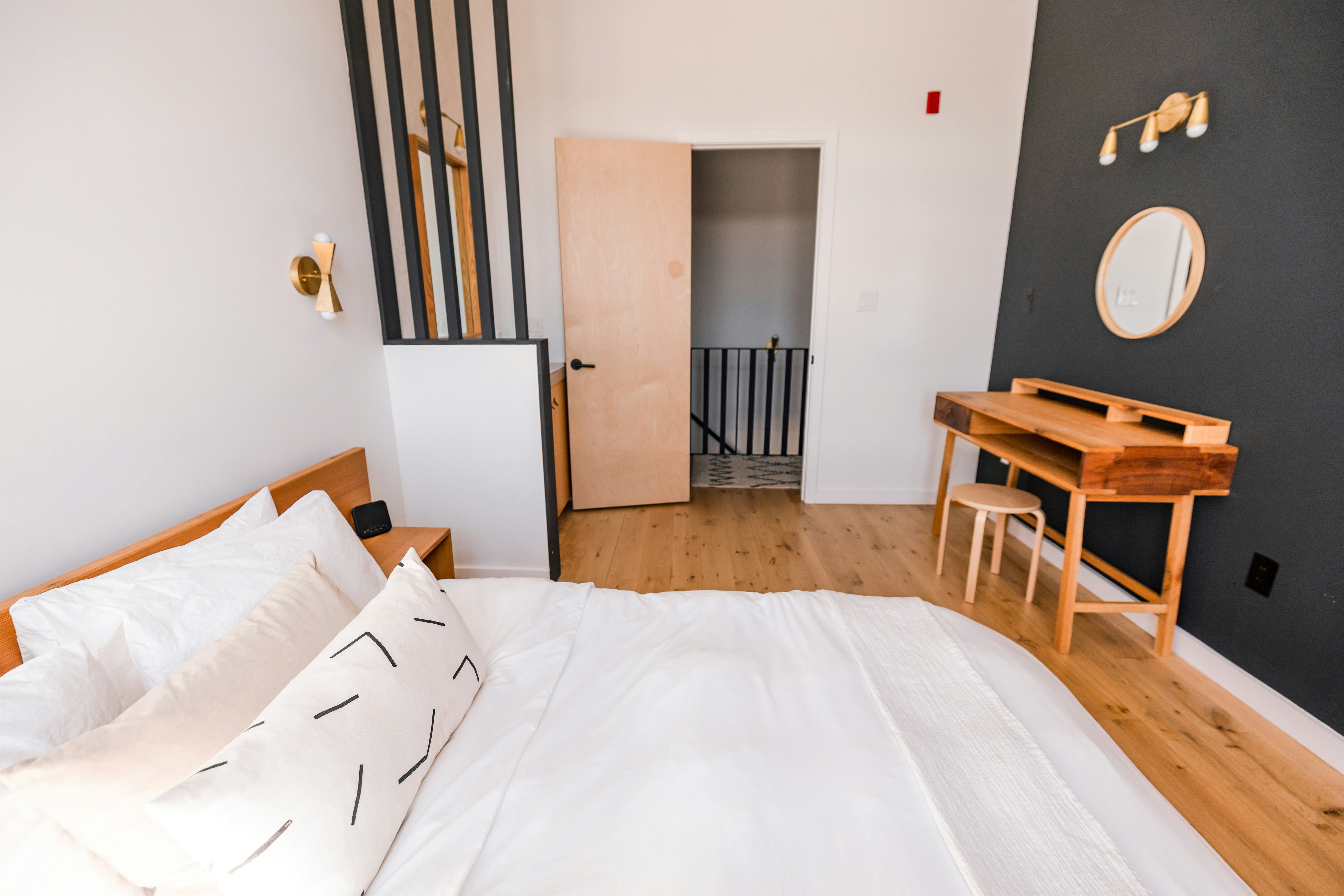
With the desk side-on to the slope, one side of the work surface may have more vertical clearance. That can accommodate a monitor in the tall zone and shallow supplies in the low zone. Check that your main task remains in front of you rather than forcing a permanent sideways posture.
Try both arrangements with cardboard rectangles before ordering. The arrangement that produces the largest desktop is not necessarily the one that provides the best usable work position.
Treat the monitor as a three-dimensional object
Measure the screen with its actual stand, including the back of the housing and the range of tilt. A monitor arm adds moving joints that may rise behind the screen. Do not assume an arm solves a ceiling collision because it removes the original base.
Check the position needed for reading, not simply the lowest position the mount permits. If the only way to clear the roof is to place the monitor inconveniently low or far away, choose a different location or a different screen arrangement.
Give lighting an operating envelope
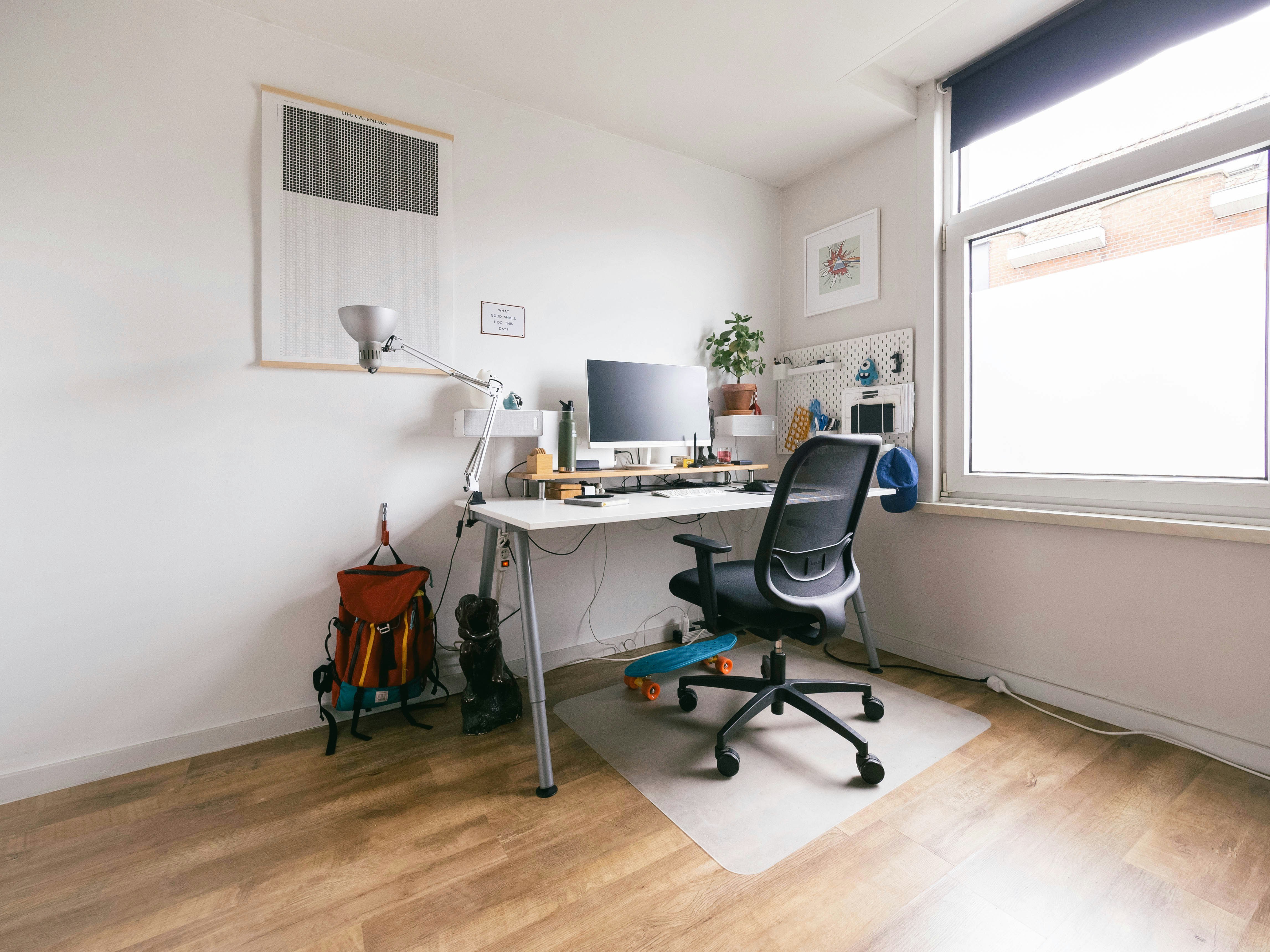
A lamp’s arm can hit the slope when you reposition it. A low-profile lamp may fit better than a tall upright design, but verify the actual shade, arm, and adjustment path. Do not place a light against a ceiling surface unless its instructions permit that installation.
A skylight can introduce changing reflections. Test the screen at the times you expect to work. A blind or a small desk rotation may solve glare more effectively than increasing brightness. Consider the light direction along with the available headroom.
Use low storage for low-demand items
The strip behind or beside the desk may suit closed bins, but only if they can be retrieved safely. A deep shelf under a slope becomes frustrating when you must kneel and move the chair every time you need a cable.
Put frequent supplies in reachable drawers or a caddy near the tall side. Store infrequent items farther back with handles facing the retrieval direction. Keep the floor around the chair clear so you can shift your position without catching a wheel on a box.
Check heating, ventilation, and access panels
Attic layouts often concentrate several constraints near the room’s edges. Mark vents, radiators, service doors, and window handles before fitting furniture. Do not use a desk or storage panel to conceal equipment that requires airflow or maintenance access.
Check the room’s temperature during actual working hours before committing to a permanent installation. A workspace that is pleasant for a short evening visit may feel different during the afternoon. Furniture placement cannot correct every building-comfort problem.
Understand the standing-desk limitation
An adjustable desk needs clearance throughout its full intended travel. That includes the screen, lamp, cables, and anything attached to the desktop. A standing position near the slope may be impossible even when the lowered arrangement works.
Do not rely on an anti-collision feature as a room-planning tool. Move obstructions and follow the desk’s instructions. If only seated work is feasible in the alcove, a fixed-height desk may be simpler than buying adjustment you cannot safely use there.
Make an example using measured heights
Imagine two proposed chair positions. Position A has enough headroom only while you remain still. Position B is farther from the low wall and lets you stand naturally. Even if Position B requires a shallower desk, it is the more useful work location.
These are planning comparisons, not building-code clearances. For changes involving habitable-room requirements, structure, or electrical work, obtain the appropriate local professional advice. This guide addresses furniture layout rather than certifying an attic conversion.
Check the wider room arrangement with multipurpose-room desk planning.
Order by the critical constraint
| Component | Dimension or motion to confirm |
|---|---|
| Desk | Depth relative to the chair’s head position |
| Monitor | Installed height and rear tilt envelope |
| Chair | User’s seated and rising positions |
| Lamp | Shade and arm throughout adjustment |
| Storage | Retrieval route in the low zone |
| Adjustable desk | Complete loaded setup through intended travel |
A useful setup leaves freedom to move. If the sketch works only when the chair, screen, and your head remain in one exact position, the desk belongs farther into the room or along a different wall. Use our desk-size guide to compare work-surface needs after identifying the viable position.
When the recess itself is irregular, use the uneven-alcove guide.
Compare layouts by the user’s movement
Facing the low wall
This position can make good use of the room’s short vertical wall. Put a temporary screen in place and check the top edge, back housing, and cables against the ceiling. Move the chair to a position where you can rise naturally, then see whether an appropriately sized desk can connect the two positions.
If the resulting desktop is excessively deep, do not fill the rear strip with frequently used equipment. It may be more useful as a low-demand zone. A desk that makes you reach forward for every control is not improved by having a large total area.
Sitting sideways to the roof slope
A side-on layout can preserve headroom for the chair while putting storage under the low section. Place the main screen in front of you within that arrangement, not automatically at the room’s visual center. The side with greater height may be the better location for a lamp or document holder.
Test the full chair swivel. A tall chair back or headrest can approach the slope even when your head clears it. Check the object that projects farthest, and avoid a layout that repeatedly bumps furniture against a finished ceiling.
Working beneath a skylight
The daylight may be attractive, but its direction changes. Check screen reflections and the reach to the skylight’s controls. A desk or shelf should not make required window access impractical. Consider the permitted blind or shade options before adding stronger artificial lighting.
Keep maintenance and cleaning access in the plan. If opening the window requires standing behind the screen or reaching across powered devices, change the desk position. The room needs to remain usable beyond the hours you spend typing.
Document a personal clearance test
Use a lightweight marker or assistance to record where the top of your head moves during ordinary sitting and standing. Do not place rigid test objects where you might hit them. Write down the chair settings and footwear used so the test can be repeated after changing furniture.
The test is personal. A taller household member or a chair with a higher seat can change the result. Shared workspaces should be checked for each intended user rather than designed around the smallest person. If suitable movement is unavailable, choose another area instead of treating careful ducking as a permanent routine.
A room photograph taken from standing height can conceal the low zone’s constraints. Add a side sketch with actual measured heights when asking for help choosing furniture. That sketch is also useful when comparing a screen support whose joints rise behind the display.
Preserve useful flexibility
Keep the first arrangement simple enough to move while you learn how the room behaves. A freestanding desk and portable task light make it easier to adjust the position than a fully fitted worktop. Commit to built-in storage only after the working location is proven.
If you later add a monitor arm, repeat the headroom and service checks. Equipment changes can shift the screen forward or upward. The original plan remains a reference, but it should not be treated as permanent approval for every future accessory.
Treat the low area as a different zone
The floor under a slope is not uniformly useful office space. Divide it into a working zone, a movement zone, and a low storage zone. These boundaries come from your measurements and routine. A room can use all three effectively without trying to make every square foot support a seated person.
Choose low storage whose front remains accessible from the taller area. Pull handles and clear labels can reduce searching, but the container still needs a removal path. Avoid storing a heavy bin so far back that retrieving it requires an awkward extended reach. Use the space for belongings whose handling suits the location.
If you work with another person, check their headroom and chair settings separately. A layout adequate for one user can be unsuitable for another even when the desk height is shared. The larger clearance requirement should inform a shared arrangement. Do not assume the person can simply remember to duck every time.
Consider how the room is cleaned. A fixed top that traps a narrow dusty space beneath a slope may be difficult to maintain. A freestanding desk with accessible low storage can be more practical during the trial period. Leave service panels, window controls, and any required building access unobstructed.
For the purchase decision, prioritize usable head and body movement, then the screen, then storage. This order keeps accessories from determining the human position. If you choose the biggest desk first, it is easy to end up accepting a cramped chair position merely to preserve the original purchase. A smaller task surface in the tall zone can provide the more useful office.
Worked example: choosing between two attic positions
Suppose a room has a useful wall recess under a sloping roof and a taller area closer to the center. The first idea puts the desk as far back as possible to preserve open floor space. A screen fits beneath the slope, and the chair can be tucked in, so the layout initially looks successful.
The seated test reveals the problem. The user has adequate room while sitting still but must lean forward and duck when rising. Moving the chair farther into the room solves that transition, but the original shallow desktop no longer connects comfortably with the keyboard position. The plan needs to change as a whole rather than accepting a daily ducking routine.
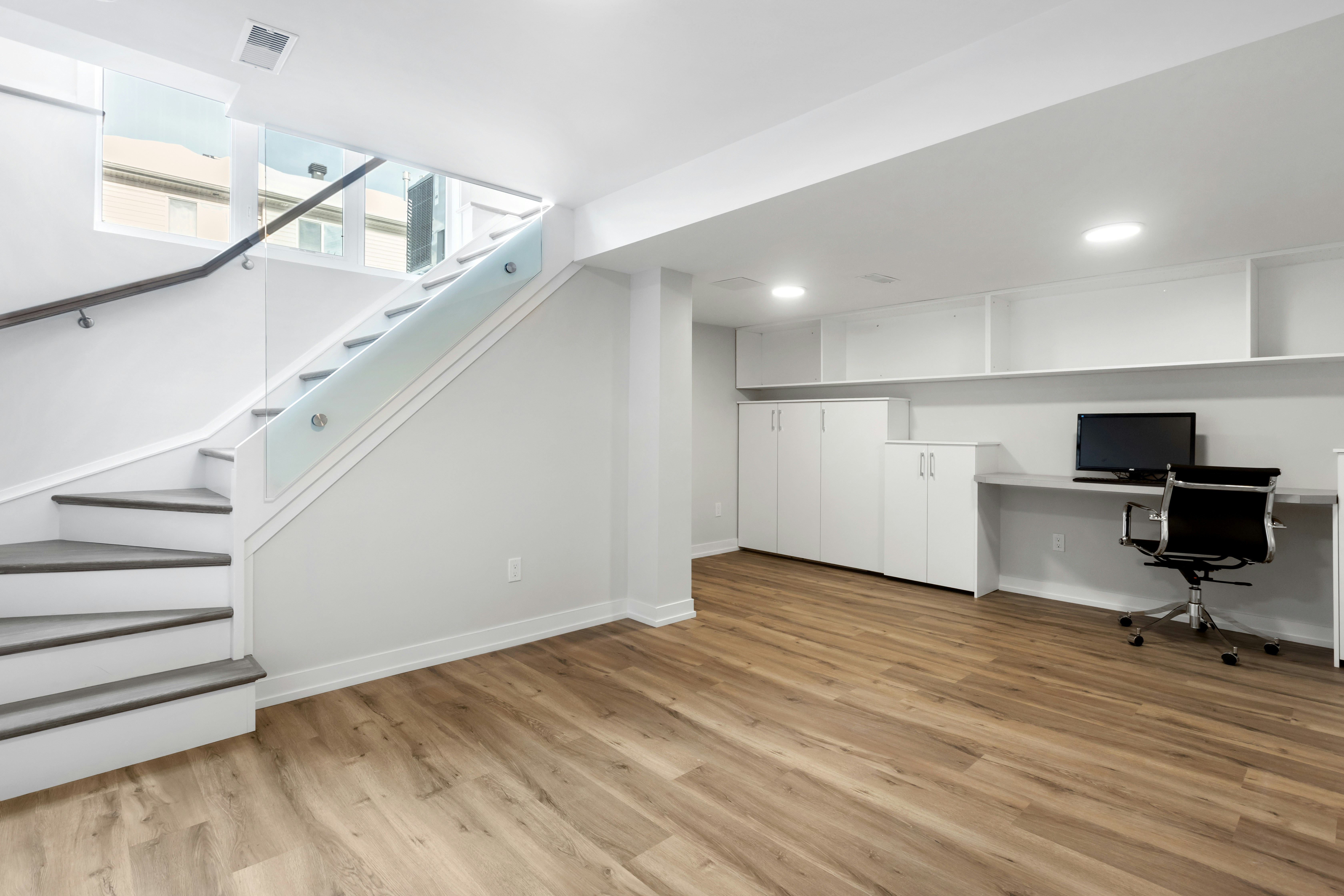
The user compares a deeper desk facing the low wall with a sideways arrangement along the slope. The deeper desk provides headroom but leaves a large rear strip difficult to reach. The sideways arrangement puts the chair in the tall zone and reserves the low end for infrequent storage. A temporary screen outline confirms that the main display can remain in front of the user.
Lighting becomes the next check. A tall lamp would strike the ceiling when adjusted, so the user compares a suitable lower-profile light and another location for its base. The lamp is tested for writing and screen reflections. Choosing it from maximum arm height alone would have missed the actual operating path.
A standing desk is considered but rejected for this position because the loaded top cannot rise to the intended standing arrangement without meeting the roof. That does not mean adjustable desks are unsuitable for attics generally. It means this particular location cannot support the desired motion. The user chooses a coherent seated setup instead of buying an unused adjustment range.
The low storage remains removable during the trial. After normal use, the user finds that one daily cable is inconvenient to retrieve from the back and moves it to a reachable caddy. The result uses less apparent desktop volume than the first plan but supports easier movement and access. The important gain is a useful work position, not the number of objects fitted beneath the lowest part of the roof.
For adjustable furniture, review standing-desk height ranges.
Your eight-point comparison worksheet
Use these checkpoints to compare the actual room, furniture, or device with a candidate product. Keep each result separate; a favorable overall impression cannot resolve a failed required function. Blank record fields are deliberate so you can use your own measurements rather than copying hypothetical examples.
1. Ceiling profile
Measure floor-to-ceiling heights at marked distances from the low wall, including beams or fittings below the main slope.
Choose the desk position from the usable profile rather than treating the room’s maximum ceiling height as available everywhere.
2. Seated head position
Use the actual chair and normal task posture, then include reading, reaching, and modest changes of position.
If clearance depends on holding your head in one precise place, move the workstation instead of relying on constant posture control.
3. Standing transition
Rehearse leaving the chair in the manner you normally use, with the surrounding floor clear and no rigid test obstacles.
Prioritize a location where the transition works naturally; seated clearance by itself does not establish a usable office position.
4. Screen envelope
Measure the full display on its stand or approved mount, including tilt, rear housing, and adjustment joints.
Reject a layout that clears the ceiling only by placing the screen at an inconvenient reading position or beyond the mount’s intended range.
5. Chair back
Check the backrest and any headrest during swivel and permitted recline as well as while the chair is tucked in.
A collision involving the chair can require a different position even if the user’s seated head remains clear of the slope.
6. Task lighting
Map the lamp shade and arm through the positions used for writing and screen work, and inspect possible ceiling contact.
Choose a suitable low-profile or differently located light when normal adjustment would repeatedly bring the lamp against the roof surface.
7. Low-zone storage
Test retrieval of a real bin from the proposed low shelf, including the chair and the space where you kneel or stand.
Move daily items to the reachable zone and reserve awkward low space for infrequent belongings that can be retrieved without unsafe reaching.
8. Future adjustment
Check the full intended travel of any height-adjustable desk and equipment attached to its moving top.
If the room cannot support standing use, choose a coherent seated arrangement rather than buying a motion range you cannot properly use.
Sources and scope
- OSHA: workstation evaluation checklist - General workstation review; roof-profile measurements and layout scenarios are original editorial planning examples.
Editorial note: This is a research-based planning guide, not a hands-on product test or a certification of a custom installation. Dimensions described as hypothetical are examples. Follow the exact product instructions and confirm unresolved compatibility before buying.