
8 Best Corner Standing Desks (L-Shaped) in 2026
Best corner standing desks in 2026. L-shaped electric sit-stand desks with dual and triple motors, built-in charging, and 4-leg stability ranked by size, features, and value.
Quick Picks
| Pick | Product | |
|---|---|---|
| Best Budget Pick | FEZIBO L-Shaped Standing Desk 63x55 inch | Check price |
| Best Overall | VIVO Electric L-Shaped Standing Desk 63x55 inch | Check price |
| Best 4-Leg Stability | FLEXISPOT 4-Leg L-Shaped Standing Desk 71x43 inch | Check price |
| Best 3-Leg Premium | FLEXISPOT L-Shaped Standing Desk 71x63 inch | Check price |
| Best with Built-in Charging | SIAGO L-Shaped Standing Desk 63x55 inch | Check price |
| Best Budget L-Shape | OffiGo L-Shaped Standing Desk 63 inch | Check price |
| Best Compact Corner | Acrolix L-Shaped Standing Desk 59x40 inch | Check price |
| Best Heavy-Duty Corner | FEZIBO Triple Motor L-Shaped Standing Desk 63 inch | Check price |
A corner standing desk maximizes your available wall space by using two walls simultaneously, giving you more surface area than a straight desk of the same listed width.
This guide covers eight L-shaped electric standing desks ranked by frame stability, motor configuration, desktop size, and price, from budget options under $200 to heavy-duty triple-motor frames.
For a straight standing desk instead of an L-shape, see our best standing desks for dual monitors guide.
How to Choose the Right One
Key buying criteria so you get the right fit the first time.
L-shape size vs room corners
Measure both walls at the corner before ordering. A 63x55 inch L-shape needs at least 65 and 57 inches of clear wall space respectively to allow the desk to sit flush. Measure from the inside corner of the wall to the nearest door frame, bookshelf, or obstacle. Many buyers order a desk that doesn't fit their specific corner.
Dual vs triple vs 4-leg frame
Dual-motor L-shaped desks use one motor per leg (two total). At standing height, the two sides can drift out of sync and cause a slight tilt. Triple-motor models add a center motor at the corner, while 4-leg models add a fourth leg on the short return. Both reduce wobble significantly. If you stack monitors on both sides, choose a 3 or 4-leg frame.
Max height for your standing position
For a properly ergonomic standing position, your elbows should be at roughly 90 degrees with forearms level to the desk. Calculate your personal desk height by standing upright and measuring from the floor to your bent elbow. Most adults between 5'7" and 6'1" need 42 to 46 inches. Desks with 46.5" max height work for most people but leave no margin for taller users.
Weight capacity across both sides
L-shaped desks carry weight across two separate desktop panels. The stated capacity (commonly 176 lbs) covers the full frame, not each side independently. Load each side no more than half the stated capacity to avoid uneven motor strain. A setup with dual 27-inch monitors plus speakers on one side can easily exceed 40 lbs on that panel alone.
Cable management for corner setups
L-shaped desks create a corner dead zone where cables cluster from two directions. Look for desks that include cable management clips or grommets near the corner joint, or plan to add a cable spine or raceway separately. 3-leg center-post designs (FLEXISPOT 3-leg) route cables more cleanly than 4-leg frames where the extra leg blocks cable paths.
Assembly complexity
L-shaped standing desks ship in more boxes than straight desks and require aligning two desktop panels at the corner bracket. Most setups take 60 to 90 minutes and genuinely need two people for lifting the desktop into place. Check that the package includes an Allen key and screwdriver, as some budget options omit tools.
8 Best Corner Standing Desks (L-Shaped) in 2026
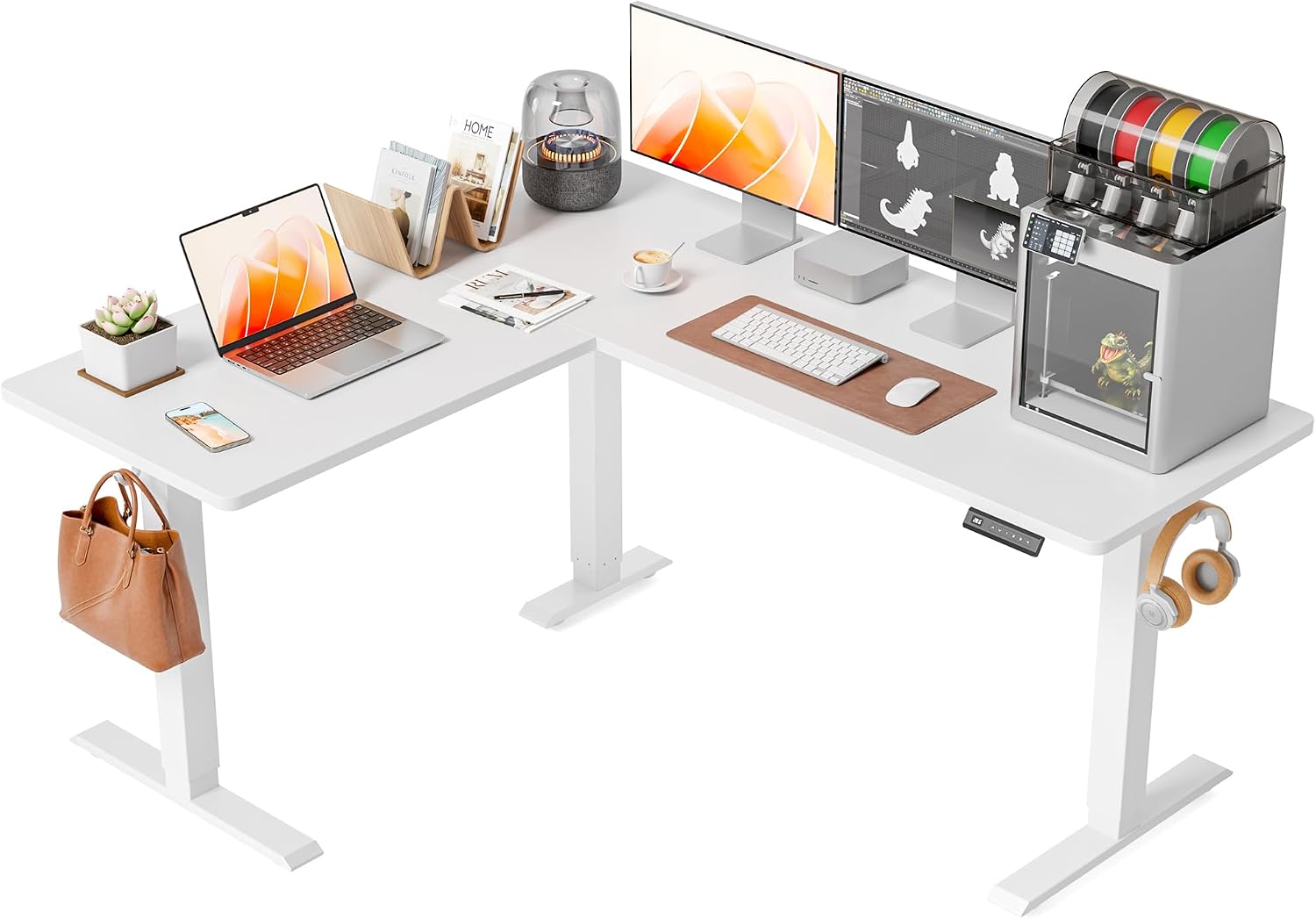
FEZIBO L-Shaped Standing Desk 63x55 inch
About this pick
The FEZIBO L-Shaped at $189.99 delivers a genuine 63x55 inch corner footprint with a dual-motor frame, 3 memory presets, and an anti-collision sensor at a price most competitors charge for a single straight desk. The steel frame handles 176 lbs across both sides, and the height range of 28.3 to 46.5 inches covers most users between 5'2" and 6'0".
Assembly requires connecting two desktop sections over the corner bracket, which takes roughly 45 minutes. The laminate surface resists scratches and is easy to wipe clean. At under $200 this is the starting point for anyone shopping corner standing desks on a tight budget.
Best for: Budget buyers who want a large L-shaped standing desk without paying a premium.
Check price on AmazonPros
- +Under $200 for a full L-shaped electric desk
- +Dual motor for even lift
- +Anti-collision sensor
- +176 lbs capacity
Cons
- −46.5" max height limits taller users
- −Laminate only, no bamboo option
- −Single color option at this price
VIVO Electric L-Shaped Standing Desk 63x55 inch
About this pick
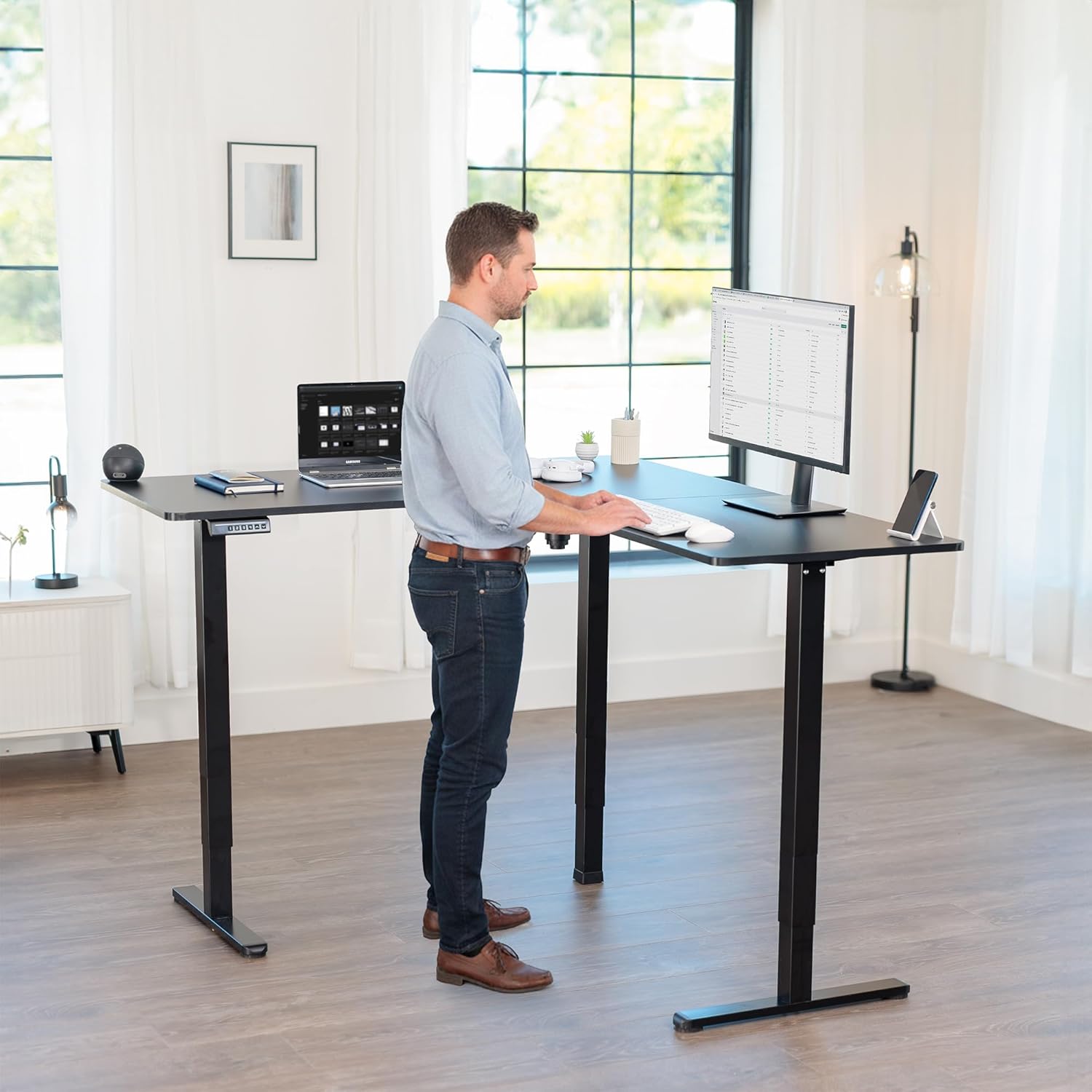
The VIVO 63x55 inch L-shaped desk combines a dual-motor frame, 4 memory presets, a digital height display, and a keypad with child-lock in one package at $259.99. VIVO's 5-year warranty on the motor and frame is among the longest available at this price point, making it a safer long-term investment than cheaper alternatives.
The two-panel desktop ships separately and connects at the corner bracket. The steel frame and desktop together weigh roughly 80 lbs, so plan for two people during assembly. VIVO's after-sale support is responsive, and replacement parts are available directly from their US warehouse.
Best for: Buyers who want warranty peace of mind and a reliable dual-motor L-shaped desk.
Check price on AmazonPros
- +5-year motor and frame warranty
- +4 memory presets with child lock
- +Digital height display
- +US-based customer support
Cons
- −$259.99 mid-range price
- −Two-person assembly recommended
- −No built-in USB ports
FLEXISPOT 4-Leg L-Shaped Standing Desk 71x43 inch
About this pick
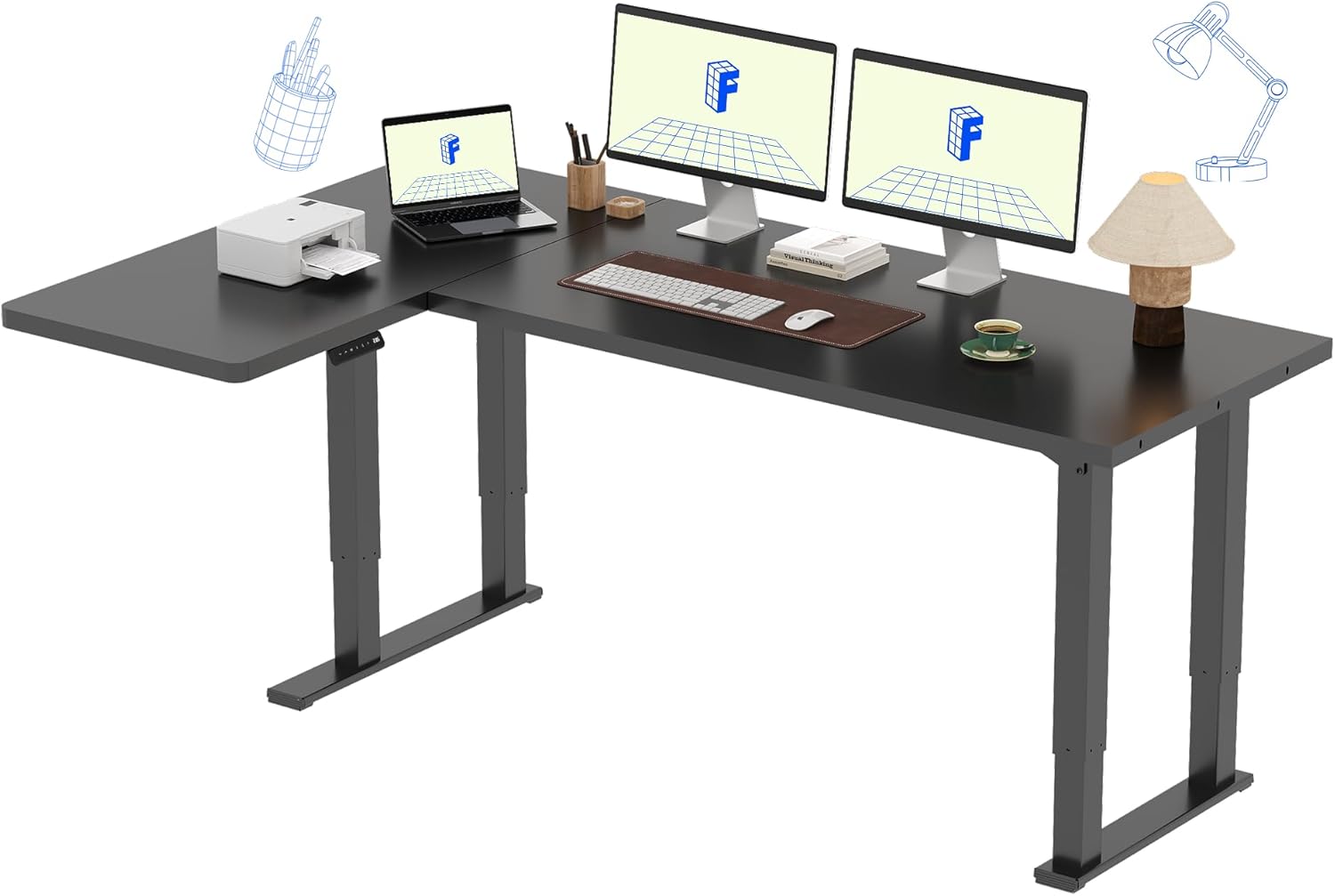
The FLEXISPOT 4-leg L-shaped desk uses four independently driven legs instead of the standard two, which eliminates the lateral wobble common in dual-motor L-shaped frames when one side lifts faster than the other. At 71x43 inches the desktop is wider than most L-shaped options and suits setups with a monitor arm plus a second display.
At $299.99 it costs about $40 more than dual-motor alternatives, but the stability improvement is significant for users who type standing near the max height. FLEXISPOT includes their 2-year warranty on the motor and a 5-year warranty on the frame.
Best for: Users who type standing and need maximum frame stability at full height.
Check price on AmazonPros
- +4 legs eliminate lateral wobble
- +220 lbs capacity, highest here
- +Wider 71-inch long side
- +FLEXISPOT brand reliability
Cons
- −$299.99 slightly higher price
- −46.5" max height, same as budget picks
- −Heavier frame, two-person assembly essential
FLEXISPOT L-Shaped Standing Desk 71x63 inch
About this pick
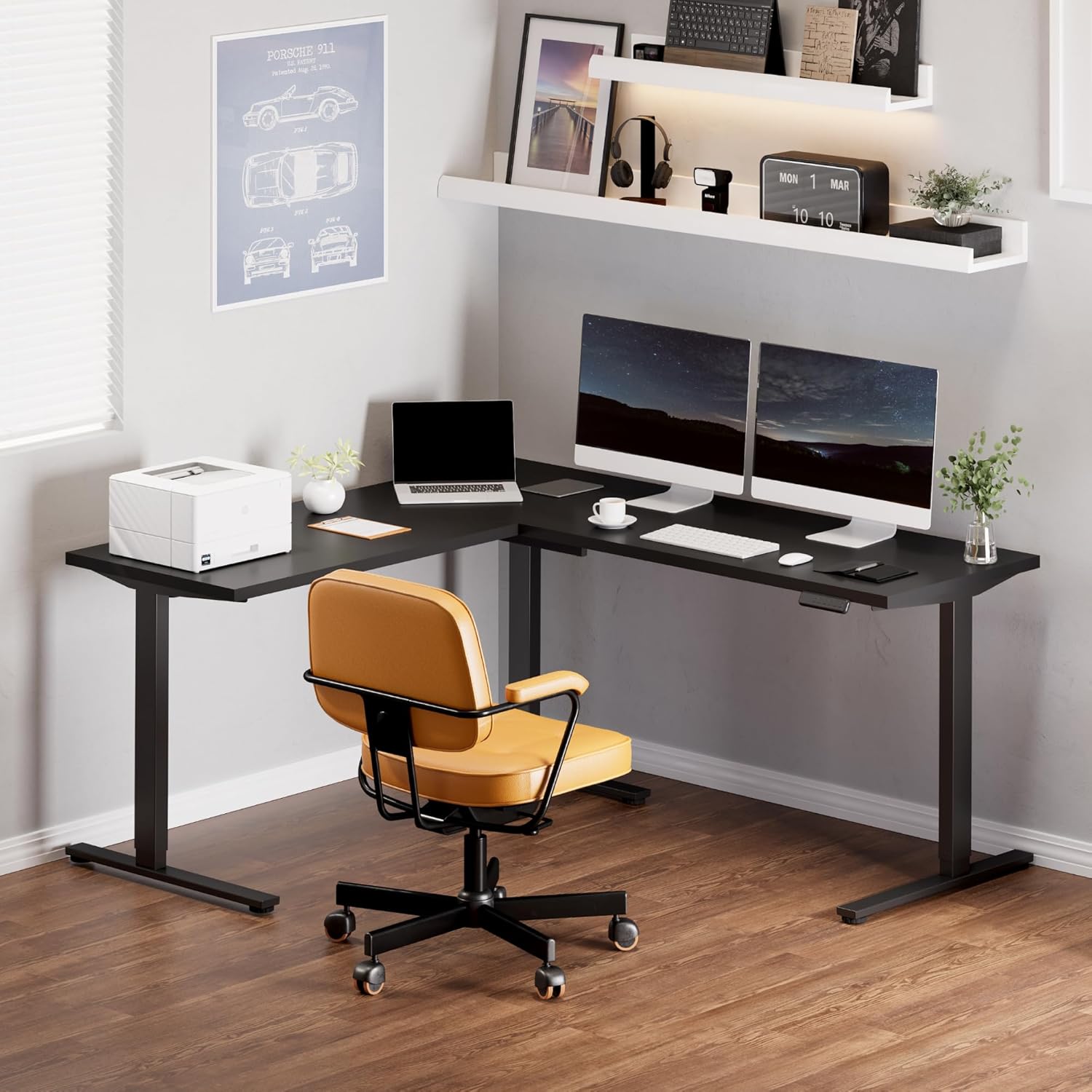
The FLEXISPOT 71x63 inch 3-leg model gives the largest desktop area in this roundup, with the long side reaching 71 inches and the return arm reaching 63 inches. The 3-leg configuration uses one center leg at the corner to anchor both sides, which provides a cleaner underdesk cable routing path than 4-leg frames while maintaining strong stability.
At $341.99 this is the most expensive pick here. The payoff is desk area: a 71x63 inch L-shape fits two full-size monitors on the long side and still leaves room for a laptop stand on the return. FLEXISPOT's 2-year motor and 5-year frame warranty applies.
Best for: Power users who need the largest possible L-shaped surface and prioritize desk area over cost.
Check price on AmazonPros
- +Largest desktop area in roundup
- +Clean center-leg cable routing
- +FLEXISPOT 5-year frame warranty
- +47.6" max height
Cons
- −$341.99 highest price
- −176 lbs capacity lower than 4-leg model
- −3-leg wobble slightly more than 4-leg at max height
SIAGO L-Shaped Standing Desk 63x55 inch
About this pick
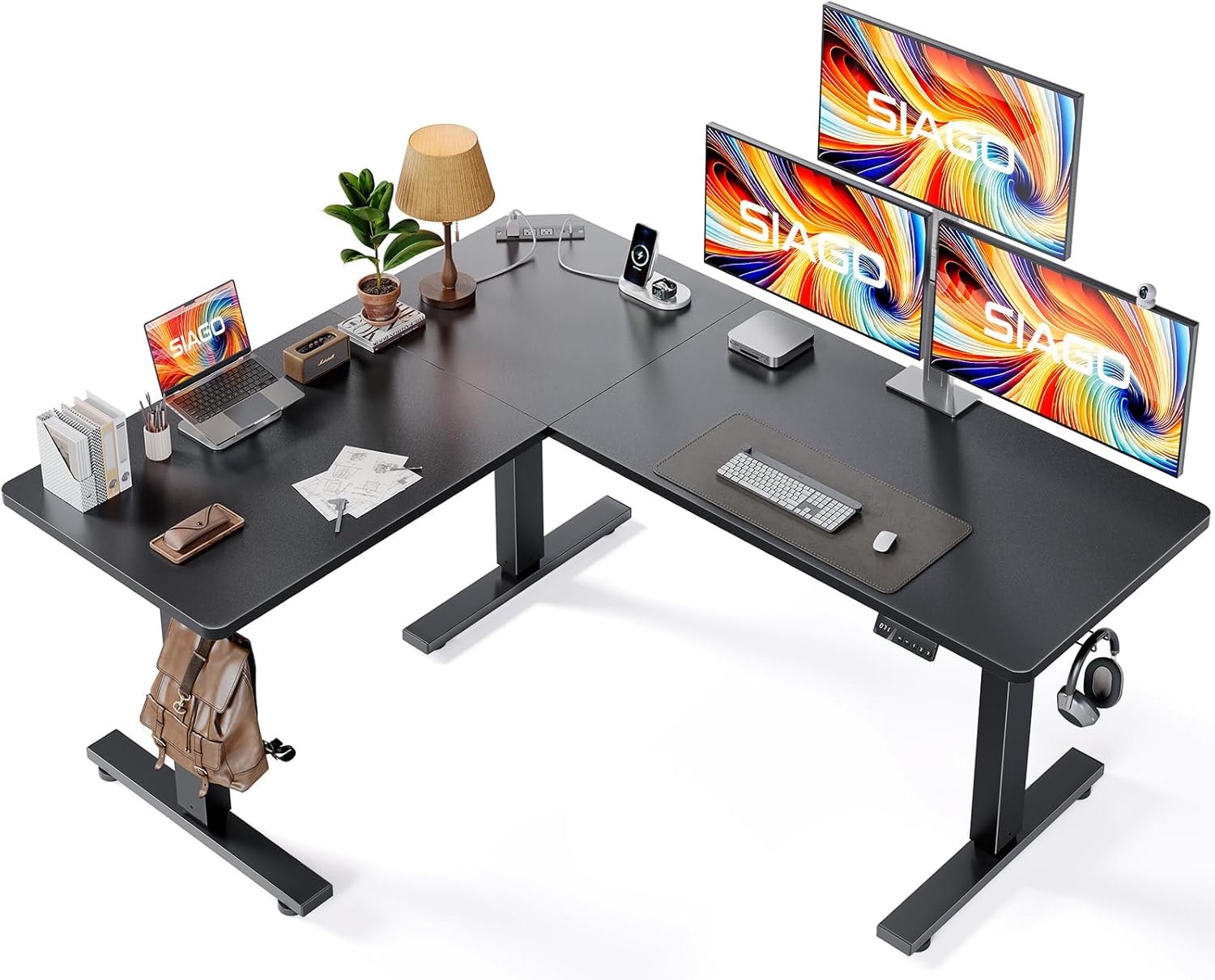
The SIAGO 63x55 inch L-shaped desk includes a built-in USB-A and USB-C charging panel on the desktop surface, which eliminates the need for a separate desk clamp charger. The dual-motor frame lifts to 46.9 inches with 4 memory presets and an anti-collision sensor. At $229.99 the built-in charging adds value over similarly priced desks without it.
The desktop surface has a matte finish that reduces glare from overhead lighting during video calls. The keypad features an LED height display and child-lock function. Cable management clips are included in the box.
Best for: Users who want to eliminate desk clutter from a separate USB charger.
Check price on AmazonPros
- +Built-in USB-A and USB-C on desktop
- +Matte anti-glare surface
- +Anti-collision sensor
- +Cable clips included
Cons
- −46.9" max height limits taller users
- −No bamboo desktop option
- −Charging panel requires desktop cable routing
OffiGo L-Shaped Standing Desk 63 inch
About this pick
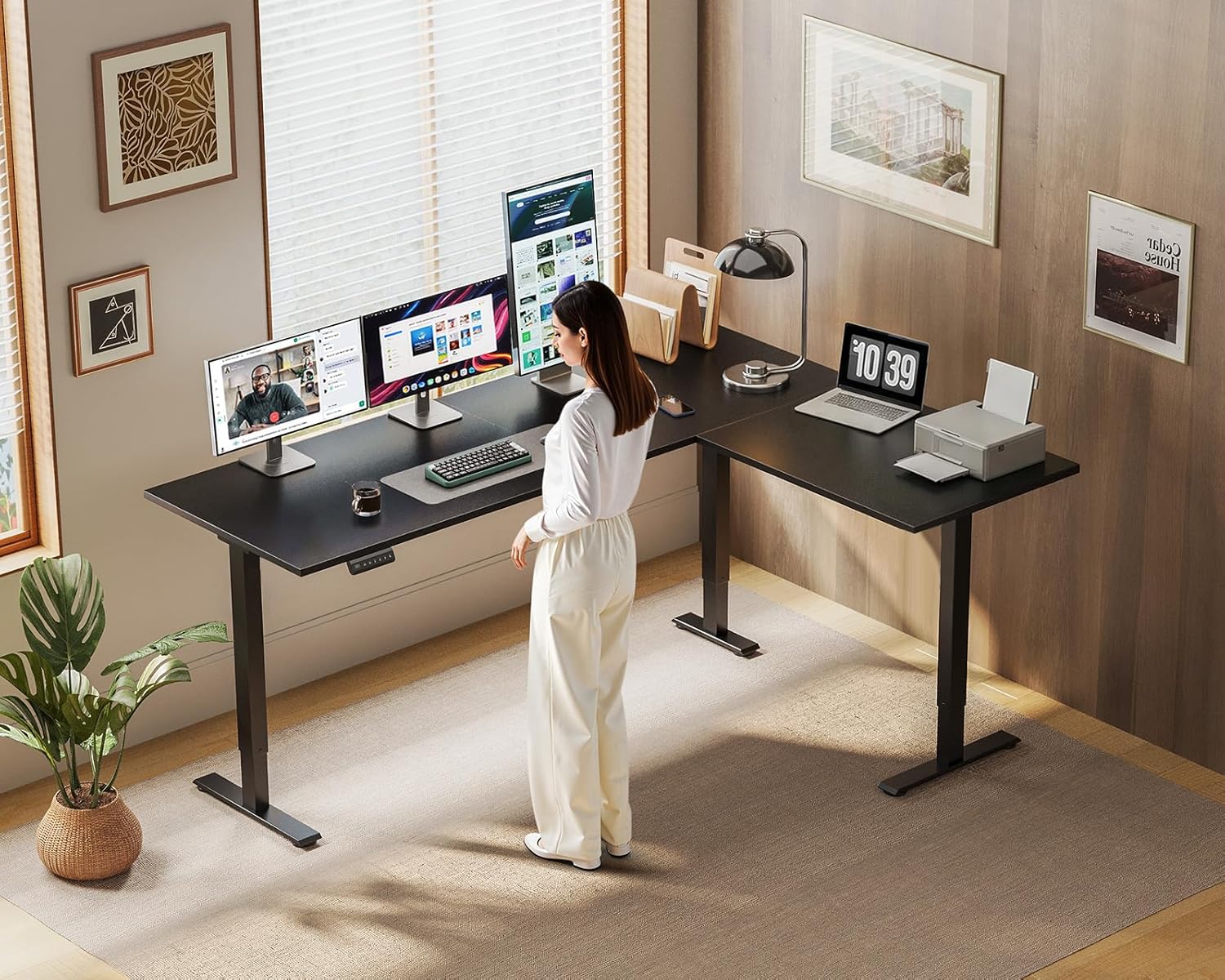
The OffiGo at $179.98 is the least expensive electric L-shaped standing desk in this roundup with a dual-motor frame. It provides 3 memory presets, an anti-collision sensor, and a 176 lb capacity across a 63-inch surface. The desktop ships in two panels and connects at the corner bracket in about 40 minutes.
At this price the tradeoff is fewer color options and a basic keypad without a digital height display. For a home office where budget is the primary constraint and performance is secondary, the OffiGo delivers a functional standing L-shaped setup at the lowest price available.
Best for: Anyone on the tightest budget who still wants an electric dual-motor L-shaped desk.
Check price on AmazonPros
- +$179.98 lowest price in roundup
- +Dual motor at this price
- +Anti-collision sensor
- +176 lbs capacity
Cons
- −No digital height display
- −Basic keypad
- −Limited color options
Acrolix L-Shaped Standing Desk 59x40 inch
About this pick
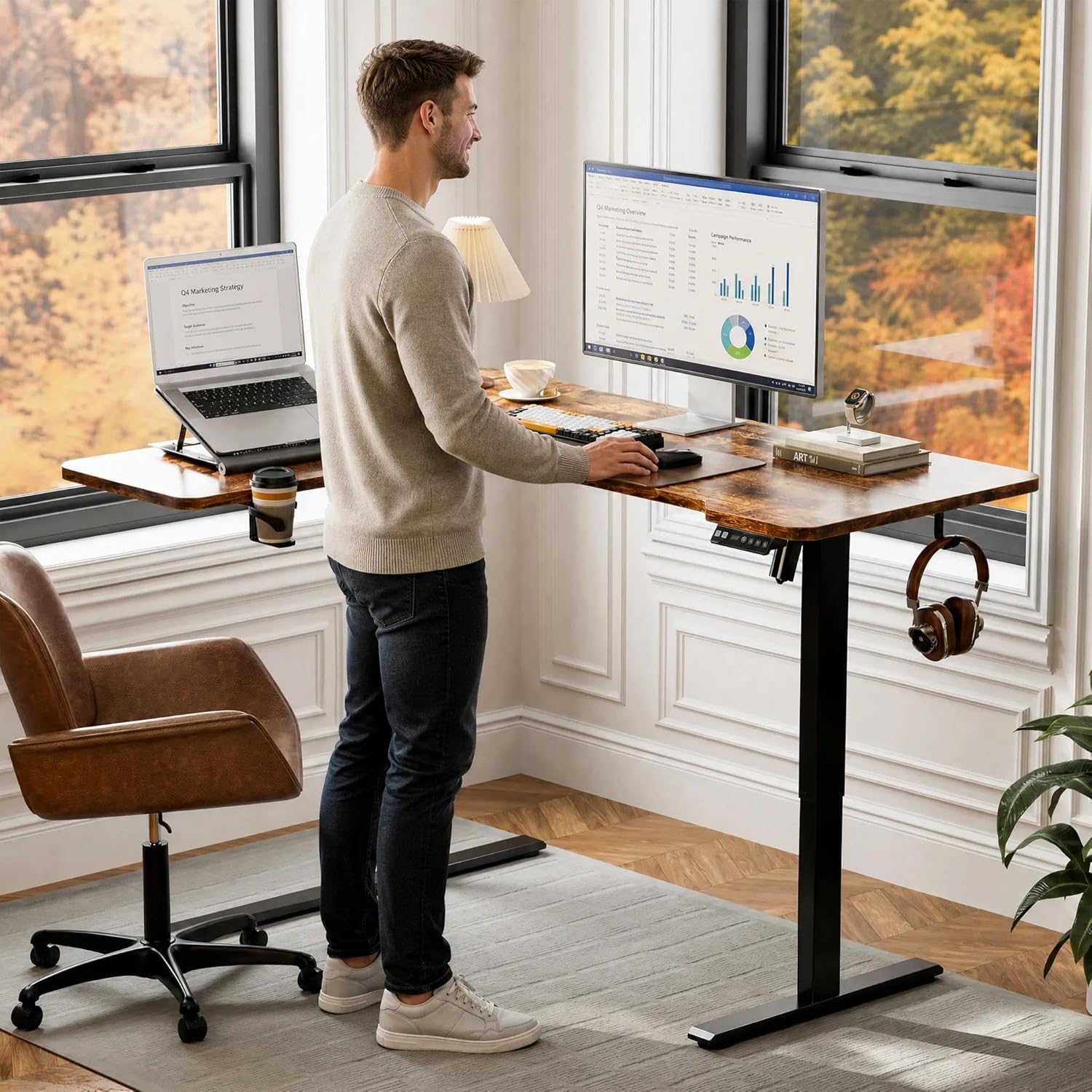
The Acrolix 59x40 inch L-shaped desk is the most compact option in this roundup, fitting into corner spaces that cannot accommodate a full 63-inch span. At $169.99 it uses a dual-motor frame with 3 memory presets and an anti-collision sensor. The smaller footprint is useful in studio apartments or home offices with limited wall space.
The height range of 28.7 to 47.2 inches reaches slightly higher than several pricier alternatives. The 59-inch long side fits two 24-inch monitors side by side with minimal clearance, so users who need a third display or a monitor arm should consider a wider option.
Best for: Small home offices or studio apartments where corner space is limited to under 60 inches per side.
Check price on AmazonPros
- +Smallest L-shaped footprint
- +47.2" max height, higher than some larger desks
- +$169.99 budget price
- +Anti-collision sensor
Cons
- −59-inch span limits monitor count
- −40-inch return is short
- −No built-in USB charging
FEZIBO Triple Motor L-Shaped Standing Desk 63 inch
About this pick
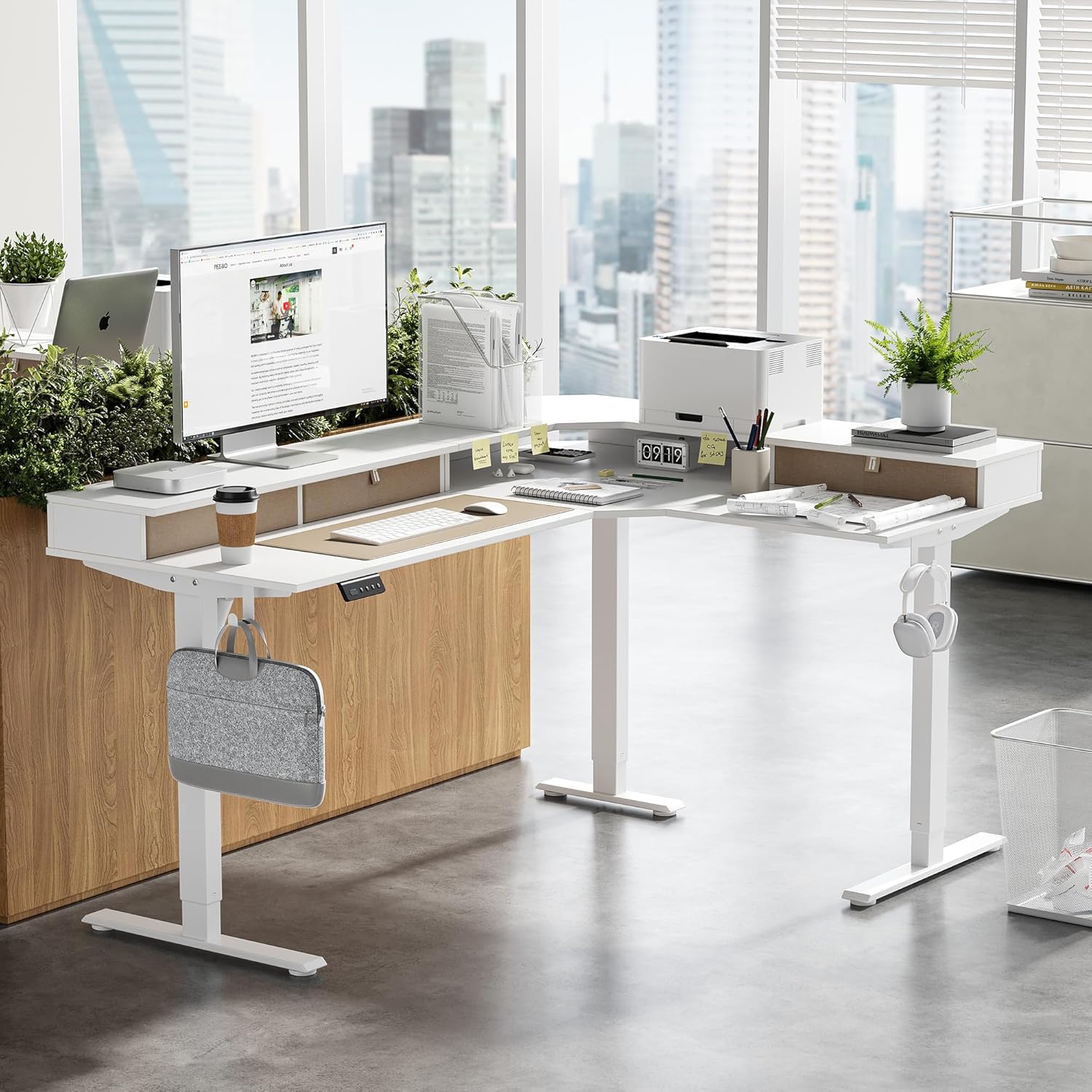
The FEZIBO Triple Motor uses three motors across the L-shaped frame rather than two, distributing the lifting force more evenly and reducing wobble at maximum standing height. The 220 lb capacity is the highest available in this roundup at this price point. At $199.99 it costs about $10 more than the single-motor FEZIBO but delivers significantly better stability.
The triple-motor configuration lifts the frame in near-perfect sync across both sides of the L-shape. This matters most when the desk is loaded with multiple monitors, a speaker, and other equipment. 4 memory presets and an anti-collision sensor are included.
Best for: Users who load their L-shaped desk with heavy equipment and want maximum lift stability at an affordable price.
Check price on AmazonPros
- +Triple motor reduces lateral wobble
- +220 lbs capacity at $199.99
- +4 memory presets
- +Anti-collision sensor included
Cons
- −46.5" max height, same as budget options
- −No built-in USB charging
- −Heavy assembly
Frequently Asked Questions
Are L-shaped standing desks more stable than straight ones?
Not inherently. Stability depends on the motor configuration and frame engineering. A well-built dual-motor straight desk is often more stable than a cheap dual-motor L-shape. For L-shaped desks, a 4-leg or triple-motor configuration provides better stability than a standard 2-motor setup, especially when the desk is loaded with equipment on both sides.
Can I put a corner standing desk against any wall?
Corner standing desks need two walls that meet at a right angle (90 degrees). They do not fit against a single flat wall. Also check that the desk can move vertically without hitting overhead cabinets or shelves. Some L-shaped desks extend 46 to 48 inches at standing height, which can conflict with wall-mounted shelving above the desk.
Do I need a separate cable management system for an L-shaped desk?
Yes, for most setups. L-shaped desks create a natural cable cluster at the corner where two sets of monitor cables, power strips, and charging cables converge. A cable spine or under-desk raceway attached to the frame keeps cables off the floor and prevents tangling when the desk moves up and down. Most desks include basic clips but not a full management system.
What is the difference between a 2-motor and 3-motor L-shaped desk?
A 2-motor L-shaped desk has one motor per vertical leg, two legs total. A 3-motor model adds a third motor at the center corner leg, which gives the frame a third lifting point. The added motor reduces the tilt and lateral wobble that develops in 2-motor L-shapes when one side lifts slightly faster than the other. The difference is most noticeable at maximum standing height with a heavy load.
How long does assembly take for a corner standing desk?
Plan 60 to 90 minutes and bring a second person. The frame requires assembling two separate leg assemblies, attaching the crossbar, connecting the desktop panels at the corner bracket, and routing the motor cables to the keypad. The desktop panels typically weigh 25 to 40 lbs each and are awkward to position alone.
Bottom Line
best overall: FEZIBO L-Shaped Standing Desk 63x55 inch - 4.7 stars, best budget pick pick in this roundup.
See the full rankings above for all eight picks with pros, cons, and best-for summaries.
Browse on Amazon
All Prime-eligible options with current pricing.
Shop on Amazon →