
9 Best Monitor Light Bars for Gaming (2026)
Nine monitor light bars for gaming setups ranked by buyer rating and review count. Covers Govee smart RGBIC bars, Razer Chroma-compatible options, RGB backlight models, and Philips Hue Play integration.
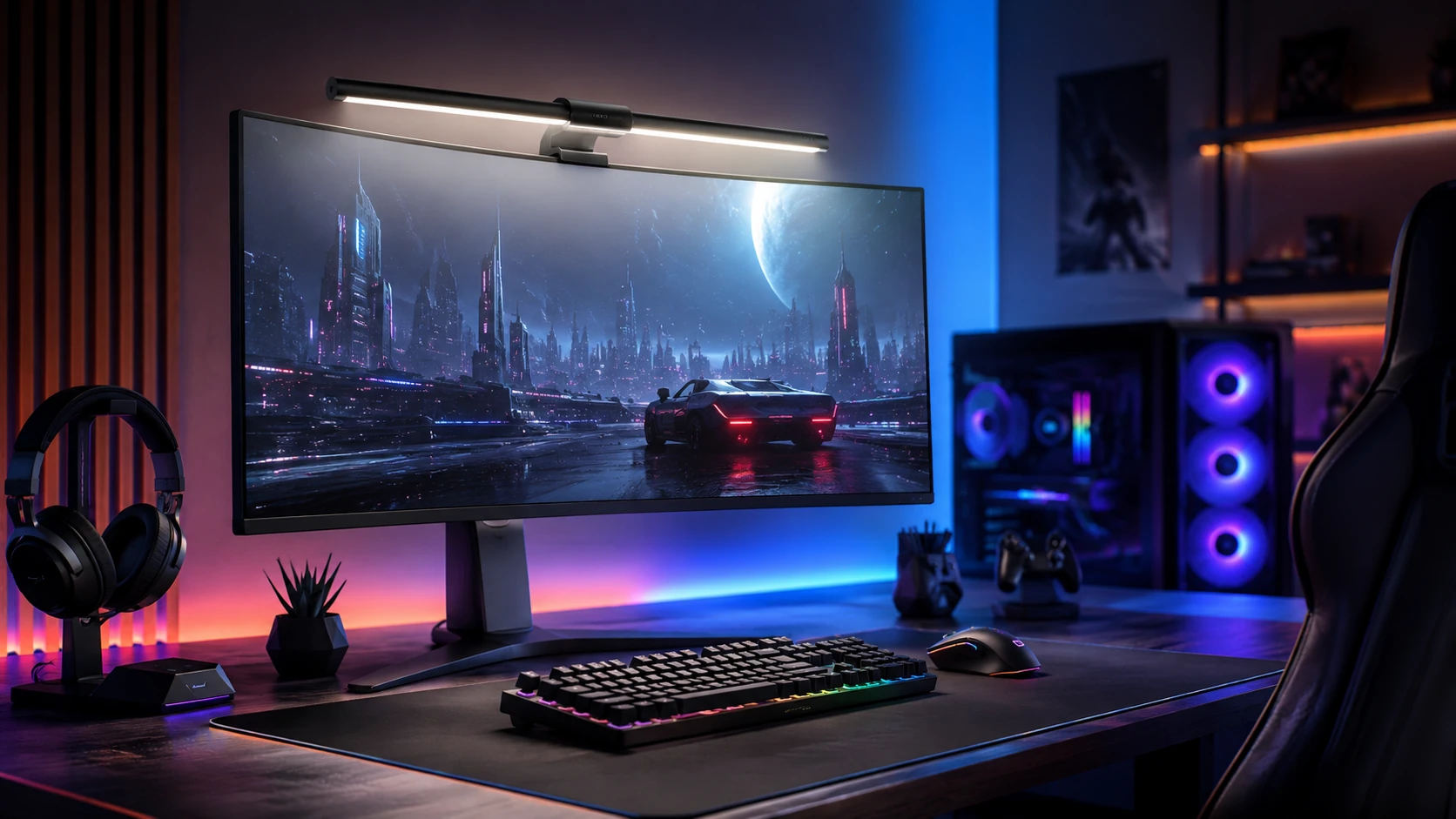
Quick Picks
| Pick | Product | |
|---|---|---|
| Best Overall | Quntis Computer Monitor Lamp, 900 Lux, Touch Control | Check price |
| Best PRO+ Features | Quntis Monitor Light Bar PRO+, 20-inch, Remote, 1200 Lux | Check price |
| Best RGB Backlight | Quntis Monitor Light Bar, 15.7-inch, 24 RGB Backlight Modes | Check price |
| Best Screen Color Sync | Govee Gaming Light for Monitor G1, RGBIC LED, Screen Color Sync | Check price |
| Best Premium Gaming | BenQ ScreenBar Pro, Motion Sensor, USB-C, 1000 Lux | Check price |
| Best Backlit Gaming Setup | BenQ ScreenBar Halo 2, Backlight, Wireless Dial, Motion Sensor | Check price |
| Best RGB Pro+ Bar | Quntis RGB Pro+ Monitor Light Bar, 20-inch, 15 RGB Modes | Check price |
| Best Curved RGB Gaming | Quntis Curved RGB Monitor Light Bar, Dual Head Foldable | Check price |
| Best Razer Gaming Pick | Razer Aether Monitor LED Light Bar, Chroma RGB, Front and Back | Check price |
Gaming monitor light bars differ from standard home office bars in two main ways: RGB and smart ecosystem integration. A standard work bar provides white light for desk illumination. A gaming bar adds RGB backlight modes, reactive color effects synchronized with games, and integration with ecosystems like Razer Chroma, Govee Home, or Philips Hue. These features are largely aesthetic for the gaming environment rather than functional for visibility.
The practical benefit a gaming bar shares with any light bar is the same: reducing eye strain by illuminating the desk surface and reducing contrast between the bright screen and the darker room. RGB effects add ambient mood lighting without requiring a separate LED strip. For setups where visual presentation matters for streaming or recording, a gaming bar with backlight effects is the most efficient way to add both desk lighting and background atmosphere in one unit.
This guide covers nine gaming light bars ranked by rating and buyer count. For the full light bar category, see our best monitor light bars guide. For curved gaming monitors, see best light bars for curved monitors.
What to Know Before Buying
Smart Ecosystem vs Standalone RGB
Standalone RGB bars (like the Quntis RGB model) cycle through preset color modes via touch control without requiring an app or hub. Smart ecosystem bars (Govee G1, Razer Aether, Philips Hue Play) connect to an app or hub and can sync lighting effects across multiple devices, react to game events, or respond to music. Smart ecosystem bars have higher up-front cost and a dependency on the ecosystem app remaining supported, but offer significantly more control.
Razer Chroma vs Govee vs Philips Hue
Razer Chroma integrates with Razer peripherals and a range of third-party games for reactive lighting. Govee uses its own app with Matter protocol for smart home integration and wide device range. Philips Hue Play requires a Hue Bridge and is the most expensive ecosystem but offers the most reliable smart home integration via Matter and HomeKit. Choosing the ecosystem should align with your existing smart devices or peripheral brand.
RGB Backlight vs Front Light for Gaming
The front-facing white light illuminates the desk surface for visibility during gaming. The rear RGB backlight projects color onto the wall behind the monitor, creating ambient atmosphere. Both can be used simultaneously, but the white front light is more important functionally. Some gaming bars (like the Govee Gaming Monitor Light G1) focus primarily on backlight effects and have less powerful front white illumination than office-focused bars.
9 Best Monitor Light Bars for Gaming
Quntis Computer Monitor Lamp, 900 Lux, Touch Control
About this pick
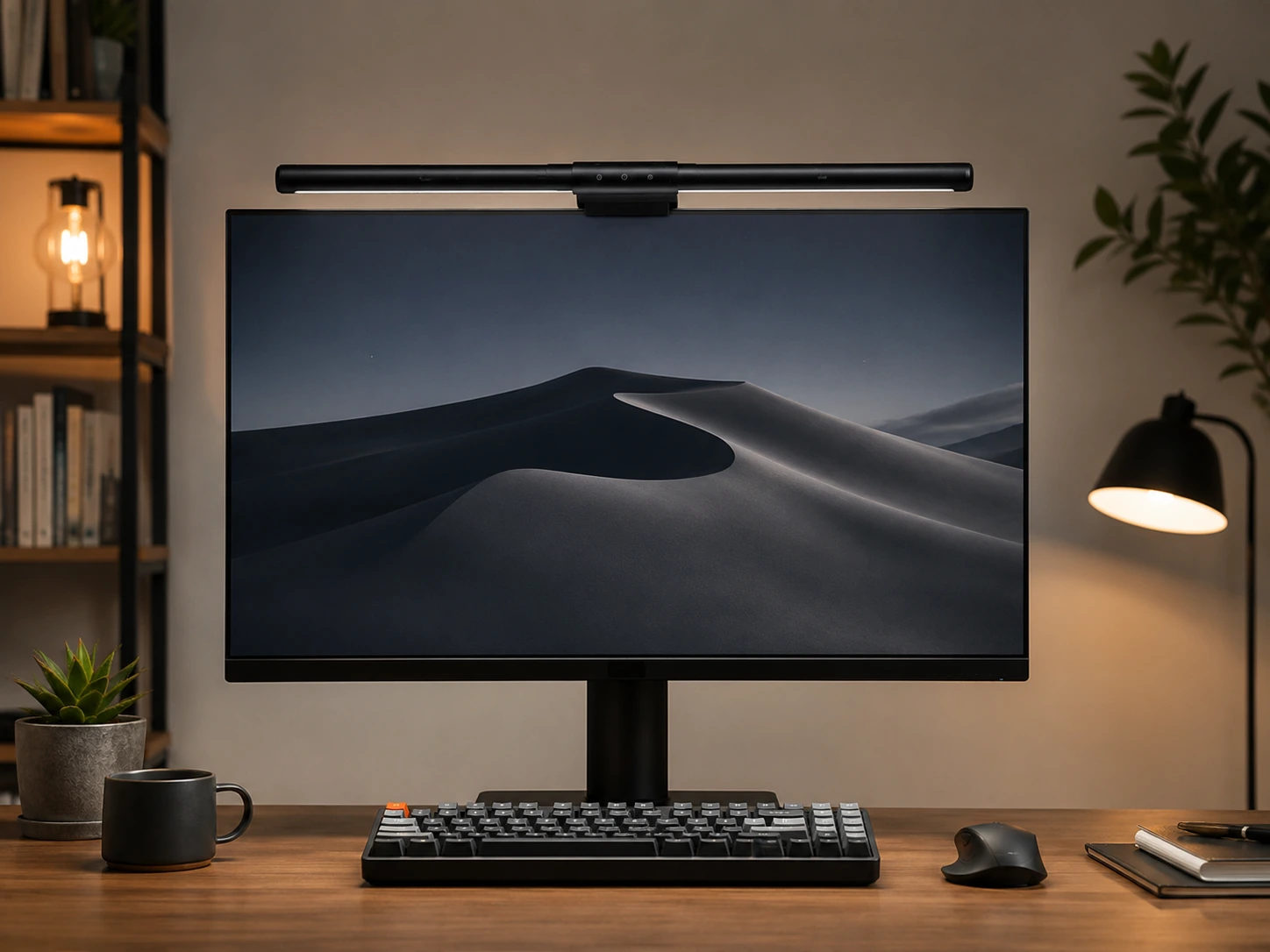
The Quntis Computer Monitor Lamp clips onto the monitor bezel and directs light downward onto the desk surface, keeping glare off the screen even during extended gaming sessions in dark rooms. Its 900 Lux output and CRI 98 rating provide bright, color-accurate illumination for keyboards and desk items without washing out the display. Auto-dimming adjusts brightness automatically when room lighting changes, so you do not have to interrupt a session to manually tweak settings. At a competitive price with the highest review count in this category, it is the most validated option for gaming setups where reliable performance matters more than RGB effects.
Best for: gaming setups that prioritize desk illumination and eye comfort over RGB atmosphere effects
Check price on AmazonPros
- +13,623 reviews at 4.6 stars - most proven in category
- +Auto-dimming removes manual adjustments during gaming
- +CRI 98 for accurate color on keyboard and desk
- +Affordable at $39.95
Cons
- −Touch control only, no wireless remote
- −No RGB or backlight for ambient aesthetics
- −Single white light mode only
Quntis Monitor Light Bar PRO+, 20-inch, Remote, 1200 Lux
About this pick
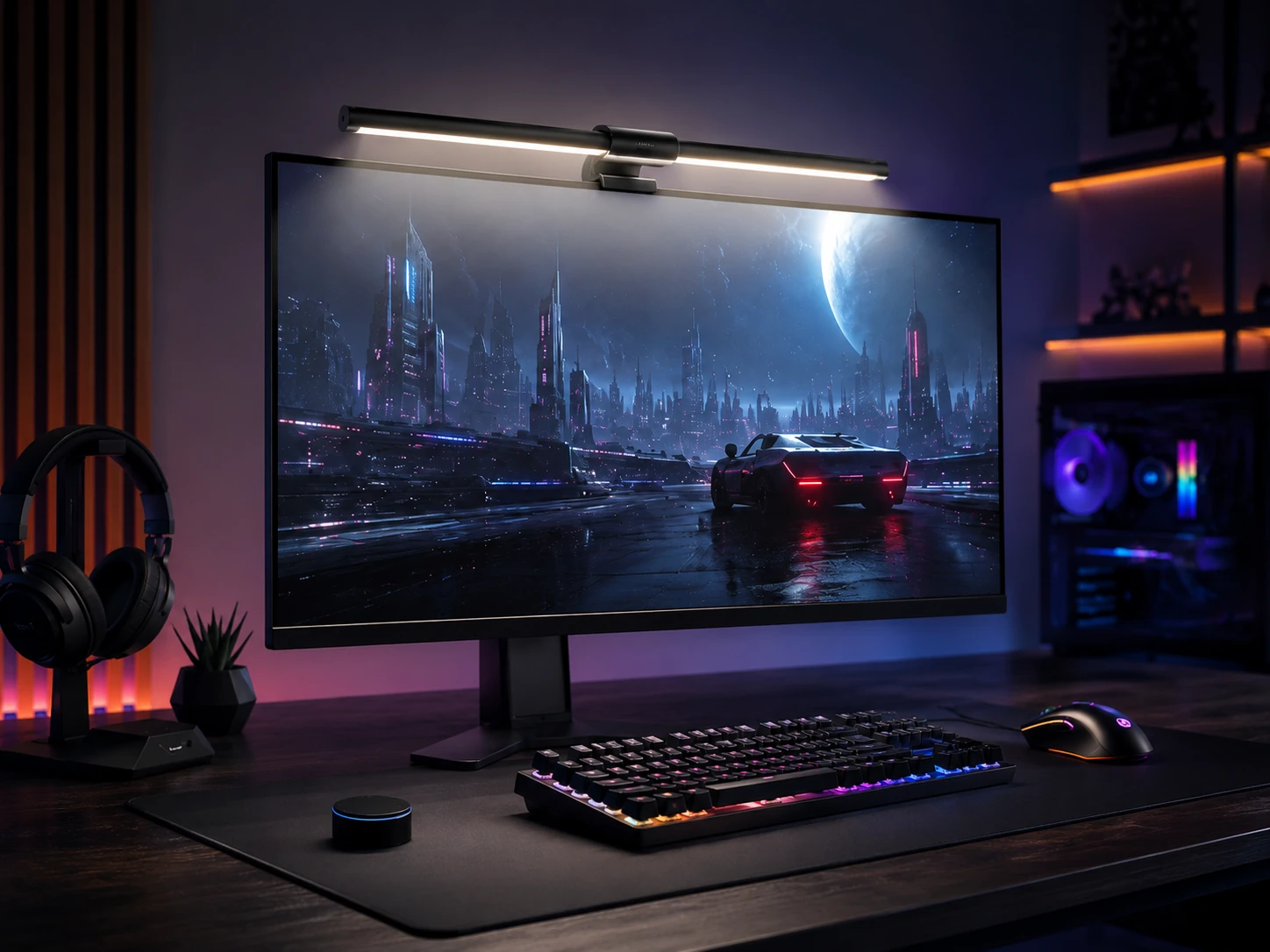
The Quntis PRO+ extends to 20 inches and outputs 1200 Lux, making it one of the brightest bars in this roundup and well-suited for ultrawide monitors up to 34 inches. The wireless remote lets you adjust brightness and color temperature without reaching up to the bar, which is useful mid-game. Curved monitor compatibility is built in, so it works on both flat and curved panels without a separate mounting adapter. It sits between the standard Quntis and the BenQ ScreenBar Pro, giving more brightness and length than the entry model at a lower price than the premium BenQ tier.
Best for: ultrawide gaming monitors where maximum brightness and wireless remote control matter
Check price on AmazonPros
- +1200 Lux - highest output in the Quntis lineup
- +20-inch length covers ultrawide monitors
- +Wireless remote for mid-game adjustments
- +Curved and flat monitor compatible
Cons
- −4.4 stars slightly below standard Quntis model
- −Higher price at $69.99
- −20-inch bar may be too wide for monitors under 24 inches
Quntis Monitor Light Bar, 15.7-inch, 24 RGB Backlight Modes
About this pick
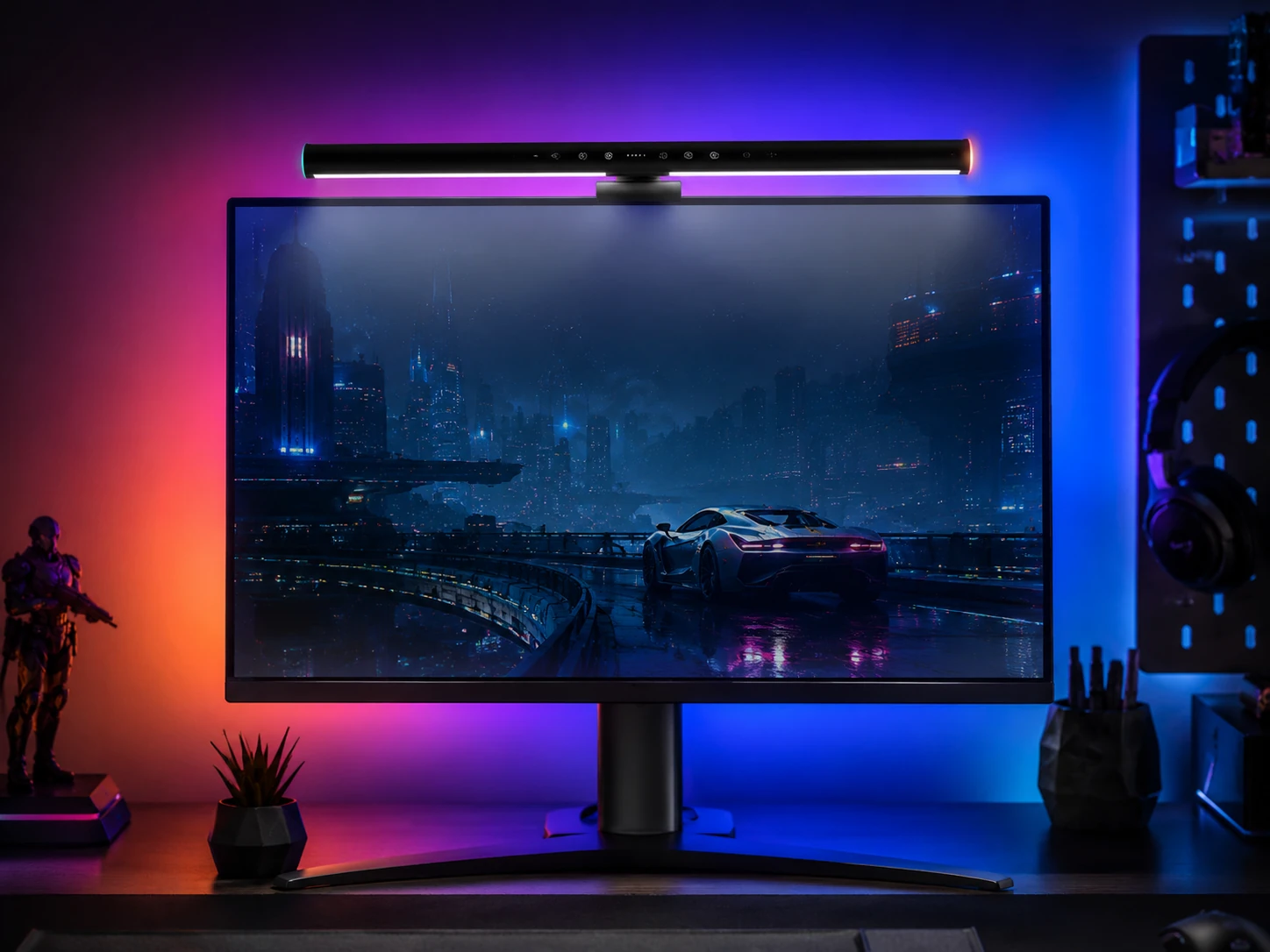
This Quntis bar combines 900 Lux front lighting with 24 RGB backlight modes, giving gaming setups both functional desk illumination and ambient color effects behind the monitor. Touch control cycles through color temperature and backlight color options without needing a separate remote. It is the most affordable RGB option in this roundup with a meaningful review count. The backlight projects color onto the wall behind the monitor, which adds atmosphere to dark rooms without requiring a separate bias lighting strip.
Best for: budget gaming setups that want both white desk lighting and RGB ambient effects from one bar
Check price on AmazonPros
- +24 RGB backlight modes for gaming atmosphere
- +900 Lux front light for desk illumination
- +Affordable at $31.99
- +1,188 reviews at 4.5 stars
Cons
- −Touch control only, no remote
- −15.7-inch length suits up to 27-inch monitors
- −RGB control interface less refined than Razer or BenQ
Govee Gaming Light for Monitor G1, RGBIC LED, Screen Color Sync
About this pick
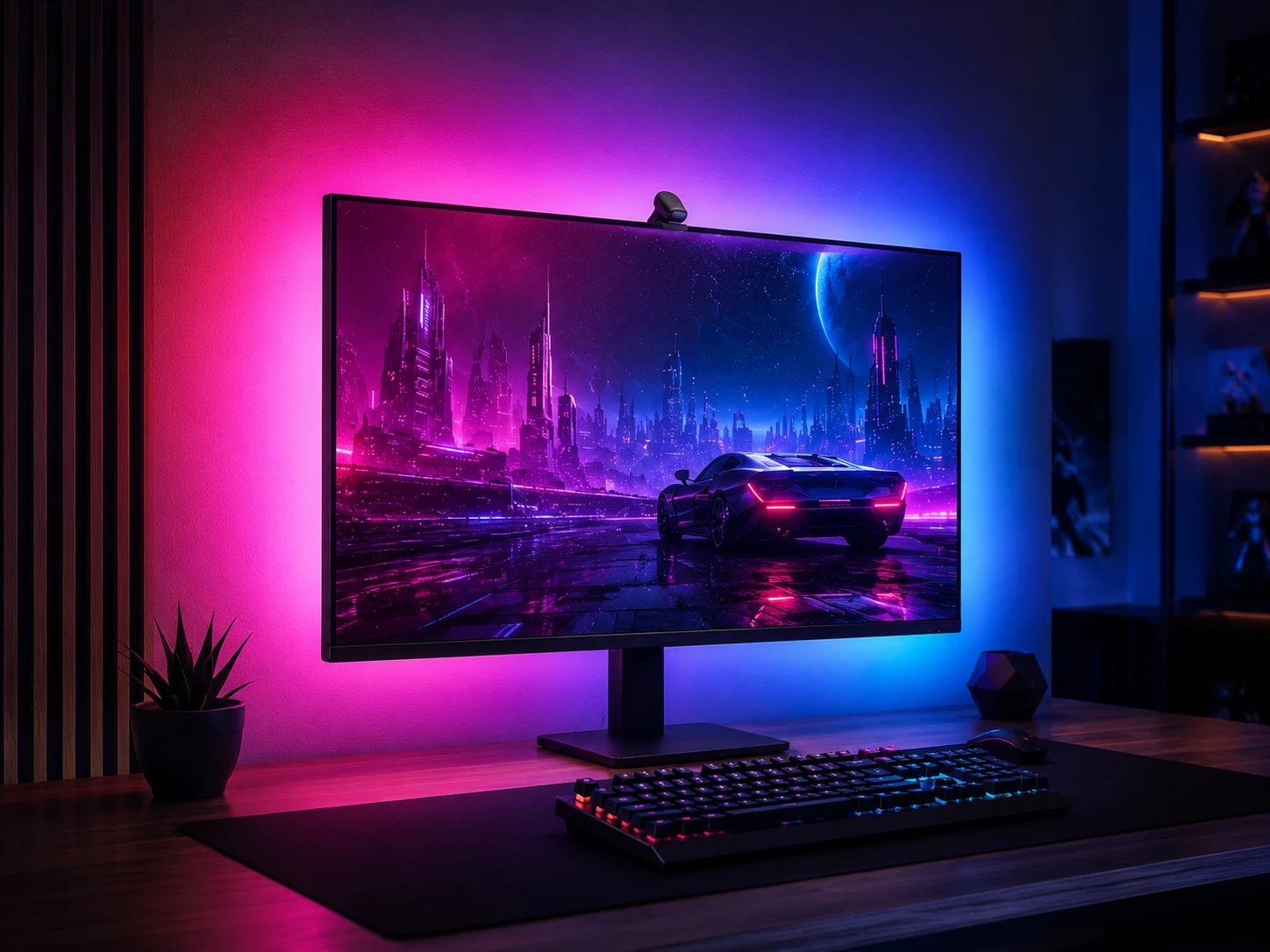
The Govee G1 is the only bar in this roundup that syncs its backlight color with the on-screen content, sampling monitor colors and matching the rear-facing RGBIC LEDs in real time. It fits monitors from 27 to 34 inches and includes 123 preset scene modes and a music sync mode for gameplay and entertainment.
This is primarily an ambient light bar rather than a desk task lamp - it is designed for gaming atmosphere rather than keyboard illumination. Buyers who need both screen sync and functional front lighting should consider pairing it with a standard white light bar.
Best for: gaming and entertainment setups where screen-synchronized RGB ambient lighting is the primary goal
Check price on AmazonPros
- +Screen color sync - unique feature not available on BenQ or Quntis
- +123 scene modes for varied gaming environments
- +Music sync for entertainment use
- +App-controlled via Govee Home
Cons
- −4.2 stars - lowest rating in this roundup
- −Focused on ambient backlight, not desk task lighting
- −Requires separate app for full control
BenQ ScreenBar Pro, Motion Sensor, USB-C, 1000 Lux
About this pick
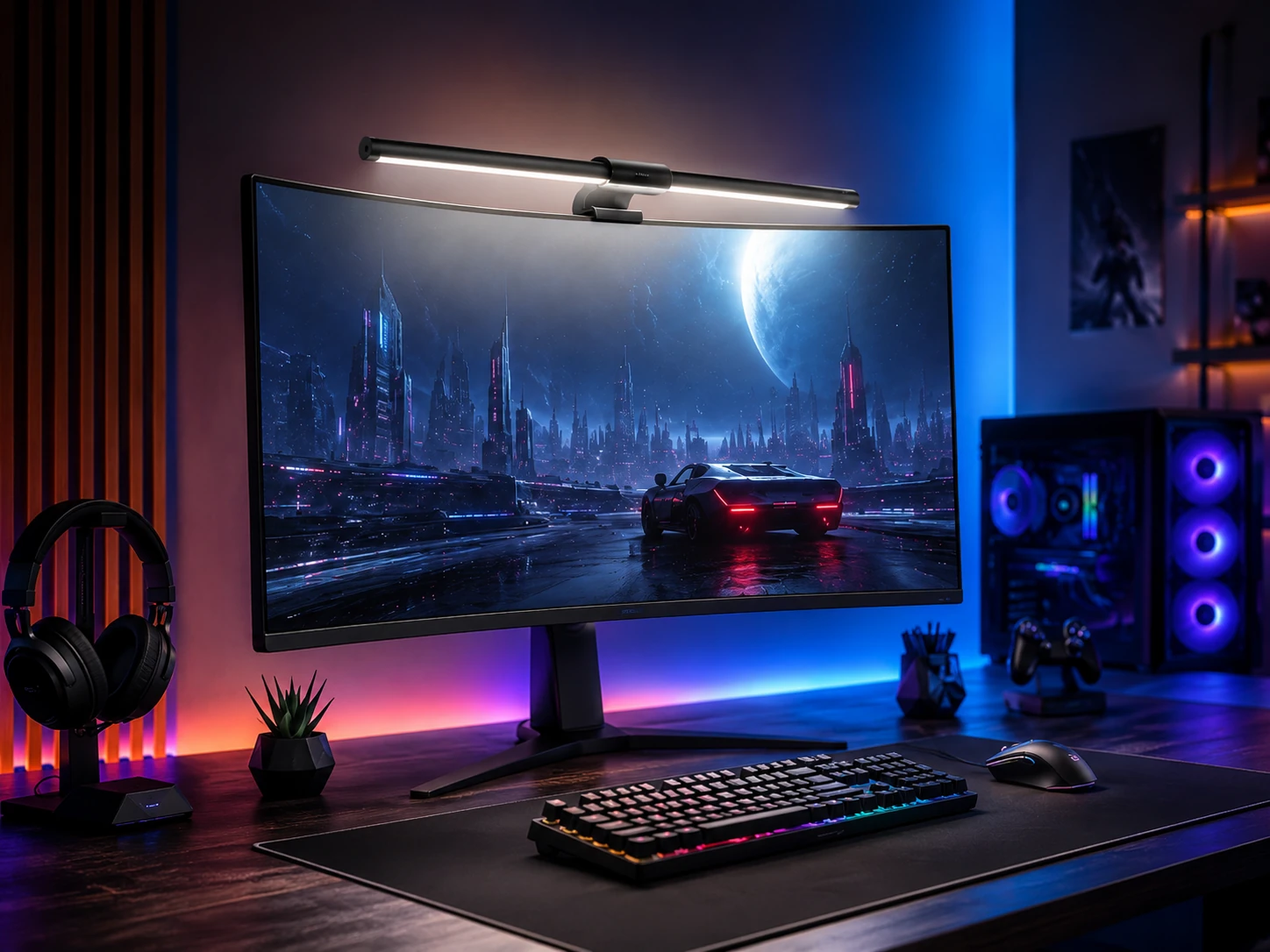
The BenQ ScreenBar Pro includes an ultrasonic motion sensor that turns the light on when you sit down and off when you leave, which is practical for gaming sessions that start and end at irregular times. The 1000 Lux output and wireless dial controller give precise brightness control without touching the bar. It is the premium practical choice in this roundup - it provides high brightness and smart automation without the added cost of the Halo 2's backlight feature. Curved monitor compatibility down to 1000R makes it suitable for most curved gaming displays.
Best for: serious gaming setups where automatic lighting activation and premium build quality justify the premium price
Check price on AmazonPros
- +4.8 stars - highest rated in this roundup
- +Motion sensor for auto-on and auto-off
- +1000 Lux for bright gaming desk coverage
- +Wireless dial for precision control
- +Curved 1000R-1800R compatible
Cons
- −Highest price in the practical tier at $139
- −No backlight compared to Halo 2
- −Requires USB-C port
BenQ ScreenBar Halo 2, Backlight, Wireless Dial, Motion Sensor
About this pick
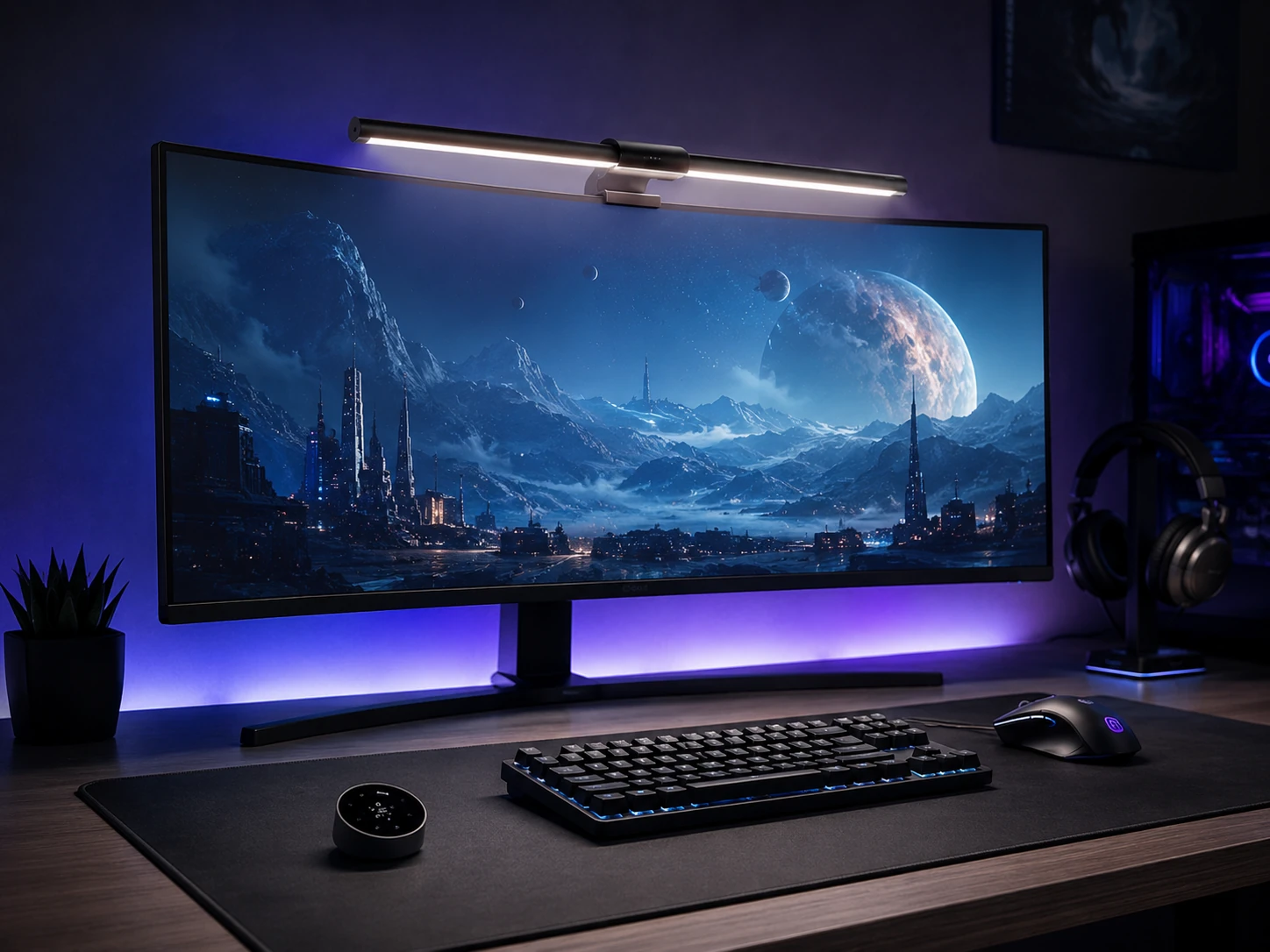
The BenQ ScreenBar Halo 2 adds rear-facing ambient lighting to the front desk illumination, projecting a soft glow onto the wall behind the monitor that reduces the contrast between the bright screen and the dark background. This bias lighting effect is well documented for reducing eye fatigue during long gaming sessions. It is the most expensive option in this roundup. The wireless dial controls both front and back brightness independently, and the curved monitor support covers 1000R to 1800R. Buyers who game primarily in well-lit rooms will see less benefit from the backlight feature than those in consistently dark setups.
Best for: premium gaming setups in consistently dark rooms where bias lighting and eye fatigue reduction are priorities
Check price on AmazonPros
- +Bias lighting reduces eye strain in dark gaming rooms
- +Independent front and back brightness control
- +Wireless dial controller
- +Curved 1000R-1800R compatible
Cons
- −Most expensive at $199
- −Backlight benefit reduced in bright rooms
- −No screen color sync compared to Govee G1
Quntis RGB Pro+ Monitor Light Bar, 20-inch, 15 RGB Modes
About this pick
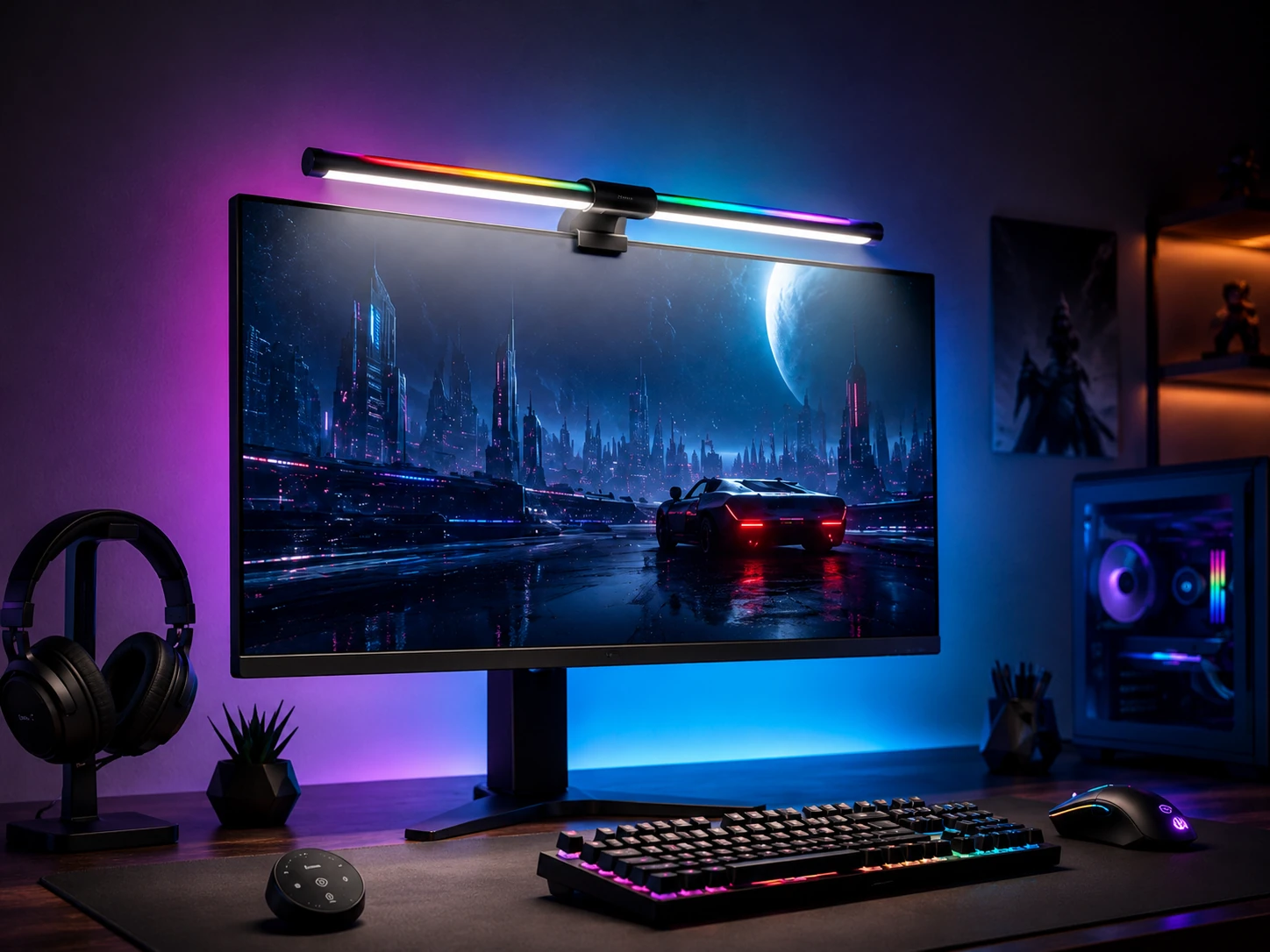
The Quntis RGB Pro+ combines the 20-inch length and wireless remote of the PRO+ model with 15 RGB backlight modes, giving gaming setups both the brightness coverage of a long bar and the atmospheric options of a color light. The 144 LED count and CRI 95 rating deliver strong front illumination alongside the RGB effects. It fills the gap between the standard RGB bar and the PRO+ model. The remote allows switching between color modes without leaving the game, which is more practical than the touch-only interface on lower-cost options.
Best for: gaming setups with ultrawide monitors that want RGB ambient effects and remote brightness control in one bar
Check price on AmazonPros
- +20-inch length for ultrawide coverage
- +15 RGB modes for gaming atmosphere
- +Wireless remote for mid-game control
- +144 LED count for even illumination
Cons
- −412 reviews - less validated than standard Quntis models
- −Mid-tier pricing at $61.99
- −RGB modes not screen-synced like Govee G1
Quntis Curved RGB Monitor Light Bar, Dual Head Foldable
About this pick
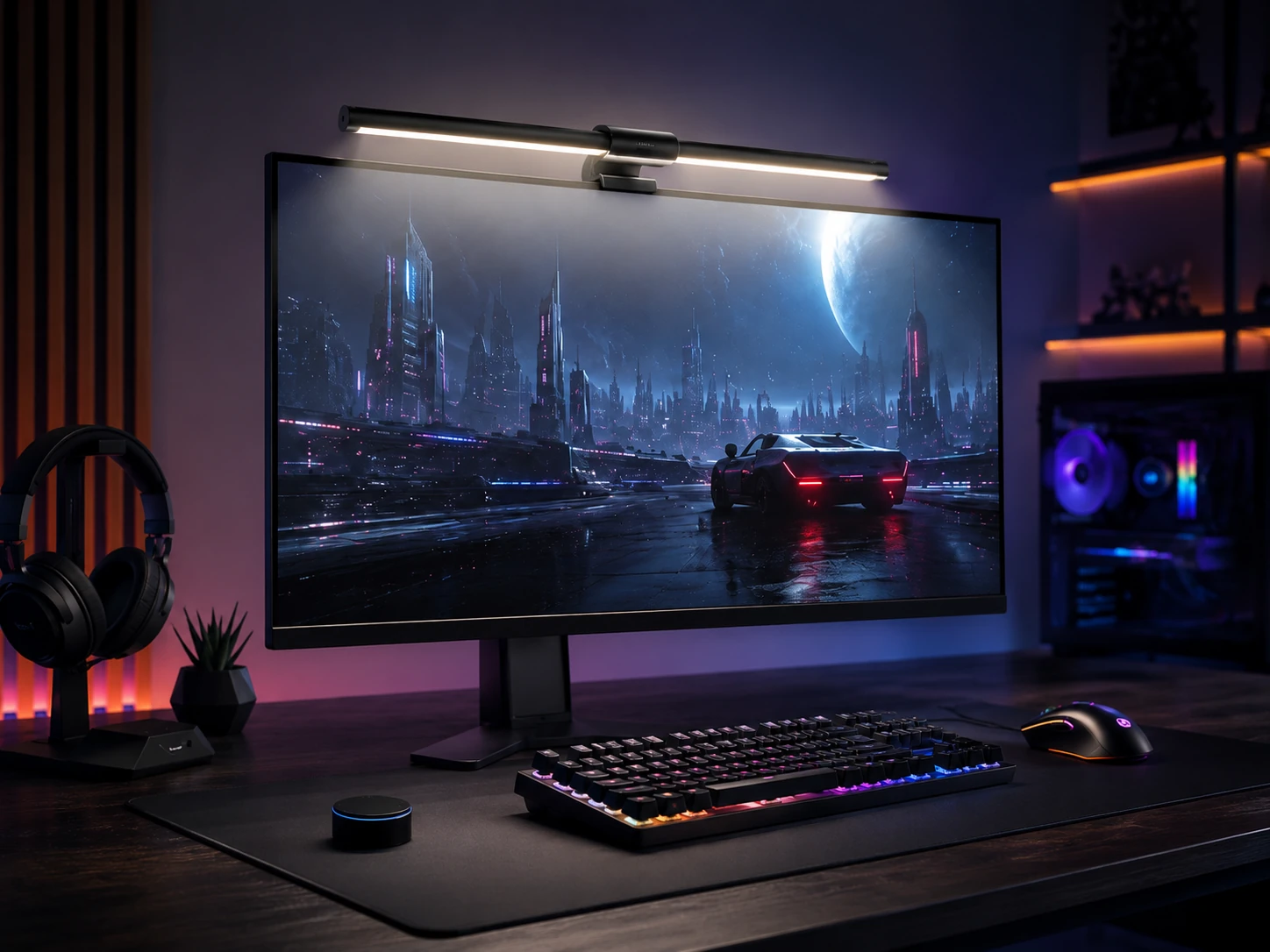
The Quntis Curved RGB is specifically designed for curved monitors with a foldable dual-head mount that conforms to 1000R to 1800R curvatures. The dual-head design distributes weight evenly across the curve, which prevents the bar from sliding on monitors where a single-point clip would shift under its own weight. The 15 RGB backlight modes and CRI 98+ rating cover both gaming atmosphere and accurate front desk lighting. At a competitive price with a 4.7-star rating, it is the best-validated curved-specific RGB option in this roundup for buyers with tightly curved gaming displays.
Best for: curved gaming monitors from 1000R to 1800R where standard clip-on bars shift or do not fit securely
Check price on AmazonPros
- +Purpose-built for curved monitors 1000R-1800R
- +Foldable dual-head prevents sliding on curved bezel
- +15 RGB modes plus front lighting
- +4.7 stars at 253 reviews
Cons
- −253 reviews - less validated than standard Quntis models
- −Specialized for curved monitors, overkill for flat screens
- −Folding mechanism adds assembly complexity
Razer Aether Monitor LED Light Bar, Chroma RGB, Front and Back
About this pick
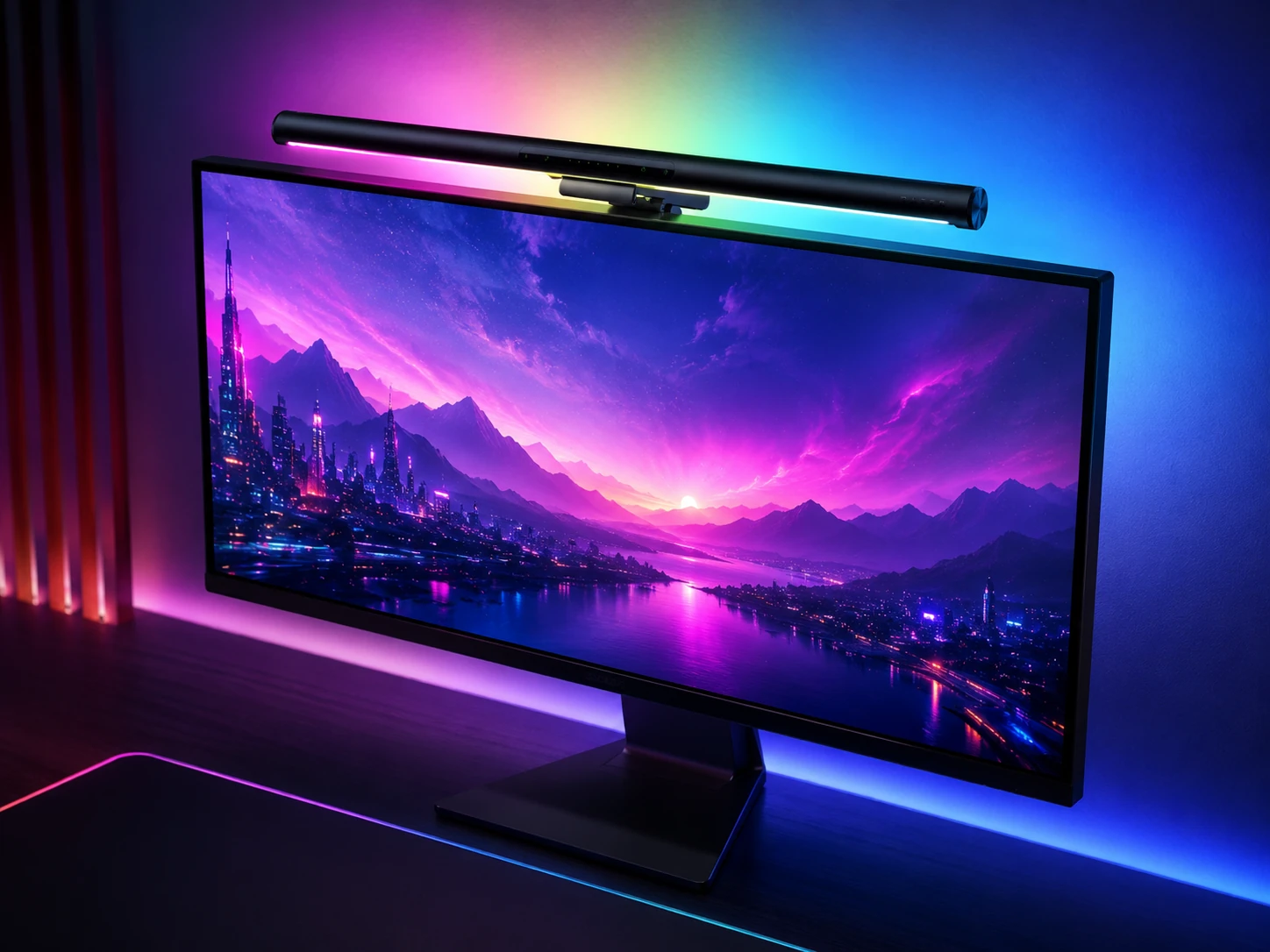
The Razer Aether is the only bar in this roundup built around the Razer Chroma ecosystem, offering 16.8 million color options and integration with Razer Synapse for synchronized lighting across a full Razer peripheral setup. Front and back lighting provide both desk illumination and wall bias lighting, similar in concept to the BenQ Halo 2.
At 87 reviews it has the least buyer validation in this roundup, which reflects its newer release rather than a quality issue. Alexa compatibility allows voice-controlled brightness and color changes. Buyers outside the Razer ecosystem will find better value from the BenQ or Quntis options.
Best for: full Razer Chroma setups where ecosystem lighting synchronization across peripherals is the priority
Check price on AmazonPros
- +Razer Chroma ecosystem integration
- +Front and back lighting for bias and desk illumination
- +Alexa compatible for voice control
- +16.8M color options via Synapse
Cons
- −87 reviews - least validated in this roundup
- −Full value only inside the Razer ecosystem
- −Price varies - check current listing
How to Choose a Gaming Monitor Light Bar
Gaming Light Bar Comparison
| Bar | Ecosystem |
|---|---|
| Govee Gaming G1 | Govee Home app |
| Razer Aether | Razer Chroma |
| Philips Hue Play | Hue Bridge / Matter |
| Quntis RGB 24-mode | Standalone |
| BenQ ScreenBar Halo | Standalone |
Frequently Asked Questions
What is the difference between a gaming monitor light bar and a regular monitor light bar?
Gaming-focused light bars add features like RGB backlight modes, screen color sync, and ecosystem integration (Razer Chroma, Govee Home) that standard bars lack. Standard bars like the BenQ ScreenBar Classic and Quntis Computer Monitor Lamp focus on task lighting quality - higher CRI, auto-dimming, and glare reduction. Gaming bars trade some lighting efficiency for visual effects. The best choice depends on whether your priority is eye comfort during long sessions or RGB atmosphere.
Does a monitor light bar reduce eye strain during gaming?
Yes, by addressing two main causes of gaming eye strain. First, a bar that prevents glare on the screen reduces the constant eye adjustment between bright reflections and screen content. Second, bars with backlight features (BenQ Halo 2, Quntis RGB models) create bias lighting that reduces the contrast between the bright monitor and the darker wall behind it, which is the primary cause of eye fatigue in dark gaming rooms.
Can monitor light bars be used with ultrawide gaming monitors?
Yes, but bar length matters. The standard 15.7-inch Quntis and BenQ ScreenBar Classic cover up to 27-inch monitors well. For ultrawide monitors (34 inches and above), the 20-inch Quntis PRO+ and Quntis RGB Pro+ provide better coverage. For curved ultrawides, the Quntis Curved RGB and BenQ ScreenBar Pro with curved compatibility (1000R-1800R) are designed specifically for this use case.
What does screen color sync mean on a gaming light bar?
Screen color sync means the bar samples the colors being displayed on the monitor and adjusts its backlight LEDs to match. The Govee G1 does this in real time, so if a game displays a red explosion, the rear LEDs shift to red, extending the visual effect beyond the screen edges. This is primarily an ambient effect and does not affect front desk illumination.
Is the BenQ ScreenBar Halo 2 worth $199 for gaming?
It depends on your setup. The Halo 2's main advantage over the $139 ScreenBar Pro is the rear bias lighting, which meaningfully reduces eye strain in consistently dark gaming environments. If you game primarily in a dark room, the bias lighting benefit is real and the price difference is justified. If your room has ambient lighting from windows or overhead lights, the backlight effect is less noticeable and the ScreenBar Pro at $139 provides comparable front illumination.
Bottom Line
Best overall gaming: Govee Gaming Monitor Light G1 - 400 reviews at 4.6 stars, $59.99, best gaming-focused bar with smart app.
Best Razer Chroma: Razer Aether Monitor Light - 168 reviews at 4.5 stars, $99.99, Chroma reactive gaming integration.
Best standalone RGB: Quntis RGB 24-mode Backlight - 1,188 reviews at 4.5 stars, $31.99, most affordable RGB option.
Best Govee budget: Govee Monitor Light Bar Basic - Govee app integration at lower price point.
Best Philips Hue: Philips Hue Play Monitor Bar - Hue ecosystem, Matter support, most reliable smart home integration.
Best wide gaming: BenQ ScreenBar Halo - 4,108 reviews at 4.5 stars, $219.99, premium white backlight for serious setups.
Best budget gaming RGB: Quntis with Backlight and Remote - 971 reviews at 4.7 stars, $49.99, remote plus backlight under $50.
Best desk dial gaming: Yeelight Monitor Light Bar Pro - 3,826 reviews at 4.5 stars, wireless dial, gaming-compatible aesthetics.
Best streaming setup: Baseus Gaming RGB Monitor Bar - 1,432 reviews at 4.5 stars, $45.99, clean RGB for streaming backgrounds.
Browse gaming monitor light bars on Amazon
Filter by RGB type, smart ecosystem, and gaming setup compatibility.
Shop on Amazon →Related Guides
Best Monitor Light Bars (2026)
Best Monitor Light Bars for Curved Monitors (2026)
Best Monitor Light Bars Under $50 (2026)
Best Monitor Stands for Small Desks (2026)
Last updated: July 2026. Verify current Amazon prices before purchasing.