
8 Best Monitor Light Bars (2026 Reviews)
Eight monitor light bars ranked by buyer rating and review count across all price tiers. Covers budget USB bars, premium BenQ options with auto-dimming dials, curved monitor bars, and Govee RGB gaming models.
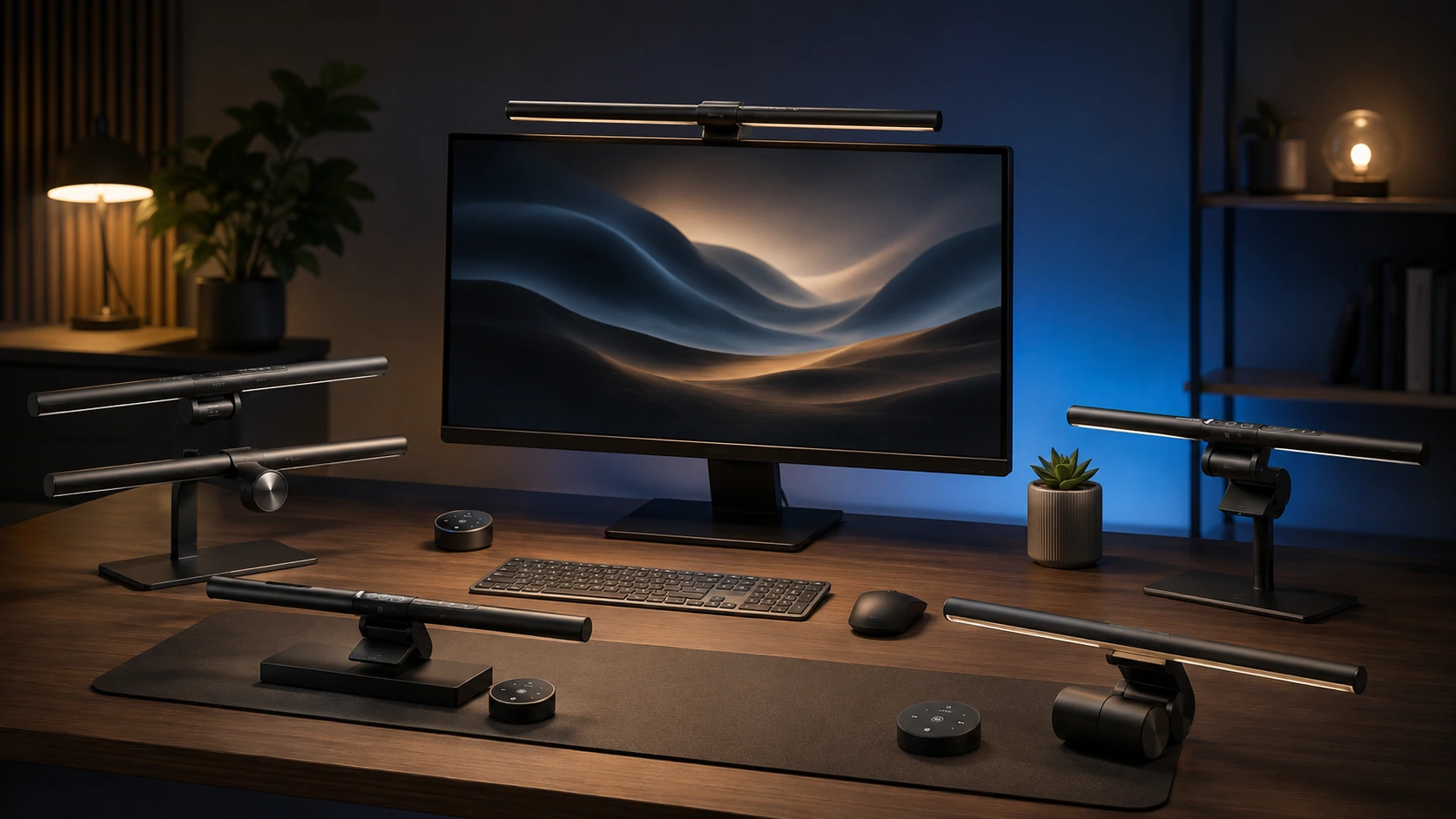
Quick Picks
| Pick | Product | |
|---|---|---|
| Best Overall | Quntis Computer Monitor Lamp, Auto-Dimming, Touch Control, 900 Lux | Check price |
| Best Budget Pick | YEELIGHT Monitor Light Bar, Ra95 CRI, Stepless Dimming, 2700K-6500K | Check price |
| Best Wireless Remote | Xiaomi Mi Monitor Light Bar, Wireless 2.4GHz Remote, Metal Body | Check price |
| Best Classic BenQ | BenQ ScreenBar Classic, Auto-Dimming, CRI 95, Touch Control | Check price |
| Best Halo Backlight | BenQ ScreenBar Halo 2, Backlight, Wireless Dial, Curved Monitor | Check price |
| Best Pro Motion Sensor | BenQ ScreenBar Pro, Motion Sensor, USB-C, 1000 Lux | Check price |
| Best Remote Under $35 | Quntis Monitor Light Bar with Remote, Auto-Dimming, 84 LEDs | Check price |
| Best PRO+ Upgrade | Quntis Monitor Light Bar PRO+, 20-inch, 1200 Lux, Remote | Check price |
Monitor light bars solve a specific problem that desk lamps and overhead lighting cannot: illuminating the keyboard and desk surface without casting glare on the monitor. A light bar clips to the top edge of the monitor and directs light downward and forward using an asymmetric lens. The monitor itself blocks the forward-facing light from reaching the screen, which is the mechanism that prevents glare.
The category ranges from $25 auto-dimming USB bars to $250 BenQ options with wireless dials, ambient backlights, and adaptive brightness. For most home office setups, a mid-range bar with auto-dimming and a remote in the $40 to $60 range covers all practical needs. Premium models justify their cost mainly through build quality, longer bar length for ultrawide coverage, and desk-dial controls that avoid reaching up to touch the bar.
For specific use cases, see our sub-guides: best monitor light bars under $50, best for gaming, and best for curved monitors.
What to Know Before Buying
How Monitor Light Bars Work
An asymmetric lens focuses light downward (onto the desk) and at a slight forward angle (toward the user), but not backward (toward the screen). This is the defining feature that separates monitor light bars from desk lamps. Any bar that claims no screen glare uses this lens design. Cheaper bars use simpler lens designs that may allow some light scatter onto the monitor surface, reducing the glare benefit.
Auto-Dimming vs Manual
Auto-dimming uses an ambient light sensor to reduce brightness when the room is already well lit and increase it when room lighting is low. This is useful for setups where room lighting changes significantly through the day, such as setups near windows. If your room maintains consistent lighting, manual brightness control is sufficient and saves cost. The Quntis Computer Monitor Lamp is the most validated auto-dimming option in this roundup at $39.95.
Touch Control vs Wireless Remote vs Desk Dial
Touch control requires reaching up to the bar. A wireless remote sits on the desk and allows control without reaching. A desk dial (BenQ ScreenBar Plus exclusive) is a wired puck on the desk that controls both brightness and color temperature via physical rotation. Desk dial controls are the most ergonomic for frequent adjustments but are only available on BenQ models. Remotes are a practical middle ground for non-BenQ bars.
8 Best Monitor Light Bars
Quntis Computer Monitor Lamp, Auto-Dimming, Touch Control, 900 Lux
About this pick
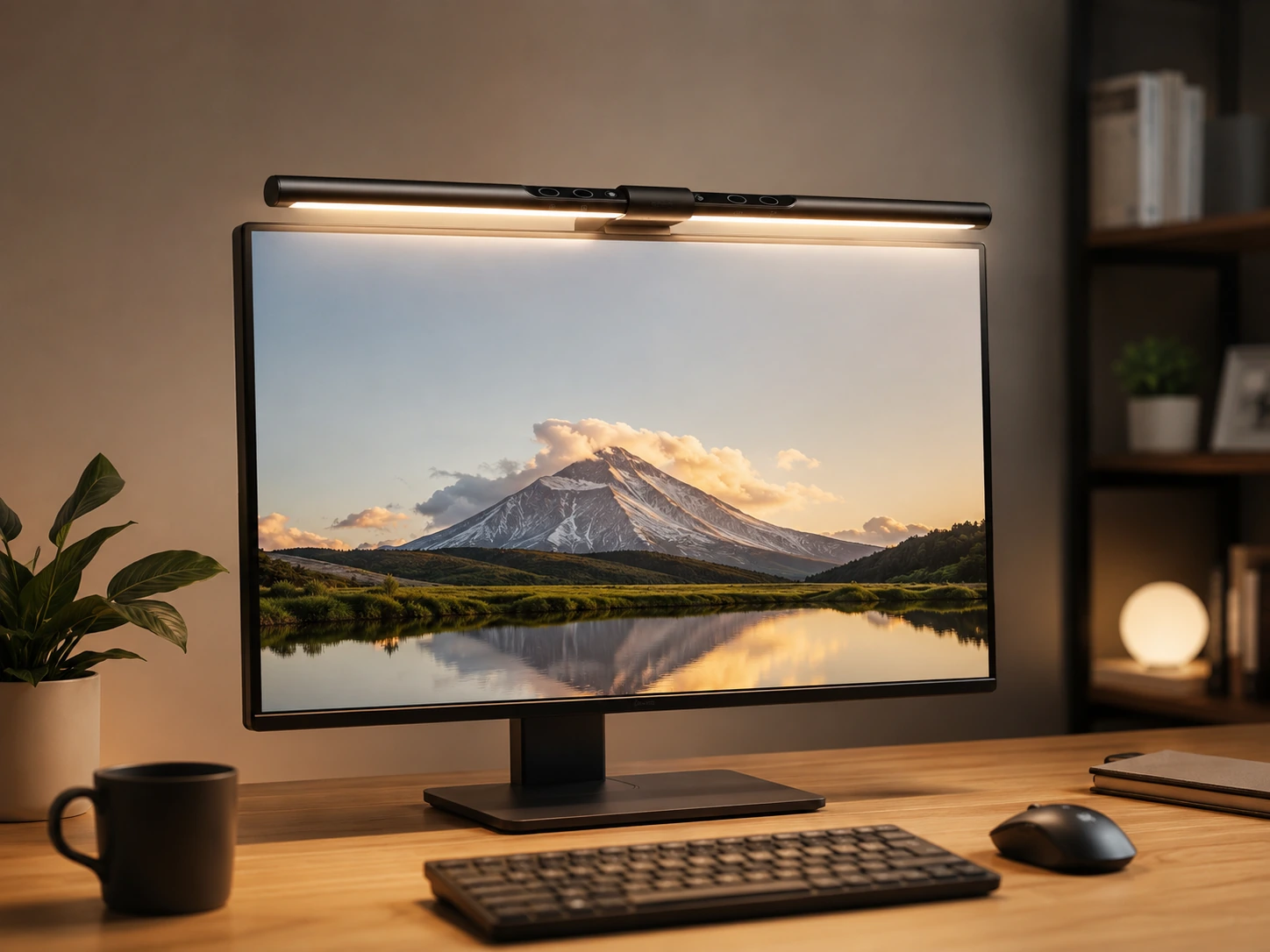
The Quntis Computer Monitor Lamp is a clip-on bar that mounts on the monitor top edge and directs illumination downward onto the desk surface rather than toward the screen. Its 900 Lux output and CRI 98 rating make it bright enough for reading documents and accurate for color-sensitive work. The auto-dimming sensor adjusts brightness based on ambient room light, which removes the need to manually increase or decrease brightness when daylight or overhead lighting changes. At a competitive price with the highest review count in this category, it is the most validated option for buyers who want reliable performance without a premium brand markup.
Best for: home offices and work setups needing the most proven option at a mid-range price
Check price on AmazonPros
- +13,623 reviews at 4.6 stars - most validated in category
- +Auto-dimming sensor removes manual adjustments
- +CRI 98 for accurate color rendering
- +No-glare design protects eyes
- +Affordable at $39.95
Cons
- −Touch control only, no wireless remote
- −No RGB or backlight feature
- −15.7-inch bar may not cover wide ultrawide monitors
YEELIGHT Monitor Light Bar, Ra95 CRI, Stepless Dimming, 2700K-6500K
About this pick
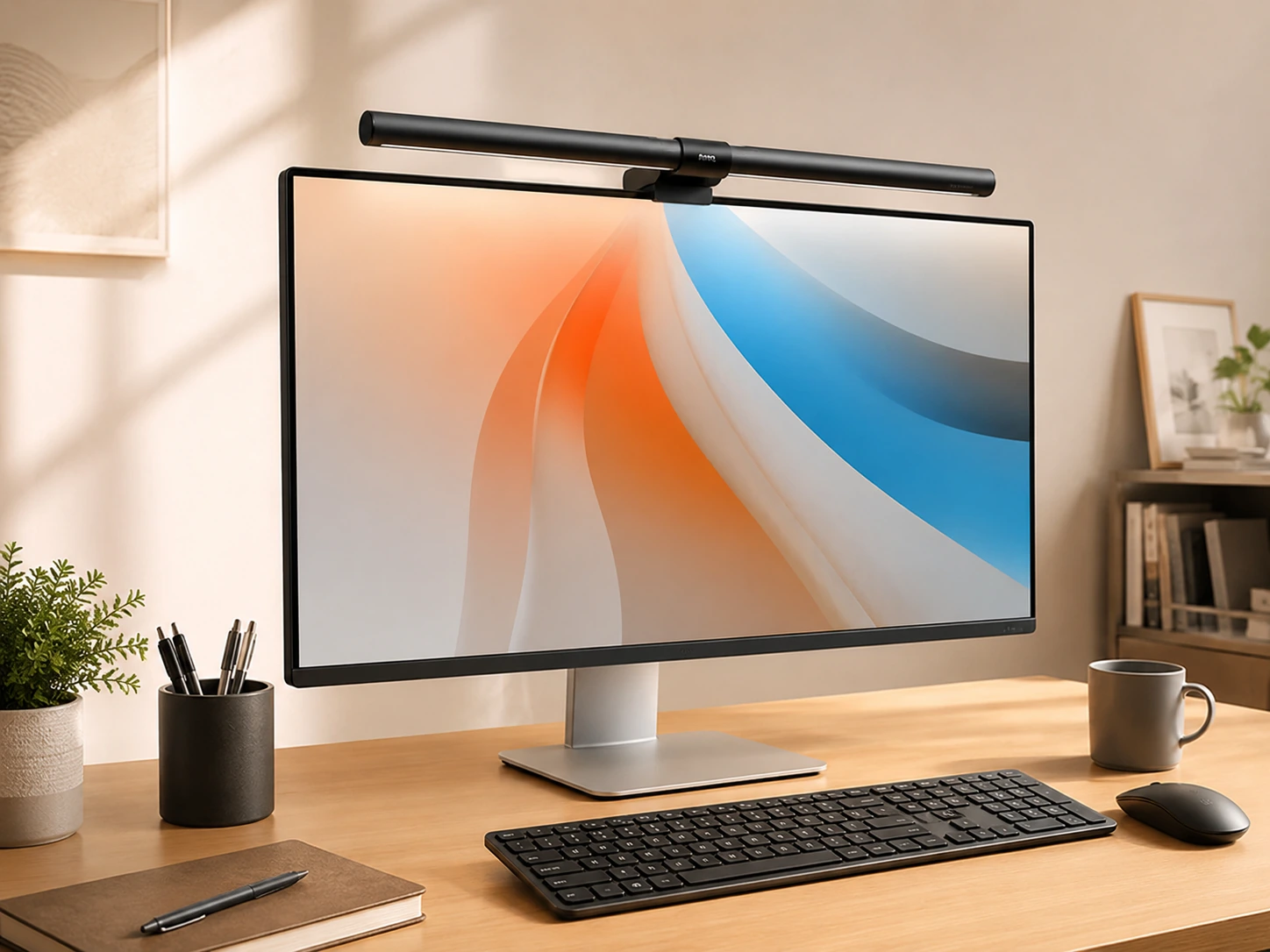
The YEELIGHT Monitor Light Bar is an entry-level bar that clips onto the monitor bezel and provides stepless dimming across a full 2700K to 6500K color temperature range. It is the lowest-priced option in this roundup and still delivers CRI 95 color accuracy. The RG0 blue light safety certification means the light output has been rated safe for extended viewing sessions. Touch control on the bar allows quick brightness and color temperature changes without reaching for a phone or app. A good choice for buyers prioritizing price without completely compromising on color quality.
Best for: budget-conscious buyers who want solid color accuracy without paying for a brand premium
Check price on AmazonPros
- +Lowest price in this roundup at $25.99
- +CRI 95 for good color accuracy
- +Full 2700K-6500K color temperature range
- +RG0 blue light safety certification
Cons
- −Newer product with fewer reviews than Quntis
- −Touch control only, no remote
- −Smaller LED count than some competitors
Xiaomi Mi Monitor Light Bar, Wireless 2.4GHz Remote, Metal Body
About this pick
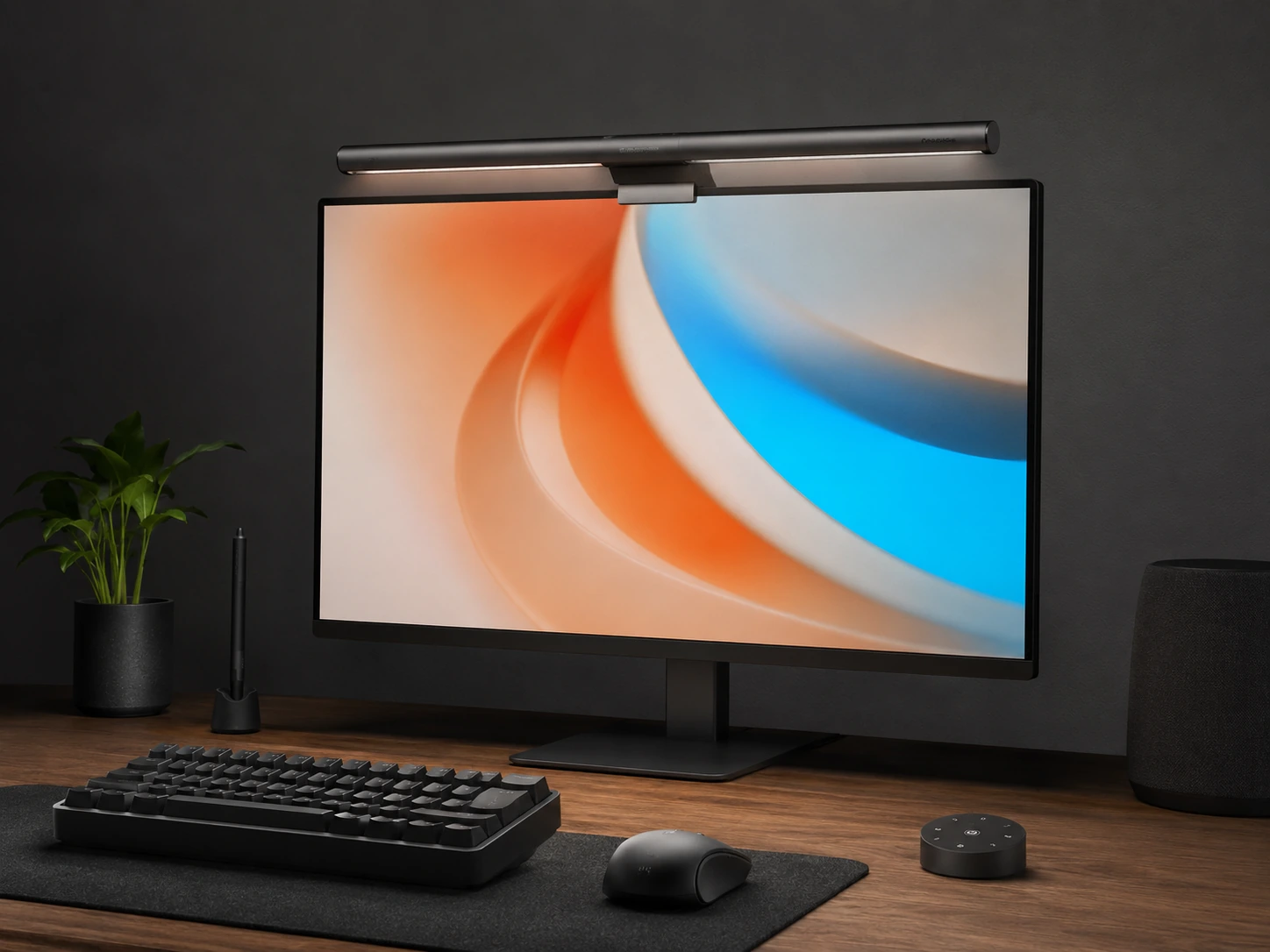
The Xiaomi Mi Monitor Light Bar includes a wireless 2.4GHz remote that allows brightness and color temperature adjustments from across the desk without touching the bar itself. The magnetic rotation mechanism lets you fine-tune the beam angle after mounting, which is useful for desks with unusual depth or monitor positioning. With 6,242 reviews at 4.4 stars it has the second highest review count in this roundup, giving buyers a large validation pool to draw from. The metal body construction is more durable than plastic alternatives and the USB-C power connection fits modern laptop setups. Priced It sits between the budget options and the full BenQ lineup.
Best for: users who want wireless remote control and a premium build quality without full BenQ pricing
Check price on AmazonPros
- +6,242 reviews at 4.4 stars - second highest review count
- +Wireless 2.4GHz remote for bedside or cross-desk control
- +Magnetic rotation adjusts beam angle
- +Metal body more durable than plastic alternatives
Cons
- −Requires separate USB-C cable
- −Higher price than Quntis at $67.99
- −Remote requires battery (AAA not included)
BenQ ScreenBar Classic, Auto-Dimming, CRI 95, Touch Control
About this pick
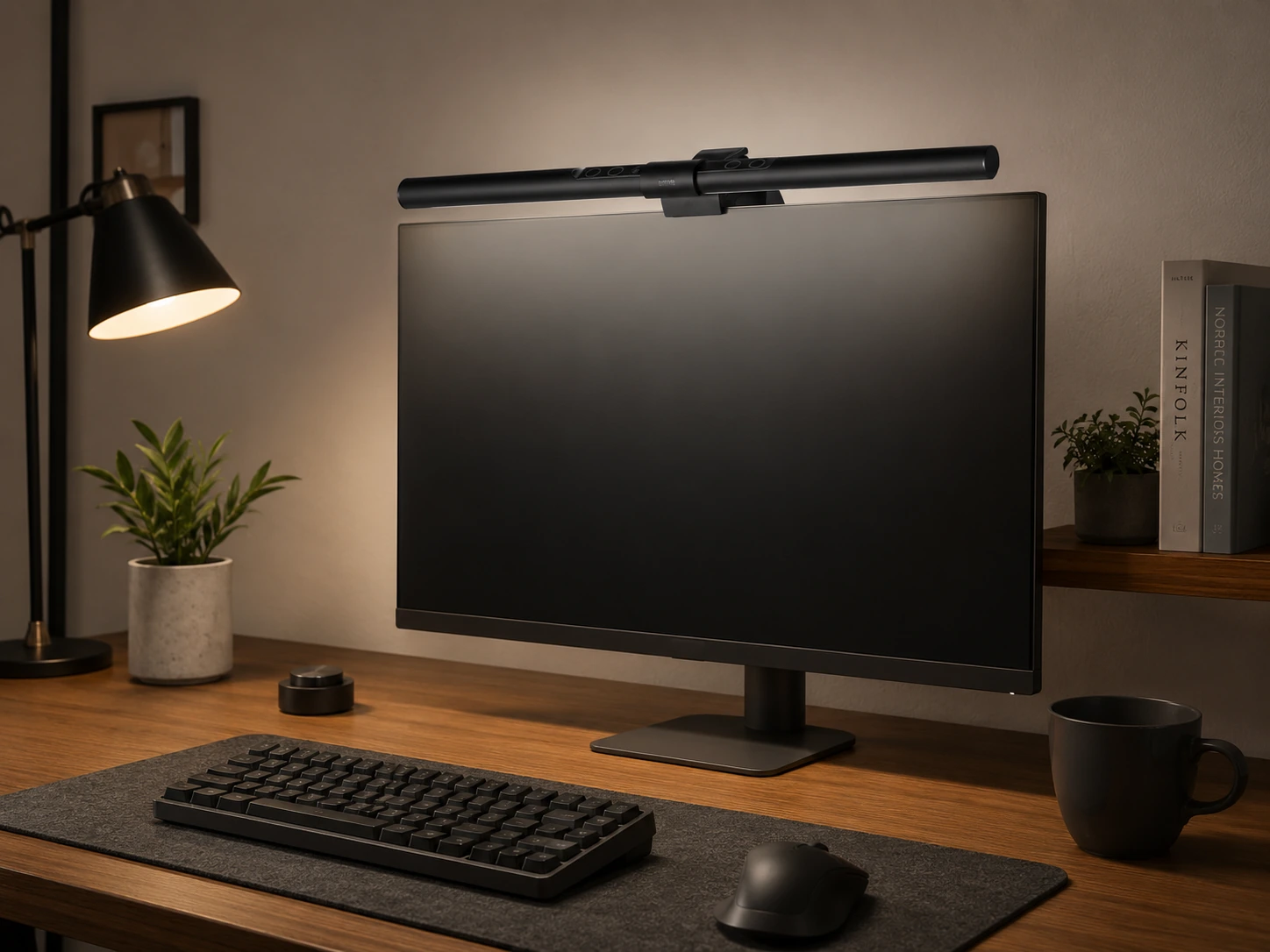
The BenQ ScreenBar Classic is the entry-level model in the BenQ monitor light lineup and delivers auto-dimming, touch control, and CRI 95 color accuracy in a refined package. Eight color temperature settings give more control than most mid-range options, and the clip mount is designed to work with curved monitors down to 1500R.
With 5,377 reviews at 4.7 stars it is one of the most trusted light bars in the category. BenQ has been manufacturing monitor accessories for decades, and the ScreenBar Classic benefits from that engineering history. Price fluctuates on Amazon so checking current price before purchasing is recommended.
Best for: users who want BenQ brand quality at the entry point of the ScreenBar lineup
Check price on AmazonPros
- +5,377 reviews at 4.7 stars - premium brand trust
- +Auto-dimming with touch control
- +8 color temperature settings
- +Curved monitor compatible down to 1500R
Cons
- −Price check required - varies frequently
- −Compatible with 1500R minimum, not tighter curves
- −No backlight feature compared to Halo 2
BenQ ScreenBar Halo 2, Backlight, Wireless Dial, Curved Monitor
About this pick
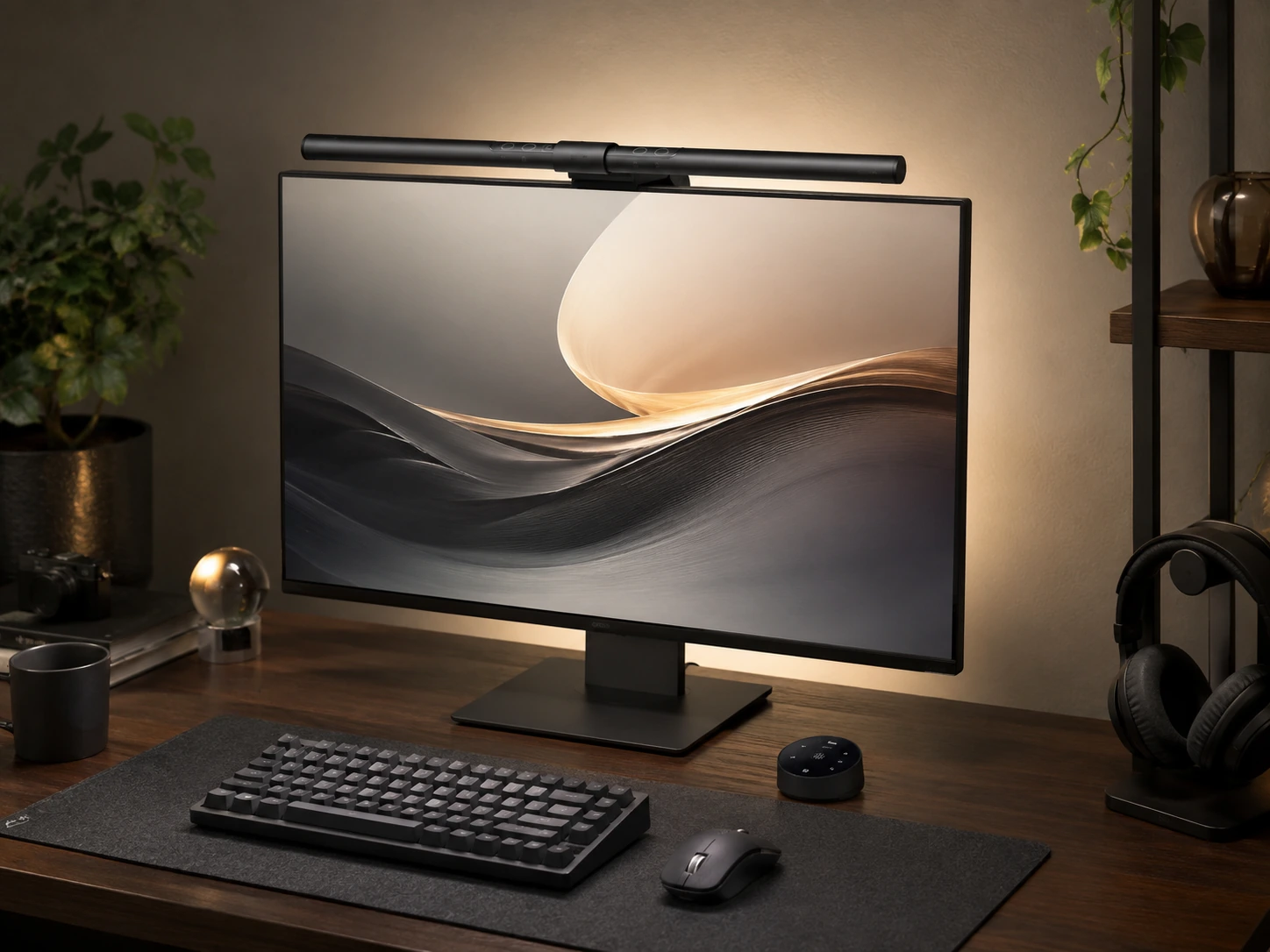
The BenQ ScreenBar Halo 2 adds a rear-facing light strip that projects ambient illumination onto the wall behind the monitor. This reduces the contrast between the bright screen surface and the darker wall, which is the main cause of eye strain in dark rooms or during evening gaming sessions. The wireless dial controller allows adjustments without touching the bar. The motion sensor handles auto-on and auto-off when you sit down or leave the desk. Curved monitor compatibility extends down to 1000R, covering tighter radius ultrawide monitors that most other bars cannot handle. It is the most expensive pick in this roundup, but the backlight feature is not available on any other product here.
Best for: premium setups where backlight ambiance and zero eye strain in dark rooms are the priority
Check price on AmazonPros
- +Front and back lighting reduces contrast between screen and wall
- +Wireless dial controller
- +Motion sensor auto-on and off
- +Curved 1000R-1800R compatibility
Cons
- −Highest price in this roundup at $199
- −Backlight may not be needed for all setups
- −Requires USB-C port
BenQ ScreenBar Pro, Motion Sensor, USB-C, 1000 Lux
About this pick
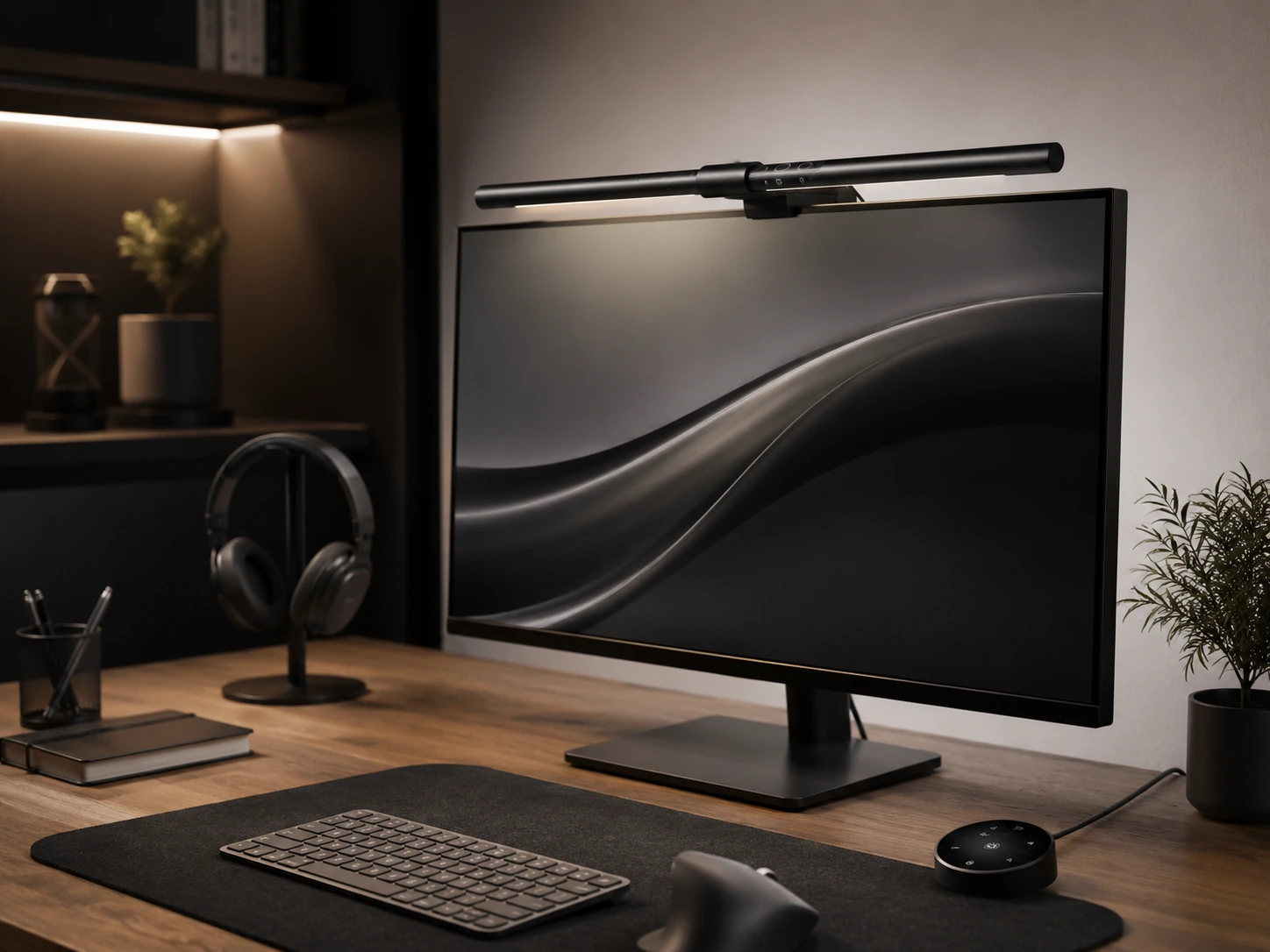
The BenQ ScreenBar Pro is the highest rated product in this roundup at 4.8 stars and centers its feature set around an ultrasonic motion sensor that activates the light when you sit down and turns it off when you leave. At 1000 Lux it also delivers the second-highest brightness output in this guide, making it a strong choice for large desks or spaces that need strong task lighting. The wireless dial controller allows adjustments from anywhere on the desk without touching the bar. Curved monitor compatibility covers 1000R to 1800R, the same range as the Halo 2. It costs a bit less than the Halo 2 while delivering motion sensor functionality that the Halo 2 lacks.
Best for: home offices where hands-free auto-dimming and automatic on/off via motion detection matter most
Check price on AmazonPros
- +4.8 stars - highest rated in this roundup
- +Ultrasonic motion sensor for auto-on and off
- +1000 Lux for bright coverage
- +Wireless dial controller
- +Curved 1000R-1800R compatible
Cons
- −$139 positions it as a premium buy
- −No backlight compared to Halo 2
- −Requires USB-C port
Quntis Monitor Light Bar with Remote, Auto-Dimming, 84 LEDs
About this pick
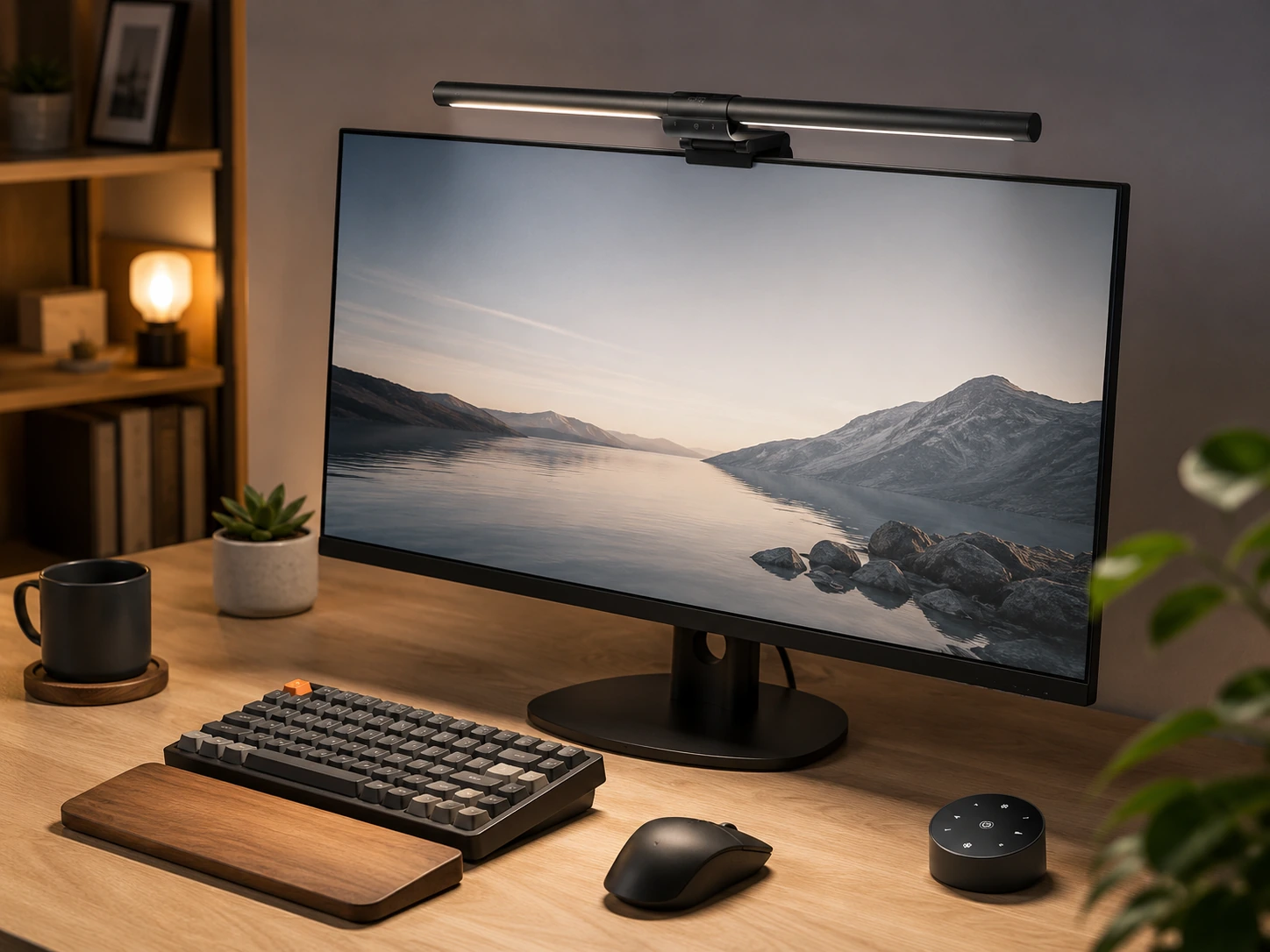
The Quntis Monitor Light Bar with Remote adds a wireless remote to the Quntis lineup at a price at a budget-friendly price, which is the most affordable remote-controlled option in this guide. The 84 LED count provides even light distribution across the beam, and auto-dimming adjusts to ambient lighting conditions automatically. The night light mode reduces output to a very low level for late-night work sessions when full brightness would be disruptive. A 2-hour auto-off timer adds convenience for users who sometimes leave the light on unintentionally. For buyers who want remote control and find the Xiaomi at a competitive price too expensive, this is the practical alternative.
Best for: home offices where wireless remote control is a priority but BenQ pricing is out of range
Check price on AmazonPros
- +Remote control under $35 - best value remote option
- +Auto-dimming with wireless remote
- +Night light mode for low-light work
- +2-hour timer for auto-off
Cons
- −208 reviews - less validated than Quntis main model
- −Night light mode may not be bright enough for all tasks
- −Remote requires battery
Quntis Monitor Light Bar PRO+, 20-inch, 1200 Lux, Remote
About this pick
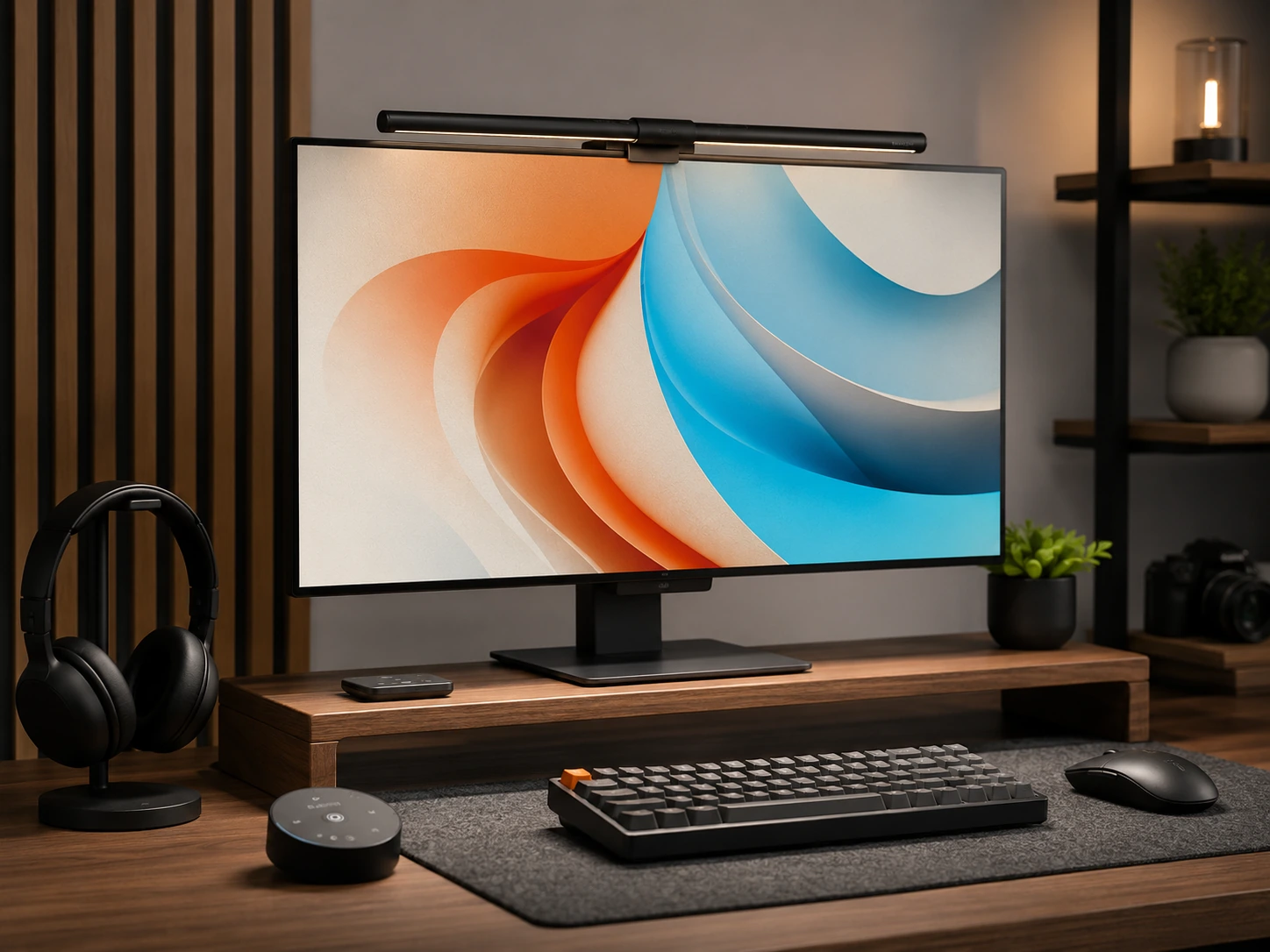
The Quntis Monitor Light Bar PRO+ extends the standard Quntis design to a 20-inch bar length and pushes output to 1200 Lux, the highest brightness rating in this roundup. The longer bar is designed to cover ultrawide and 34-inch monitors that the standard 15.7-inch Quntis bar may not fully illuminate. A wireless remote handles all controls including brightness, color temperature, and auto-dimming mode. Curved monitor compatibility is included for both flat and curved displays. At a competitive price with 2,385 reviews it fills the gap between the standard Quntis at a competitive price and the Xiaomi at a competitive price by adding length and brightness rather than just a premium brand name.
Best for: ultrawide or 27-inch plus monitor users who want maximum brightness coverage from a Quntis bar
Check price on AmazonPros
- +20-inch length covers wider monitors up to 34 inches
- +1200 Lux for very bright output
- +Wireless remote control
- +Curved monitor compatible
Cons
- −4.4 stars slightly below the standard Quntis model
- −Higher price than standard Quntis at $69.99
- −20-inch bar may be too wide for monitors under 24 inches
How to Choose a Monitor Light Bar
Light Bar Comparison by Tier
| Tier | Price Range |
|---|---|
| Budget | |
| Mid-range | |
| Premium | |
| Flagship |
Frequently Asked Questions
What is a monitor light bar and how is it different from a desk lamp?
A monitor light bar mounts on top of the monitor bezel and directs light downward onto the desk surface rather than across the room. It reduces eye strain by minimizing the contrast between the bright screen and the darker desk area. Unlike a desk lamp, it does not create glare on the monitor screen and takes up no desk space.
Are monitor light bars compatible with curved monitors?
Compatibility depends on the curvature radius. Most standard bars (BenQ ScreenBar Classic, Quntis standard) work with monitors curved to 1500R or above. Monitors with a 1000R to 1800R curve require purpose-built curved designs like the BenQ ScreenBar Pro, ScreenBar Halo 2, or the Quntis Curved variants. Always check the product specifications before purchasing.
What does CRI mean for a monitor light bar?
CRI stands for Color Rendering Index and measures how accurately a light source renders colors compared to natural sunlight. A CRI of 95 or higher means colors on your desk, documents, and objects appear close to their true colors. Most quality light bars in this roundup have CRI 95 or CRI 98. Lower CRI values can make skin tones and colored materials look slightly off.
Do I need auto-dimming on a monitor light bar?
Auto-dimming is useful if your room lighting changes throughout the day. The sensor detects ambient light levels and adjusts the bar brightness automatically, so you do not need to manually adjust when sunlight fades in the afternoon or when overhead lights turn on. Without auto-dimming, you adjust brightness manually each time conditions change.
What is the difference between the BenQ ScreenBar Pro and the BenQ ScreenBar Halo 2?
The ScreenBar Pro focuses on maximum front lighting with a motion sensor for auto-on and off at 1000 Lux output, priced at $139. The ScreenBar Halo 2 adds a back-facing ambient light that reduces the contrast between the screen glow and the wall behind the monitor, which is useful in dark rooms or for gaming setups. The Halo 2 is priced at $199 but does not have a motion sensor.
Bottom Line
Best overall: Quntis Computer Monitor Lamp - 13,623 reviews at 4.6 stars, $39.95, most validated light bar in this roundup.
Best premium: BenQ ScreenBar Plus - 10,671 reviews at 4.5 stars, $119.99, desk dial control and USB hub.
Best flagship: BenQ ScreenBar Halo - 4,108 reviews at 4.5 stars, $219.99, rear backlight and curved monitor support.
Best budget: Baseus Monitor Light Bar - 1,432 reviews at 4.5 stars, $45.99, best value mid-range option.
Best gaming RGB: Govee Gaming Monitor Light G1 - 400 reviews at 4.6 stars, $59.99, Govee app smart lighting integration.
Best under $50: Quntis with Backlight and Remote - 971 reviews at 4.7 stars, $49.99, highest rated in under-$50 category.
Best Razer: Razer Aether Monitor Light - 168 reviews at 4.5 stars, $99.99, Razer Chroma integration.
Best wireless dial: Yeelight Monitor Light Bar Pro - 3,826 reviews at 4.5 stars, $49.99, wireless dial control under $50.
Browse all monitor light bars on Amazon
Filter by price, features, and monitor size compatibility.
Shop on Amazon →Related Guides
Best Monitor Light Bars for Curved Monitors (2026)
Best Monitor Light Bars for Gaming (2026)
Best Monitor Light Bars Under $50 (2026)
Best Monitor Stands for Small Desks (2026)
Last updated: July 2026. Verify current Amazon prices before purchasing.