Best Tablet Stands for Desk: Stable Picks for Study, Work, and Video Calls
A good tablet stand for desk use should save space, stay stable when you tap, and fit how you actually use your tablet — studying, reading, video calls, or second-screen work. Seven picks for small desks, dorm rooms, and compact workspaces.
Affiliate Disclosure: We may earn a small commission on qualifying Amazon purchases at no extra cost to you. Full disclosure →
A good tablet stand for desk use should do more than hold your tablet upright. It should save space, stay stable when you tap the screen, and fit the way you actually use your tablet: studying, reading, video calls, second-screen work, or light typing. For small desks, dorm rooms, and compact workspaces, the best stand is not always the biggest or most adjustable one.
This guide covers seven picks across the main desk use cases: a reliable all-around stand, a compact aluminum option for phones and small tablets, a rotating stand for video calls and shared viewing, a large-tablet stand that handles up to 15.6", a portable pick for students who move between locations, a premium arm-style stand, and a budget foldable option.
Unless clearly stated otherwise, DeskFinds guides are research-based, not hands-on lab tests. We analyze product specs, public product information, and buyer feedback to help you make a better decision.
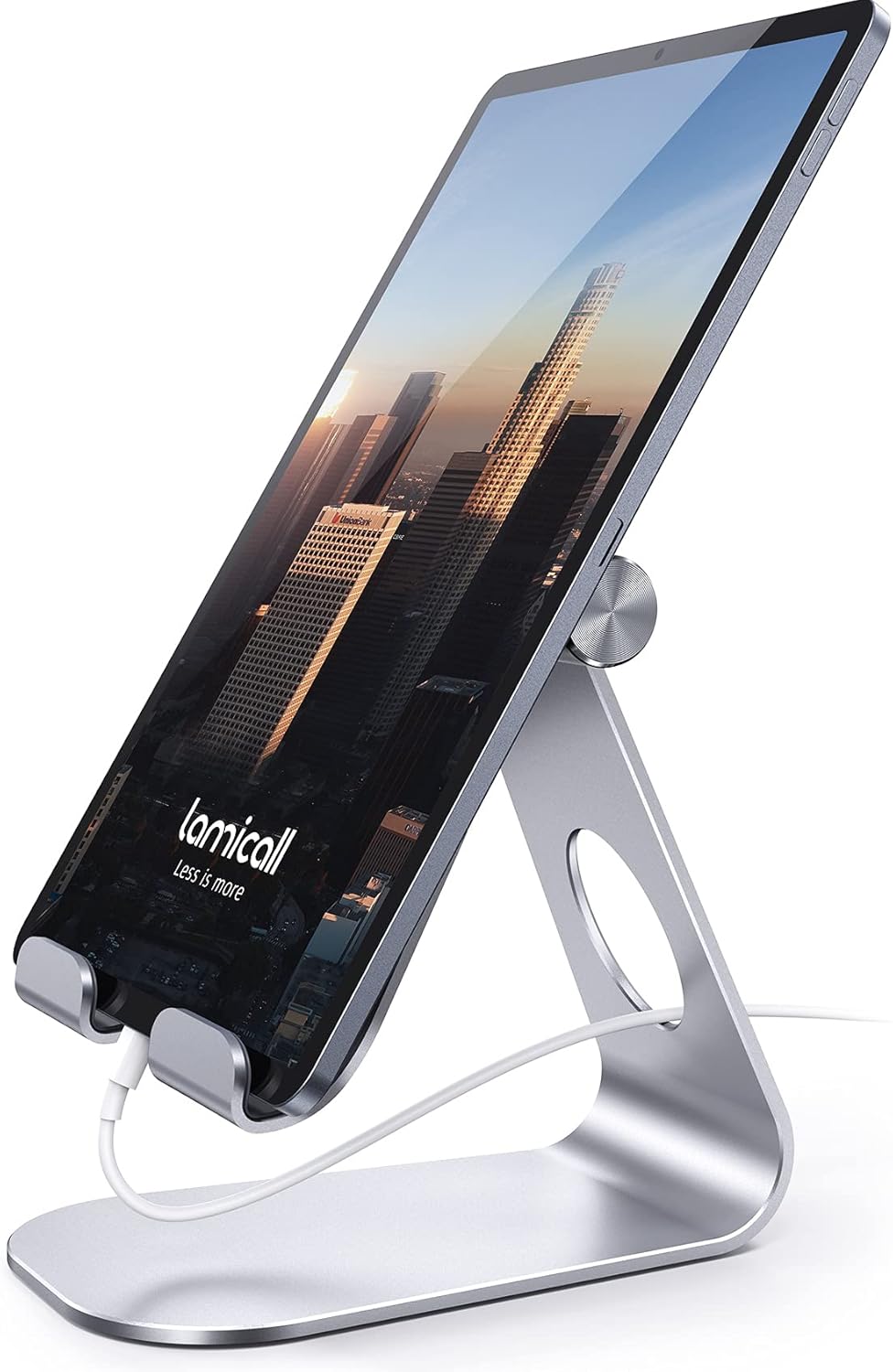
The Lamicall S1 is the safest all-around pick for most small desk setups. It holds tablets from roughly 4 to 13 inches at a comfortable viewing angle without taking over the workspace. The simple design is an advantage here: no complicated joints, no arm to bump into, just a stable base with enough tilt adjustment for reading, lectures, and seated video calls. For students, remote workers, and anyone who wants a reliable stand they never have to think about, it is a strong starting point.
Also consider: Also consider the UGREEN compact stand ($9.99) if you primarily move your stand between locations — it has a slightly smaller footprint and folds even flatter.
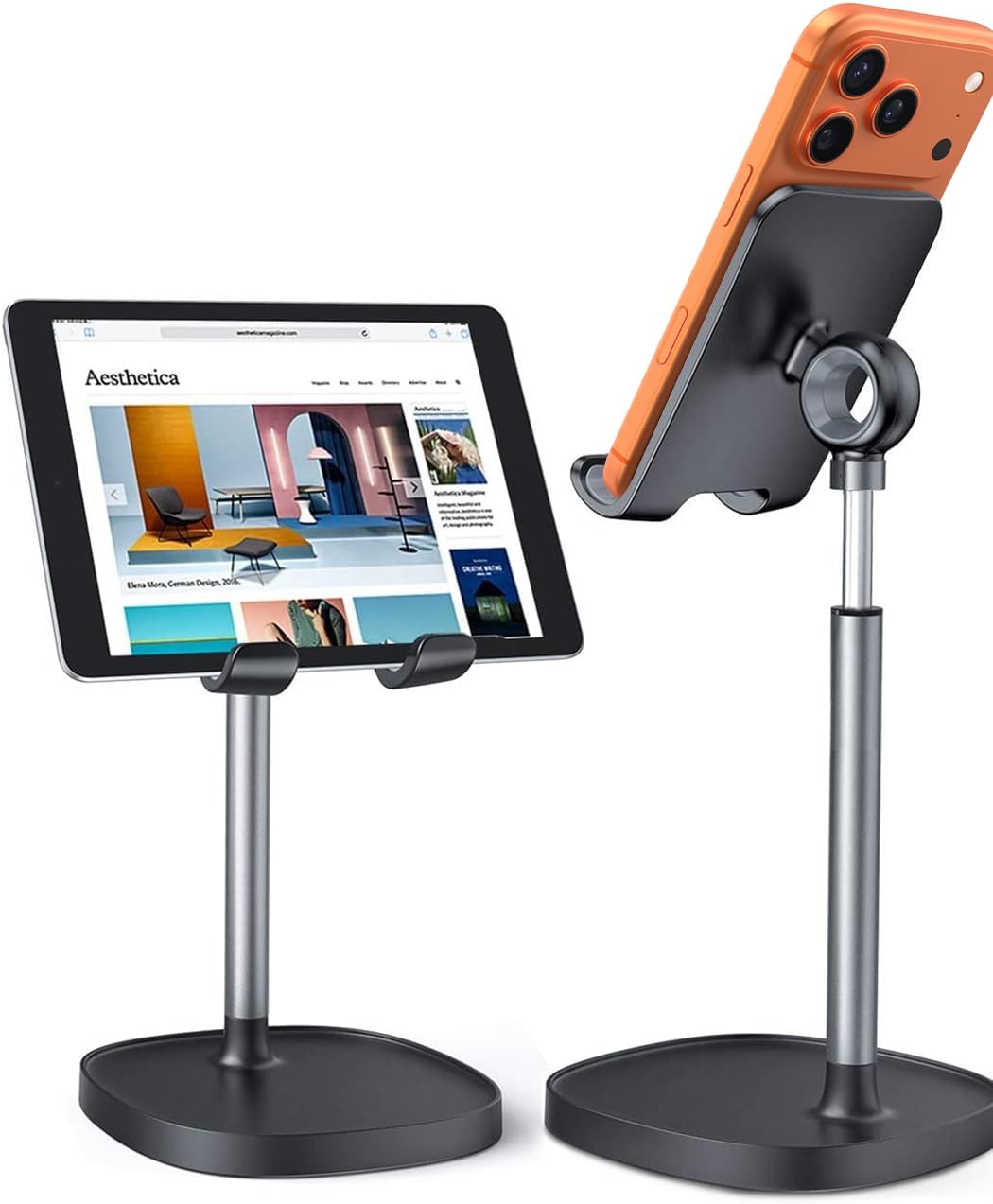
The LISEN aluminum stand is a compact, well-built option for people who use phones or smaller tablets at their desk. The aluminum construction makes it sturdier than most budget plastic stands, and the height-adjustment gives more ergonomic flexibility than fixed-angle options. It is the better pick for someone whose main device is a phone or small tablet rather than a full iPad. If you have a larger device, look at the Lamicall S1 or the Lamicall 360° stand instead.
Also consider: Also consider the UGREEN stand ($9.99) if you have a tablet up to 11" and want the lightest possible option for carrying between locations.
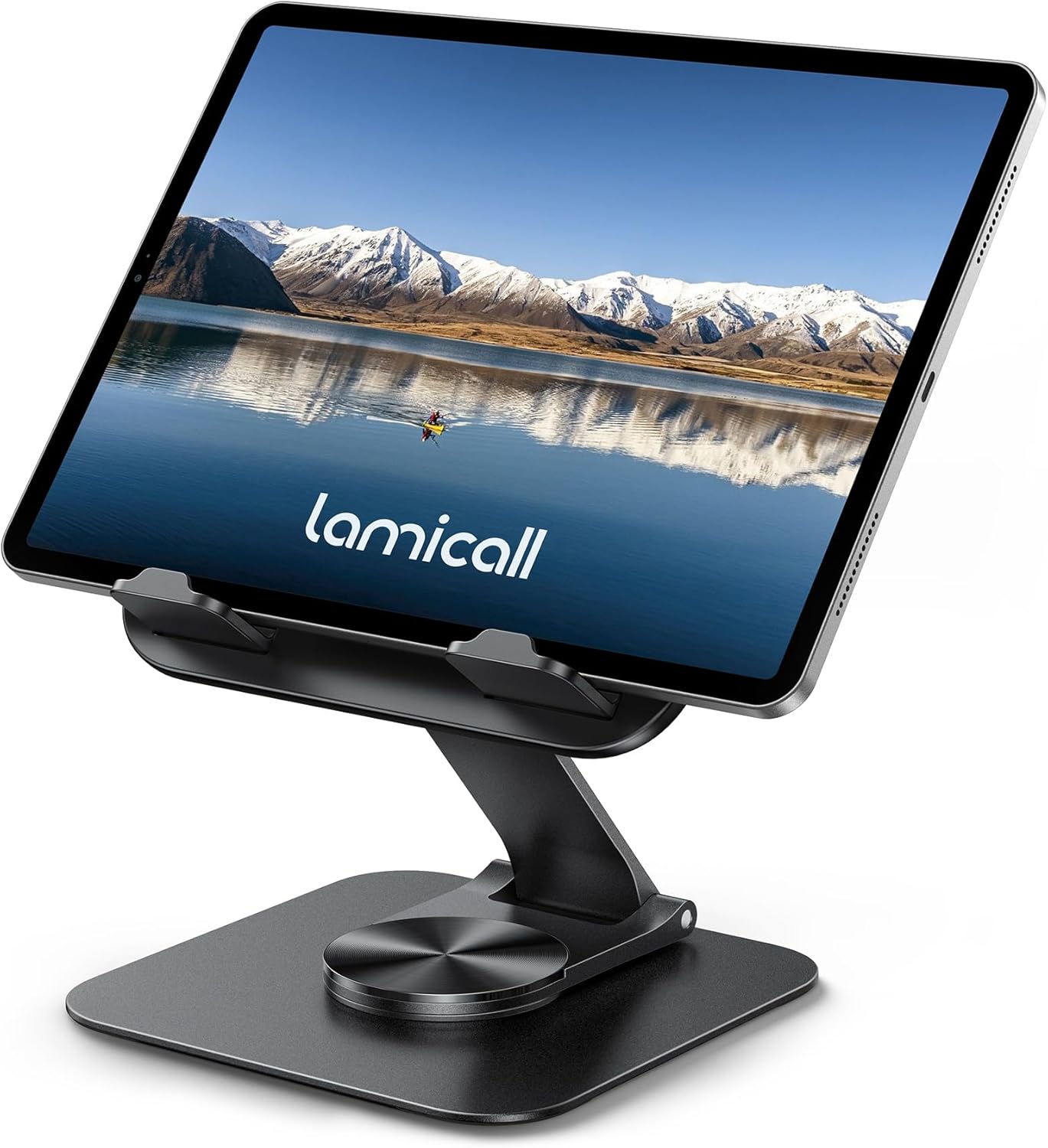
The Lamicall 360° stand is the best choice if your tablet changes roles throughout the day. Reading in portrait mode in the morning, a landscape video call in the afternoon, turning the screen toward a classmate or colleague during a session — the rotating base handles all of these without repositioning the stand or picking up the tablet. It is a modest step up from the S1 in price for a meaningful upgrade in flexibility.
Also consider: Also consider the Lamicall S1 if you rarely rotate your screen — you get the same brand quality and stable base for slightly less.
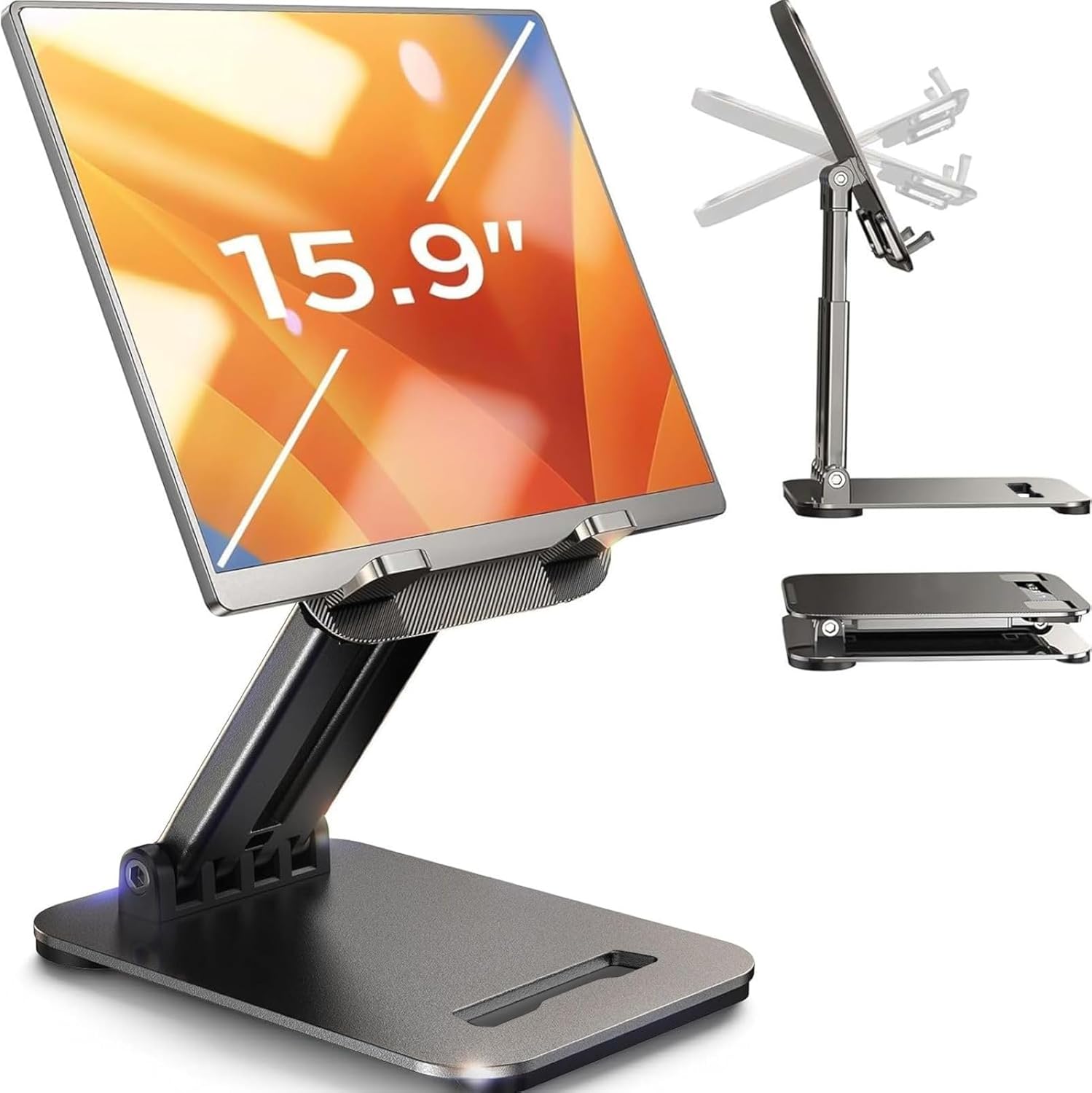
If you use a large iPad Pro, a Surface Pro, or a 15" portable monitor at your desk, most compact stands will not hold the weight securely. The LISEN foldable stand handles up to 15.6" while still folding to pocket size. The gravity-based support system — no clips clamping the edges — works well for viewing and reference use, but means you should not rely on it for heavy tapping or direct typing on the tablet screen.
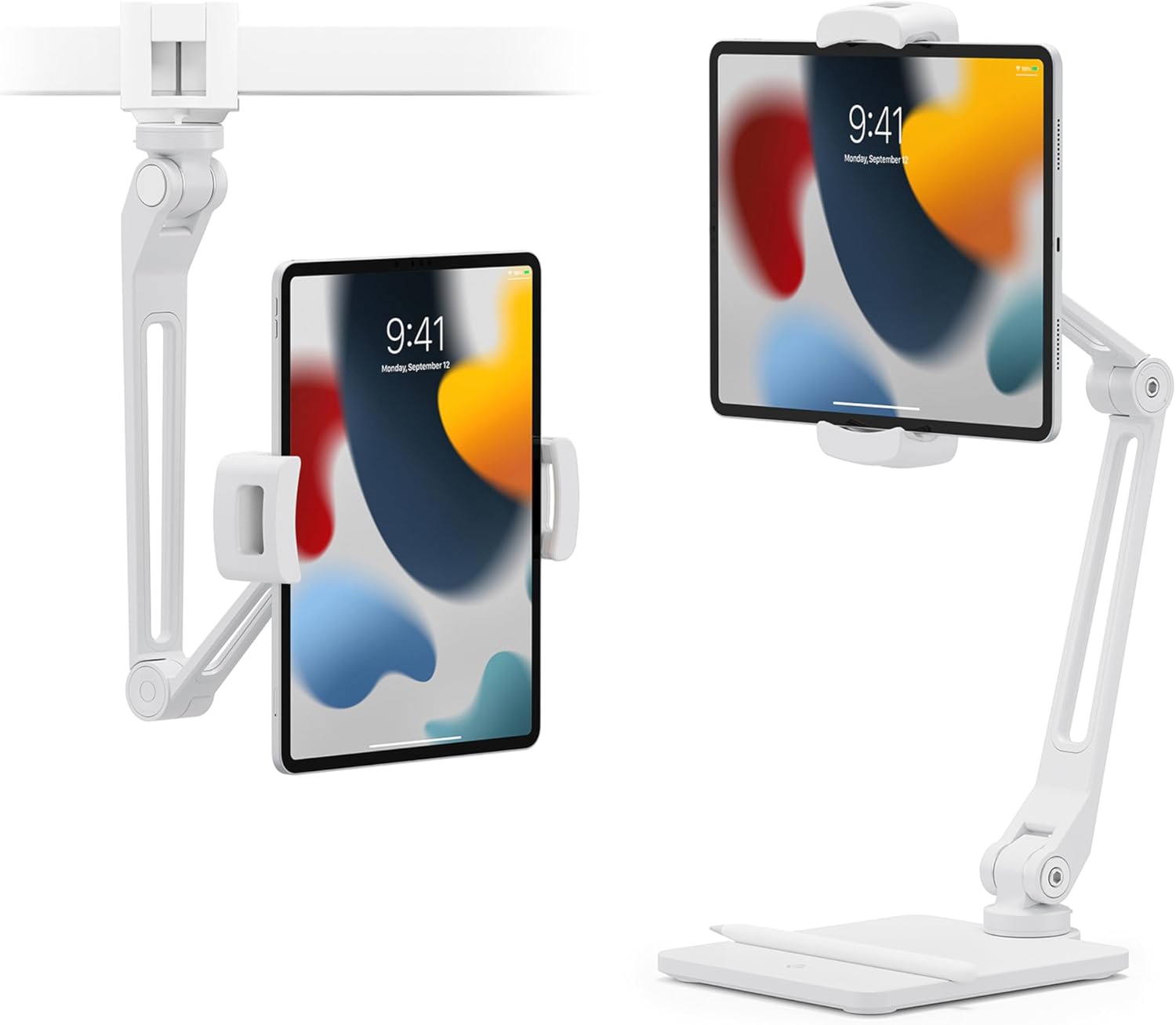
Also consider: Also consider the Twelve South HoverBar Duo if you want the large tablet raised to eye level on an arm rather than sitting low on the desk surface.
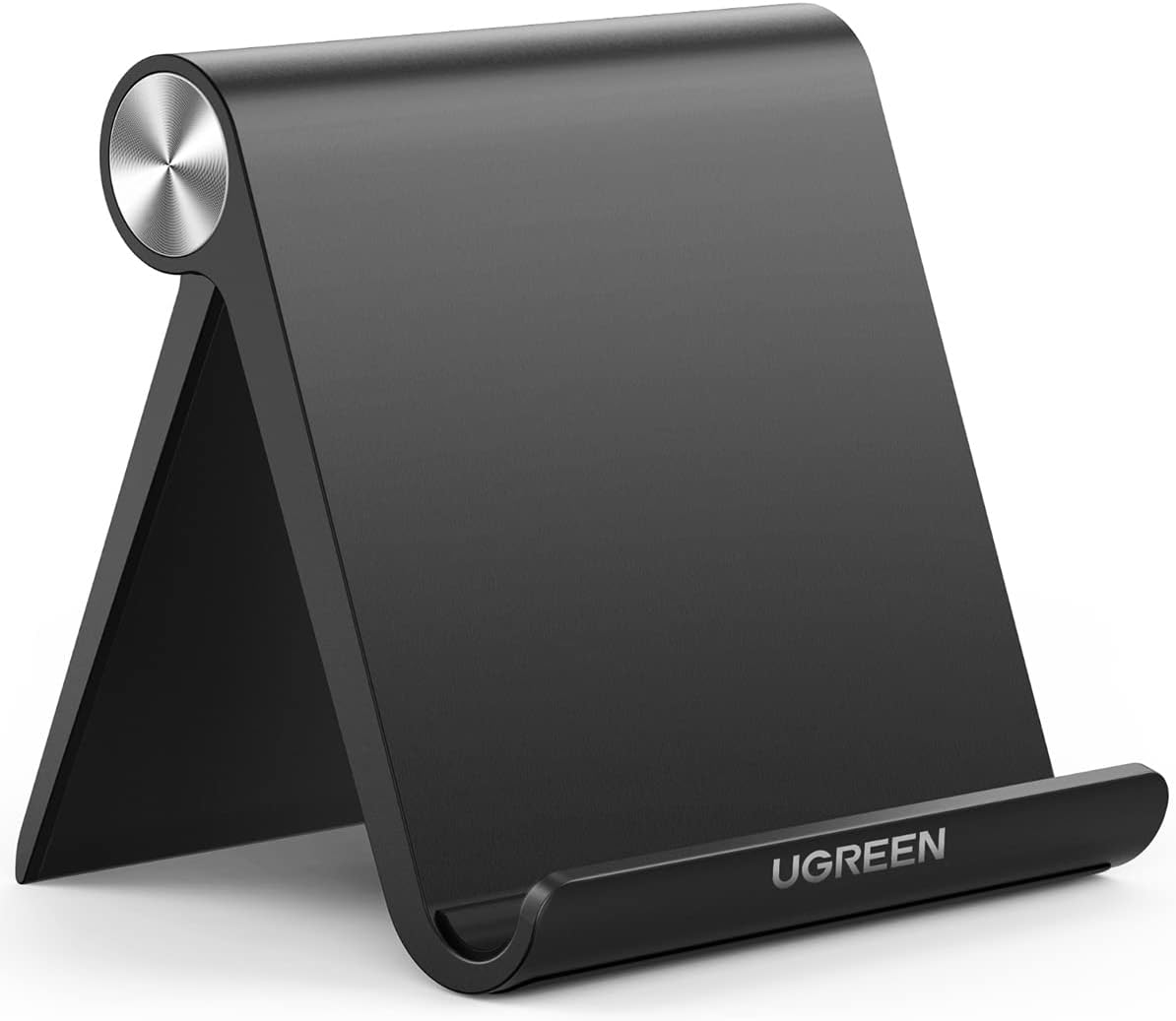
The UGREEN stand is a strong pick for students and users who carry their stand between desk, library, and class. The 4.7" × 4.2" base is genuinely compact without feeling unstable, the angle range from 15° to 100° covers most use cases, and it folds flat easily. At around $9.99, it is one of the most affordable options in this guide that still feels well-considered rather than throwaway.
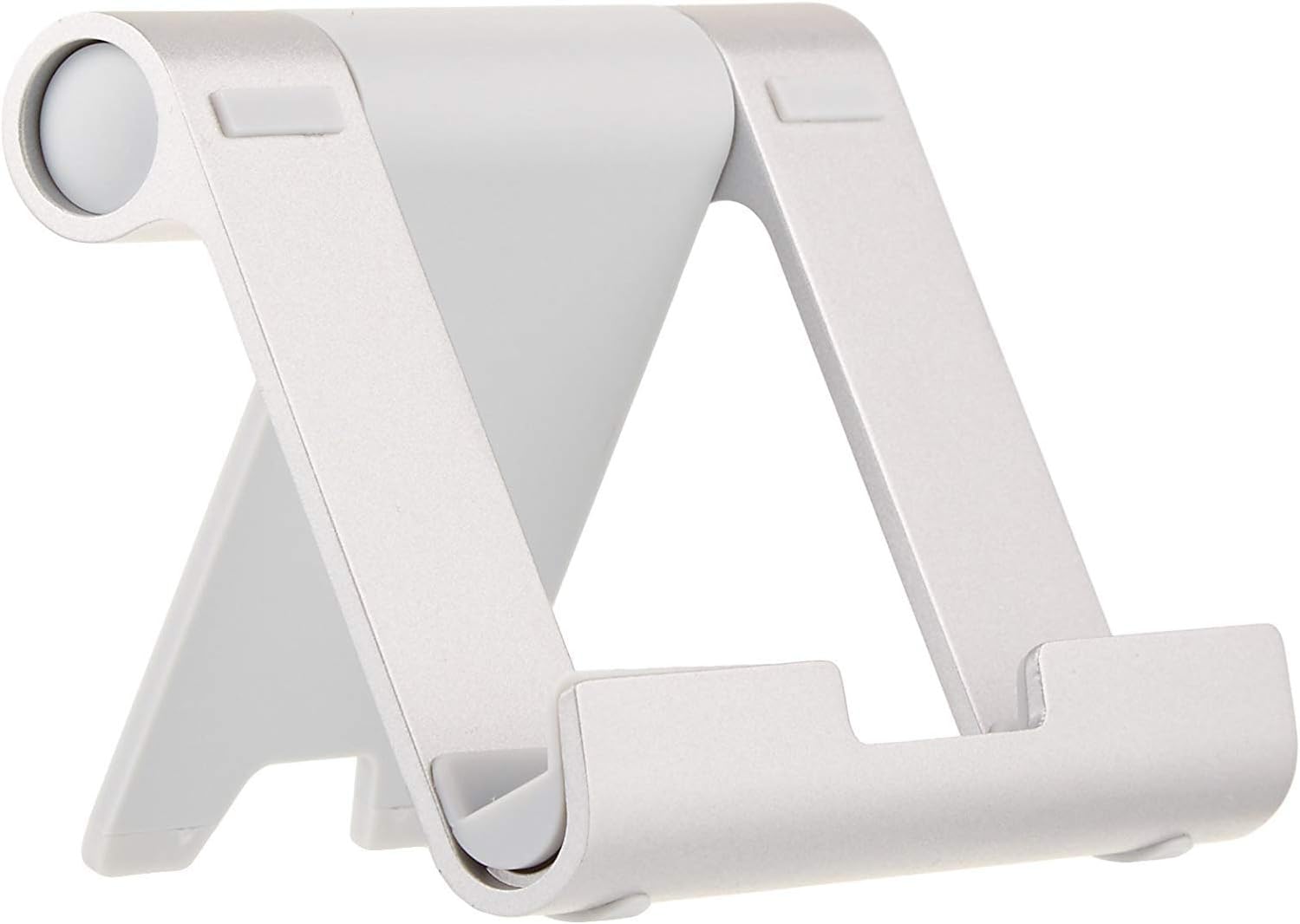
Also consider: Also consider the Amazon Basics stand if your main use is e-reader or Kindle viewing and you want the lowest-cost option — the UGREEN is more adjustable but both are affordable.
The HoverBar Duo is in a different category from every other stand in this guide. It is not a foldable travel stand — it is a weighted arm that positions your iPad at precisely the height, angle, and location you want on or near your desk. For remote workers who use an iPad as a dedicated video call screen, a second monitor, or a fixed reference display alongside a laptop, it justifies the price. For casual or occasional tablet viewing, it is overkill.
Also consider: Also consider a LISEN clamp arm mount if you want a flexible arm at a lower price point — the HoverBar Duo is specifically designed for iPad and has a cleaner aesthetic.
The Amazon Basics foldable stand does one thing reliably: it props up a tablet, phone, or e-reader at a hands-free viewing angle on your desk. If you need something portable, affordable, and easy to put away, it works well for that. If you use a full-size iPad, draw, or tap the screen frequently, the limited stability becomes noticeable — the UGREEN or Lamicall S1 are better choices for more active desk use.
Also consider: Also consider the UGREEN stand for a small price increase — it has a better angle range and slightly more stable construction for regular desk use.
If your desk is small, the base size matters as much as the stand height. A tall stand with a large base can take up space you need for a keyboard, notebook, or desk lamp. For small desks, prioritize a compact base with stable weight distribution.
Check portrait mode stability
Many tablet stands work fine in landscape mode but feel less stable when the tablet is vertical. This matters if you use your tablet for reading, FaceTime, Zoom, notes, or digital planning. Check whether buyers mention wobble in portrait mode before buying.
Think about how much you tap
If you mostly watch or read, a lightweight stand is usually enough. If you type, draw, annotate PDFs, or tap frequently, you need a more stable stand with a weighted base, firm hinge, and anti-slip pads.
Verify charging clearance
A good desk stand should allow charging while the tablet is upright. If the bottom support blocks the charging port, you have to rotate or remove the device every time. Look for cable cutouts or a raised bottom support with enough clearance for USB-C or Lightning.
Frequently Asked Questions
What is the best tablet stand for desk use?
For most small desk setups, the Lamicall S1 is the best starting point — it is compact, stable, works with most 4–13" tablets, and fits everyday use cases including studying, reading, and seated video calls. If you need rotation for screen sharing, the Lamicall 360° stand adds that for a small price difference.
Is a tablet stand worth it for studying?
Yes. A tablet stand keeps your screen at a comfortable angle without holding it, which helps for reading lecture slides, watching video lessons, and checking notes while typing on a separate keyboard. For small desks and dorm setups, a compact stand also keeps the screen visible without taking up active workspace.
Can I use an iPad stand as a general tablet stand?
Yes in most cases. Most iPad stands support a range of tablet sizes, but check the device size range and maximum case thickness before buying. The Lamicall S1 and Lamicall 360° support 4–13" devices. The LISEN foldable stand handles up to 15.6". The UGREEN and LISEN aluminum stands top out at 10–11".
What is the best tablet stand for video calls on a desk?
For desk video calls, the Lamicall 360° stand works well because the rotating base lets you turn the screen toward someone without lifting the tablet. The Twelve South HoverBar Duo is a better choice if you want the tablet raised to proper eye level for a more flattering camera angle.
What is better for a desk — a tablet stand or a tablet holder?
For most desk users, a compact stand is simpler and more stable. A tablet holder or arm mount is better if you need the tablet elevated, clamped to a desk edge, or positioned at a very specific angle. Start with a stand — move to a holder or arm only if you need placement flexibility a stand cannot provide.
What should I check before buying a tablet stand for a desk?
Check the supported tablet size range, maximum case thickness, base footprint relative to your desk space, whether it allows charging while upright, and whether it holds the tablet securely in portrait orientation if you use your tablet vertically for reading, notes, or video calls.
Browse all tablet stands for desk on Amazon
Current prices, customer photos, and more options.
Evaluation note: Products were assessed on stability, adjustability, build quality, compatibility, portability, and verified buyer feedback from Amazon. We do not claim hands-on product testing.