
Will an Add-On Headrest Fit Your Office Chair?

Affiliate Disclosure: We may earn a small commission on qualifying Amazon purchases at no extra cost to you. Full disclosure →
A headrest needs to match both the chair’s structure and the person sitting in it. A clamp that attaches securely can still place the cushion too far forward, while a comfortable-looking cushion may use a bracket designed for a different backrest.
Quick answer: Confirm compatibility with the exact chair model and generation, inspect the approved mounting point, and compare the headrest’s adjustment range with your seated position. Test upright and reclined use. Do not drill, clamp onto unsupported mesh, or modify the back frame unless the chair and headrest manufacturers approve the method.
Identify the chair before the accessory
Read the chair label and distinguish model generations or sizes. Some add-on headrests are designed for one specific chair family. Similar external styling is not evidence of shared mounting geometry.
A model-specific compatibility tool or written manufacturer confirmation is more useful than a generic marketplace title. If support asks for rear photographs, provide a clear view of the frame and label. Do not order from cushion color or mesh appearance alone.
Decide when you want support
Some people want a headrest mainly during reclined breaks. Others expect contact while working upright. Those are different positions, and a headrest may support one better than the other.
Start with the chair adjusted for your normal sitting position. Adding a headrest should not be the first attempt to compensate for an unsuitable seat height, backrest position, or screen location. Resolve those settings before measuring the accessory.
Inspect the approved attachment area
A chair back can contain a rigid perimeter, flexible shell, fabric, mesh, and trim. Only the approved region should carry the headrest bracket. A clamp that touches a decorative cover may not be supported by the structural frame beneath.
Check the bracket shape, opening, depth, pads, and fasteners. The instructions should show how the mount seats. If the seller cannot identify the correct mounting position on your chair, compatibility remains uncertain.
Measure adjustment as a range
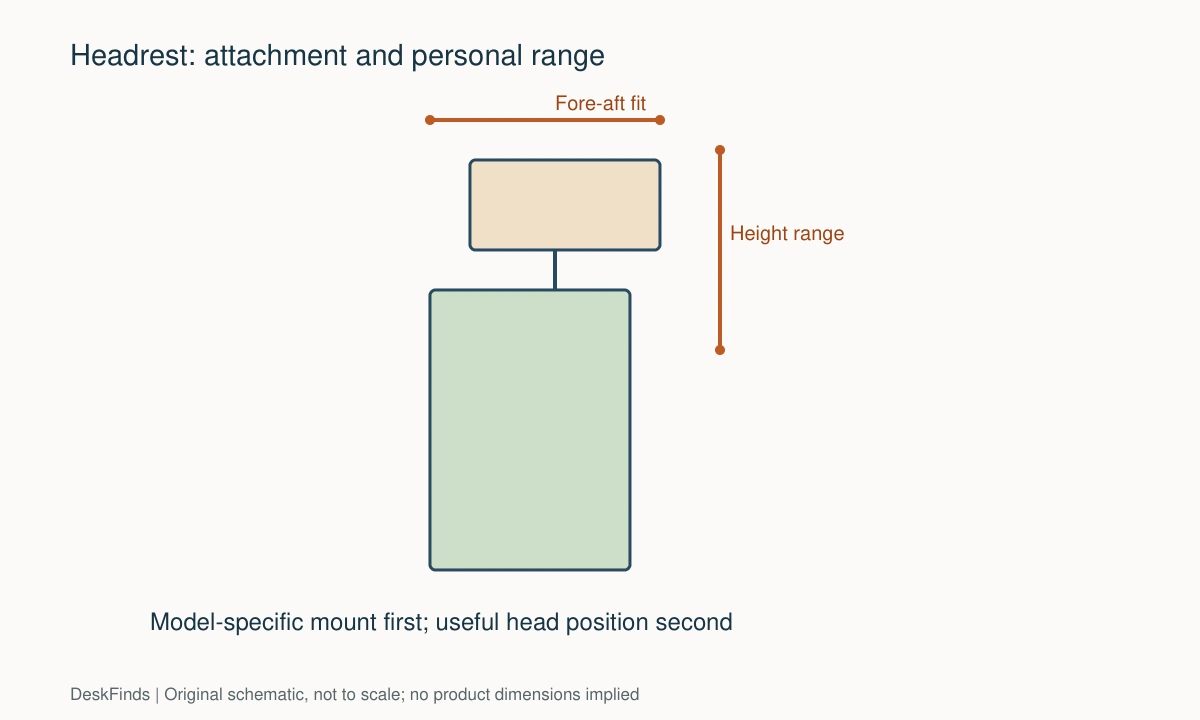
Record the position where the headrest should meet you while seated naturally. Compare that with the accessory’s height and fore-aft adjustment, including the bracket’s installed location. Overall headrest height alone does not tell you where the cushion can sit.
Check tilt as well. A cushion can reach the correct height yet push the head forward because its angle or depth is wrong. A useful adjustment range needs to contain your position, not merely approach it at the end of travel.

Test upright and reclined positions separately
When the chair reclines, the relationship between your head and the backrest changes. A headrest that feels unobtrusive upright may provide support during recline, or the opposite. Follow the chair’s normal adjustment procedure while assessing both.
Do not hold an unusual posture to make the cushion feel correctly placed. If you must push your head backward or jut it forward to find contact, reconsider the fit. Comfort is a personal observation, not a guarantee from a measurement chart.
Keep the working screen position independent
A new headrest should not force the monitor to move into an awkward position. Check typing, reading, and looking toward a second screen. If the headrest obstructs ordinary movement, adjust or remove it as directed.
Avoid claims that a headrest will treat a medical problem. It is a seating accessory, and persistent pain requires appropriate professional advice. The useful purchase question here is whether the attachment and support positions suit the chair and user.
Check clearance behind the chair
The bracket and cushion may project behind the original backrest. Compare that with the wall, desk behind you, or room divider. Include recline and swivel rather than checking only the parked chair.
A headrest may also affect storing the chair under a shelf or beside a bed. Measure the new overall height and rear projection. Small rooms need this room-level check even when the accessory fits the chair itself.
Consider materials and maintenance
Check whether covers are removable and how the manufacturer permits cleaning. A matching mesh pattern does not prove that an accessory is an original part. Verify the maker and part number when that distinction matters to you.
Replacement pads and mounting hardware can be useful for long-term ownership. Find out whether they are available before treating a low purchase price as the whole cost. Keep the instructions and installation hardware identification.
Evaluate generic clamps cautiously
A generic clamp may have a stated opening range, but that number covers only one dimension. Backrest thickness, curvature, frame stiffness, and contact area also matter. Ask whether the maker supports your exact chair.
Do not solve a loose fit by excessive tightening or adding random packing material. Pads supplied or approved for the bracket are different from improvised shims. If the connection cannot be made according to the instructions, return to the compatibility question.

Use a two-part decision
| Chair attachment passes? | User position passes? | Decision |
|---|---|---|
| Yes | Yes | Consider the accessory and confirm daily clearance |
| Yes | No | Choose another adjustment range or skip the headrest |
| No | Yes | Comfortable appearance does not resolve mounting incompatibility |
| Unknown | Unknown | Obtain model-specific information before ordering |
Our chair-fit guide covers the chair itself. Once that foundation is sound, an add-on headrest can be assessed on its own merits. Compatibility requires a suitable mount and a useful support position; neither one substitutes for the other.
If height changes the workstation, see office-chair dimensions.
Compare support positions, not just attachment claims
Headrest for reclined breaks
Start with the chair’s permitted recline position and adjust the headrest according to its instructions. The cushion may be useful during a break while remaining out of the way during upright typing. That can be a successful fit without continuous contact throughout work.
Check the room behind the chair in that reclined state. A bracket or cushion that clears the wall upright may strike it during recline or swivel. The accessory’s effect on the whole chair footprint belongs in the purchase decision.
Headrest expected to contact during typing
Be careful not to change your normal head position to seek the cushion. Adjust the chair and screen first, then see whether the accessory can meet you without pushing you forward. A fit that works only at the end of every adjustment range may have little tolerance for ordinary position changes.
If the headrest remains intrusive, consider using the chair without it or selecting another supported accessory. More contact is not automatically more comfort. The task is to choose a useful support, not to make your posture conform to a product photograph.
Aftermarket headrest on a mesh chair
Mesh, trim, and the structural perimeter can carry very different loads. Confirm where the bracket is designed to attach. A wide clamp opening does not establish that a thin or curved frame can accept it.
Ask for explicit chair-model support and the correct mounting procedure. Do not clamp onto flexible fabric or drill through a frame to imitate a different chair’s installation. A compatible-looking rear profile is not enough evidence.
A support request that separates the two fit questions
Ask the maker first whether the bracket is approved for your chair model and generation. Then ask for installed height, depth, and tilt ranges relative to the mounting point. These are different questions: the first concerns connection, and the second concerns whether the cushion can reach your useful position.
Provide the chair label and clear rear photographs with the chair unloaded. For the user-fit question, use measurements or a simple side sketch rather than sending unrelated sensitive personal images. You need enough information to describe the desired contact position, not an elaborate posture diagnosis.
For recline settings, review chair tilt mechanisms.
Evaluate the complete cost
Include replacement pads, mounting hardware, return terms, and potential compatibility uncertainty. A cheap generic bracket requiring several adjustments or unapproved shims may be poor value compared with a documented option. In some cases, keeping the chair as designed is the sensible choice.
Retain instructions after installation and check fasteners according to the maker’s guidance. Do not repeatedly overtighten a clamp to suppress movement. If the mount loosens or damages the chair surface, stop and contact support. Maintenance should follow the product, not a homemade tightening schedule.

Decide whether an add-on is worth keeping
Begin with a clear use case. If the chair is comfortable and the headrest has no useful role, adding one may only increase rear projection and maintenance. If you want support during permitted recline, assess that position directly. Do not buy an accessory merely because a more expensive chair includes something visually similar.
Use the return period to assess normal tasks after installing correctly. Read, type, turn toward a colleague or second screen, and recline as the chair permits. Notice whether the cushion stays out of the way when not needed and reaches a useful position when it is. Avoid changing the chair’s foundation settings simply to accommodate the accessory.
Separate a comfort observation from a health claim. A headrest may feel useful to one person and intrusive to another. Neither observation proves that it treats or causes a medical condition. Persistent discomfort should be addressed appropriately rather than managed through repeated speculative accessory purchases.
If the attachment or fit is poor, use the approved removal process and inspect the chair surface as directed. Do not keep tightening a bracket until a frame bends or padding compresses enough to conceal the mismatch. The connection should work as designed, without a chain of improvised shims or modifications.
For the final decision, keep three requirements visible: documented chair compatibility, a useful personal adjustment range, and room clearance in normal use. The accessory earns its place when all three are satisfied. A matching appearance or enthusiastic review of a different chair should not outweigh an unresolved mounting or position problem.
If another person uses the same chair, assess their adjustment needs too. A headrest set for one user can become intrusive for another even when seat adjustments are shared. Record how the cushion is moved and whether the mechanism is accessible without unusual reaching. If changing users requires tools or a lengthy reset, include that inconvenience in the purchase comparison. A removable accessory is only a practical shared solution when its instructions support the removal routine and its hardware can be kept safely together. Avoid repeatedly dismantling an installation that was intended to remain fixed merely to accommodate alternating users.
Worked example: a headrest that mounts but sits too far forward
Imagine a chair owner finding a model-specific headrest with documented bracket compatibility. The mounting question is settled, so the owner expects the accessory to be a successful fit. Installation is completed according to the instructions with the correct hardware.
In upright work, the cushion meets the head too far forward. Lowering it changes the contact point but does not create a comfortable neutral position. The owner first returns the chair and monitor to the established working settings rather than changing the entire workstation to justify the headrest.
The adjustment drawing is reviewed. Height, depth, and tilt are checked independently, including the installed bracket reference point. If the desired position lies outside the documented range, the accessory has failed the personal-position requirement even though the attachment is correct. Overtightening or modifying the bracket will not create a supported new range.
The owner then checks permitted reclined use. The cushion may provide useful support there while staying out of the way during typing. That can be an acceptable use case if it matches the reason for purchase. It should not be described as continuous upright support when the product does not provide that for this person.
Room clearance introduces another check. A wall behind the chair is close enough that the new bracket approaches it during recline. Moving the chair changes the desk approach, so the owner evaluates both positions together. A chair accessory can alter room fit without changing seat dimensions.
During the trial, ordinary reading, turning, typing, and breaks are assessed. If the headrest remains intrusive or the room cannot accommodate it, the owner follows the approved removal process. A good return decision is preferable to forcing the chair into an unsuitable role.
This example shows why compatibility has two stages. The manufacturer can identify a suitable mounting interface, while the user must still assess the documented adjustment range and normal task positions. Neither a successful clamp nor a matching mesh color guarantees a useful support position for every body or work routine.
If a different chair is the better fit, compare chairs with integrated headrests.
Your eight-point comparison worksheet
Use these checkpoints to compare the actual room, furniture, or device with a candidate product. Keep each result separate; a favorable overall impression cannot resolve a failed required function. Blank record fields are deliberate so you can use your own measurements rather than copying hypothetical examples.
1. Chair version
Record model, generation, size, and rear-frame details from the label and manufacturer information.
Use the exact supported chair list; similar upholstery, mesh patterns, or brand names do not establish a shared mounting design.
2. Mounting surface
Identify the structural area the bracket is approved to contact, including curvature and any covering or trim.
Do not load unsupported mesh or decorative panels, and avoid drilling or improvised clamping where the makers have not approved it.
3. Bracket geometry
Compare opening, depth, contact pads, fasteners, and installation direction with the actual chair frame.
The clamp’s maximum opening is only one dimension; confirm that the complete bracket can seat according to its instructions.
4. Height range
Measure the desired cushion location from the installed mounting point while sitting in the properly adjusted chair.
Select a range that contains the useful position without requiring an unusual posture or unsupported extension beyond the product’s adjustment.
5. Fore-aft position
Check cushion depth and tilt in relation to the natural head position during the tasks you perform.
Reject a setting that pushes the head forward or requires reaching backward merely to maintain contact with the accessory.
6. Recline behavior
Assess the chair and headrest together in upright and permitted reclined positions, using the specified adjustments.
A support useful during breaks need not touch continuously during typing, but it should not obstruct normal movement in either state.
7. Room envelope
Measure the new rear projection and overall height, then include swivel, recline, and storage positions.
Keep the headrest clear of walls, shelves, and nearby furniture; chair compatibility does not automatically establish room clearance.
8. Care and parts
Check cleaning instructions, removable covers, spare pads, hardware support, and return terms before purchase.
Include long-term serviceability in value comparisons and follow the maker’s maintenance guidance instead of overtightening an uncertain mount.
Sources and scope
- Atlas Headrest: chair compatibility guidance - Primary compatibility reference; user positioning scenarios here do not claim a tested comfort outcome.
Editorial note: This is a research-based planning guide, not a hands-on product test or a certification of a custom installation. Dimensions described as hypothetical are examples. Follow the exact product instructions and confirm unresolved compatibility before buying.